Huizhou Chuangwenxing Electronic
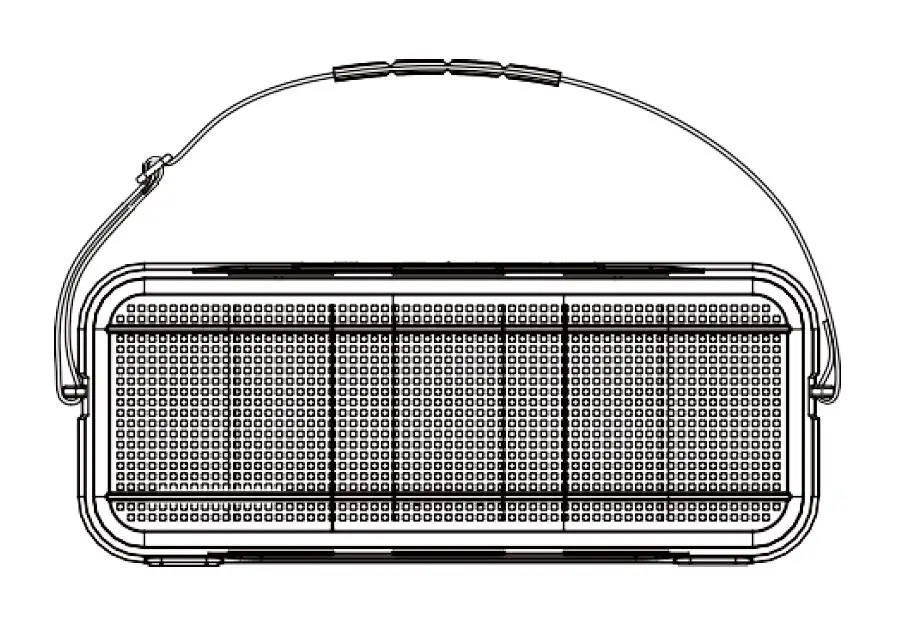
Huizhou Chuangwenxing Electronic Commerce INFI Portable Wireless Speaker
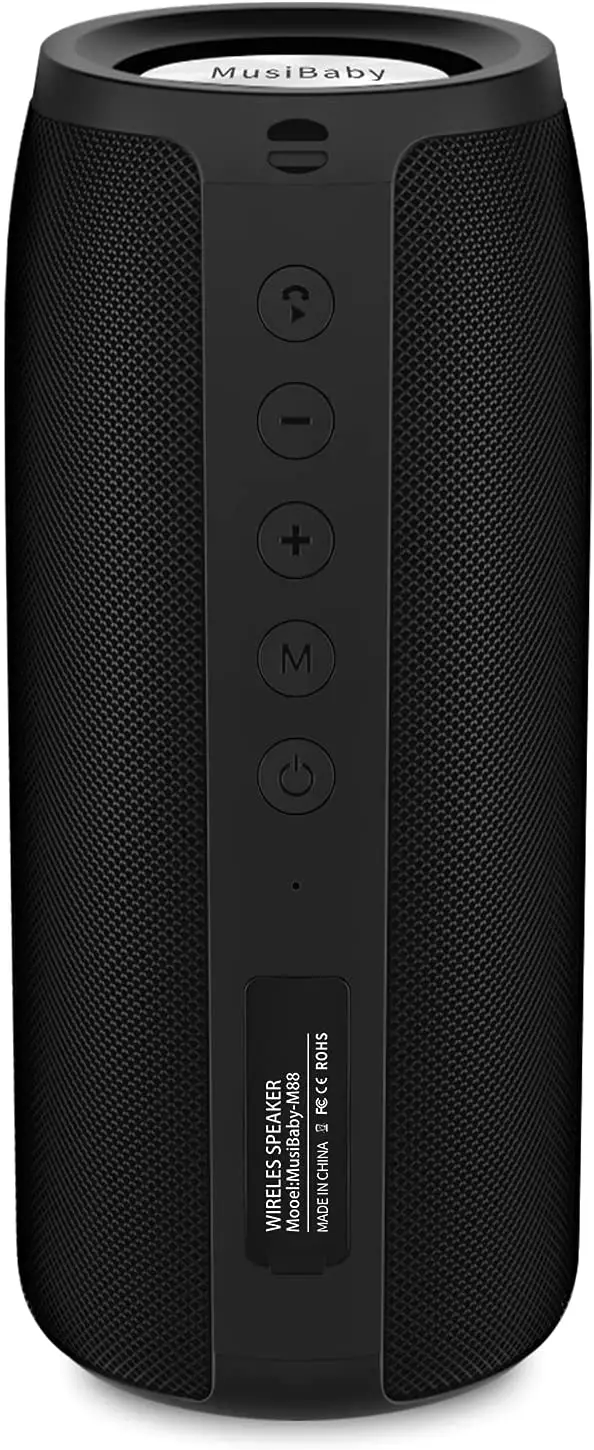
What’s In the Box
- Abuytwo Speaker
- USB-C Charging Cable
- User Manual
- Lanyard
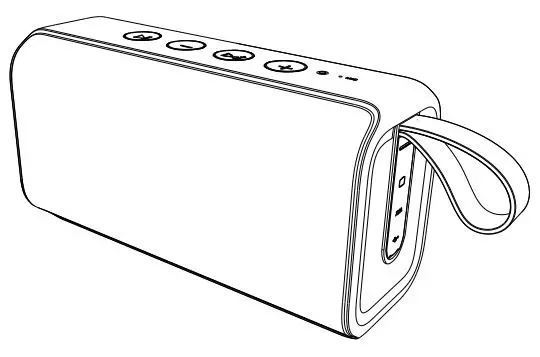
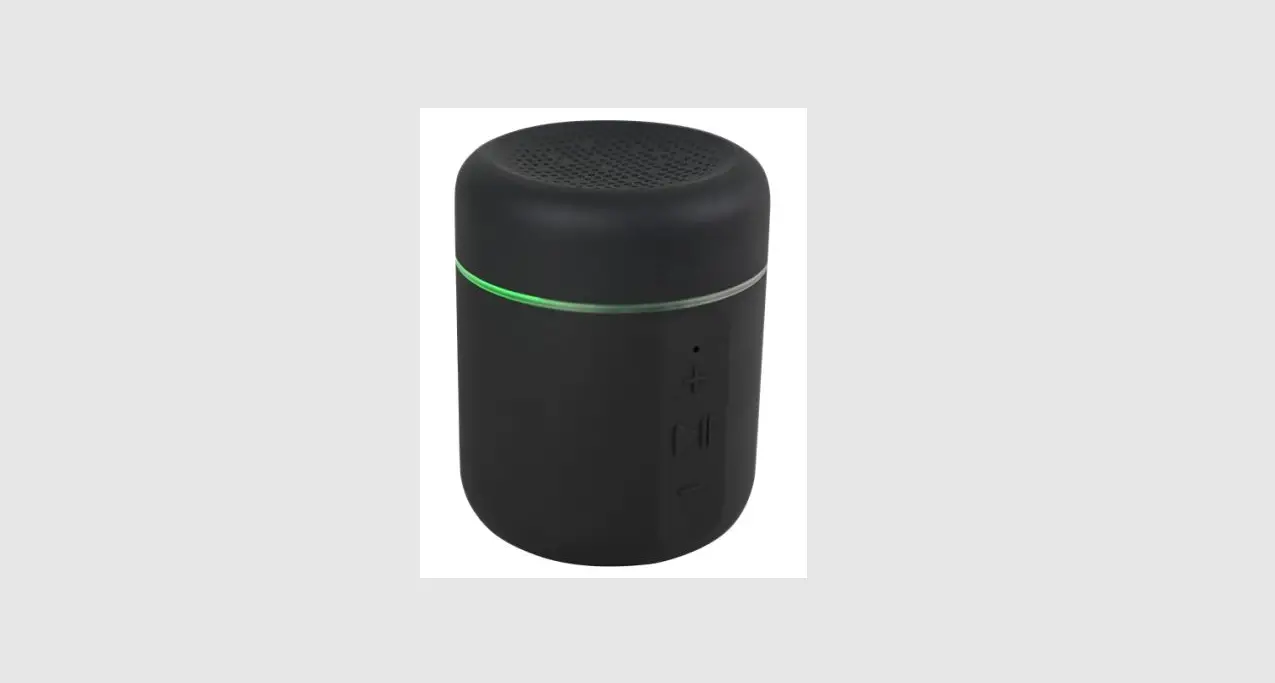
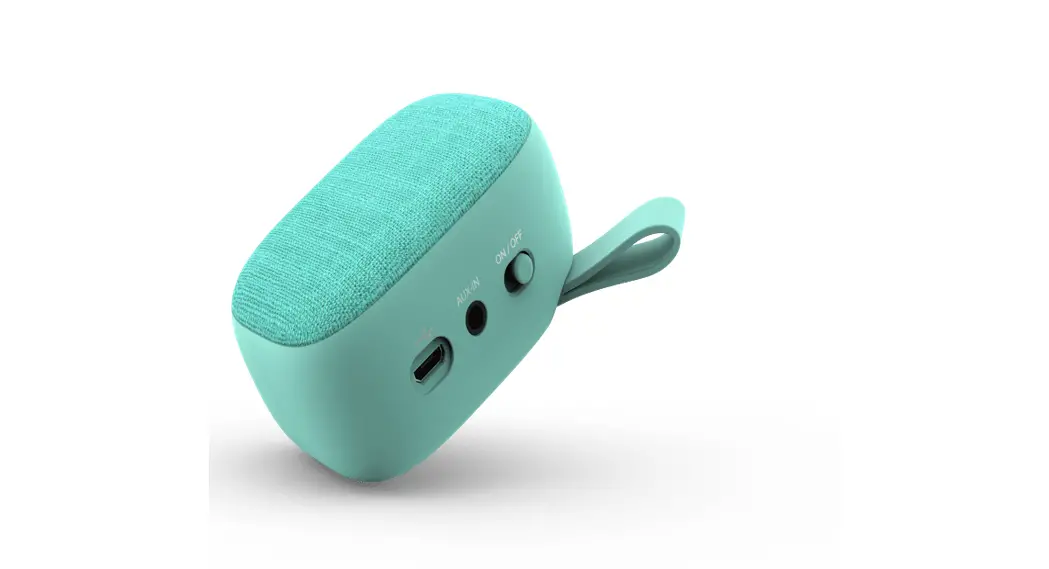
At a Glance
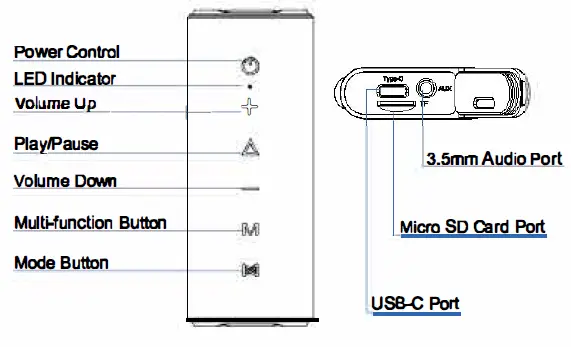
Charging
Fully charge before first use to prolong the lifelspan of 1he built-in battery. 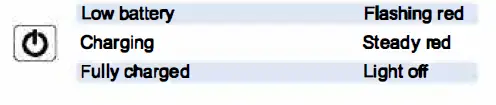
Quick Start Guide
When first turned on, the Abuytwo speaker will enter Bluetooth mode.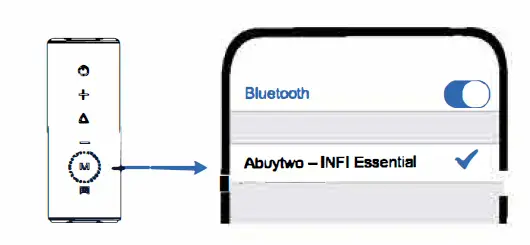
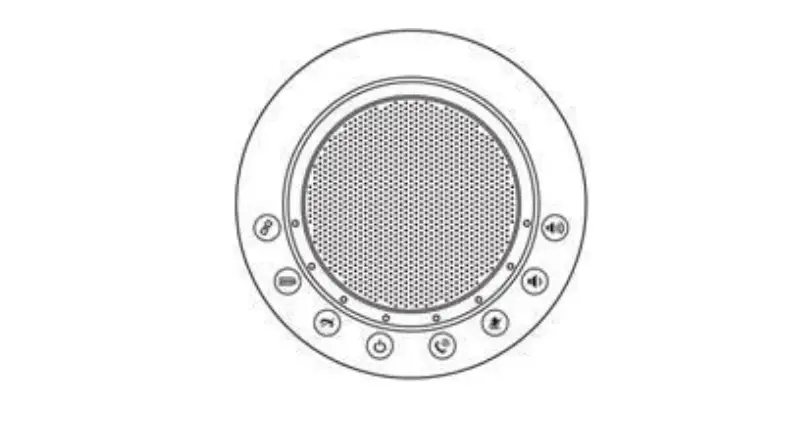
Each time power on speaker, It wll autcmetlcally connect to last connected device. If not or pair a different device, press the  Button to enter Bluetooth pairing mode.
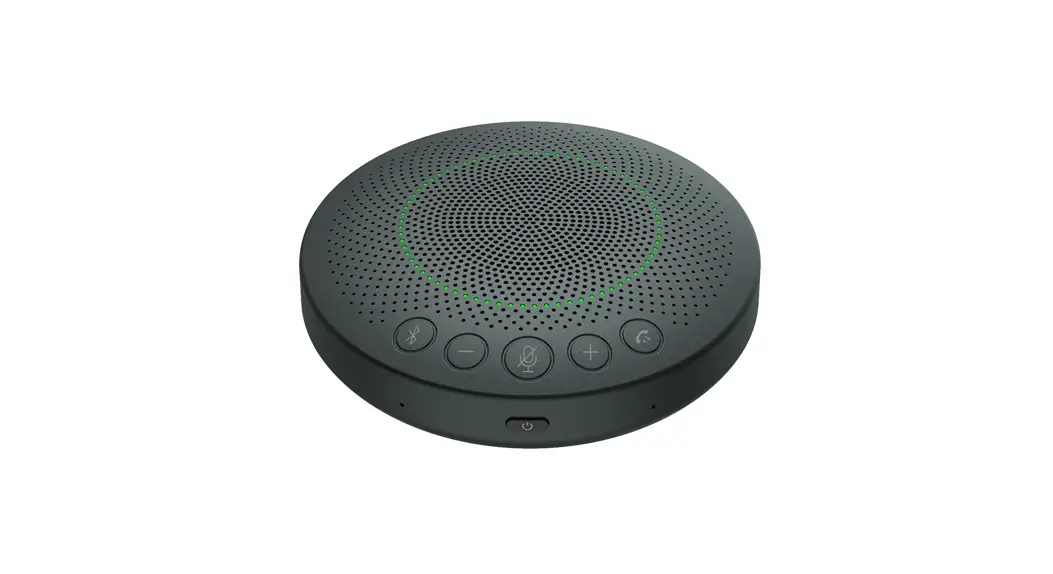
Button Controls
Only when theAbuytwo speaker i8 lumed on can the RGB lights be changed. 
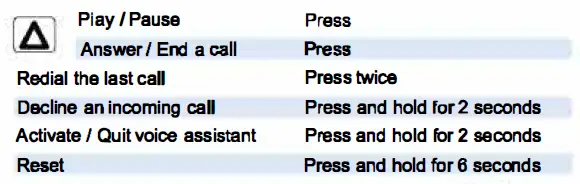
If the Abuytwo speaker is out of control_ Press and hold  for 6 seconds to shut down speaker.

When a device cannot connect to the Abuytwol speaker
- Power on the speaker, press and hold the
 button for 6 seconds untll hear the Indication voice, and then release the button;
 - Find and delete the name (Abuytwo- lNFI Essential) that has been paired in the Bluetoclh settings on your phone;
- It Tum on Iha speaker and reconnect.

- Two identicalAbuytwo speakers can pair up with each other so that both can play 1he same audio (one as L channel and the other as R channel).
- Both speakers press
 button to enterTWS pairing mode. Once successfully connected, the LED indicator of L channel will become steady blue and R channel become steady white.
 - Only L channel has call function.
 button to enterTWS pairing mode. Once successfully connected, the LED indicator of L channel will become steady blue and R channel become steady white.
Micro SD Card and AUX-In
- Plug in Micro SD card (not included) or an audio cable will automatically switch to Micro-SD mode or Auz Mode
- Micro SD card supports WAV/FLAC/MP3 format with capacity smaller than 64 gb
- When AUX mode, control audio playback via the connected device
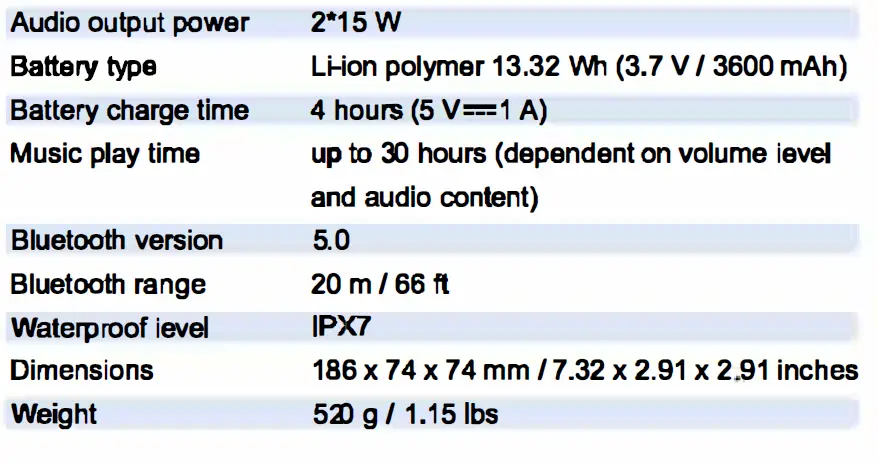
Product Specifications