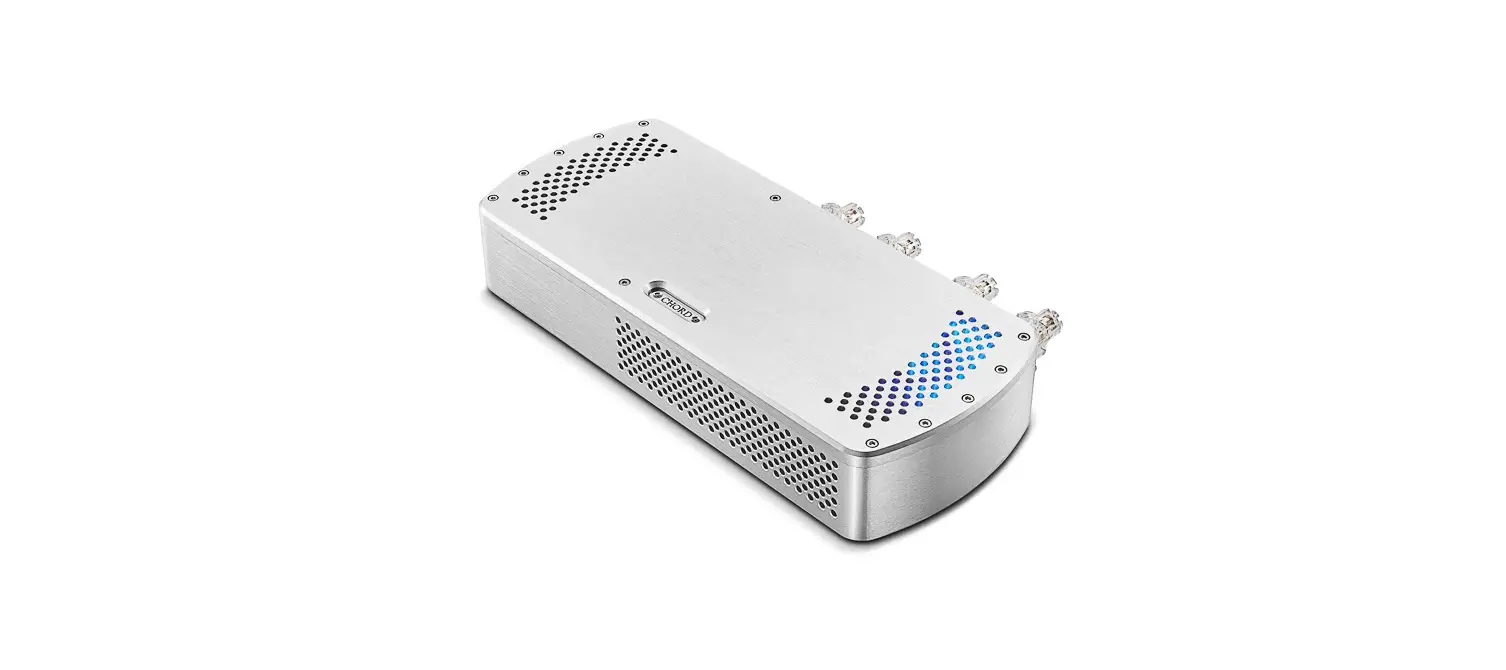
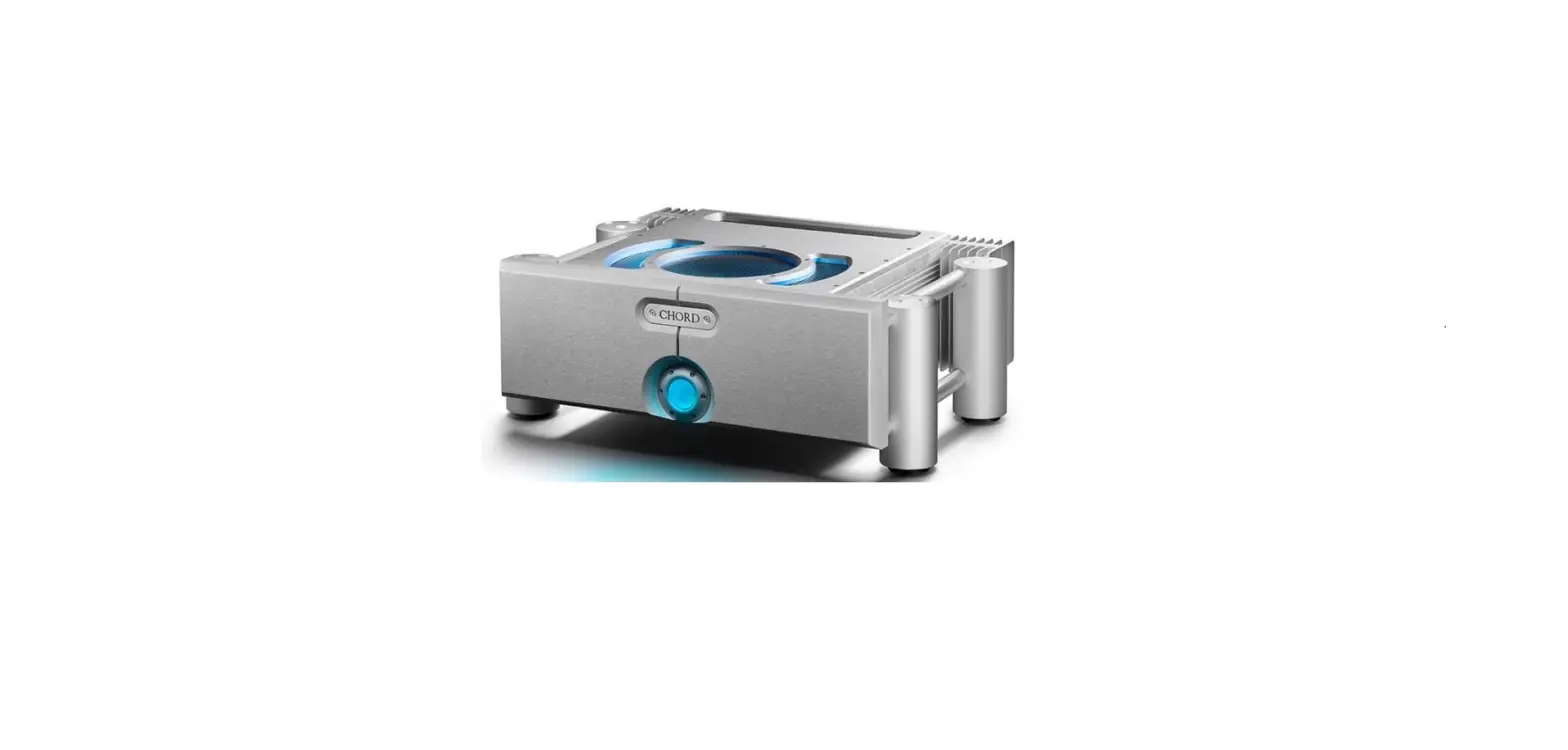
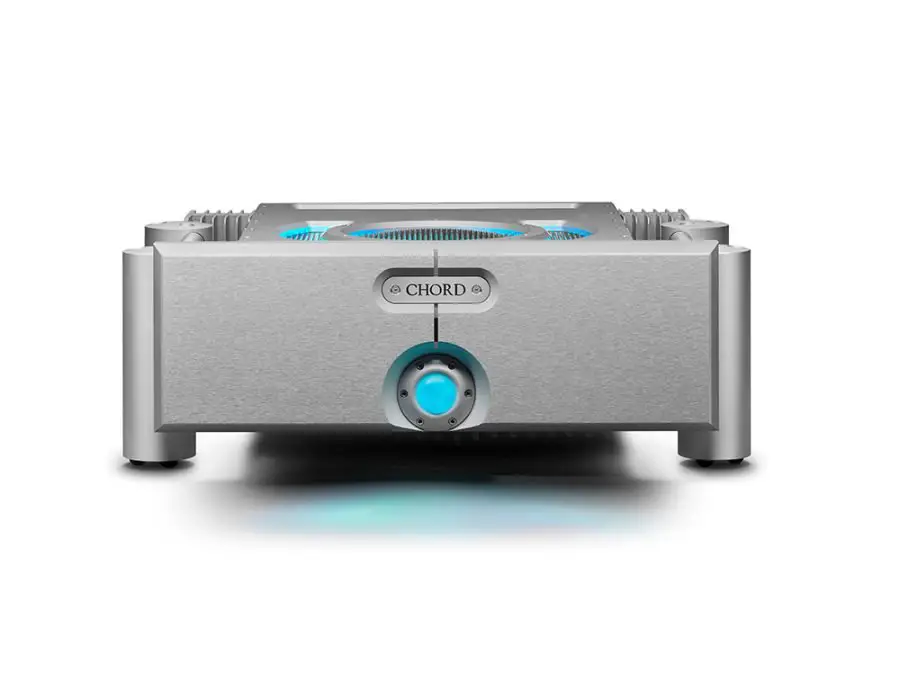
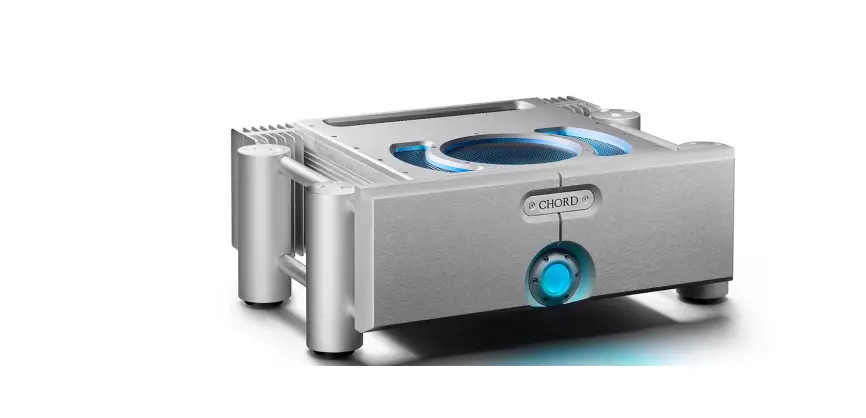
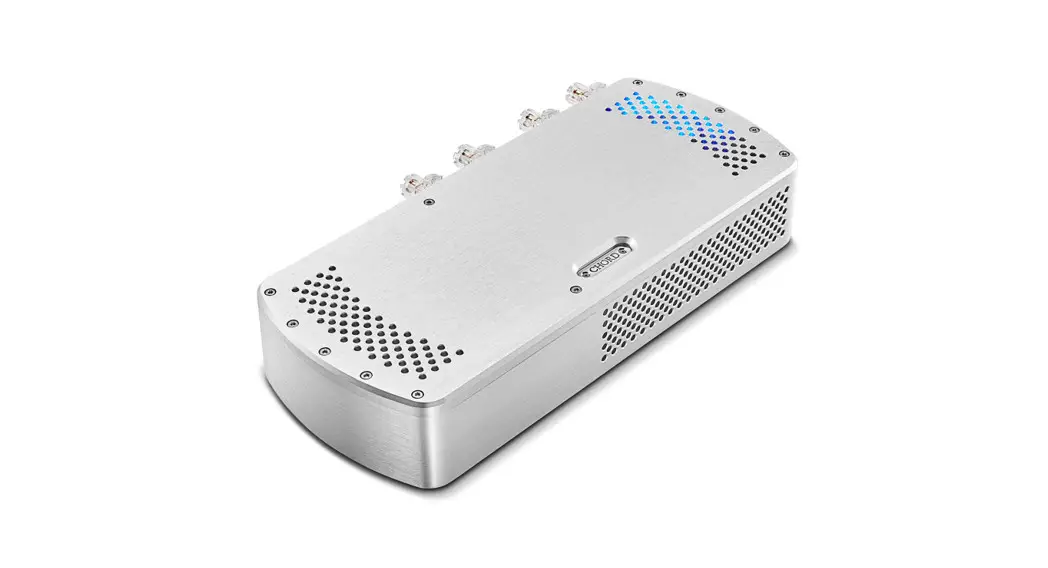
BerTTi Stereo Power Amplifier
Product Information: Chord Electronics BerTTi
The Chord Electronics BerTTi is a next-generation 75-watt stereo
power amplifier that features the latest ULTIMA circuit topology.
It is designed to provide high-quality audio performance and can be
easily set up and operated. For additional information, please
visit our website at chordelectronics.co.uk/product/bertti.
1. Safety and Care
When using the BerTTi, it is important to follow safety
guidelines and take proper care of the amplifier. Avoid applying
internal third-party devices to the amplifier as doing so will void
the warranty.
2. Support and Warranty
For support and warranty information, please refer to the user
manual.
3. Connections and Controls
The BerTTi has various connections and controls located on its
rear and front panels:
| Panel | Description |
|---|---|
| A | Power on/off switch |
| B | 10 A IEC AC inlet |
| C | Right channel speaker positive terminal |
| D | Right channel line level RCA input |
| E | Right channel balanced XLR input |
| F | Right channel speaker negative terminal |
| G | 12 V trigger connection |
| H | Grounding post |
| J | Left channel speaker negative terminal |
| K | Left channel balanced XLR input |
| L | Left channel line level RCA input |
| M | Left channel speaker positive terminal |
| N | Power/standby switch and status LED |
4. Power and Earthing Connection
The BerTTi should be connected to power using the supplied 10 A
power cable. If you experience hum or buzz, you can try using a
good-quality earthed power distribution block or connect the rear
panel ground terminal to an available earth point.
5. Inputs
You can connect the BerTTi to any preamp output using
good-quality standard RCA cables or balanced XLR cables. Please
note that only one input type can be used at a time, and switching
between input connection types is not supported. Do not attempt to
use both the RCA and XLR inputs simultaneously to avoid damage to
connected equipment.
6. Connecting to Loudspeakers
To connect the BerTTi to loudspeakers, use good-quality
loudspeaker cables terminated with 4 mm banana plugs. If you prefer
to use spade-plug-terminated cables, unscrew the BerTTi’s
loudspeaker terminals. While bare wire can be used, it is not
recommended.
7. Power On/Off
Use the power on/off switch located on the front panel to turn
the BerTTi on or off.
8. 12 V Trigger
The BerTTi includes a 12 V trigger input. You can connect
compatible devices with a 12 V trigger output to achieve
simultaneous power on/off from standby mode. When connected, the
front panel button LED will turn yellow, and once triggered, it
will change to purple.
9. Placement
Please refer to the user manual for information on optimal
placement of the BerTTi.
10. Technical Specifications
For the most recent technical specifications, please visit our
website at www.chordelectronics.co.uk.
Chord Electronics Product Communication | English
The Pumphouse, Farleigh Lane, East Farleigh, Kent, ME16 9NB. Great Britain. +44 (0) 1622 721 444 [email protected] chordelectronics.co.uk
BerTTi
V.1
Manual
–
Chord Electronics BerTTi | User manual
1 Contents
Introduction
2
Support and warranty
3
Connections and controls
4
Power and earthing connection
5
Inputs
6
Connecting to loudspeakers
7
Power on/off
8
12 V trigger
9
Placement
10
Technical specifications
11
2
Chord Electronics BerTTi | User manual
2 Introduction
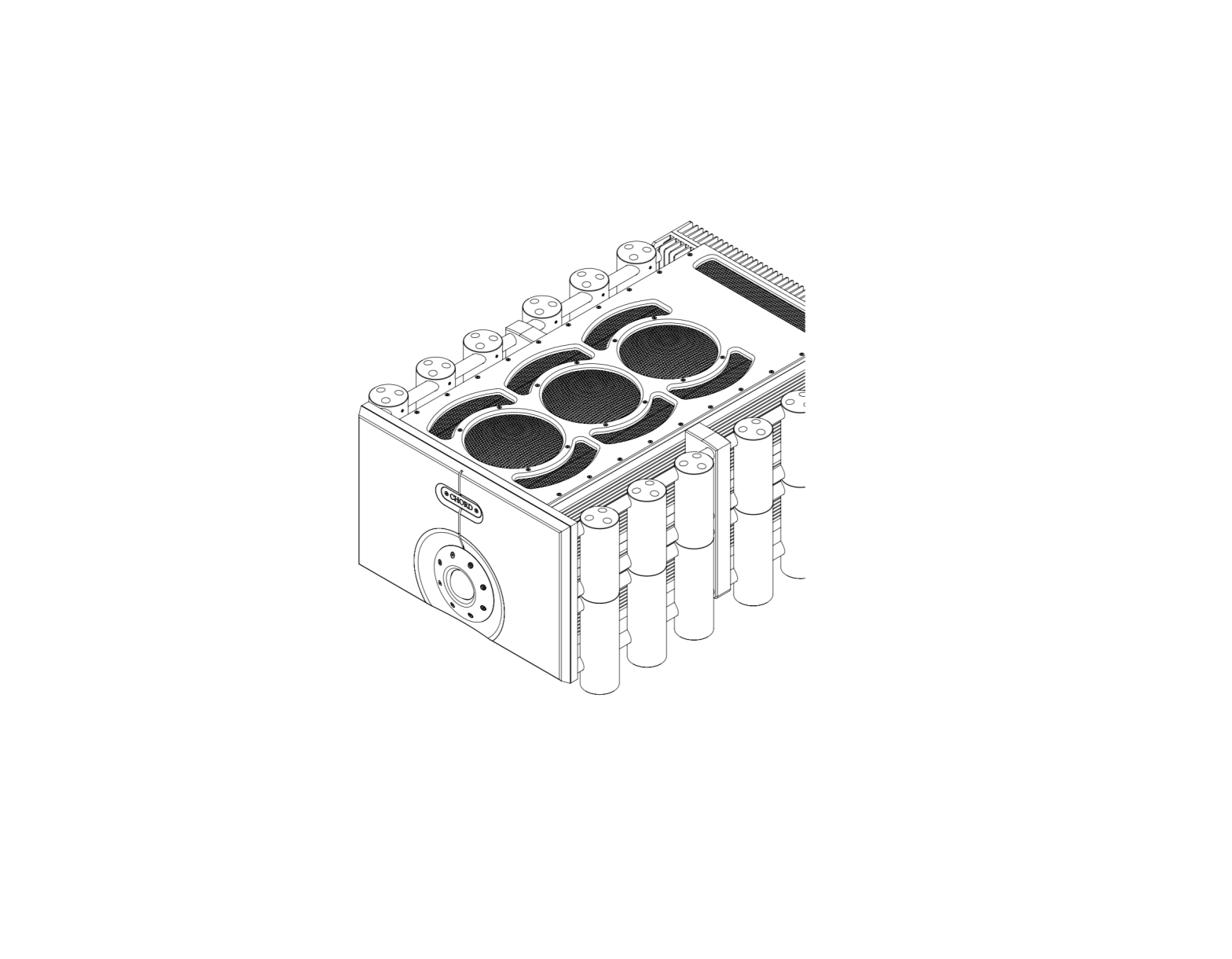
The BerTTi is a next-generation 75-watt stereo power amplifier containing the very latest ULTIMA circuit topology. This manual provides all the information required to set up and operate the BerTTi. Further details can be found online at: chordelectronics.co.uk/product/bertti.
2.1 Safety and care
· Do not allow the device to come into contact with water or liquids. · Do not spray cleaning products onto the device. Use a clean microfibre cloth to clean the casework. · A further safety document is included in the box. · The device does not contain any user-serviceable components. Do not attempt to open, dismantle or
apply internal third-party devices to it. Doing so will void the warranty.
3
Chord Electronics BerTTi | User manual
3 Support and warranty
For support, please contact the supplying retailer before contacting Chord Electronics. Further help can be found at chordelectronics.co.uk/getsupport At the point of sale, Chord Electronics Ltd. provides the BerTTi with a comprehensive three-year warranty, which covers defects in materials and workmanship through fair usage. The warranty is transferable with proof of purchase, however, the warranty on ex-demonstration units begins from the retailer`s date of purchase. Warranty claims must be made via the supplying retailer. For the best possible support and service, please register your purchase with Chord Electronics at: chordelectronics.co.uk/register-product/
4
Chord Electronics BerTTi | User manual
4 Connections and controls
4.1 Rear and front panels
A B CD E
F
GH J
K
LM
N
A Power on/off switch
B 10 A IEC AC inlet
C Right channel speaker positive terminal
D Right channel line level RCA input
E Right channel balanced XLR input
F Right channel speaker negative terminal
G 12 V trigger connection
H Grounding post
J Left channel speaker negative terminal
K Left channel balanced XLR input
L Left channel line level RCA input
M Left channel speaker positive terminal
N Power/standby switch and status LED
5
Chord Electronics BerTTi | User manual
5 Power and earthing connection
The BerTTi has been designed to connect to power with the supplied 10 A power cable. If hum or buzz occurs, try either a good-quality earthed power distribution block, or the rear panel ground terminal and connect to an available earth point.
6
Chord Electronics BerTTi | User manual
6 Inputs
Connect the BerTTi to any preamp output using good-quality standard RCA cables, or connect using balanced XLR cables. Note only one input type can be used at once: the BerTTi does not support `switching’ between the input connection types.
OR
OR
WARNING: Please DO NOT attempt to use both the RCA and XLR inputs simultaneously. Any subsequent damage to connected equipment will not be covered by Chord Electronics.
7
Chord Electronics BerTTi | User manual
7 Connecting to loudspeakers
Connect the BerTTi to loudspeakers using good-quality loudspeaker cable, terminated with 4 mm banana plugs. Unscrew BerTTi’s loudspeaker terminals to use spade-plug-terminated cable. Although bare wire can be used, it is not recommended.
or
8
Chord Electronics BerTTi | User manual
8 Power on/off
With all cable connections successfully made and the volume on connected preamps set to zero, switch the rear-panel power button to `on’ and depress the front panel button to switch the unit from standby mode to `on’. The front panel LED will turn from green (standby) to cyan (on), once the BerTTi has performed its safety check. BerTTi is ready for use and the preamp volume can now be carefully increased for playback. The BerTTi consumes very little energy in standby mode and if desired, can be left switched `on’ at all times.
9
Chord Electronics BerTTi | User manual
9 12 V trigger
The BerTTi includes a 12 V trigger input. Partnering devices with a compatible 12 V trigger output can be connected for simultaneous power on/off from standby mode. When connected the front panel button LED will turn yellow and once triggered the LED will change to purple.
10
Chord Electronics BerTTi | User manual
10 Placement
The BerTTi benefits from extensive casework ventilation, plus a cooling fan for more demanding environments. Always ensure the BerTTi is used in a well-ventilated setting, away from direct sunlight and heat sources, with sufficient space (at least 10 cm) around the unit. The BerTTi has internal thermal protection which increases the speed of the cooling fans if excessive temperatures are reached. Should this occur, check the BerTTi has adequate ventilation and/or reduce the volume level until the unit has cooled and the fans have slowed. It is normal for the unit to become warm when operating. If stacking the BerTTi with other units, it is advisable to place the unit on top of others.
11
Chord Electronics BerTTi | User manual
11 Technical Specifications
Please go online for the most recent specifications: www.chordelectronics.co.uk
Dimensions Weight Output power Frequency range THD Signal-to-noise ratio Input impedance Input sensitivity Gain
59 mm (H) 235 mm (W) 256 mm (D) 3.75 kg 75 W into 8 5 Hz-100 kHz +/- 0.5 dB 0.008 % 87 dB (A-weighted) 100 k unbalanced/balanced 0.78 V 30 dB
12
Compliance page
® Made in England
 Chord Electronics - High-End Audio for Hi-Fi Enthusiasts & Professionals
 Chord Electronics - High-End Audio for Hi-Fi Enthusiasts & Professionals