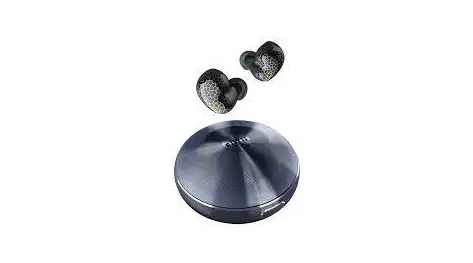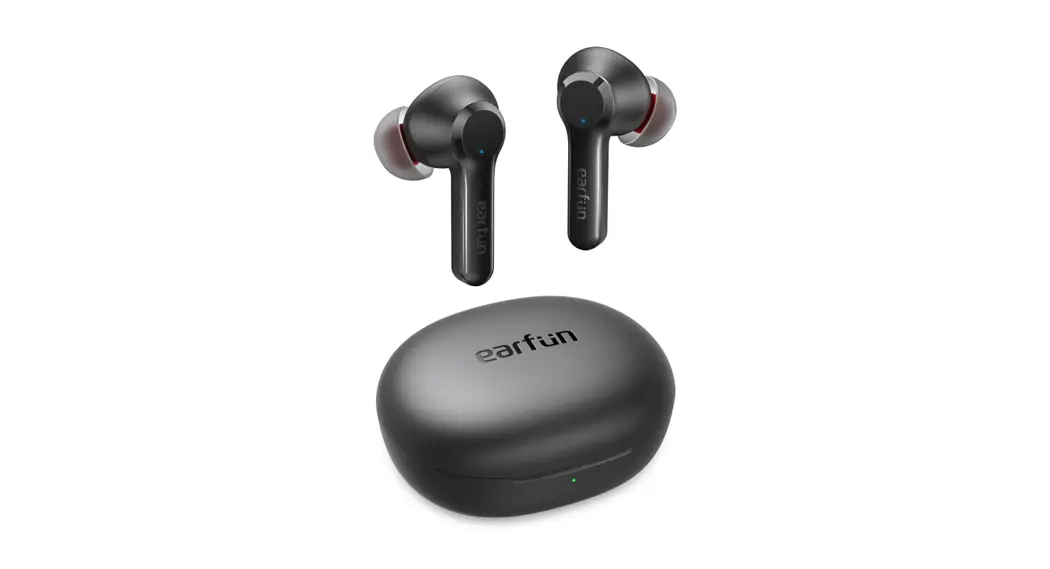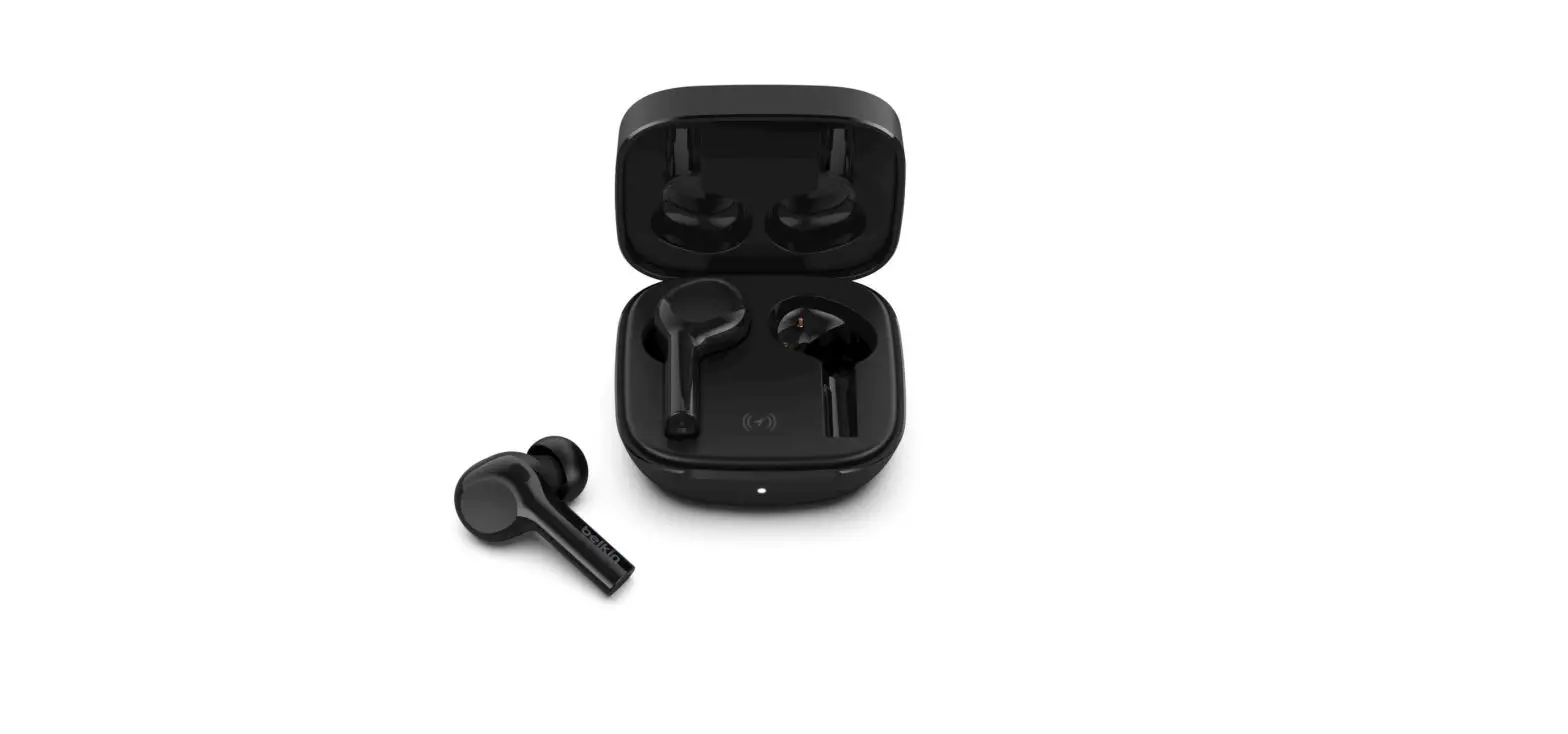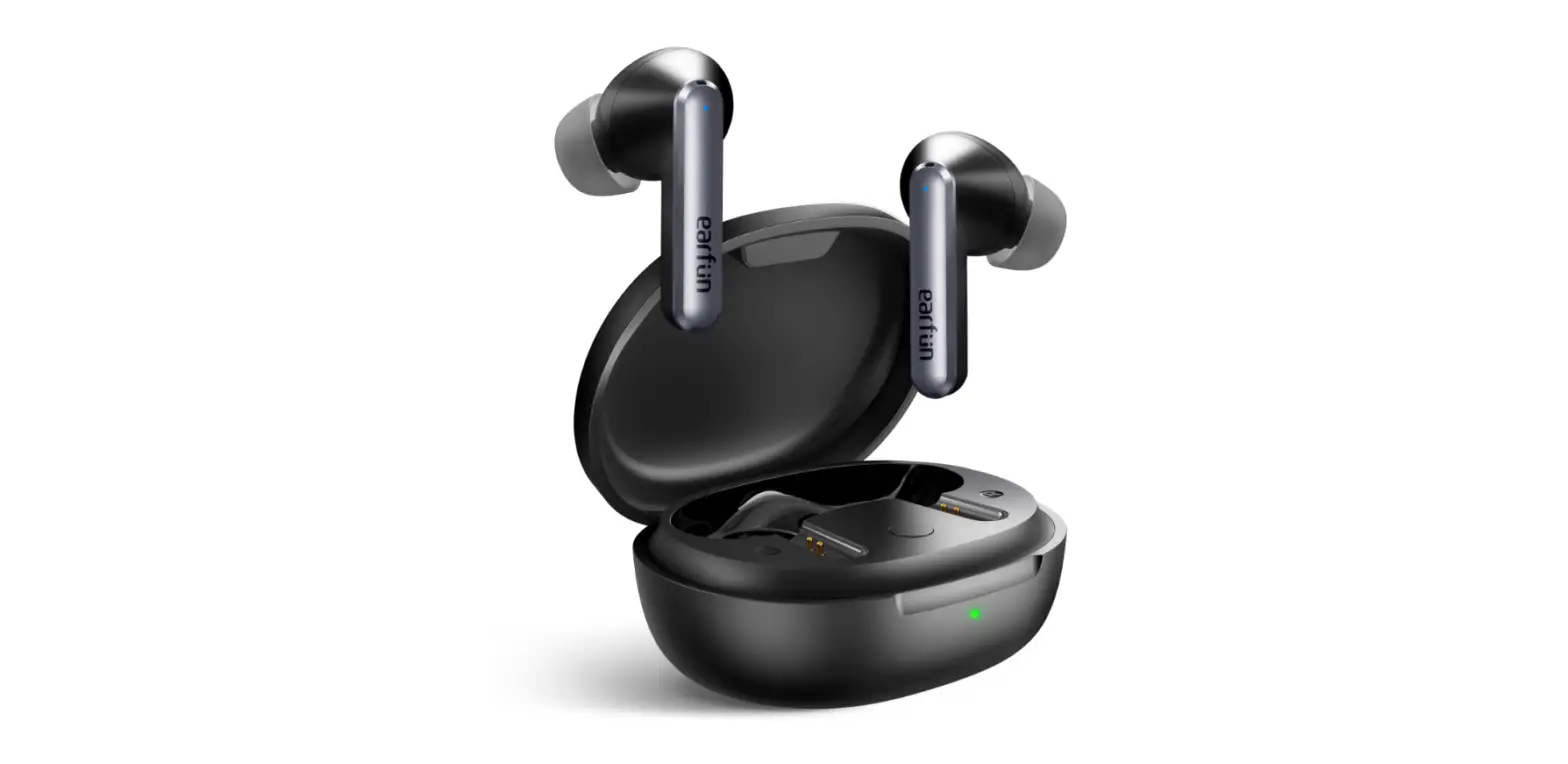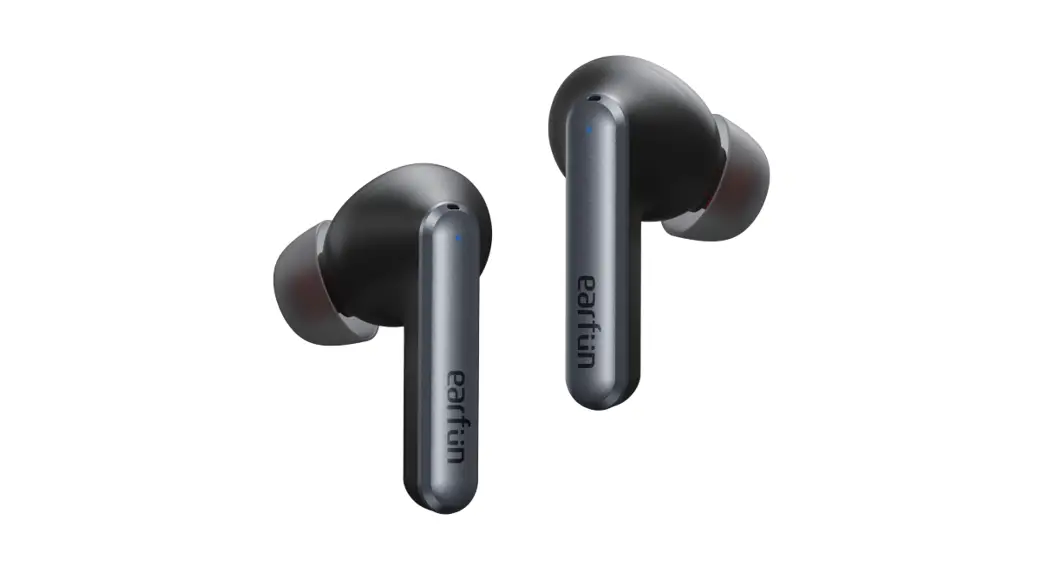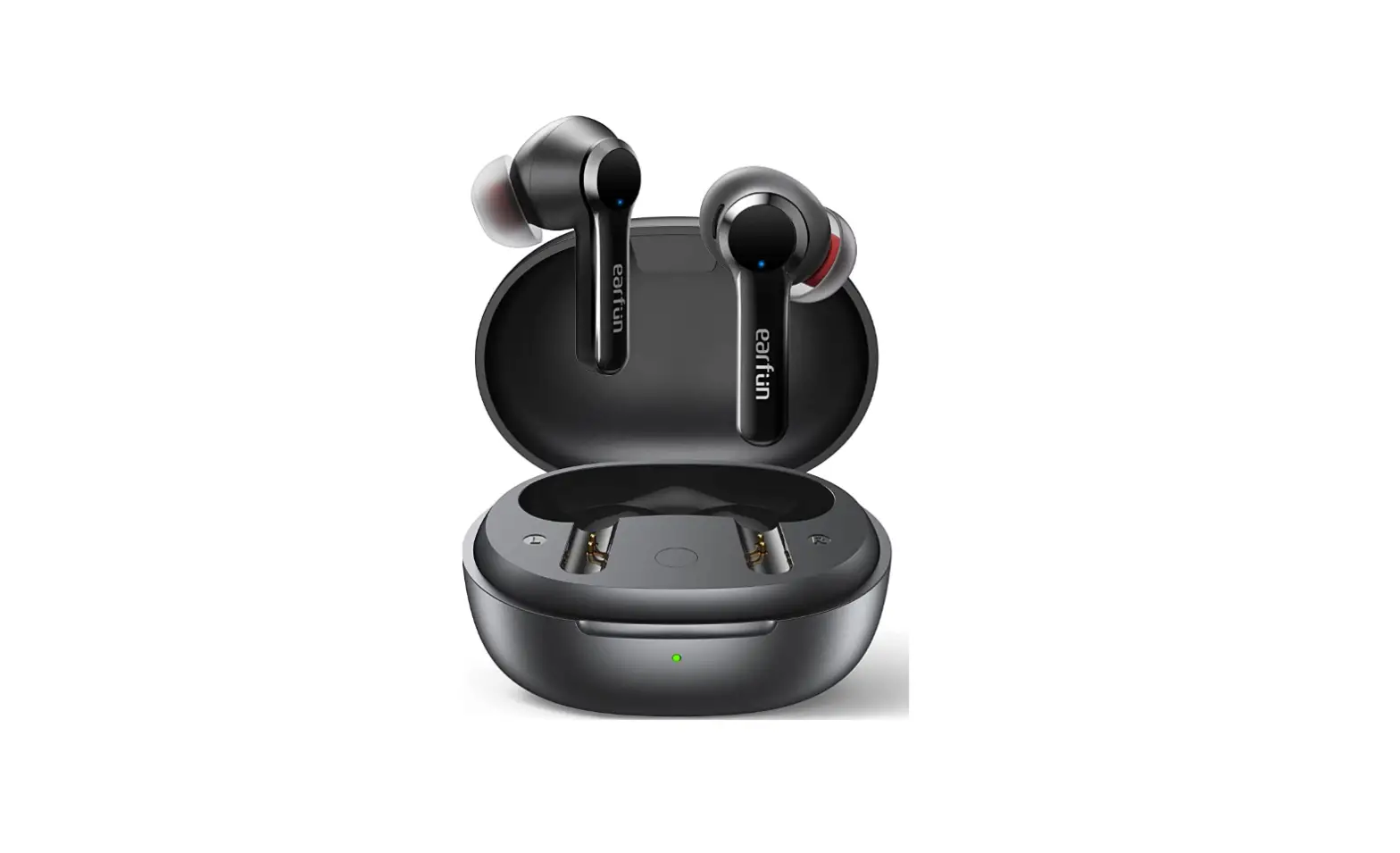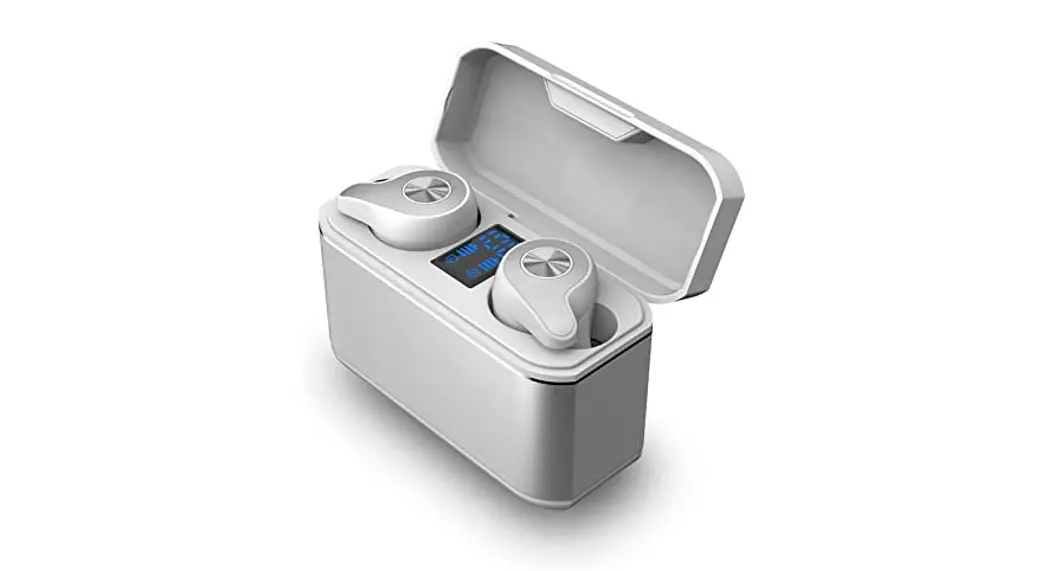
 COWON CK 20ANC
User Guide 1.0ENG
+ Package Components
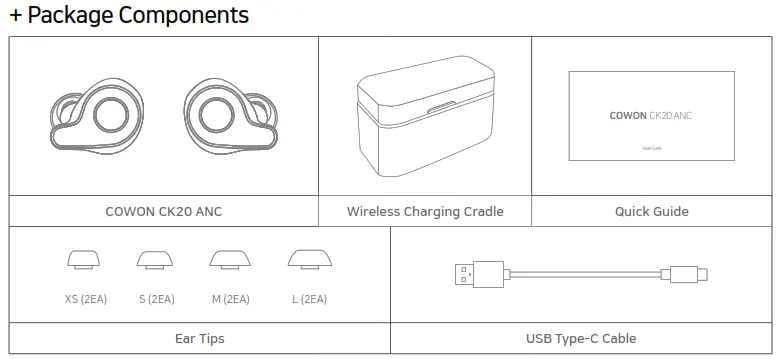
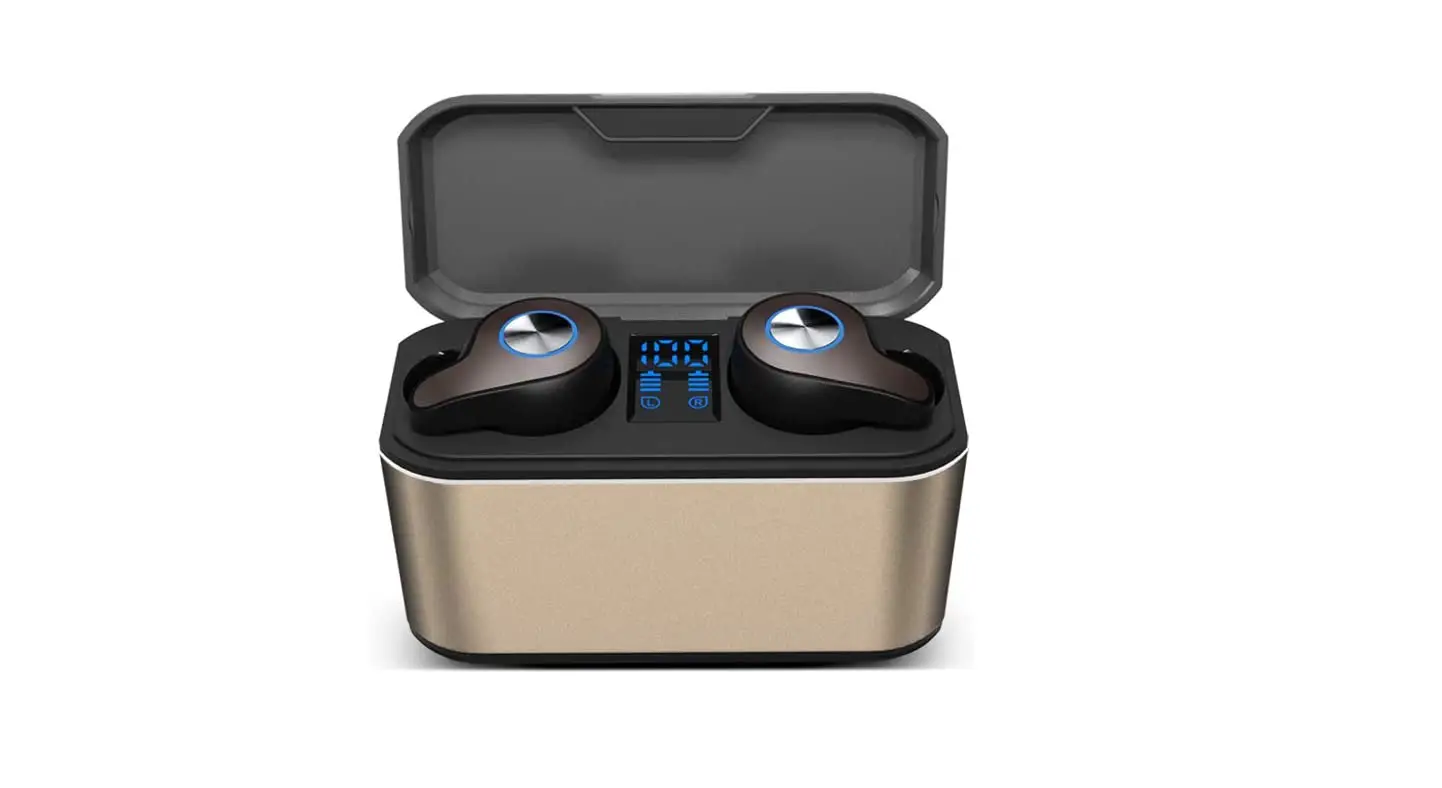
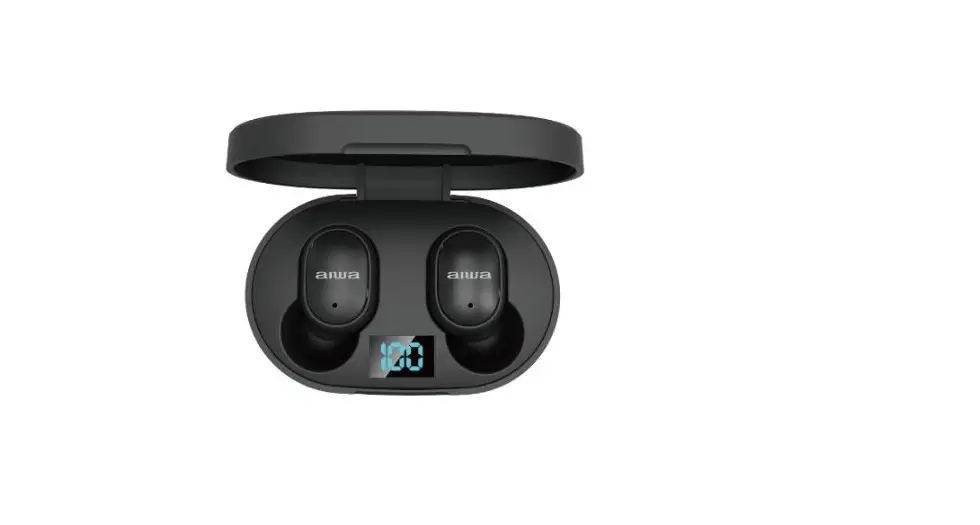
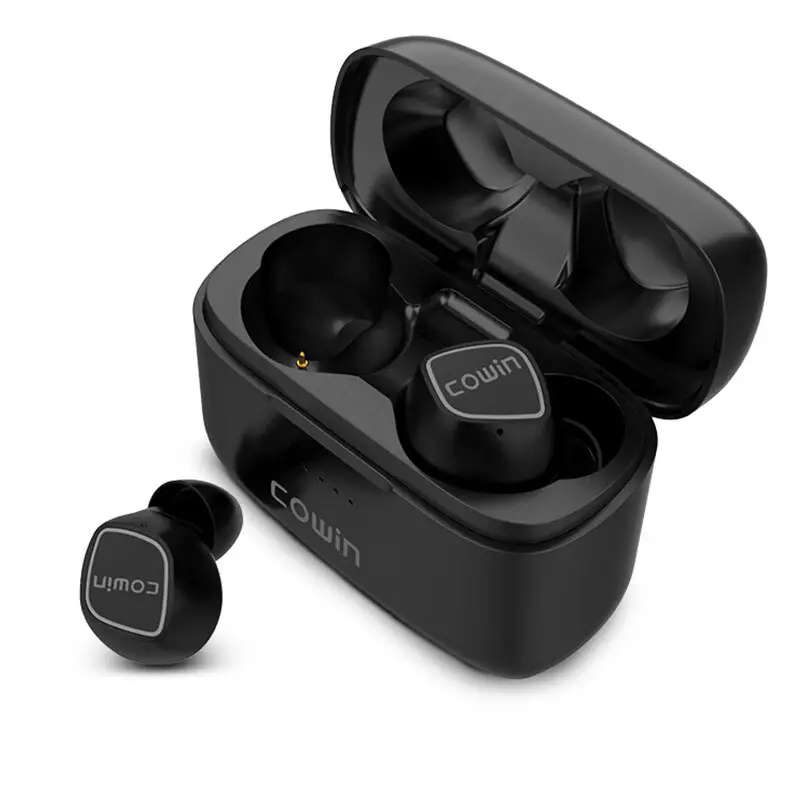
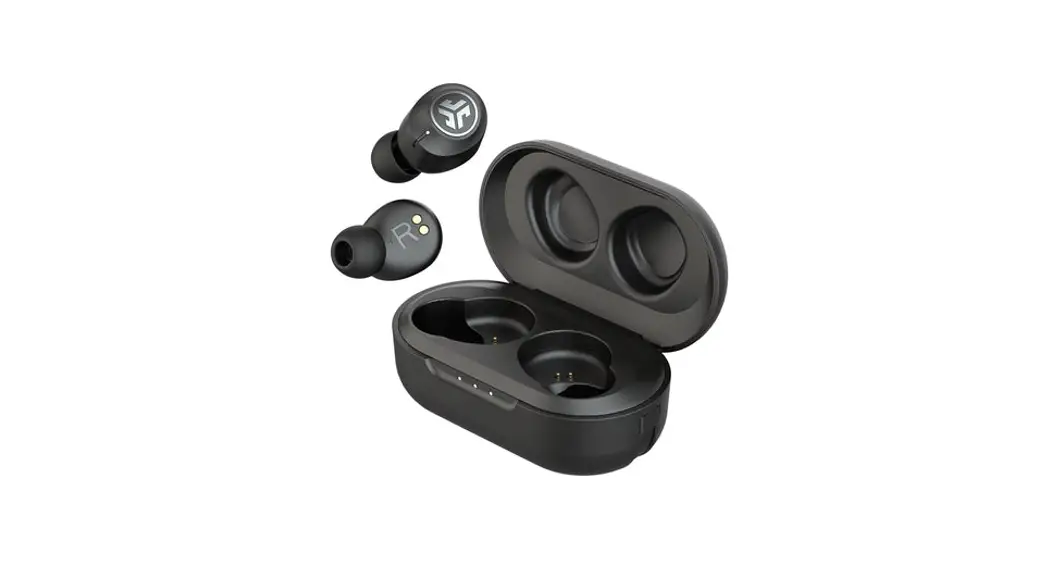
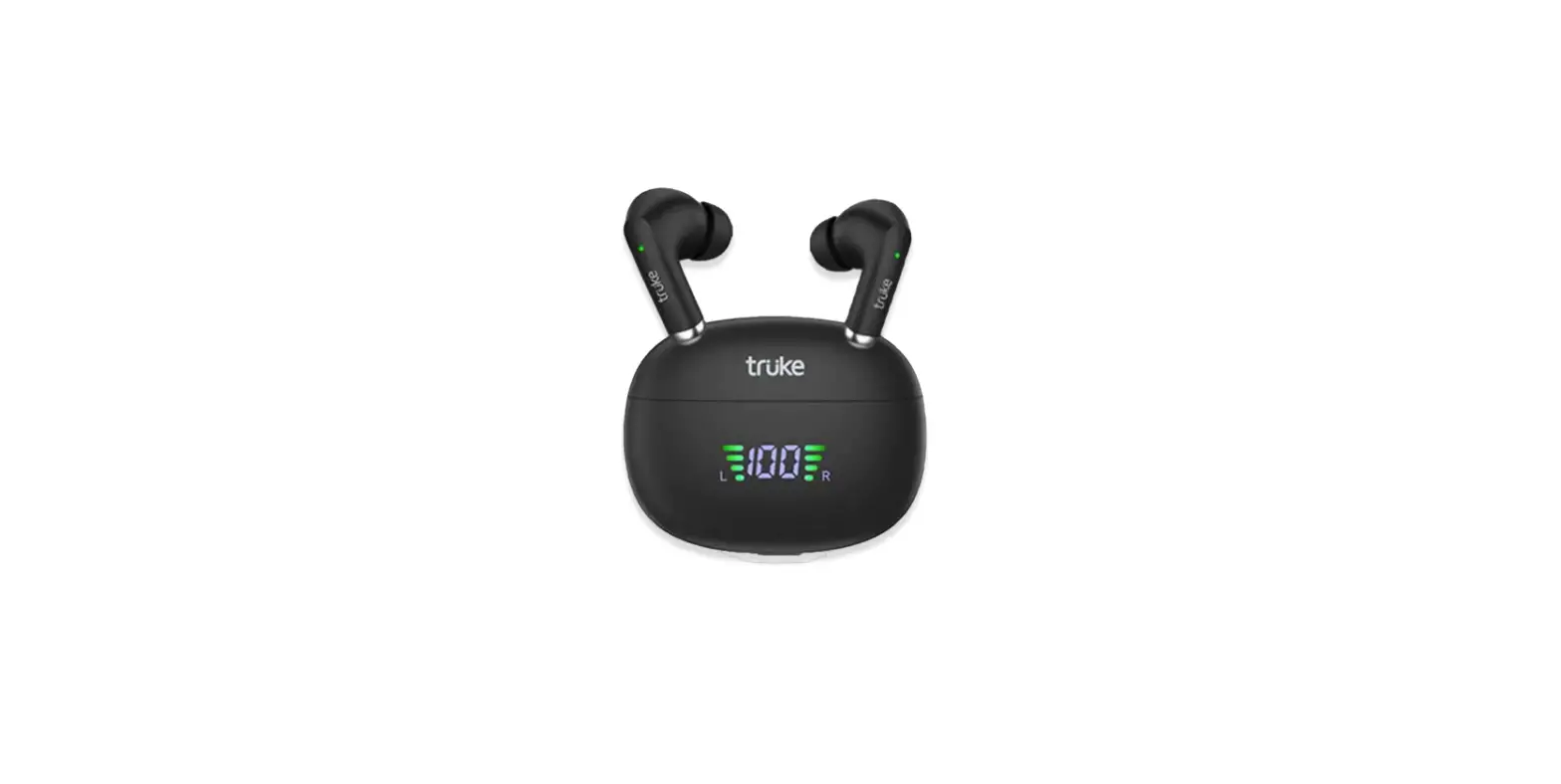
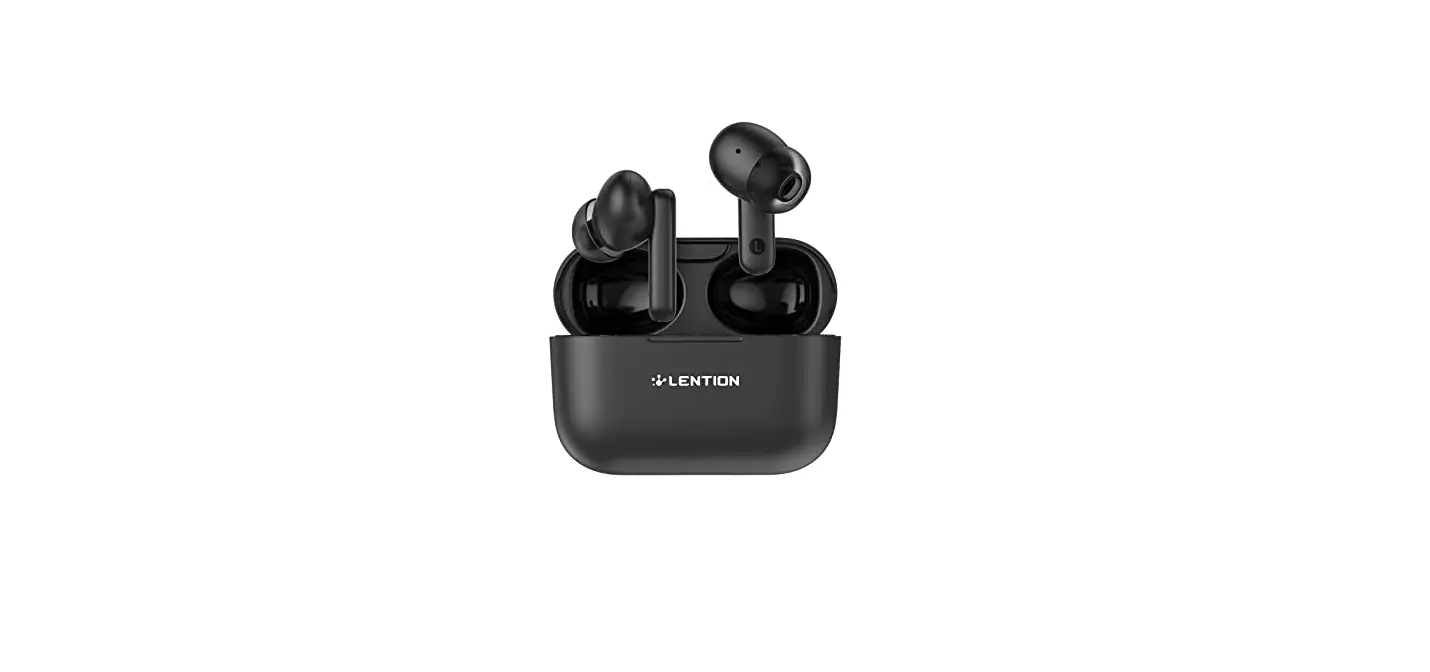
• Actual package contents may vary from the above images.
• M-size eartips are pre-installed to the earphones.
* For charging, please remove the protective film from the earphone charging terminal.
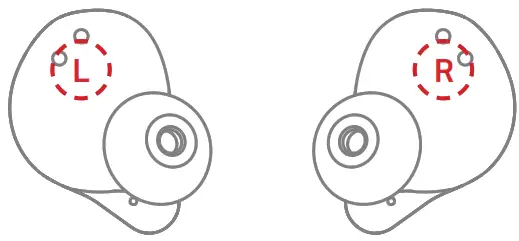
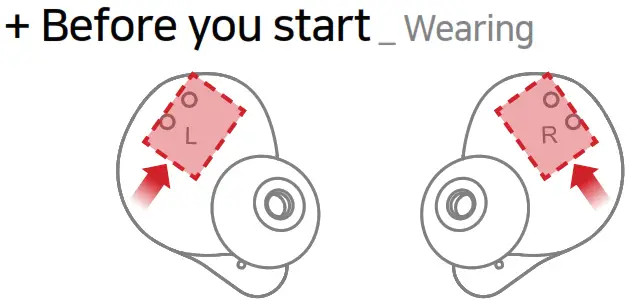
* Check the L and R marks on the earphones and put them in the correct ears.
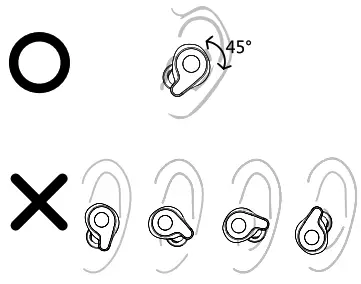
* Position them properly by twisting and rotating the eartips to fit in your ears.
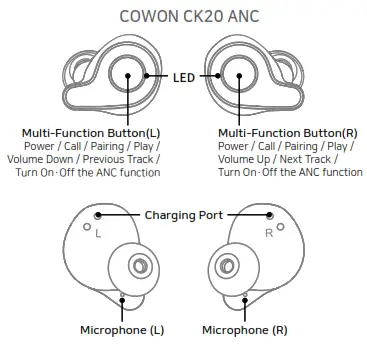
+ Before you start_ Names of Parts and Functions
+ Before you start_ Charging
Charging the Earphones
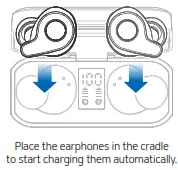 | 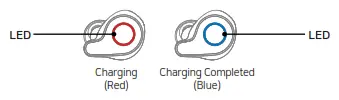 |
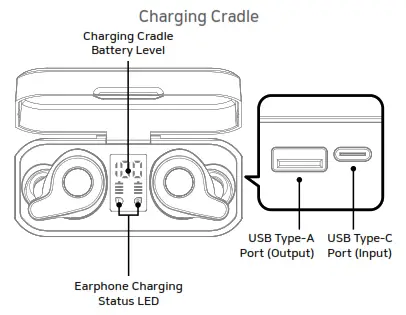
* Make sure that the earphone is properly positioned in the fixing groove of the charging cradle and check if the earphone LED is on.
+ Before you start_ Charging
Charging the Smartphone (Use the Cradle as a Power Bank)
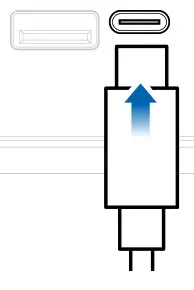
Insert the USB cable in the USB-C port and connect it to the power adapter to start charging.
* Please charge the cradle periodically.
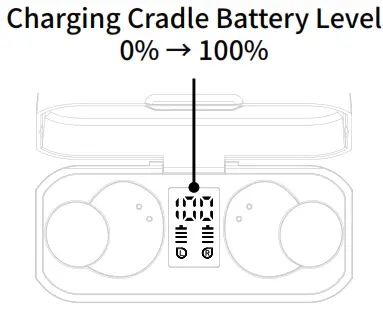
The level of battery charge in the charging cradle goes from 0 to 100%. Charging : 0~99% Charging Completed : 100%
* Please place the cradle on the wireless charging pad and check if the earphone LED is on.
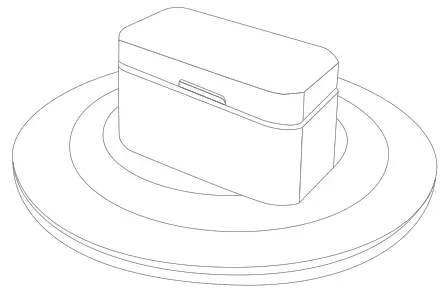
You can charge CK20 ANC simply by placing the cradle on the wireless charging pad without connecting the cable to the cradle.
* Please place the cradle on the wireless charging pad and check if the earphone LED is on
* The wireless charging pad is not included.
+ Before you start _ Charging
Charging the Smartphone (Use the Cradle as a Power Bank)
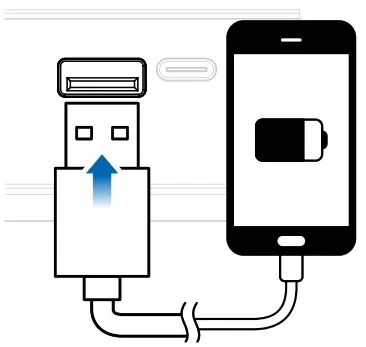
Insert the USB cable in the USB-A port and connect it to the smartphone to use the cradle as a power bank.
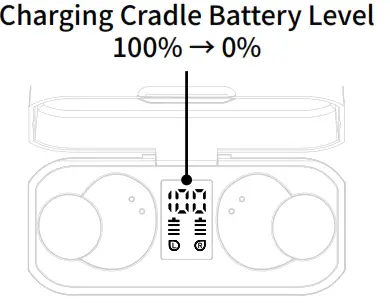
While charing the smartphone, the battery level in the cradle goes down from 100 to 0%.
* The cradle limits the output current to 1.5A. When the battery level is too low, it may not be possible to charge a smartphone that supports fast charging.
+ Using the Product _ Auto Power On · Off
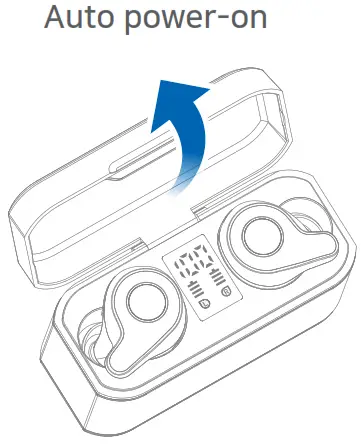
Opening the lid of the cradle turns on the earphones automatically.
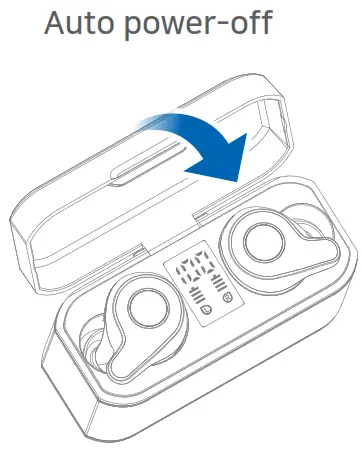
Closing the lid of the cradle turns off the earphones automatically.
Manual Power On / Off
* Press the button on the earphone for 3 seconds to turn it on when the power is off. (The blue LED flashes three times)
* Press the button on the earphone for 3 seconds to turn it off when the power is on. (The red LED flashes three times)
+ Using the Product _ Pairing & Connection

Open the cradle lid | Turn on Bluetooth | Connect | |
| Description | Opening the cradle lid turns on the earphones automatically, and they are ready to proceed to the pairing step. | Turn on Bluetooth on your smartphone or Bluetooth-capable device. | Select ‘CK20 ANC’ from the list of detected devices to pair and connect automatically. |
| Voice Prompts |  “Power On” “Power On” | “Pairing” | “Connected” |
| LED |  |  |  |
* The CK20 ANC supports: Dual mode (Stereo) to use the left and right earphones together and Single mode (Mono) to use them separately.
* By using the CK20 ANC in Single Mode, you can alternate between charging the left and right earphones for extended use. (Audio books, Podcasts, etc.)
* Since Single Mode uses only one earphone, you can stay aware of environmental sounds and use the device more safely when walking or riding bicycles.
* Remove both the left and right earphones from the charging cradle for use in Dual Mode, or only remove one earphone for use in Single mode.
* Putting one earphone in the charging cradle while in Dual mode does not disconnect the other earphone in use.
* After the initial pairing, opening the cradle lid automatically connects the earphones to the most recently connected device.
* Keep the product and a mobile phone within 1 meter when pairing.
* If passkey input is required, enter a password or a PIN No.‘0000’.
+ Using the Product _ Listening to Music · Making a Call · Volume Control
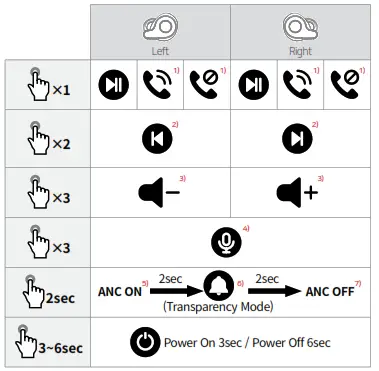
1) In Dual mode, the microphone of the earphone removed from the cradle first will be enabled. Removing L and R earphones from the cradle at the same time enables the “R” microphone. In Single Mode, each earphone will output sound with both microphones enabled for use.
2) Use the L earphone to go to the previous track and the R earphone to go to the next track. (In Single mode, only the functions on the earphone currently in use are available.)
3) Use the Volume Down function with the L earphone and the Volume Up function with the R earphone. (In Single mode, only the functions on the earphone currently in use are available.)
4) Press and hold the multifunction button 3 times to launch the voice recognition feature of your smartphone or tablet. (Android OS: Google Assistant / iOS: Siri / Window OS: Cortana – Except during calls and playing)
* Voice assistant not available when Music is playing.
5) Press the button for 2 seconds to activate the ANC (Active Noise Canceling) function.
6) When you press the button for 2 seconds again while ANC is on, Transparency Mode will be activated with a beep sound.
7) Press the button for 2 seconds in Transparency Mode to deactivate the ANC function.
+ Voice Prompts
| Status | Voice Prompts |
| Power On | “Power On” |
| Power Off | “Power Off” |
| Pairing | “Pairing” |
| Bluetooth Connection | “Connected” |
| Incoming call | “Incoming call” * |
| Disconnected | “Disconnected” |
| ANC ON | “ANC ON” |
| Transparency Mode | |
| ANC OFF | “ANC OFF” |
| Battery Low | “Battery Low” |
+ Specification
| Bluetooth Version V5.0 | V5.0 |
| Bluetooth Profiles | HSP / HFP / A2DP / AVRCP |
| Standby Time | Up to 130 hours |
| Music-Playing Time | Dual Mode: About 7 hours (ANC Mode: About 6 hours) Single Mode: About 6 hours |
| Charging Time | Earphones: About 1.5 hours * Charging Cradle : About 3 hours (Wired Charging) About 6.5 hours (Wireless Charging) |
| Earphone Battery | 3.7V / 50mAh |
| Charging Cradle Bettery | Input : USB-C, 5V 1A Output : USB-A, 5V 1A Wireless Charging : 5V 0.5A Capacity : 2600mAh |
| Operating Distance | Up to 10m (Free space) |
| Weight | Earphones: 6.3g x 2 Charging Cradle: 95g |
* Number of available CK20 ANC charges using cradle (2600mAh) : About 17 times (with fully charged cradle)
+ Precautions _ Resetting to Dual Mode (When the L and R units are not connecting to each other)
* Use the following method for troubleshooting purposes only, not during normal operation, when the left and right earphones are not connected.
* Refer to the ‘Pairing & Connection’ page when connecting the product to a smart device for the first time.
* If the L and R units only connect in single-mode during normal dual-mode operation, reset to dual-mode by following the instructions below.
* If it fails to reset, start again from Step ②.

| Delete connected device & Turn off Bluetooth | Remove earphones & Press the button twice | Check for purple LED | Turn on Bluetooth | Connection |
| Delete the [CK20 ANC] device connected to your smartphone or other Bluetooth device and turn off Bluetooth. | Remove the left and right earphones from the cradle, and immediately press and release the buttons twice simultaneously. | The LEDs on the left and right earphones turn purple, and the earphones switch to the pairing mode. | Turn on Bluetooth on your smartphone r another Bluetooth device. | Select [CK20 ANC] from the detected devices to complete pairing and connect automatically. |