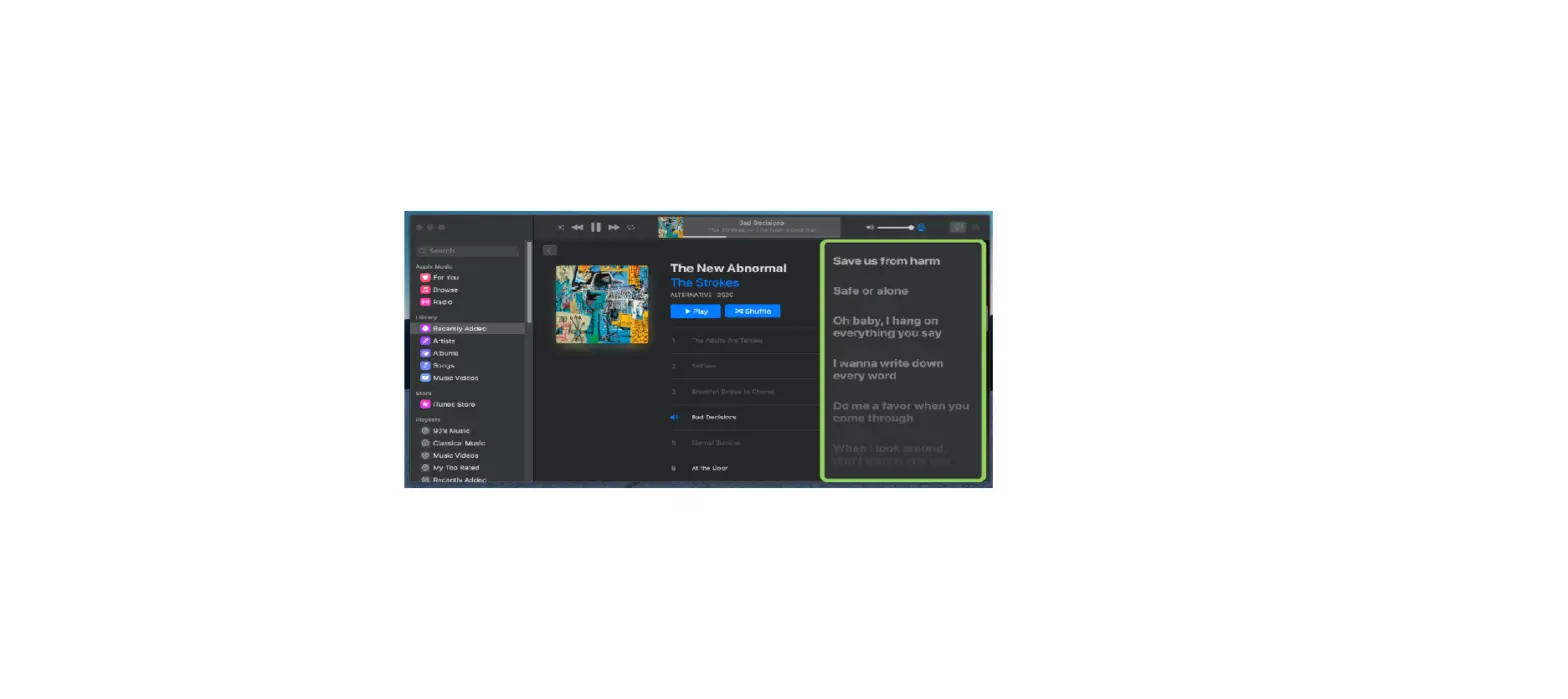
See time-synced lyrics in Apple Music on your Mac
If you subscribe to Apple Music, you can follow along as you listen to your favorite songs with perfectly timed lyrics.
How to turn time-synced lyrics on or off
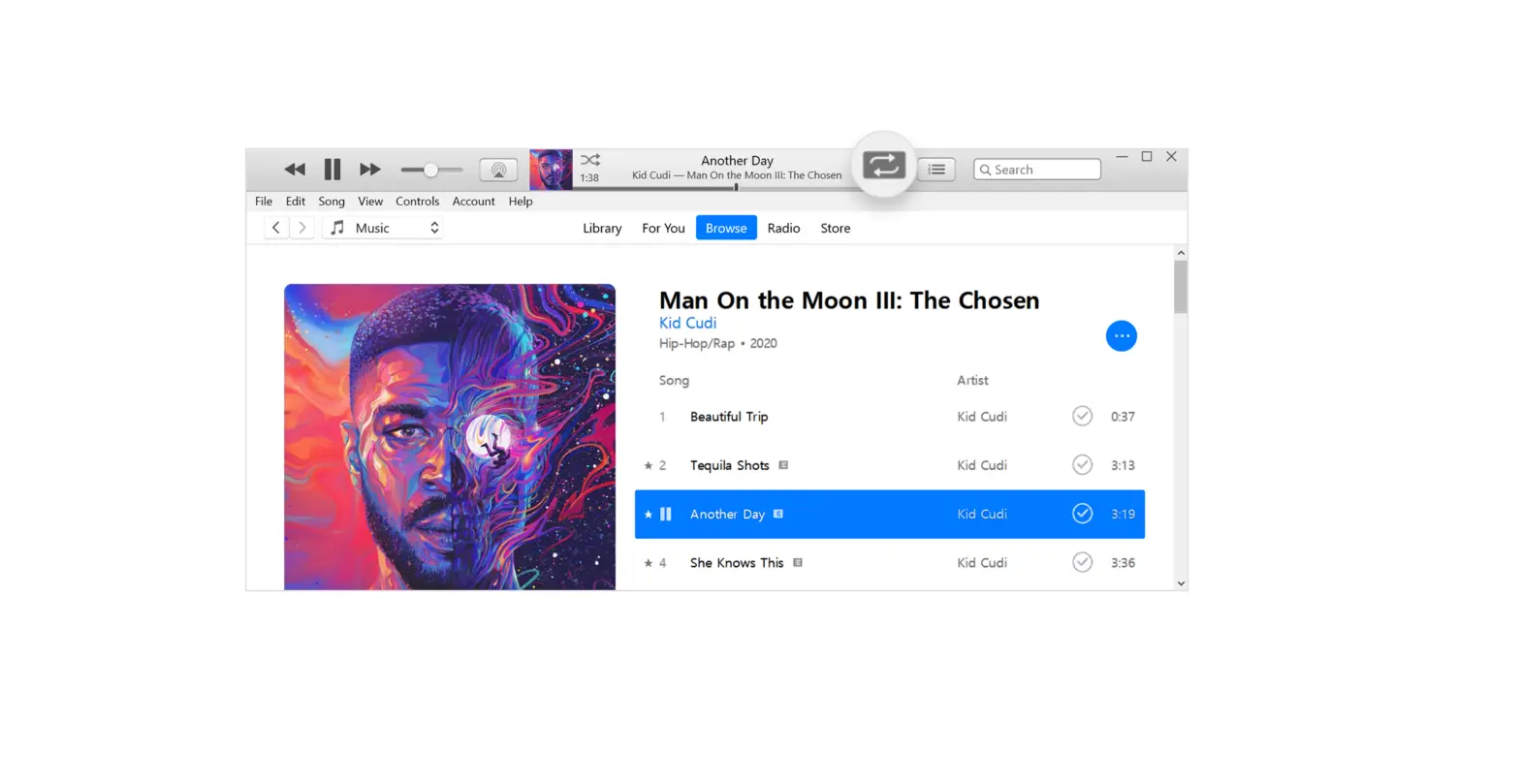
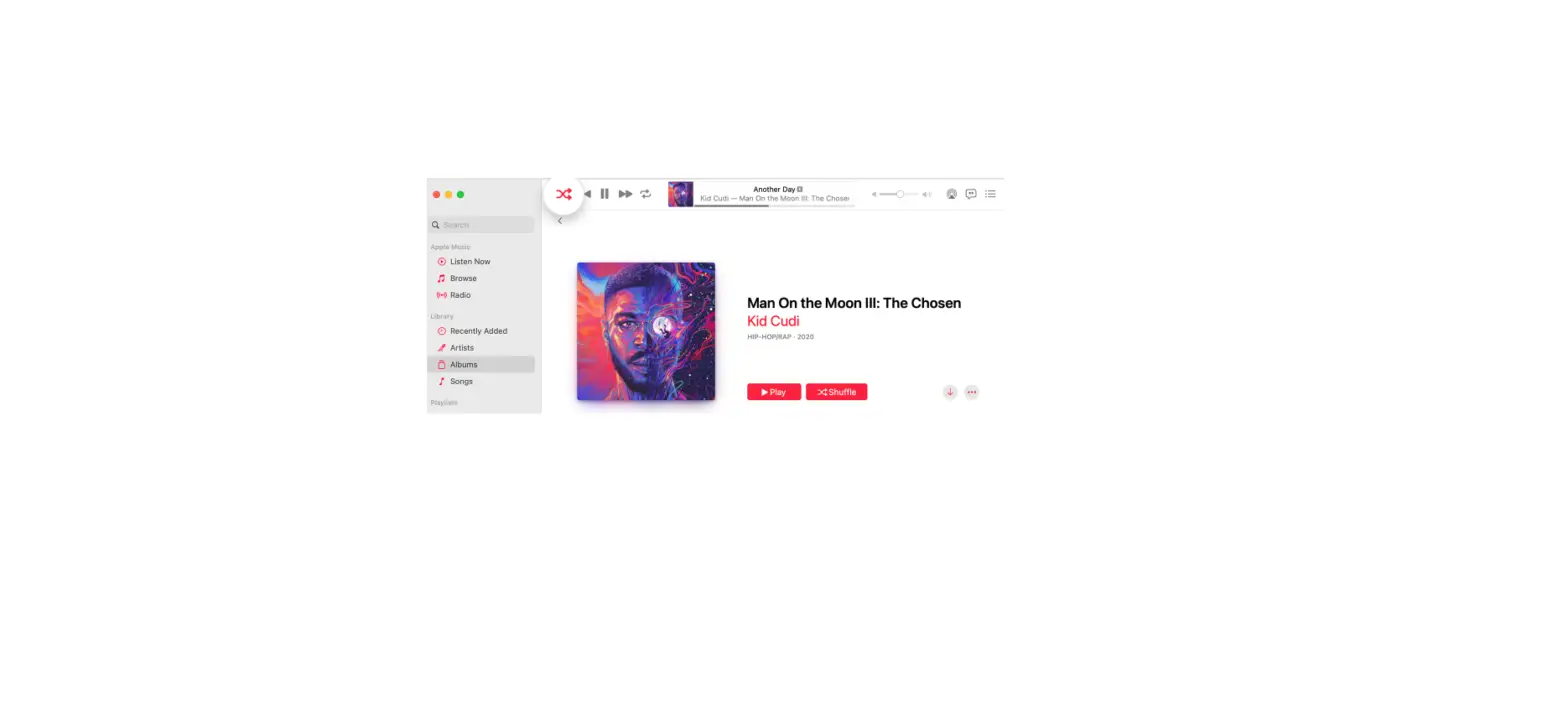
- Open the Apple Music app.
- Play a song from the Apple Music catalog.
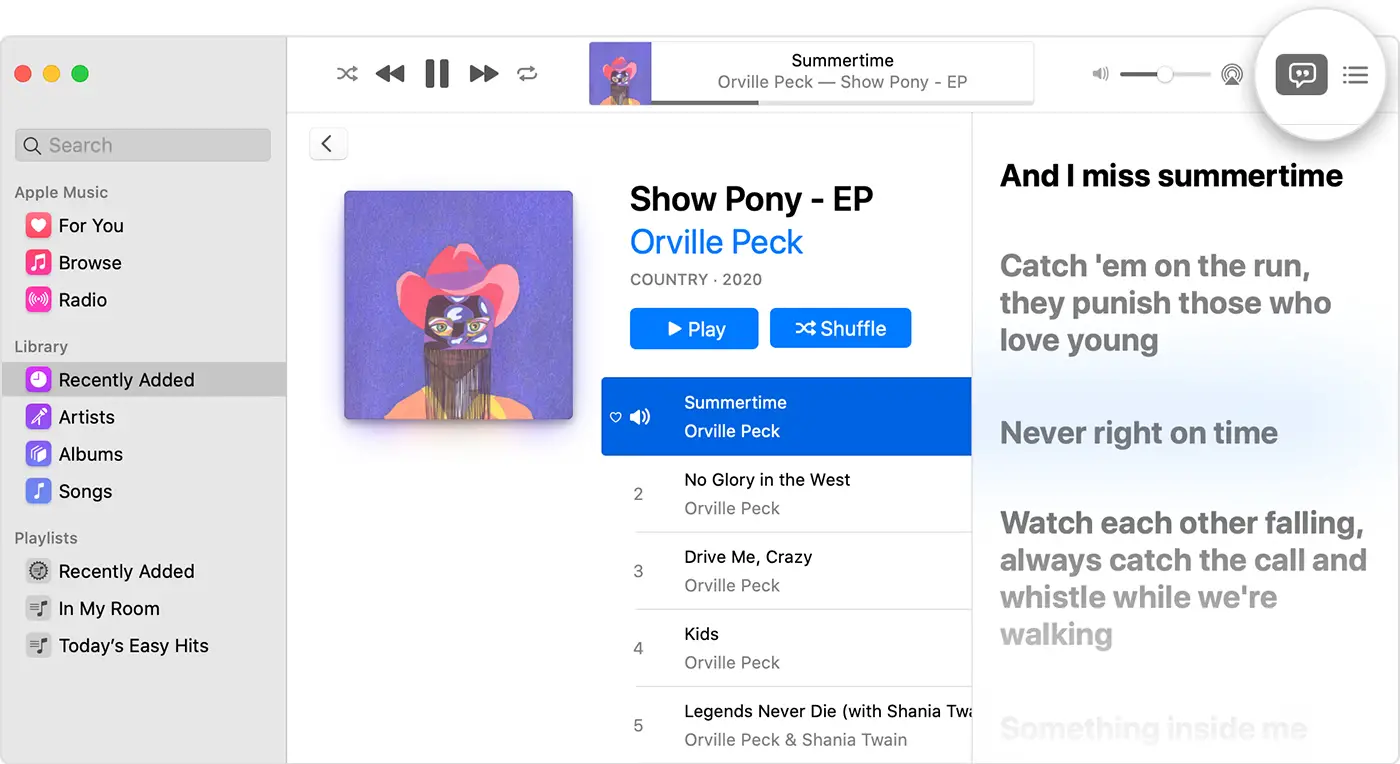
- In the upper-right corner, click Lyrics
 to turn time-synced lyrics on or off. If time-synced lyrics aren’t available, then you might see the full lyrics for the song instead.
 to turn time-synced lyrics on or off. If time-synced lyrics aren’t available, then you might see the full lyrics for the song instead.
To see time-synced lyrics in full screen, go to the menu bar and choose Window > Full Screen Player.

See the full lyrics for a song
- Open the Apple Music app.
- Control-click a song, then choose Get Info from the shortcut menu.
- Click the Lyrics tab.
Lyrics aren’t available for all songs.
You can report missing or incorrect lyrics by going to www.apple.com/feedback/apple-music.html.
Learn how to see time-synced lyrics on other devices
Apple Music availability might vary by country or region. Learn what’s available in your country or region.
Published Date: