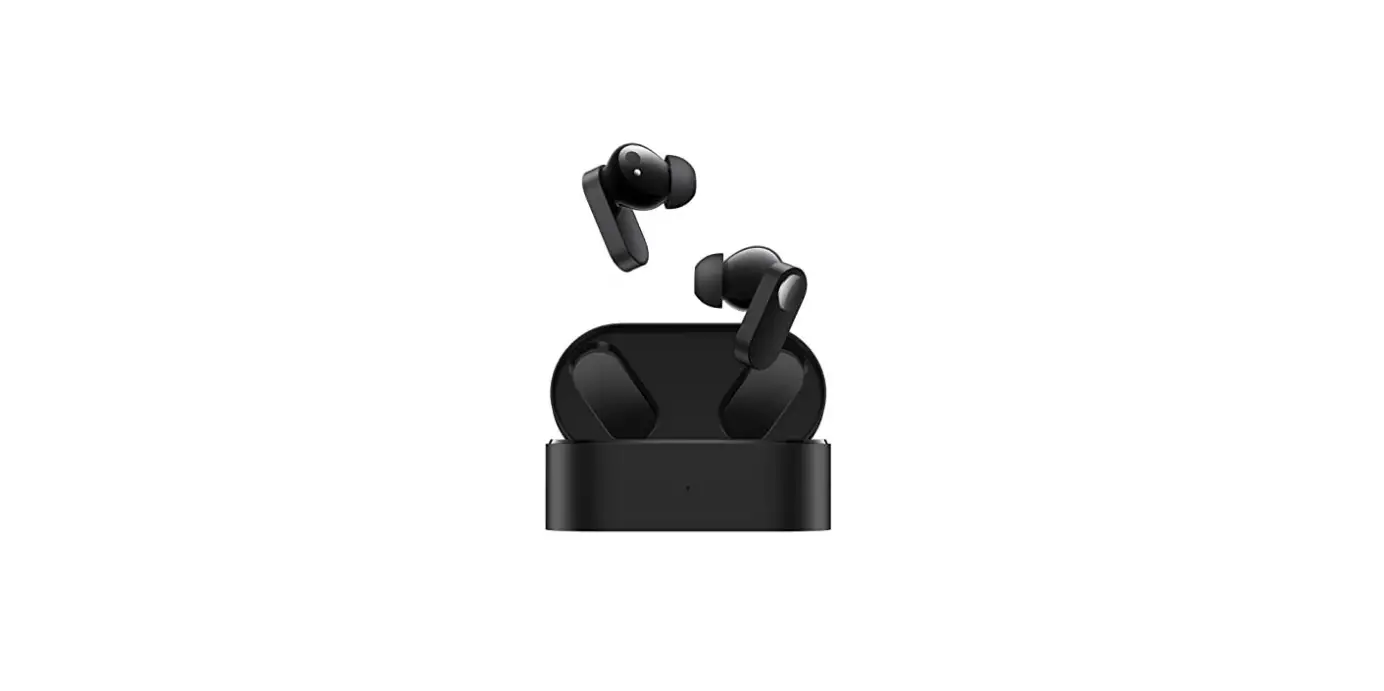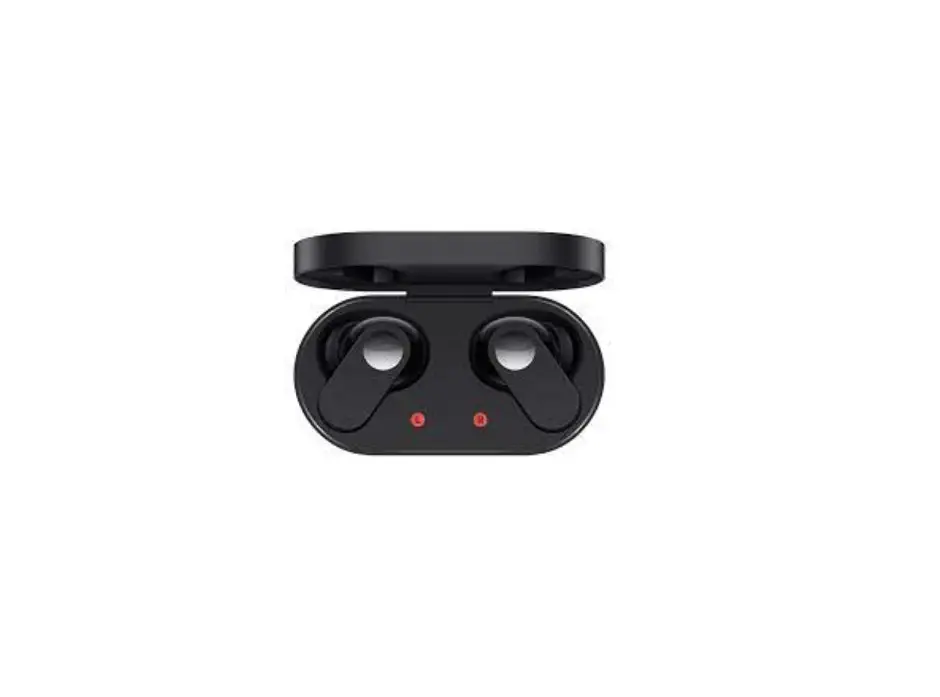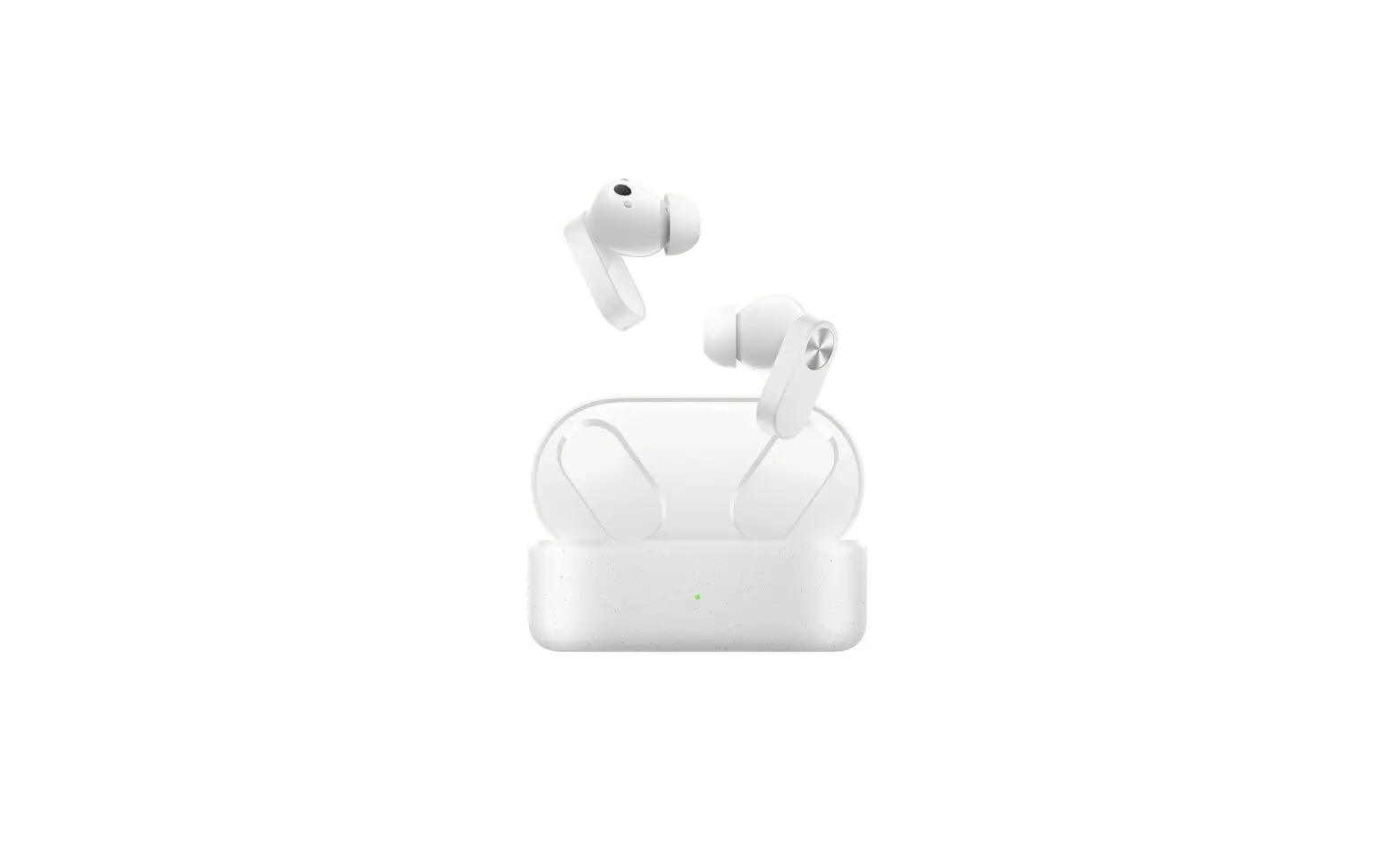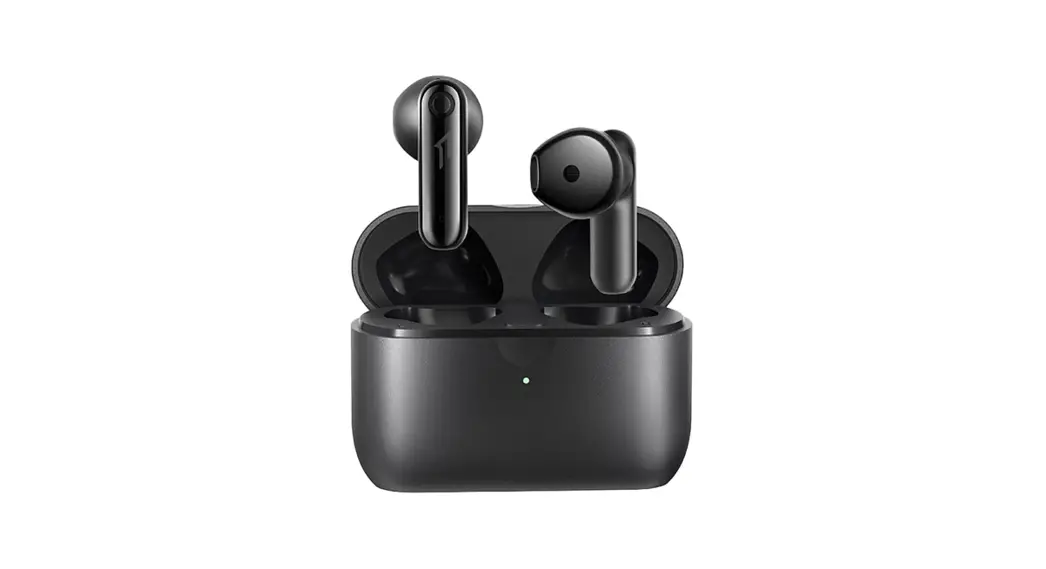

Oneplus Technology E505AR Wireless Earbuds
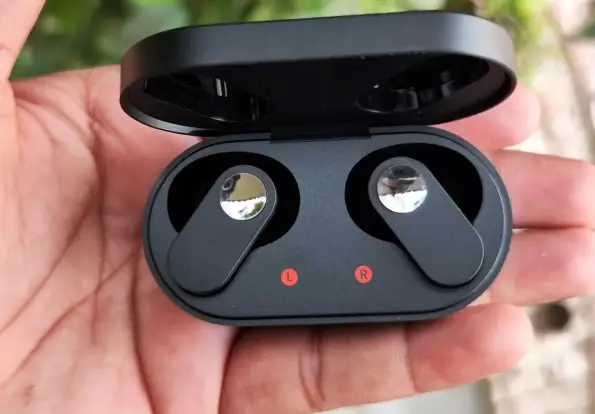
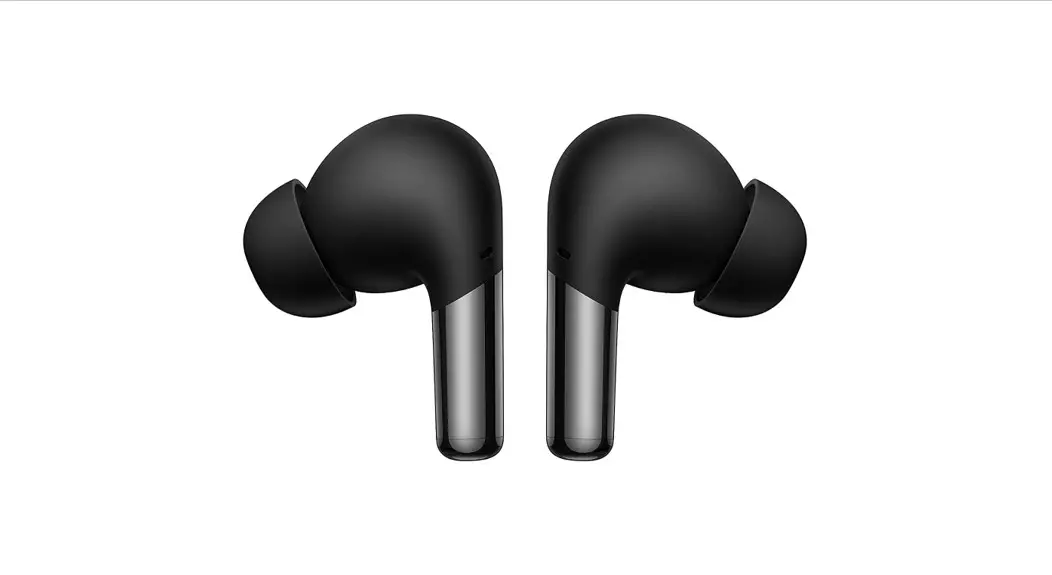
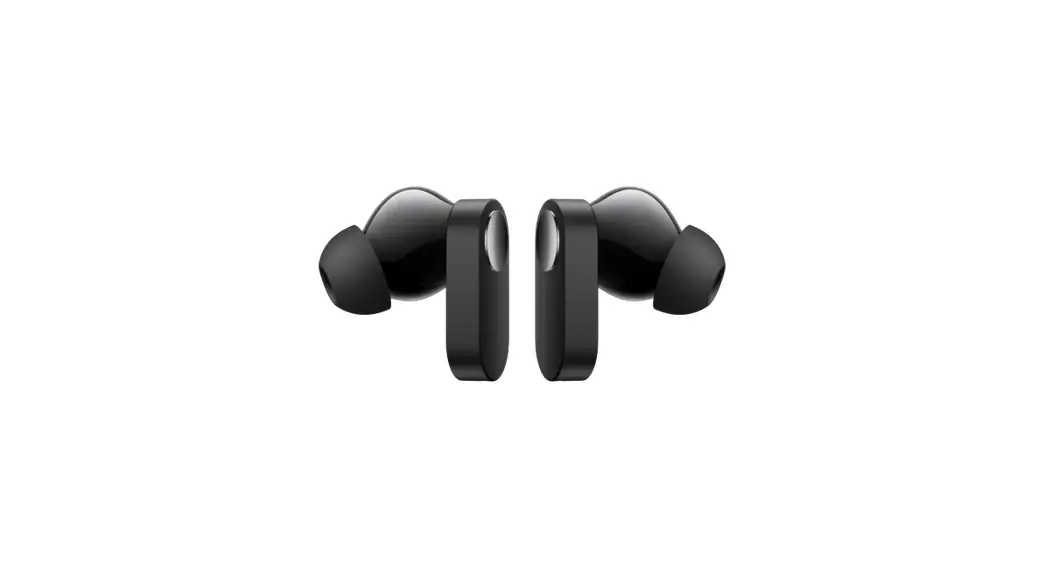
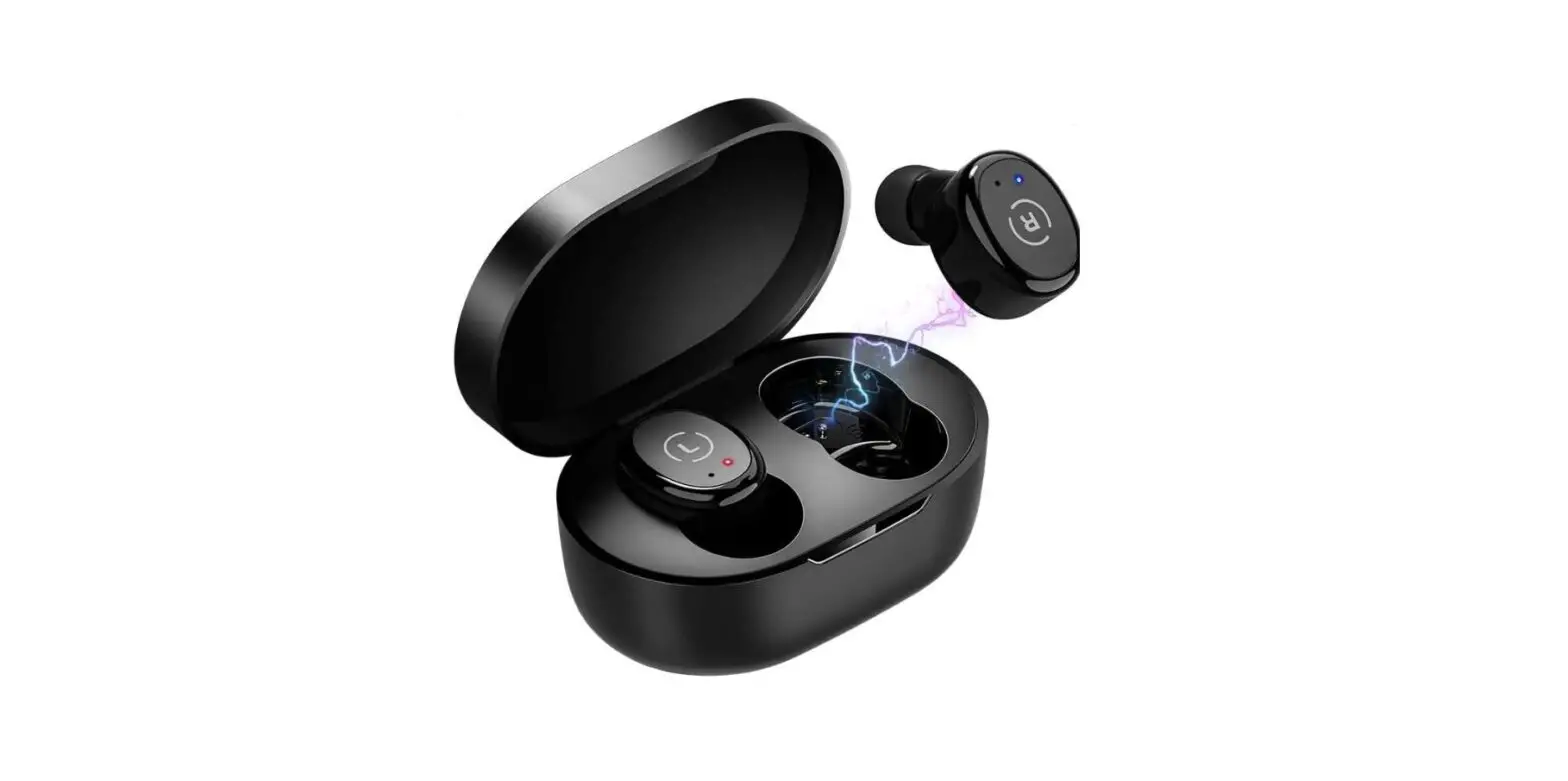
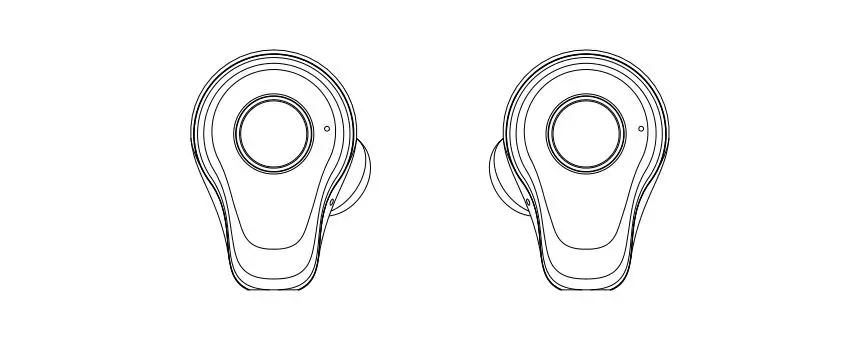
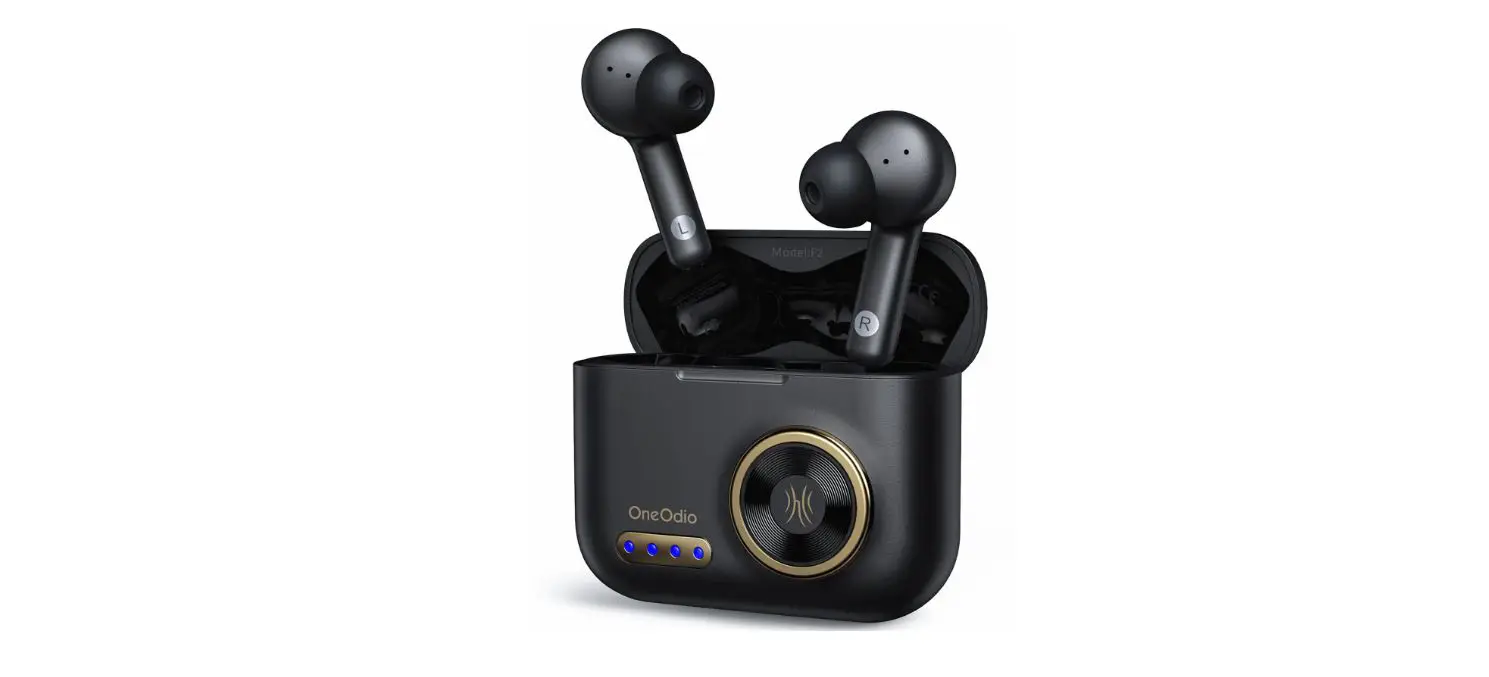
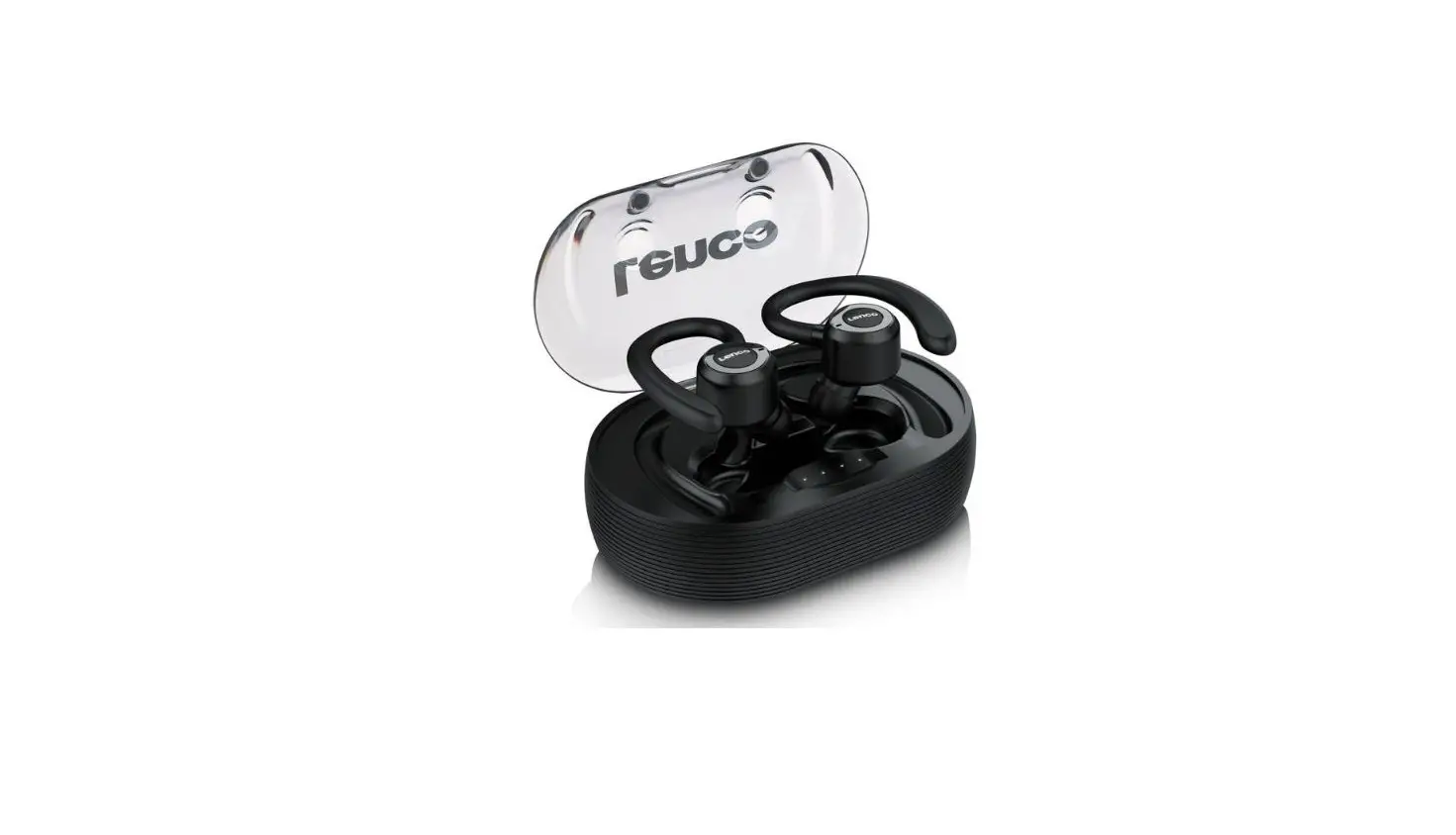
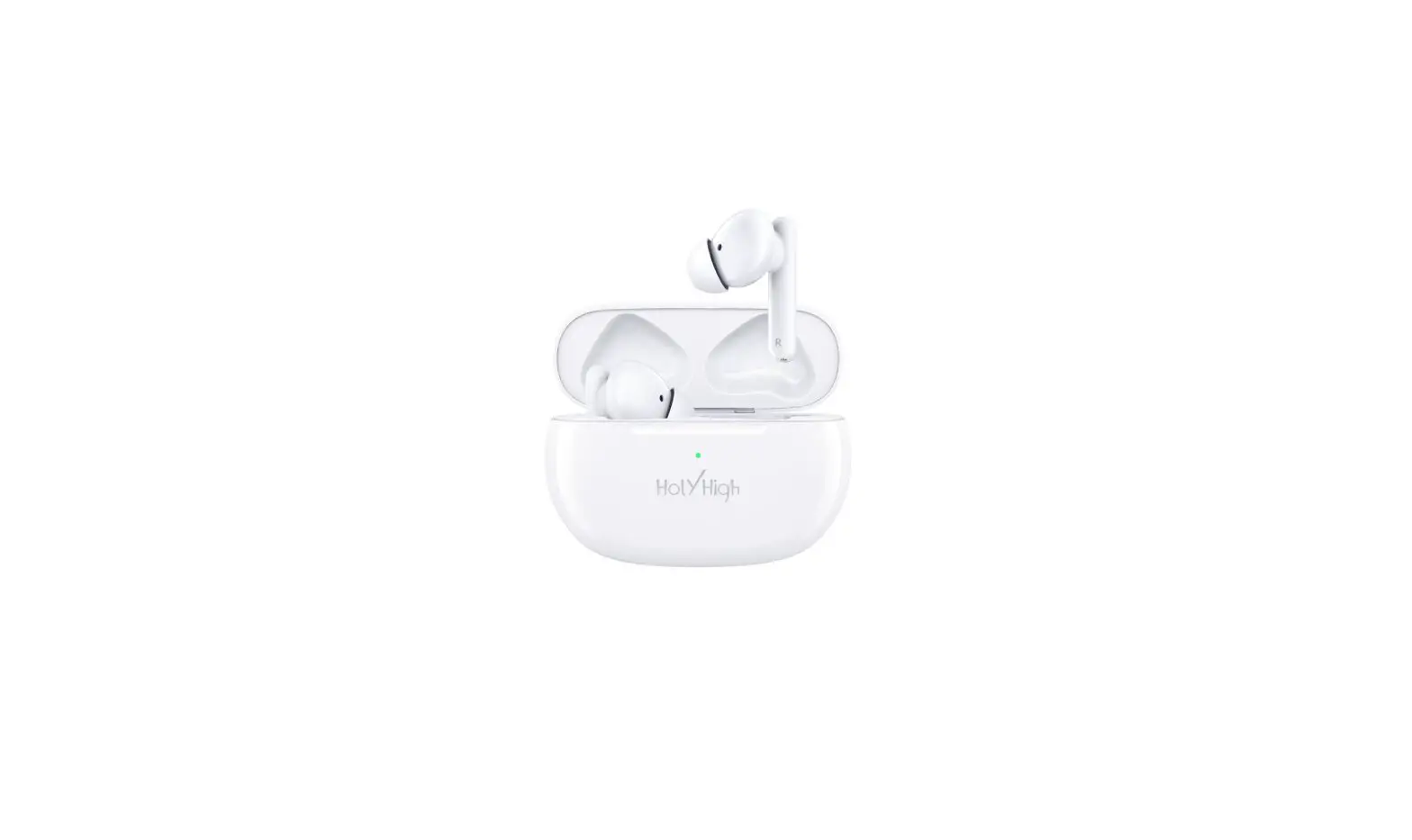
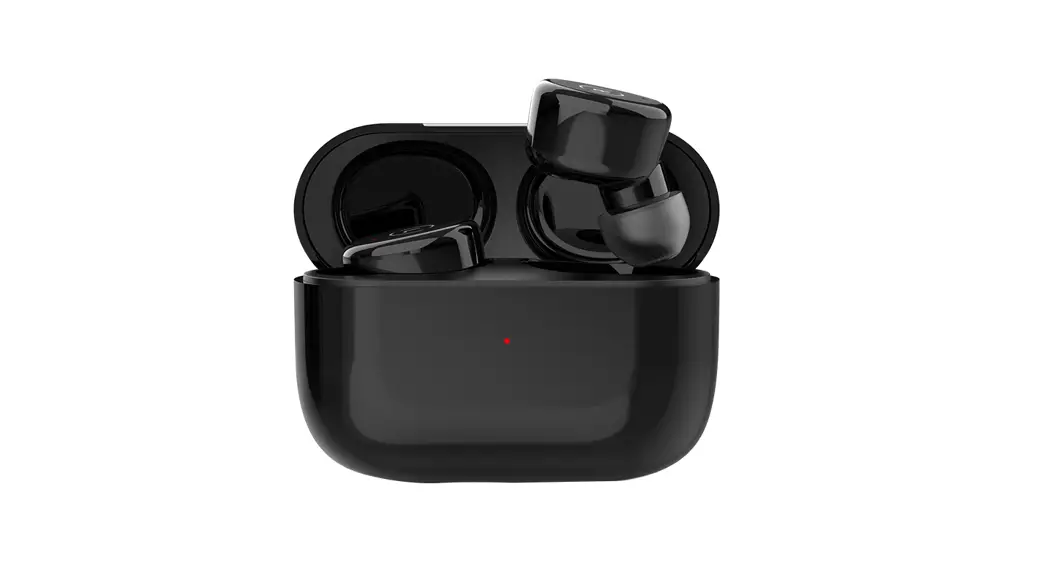
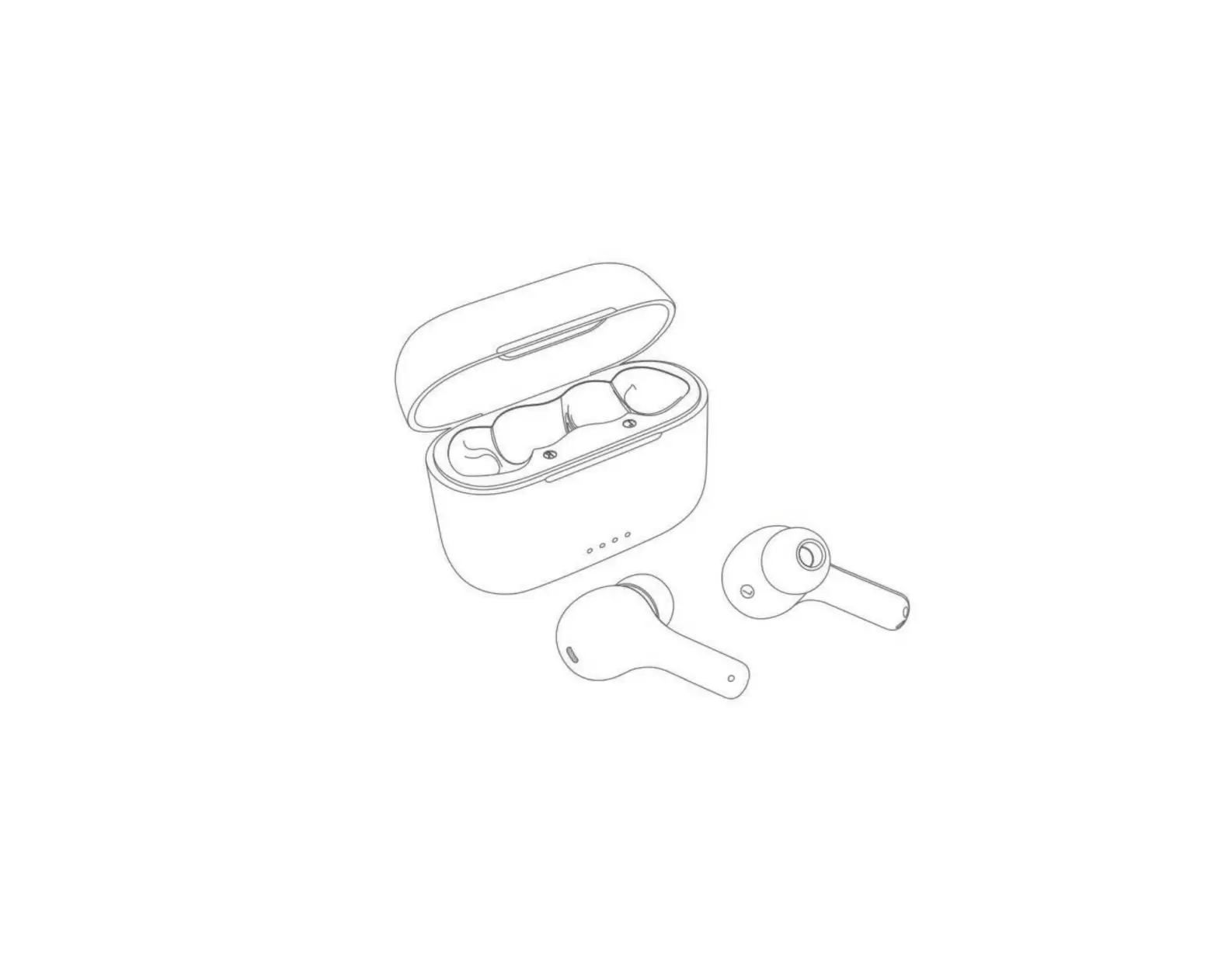
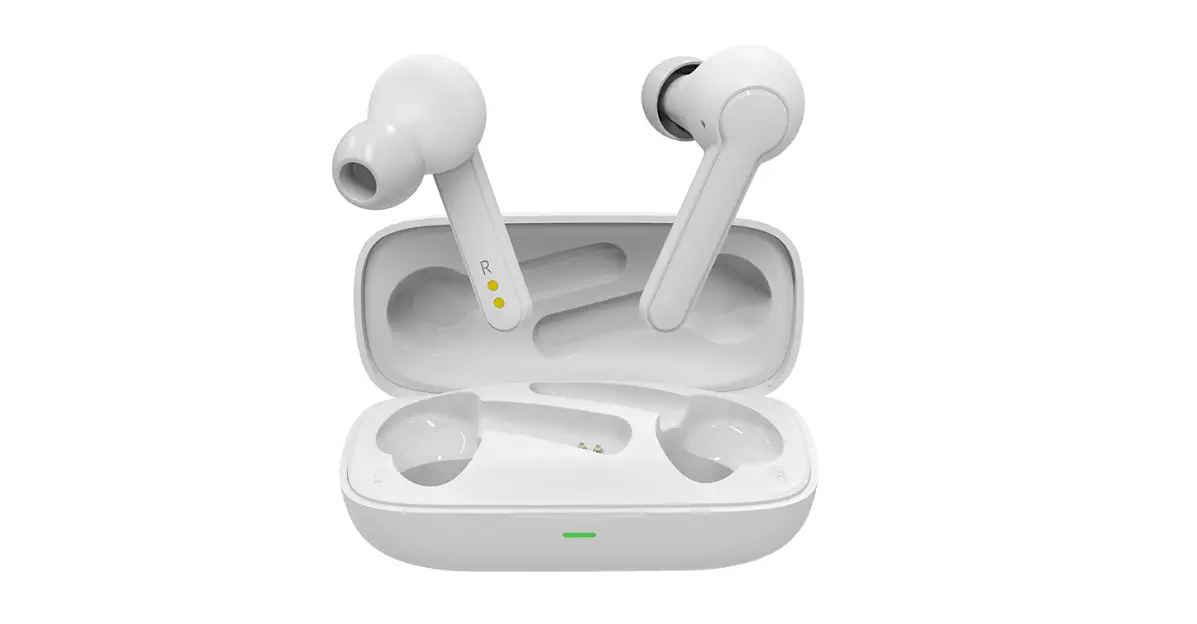
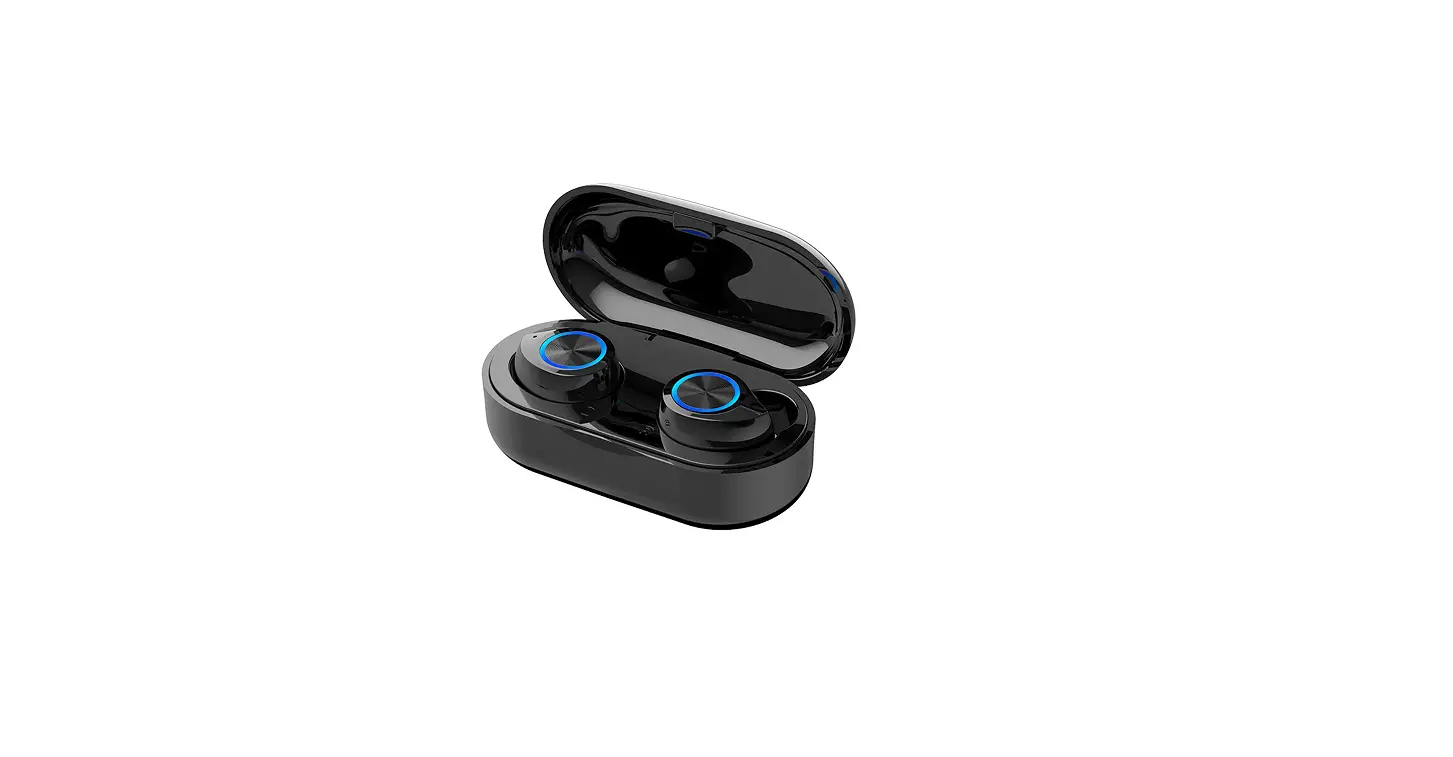
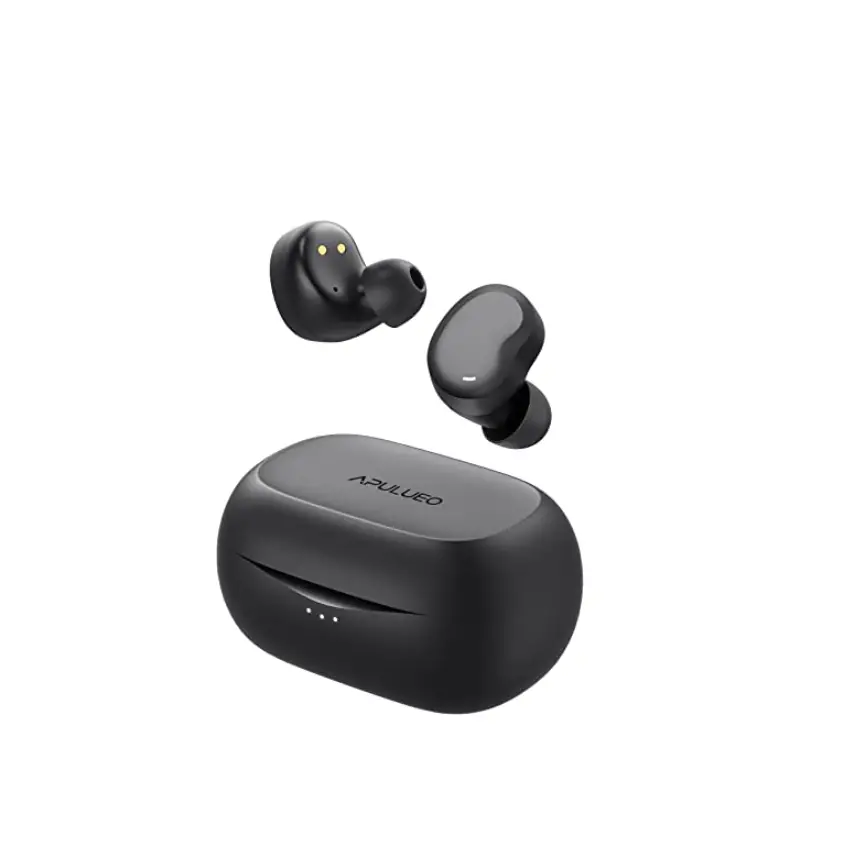
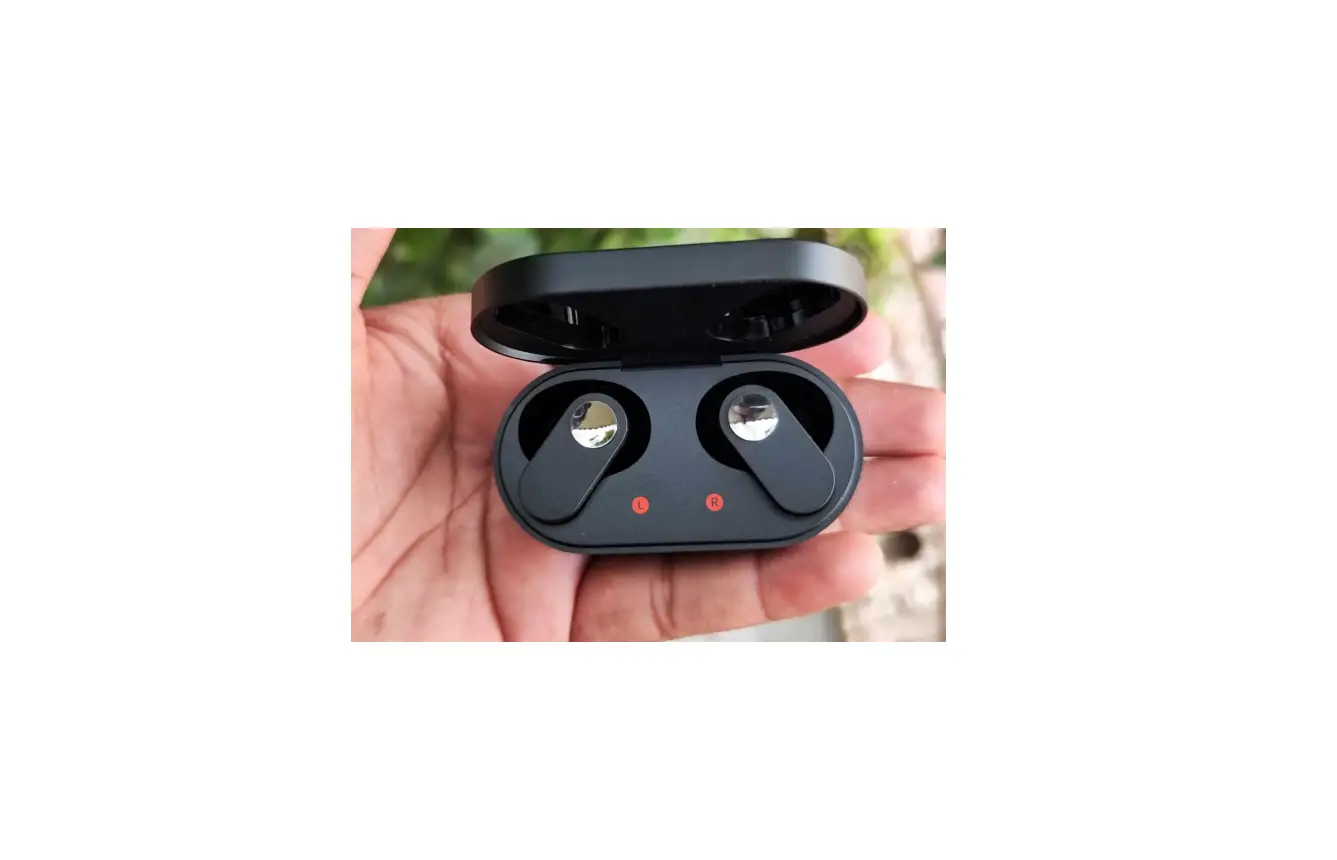
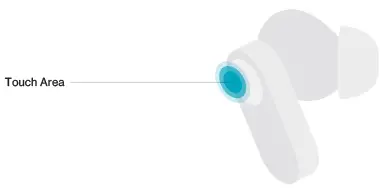
Earbuds
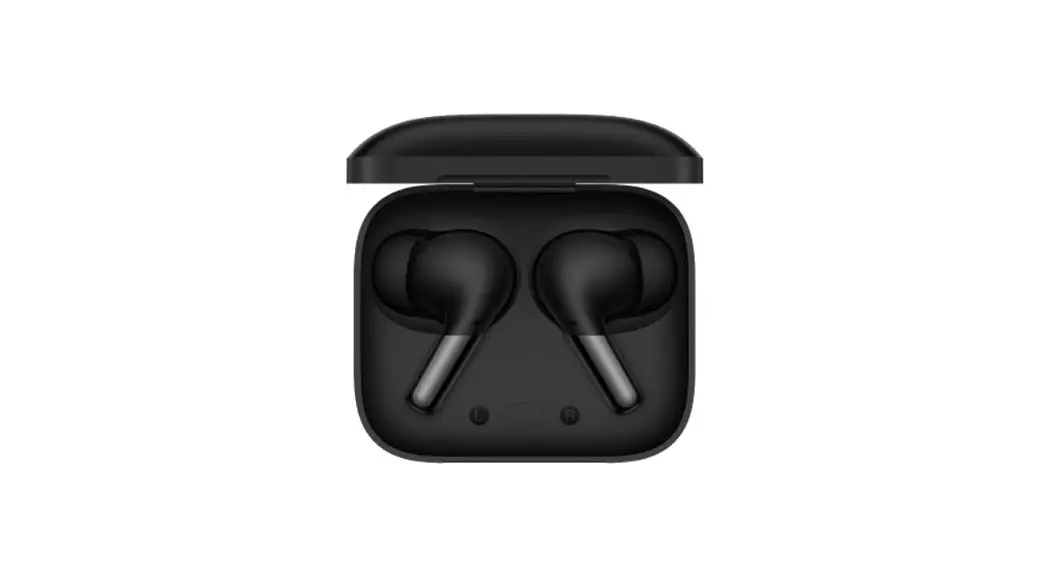
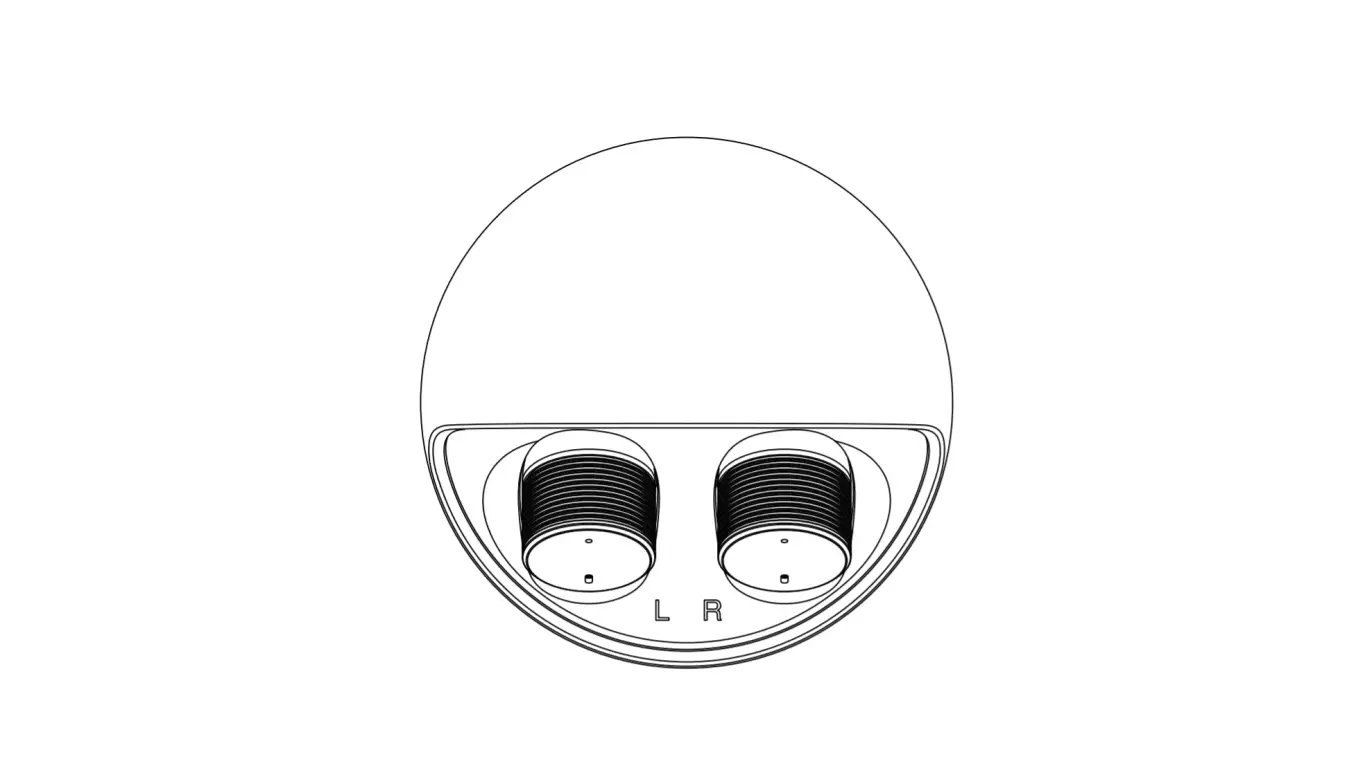
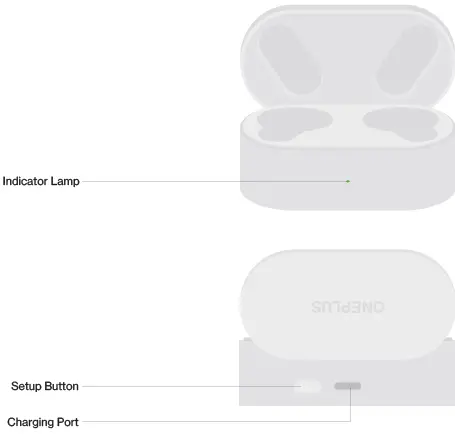
Charging Box
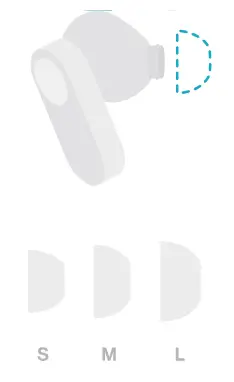
Replacing ear tips
Use ear tips in appropriate size to enjoy optimal comfort and sound quality experience.
Check the buds accessories for ear tips in different sizes.
Pairing and connecting
Connecting to OnePlus Phones
Pleasre turn on the Bluetooth of the phone.
Open the charging case and place it near the phone. Then follow the instructions.
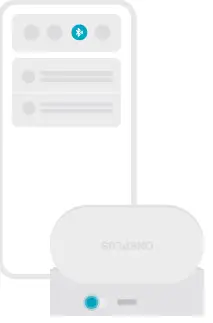
For non-Android Phones
Place the buds into the charging case with the cover opened. Press and hold the setup button of the charging case for 2s to enter Bluetooth settings. Then, select “OnePlus Nord Buds”.
To restore the factory settings
Place the buds into the charging case with the cover opened.
Press and hold the setup button of the charging case for 15s until the indicator lamp blinks red
Note: Only OnePlus 6 and later versions are supported.
Buds details
For OnePlus 6 (or later versions)
You can set buds details and upgrade the software version of the buds under Settings > Bluetooth.
Other Android phones
Download and install HeyMelody to obtain features of the buds and upgrade the software version for enhanced listening experience.

Play control
You can customize the single-tap, double-tap, and triple-tap functions of the left bud and right bud on the phone to perform diferent commands:
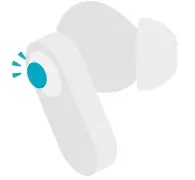
Single-Tap by default:
“Play/Pause”
Double-tap by default:
“Next” and optional double-tap functions: “Play/Pause”, “Previous’, “Next’, and wake up “Voice
Assistant
Triple-tap by default: “Previous” and optional triple-tap functions: “Previous”, “Next’, and wake up “Voice Assistant”.
Other function control
Call control
- Answer/End: Double-tap
- Reject: Press and hold the bud for 3s
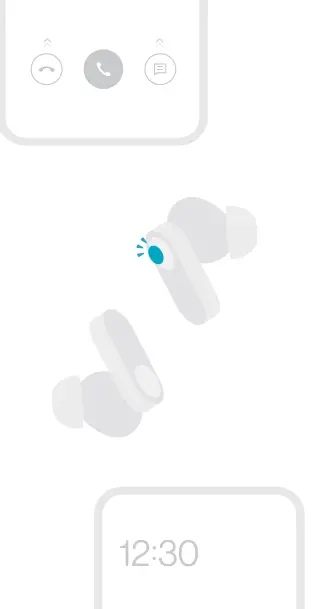
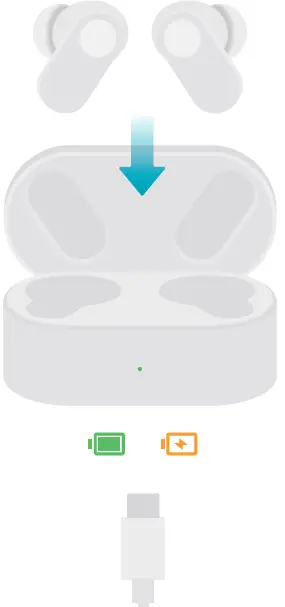
Charging the buds
- Charge the buds
Put the buds in the charging case with the cover closed to initiate charging. - Charge the charging case
Connect the charging case to a power supply through the charging cable delivered with the buds to charge the charging case.