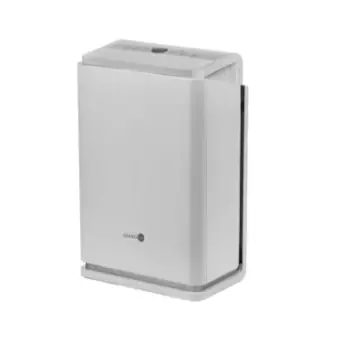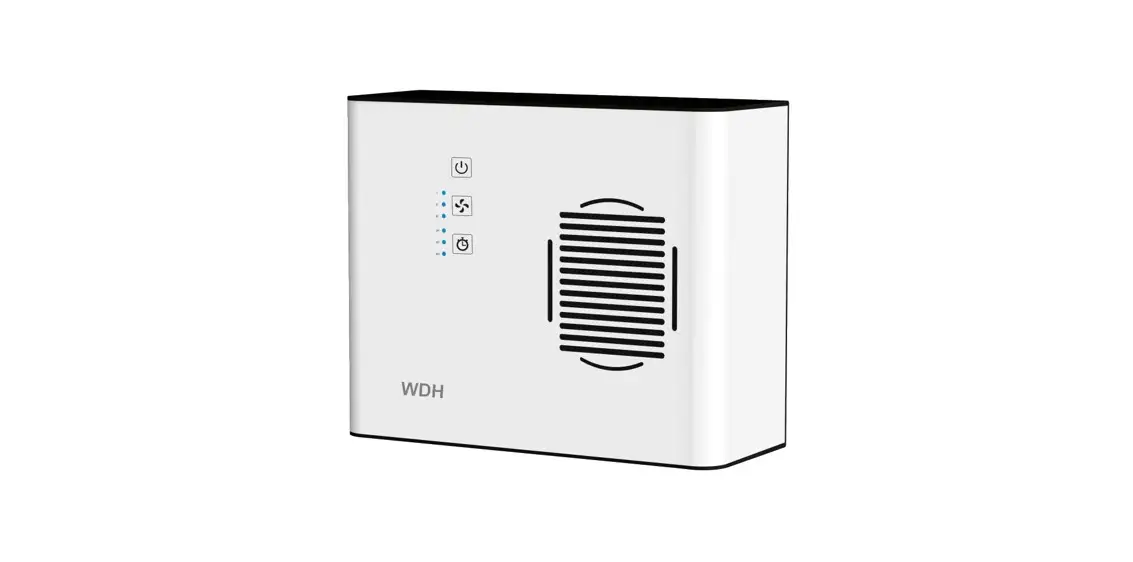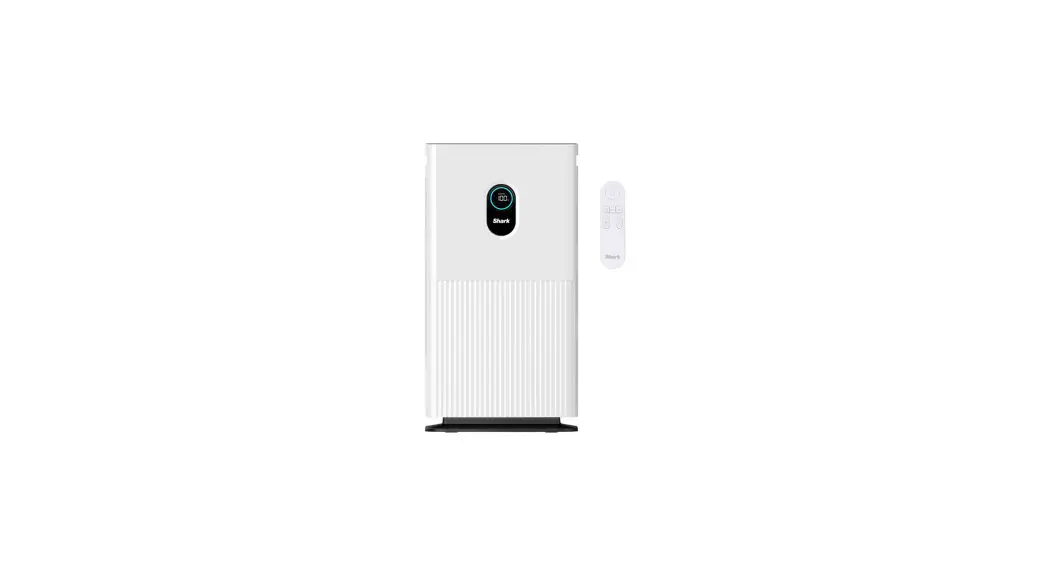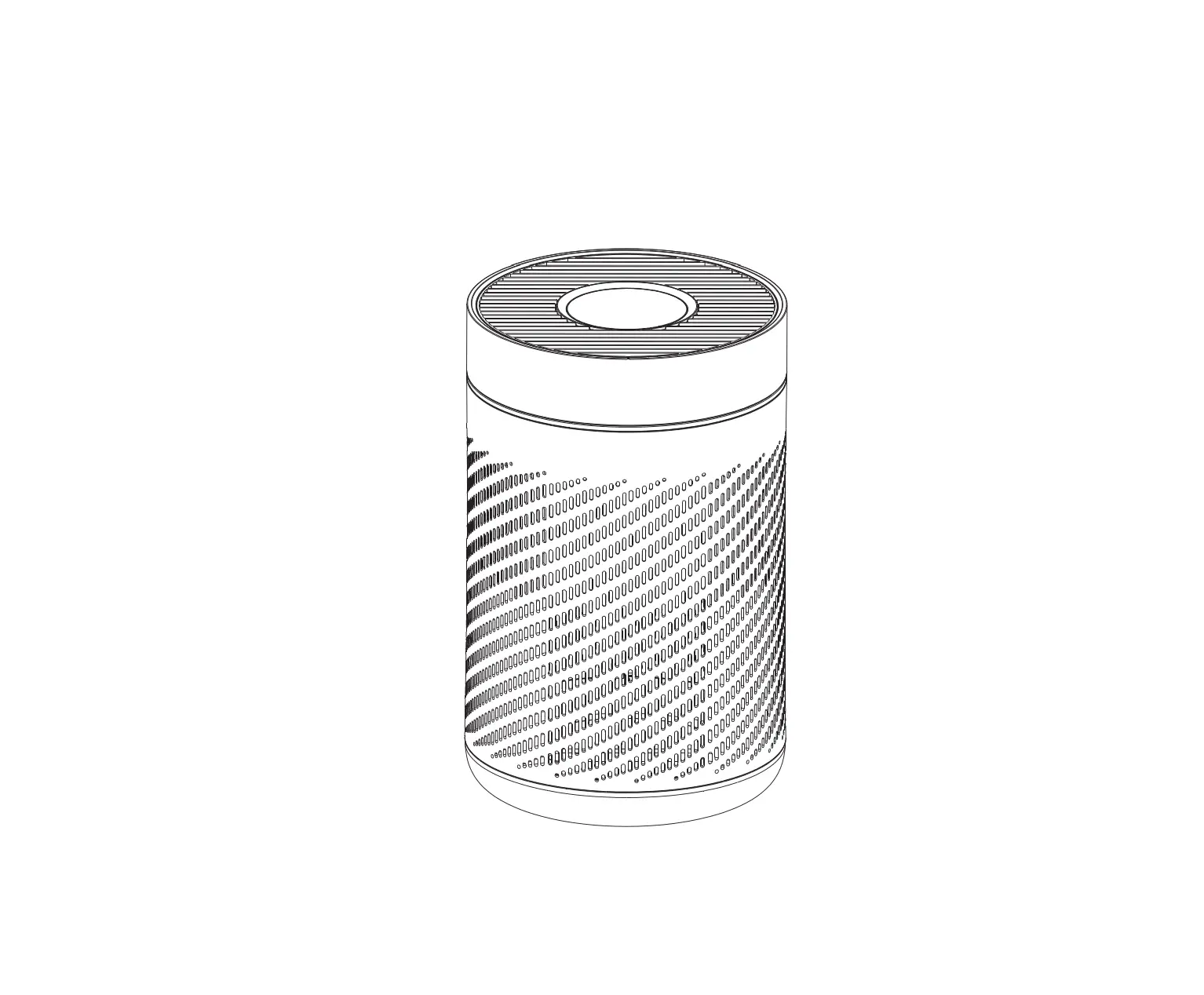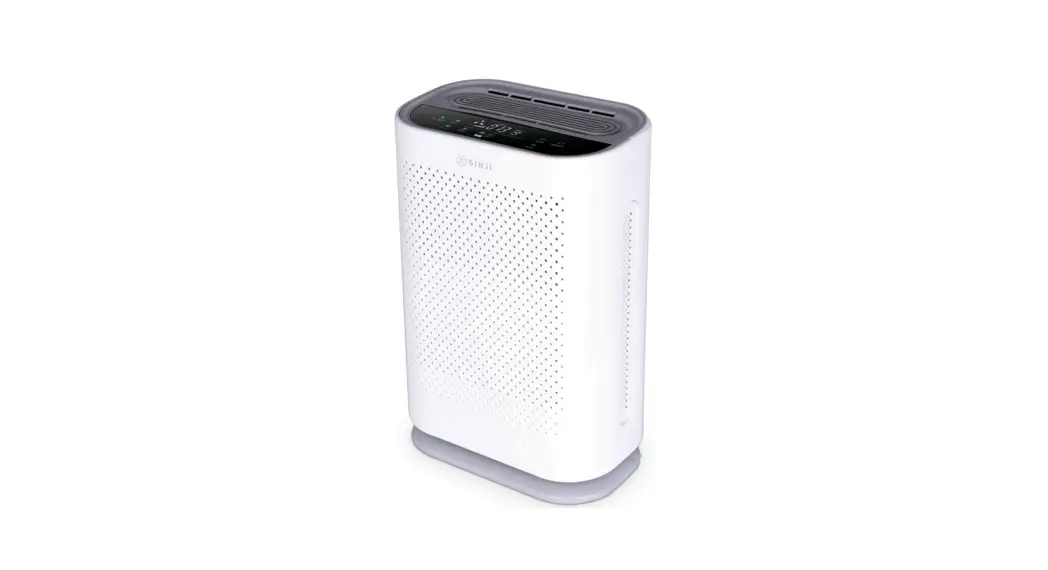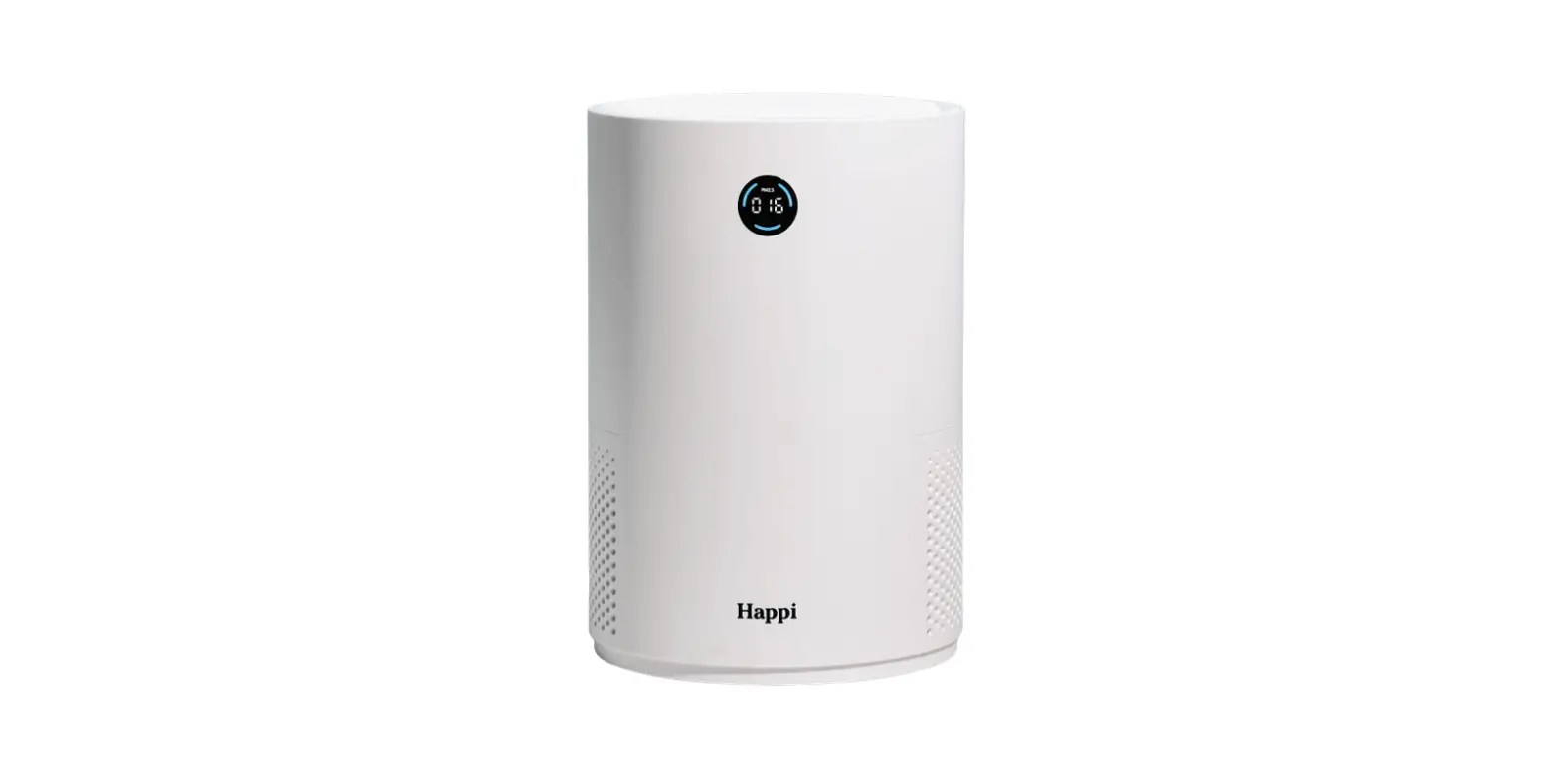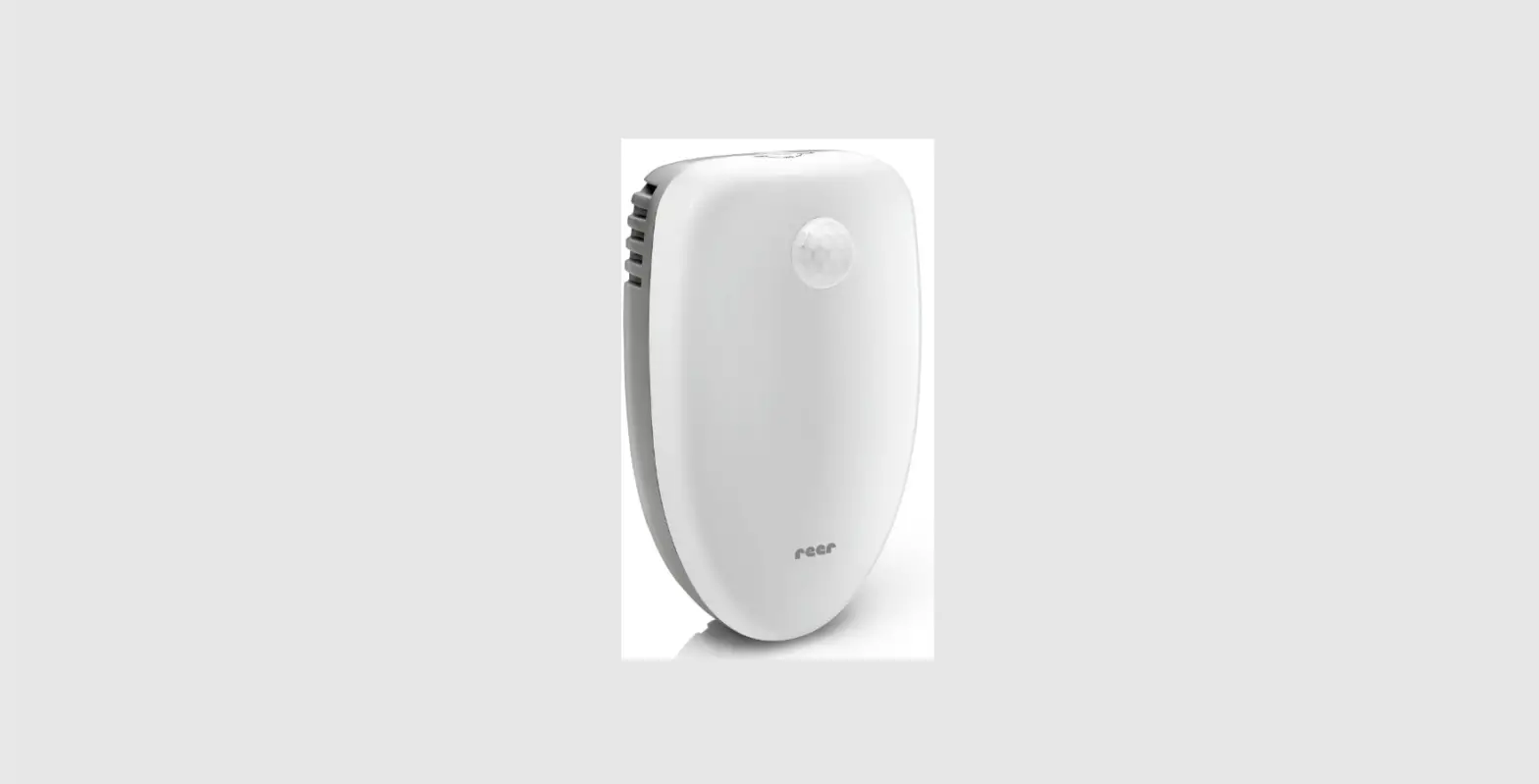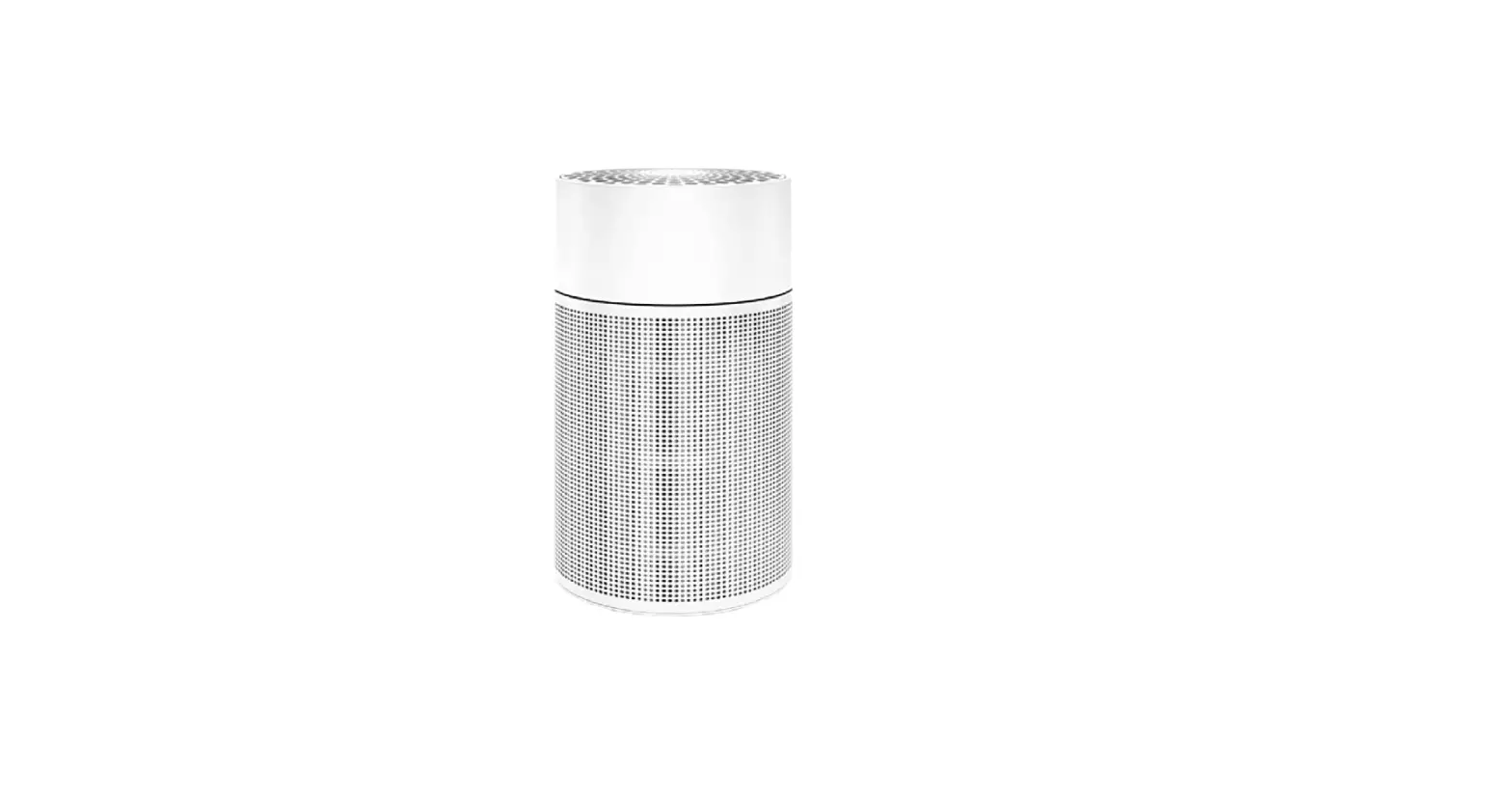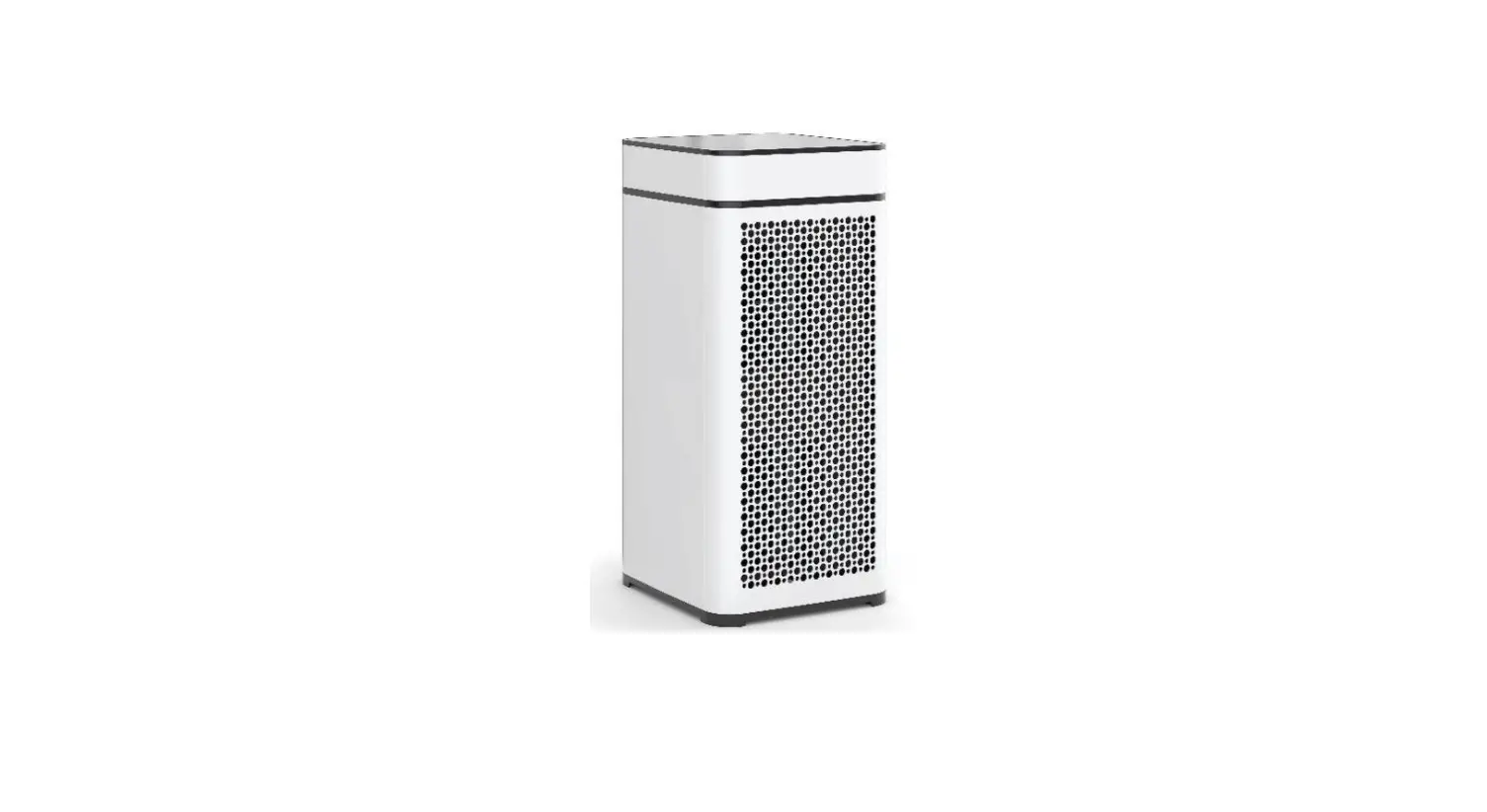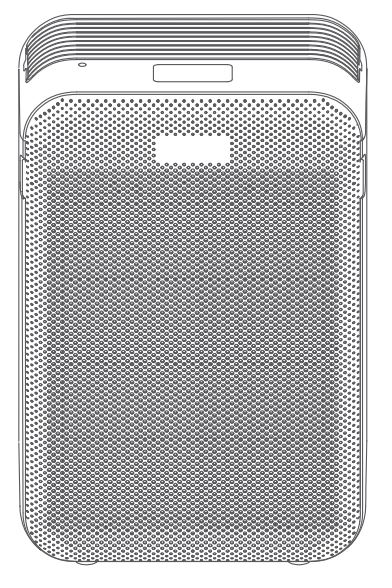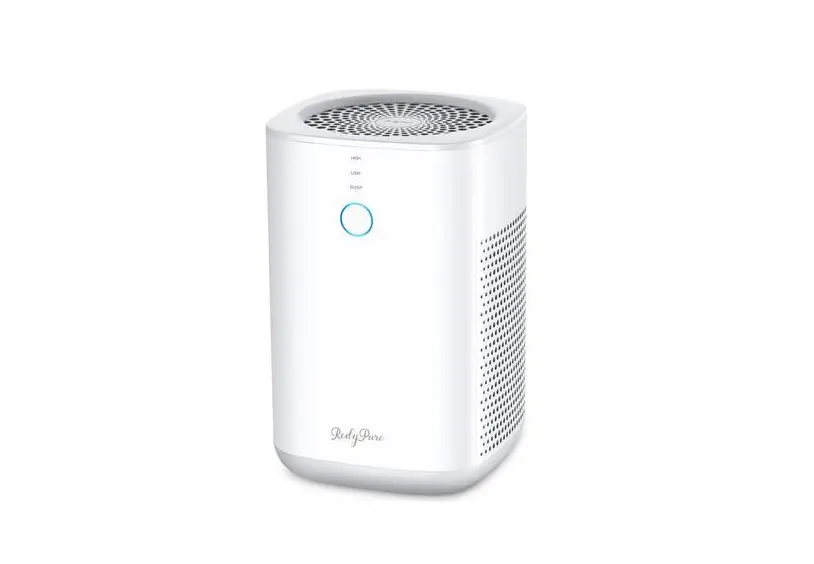
Redy Pure jr6 Air Purifier Owner’s Manual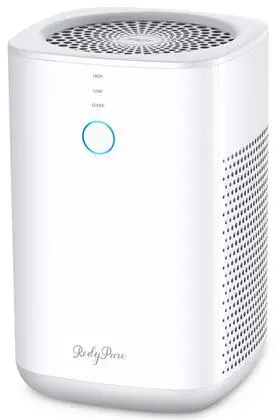
Operating Guidelines
The following table lists the operating parameters for this product- operating this product outside these specifications may cause system performance issues and may even lead to personal injury and void any warranty. Please contact RedyPurer for further advice and support.
Operating Parameter
| Operating Model | Parameters RedyPure . JR6 |
| Rated Voltage | 110-240 Volts AC |
| Rated Power | 6 Watts |
| AC Adaptor Output | 12VDC. Please only use the provided power adaptor. |
| Dimensions | 6.7 x 6.7 x 10.4 Inches (170 x 170 x 265min) 3.3Ib (1.5kg) |
| Operational weight | |
| Filter Element type | Composite filter elements |
| Filter Elements required | Twin (2) cartridge style elements |
Installation guide
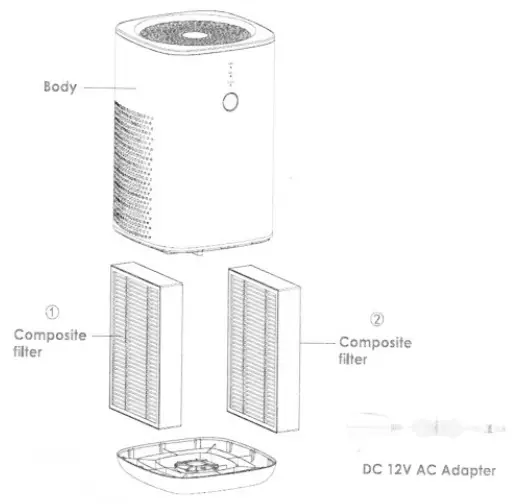
System Contents
Your RedyPure@ JR6 Air Purifier was carefully assembled, packaged, and shipped complete with all the parts you should require.
Unsure about something? Is there a problem?
Please contact RedyPure@ via our Customer Service Center below
Connecting up the System
Step 1
Before using the air purifier for the first time, open the base and remove both filters. Make sure you remove any packaging from each filter element, or the product will not function correctly.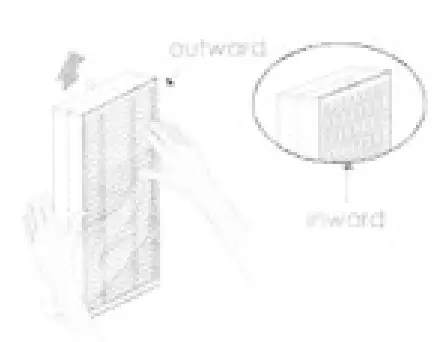
Step 2
Plug the output of the power adapter into the connector on the back of the purifier. Plug the power adaptor into an electrical outlet The purifier should now be in standby mode.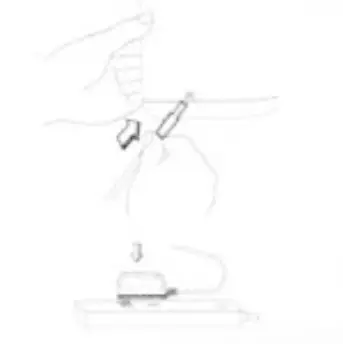
Step 3
Push the power button once to tum the air purifier on The purifier should now be in operational mode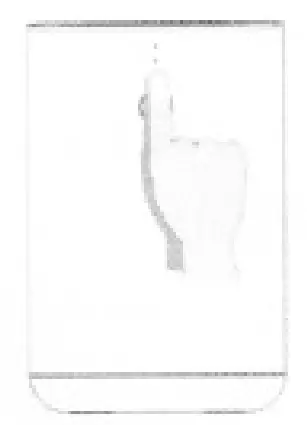
Operational Guide
Power Button
The indicator light will be blue and flash for about one second when the power adaptor is first connected to the purifier, indicating the standby mode. Press the on/off button once to turn on the device the indicator light will now be a steady blue; the purifier will operate in the defaults sleep mode (quiet fan speed).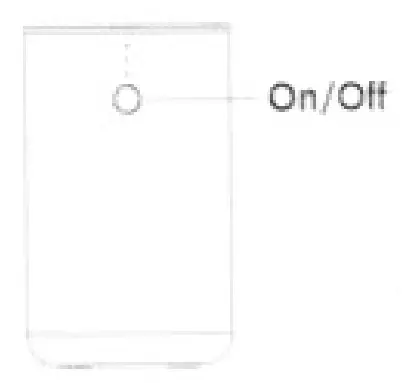
Operational Mode
From default mode, press the on/off button repeatedly to cycle through fan speeds:
- High – maximum air filtering mode
- Standby – off[Press and hold for l Second
- Low – standard air filtering
- Sleep- quieter sleeping mode (default mode]
The indicator lights displayed accordingly
Sleeping Mode
Sleep mode (quieter fan speed). The indicator lights are also turned off after 5 seconds when entering sleep mode. The fan continues to operate at a more silent, low rate without any indicator lights to disturb sleep. Press the on/off button once to review device mode (after 5-seconds, the system resumes sleeping mode) or continue to press on/off to cycle through other operational modes.
Filter Timer
The filter element lifespan is dependent on how many hours and which mode of operation the air purifier is used (see table below). ‘ The system automatically monitors the fan speed and operational hours. When the filter’s lifespan is exhausted (reaches 1000/0), the red indicator light will stay lit until you replace filters and reset the filter timer (see filter reset).
| Operation Mode Fan Speed | Filter usage hours run rate | Calculations |
| Sleep | x 0.5 | Double filter element life |
| Low | x 1.0 | Normal filter element life |
| High | x2.0 | Half filter element life |
Note; Total collective hours between filter change ” 1000 hrs.
Filter Reset
After replacing the filters, you need to reset the filter timer as follows: The red change filter indicator is ON. Place system into standby, hold the on/off button down for 3 seconds to reset the filter tinier. The red indicator light will now he off. Reset complete.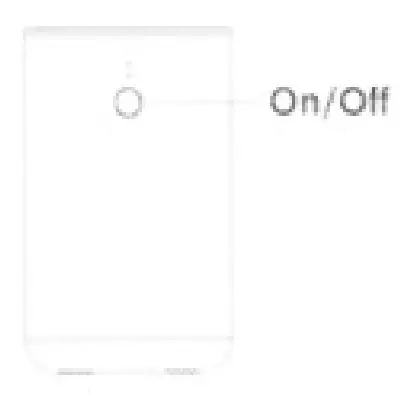
The red change filter indicator is OFF. Suppose you need to replace the filters before the red change filter indicator light is on (this may be due to heavy pollutions or blocked filters requiring an earlier filter change). First, we need to force the filter timer to expire. Place the purifier into standby mode, hold the on/off button down for 3 seconds; this will force the red indicator to light, now the unit enters the force zero clearing mode of filter lifespan. Hold the on/off button down for 3 seconds till the red indicator is off within 5 seconds. Reset complete.
If not pressing any button or short pressing the on/off button within 5 seconds, the filter lifespan will not be reset.
Filter Replacement
Step 1
Press the on/off button until the indicator light is off, turn off the power adapter, and unplug the air purifier. Invert the purifier on a soft surface (to avoid scratching the case). Rotate the base lock cover to open and lift off the base cover, remover both filters.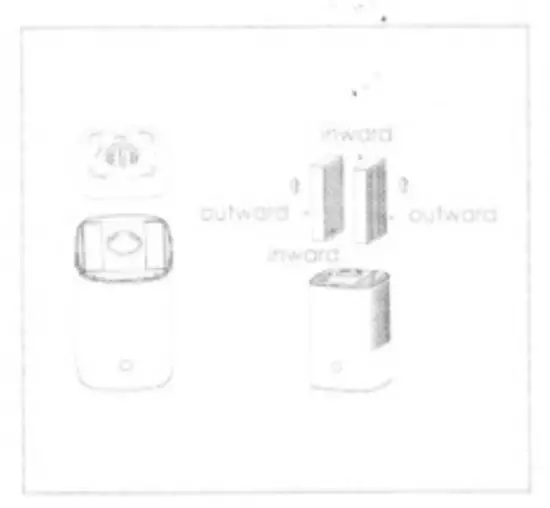
Step 2
Clean out any remaining dust or hair inside the purifier using a vacuum hose of dry cloth. DO NOT use water or liquids to clean the air purifier.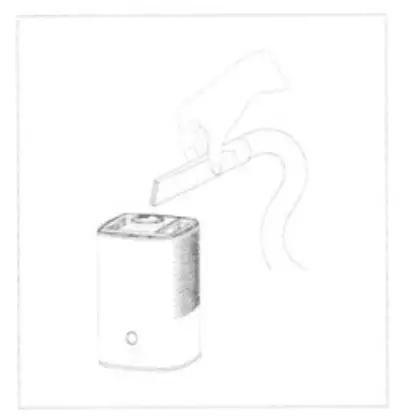
Step 3
Remove any packing from the new filter elements and take note of the inward and outward sides of the filter element for correct installation.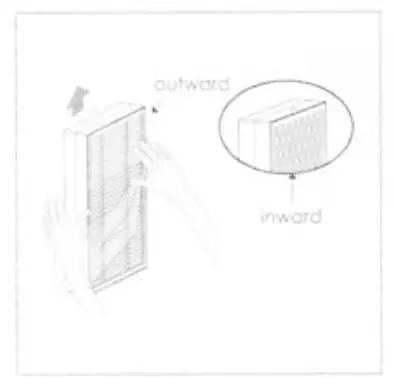
Warning: Keep packing materials away from children’s reach
Step 4
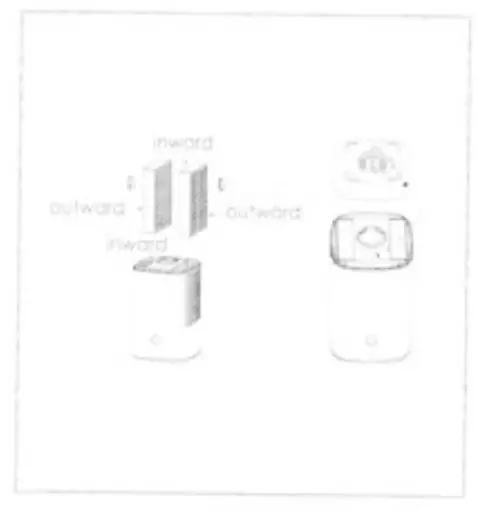
Slot the two new filter elements into the air purifier base, ensuring the filters’ outer sides are facing outwards. Replace the purifier base and rotate the lock cover to close. Turn the purifier upright. Re-plugin the air purifier and follow the Filter life timer reset instructions (See Page 8).
How to source replacement filters
Replacement filter elements are available from the following retailers, supplied as a pair (two filter elements per pack.
RedyPure HEPA/AC Composite Filters (x2)
| 0nline Store | Description |
| www.redypurer.com | JR6 filter |
| www.amazon.com | JR6 filter or B08CK673W8 |
| www.ebay.com | JR6 filter |
Or contact RedyPure Customer Service for purchasing options:
Customer Support
Customer Service: [email protected]
Website: www.redypurer.com