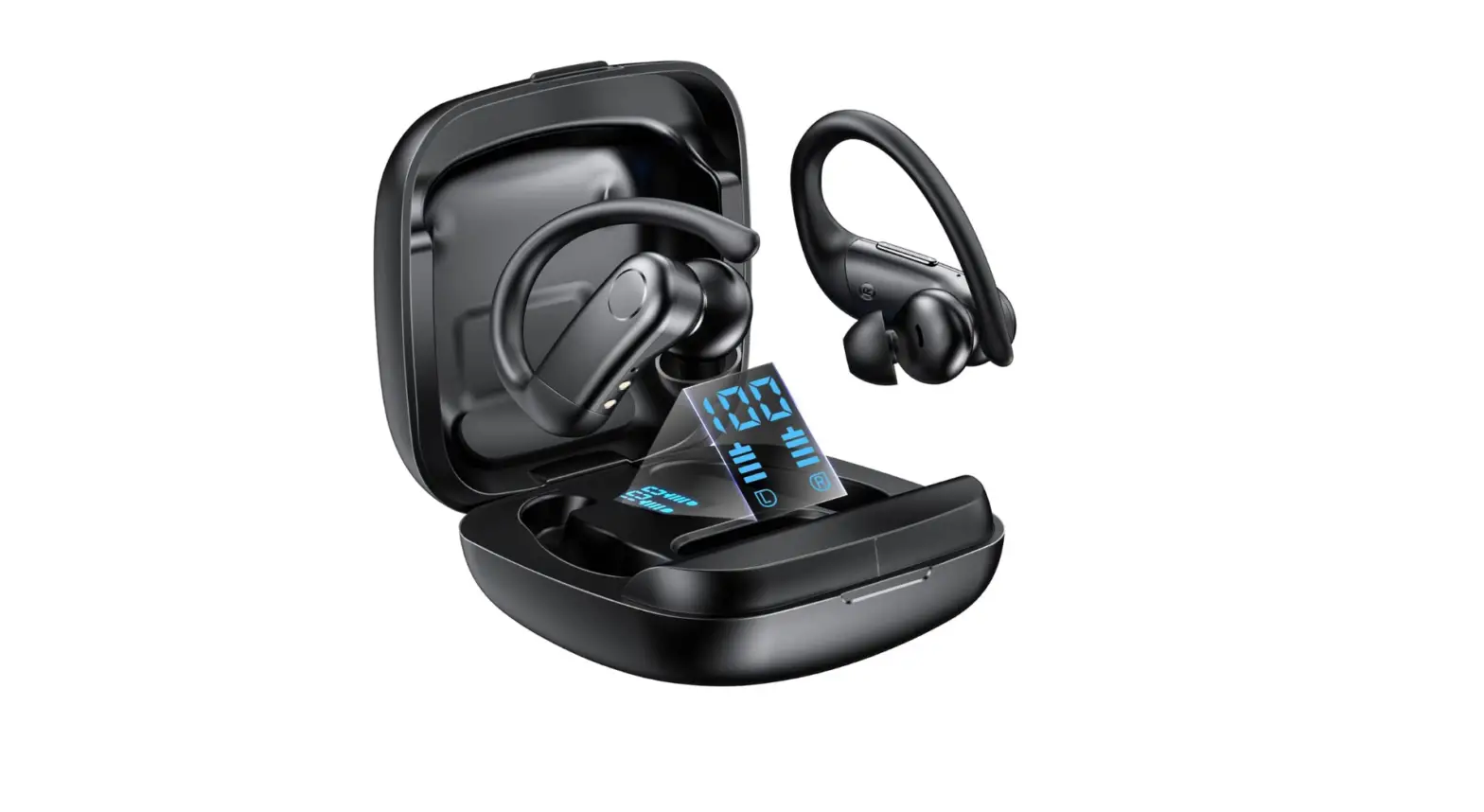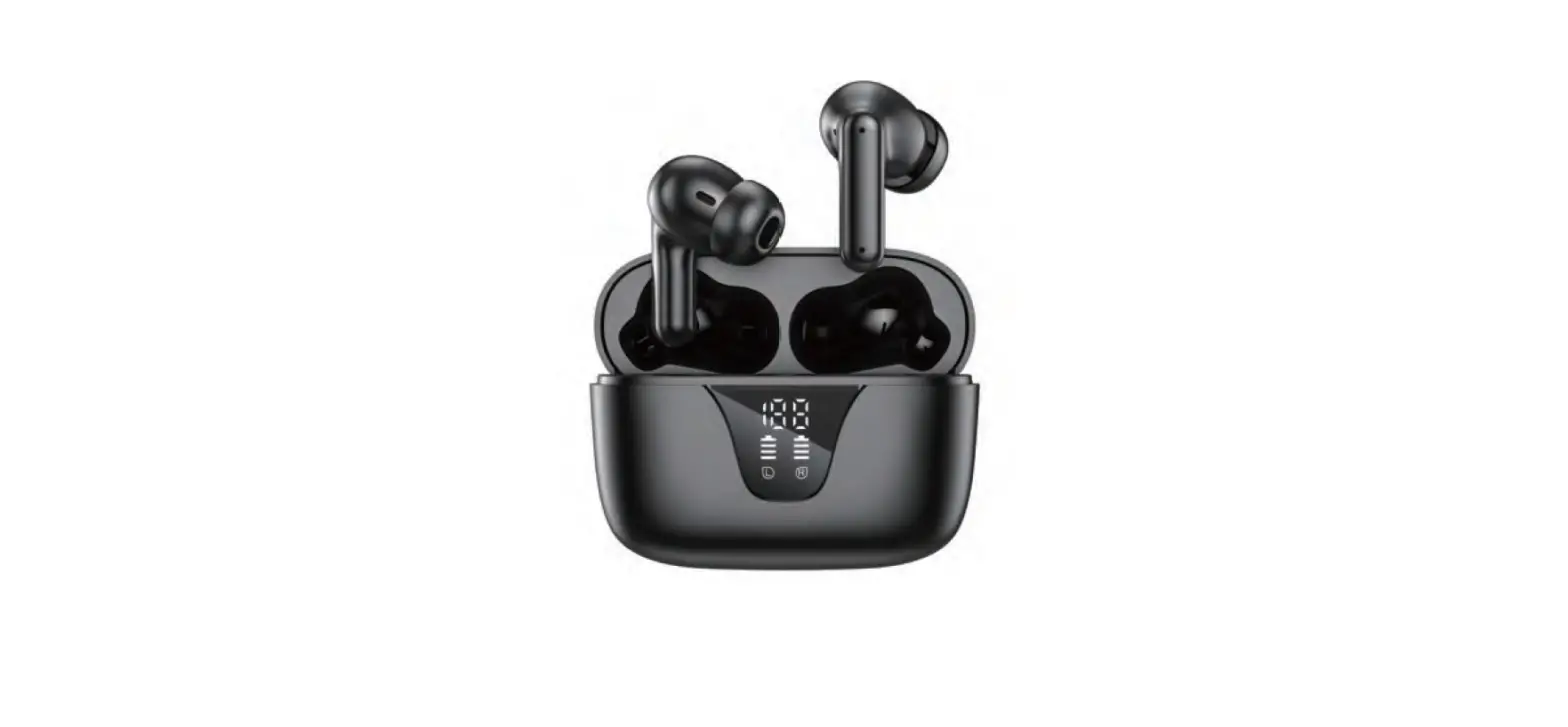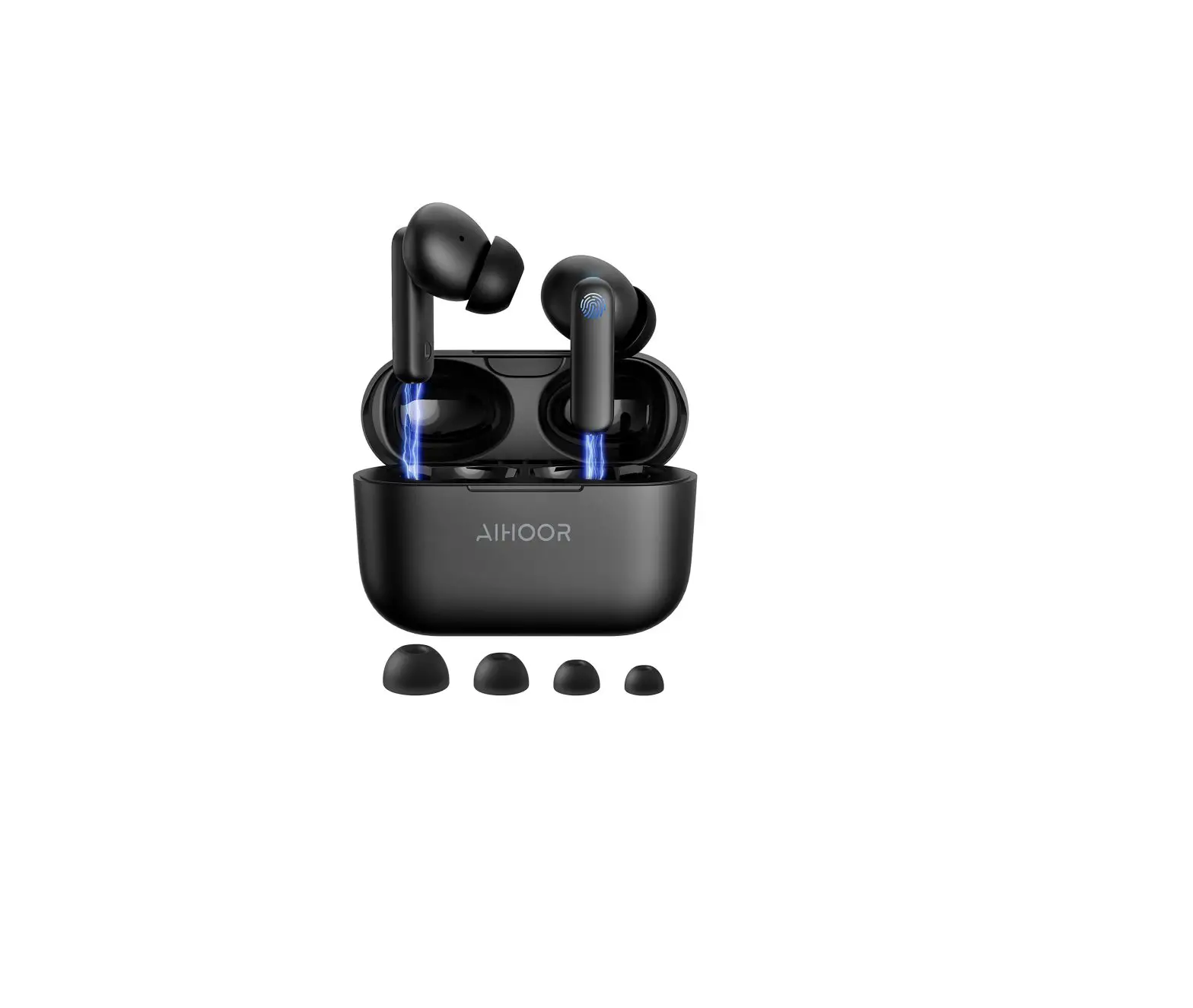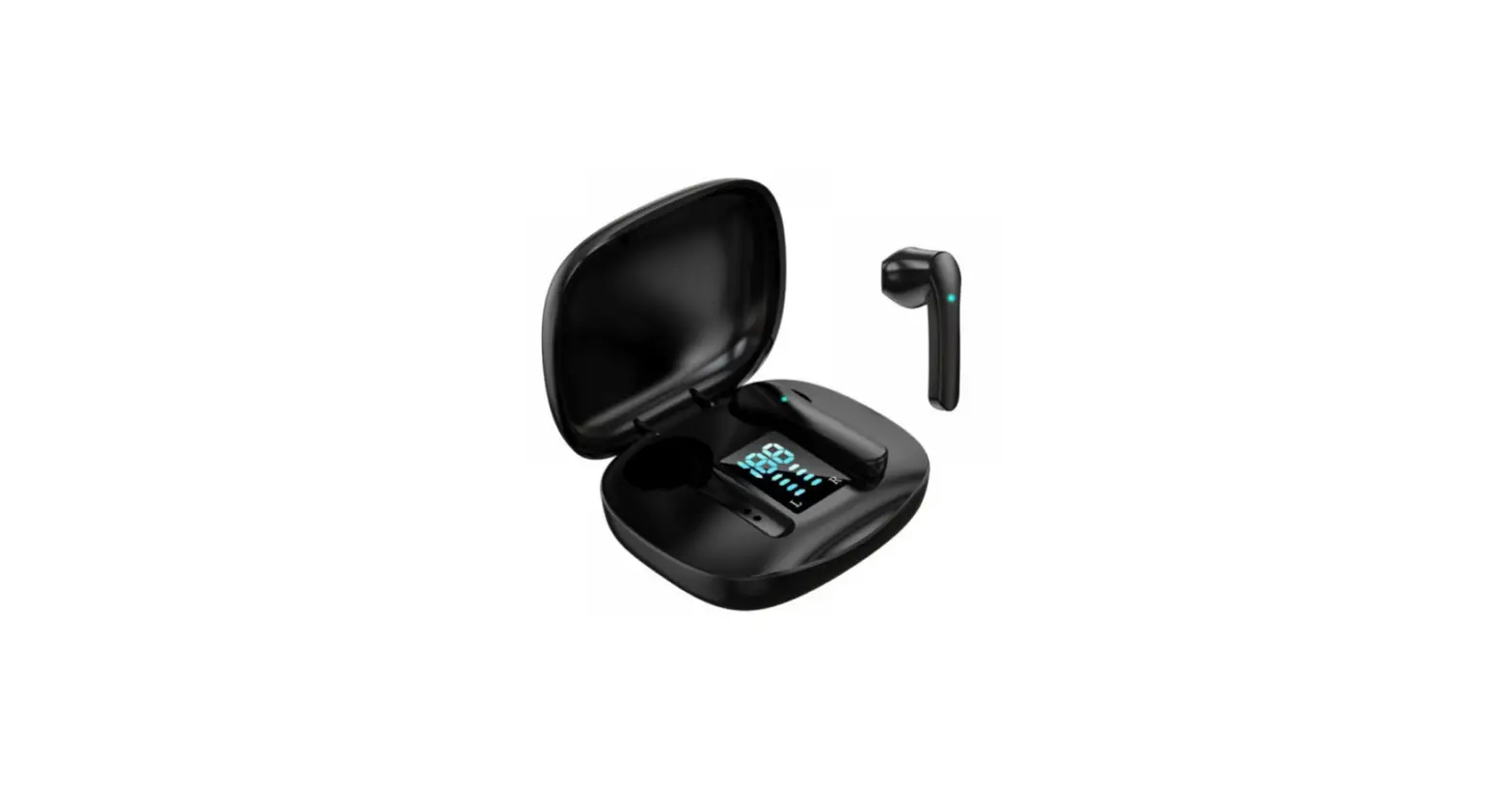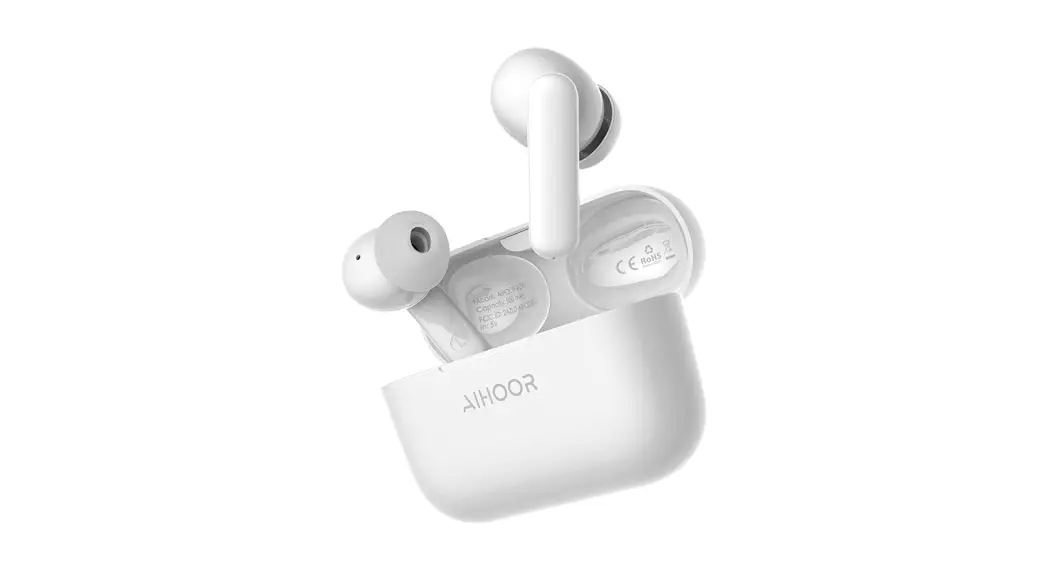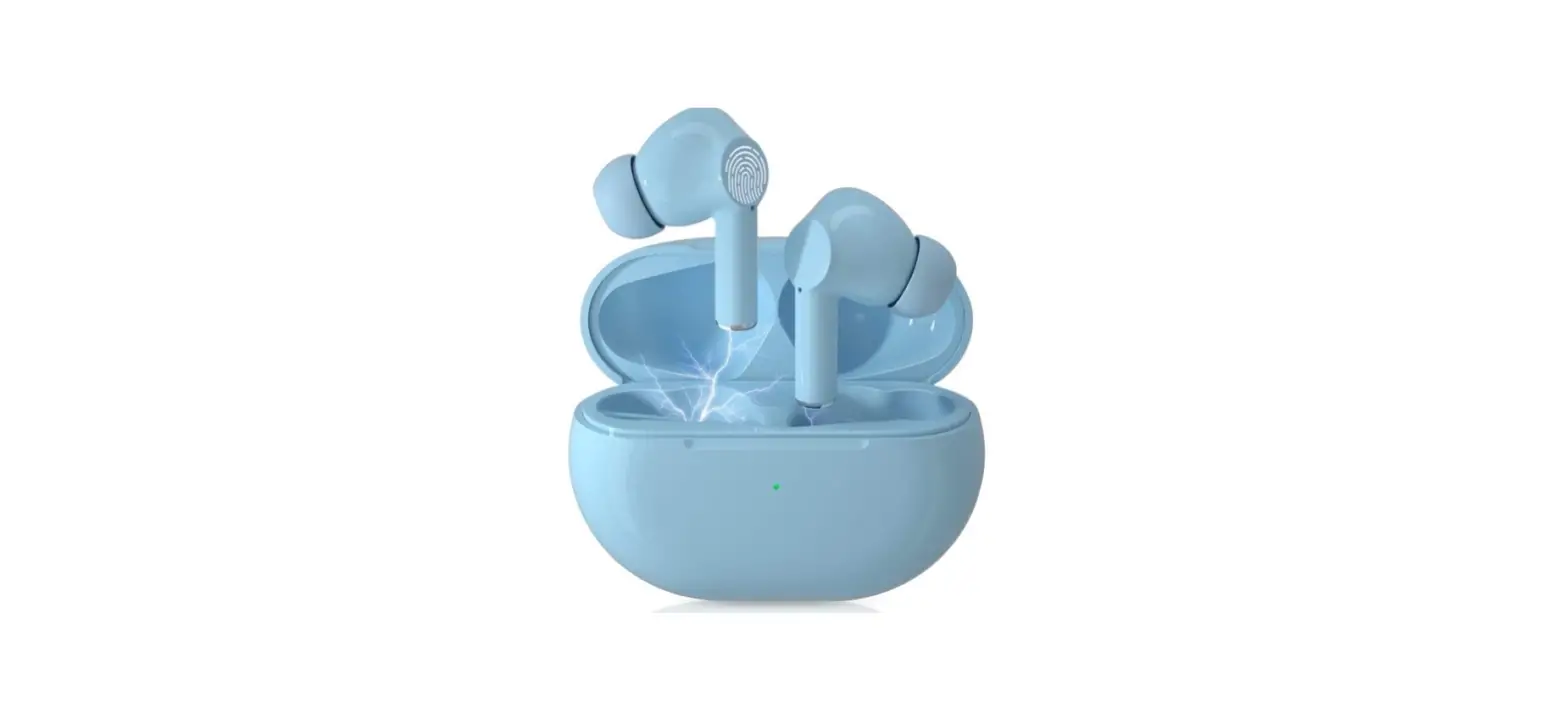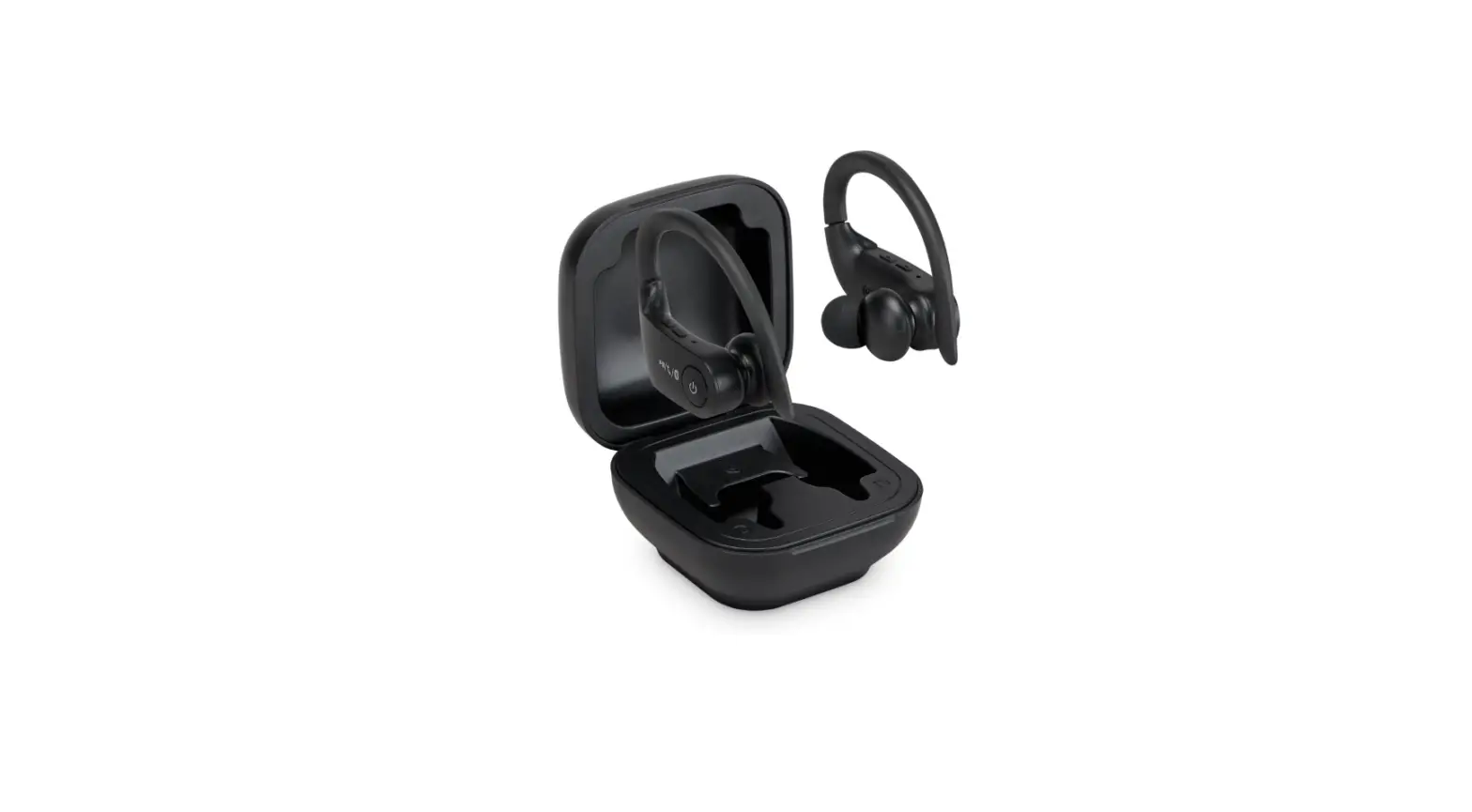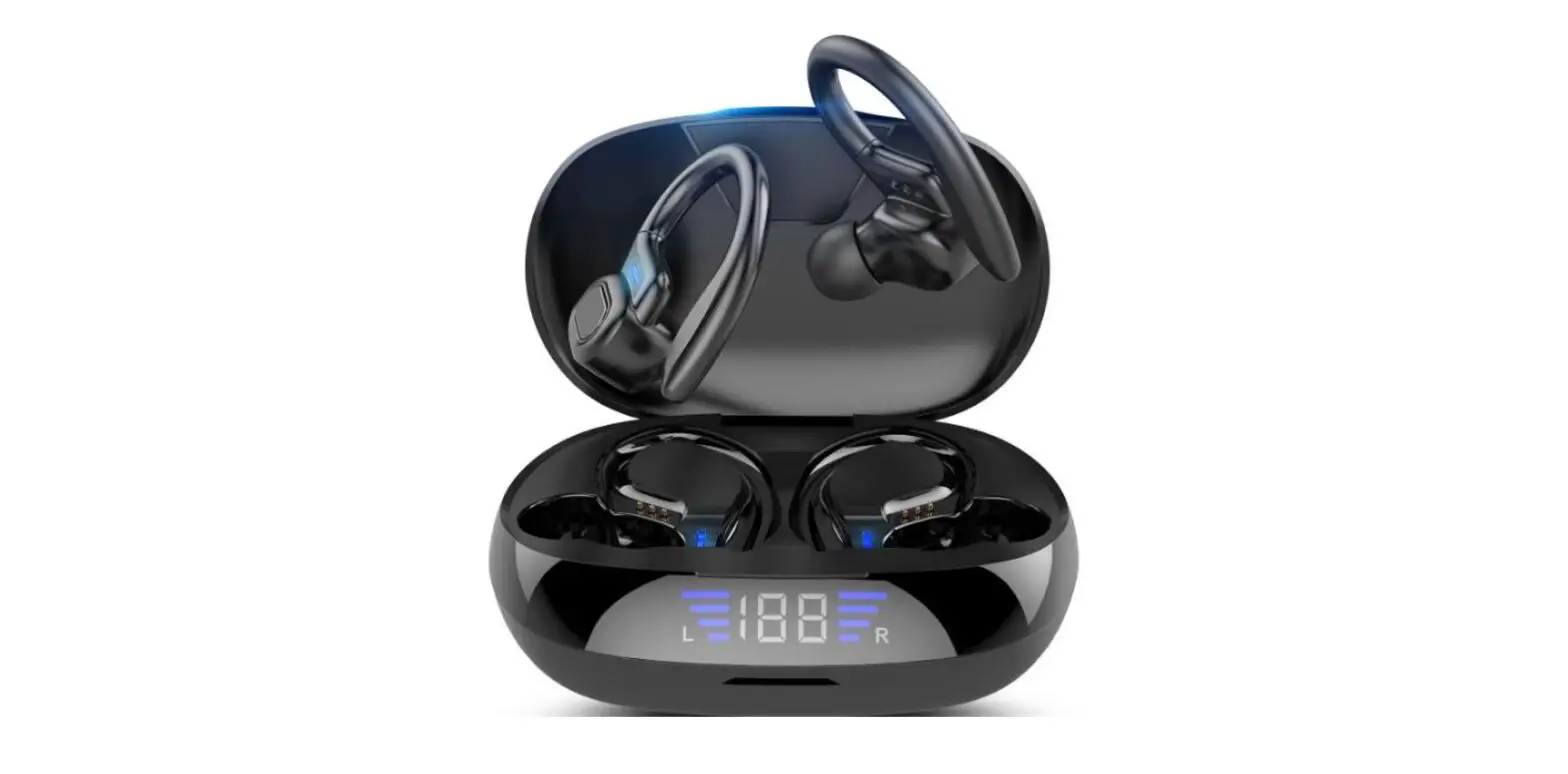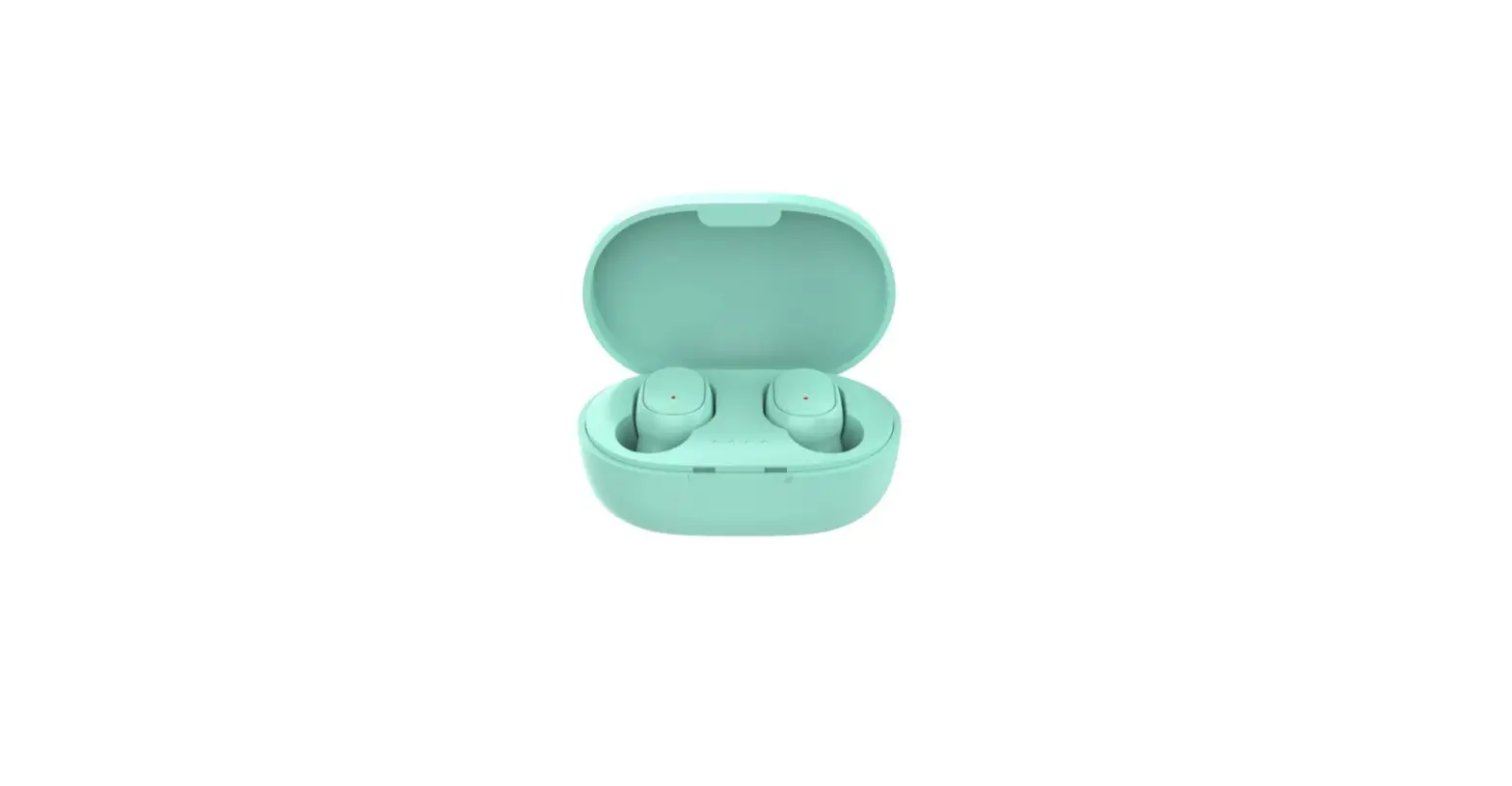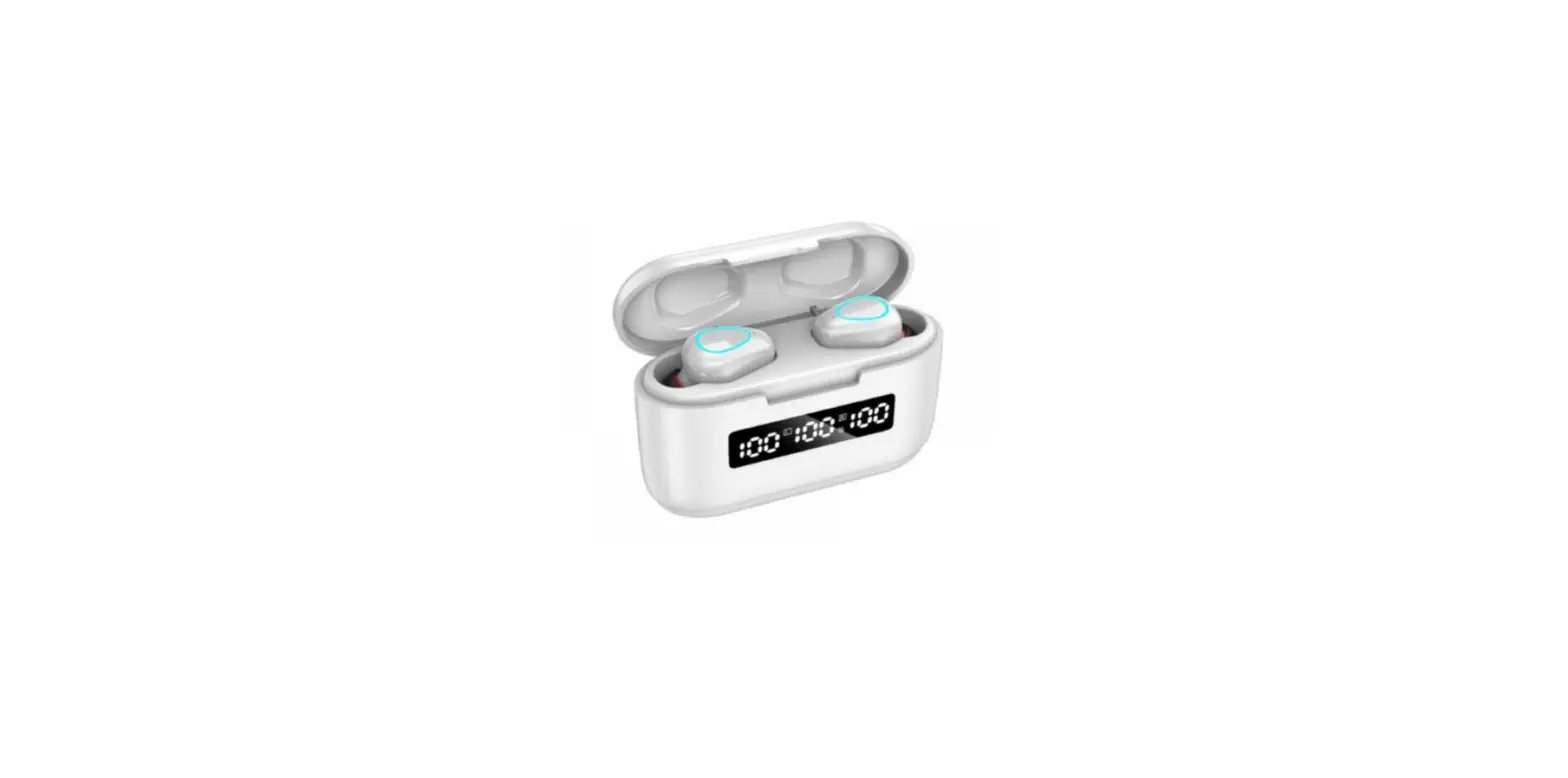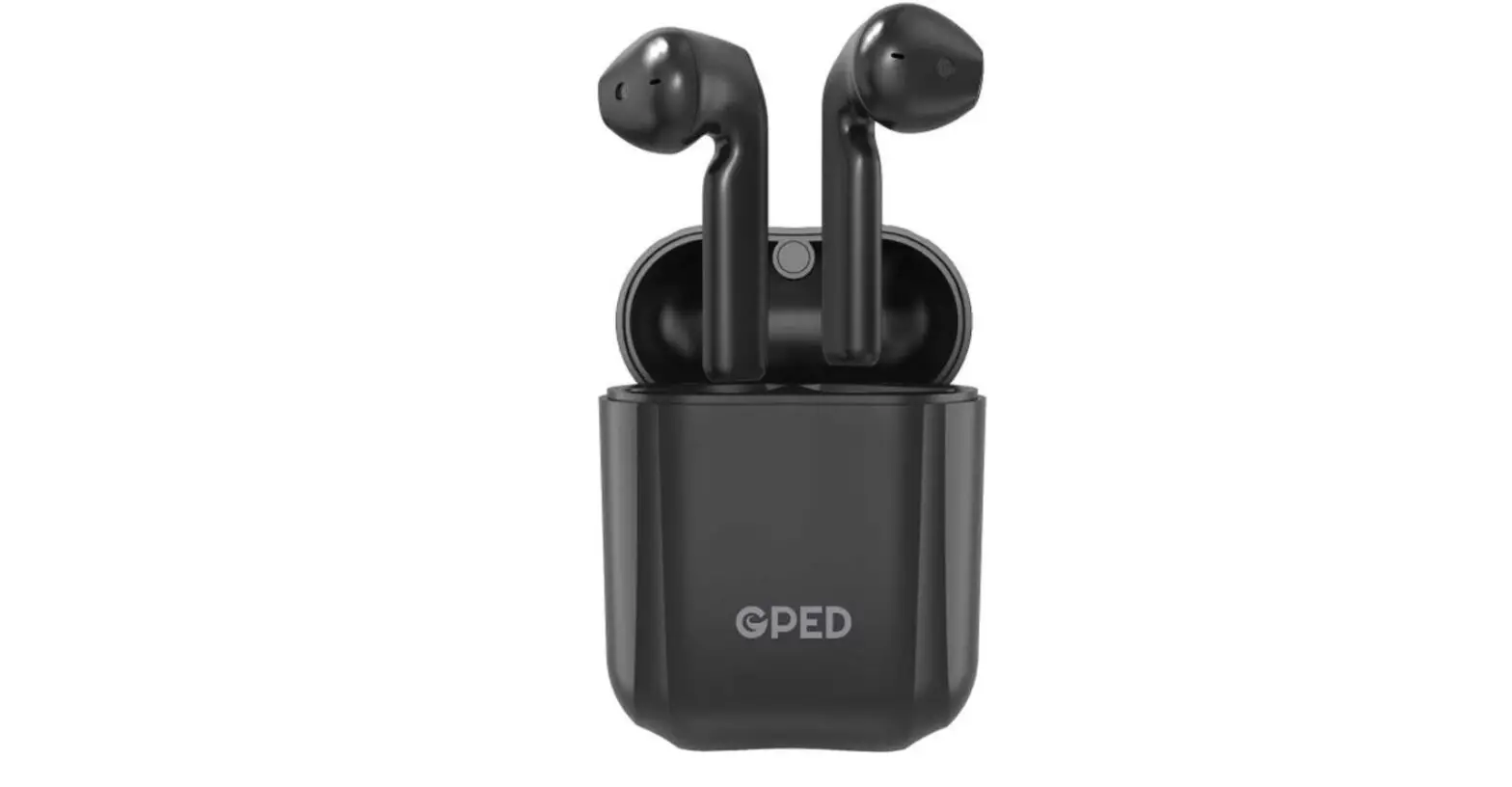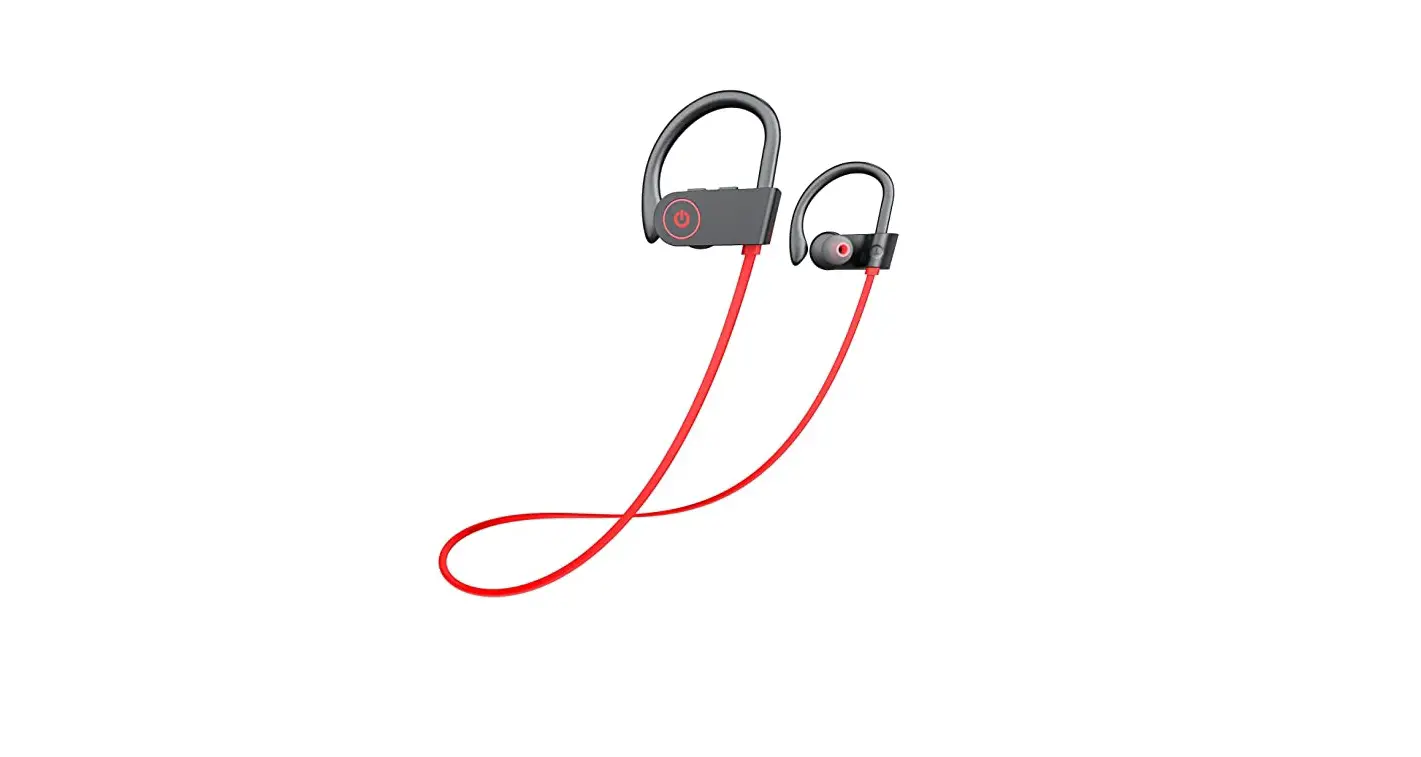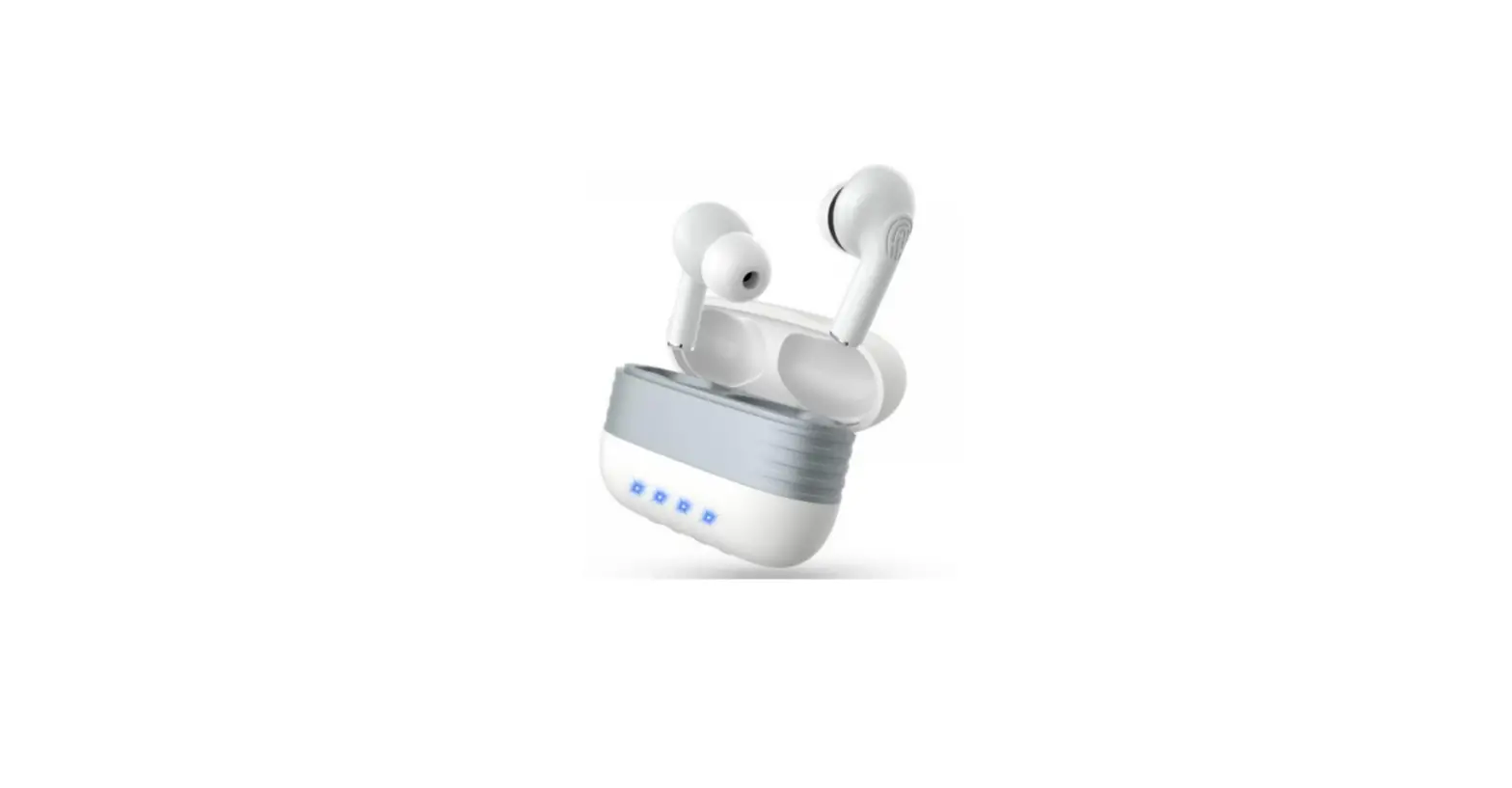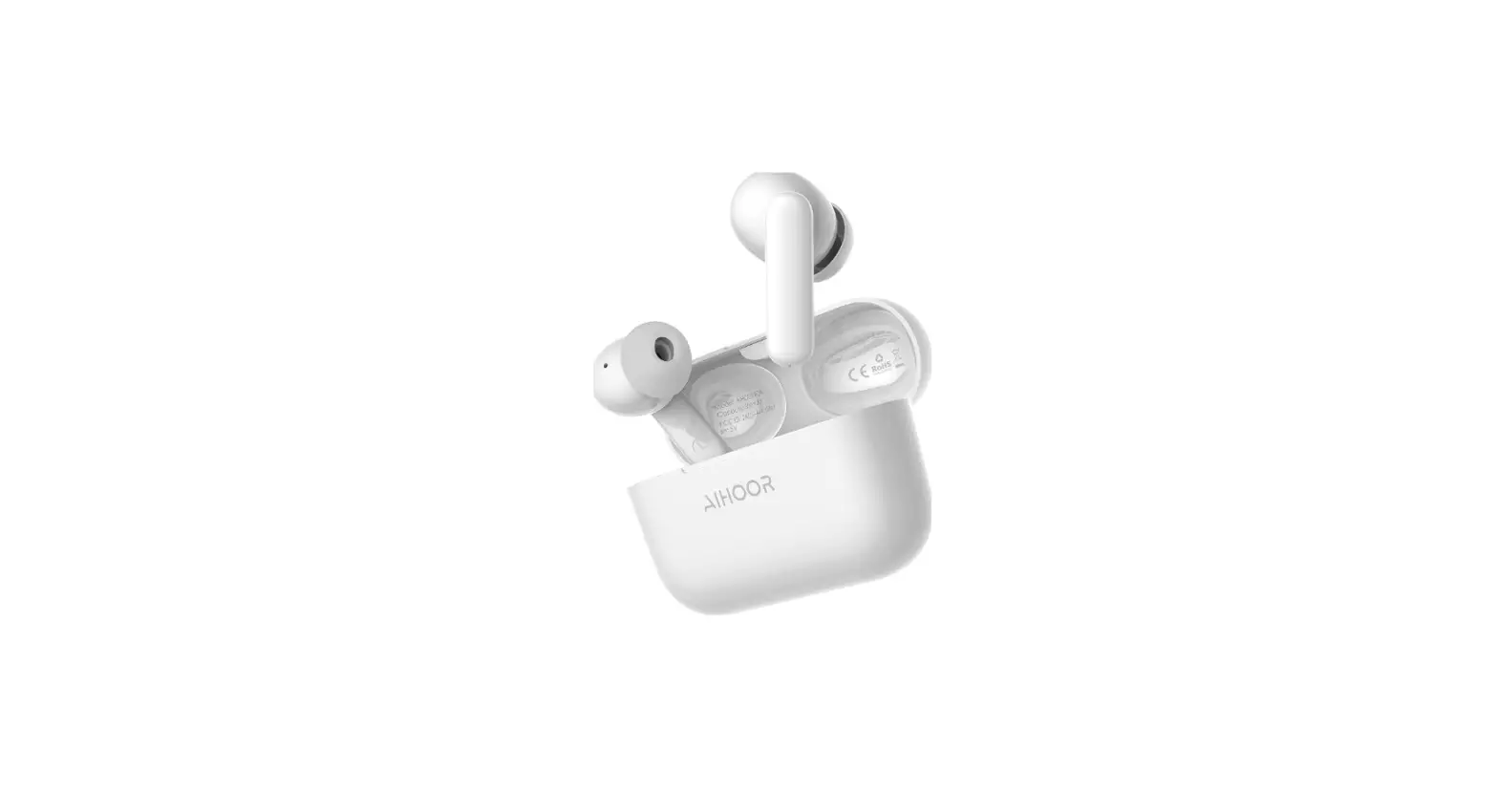

AIHOOR Wireless Earbuds for iOS & Android Phones, Bluetooth 5.0 in-Ear Headphones
SPECIFICATIONS
- Product Number
ALHOOR A4 - Bluetooth Version
5.1 - Bluetooth Protocol
A2DP / AVRCP/HSP/ HFP - Charging Time
2h - Battery Life
≈20h (with case)
≈5h ( earbuds only) - Earphones Impedance
32Ω - Maximum Output Power
5mW - Frequency Range
20Hz-20KHz - Microphone Sensitivity
-38dB@1KHz - Battery Capacity
500mAh - Bluetooth Effective Distance
10m - Product Weight
45g/4g (each earbud) - Charging Voltage
DC 5V - Waterproof Rating
IPX4 - Brand
ALhoor
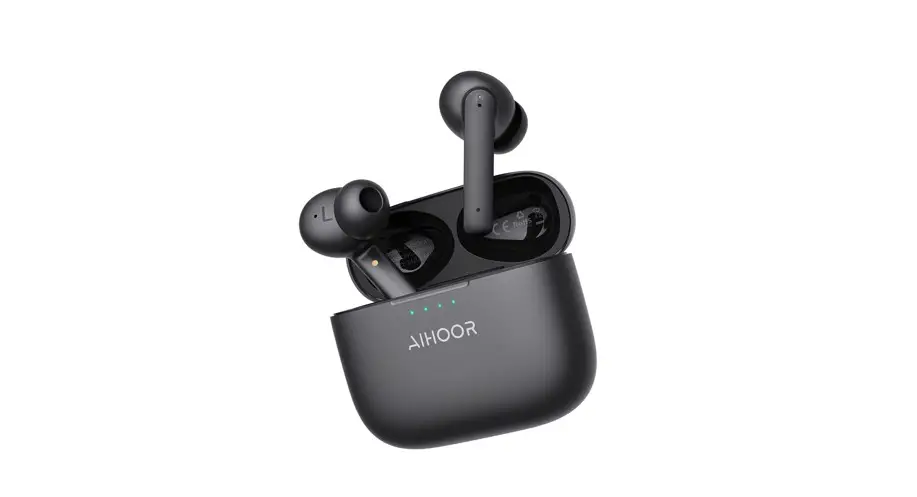
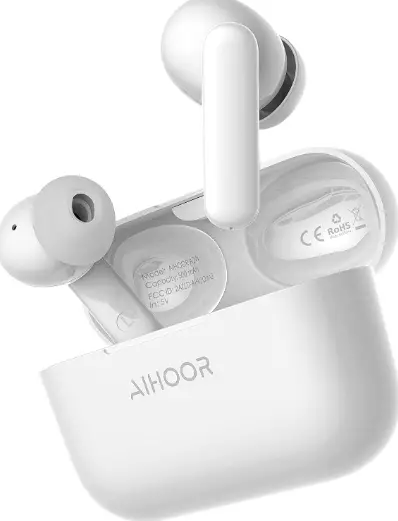
Alhoor A4 is a good earphone that has a good Bluetooth range. Alhoor earphone is a Wireless earphones. Alhoor earphones is a basically sports earphones which is easy to wear and are swear resistant. It has also a charging case that helps the earbuds for battery charging time. Alhoor earphones have a good Base quality And you can also use in traveling Because it has good battery health and for a long battery stand time. And the earbuds have a round silicon cover that covers your ears. The earbuds are comfortable and easy to wear and fit ear and no fear of falling earbuds from your ears.
Thank you for purchasing the AIHOOR A4 True Wireless Stereo earbuds. Please read this user manual carefully and keep it for future reference. If you need any assistance, please contact our support team with your product model number and Amazon order number.
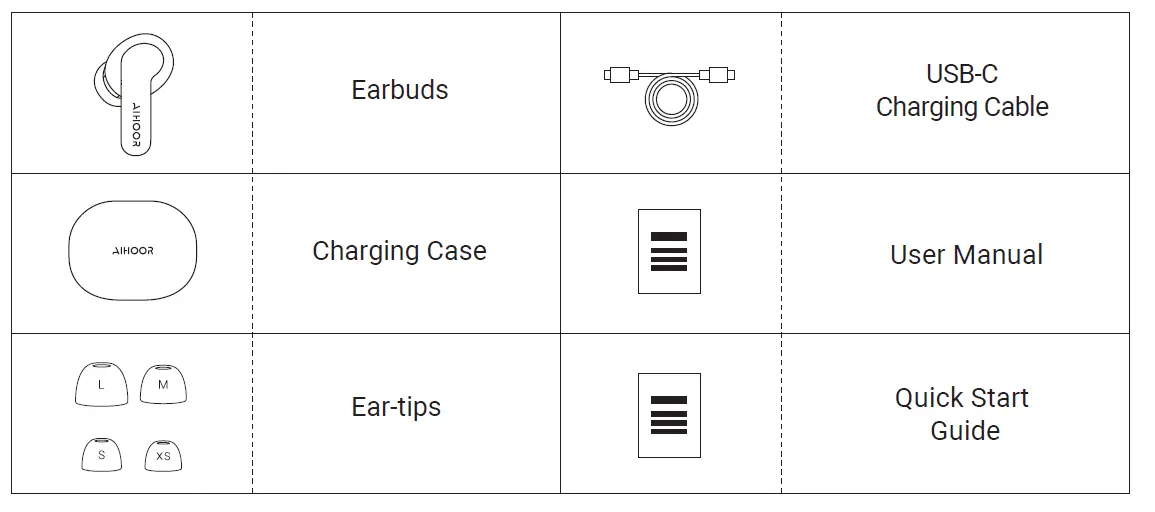
What’s is in the box
PRODUCT DETAILS
Please charge the earbuds and the charging case for at least 15 minutes for the first time. before first use.
LISTENING COMFORT
Choose the ear-tips that fit your ears beast
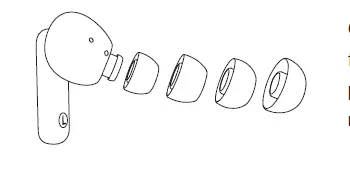
Choose the ear-tip with the most comfortable fit and best seal. To change an ear-tip, gently pull it off from the earbud and press on the new one.
Wearing the Earbuds
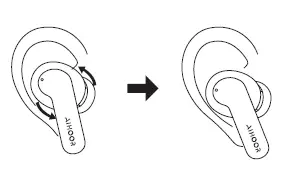
Gently insert the earbuds into the ear and adjust to a comfortable position by rotating them. R is for the right ear, and L for the left.
BATTERY LIFE AND CHARGING
Battery life
In Bluetooth mode, the buds can last for 5 hours of continuous play. Using the charging case, this can be extended to 25 hours.
Power display
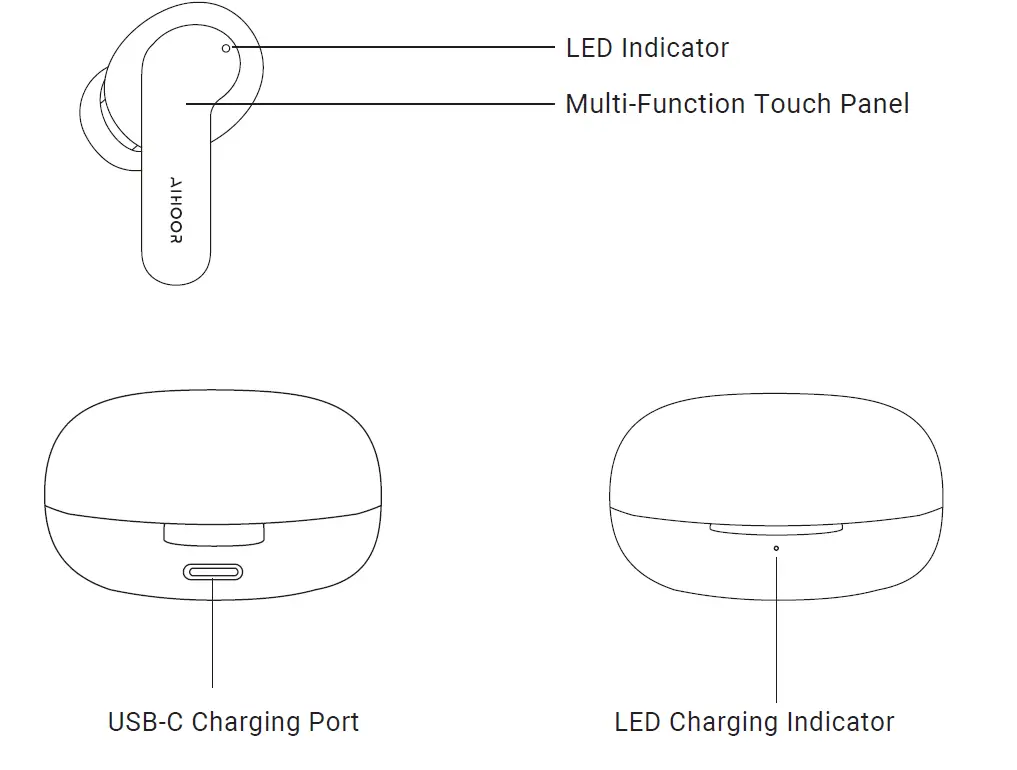
The red light is on when the battery is 0-30% remaining, the yellow light is on when the battery is 31%-70% remaining, and the green light is on when the battery is 71%-100% remaining.
Charging the earbuds
Place the earbuds in the charging case and they will automatically shut down and begin charging.
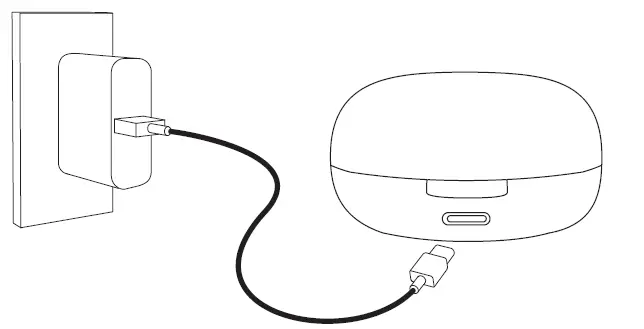
CHARGING THE CHARGING CASE
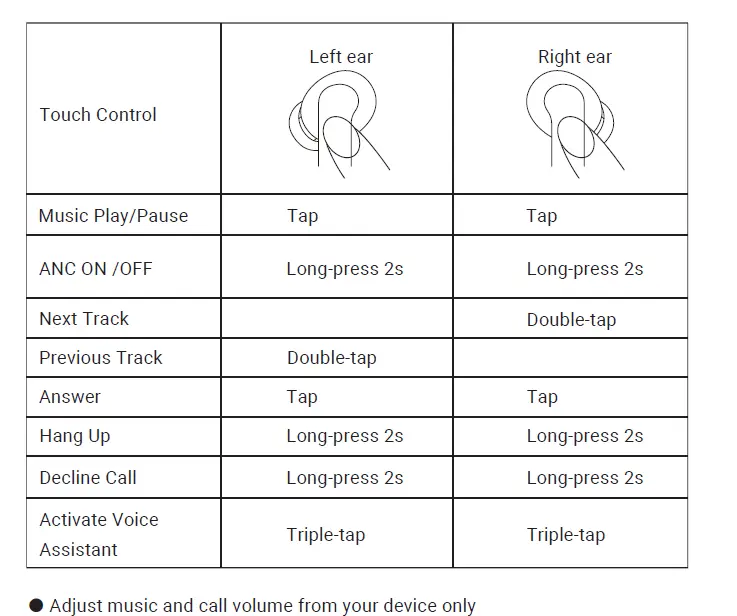
TOUCH CONTROLS
AUTOMATIC CONNECTION
Paring
Starting with the earbuds in the case:
- Take the left and right earbuds out of the case. They will automatically turn on and connect with each other within 3 seconds.
- After the earbuds have connected each other successfully, the LED light of flashing red and blue for paring.
- Turn on the pairing function on the device to be paired with the earbuds.
- From the list of available devices, find and select “AIHOOR A4 ” from the list of available devices.
- If the earbuds have connected with your device, the earbuds start flashing blue for one second.
- If a code or PIN code is required for pairing, please enter “0000”
Automatic remote connection
- When you turn on the earbuds, they will automatically reconnect to the lastpaired device or enter pairing mode if no paired device is found.
- In pairing mode, the earbuds will automatically turn off after 5 minutes if no devices are paired.
- Place the earbuds in the charging case then close the charging case,they will automati-cally shut down and begin charging.
- If the Bluetooth connection is lost, they will automatically begin pairing.
Reset
You might need to reset your earbuds if you experience any connectivity problems or function issues.
- Place the earbuds in the charging case and leave the case open.
- Press and hold the button on the side of the case for 6 seconds until the LED indicators flash red
NOTE:
- If one of the earbuds has no sound output, put both earbuds back into the charging case and take them out again.
- The maximum wireless operating range is 10m (33ft). If you exceed this range, the earbuds will disconnect from your paired device. The connection will be re-established if you re-enter the wireless range within 5 minutes. The earbuds will automatically reconnect to the last paired device. To connect with other devices, repeat the previous pairing steps.
SAFETY INSTRUCTIONS
- Do not place the earbuds in extremely high or low ambient temperatures for an extended period of time. Extreme temperatures will cause the device to deform.
- Use electronic equipment with caution during thunderstorms.
- This product contains small parts which could cause harm if swallowed. Keep out of the reach of children.
- Using the earbuds for a long time at high volume may affect your hearing. Make sure to use an appropriate level of volume.
BATTERY WARNING
This product contains a lithium battery. Please do not disassemble, strike, crush, or place the product into contact with flames. Do not expose to high temperatures or direct sunlight for a prolonged period. If there is any swelling, leakage, odor, or any other abnormality in the battery compartment of the product, cease use immediately. Please dispose of used batteries properly and in accordance with local regulations.
READ ALL INSTRUCTIONS BEFORE USE AND SAVE THESE INSTRUCTIONS FOR FUTURE REFERENCE
This equipment has been tested and found to comply with the limits for a Class B digital device, pursuant to part 15 of the FCC Rules.
These limits are designed to provide reasonable protection against harmful interference in a residential installation. This equipment generates uses and can radiate radio frequency energy and, if not installed and used in accordance with the instructions, may cause harmful interference to radio communications. However, there is no guarantee that interference will not occur in a particular installation. If this equipment does cause harmful interference to radio or television reception, which can be determined by turning the equipment off and on, the user is encouraged to try to correct the interference by one or more of the following measures:
- Reorient or relocate the receiving antenna.
- Increase the separation between the equipment and receiver.
- Connect the equipment into an outlet on a circuit different from that to which the receiver is connected.
- Consult the dealer or an experienced radio/TV technician for help.
This device complies with Part 15 of the FCC Rules. Operation is subject to the following two conditions: (1) this device may not cause harmful interference, (2) this device must accept any interference received, including interference that may cause undesired operation.
RF Exposure Information
The device has been evaluated to meet general RF exposure requirement. The device can be used in portable exposure condition without restriction.
FCC RF EXPOSURE STATEMENT:
This transmitter must not be co-located or operating in conjunction with any other antenna or transmitter. This device complies with FCC radiation exposure limits set forth for an uncontrolled environment.
CAUTION!
Any changes or modifications not expressly approved by the party responsible for compliance could void the user’s authority to operate the equipment.
WARRANTY CARD
- NAME:
- EMAIL:
- DATE OF ORIGINAL PURCHASE:
- DEALER
- PHONE NUMBER
- MODEL
- DESCRIPTION OF PROBLEM
Frequently Asked Question
- Q: How do I know they are charging and how much charge they have?
A: The light flashes 4 times when the battery is 0-25% remaining, 3 times when 26-50% remaining, twice when 51-75% remaining and once when 76-100% remaining. When is fully charged, blue light will stop flashing - Q: Will these work for Samsung 10plus?
A: Yes, it works with all android phones - Q: What is the standby time?
A: When the Bluetooth is not connected and earbuds are placed in the charging case, the minimum standby time is designed to be 6 months, which may be longer in actual situations. When Bluetooth is connected but not in use, the earbuds can stand by for 60 hours - Q: Are these compatible for an iPad
A: Yes, it does compatible with iPad, iPhone and Mac. - Q: Is there a longer charging cord available?
A: Sorry for the inconvenience. The earbuds come with 20cm charging cord. You may also use your phone’s charging cord for charging earbuds. - Q: Do these work with kindle fire? the kindle fire does Bluetooth with speakers.
A: Yes, Kindle Fire supports Bluetooth, and you can connect A4 wireless earbuds via Bluetooth. - Q: Are these compatible with the 2021 iPhone 13 6.1?
A: They are compatible with any phone that has Bluetooth capability(they have no cord to connect to the phone). - Q: How to fix low calls volume, music volume is perfect
A: Volume up on your phone when you take a call. The volume level of music and calls is controlled separately on phone. - Q: Where are these made?
A: Hello Steven, AIHOOR A4 true wireless earbuds are made in china. - Q: Can these earbuds read aloud your notifications?
A: Yes. You can hear the voice/ring of both notifications and call ring. - Q: Does it have a microphone?
A: If you are asking can you talk to others via a phone call using the earbuds, yes and it’s very clear to the receiver of the call. - Q: Are these compatible with an iPhone SE, first-generation?
A: Yes there is Bluetooth and compatible with all phones via Bluetooth - Q: Is the product good and safe to use?
A: Yes, the product is good and safe to use. I use it when jogging and have no problem with it.