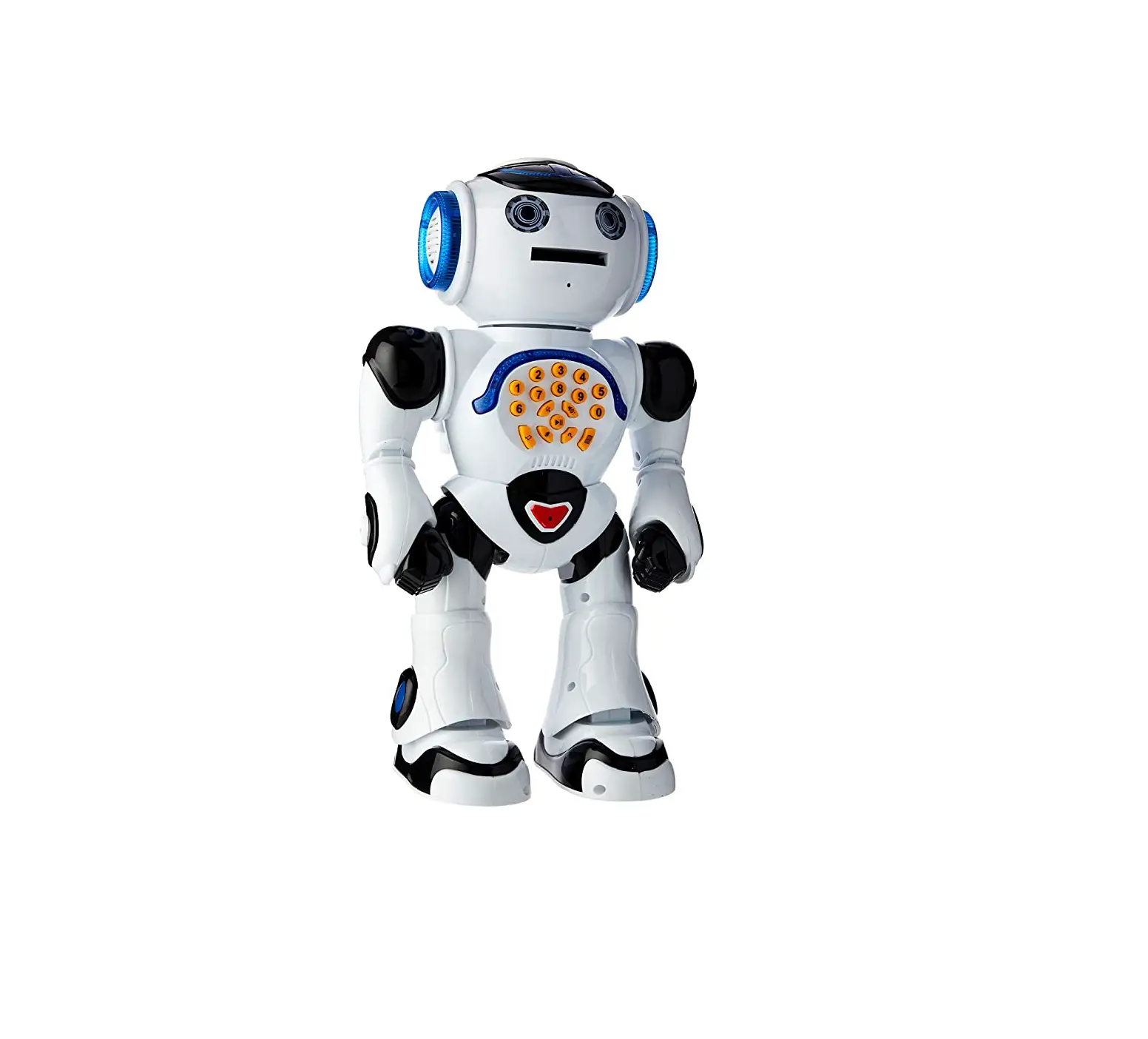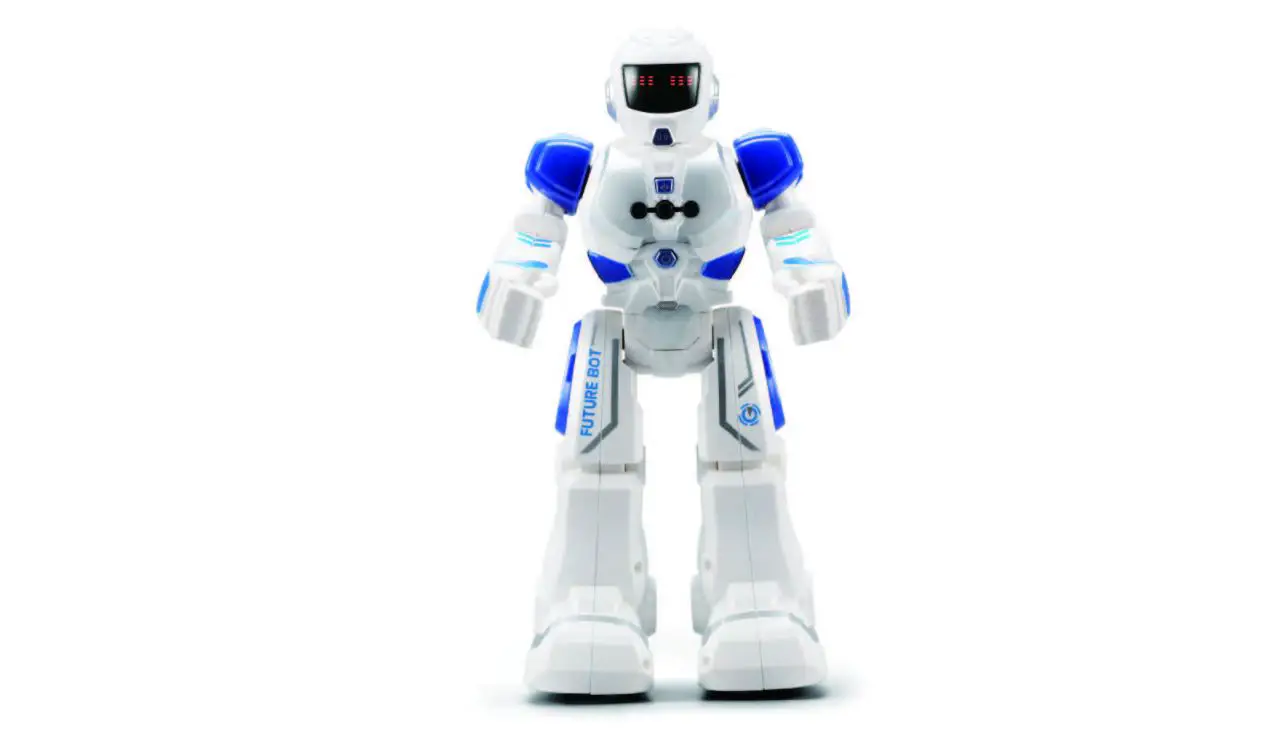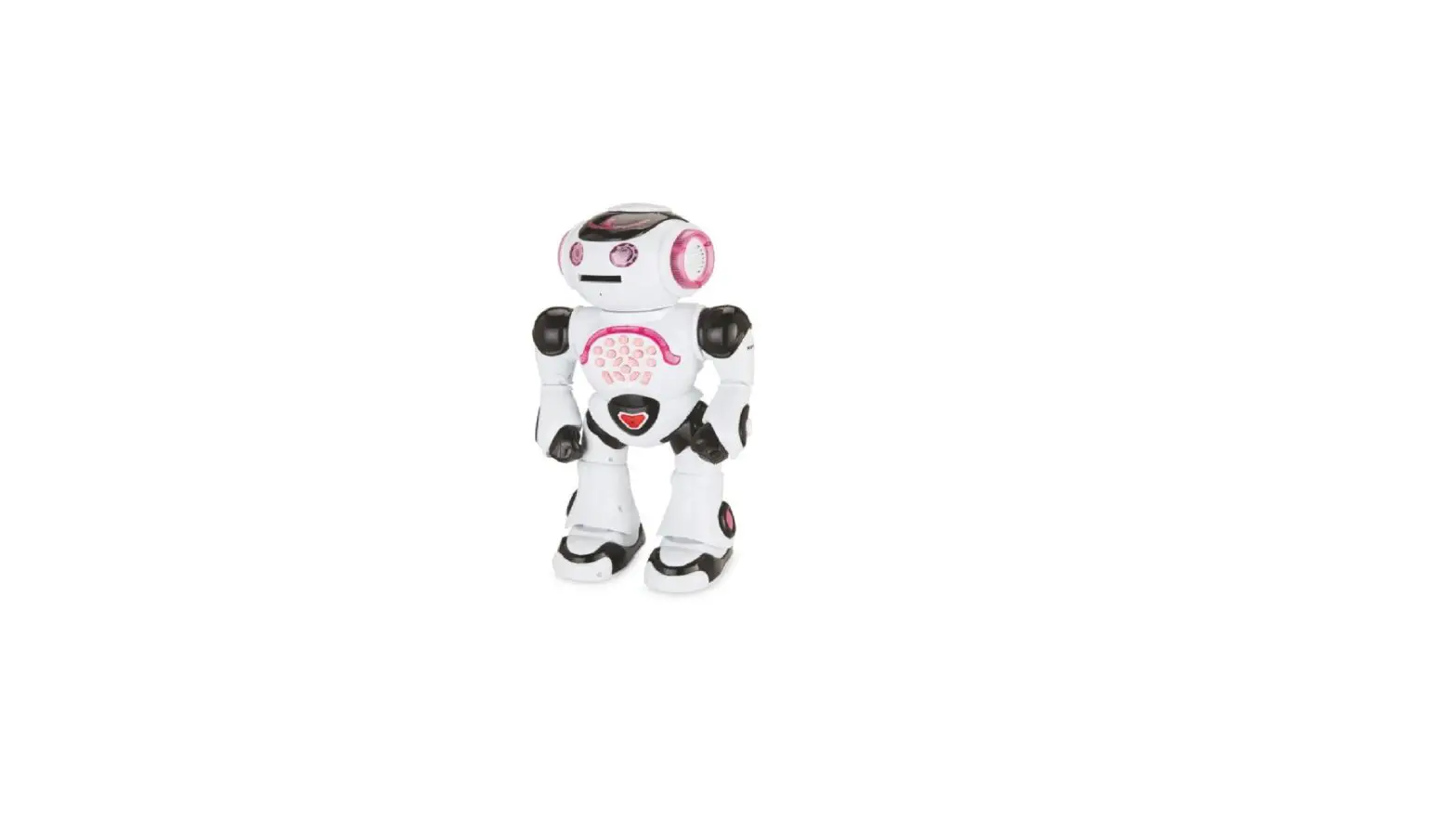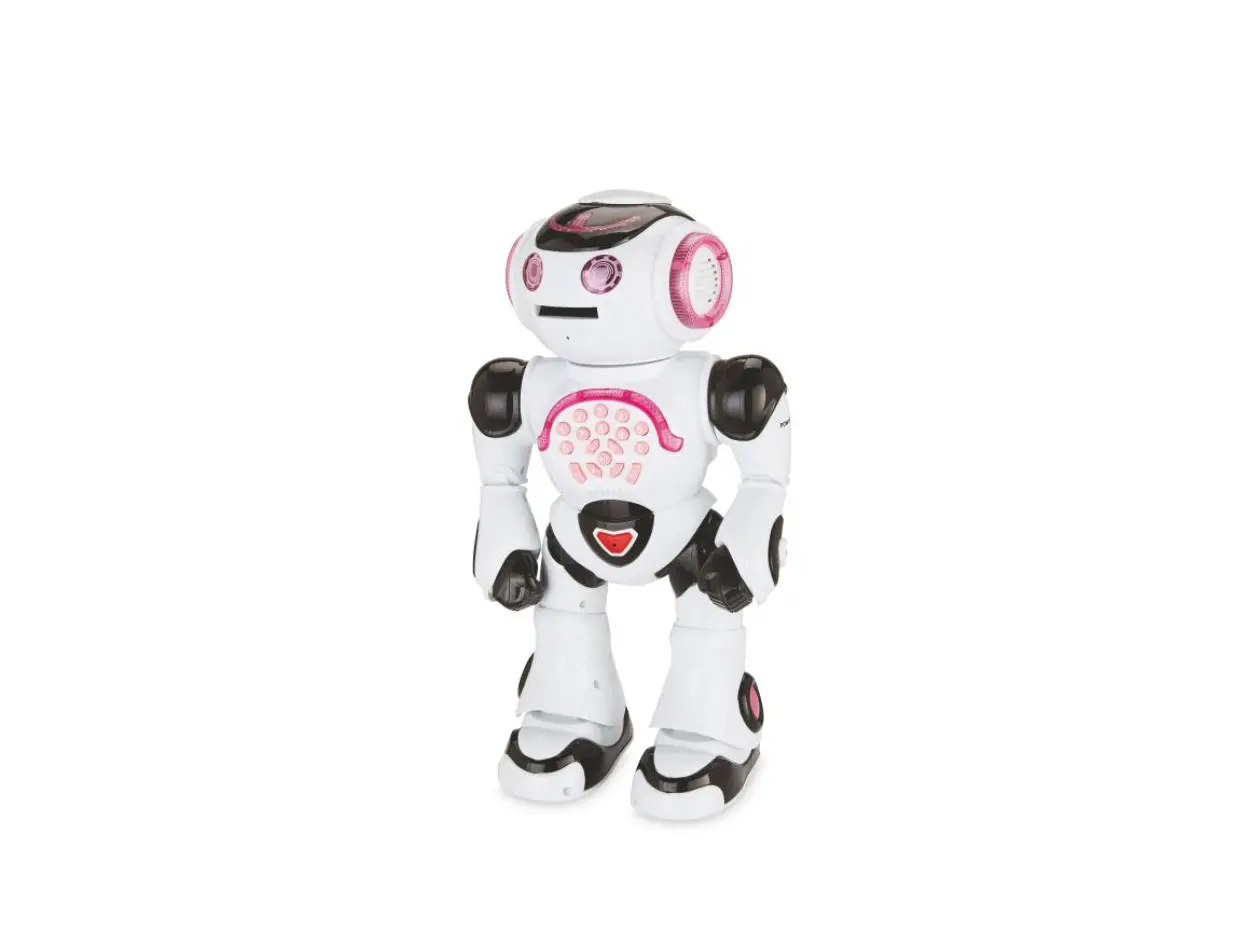
POWERGIRL Smart Robot Instruction Manual
PACKAGING CONTENTS
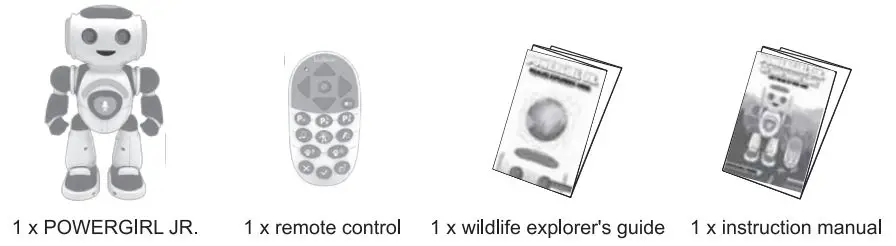
WARNING: All packaging materials, such as tape, plastic sheets, wire ties and tags are not part of this toy and should be discarded for your child’s safety.
BATTERY REQUIREMENTS
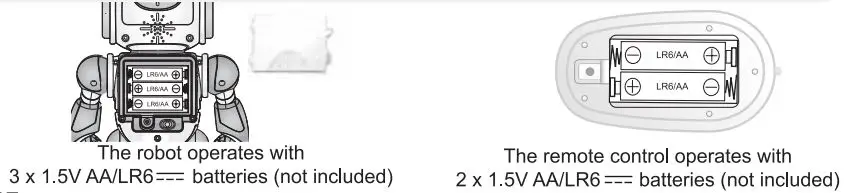
ROBOT:
Battery installation or replacement
- Use a screwdriver to loosen the screw on the battery compartment located at the back of the robot.
- Push the compartment door latch, and then pull to remove the compartment.
- Install or replace 3 x ANLR6 = batteries, observing the polarity indicated at the bottom of the battery compartment, and as per the diagram shown opposite.
- Close the battery compartment and tighten the screw.
REMOTE CONTROL:
Battery installation or replacement
- Use a screwdriver to loosen the screw on the battery compartment located at the back of the remote control.
- Push the compartment door latch, and then pull to remove the compartment.
- Install or replace 2 x ANLR6 = batteries, observing the polarity indicated at the bottom of the battery compartment, and as per the diagram shown opposite.
- Close the battery compartment and tighten the screw.
Note: Switch off the power before replacing batteries. Use only alkaline batteries, other type of batteries may affect the performance
Non-rechargeable batteries are not to be recharged. Rechargeable batteries are to be removed from the toy before being charged. Rechargeable batteries are only to be charged under adult supervision. Different types of batteries or new and used batteries are not to be mixed. Only batteries of the same or equivalent type as recommended are to be used. Batteries are to be inserted with the correct polarity. Exhausted batteries are to be removed from the toy. The supply terminals are not to be short-circuited. Do not throw batteries into a fire. Remove the batteries if you are not going to use the toy for a long period of time. Batteries shall not be exposed to excessive heat such as sunshine, fire or the like.
WARNING: Malfunction or loss of memory may be caused by strong frequency interference or electrostatic discharge. Should any abnormal function occur, remove the batteries and insert them again.
DISCOVER POWERGIRL JR.
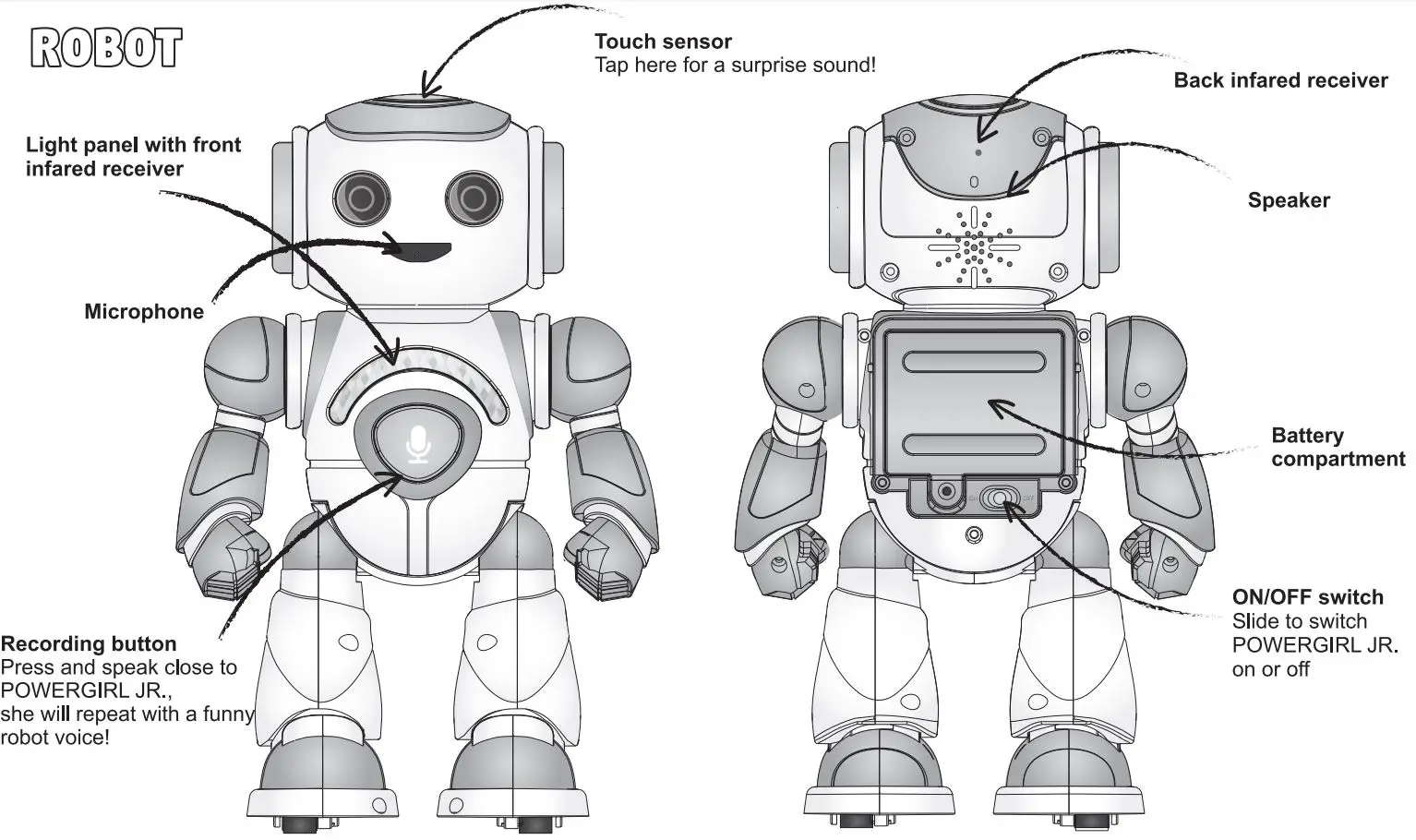
REMOTE
Note: If the robot responds intermittently, or if it only works form a close distance, the batteries may need to be replaced.
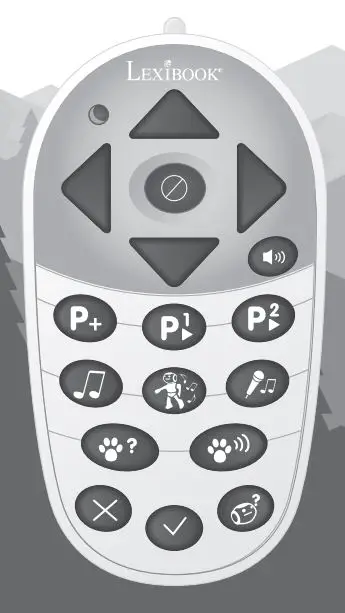
 Directional keys
Press to have POWERGIRL JR. making a few steps, turning right and left.
Tip: You can press forward/backward twice to slide!
 Stop
Stop
Press to stop POWERGIRL JR.’s current action.
 Volume
Press to change the volume.
 Programming
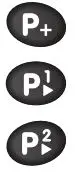
• Press (P+) to create a program
• Record up to 40 actions by pressing the directional keys
• You can add music by pressing  Press several times to select another melody.
• Once finished, save your program by pressing either  .
.
• At any moment, you can play your program by pressing
Music
Press once to play music, press again to play another music.
 Dance
Dance
Press once to play a dance, press again to play another dance.
 Karaoke
Press and speak close to POWERGIRL JR., select a melody with the 9 button, she will repeat in music!
 POWERGIRL JR. challenge!
Press this key to play « The POWERGIRL JR. challenge!» where POWERGIRL JR. will read in your mind. Think about an animal and she will try to guess it! Follow the instructions in the Wildlife Explorer’s Guide attached.
 Animal Quiz
How well do you know the animal sounds?
Press this key to play « The Animal Quiz! ». POWERGIRL JR. will make a sound and you will have to guess which animal it is. Press  when you hear the right proposal. It’s not as easy as it sounds!
 Yes / No / I don’t know
Press these buttons to answer in the
« POWERGIRL JR. challenge! » and
« Animal Quiz » modes.
Outside of these two modes, press:
• or  to trigger an animal sound.
•  to trigger a surprise sound.
Warning! The robot will move when dancing. Do not use this function while on a table, he may fall!
CHECK OUT POWERGIRL JR. VIDEOS ON YOUTUBE™ AND WWW.LEXIBOOK.COM FOR MORE INFO
MAINTENANCE AND WARRANTY
Only use a soft, slightly damp cloth to clean the unit. Do not use detergent. Do not to expose the unit to direct sunlight or any other heat source. Do not immerse the unit in water. Do not dismantle or drop the unit. Do not try to twist or bend the unit.
This product is covered by our 2-year warranty. For any claim under the warranty or after-sales service, please contact your distributor and present a valid proof of purchase. Our warranty covers any manufacturing material and workmanship defect, with the exception of any deterioration arising from the non-observance of the instruction manual or from any careless action implemented on this item (such as dismantling, exposing to heat and humidity, etc.). It is recommended to keep the packaging for any further reference. In a bid to keep improving our services, we could implement modifications on the colors and the details of the product shown on the packaging.
For Consumers in Australia Only
Faulty product should be returned to point of sale, requiring proof of purchase for a refund or exchange.
Our goods come with guarantees that cannot be excluded under the Australian Consumer Law. You are entitled to a replacement or refund for a major failure and for compensation for any other reasonably foreseeable loss or damage.
You are also entitled to have the goods repaired or replaced if the goods fail to be of acceptable quality and the failure does not amount to a major failure.
WARNING! Not suitable for children under 3 years. Choking hazard – Small parts.
NOTE: Please keep this instruction manual, it contains important information.
Reference: ROB20GEN
Designed and developed in Europe – Made in China, Shantou
Lexi book S.A.
6 avenue des Andes
Batiment 11
91940 Les Ulis
France
www.lexibook.com – © Lexibook®
United Kingdom & Ireland
For after-sales service, please contact us at [email protected]
Follow us
@LexibookCom



Environmental Protection:
Unwanted electrical appliances can be recycled and should not be discarded
along with regular household waste! Please actively support the conservation of resources and help protect the environment by returning this appliance to a collection center (if available).
IM code: ROB20GENIM1279