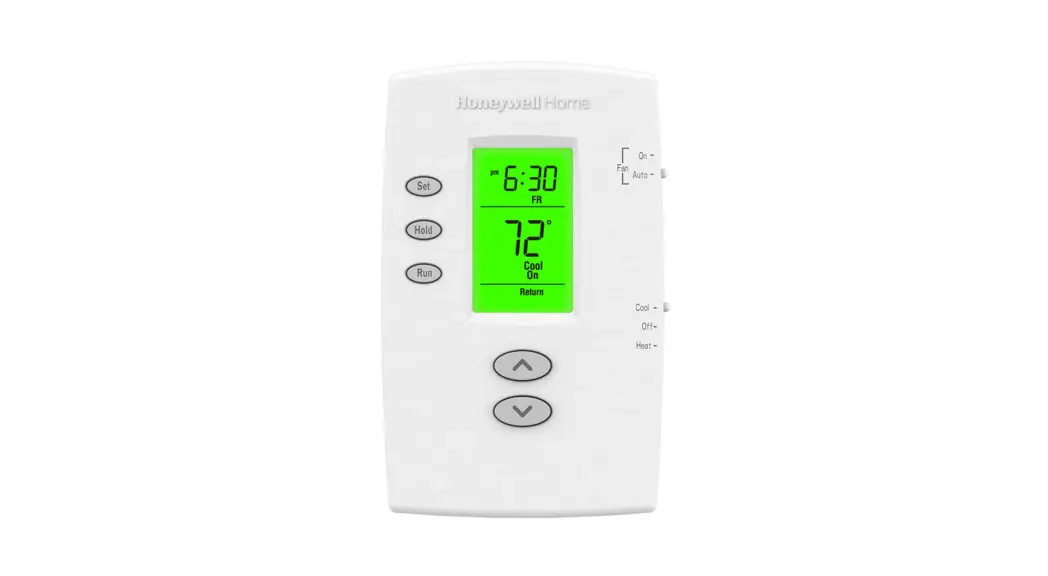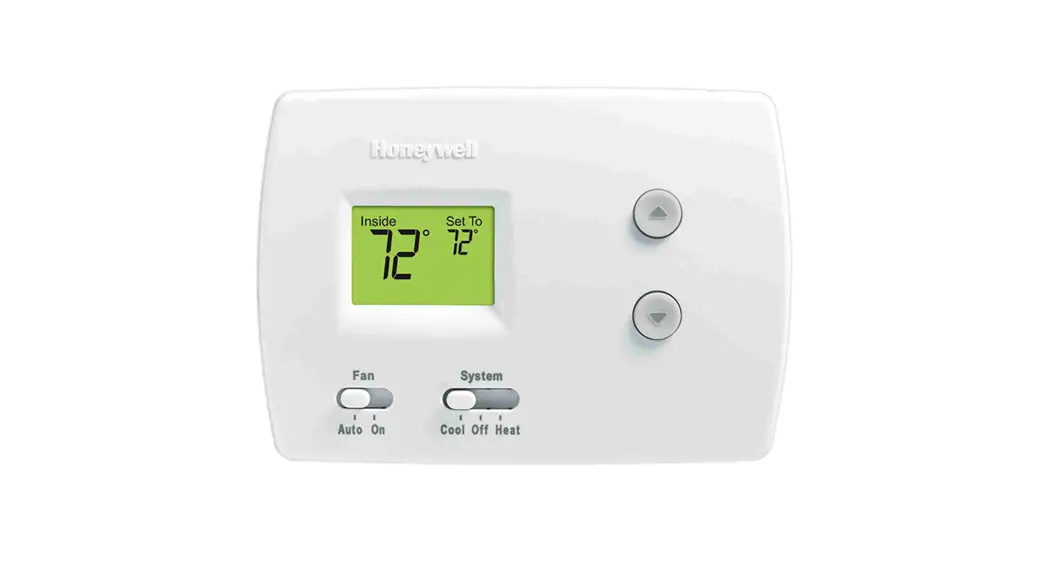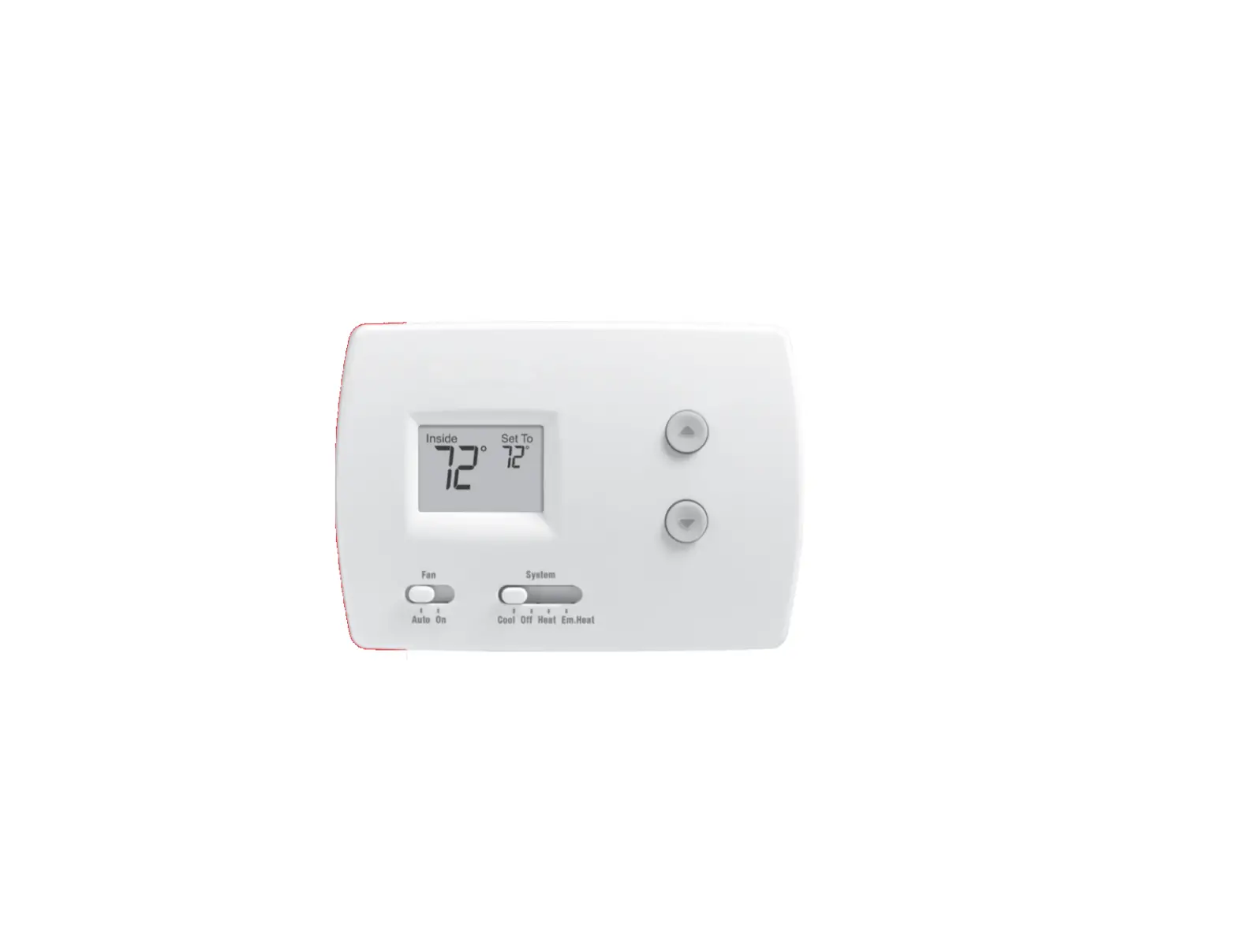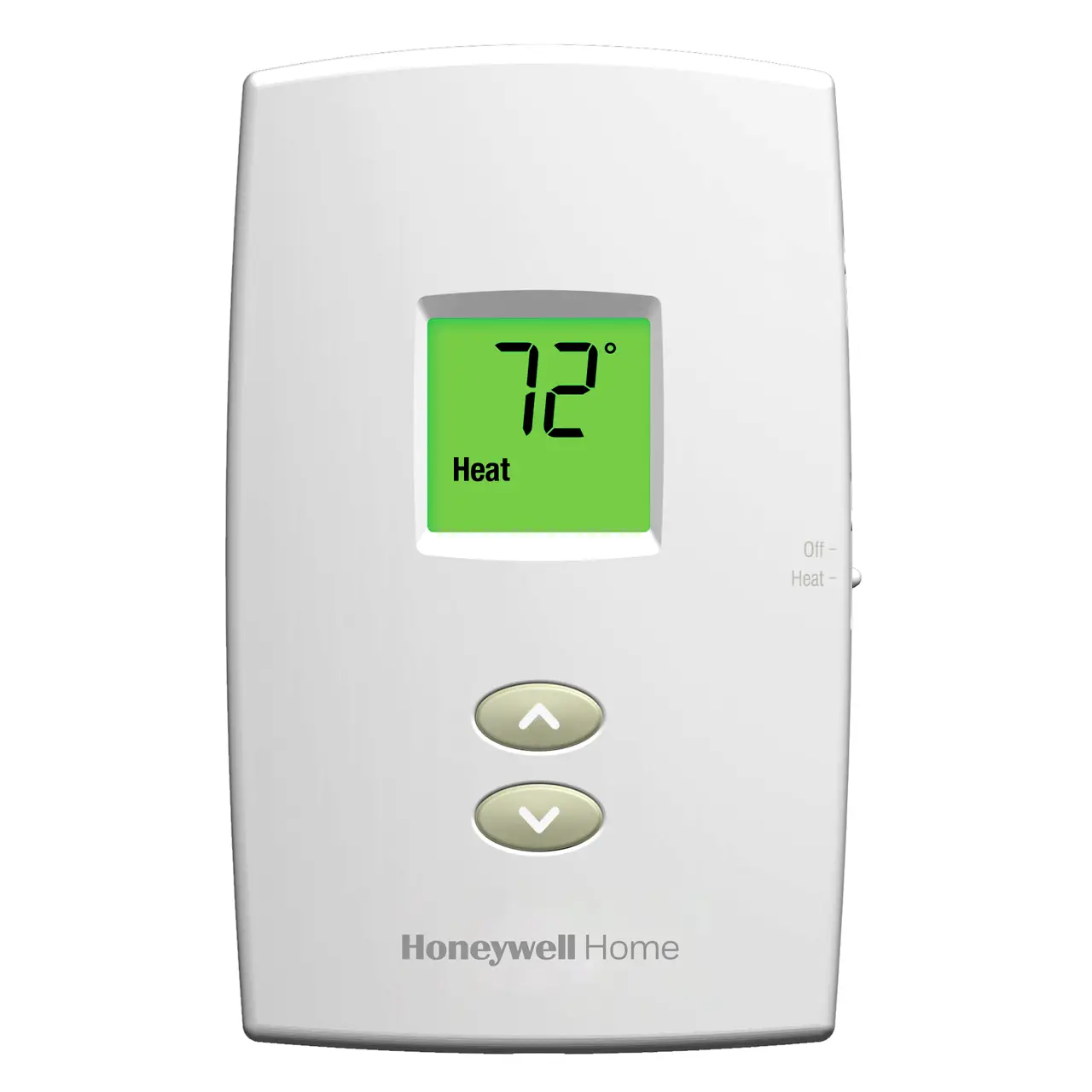
TH1210DV1007/U,
TH1110DV1009/U,
TH1100DV1000/U
Operating Manual [pdf]: PRO 1000 Vertical Non-Programmable Thermostat
Installation Guide [pdf]: PRO 1000 Vertical Non-Programmable Thermostat
Installation Guide [pdf]: TH1000DV install
Installation Guide [pdf]: TH1100DH install
How do I turn on/off my heating/cooling on my TH1100DV/TH1110DV/TH1210DV thermostat?
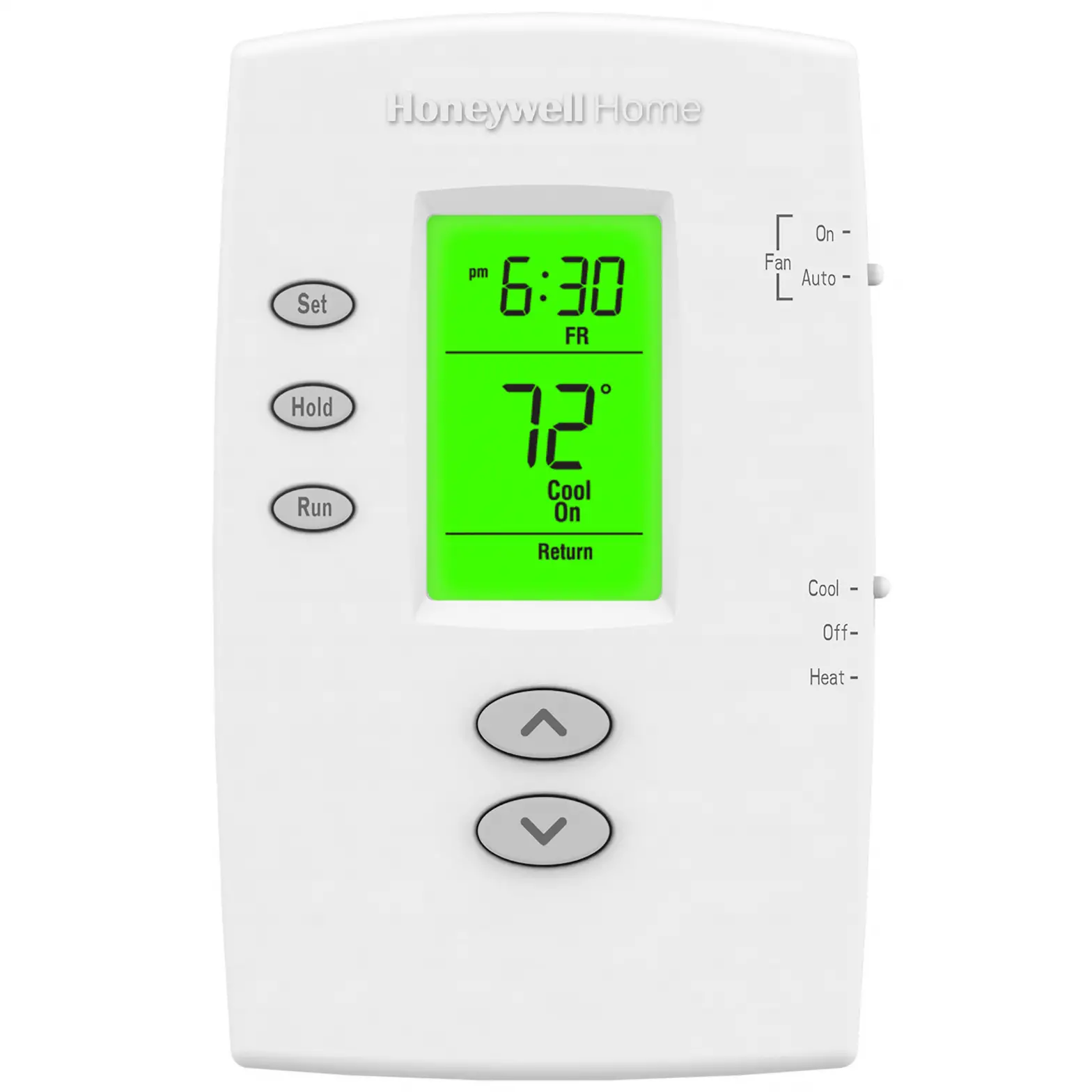
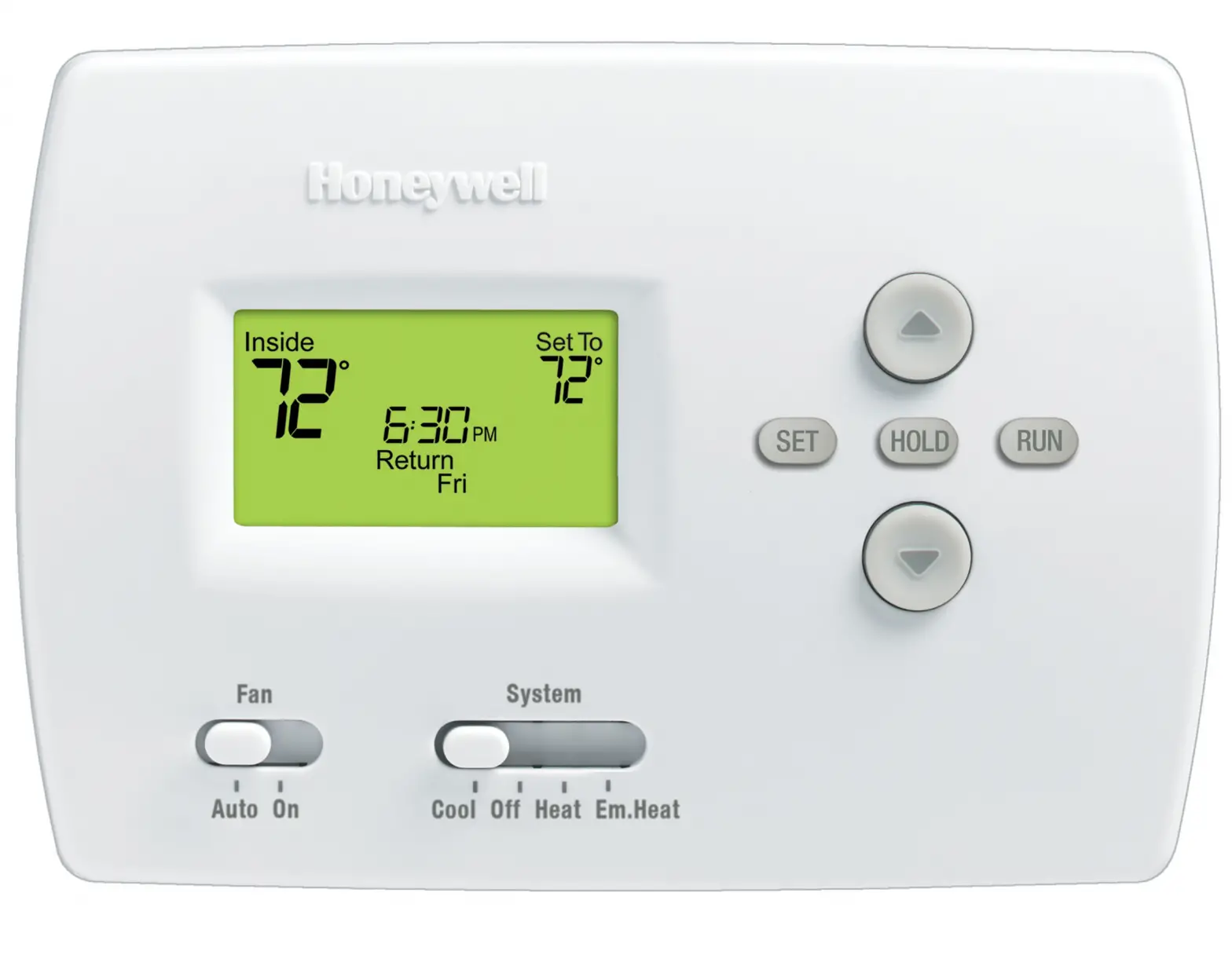
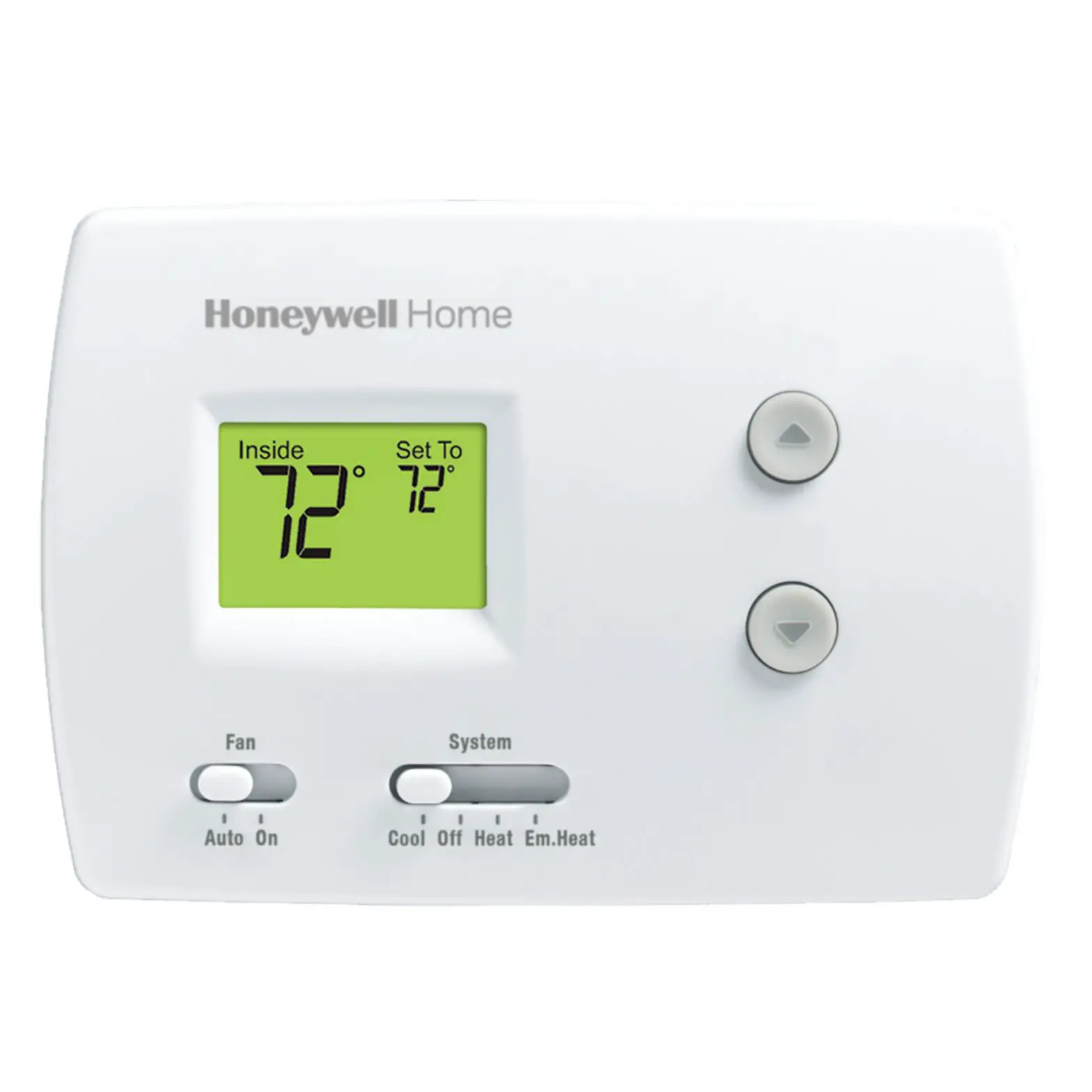
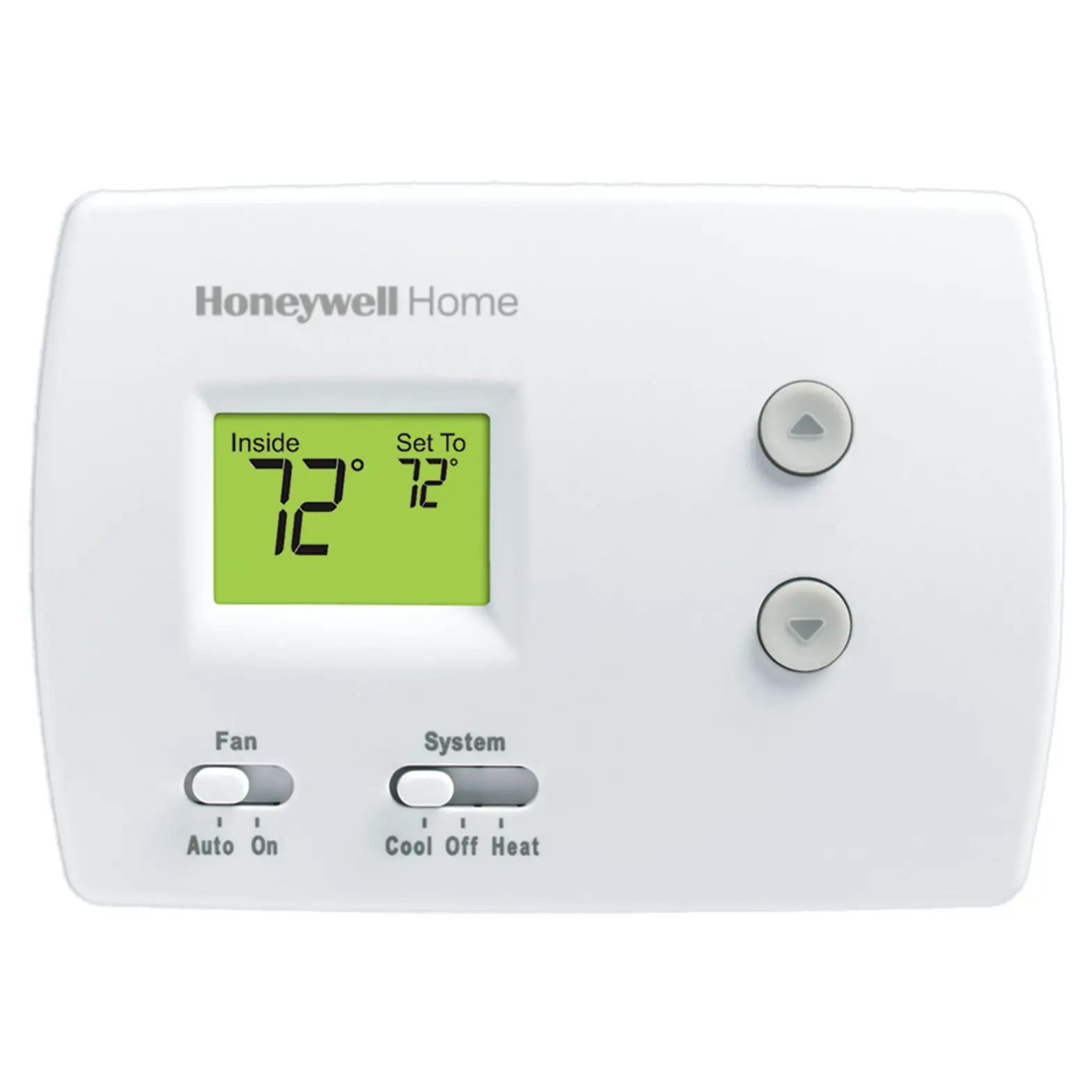
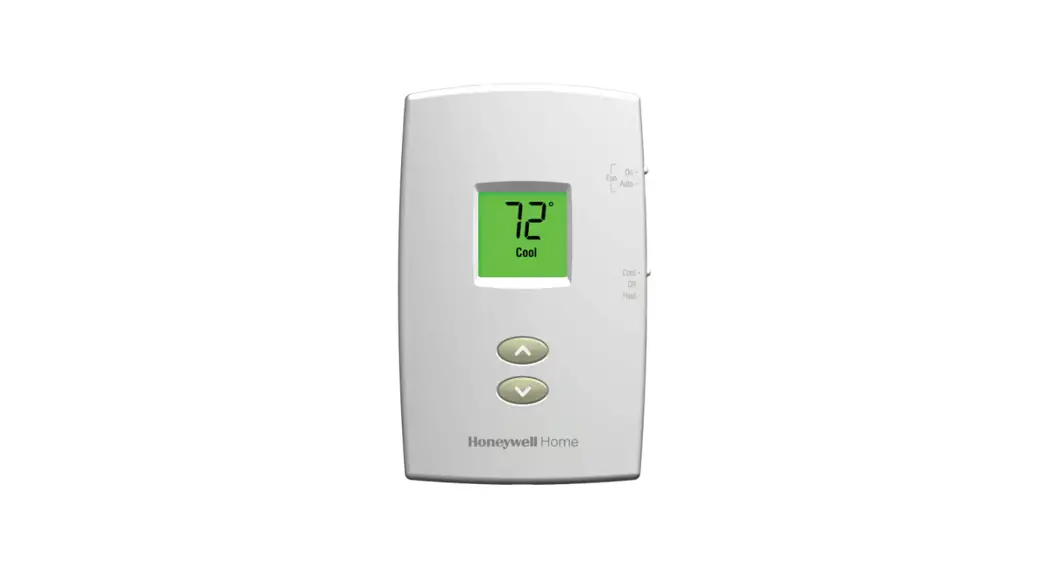
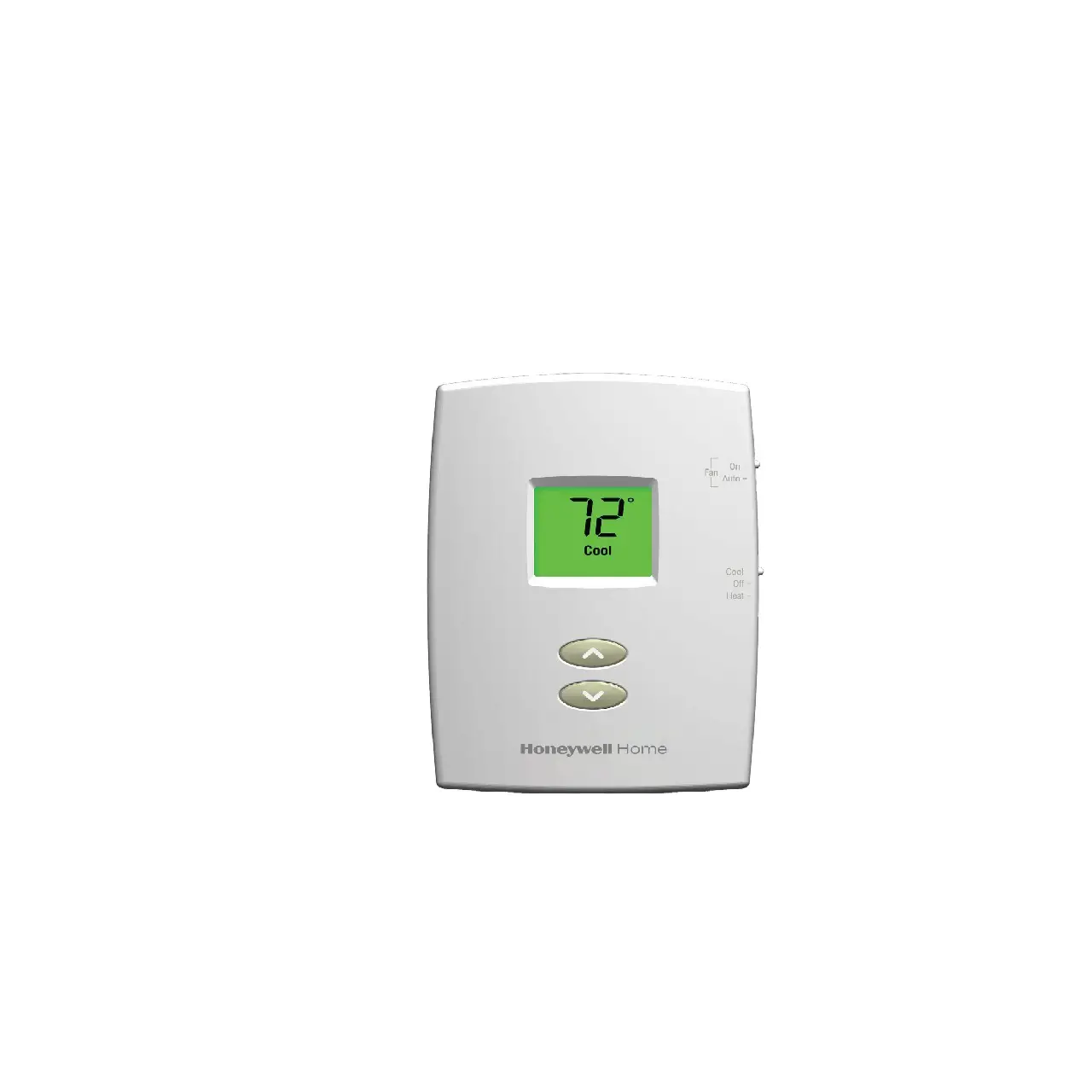
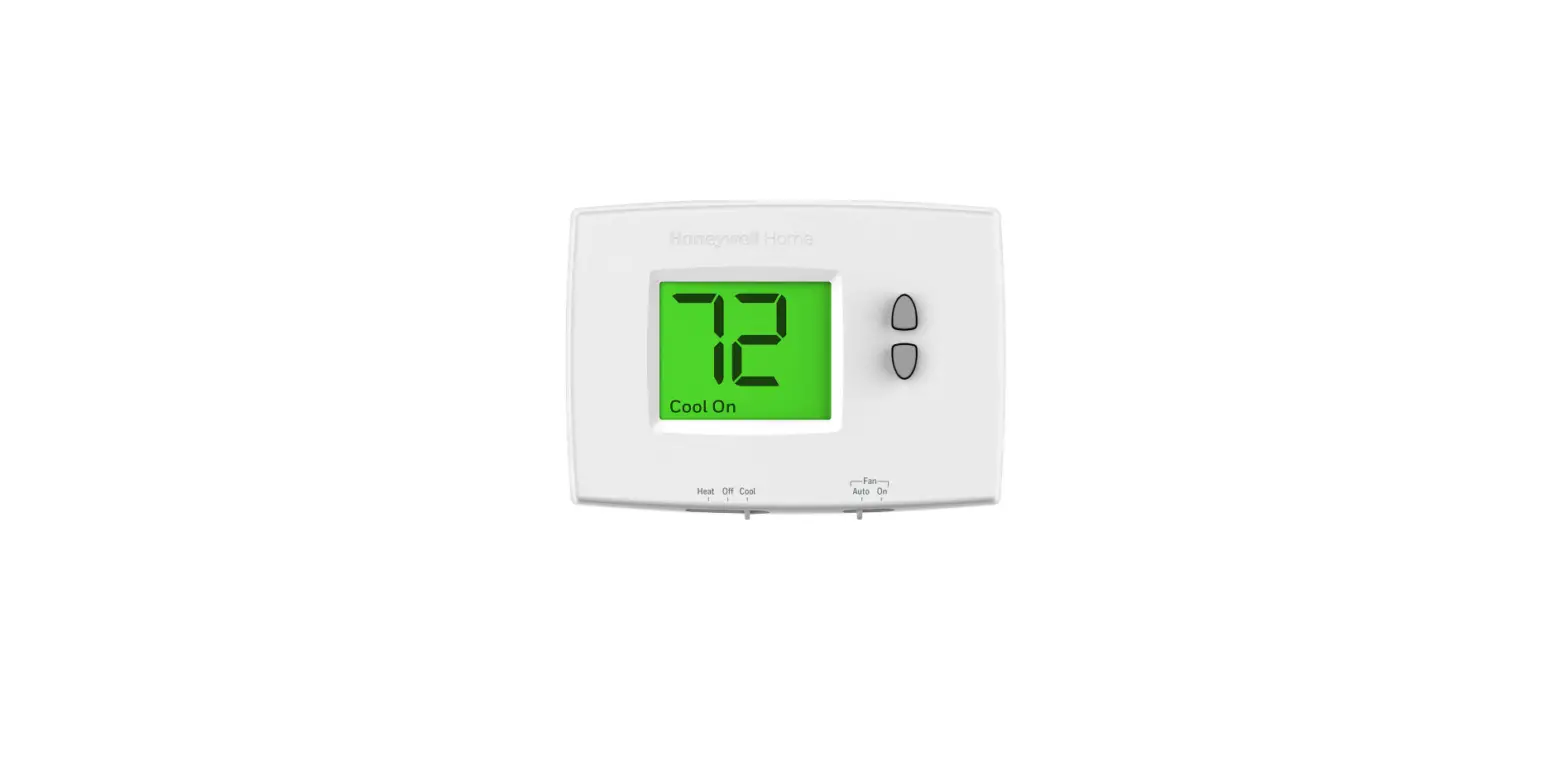
Locate the system Slider Switch labeled Heat Off Cool. Slide the switch to the desired setting and either manually adjust the arrows to the desired set point and press hold or establish a schedule for heating and cooling.
How do I access the installer setup (ISU) on the TH1100DV/TH1110DV/TH1210DV thermostat?
Enter System Setup:
To enter system setup, press and hold both the up and down buttons until the display changes (approximately 5 seconds).
Changing Settings:
- Press the up or down button to change the setting.
- Press the up and down buttons simultaneously for one second to advance to the next function.
- Press the RUN button to exit and save settings. Please note ISU changes when saved are permanently held in memory and will not be forgotten. If the thermostat is reverting to default programming troubleshoot the application.
How do I access the installer setup (ISU) on the TH1100DV/TH1110DV/TH1210DV thermostat?
Enter System Setup:
To enter system setup, press and hold both the up and down buttons until the display changes (approximately 5 seconds).
Changing Settings:
- Press the up or down button to change the setting.
- Press the up and down buttons simultaneously for one second to advance to the next function.
- Press the RUN button to exit and save settings. Please note ISU changes when saved are permanently held in memory and will not be forgotten. If the thermostat is reverting to default programming troubleshoot the application.
How do I turn on/off my heating/cooling on my TH1100DV/TH1110DV/TH1210DV thermostat?
Locate the system Slider Switch labeled Heat Off Cool. Slide the switch to the desired setting and either manually adjust the arrows to the desired set point and press hold or establish a schedule for heating and cooling.
How do I fix a blank display on my TH1100DV/TH1110DV/TH1210DV thermostat?
If the thermostat is battery powered, check/replace your batteries. If the device is common wired, try and power it up with batteries. If that fails to power up the thermostat, you may need to involve a technician. If batteries do power up your common wired thermostat, check your breakers, furnace power switch, furnace door kill switch to insure your system is powered. If your system is fine, and the thermostat only works on batteries, you may need to involve a technician.
Why is my TH1100DV/TH1110DV/TH1210DV showing an error message HI? What does it mean?
HI = The ambient temperature is above 122F (50 degrees C). Remember it can take several hours for a newly installed thermostat to normalize to room temperature. If the room temperature is lower than 122F (50 degrees C) and the thermostat is still displaying HI replace the thermostat.
Why is my TH1100DV TH1110DV TH1210DV showing an error message Lo Bat? What does it mean?
Replace the Battery.
How do I fix a blank display on my TH1100DV/TH1110DV/TH1210DV thermostat?
If the thermostat is battery powered, check/replace your batteries. If the device is common wired, try and power it up with batteries. If that fails to power up the thermostat, you may need to involve a technician. If batteries do power up your common wired thermostat, check your breakers, furnace power switch, furnace door kill switch to insure your system is powered. If your system is fine, and the thermostat only works on batteries, you may need to involve a technician.
Why is my TH1100DV/TH1110DV/TH1210DV showing an error message E1? What does it mean?
E1 = Replace the thermostat
Why is my TH1100DV/TH1110DV/TH1210DV showing an error message LO? What does it mean?
LO – The ambient temperature is below 32F (0 degrees C) Remember it can take several hours for a newly installed thermostat to normalize to room temperature. If the room temperature is above below 32F (0 degrees C) and the thermostat is still displaying LO replace the thermostat.
Why is my TH1100DV/TH1110DV/TH1210DV showing an error message E2? What does it mean?
E2 = Replace the thermostat.
SPECIFICATIONS
PRO 1000 Vertical Heat Non-Programmable Thermostat
| Color | Premier White® |
| Display Type | LCD Screen |
| Fan Function | Cycled, Continuous |
| Power Supply | Battery Powered, Hardwired |
| Product Height | 4.69 in |
| Product Length | 2.88 in |
| Product Width | 1.13 in |
| Warranty | 2 Years |
| Energy Star Certified | No |
| Stages | 1 Heat |
Downloads
Operating Manual [pdf]: PRO 1000 Vertical Non-Programmable Thermostat
Installation Guide [pdf]: PRO 1000 Vertical Non-Programmable Thermostat
Installation Guide [pdf]: TH1000DV install
Installation Guide [pdf]: TH1100DH install