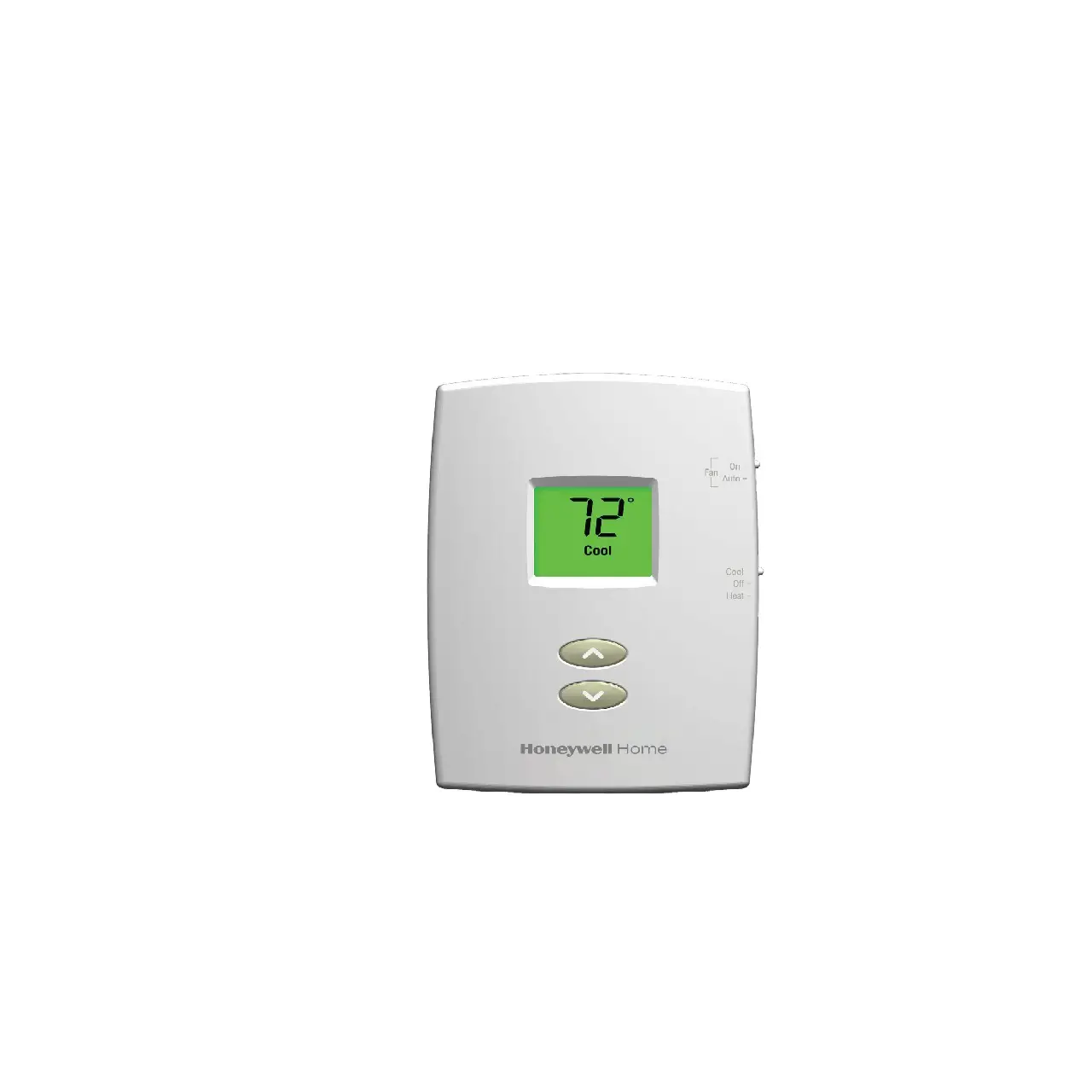
Honeywell Home PRO 1000 Series Non-Programmable Thermostat User Guide
PRO 1000
Product Information
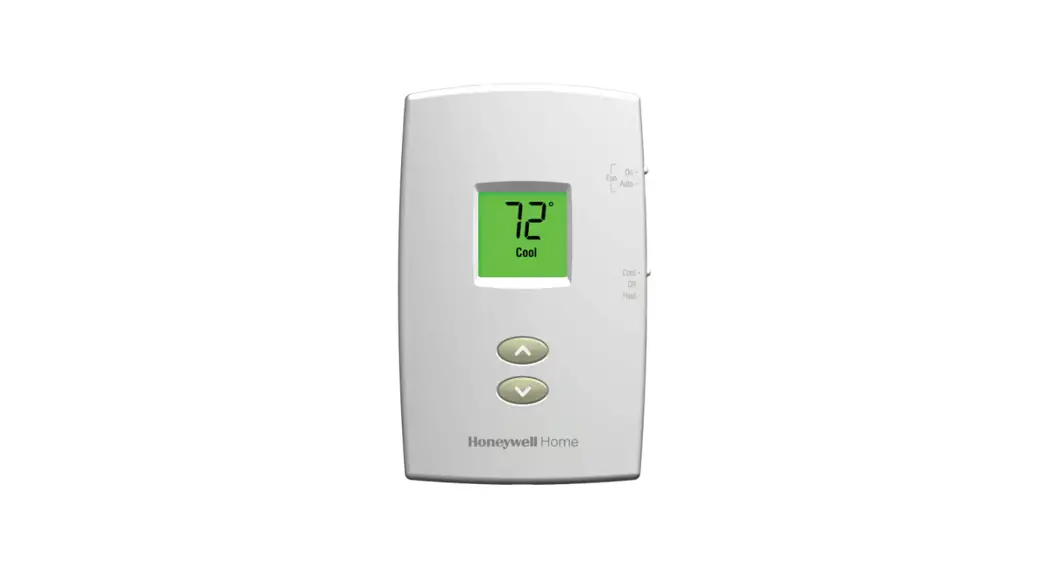
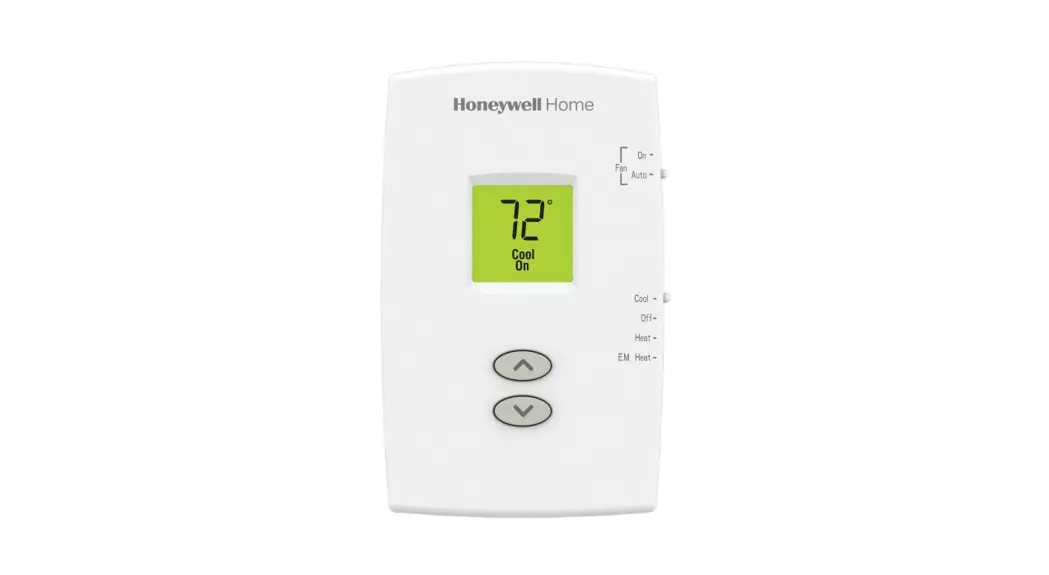
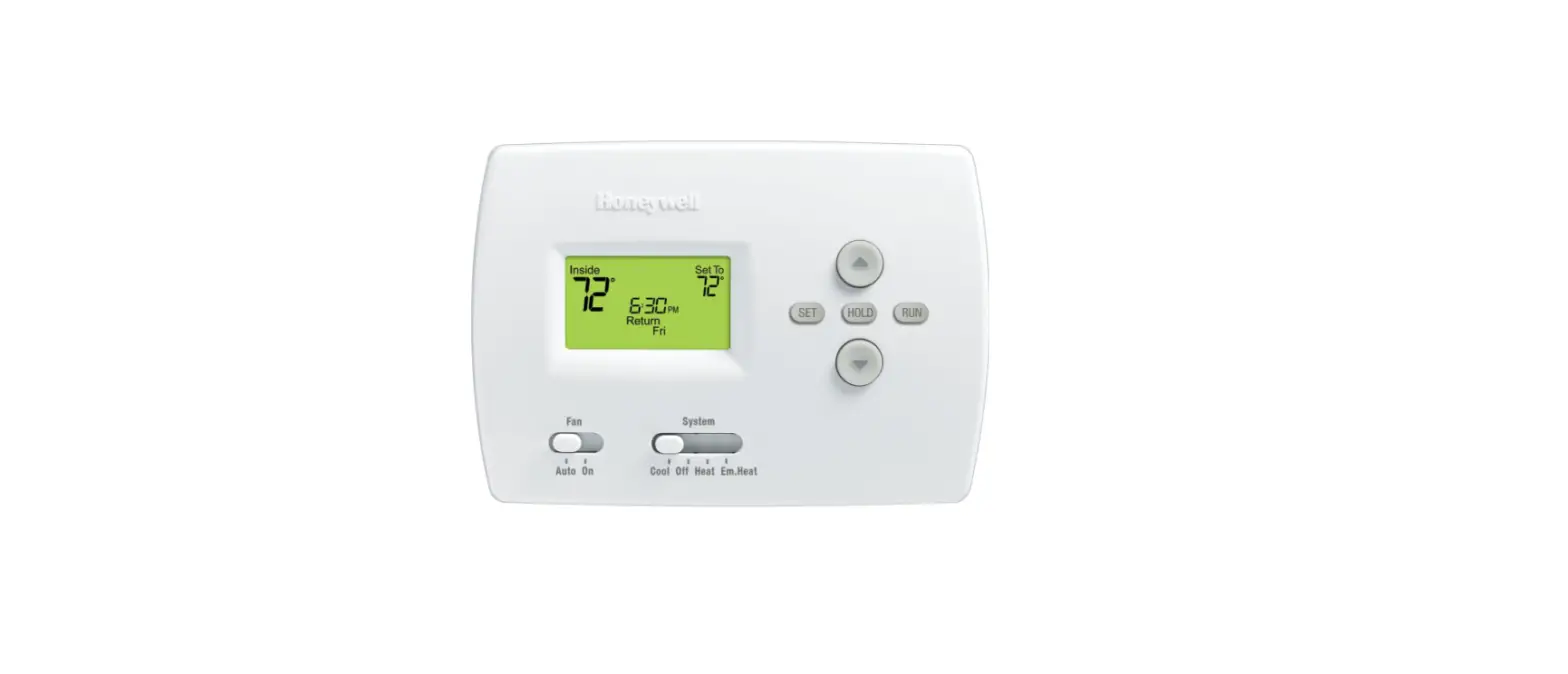
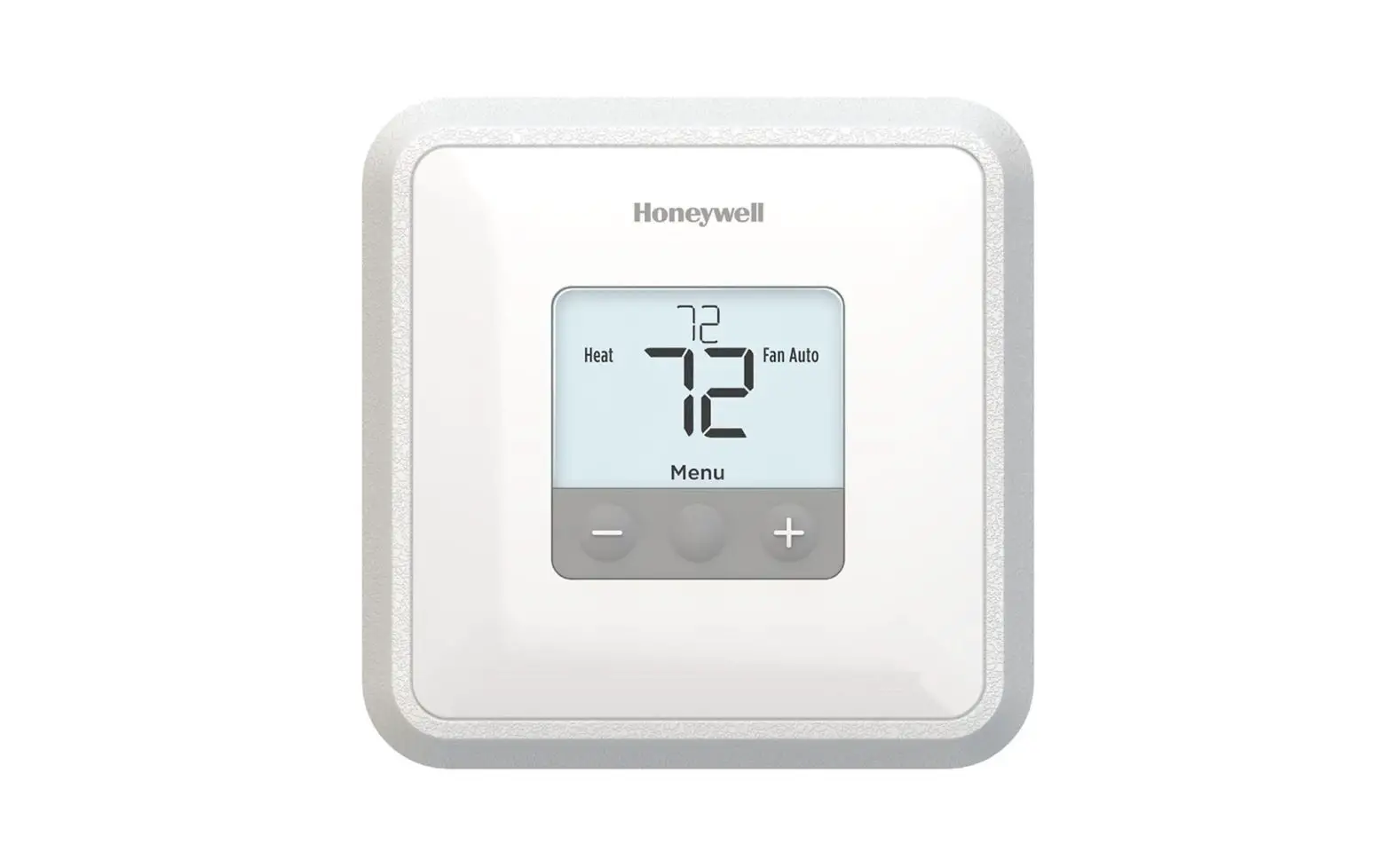
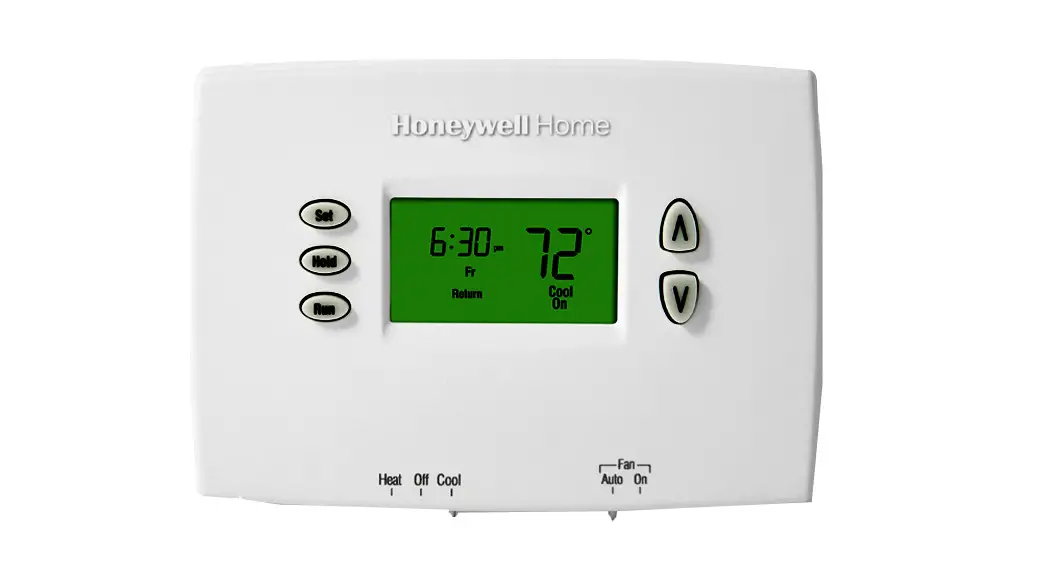
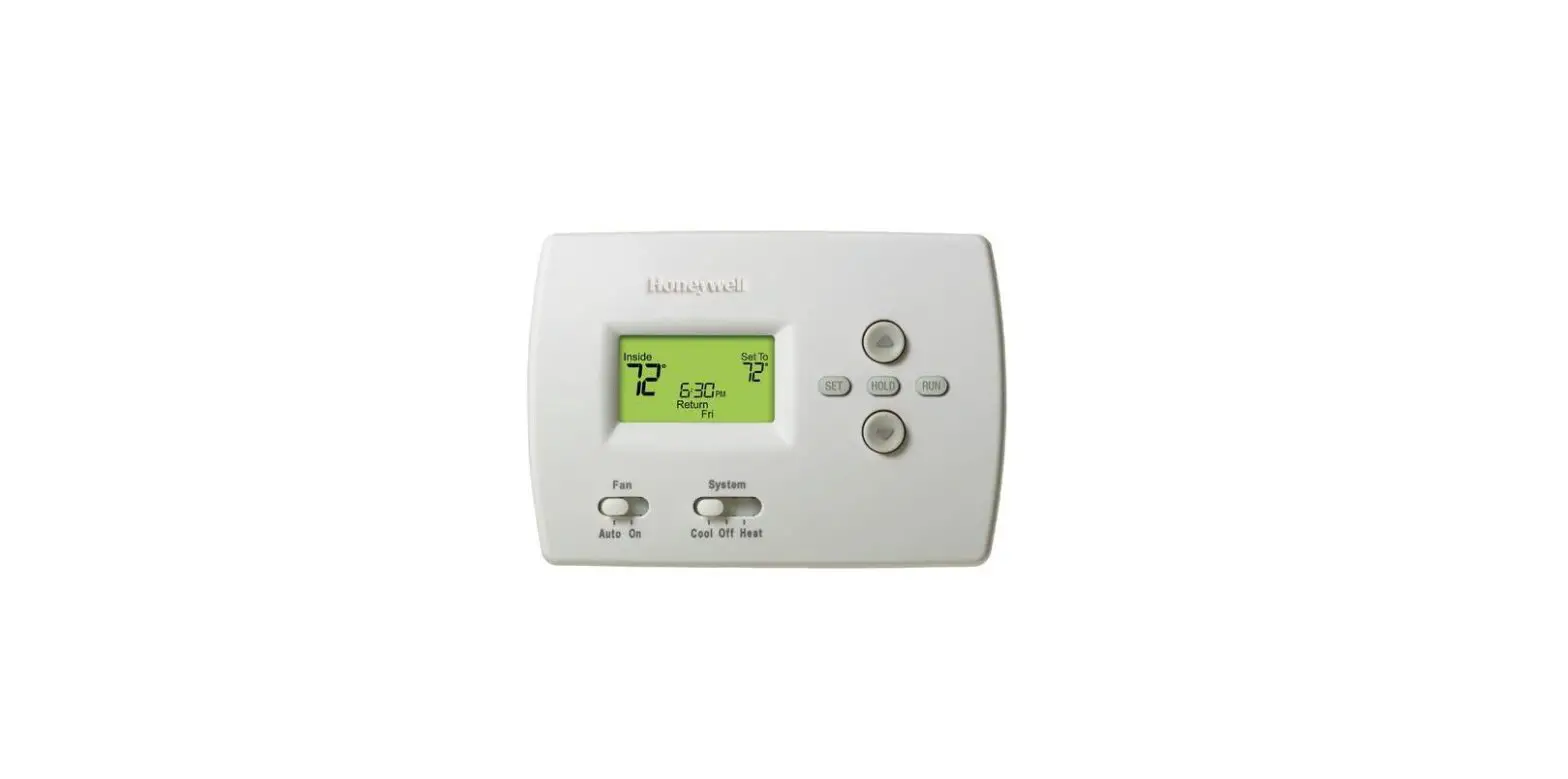
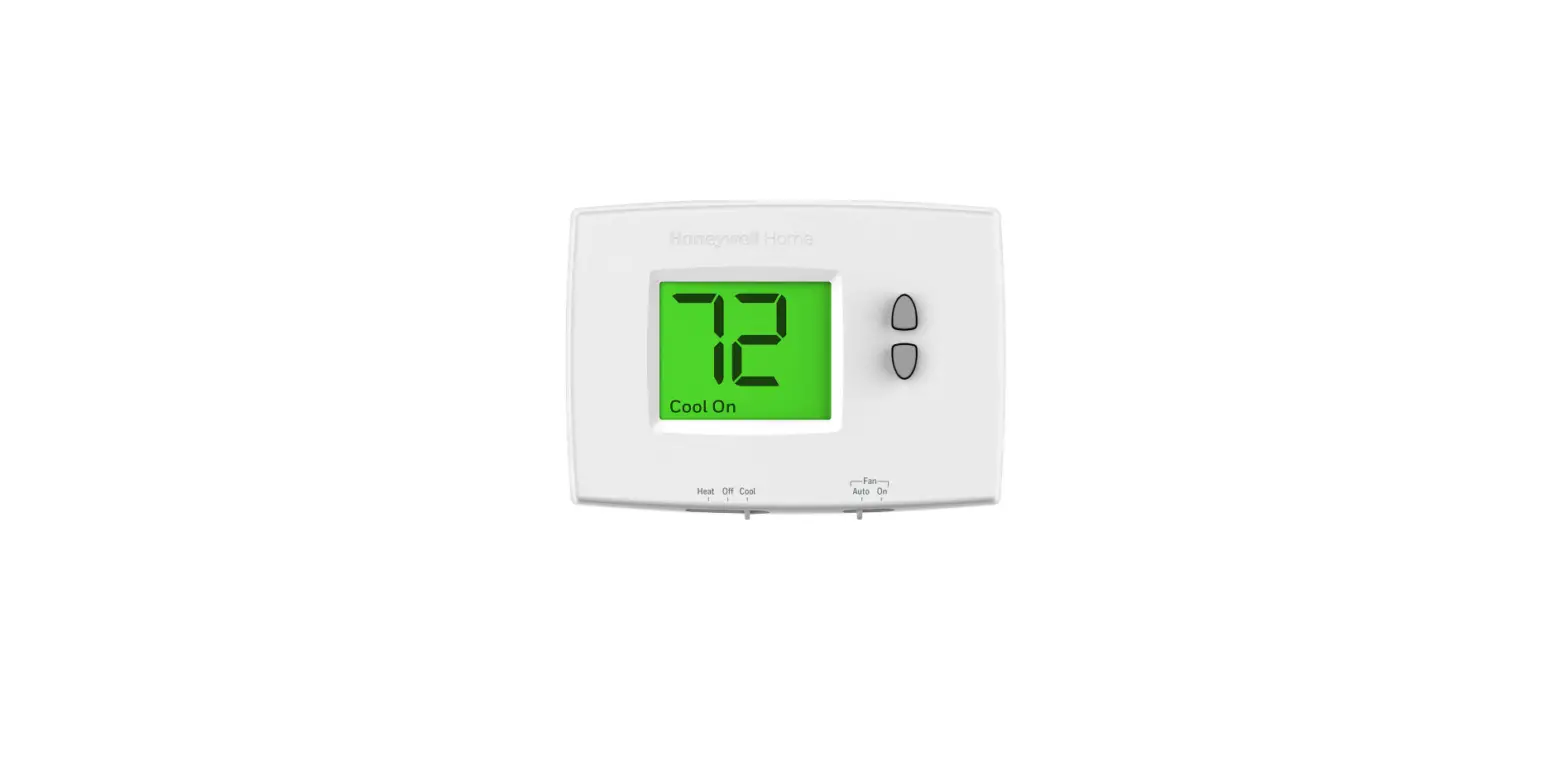
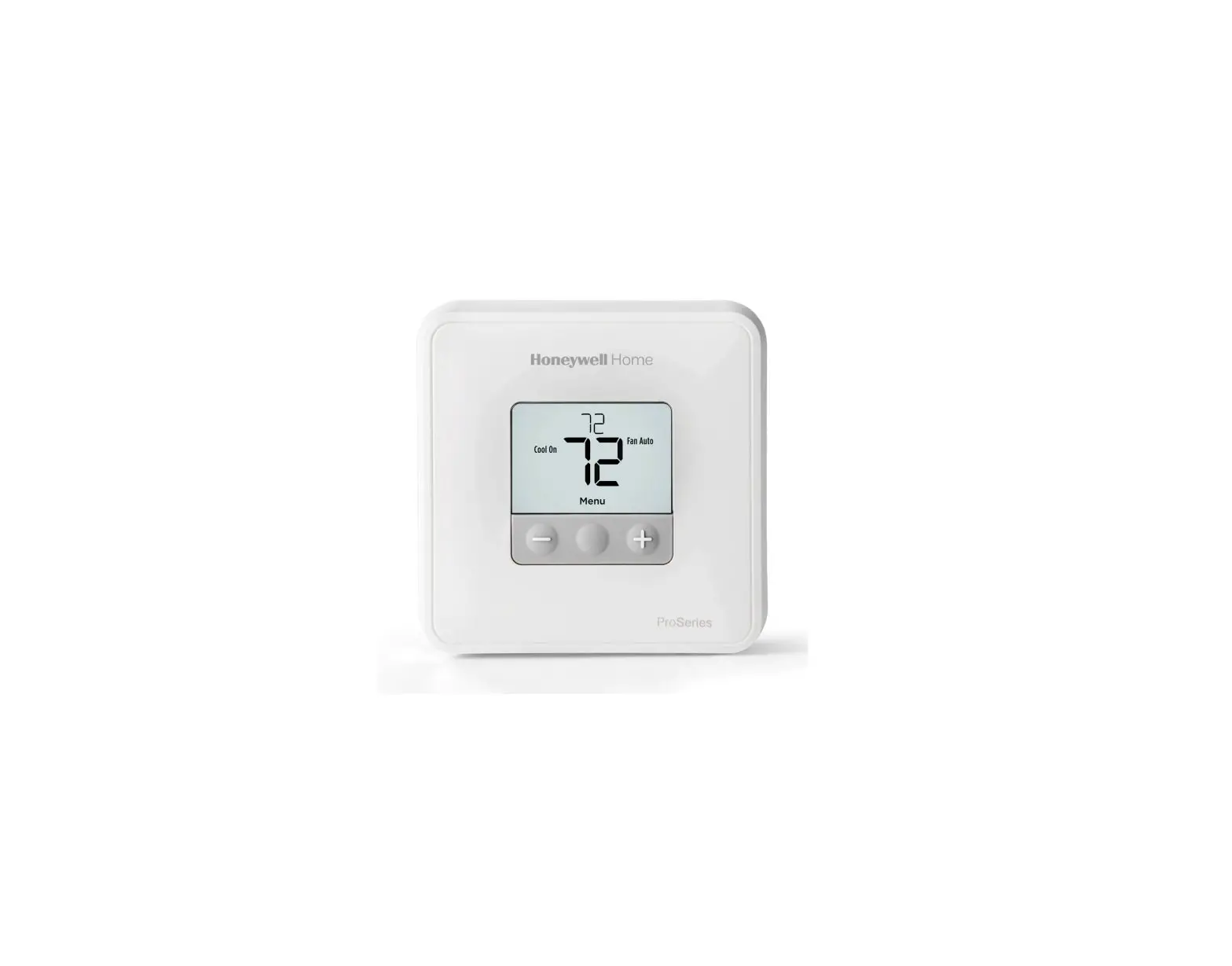
TH1100DH: For 1 Heat systems
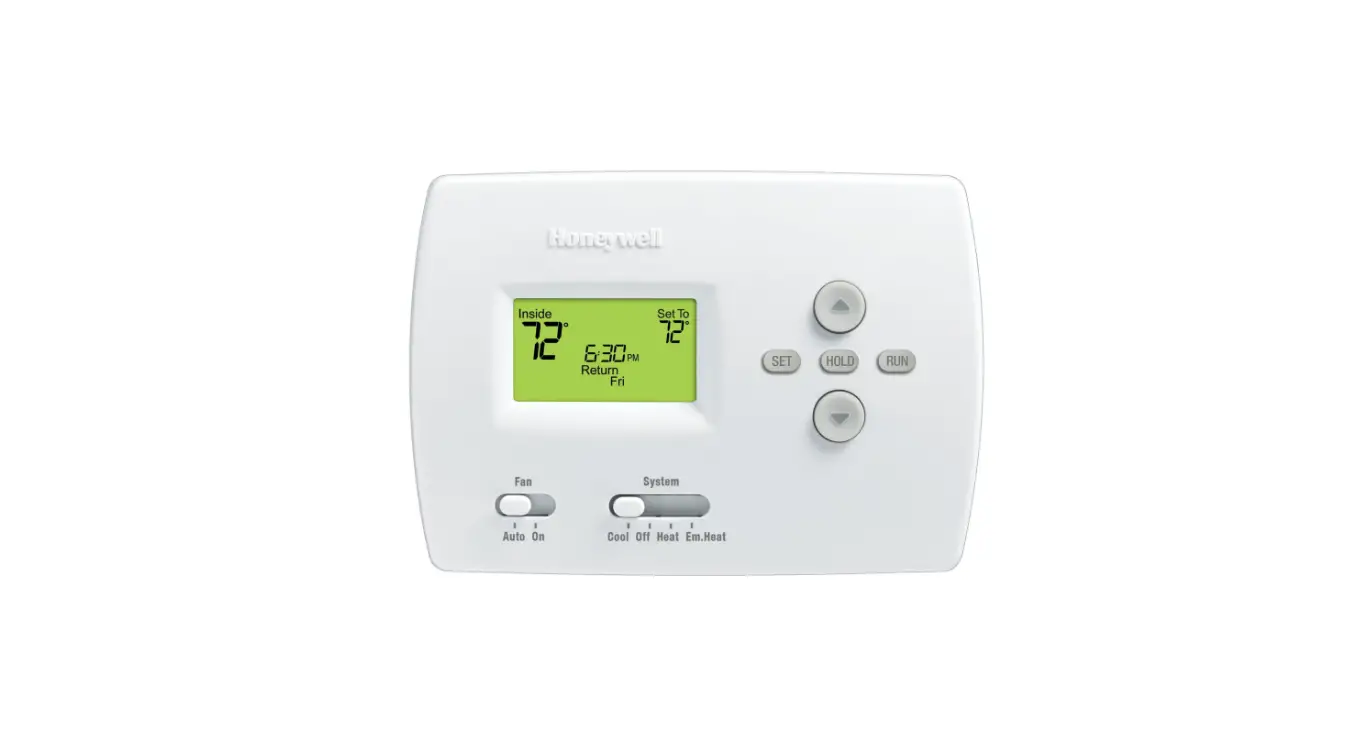
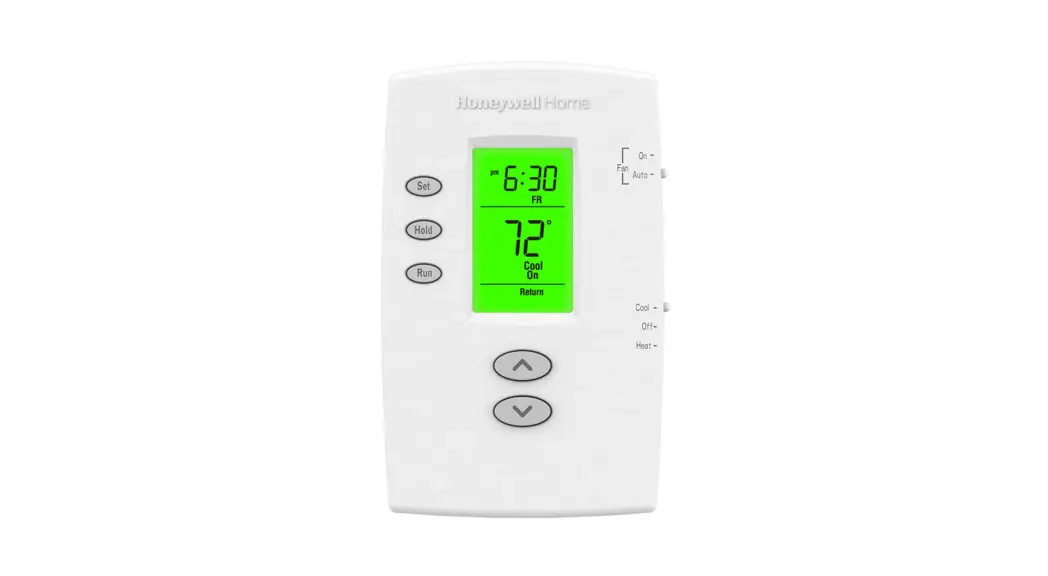
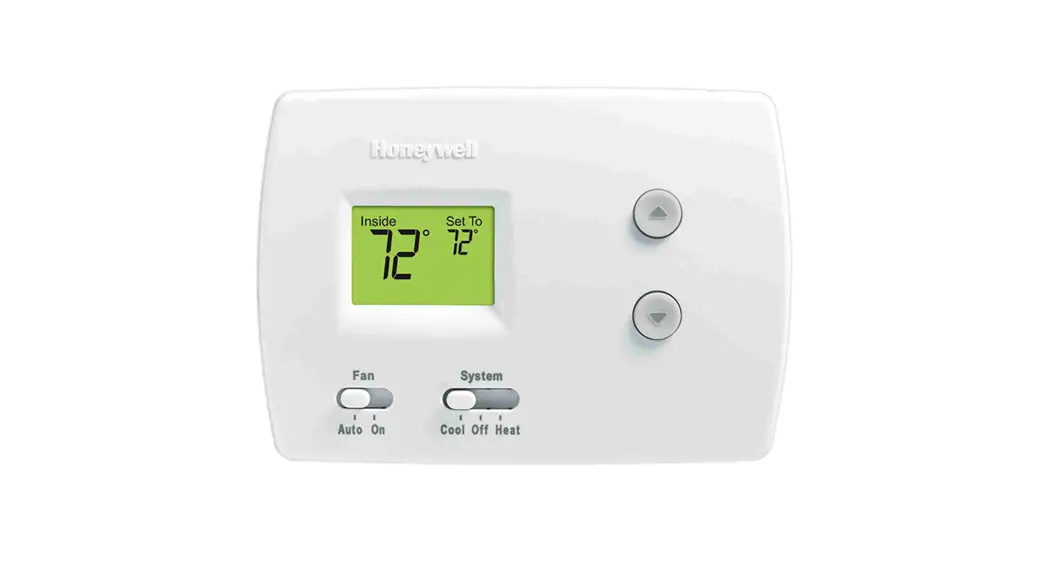
TH1110DH: For 1 Heat/1 Cool systems
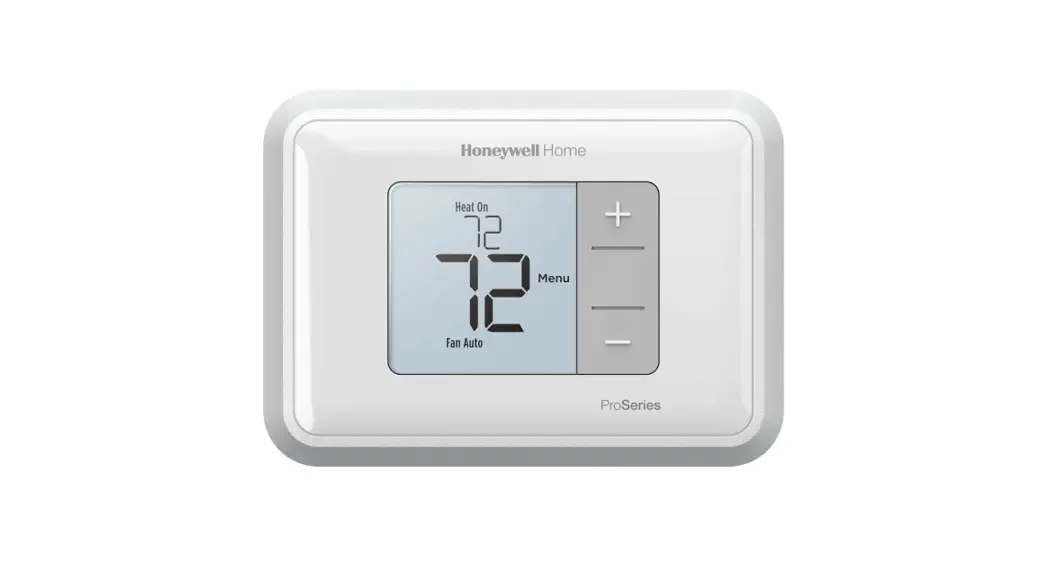
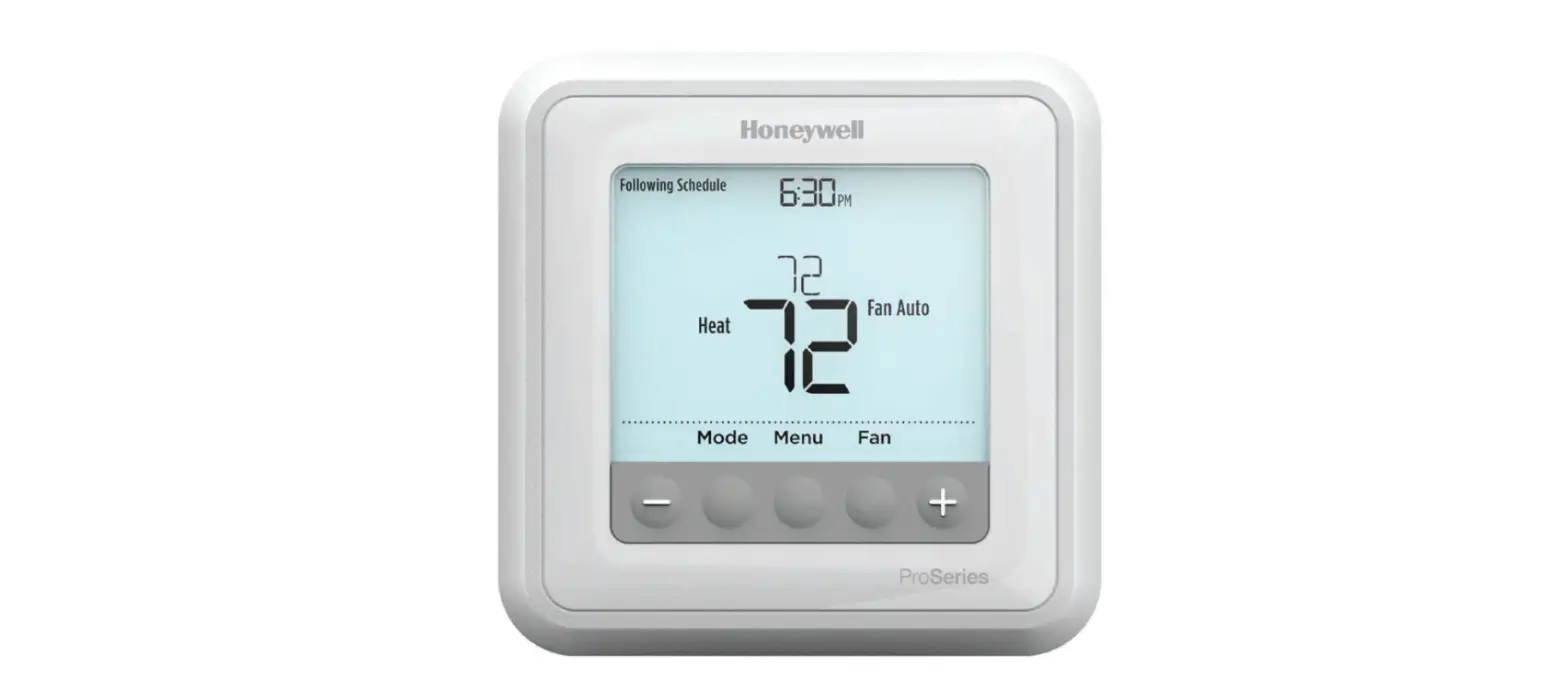
TH1110E: For 1 Heat/1 Cool systems
*TH1110E model has a larger display than pictured
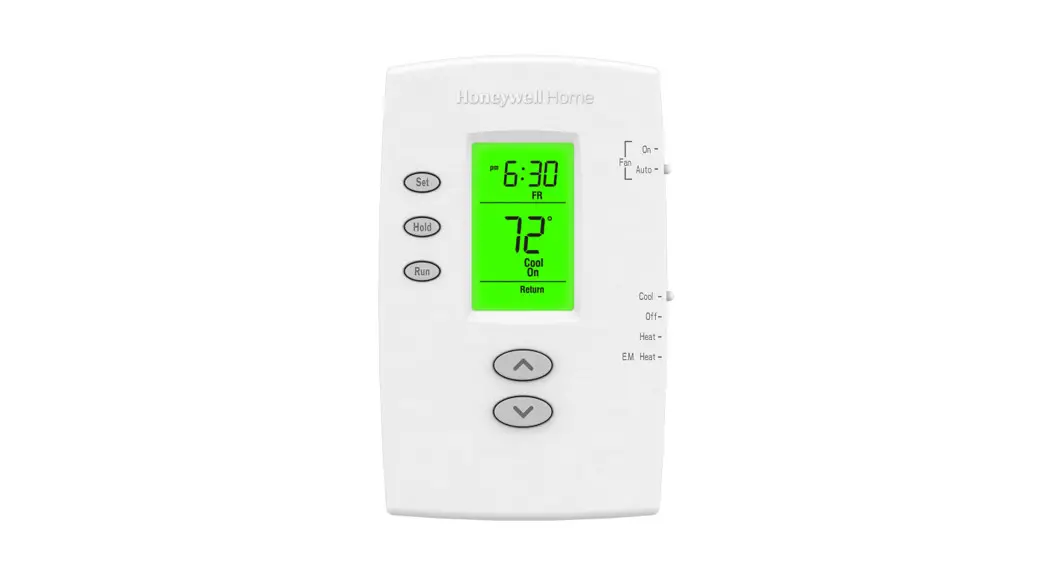
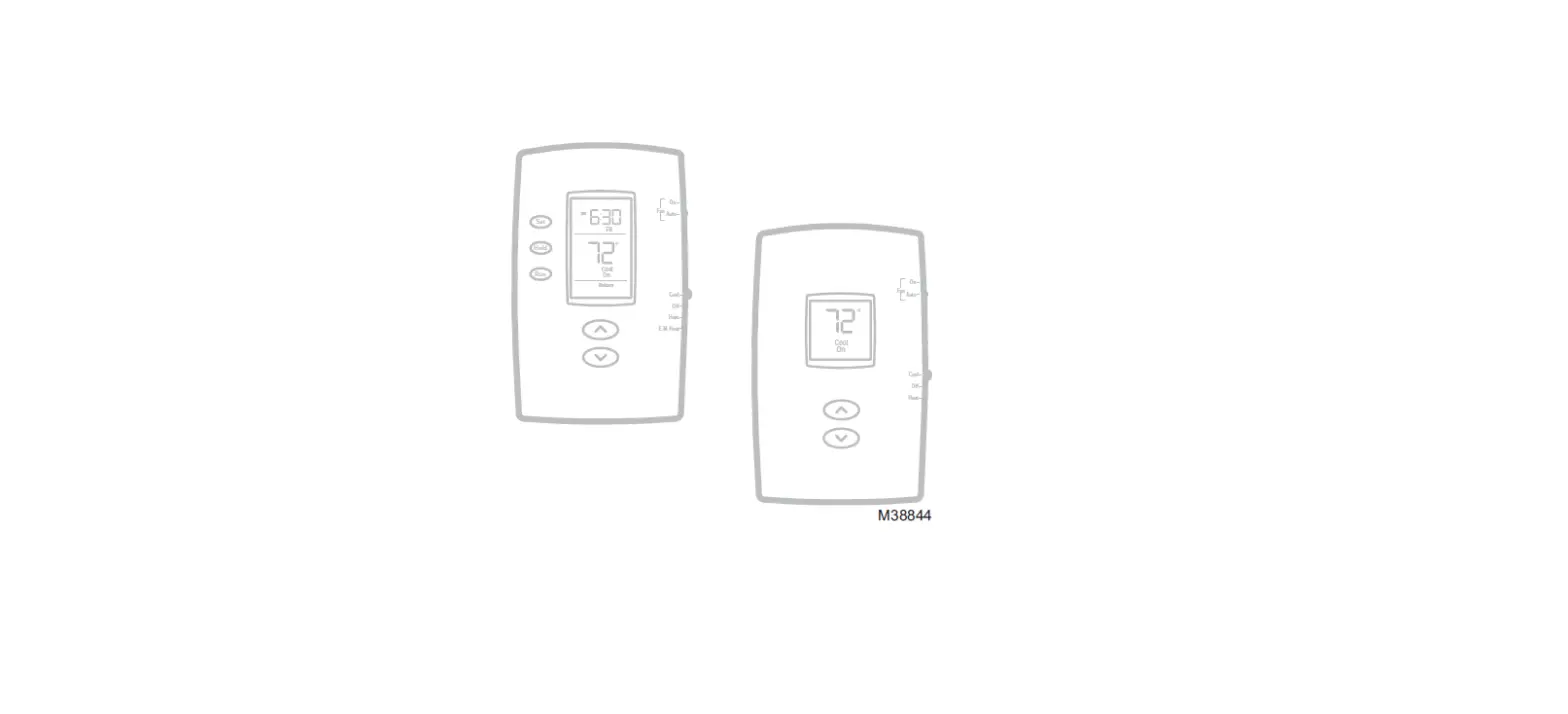
TH1210DH: For 2 Heat/1 Cool heat pump systems
Quick reference to controls
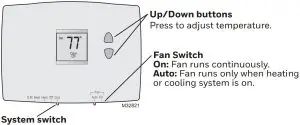
- Cool: Cooling system control.
- Off: All systems off.
- Heat: Heating system control.
- Em Heat: Emergency & Auxiliary Heat control. Compressor is locked out. (Select models only.).
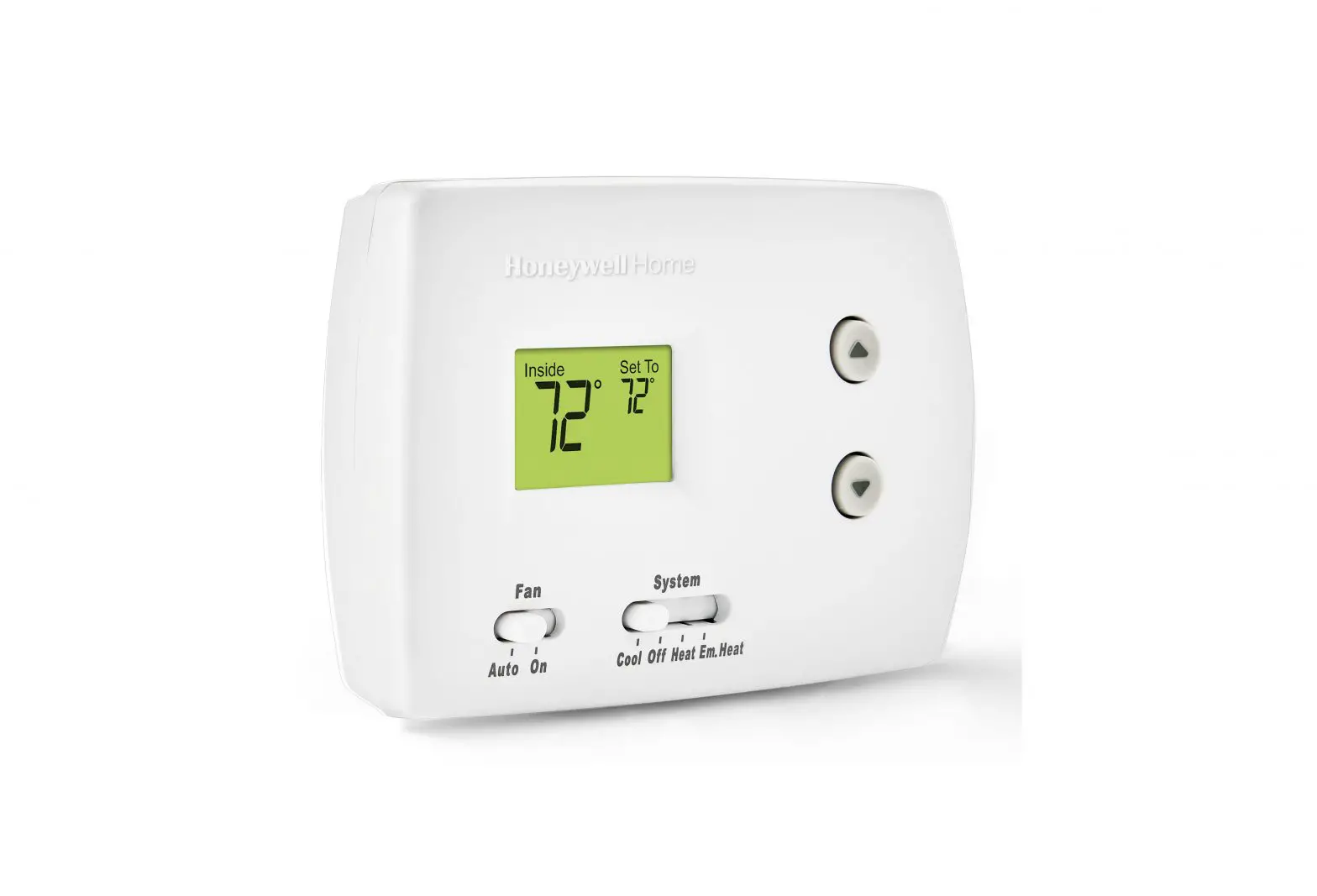
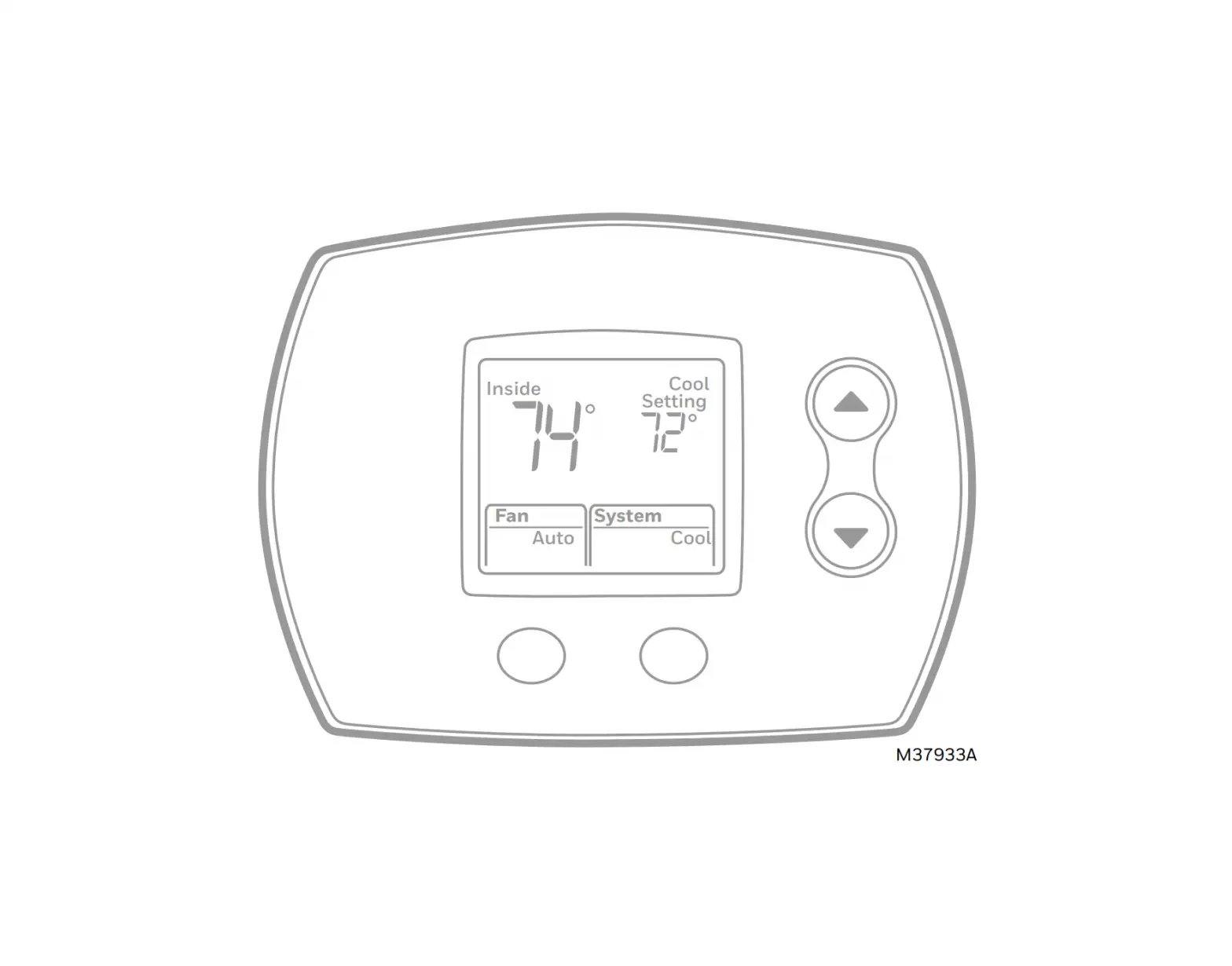
Quick reference to display screen
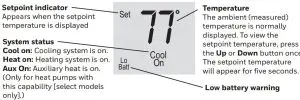
*When “Heat On” or “Cool On” is flashing, compressor protection is engaged.
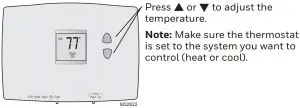
Adjust the temperature
- M32822

Note: Make sure the thermostat is set to the system you want to control (heat or cool).
Read before installing
Built-in compressor protection
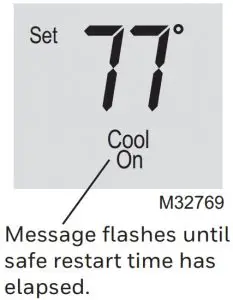
This feature helps prevent damage to the compressor in your air conditioning or heat pump system.
Damage can occur if the compressor is restarted too soon after shutdown. This feature forces the compressor to wait 5 minutes before restarting.
During the wait time, the display will flash the message Cool On. When the safe wait time has elapsed, the message stops flashing and the compressor turns on.
 CAUTION
Equipment damage hazard
To prevent possible compressor damage, do not operate cooling system when outdoor temperature is below 50°F (10°C).
Battery replacement
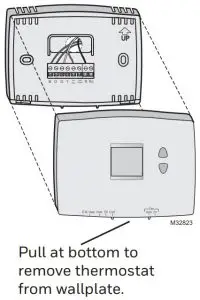
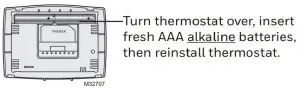
Install two fresh AAA batteries when Lo Batt flashes on the screen. Lo Batt appears for 60 days before the batteries are depleted.
Replace batteries once a year, or when you will be away for more than a month. The settings are stored in non-volatile (permanent) memory and are thus preserved when the thermostat is without batteries.
Product manuals
Search online for Resideo 69-2607EFS for the User Guide.
Electrical ratings
System | Voltage (50/60Hz) | Running Current |
Heat (1st stage) | 20-30 Vac | 0.02-1.0 A |
(Powerpile) | 750 mV DC | 100 mA DC |
Auxiliary heat | 20-30 Vac | 0.02-1.0 A |
| Cooling | 20-30 Vac | 0.02-1.0 A |
In case of difficulty
If you have difficulty with your thermostat, please try the following suggestions. Most problems can be corrected quickly and easily.
| Display is blank |
|
Heating or cooling system does not respond |
|
“Heat On” or “Cool On” is flashing |
|
“Heat On” is not displayed |
|
“Cool On” is not displayed |
|
 www.resideo.com
Resideo Technologies Inc.
1985 Douglas Drive North, Golden Valley, MN 55422
https://www.honeywellhome.com/support
33-00529EFS—03 M.S. Rev. 07-20 | Printed in United States.
© 2020 Resideo Technologies, Inc. All rights reserved.
The Honeywell Home trademark is used under license from Honeywell International, Inc. This product is manufactured by Resideo Technologies, Inc. and its affiliates.

 Smart Home Products and Systems | Resideo
 HACCP poročilo o temperaturah | Temperature.si | Upravna enota Maribor