 USER MANUAL
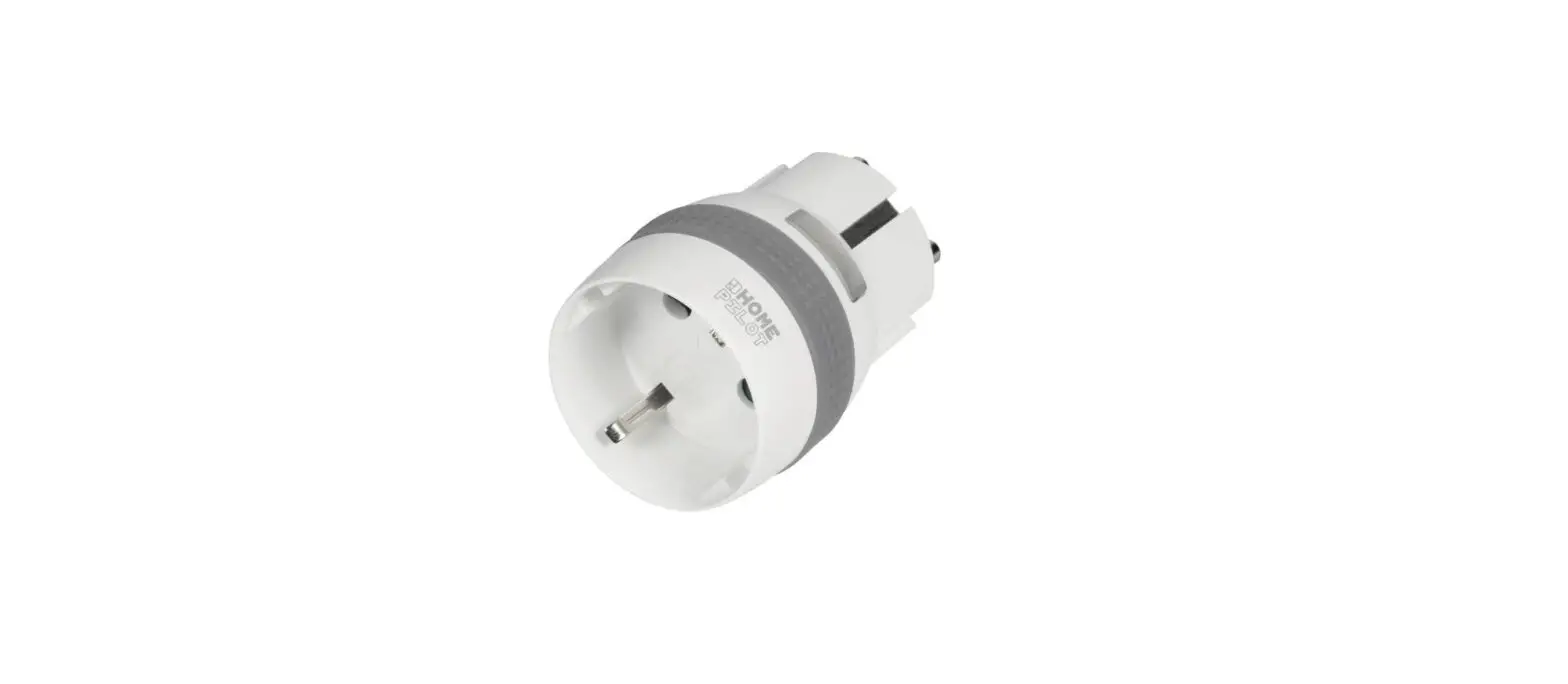
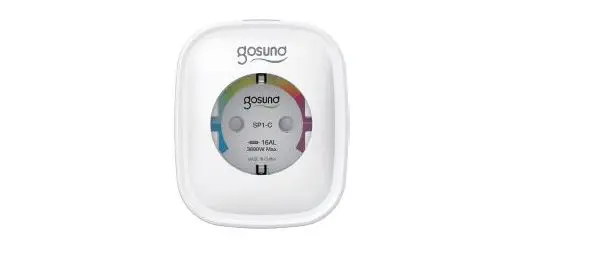
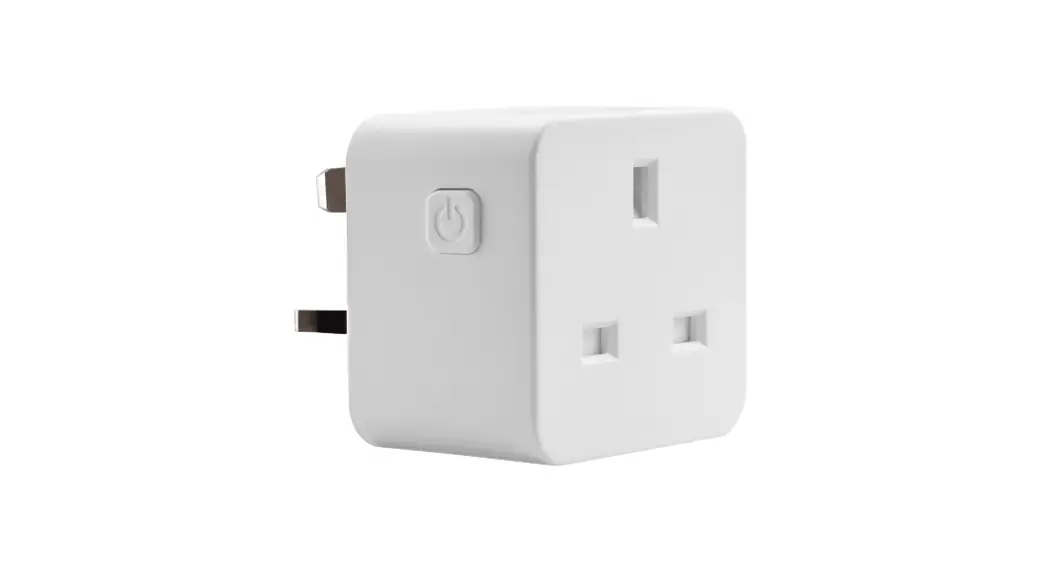
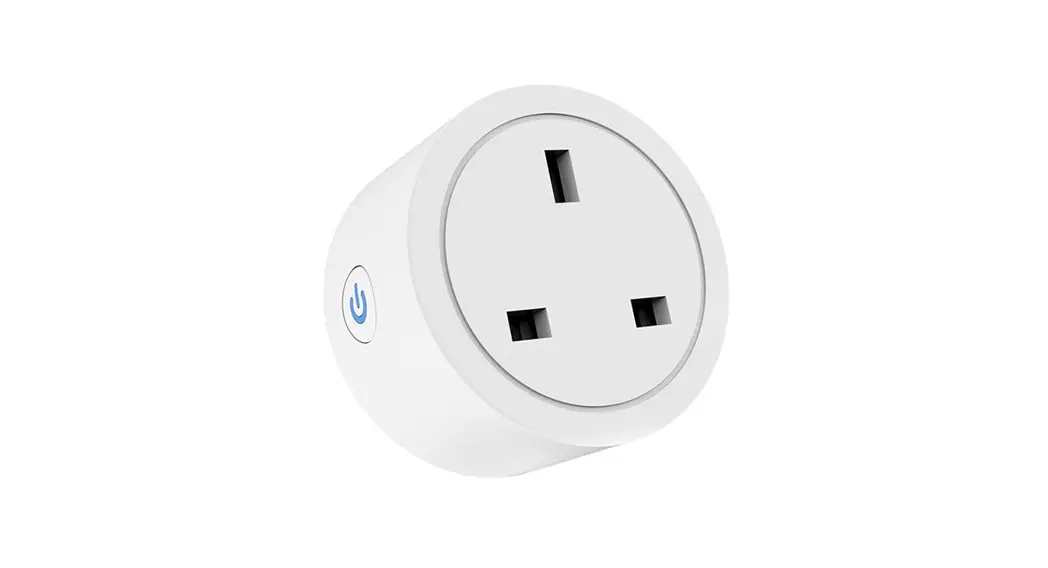
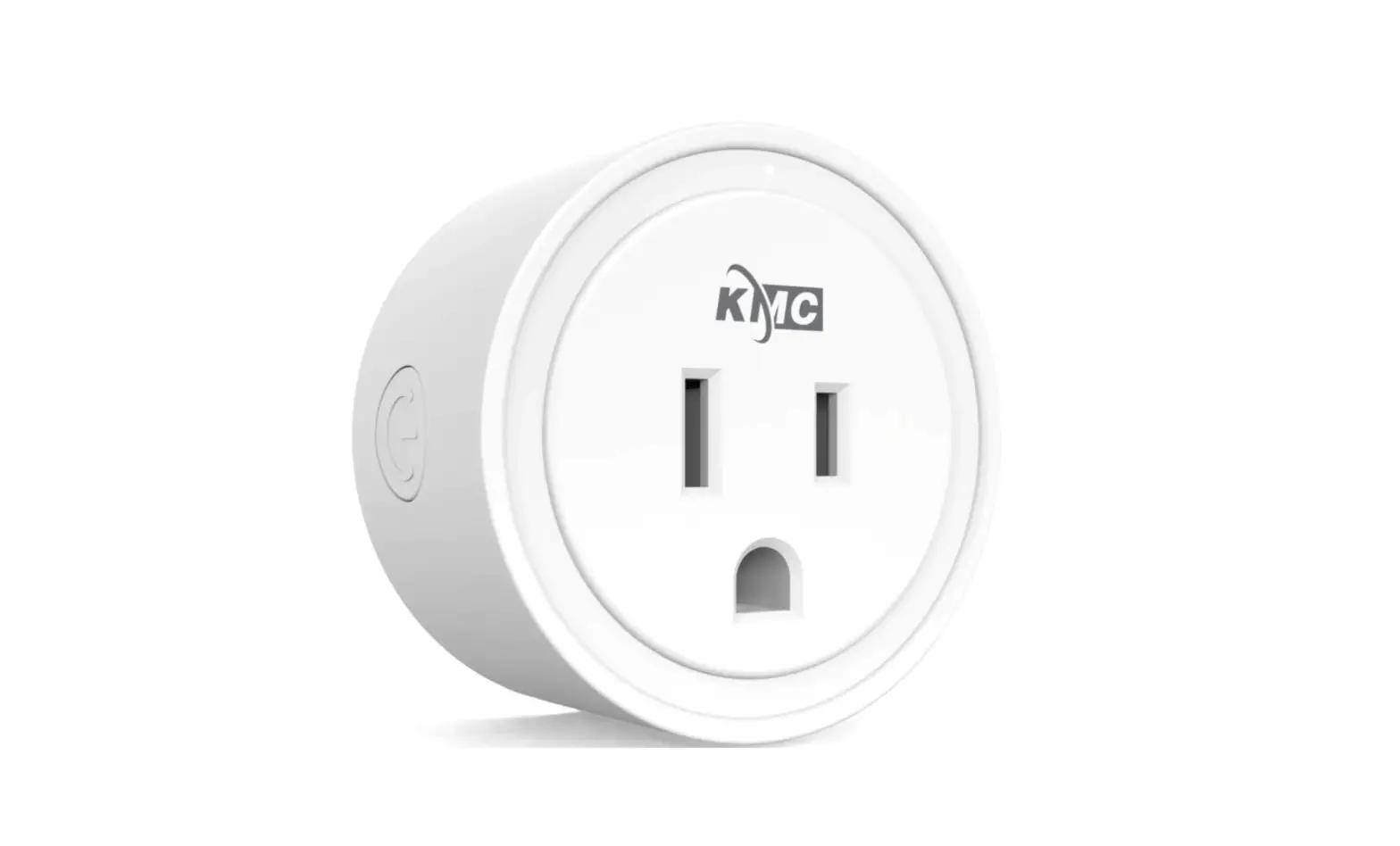
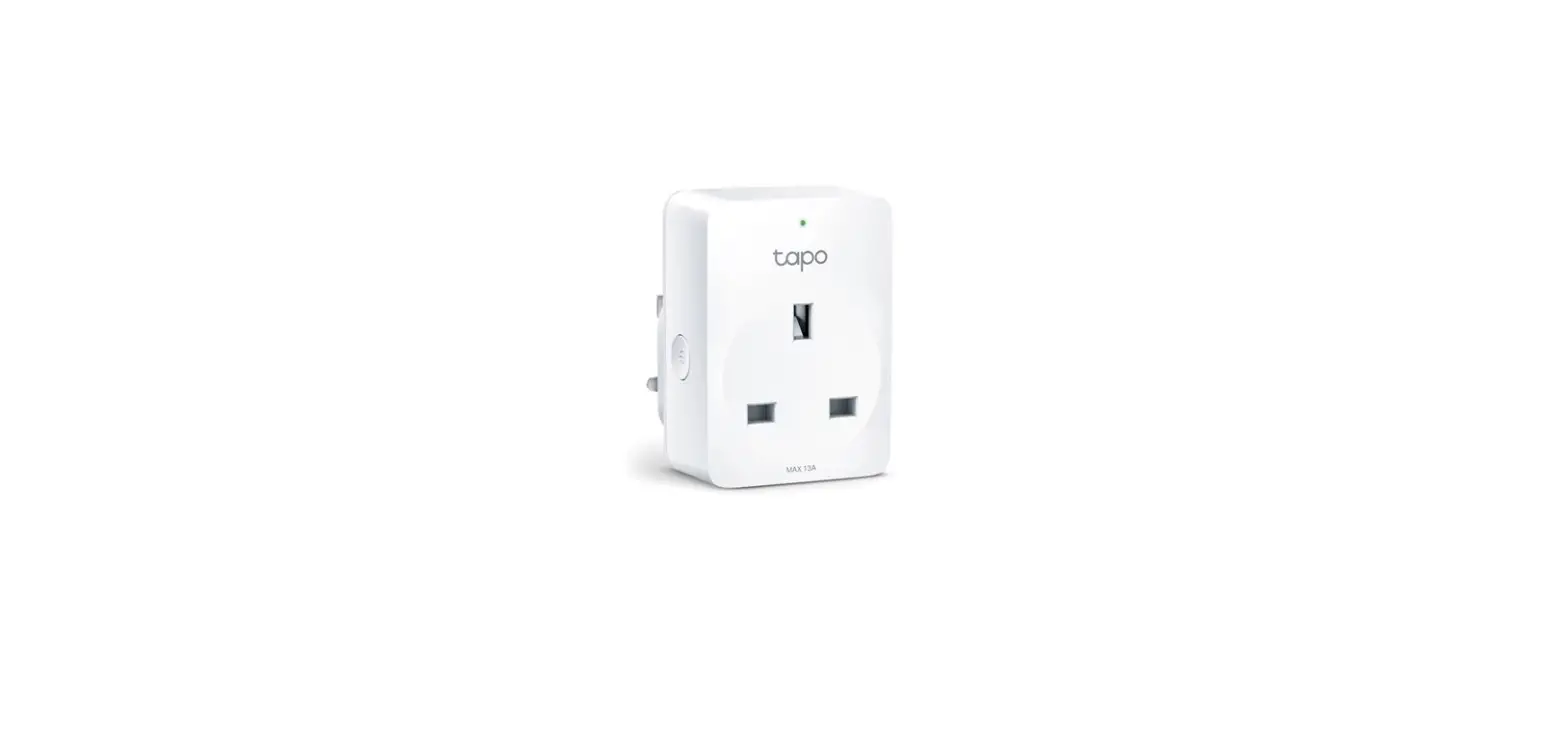
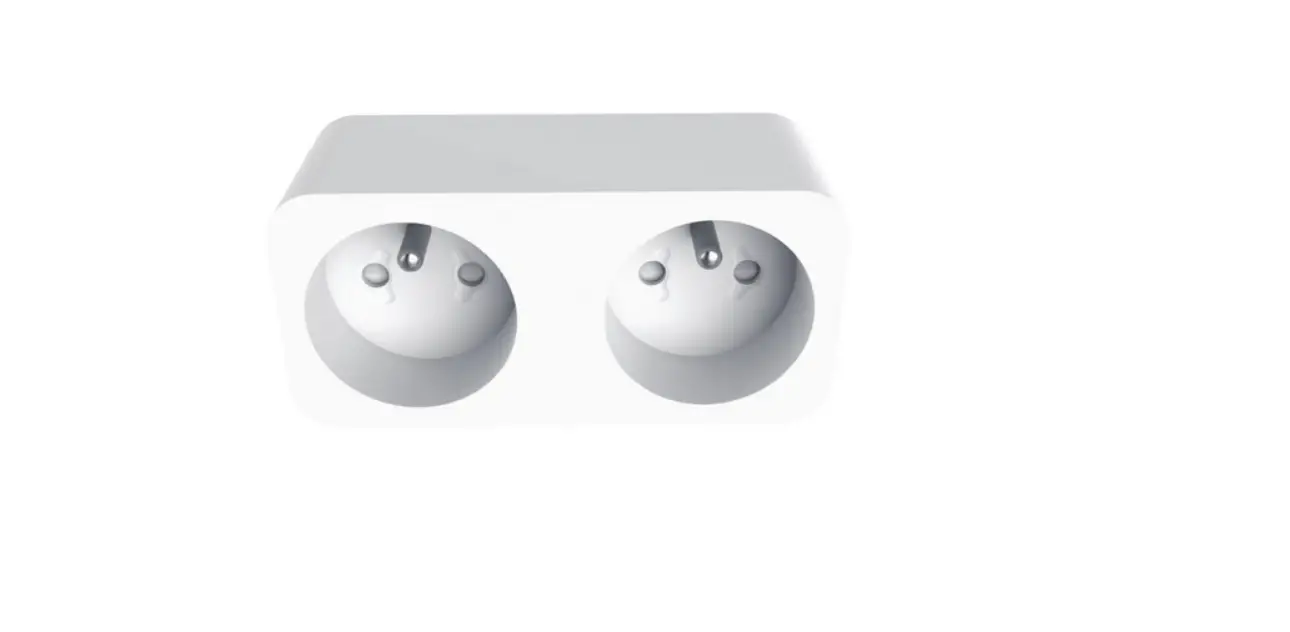
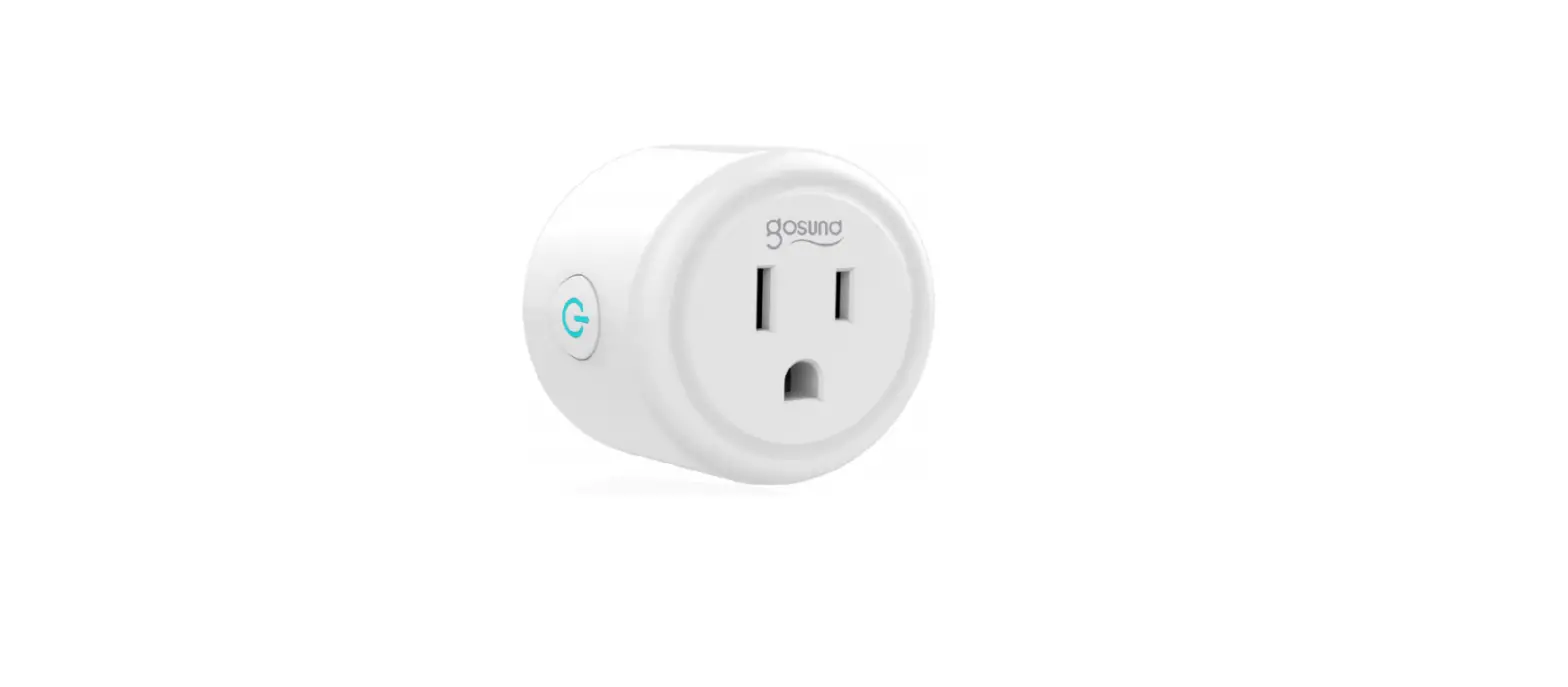
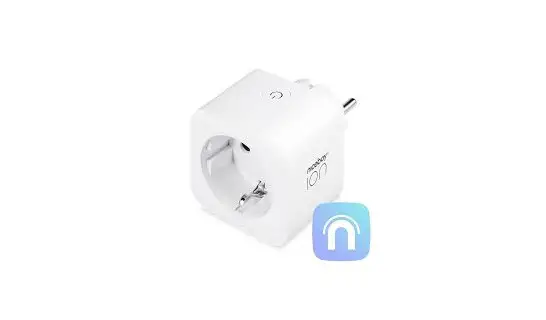
SMART SOCKET
- Instructions.

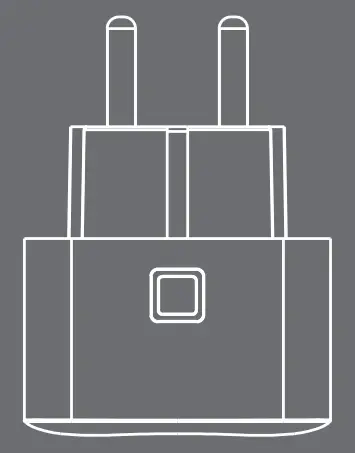
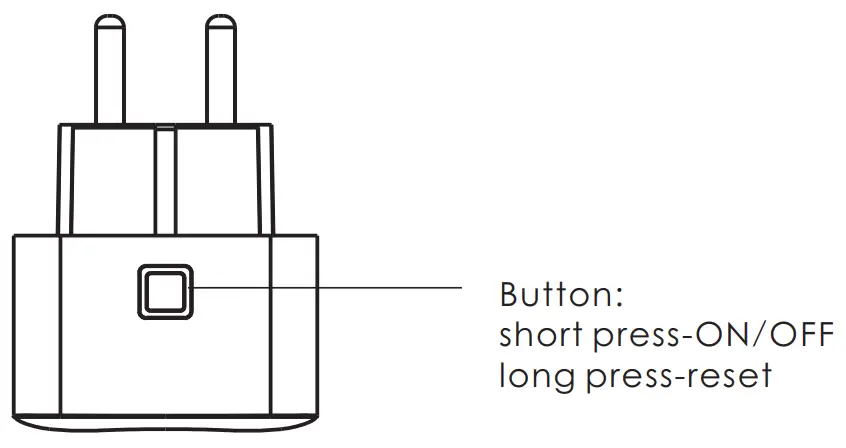
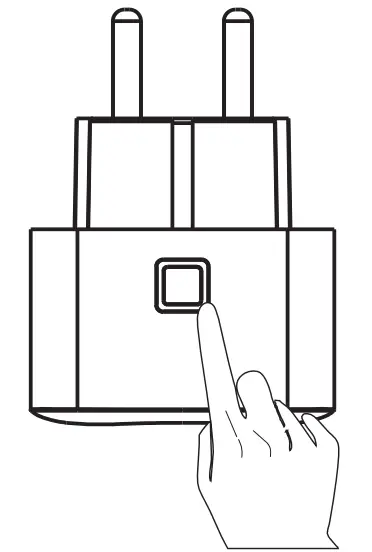
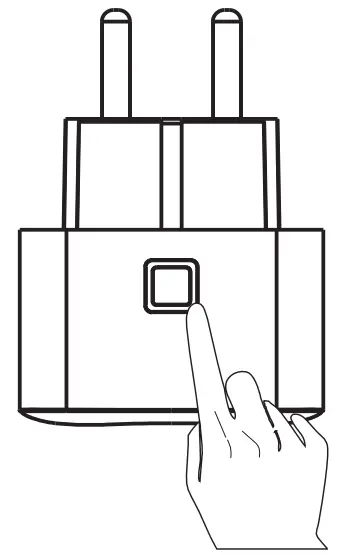
- Short press the button.

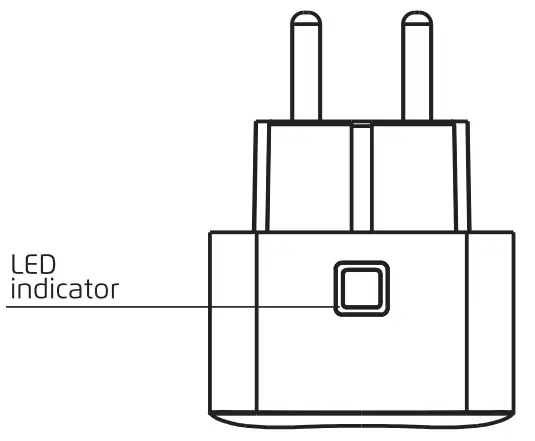
- The light will flash continuously for 60 seconds. (Device is in pairing mode)

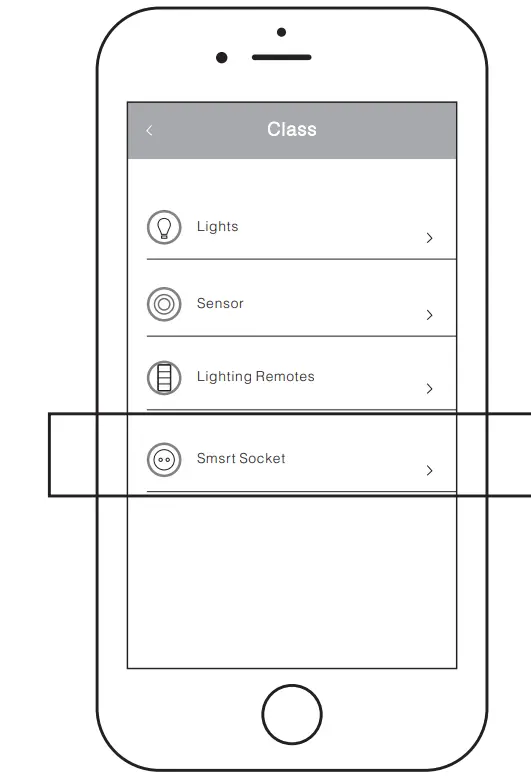
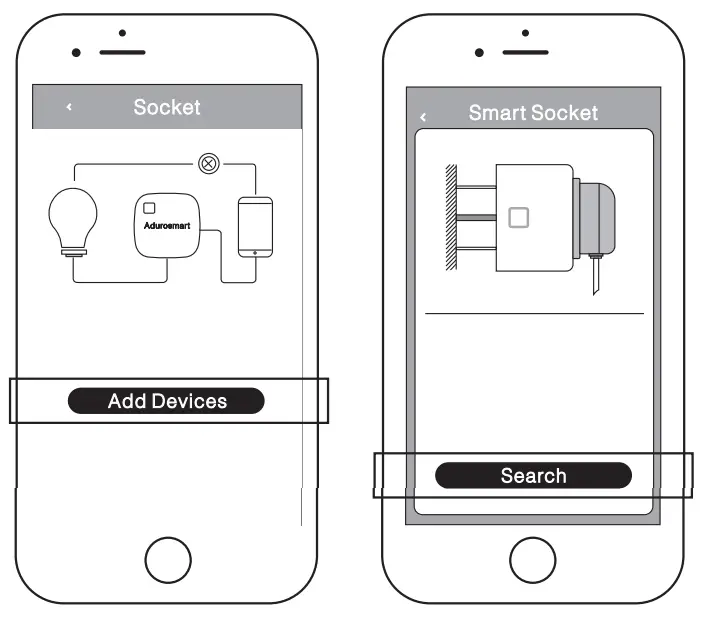
- Open your control station App and press on settings →devices →smart sockets →ADD device.

- Once the device is successfully added, The LED will stop flashing and the device can be seen in your APP.

Trouble Shooting: - TO reset the device.
***To reset the sensor press the button for 5 sec. The LED will flash fast to confirm the reset.
LED FUNCTION TABLE
| Connection mode | LED will flash once per second for approximately 1 min. (After 1 min the LED will stop flashing) |
| Connection successfully | LED will stop flash. (The App will also indicate when the connection is successful) |
| Sensor reset | LED will flash fast. (for 2 seconds) |