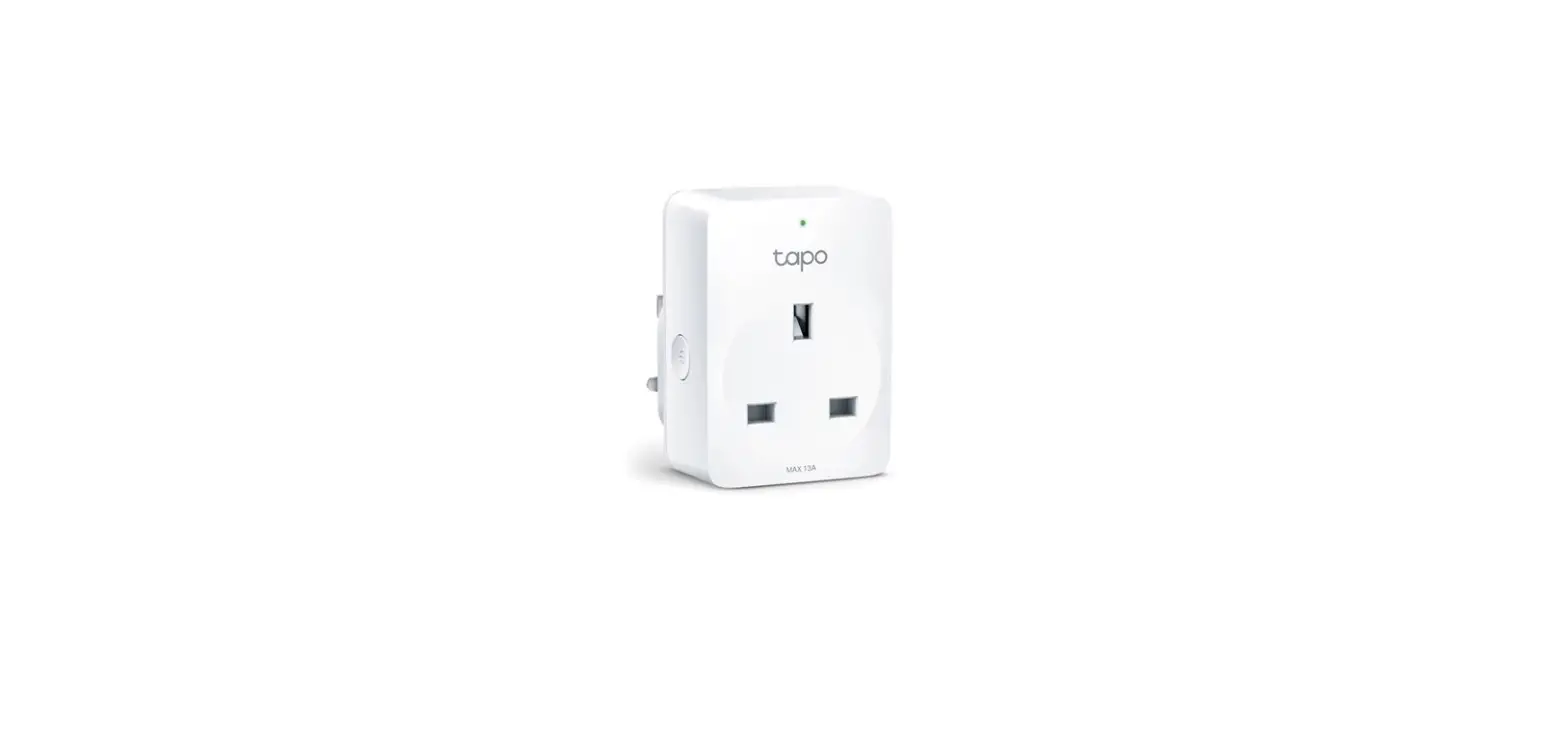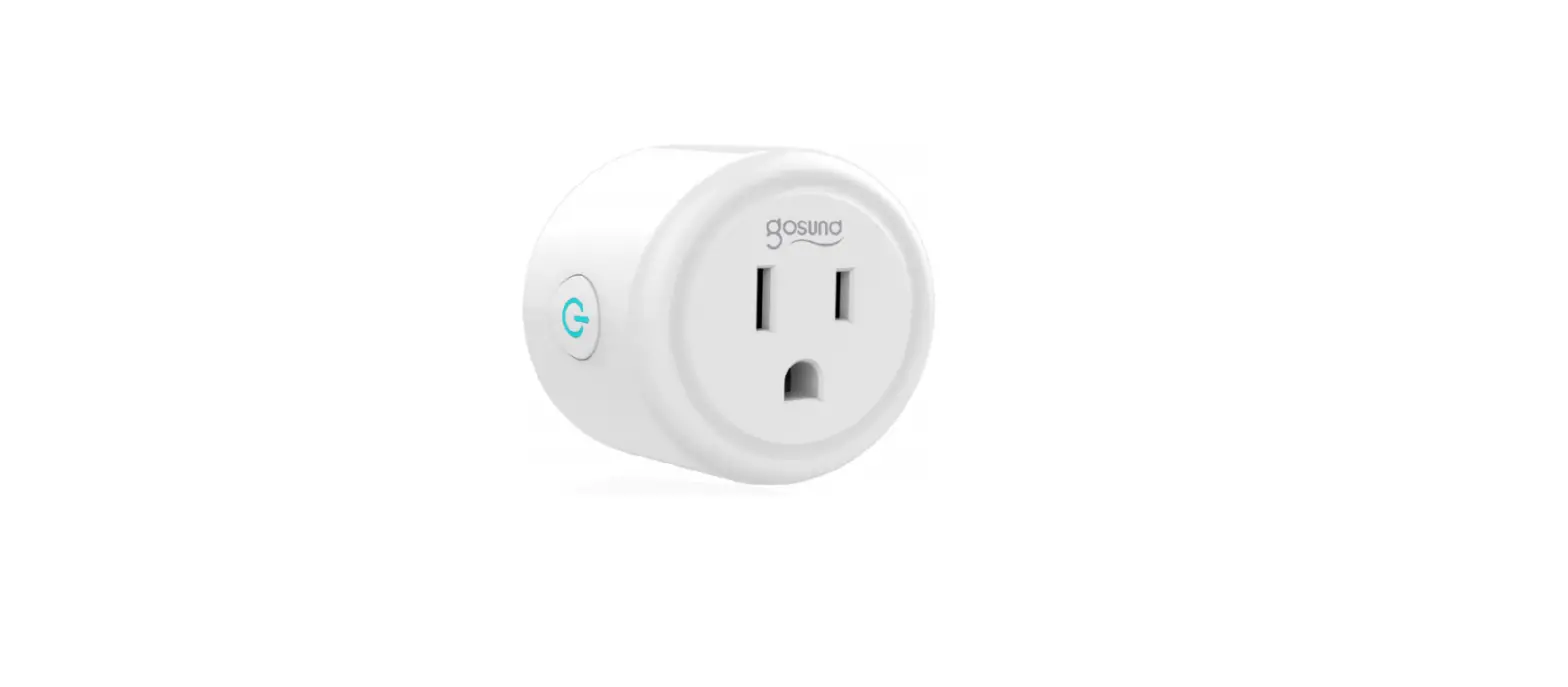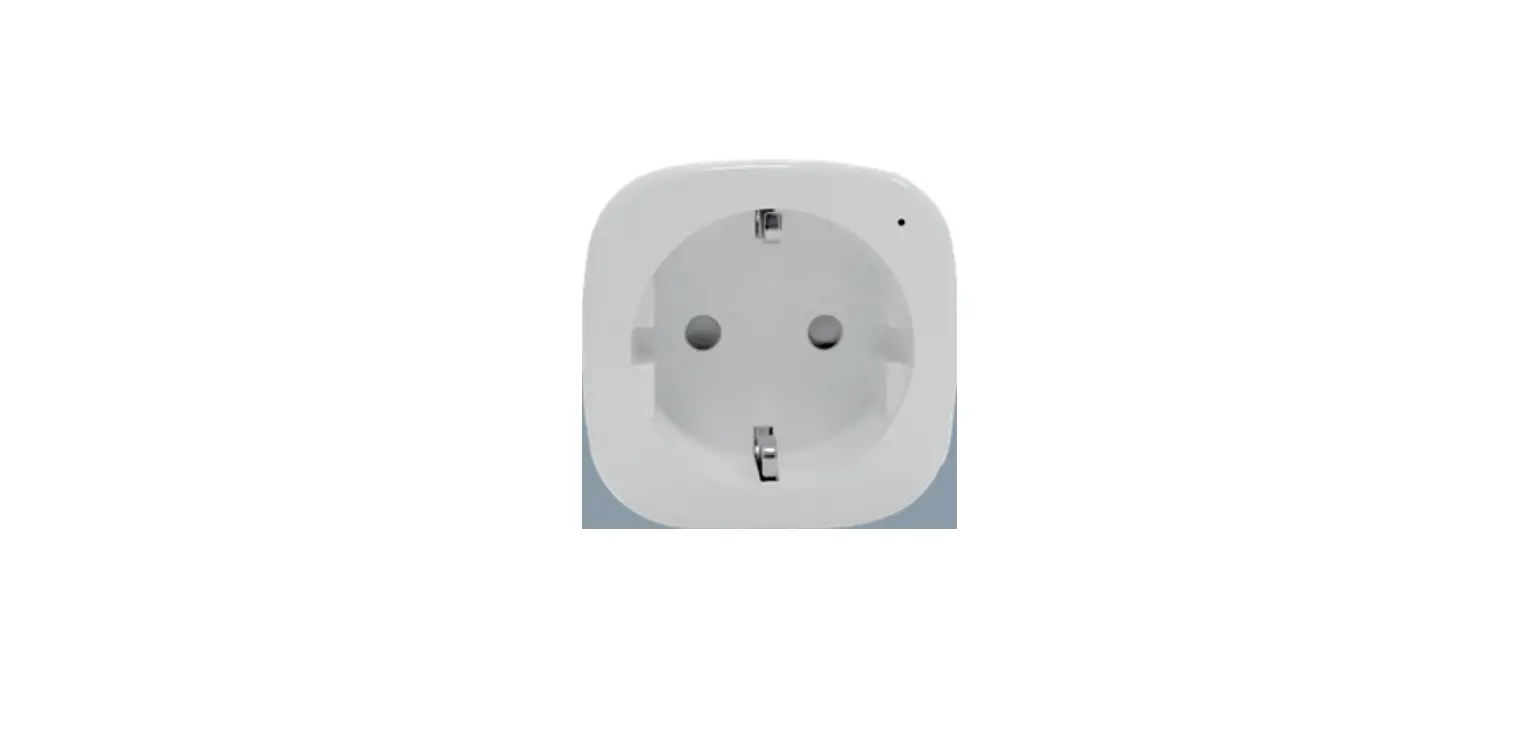
 Connecte Smart Socket 16A
User manual
Smart Socket 16A
Introduction
Detailed product information is available online by scanning the QR code on the box. Download the Connecte App and install the Connecte smart gateway.
Properties
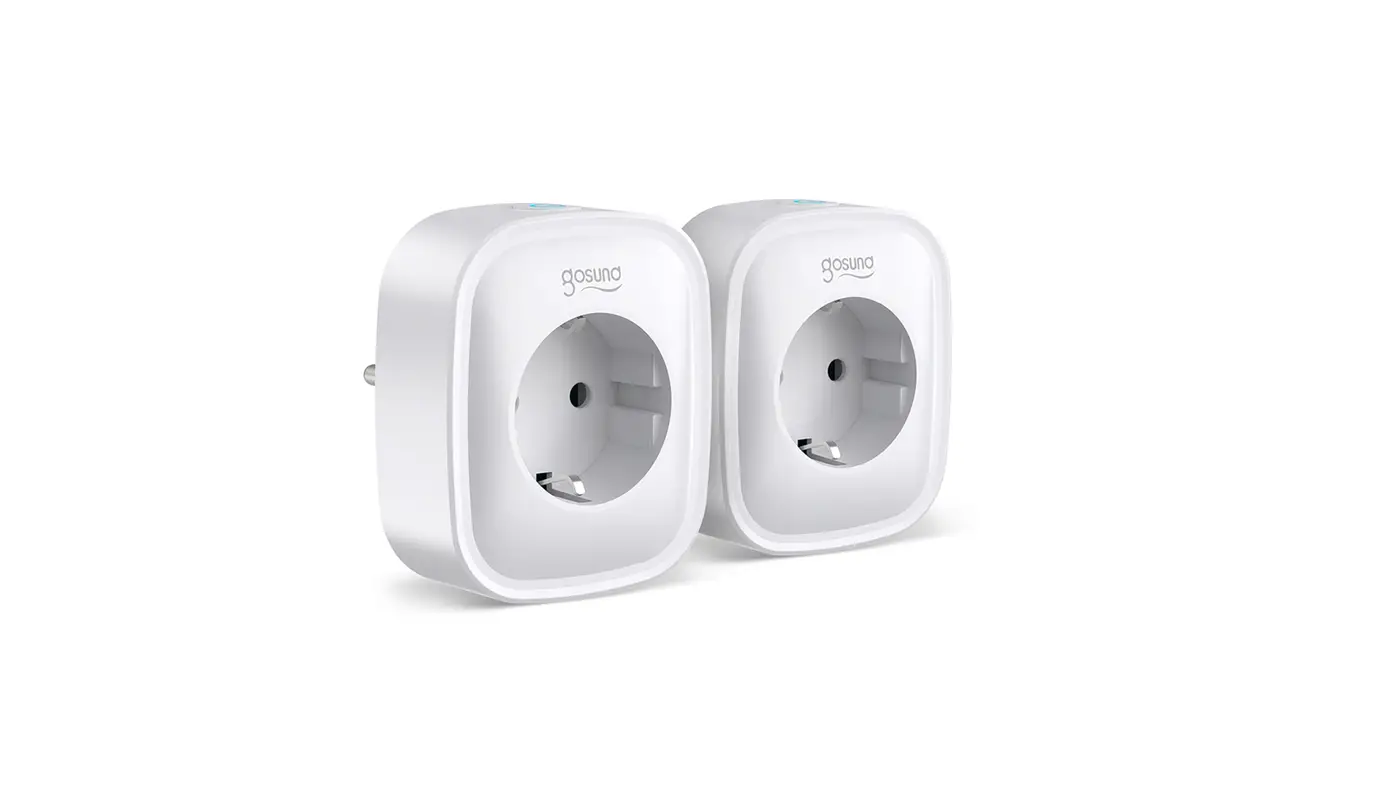
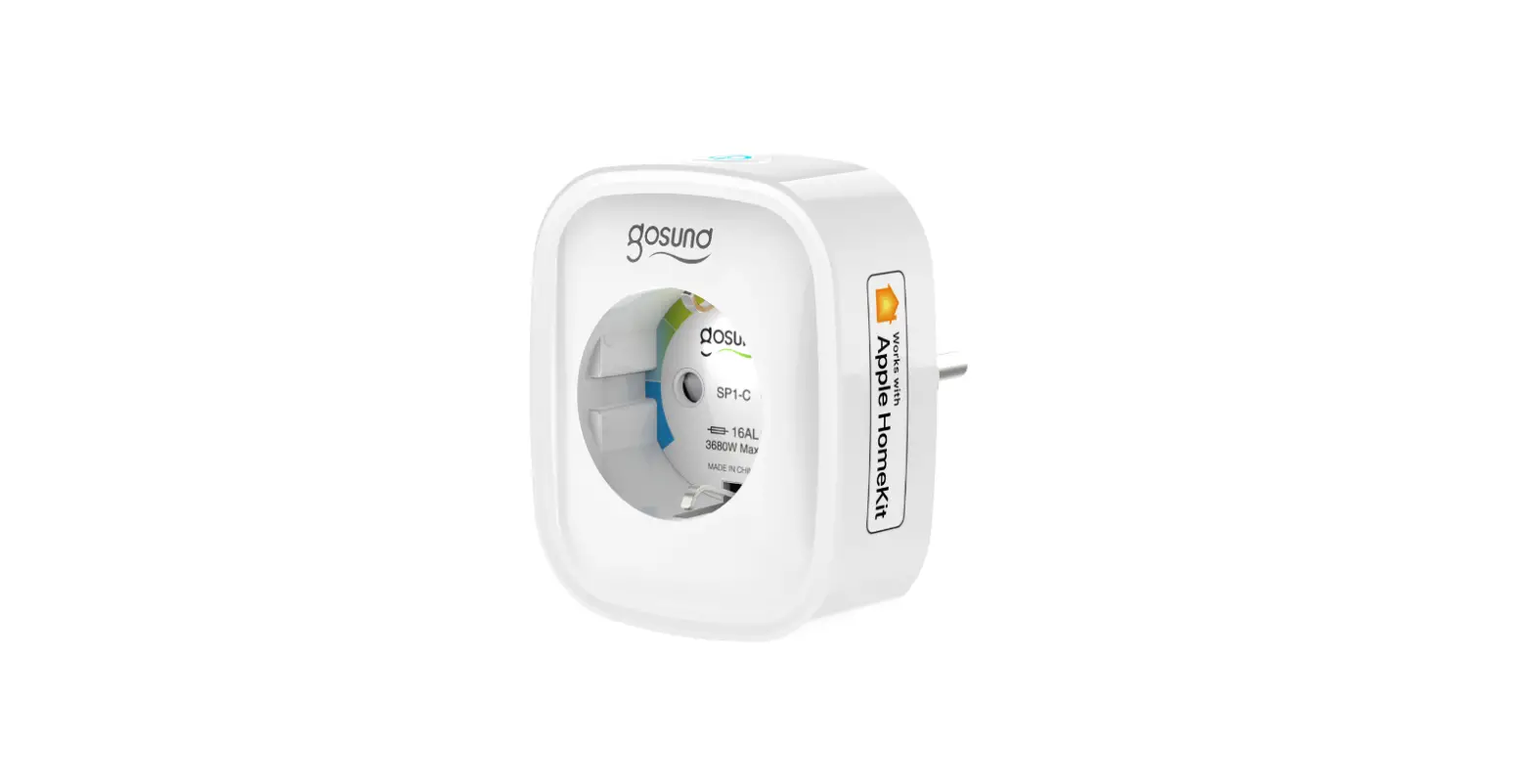
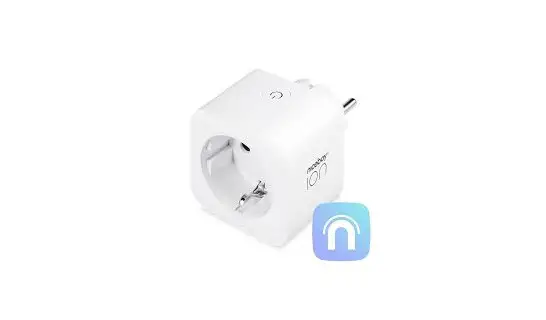
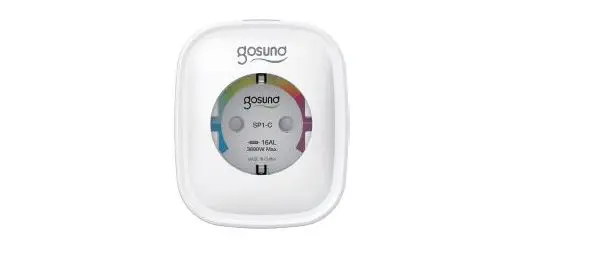
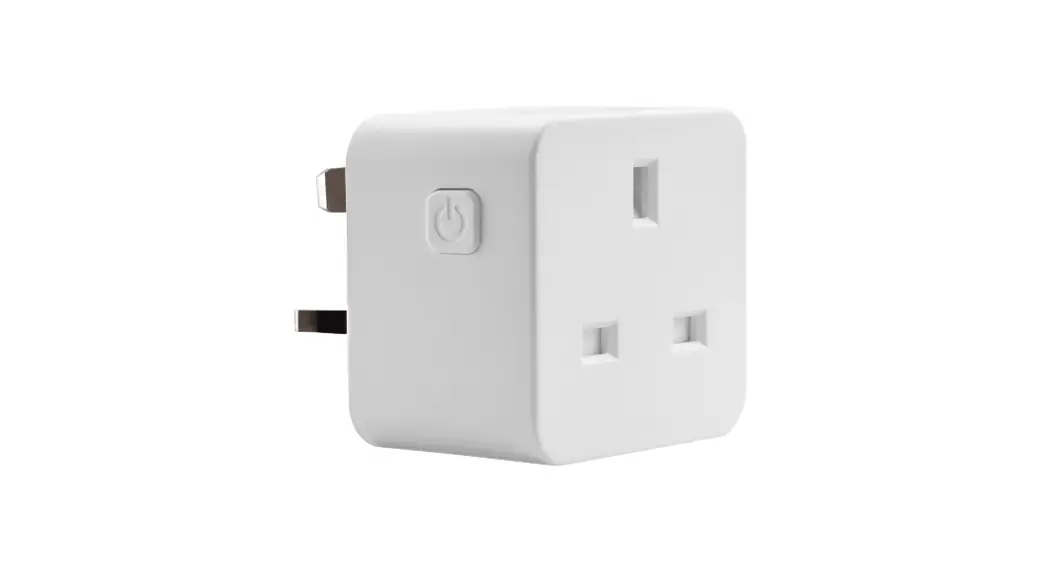
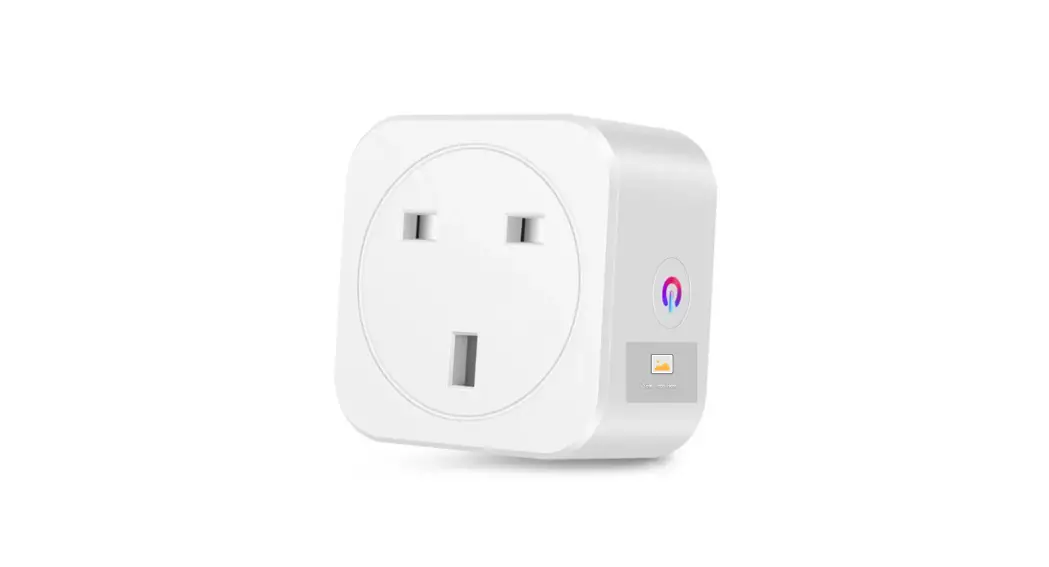
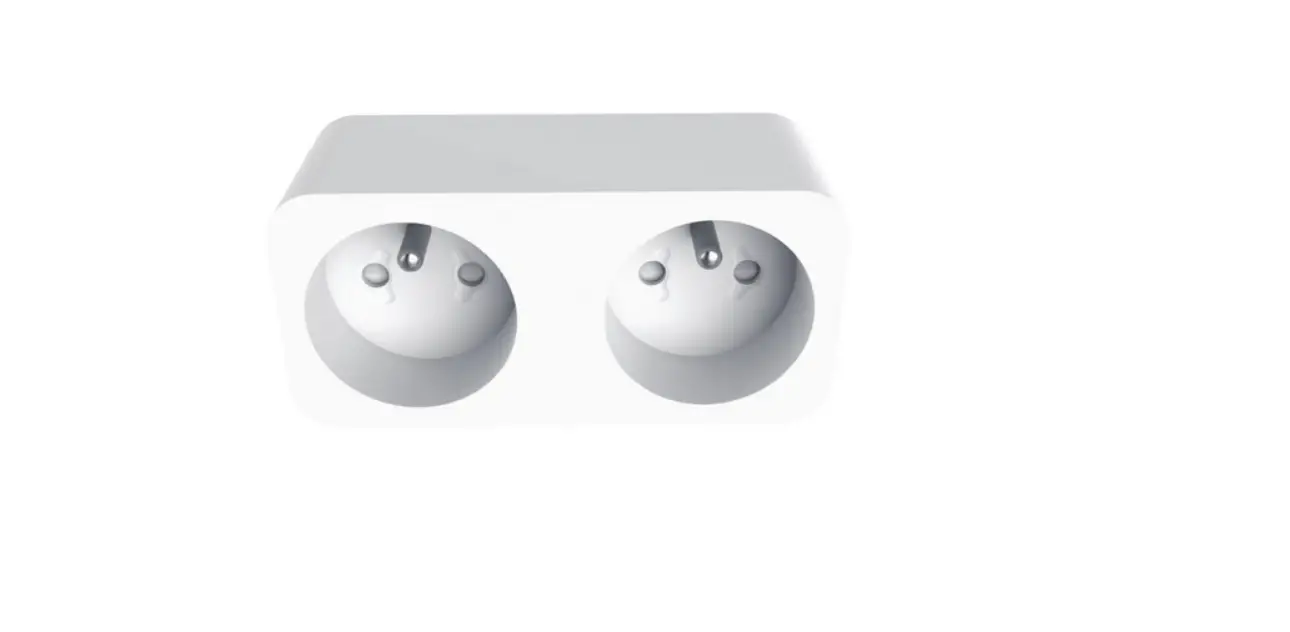
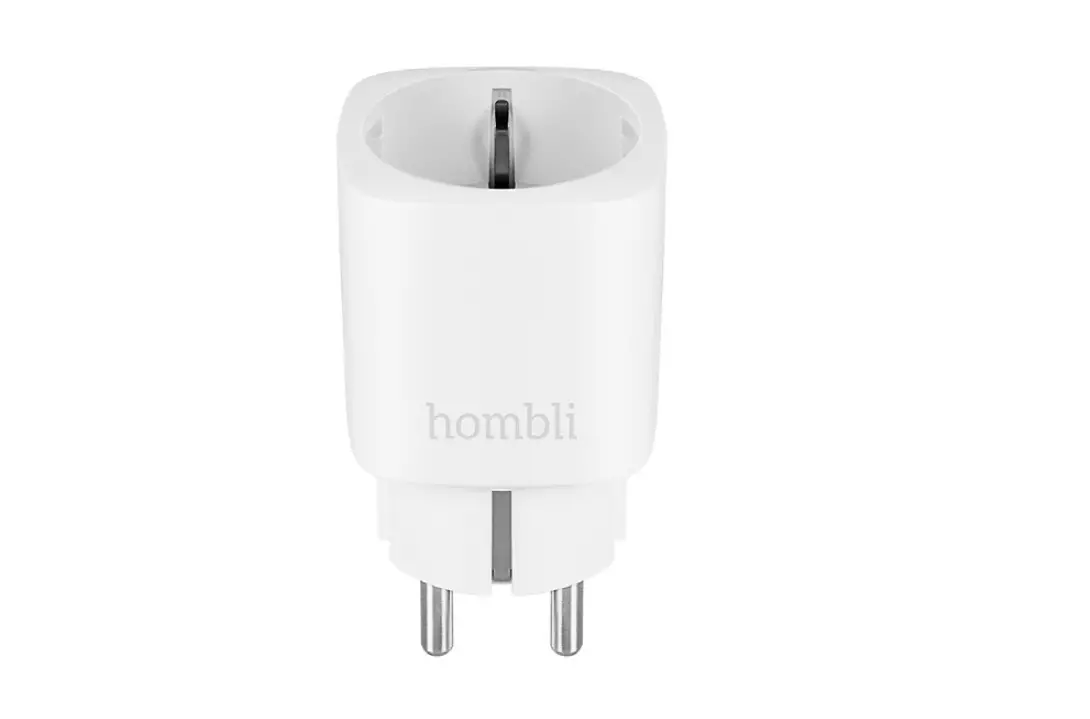
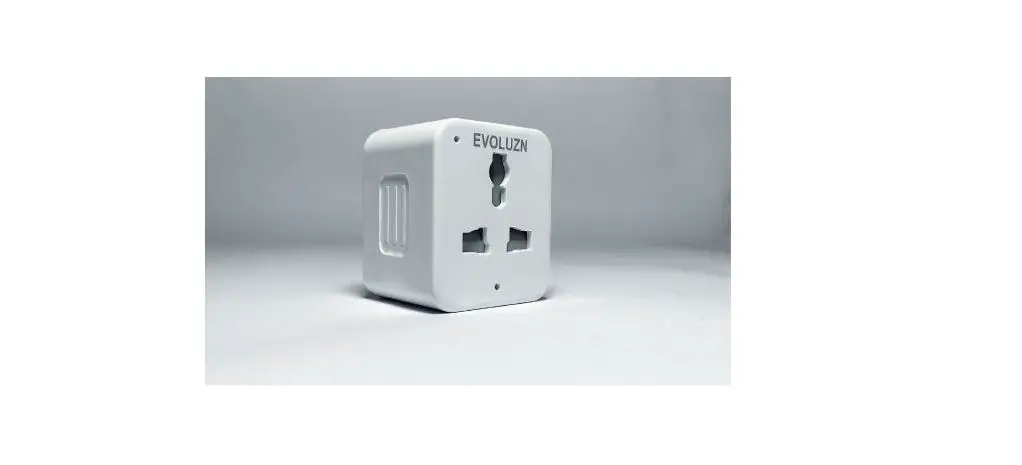
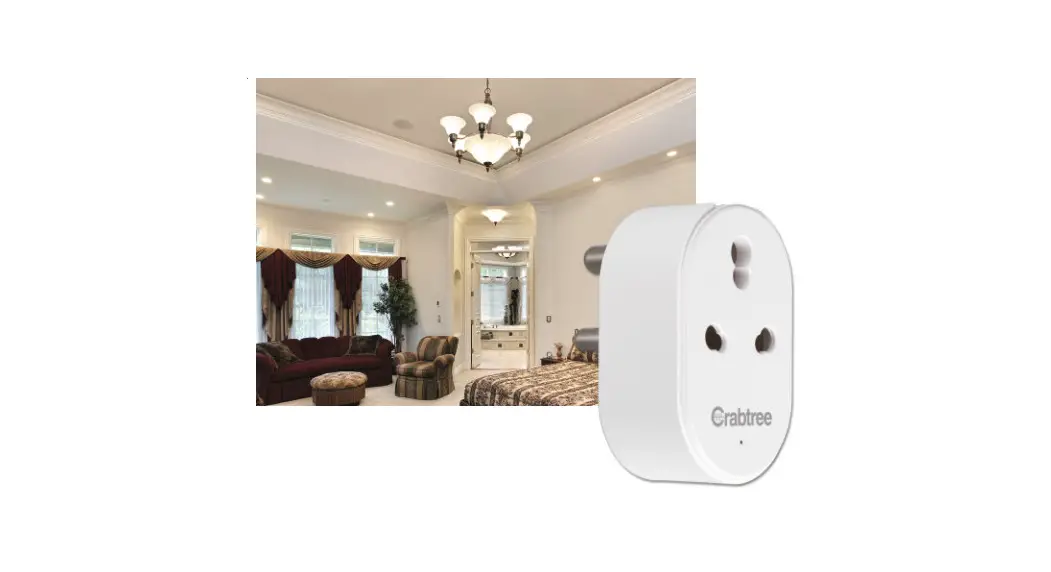
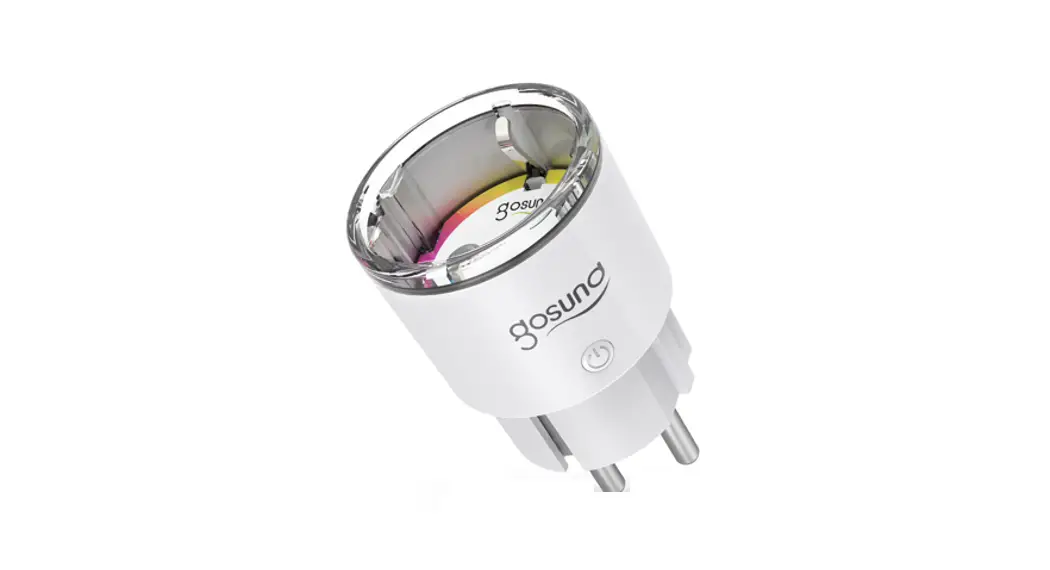
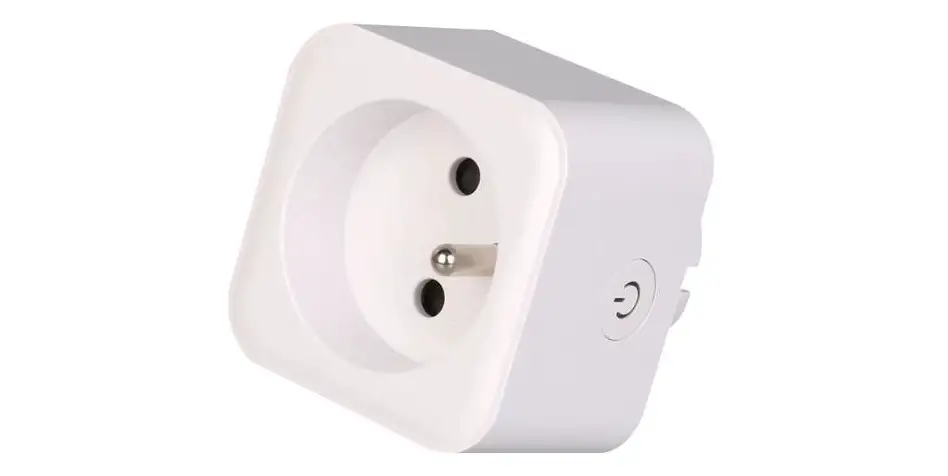
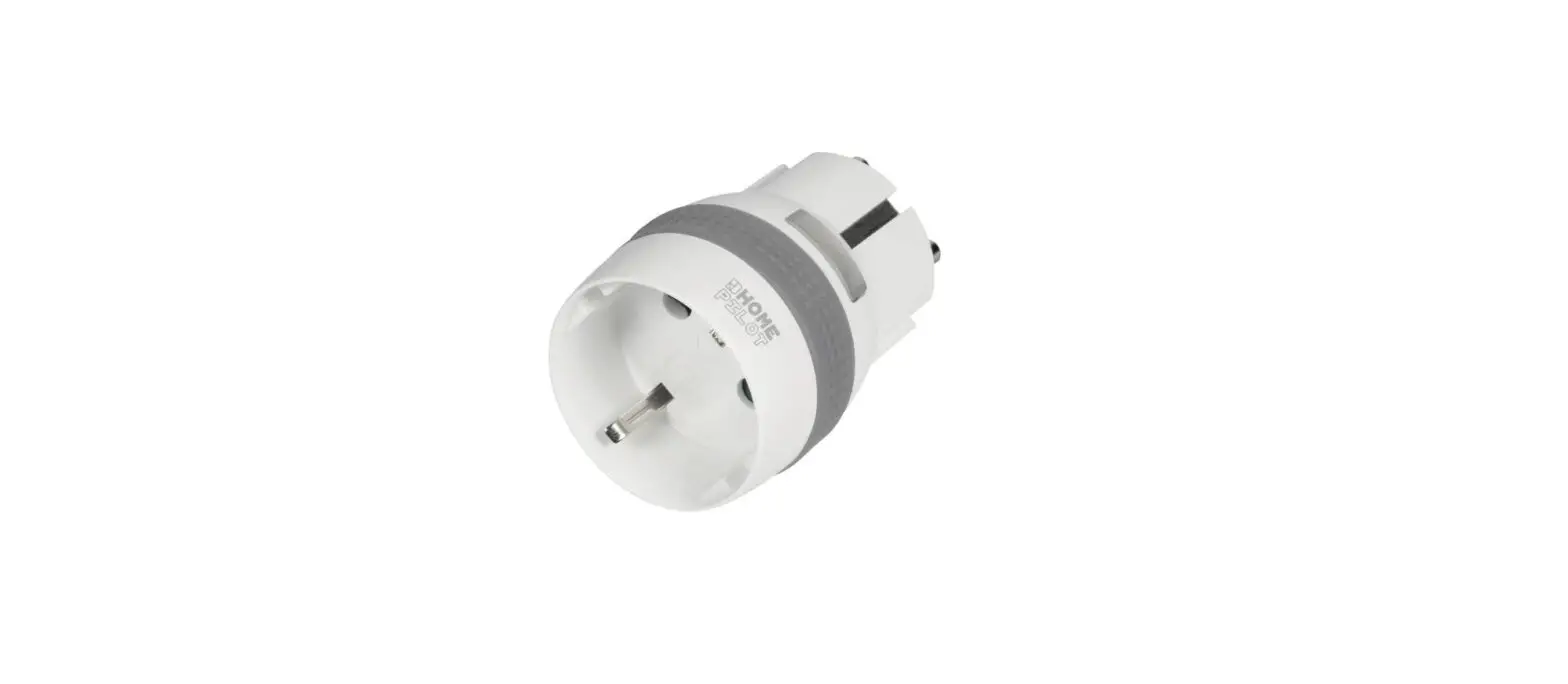
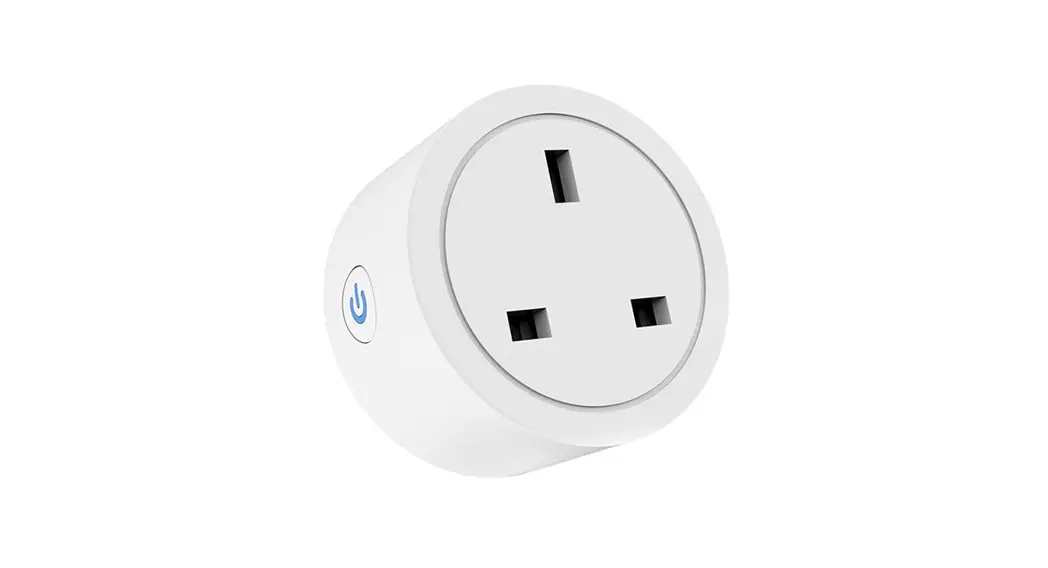
Connecte smart socket are equipped with a standard and a smart outlet. The smart outlet is closest to the control button / indicator light. This outlet can be controlled manually with the control button or via the smart home system. It also reads power draw / power consumption, which in turn provides an overview of energy consumption over time, or setting up automations based on power draws on / off e.g.
Safety
The smart outlet is equipped with an electronic overcurrent fuse that cuts the power automatically in the event of overcurrent. In the event of critical overheating of the smart outlet, the main current path is permanently broken with a thermal fuse. The other passive outlet is not affected.
Installation
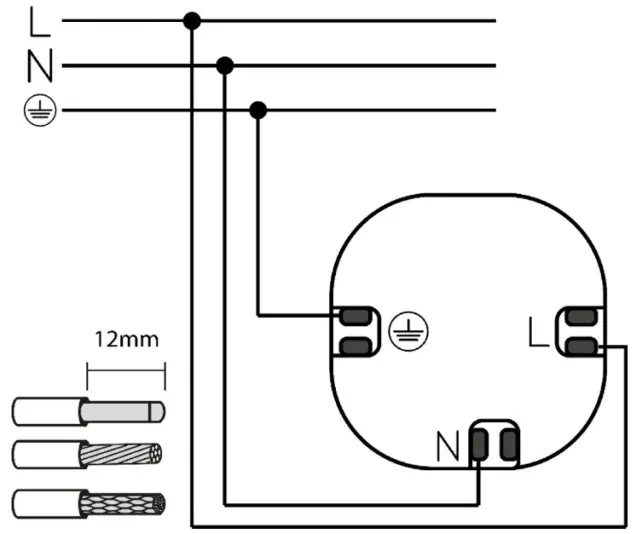
The smart socket is available in two variants, recessed for a simple wall box, and flush for a 1.5 box. The socket is in pairing mode automatically when it is switched on for the first time. If necessary,
hold down the pairing button for 5 sec until it flashes quickly.
Technical data
| Rated voltage | 230VAC — 50 Hz |
| Circuit Fuse | Max 16A |
| Connection terminals | Elevator nut for 2×2,5mm2, 1,2Nm |
| Frequency | 2,4GHz |
| Protocol | ZigBee 3.0 |
| Protection | IP20 |
| Max Current | 16A |
| Max Power (Controlled output) | 3600W@230VAC/16A |
| R | 3600W |
| LED | 500W |
| M | 1600 VA / Max. 8A |
| Light bulb | 2500W |