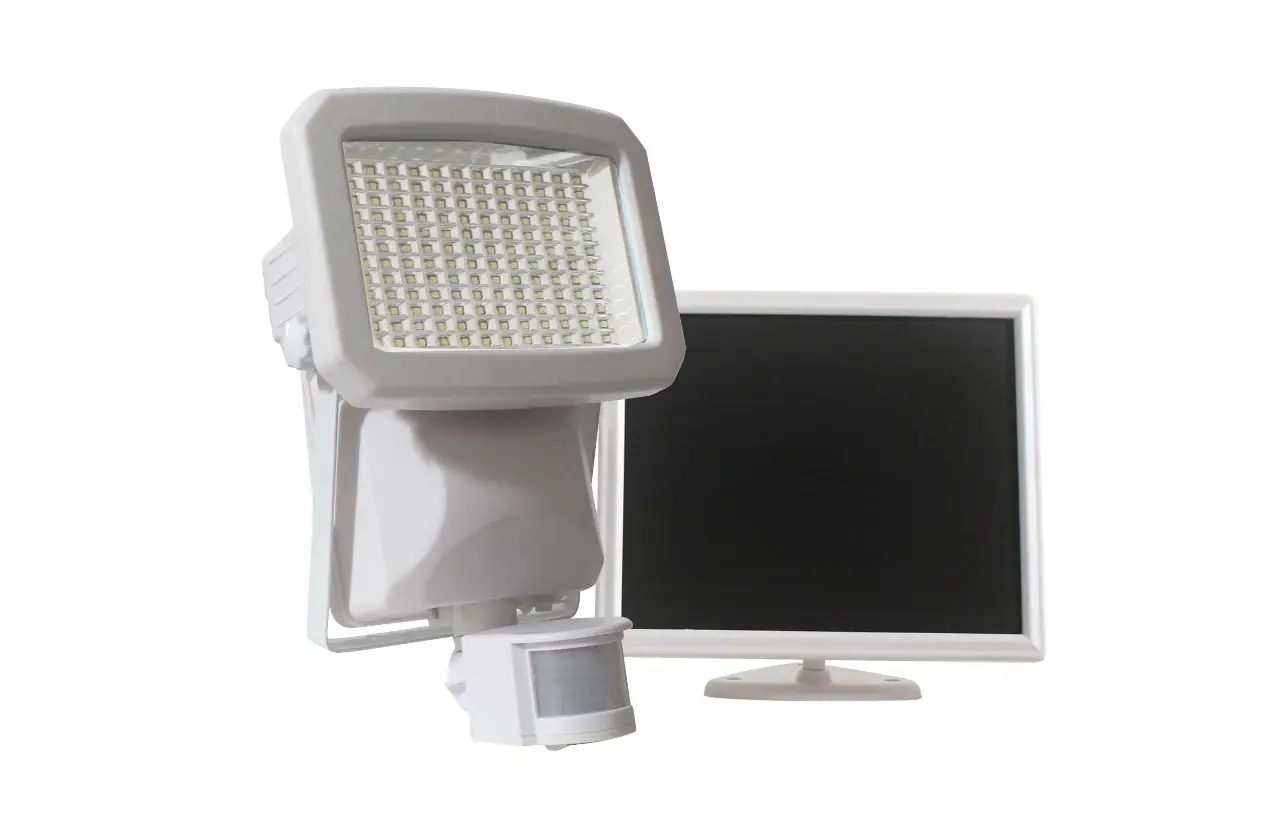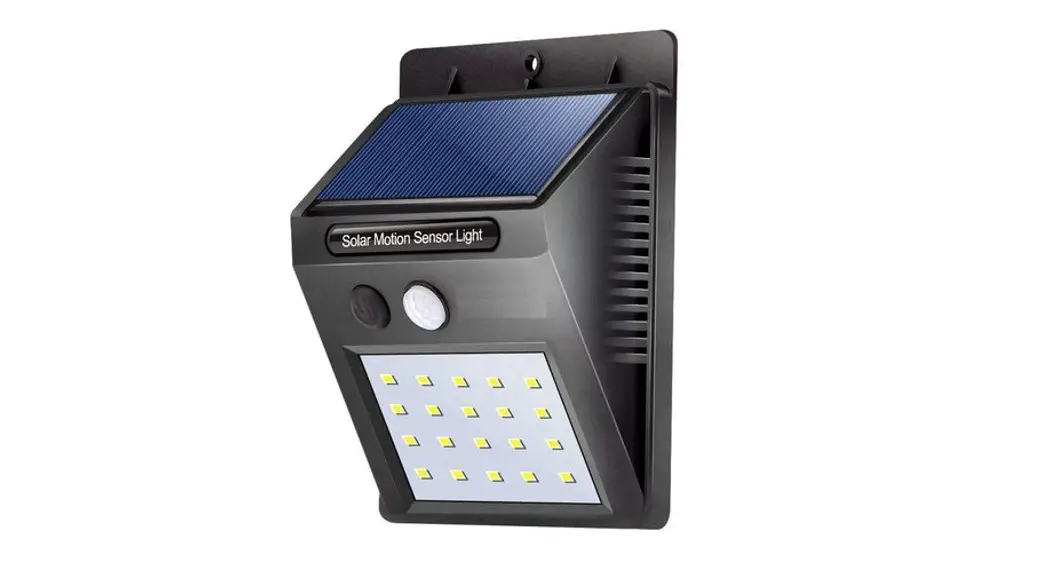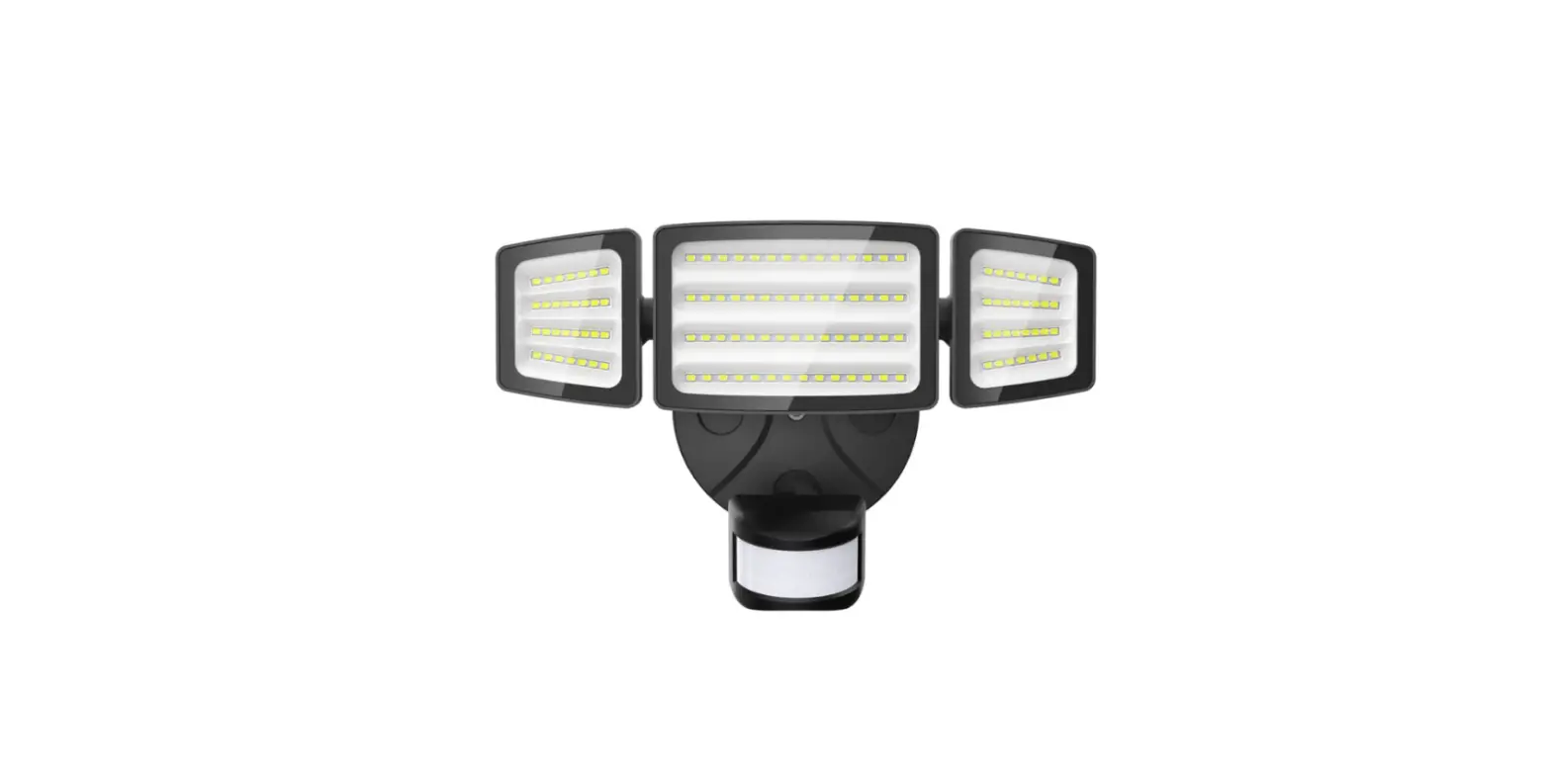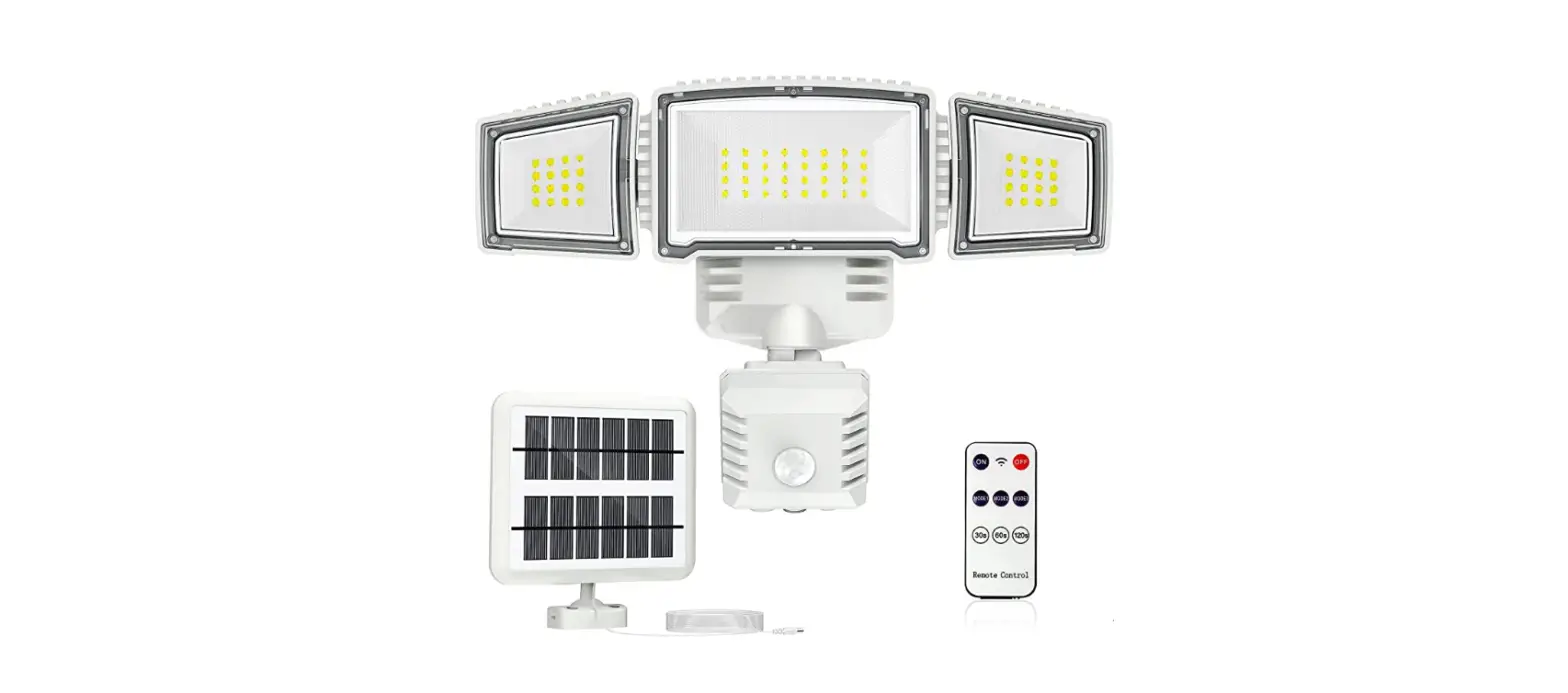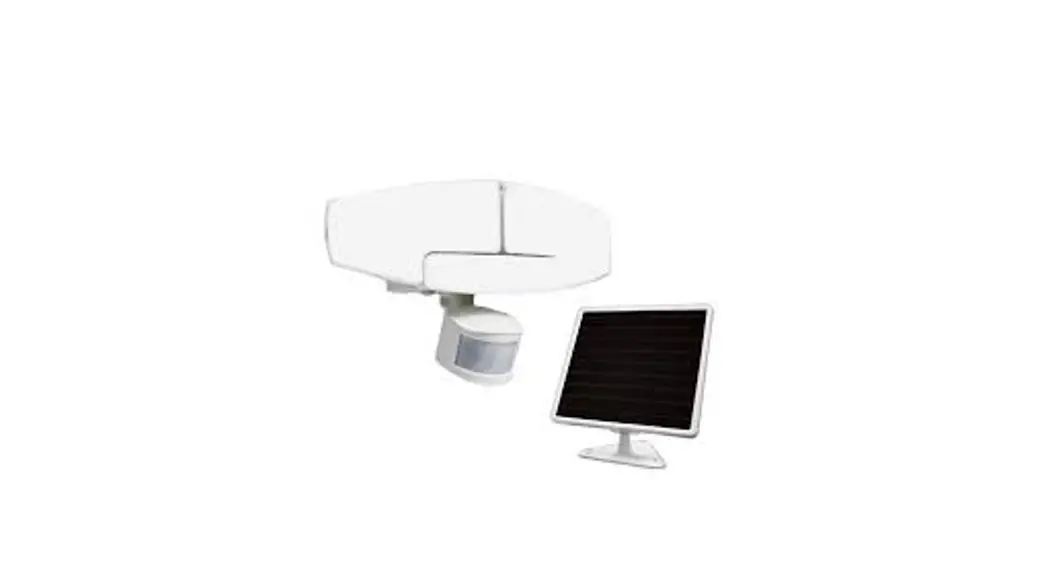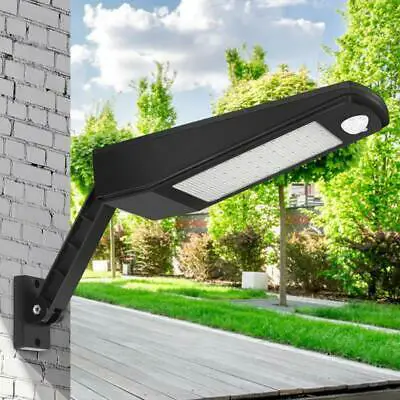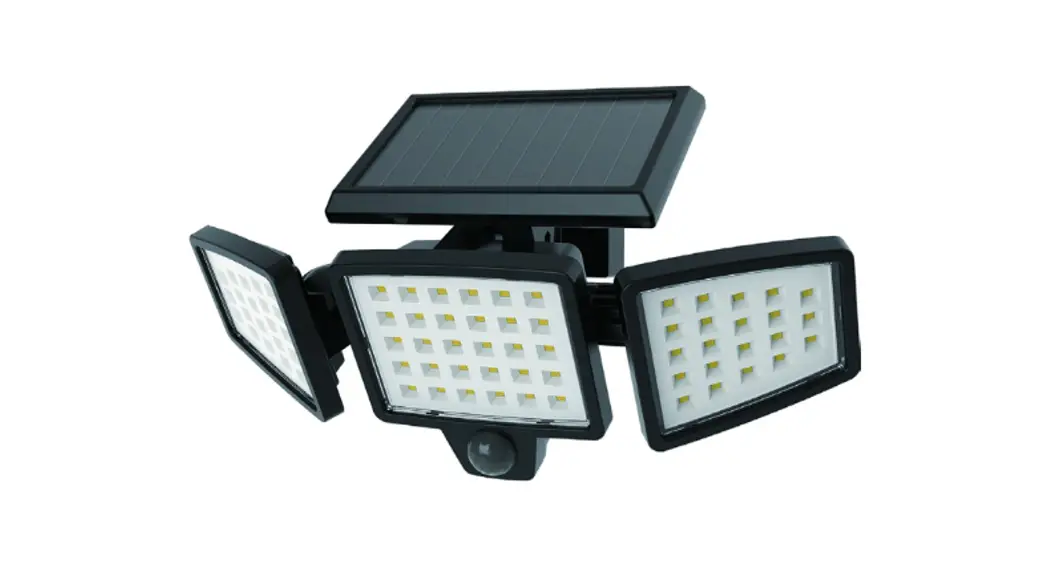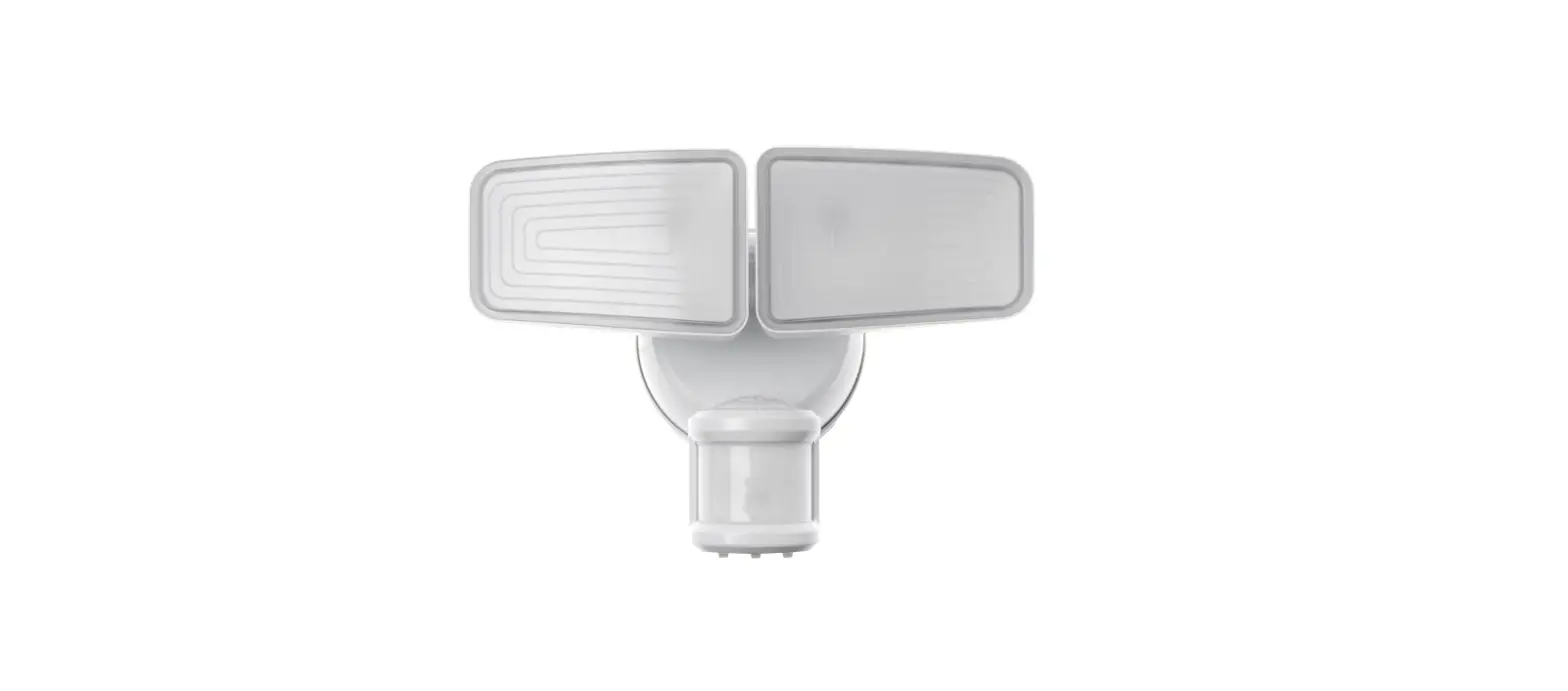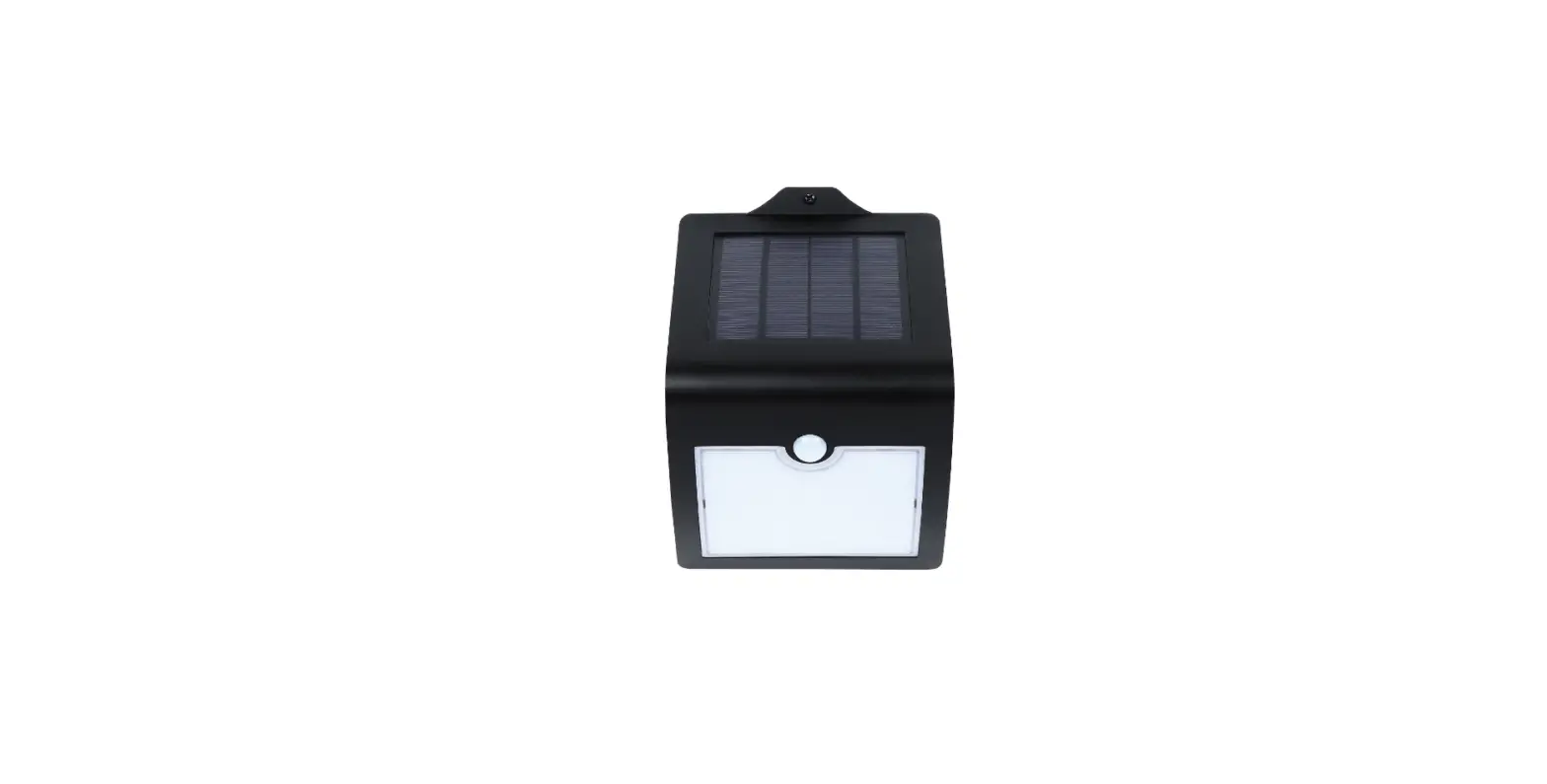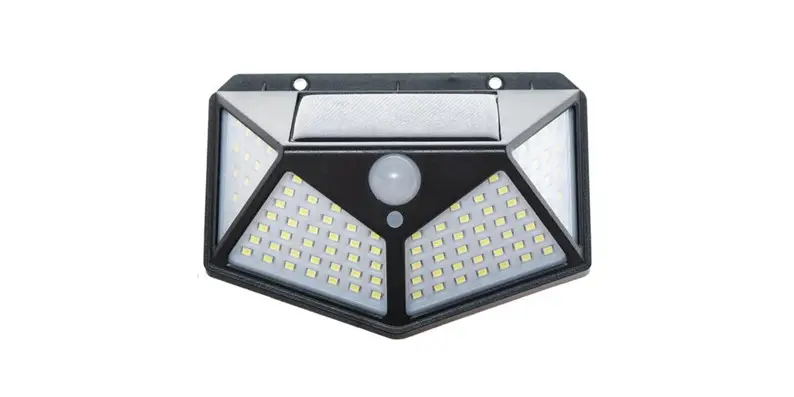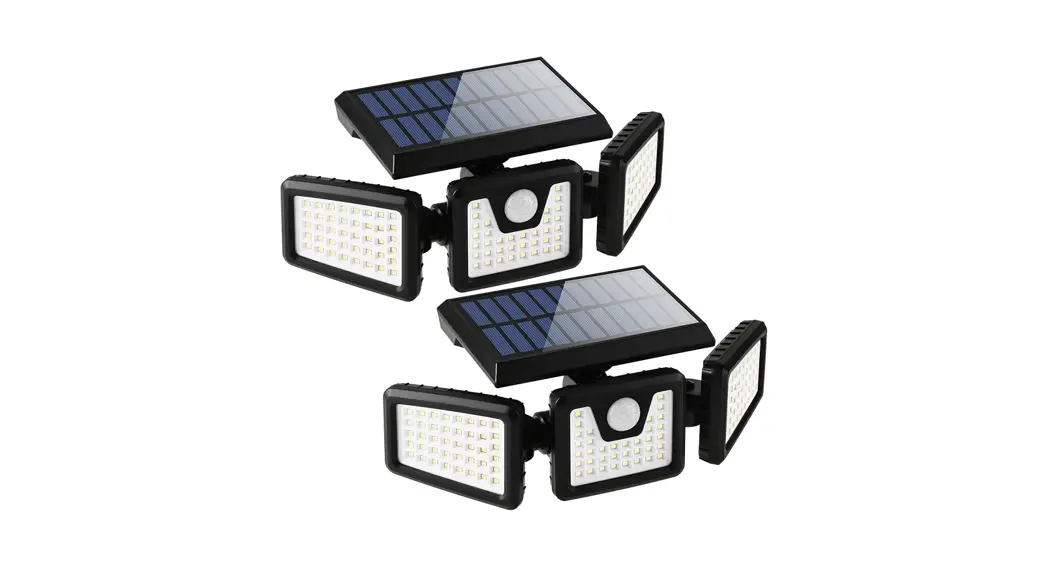
SOLAR POWERED SECURITY LIGHT
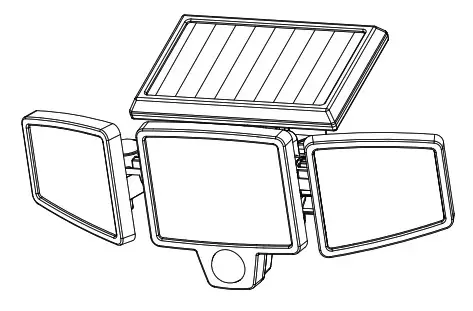
PACKAGE CONTENTS
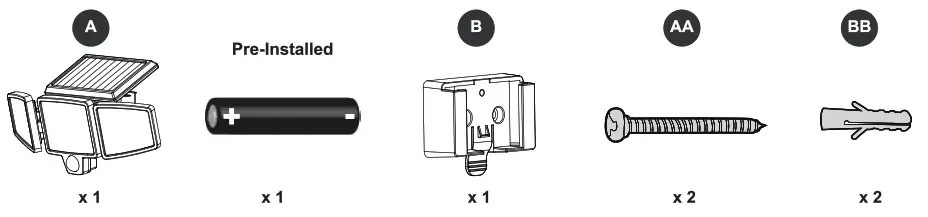
PREPARATION
Before beginning the installation of the product, make sure all parts are present. Compare parts with package contents list and hardware contents list. If any part is missing or damaged, do not attempt to assemble the product. Estimated Assembly Time: 15 minutes per light
TOOLS REQUIRED (NOT INCLUDED)

IMPORTANT INFO
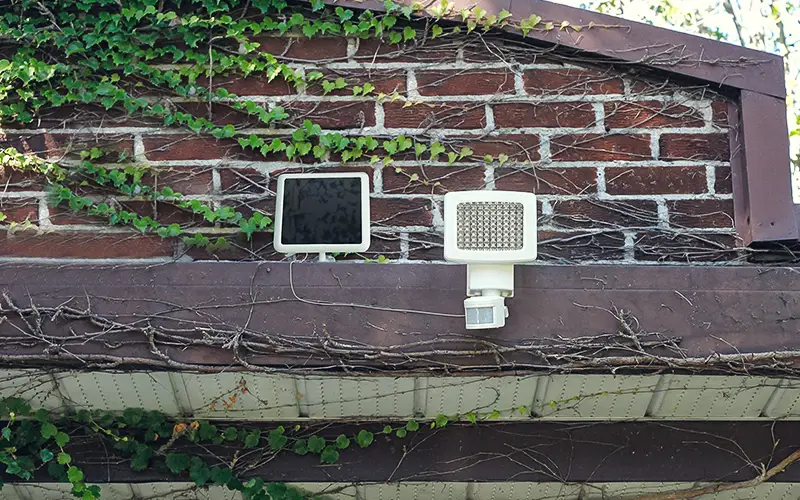
- Your motion light must be installed outdoors. Direct sunlight is needed for the light to charge the internal battery most efficiently and to operate properly. Be aware of objects such as trees or property overhangs that may block the solar panel’s exposure to sunlight.
- Prior to installing the light, an initial charge is needed and should be done in the OFF position for at least 1 to 3 days in direct sunlight. Afterward, the included rechargeable battery will be charged sufficiently for operation.
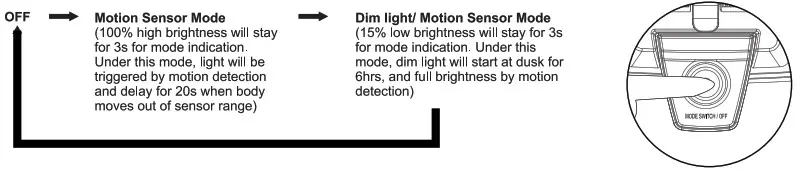
- Under Dim Light/Motion Sensor Mode, the light illuminates automatically at dusk using an energy-saving mode of 15% low brightness for 6 hours. When motion is detected, the light illuminates at 100% high brightness for approximately 20 seconds. When movement detection ceases, the light will revert back to the low brightness energy-saving mode.
- The motion sensor is very light-sensitive. For best performance at night, ensure there is no interfering light preventing the sensor from working correctly.
- If using a step ladder, you may require a second person to help install the solar motion light.
- At dose range never look directly into the solar motion light when illuminated.
INSTALLATION OVERVIEW
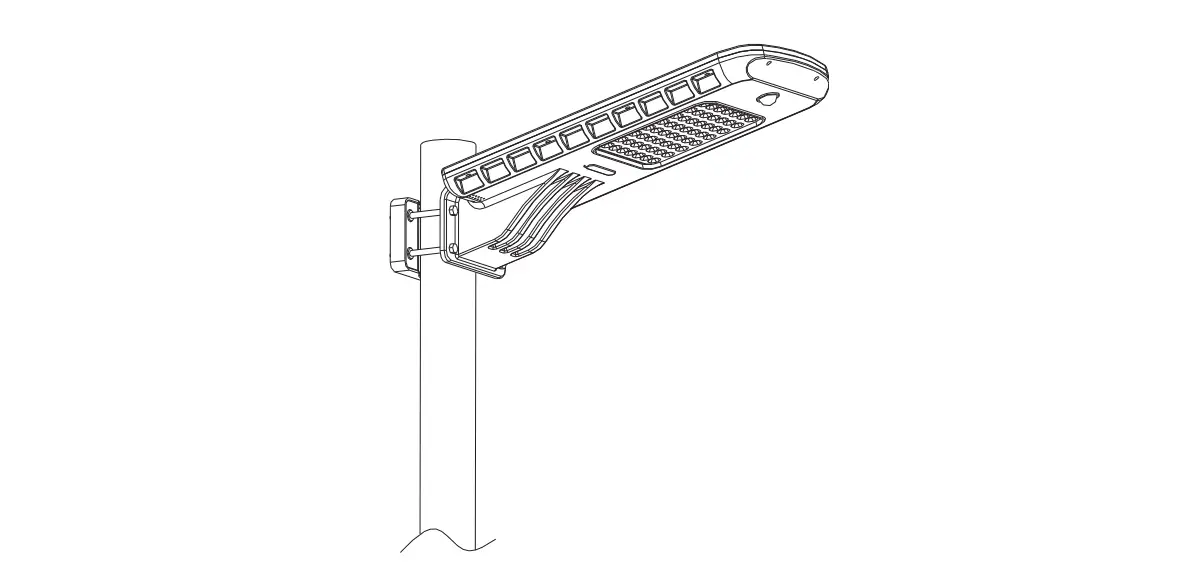
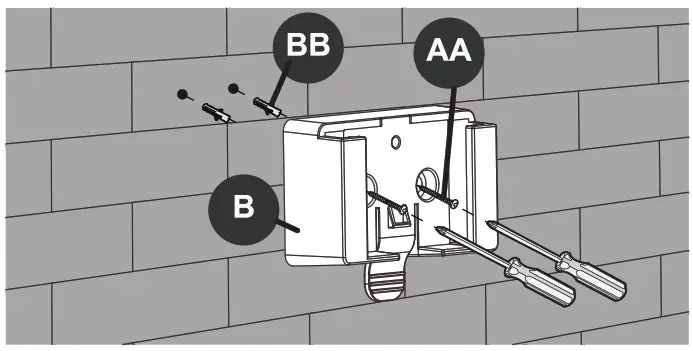
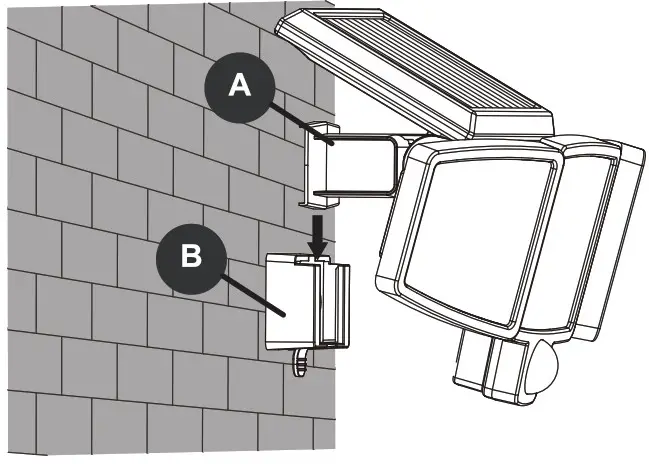
- Place the mounting socket to the desired position, and mark the screw points through the holes. Use a power drill and screwdrivers to fasten the socket to the chosen surface. If mounting on brick or another hard siding, use a 1/4in drill bit to pre-drilled holes for screw anchors.

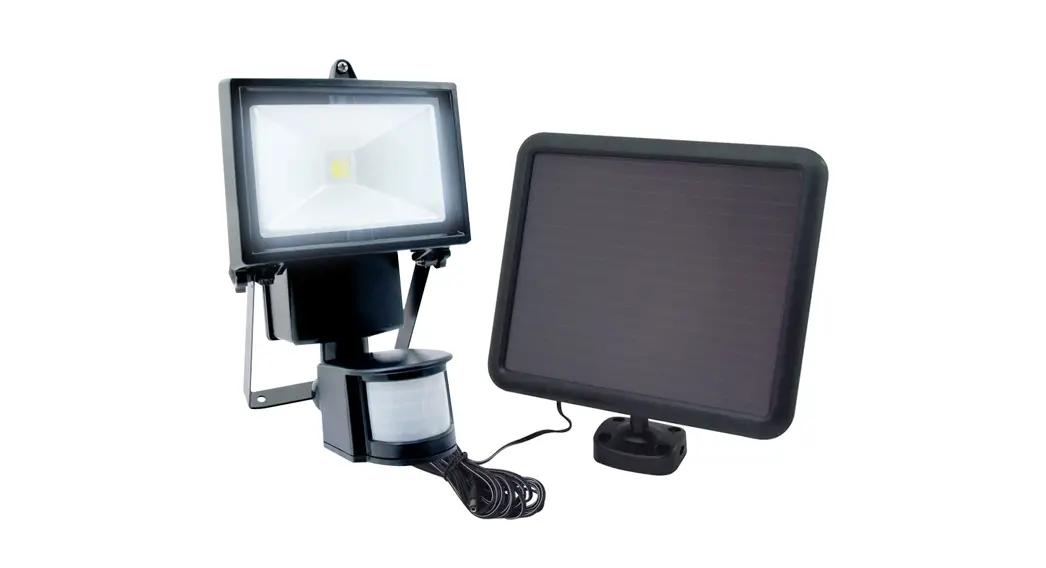
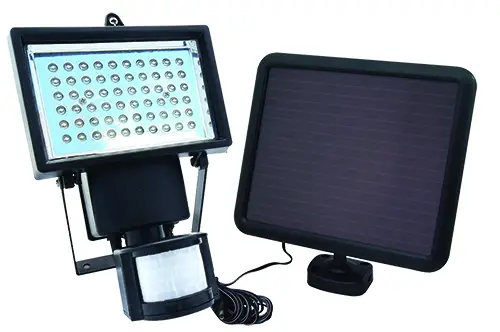
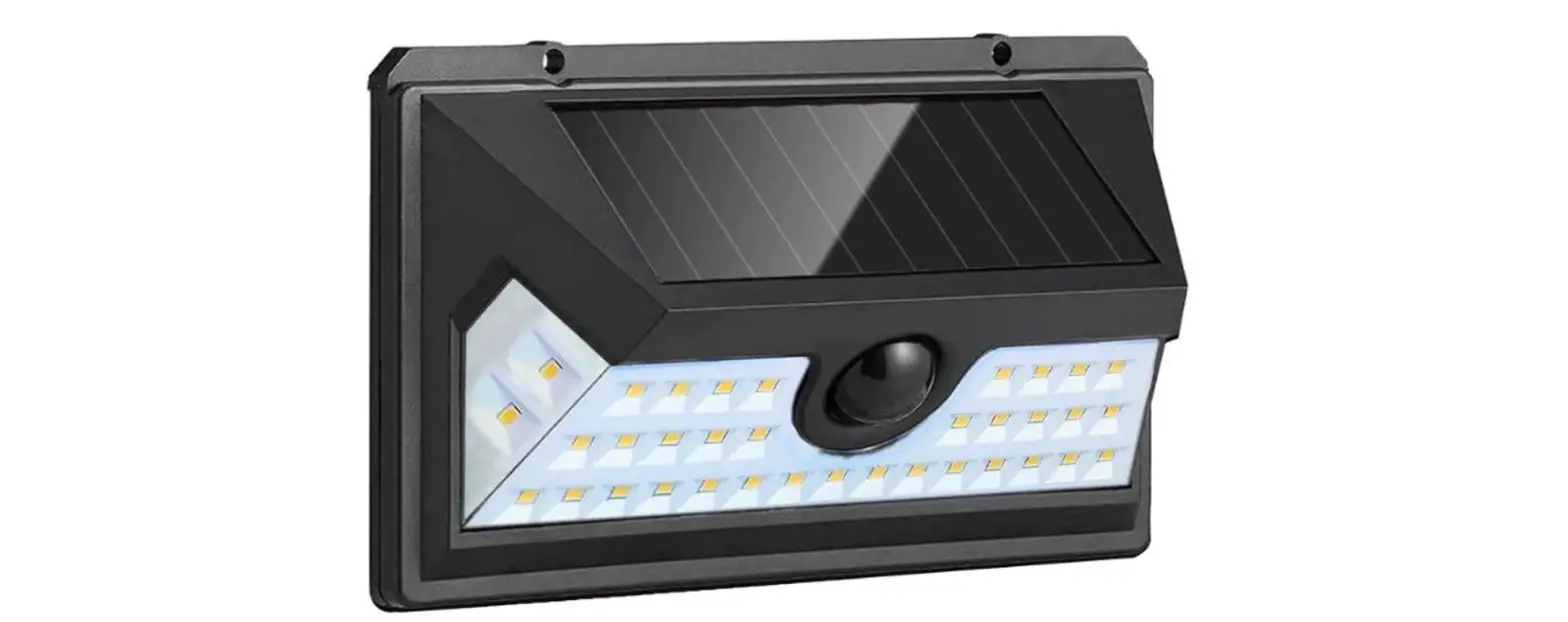
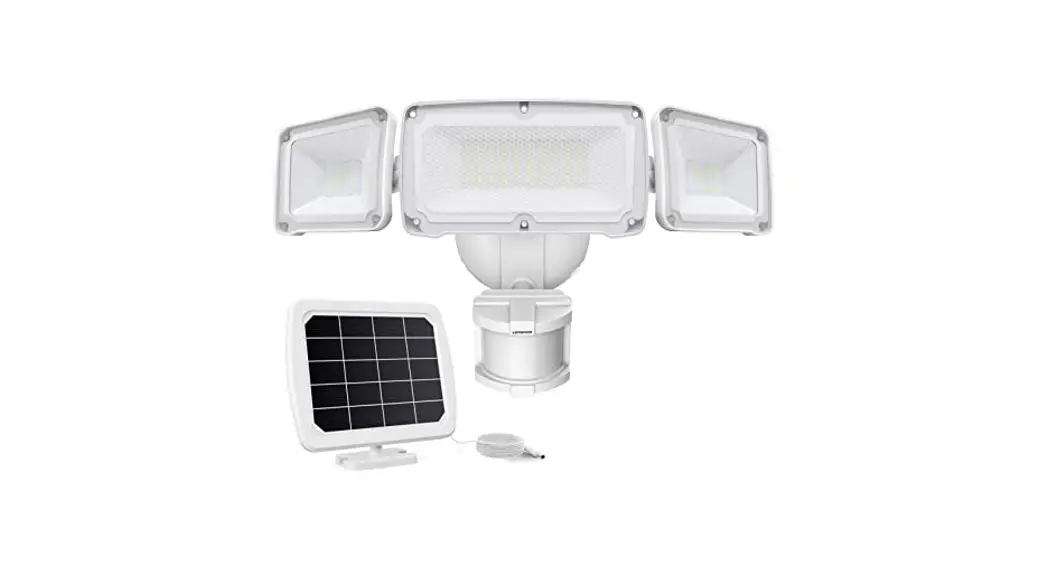
- Buckle the motion light to the mounting socket securely, and adjust the solar panel and light heads in the right direction.

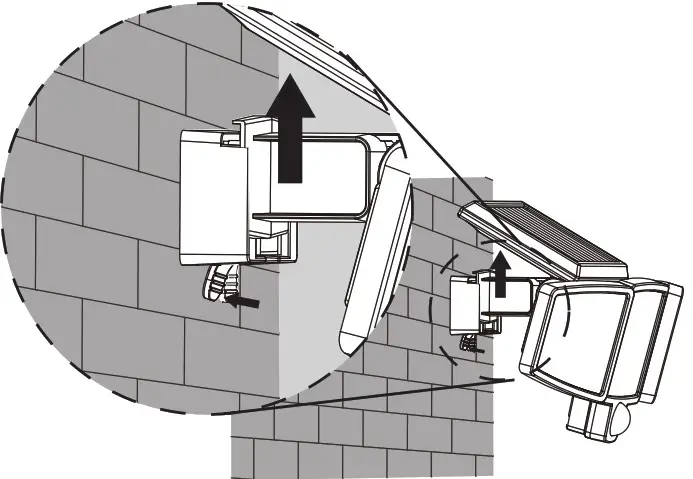
- In case you want to take the light off, please press the handle below then you can slip the light off by moving it upward.

MODE SELECTION
NOTES
- Ideal height is 5 Ft.- 8 Ft. from the ground. At such a height, the fixture will provide detection, a distance of up to 26 feet. The ideal ambient temperature is 77 degrees Fahrenheit with a relative humidity between 30%-80%
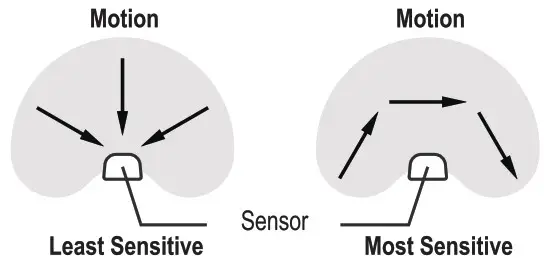
- The motion sensor is the most sensitive as a person or object moves parallel to the sensor head.
- The motion sensor is the least sensitive if a person or object moves directly at the sensor head.
- Do not mount the fixture near a heat source like an air conditioner, vent, or furnace exhaust, or in a direction facing a reflective object or nearby light source.
- The sensor cannot be placed less than 5 Ft. from any reflective material. If the light flashes, the sensor is too close to such material. If this happens, move the light fixture.

CARE AND MAINTENANCE
- The solar motion light is suggested to be cleaned with a damp cloth regularly. This will ensure optimal performance and battery charging
- Never let any abrasive material come into contact with the solar panel.
WARRANTY
This product is covered under a 3-year limited warranty. Manufacturer warrants to the original purchaser that this product is free from defects in materials and workmanship for the period of one year from the date of purchase. Proof of purchase including date and explanation of complaint is required for warranty service.