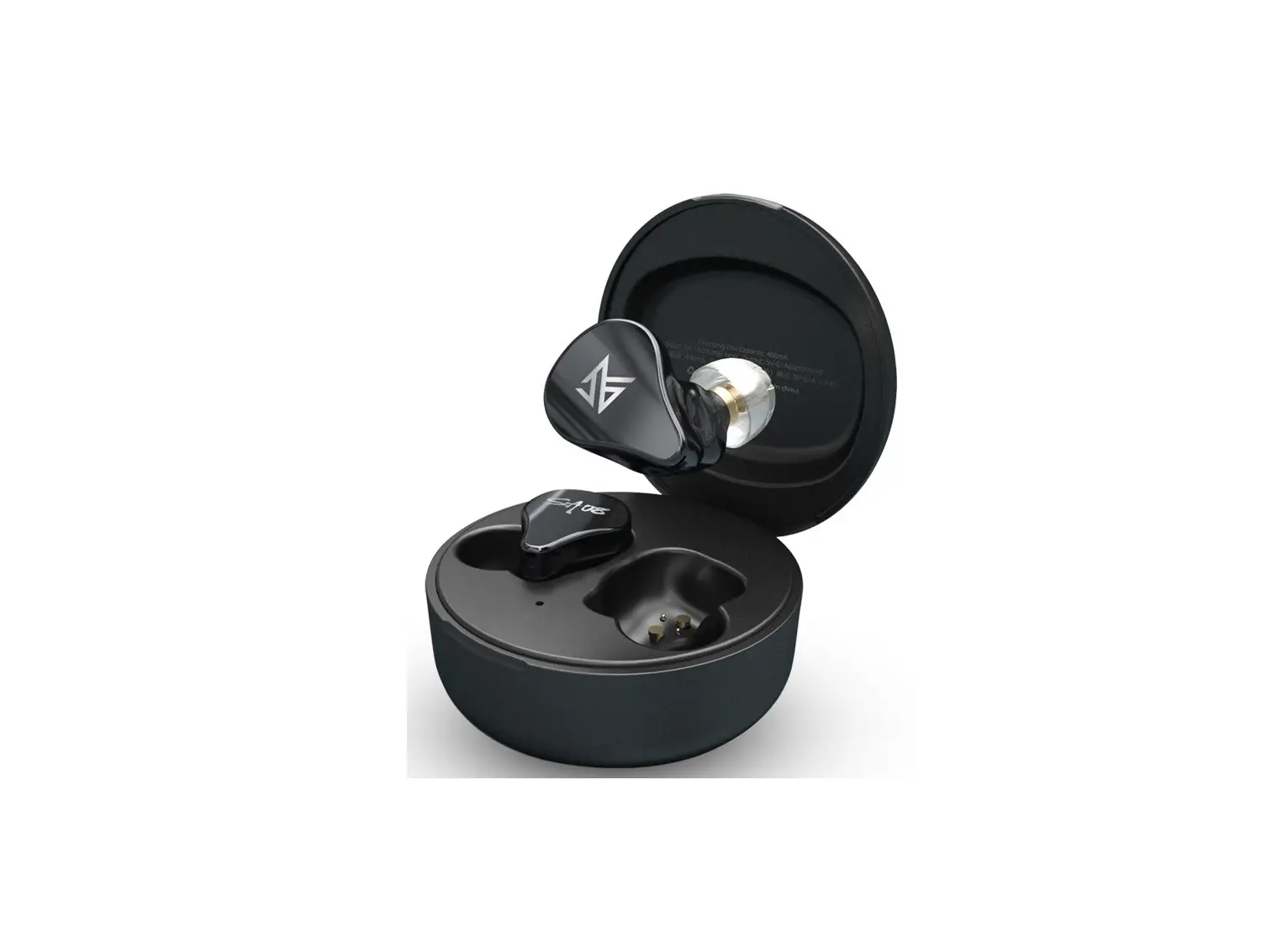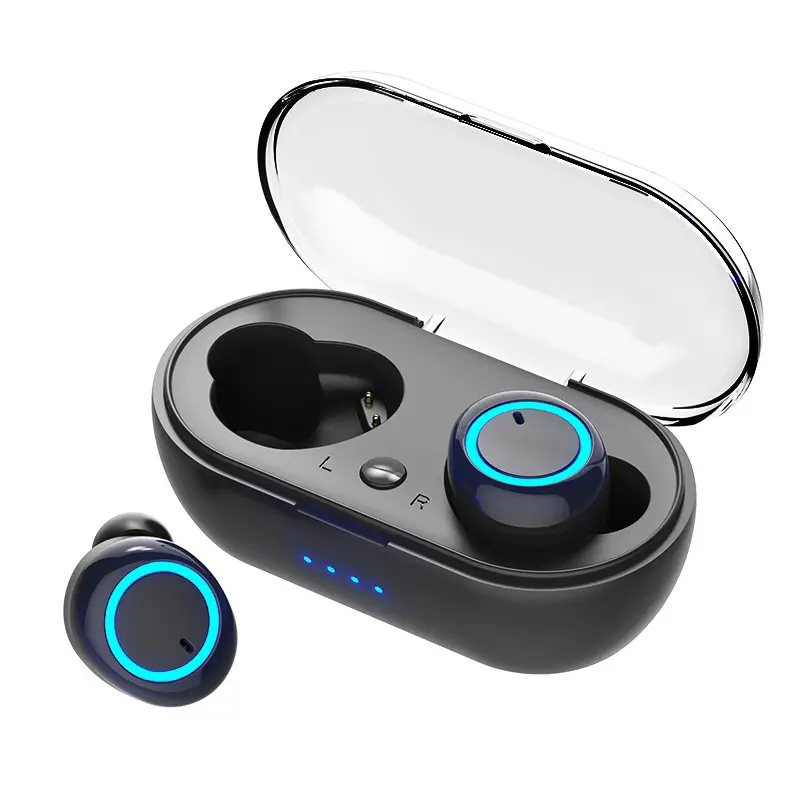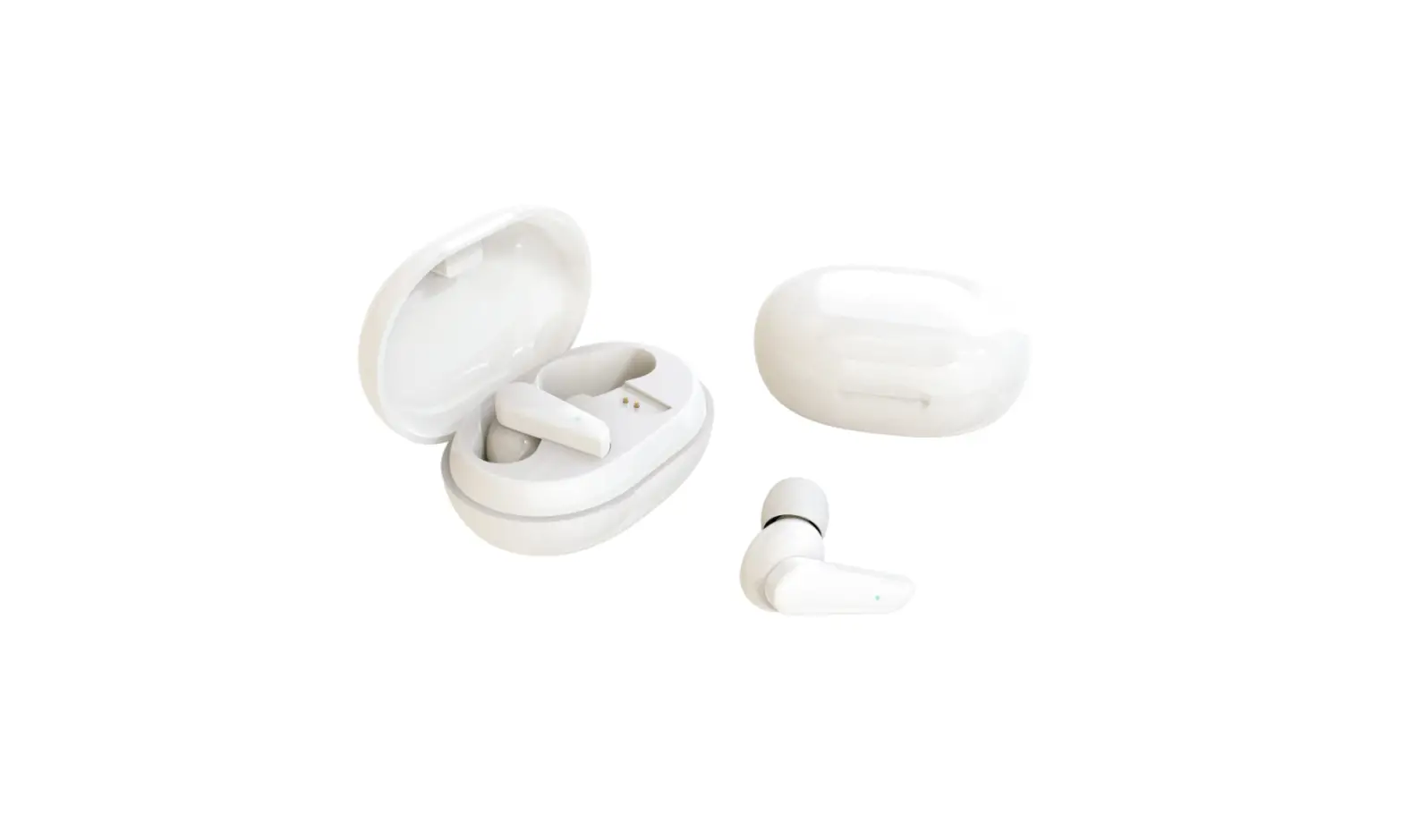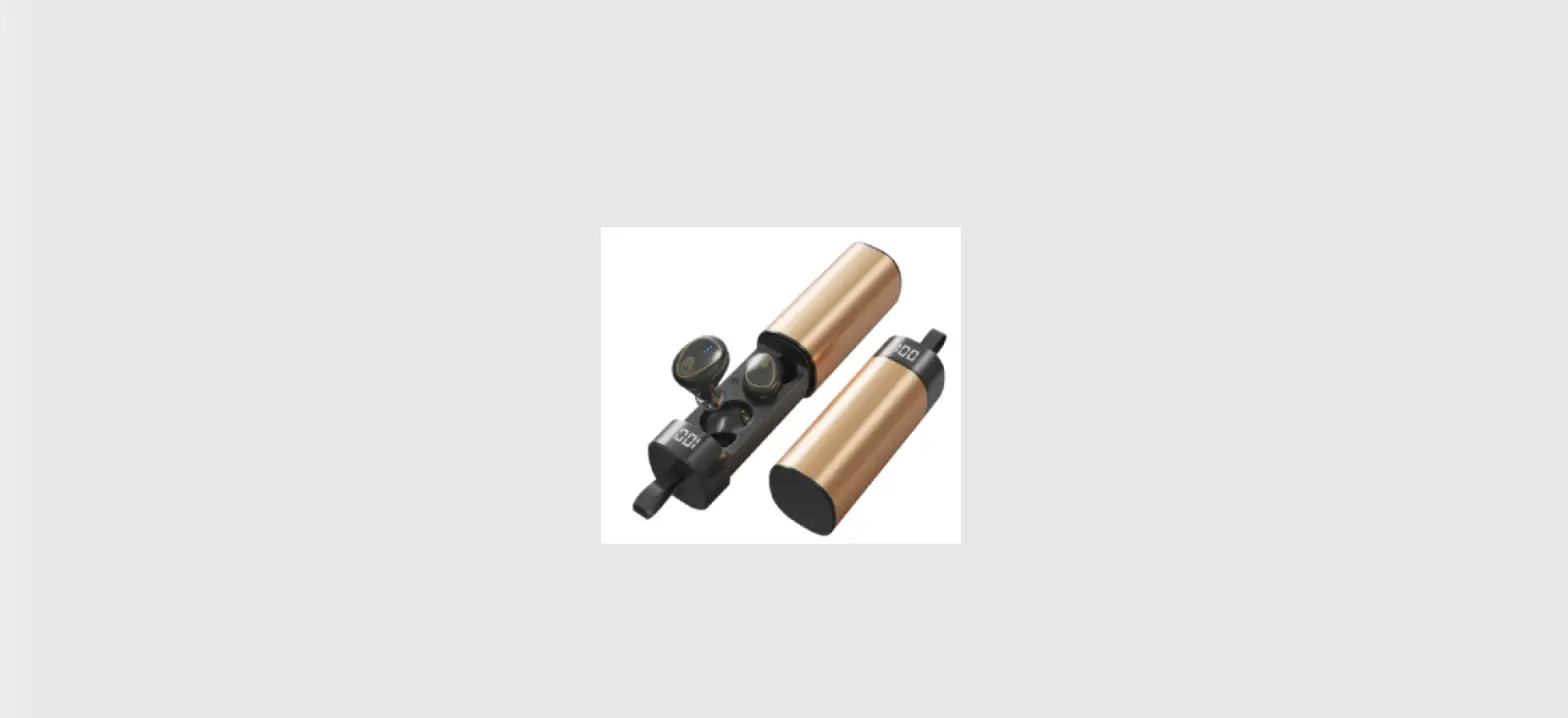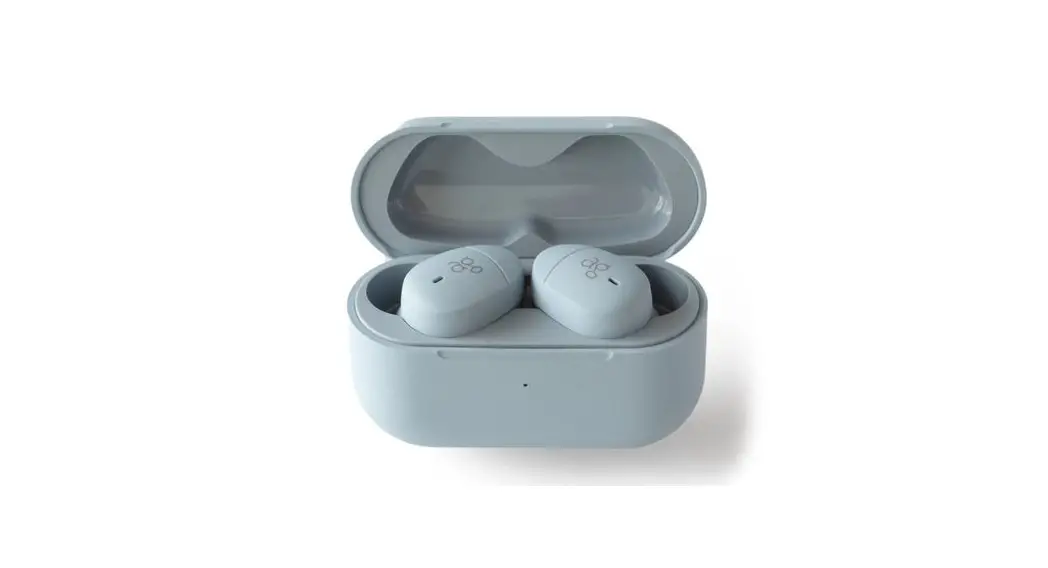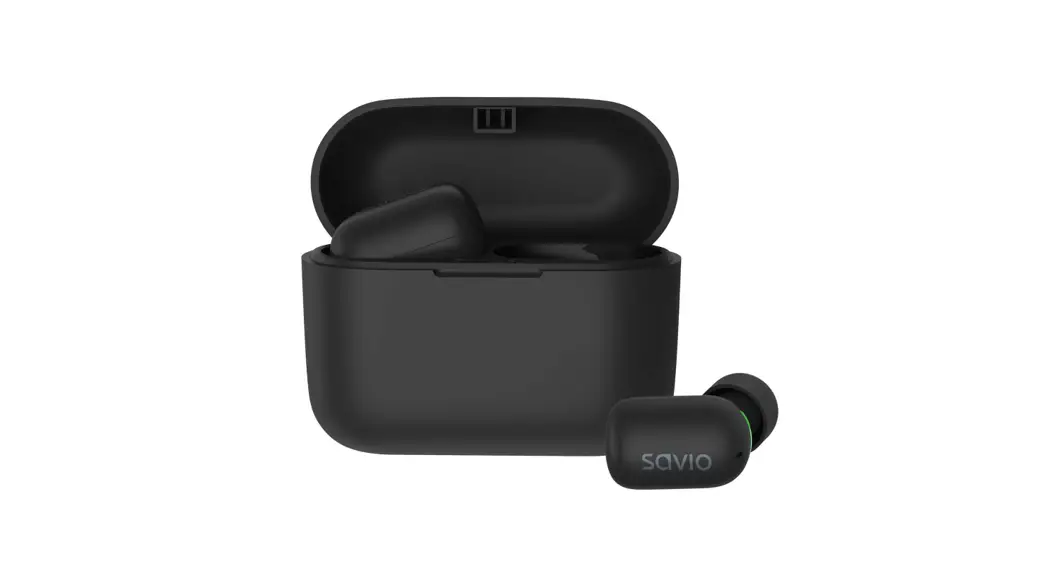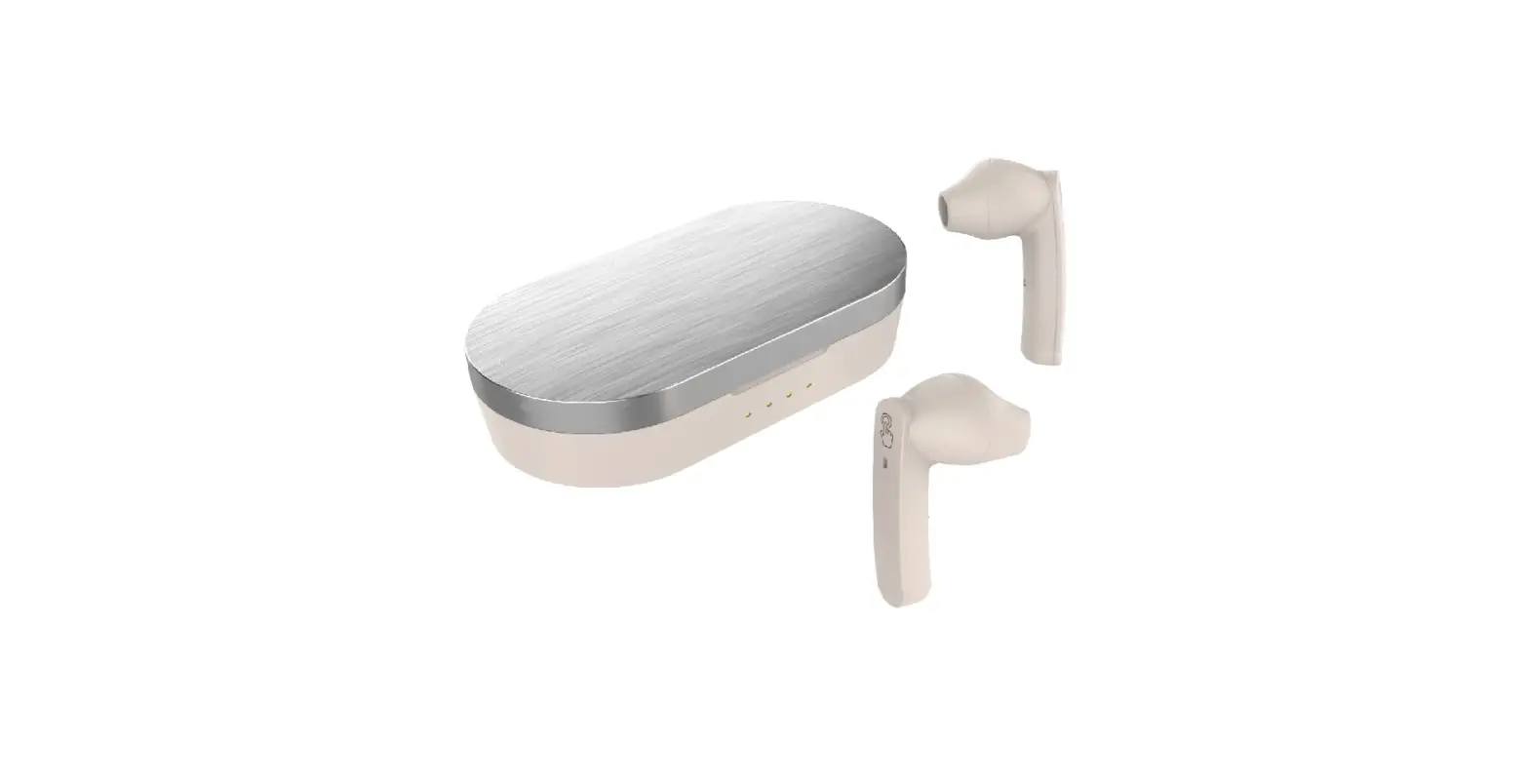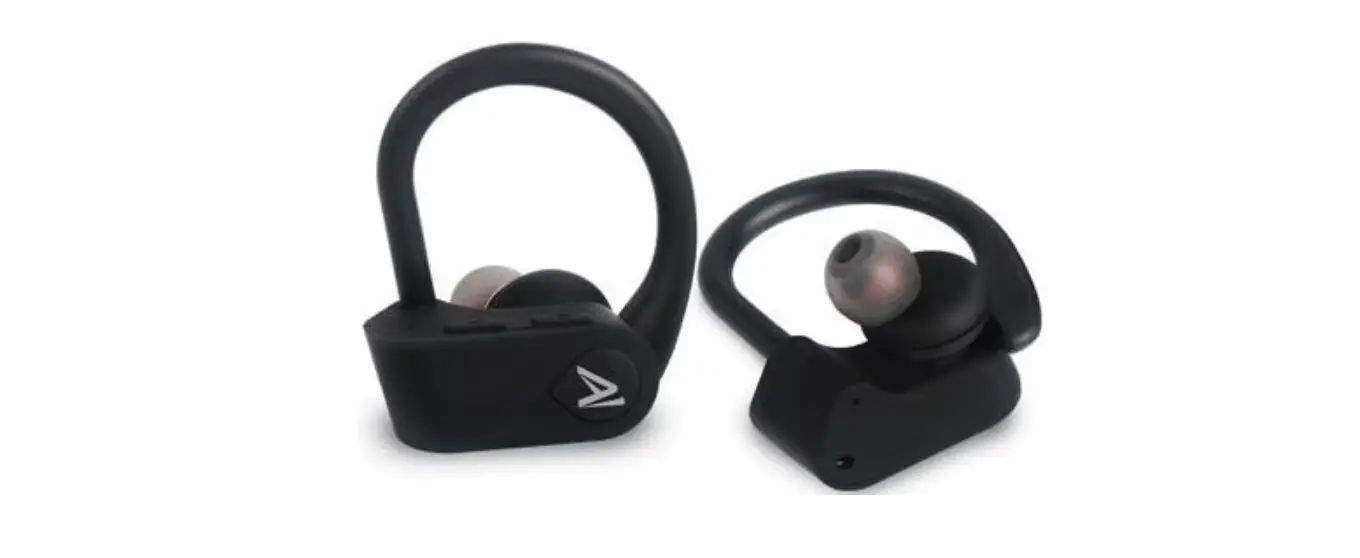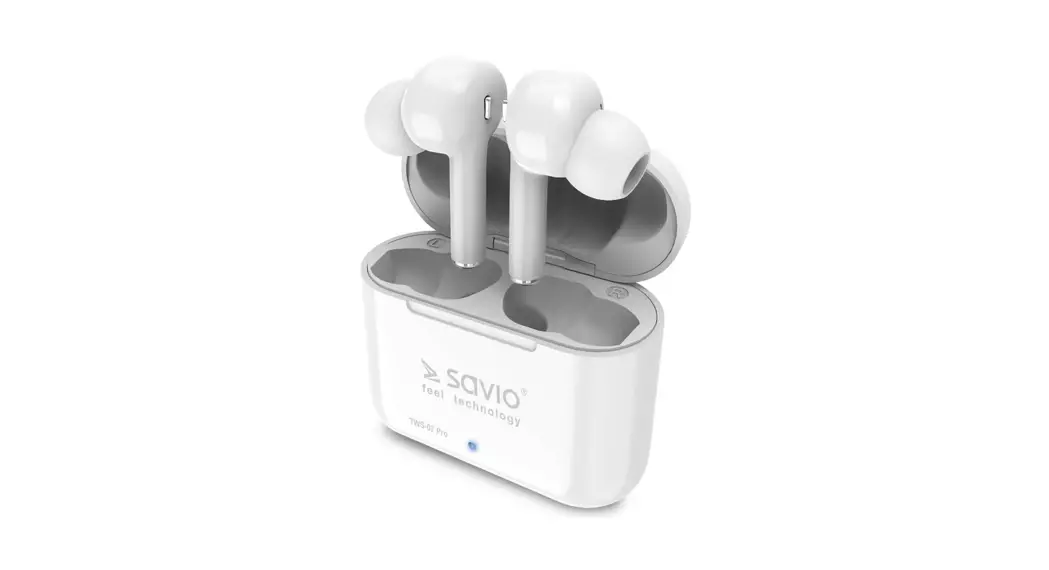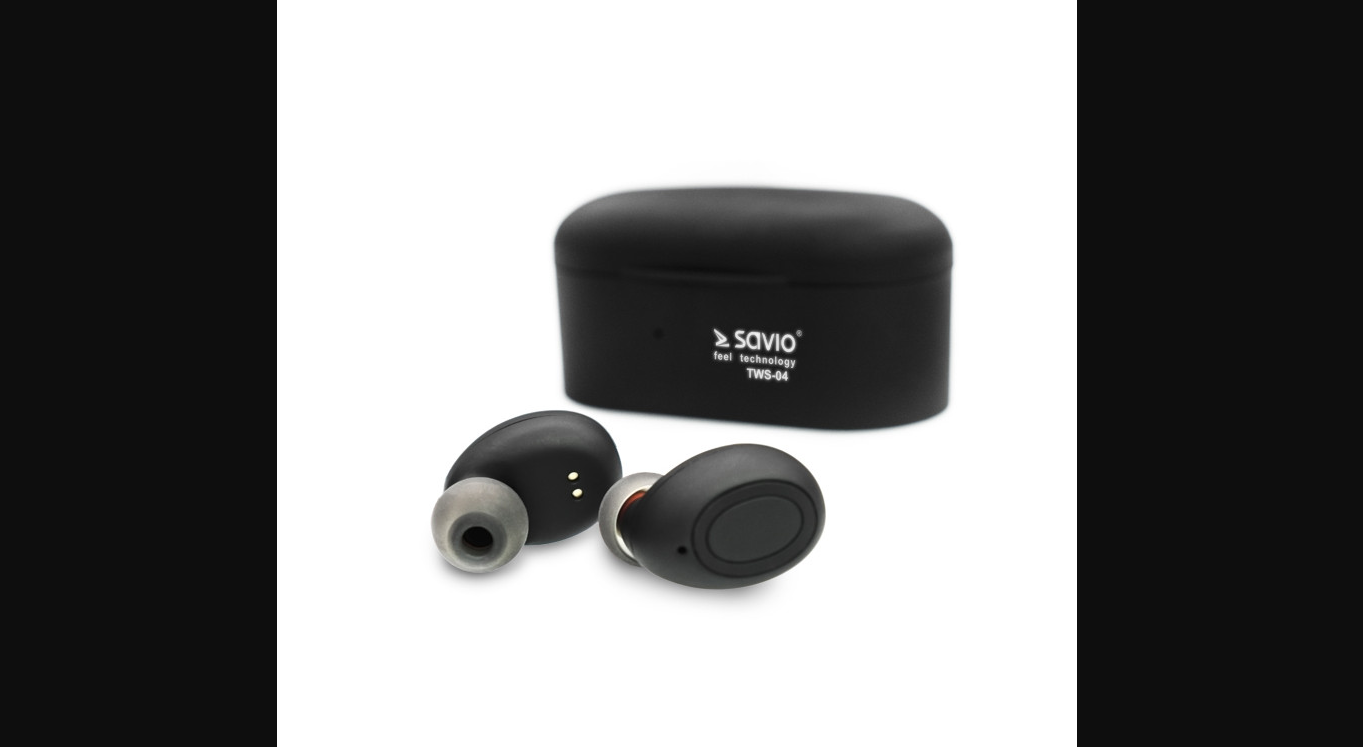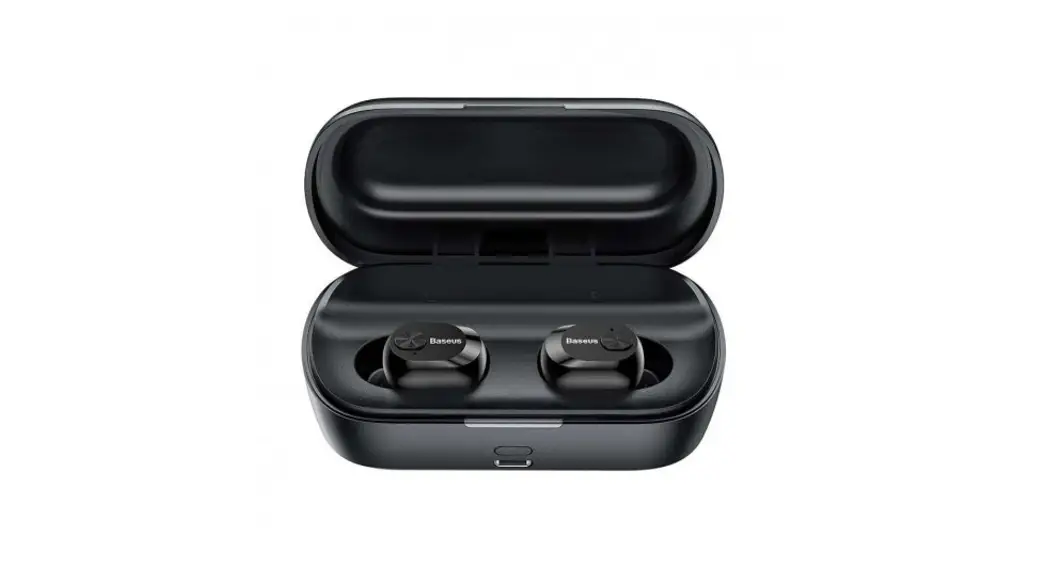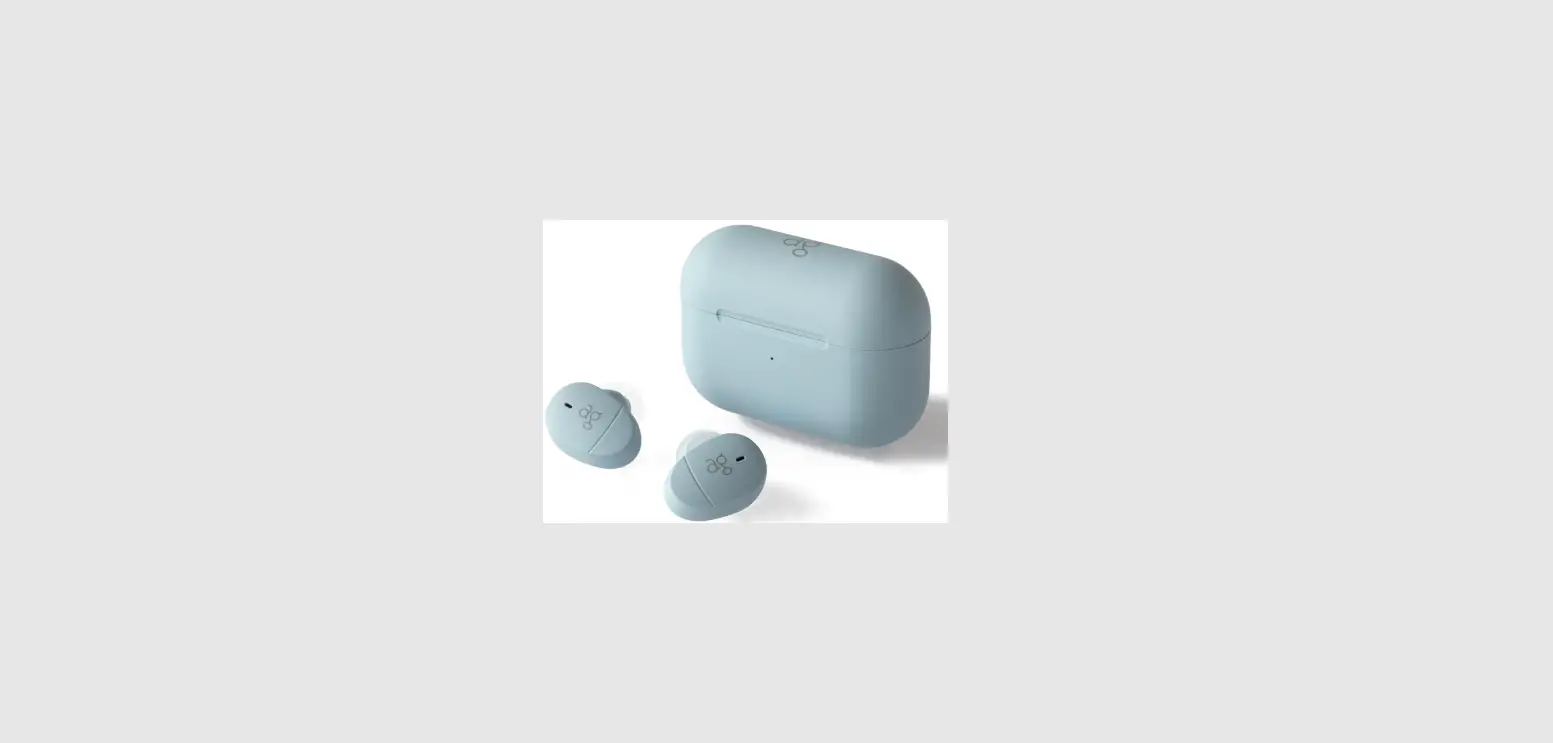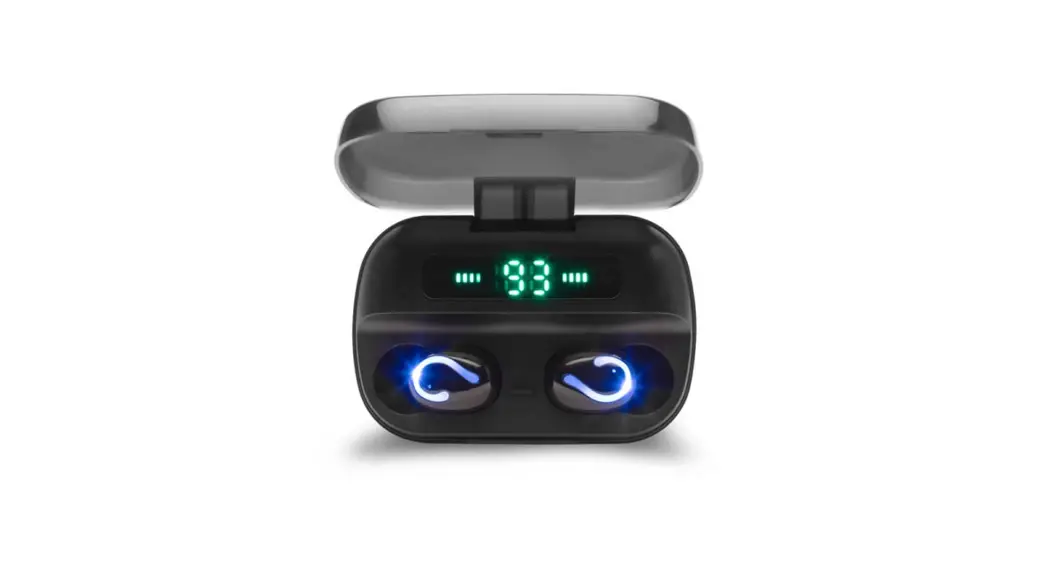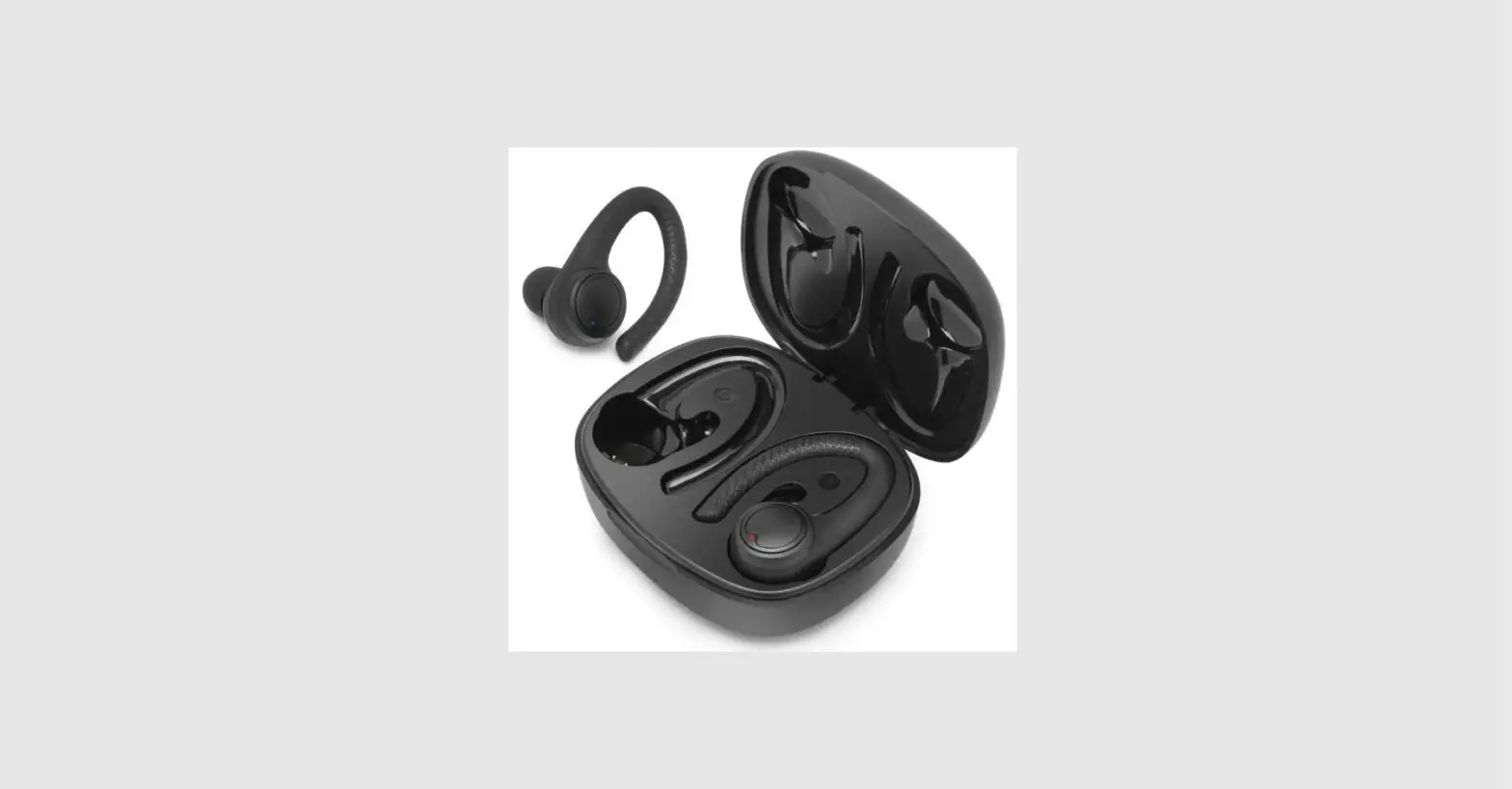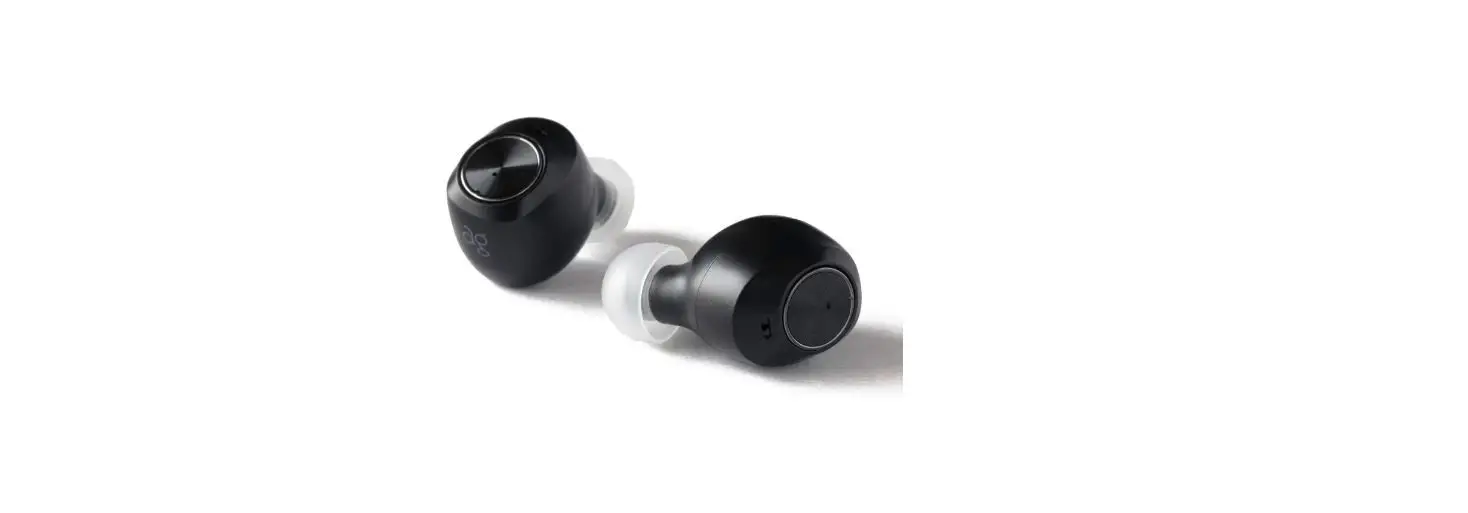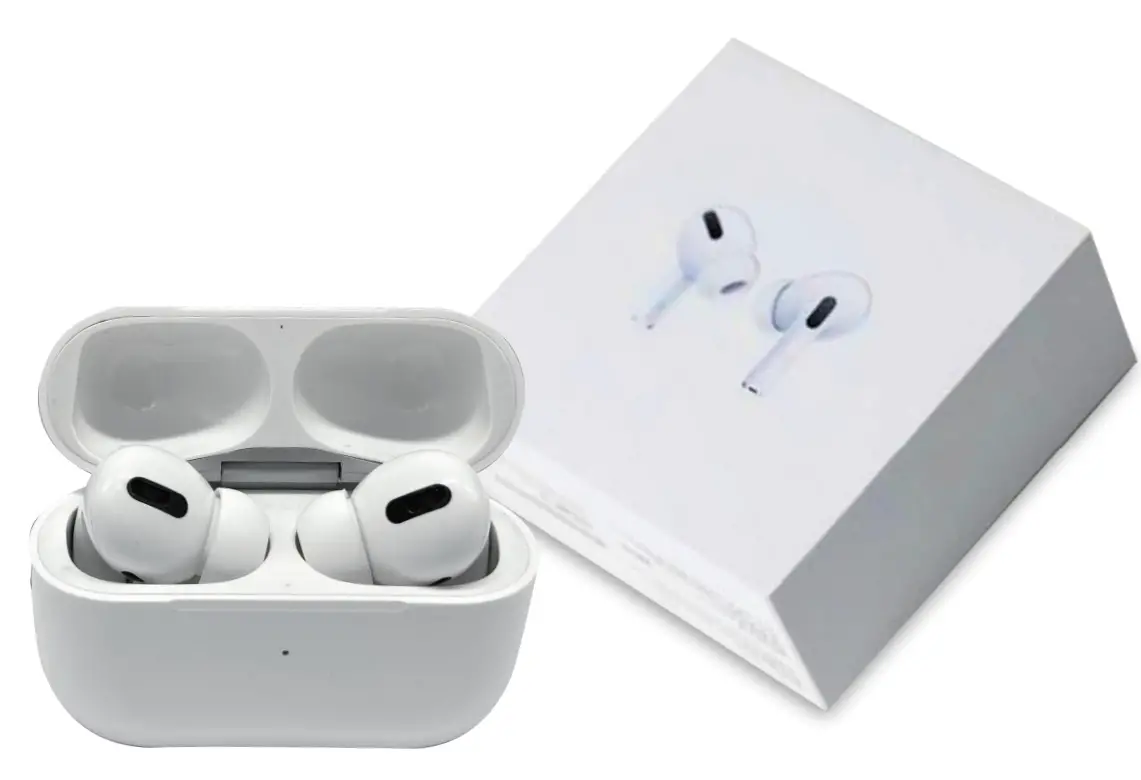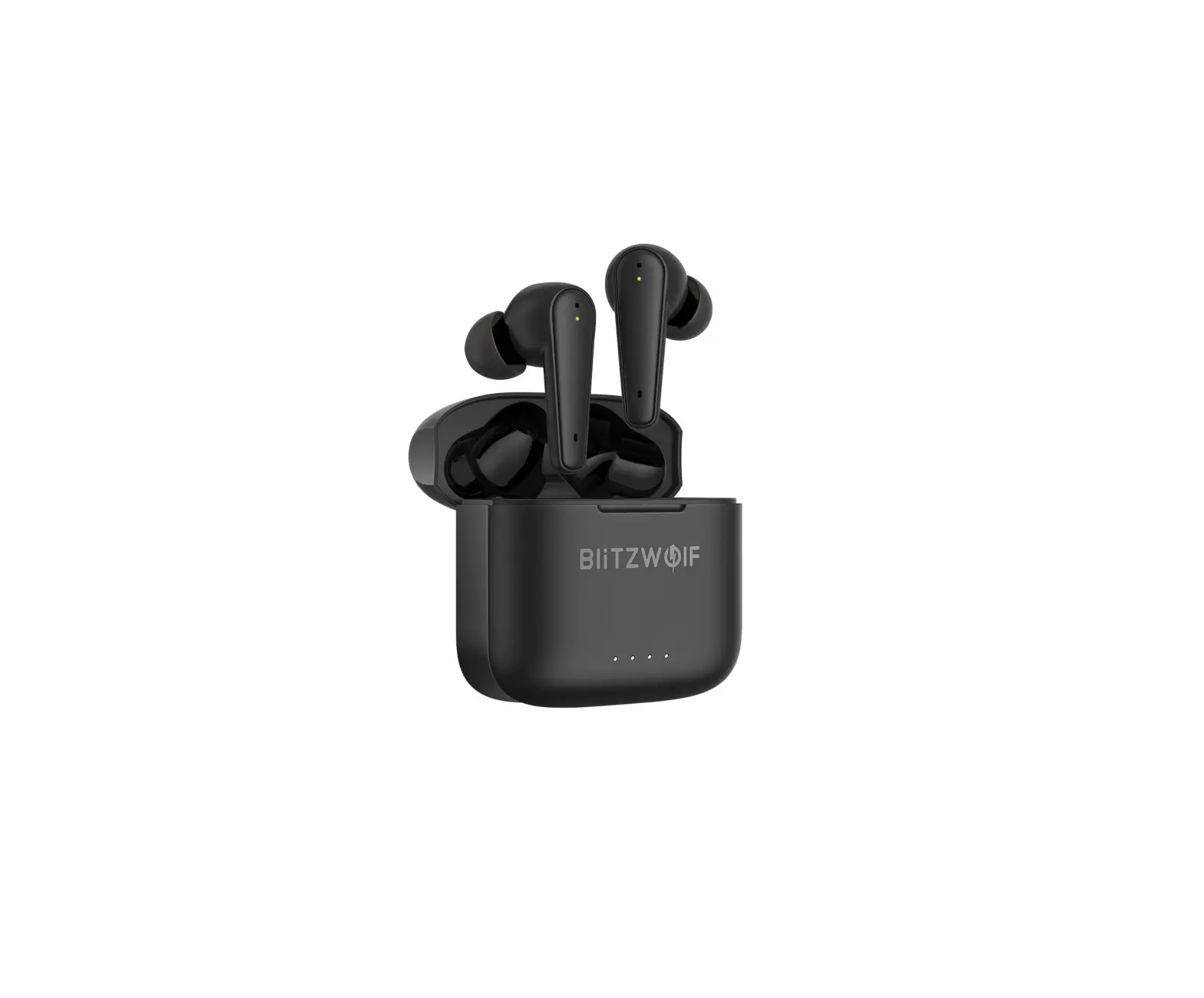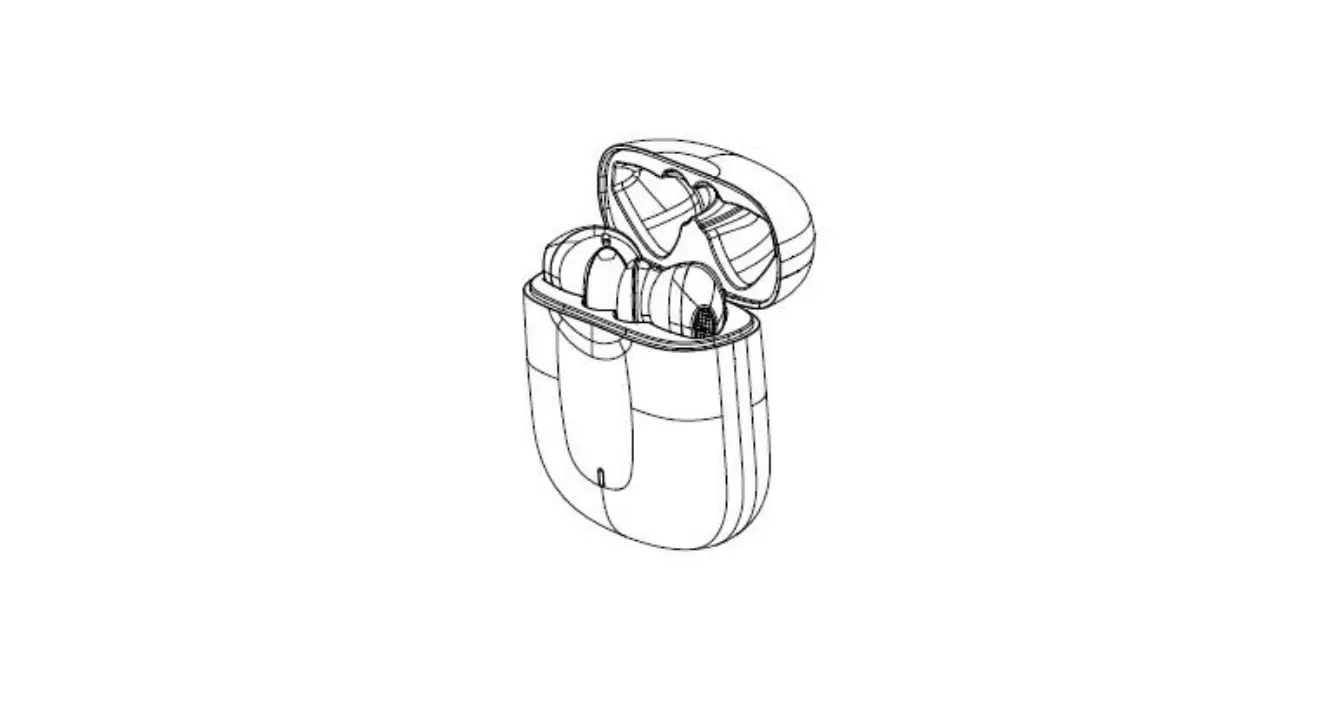

SKY WING KH-27 TWS Bluetooth Earphone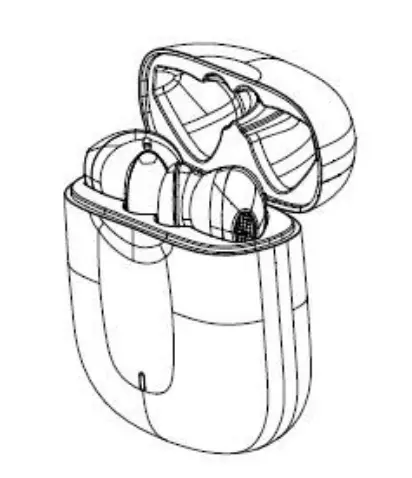
Basic operating functions
| 1. Earphone operation | ||
| project | Left ear | Right ear |
| Boot up | TWS Bluetooth Earphone in the charging case, open the cover of the charging case | |
| Shutdown | 1. Put the TWS Bluetooth Earphone into the charging case and close the cover. 2. TWS Bluetooth Earphone without connections after 10 minutes | |
| Brother pairing | The TWS Bluetooth Earphone is in the charging case, open the charging case cover, the TWS Bluetooth Earphone is interconnected and enters the pairing state | |
|
Bluetooth pairing (mobile phone / device) | 1. After the TWS Bluetooth Earphone is paired, open the mobile phone, Bluetooth search (pairing name TAOTRONICS SoundLiberty 80 ), and click the pairing name to connect to the device. 2. When the TWS Bluetooth Earphone is used again, the left and right earphones will automatically connect back to the last paired device after pairing. 3. TWS Bluetooth Earphone monaural use, pick up one of the earphone, another one stay in the charging case and close the cover, the earphone connects back out TWS after the failure, 20S about entering pairing mode, and then open the phone searches were paired Bluetooth connection, Take out another earphone, it will automatically enter binaural mode 4. TWS Bluetooth Earphone in the charging case, double charging case button to enter pairing mode | |
|
Bluetooth lost | 1. The TWS Bluetooth Earphone is connected to the mobile phone, and the mobile phone turns off the Bluetooth at this time. After 10 minutes after the earphone enters the pairing mode, the earphone automatically turns off 2. TWS Bluetooth Earphone connected to the phone, the connection beyond the range of 10 minutes, enter reconnect mode, while the other device pairing mode, the earphone automatically shut down at this time | |
| Volume | Volume -: TWS Bluetooth Earphone when use one ear or right ear, scovere down the touch control during call and music ( minimum | |
| adjustment | sound beep “beep”) Volume +: TWS Bluetooth Earphone when use one ear or right ear, scovere up the touch control during call and music (the loudest sound has a beep ) |
| Pause / play | Under music playback state: double-click the touch control, or single ear out of ear. |
|
Track selection | Previous song: Using the earphones in two ears, scovere up the touch control on the left ear |
| Next song: Using the earphones in two ears, scovere down the touch control on the left ear | |
|
In-ear detection | 1. The first time you power on and connect, you need to manually click to play music 2. After disconnec and connect again, or after the single ear and both ears have timed out, you need to manually open the music player to play 3. Take out one ear and re-wear the earphone within 45 minutes to resume music playback 4. Take out both ears and re-wear the earphones within 1 minute to resume music playback 5. In the process of playing music with both ears, after the in-ear detection single ear is removed, no matter whether the charging case is placed or not, you need to pick and place another earphone before you can continue to use it (put the charging case before the player is paused to continue playing. Approximately 0.4S+ mobile phone player’s response speed) 6. It supports in-ear detection to answer the phone, but does not support in-ear detection to hang up the phone. Usage scenario: Both earphones are connected, one or two are not in-ear, and the in-ear action can answer the phone when a call comes in. During a call, you can take out both ears to detect and switch audio, that is, remove the earphone and switch to the phone. During a call, it supports switching between the main and auxiliary ears, that is, when the main ear is removed during the call, the auxiliary ear can continue to talk, and when the two ears are removed, anyone of earphone to wear the ear can have a normal call. |
| Answer the call | Connected state, when there is an incoming call, wear the earphone or click the “touch control” to answer the call (both left and right ears). |
| hang up the phone | Long press the touch button for 2 seconds |
| Reject the call | When a call comes in, long-press the touch button for 2 seconds |
|
Voice of wake | When play music or is connected standby state, in-ear and press right ear touch control for 2 .0 seconds after hearing “bit” beep tone, release in 1 – 1.5 seconds, or when play music or the connected standby state, say “Hi, TT “, wake up the voice assistant. | ||
| Delete phone pairing records (restore factory settings) | In the charging case, press and hold the button of the charging case for 10 seconds, until the LED of the charging case flashes white 3 times at the same time, the earphone will automatically restart after delete the pairing record and enter the phone pairing state | ||
| Delete TWS pairing records and phone pairing records | When the earphone is charging in the charging case, double-click the charging case button, the white light will be on for one second | ||
| Automatic shut-down | No connection for 10 minutes in pairing state, automatic shutdown | ||
| Primary and secondary ear switch | Put the main earphone into the charging case, and the auxiliary ear connection successfully becomes the main unit | ||
| Low battery alarm | earphone voltage 3.4V low power alert battery low, every 3 minutes to remind a time, until (3.2V ) low total shutdown alert 3 to 4 times | ||
| Charge reset (software initialization) | Put the earphone into the charging case and keep the cover open, quickly press the button of the charging case five times, the white light is on to reset | ||
| Binaural interworking confirmation | TAOTRONICS SoundLiberty 80 can be searched, with earphone prompt sound pairing | ||
| * Key time definition | |||
| Short press | 0.5 seconds | Double press | Double press in 0.5 seconds |
| Long press | 2~3 seconds | Super long press | 10 seconds |
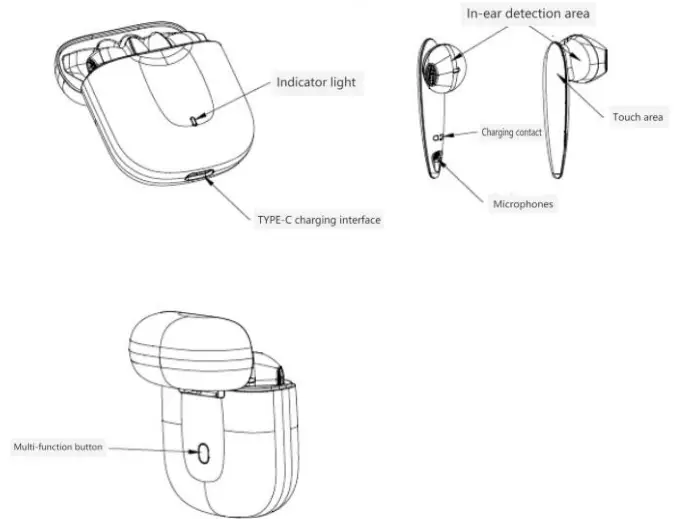
PRODUCT OVERVIEW
Bluetooth pairing and connection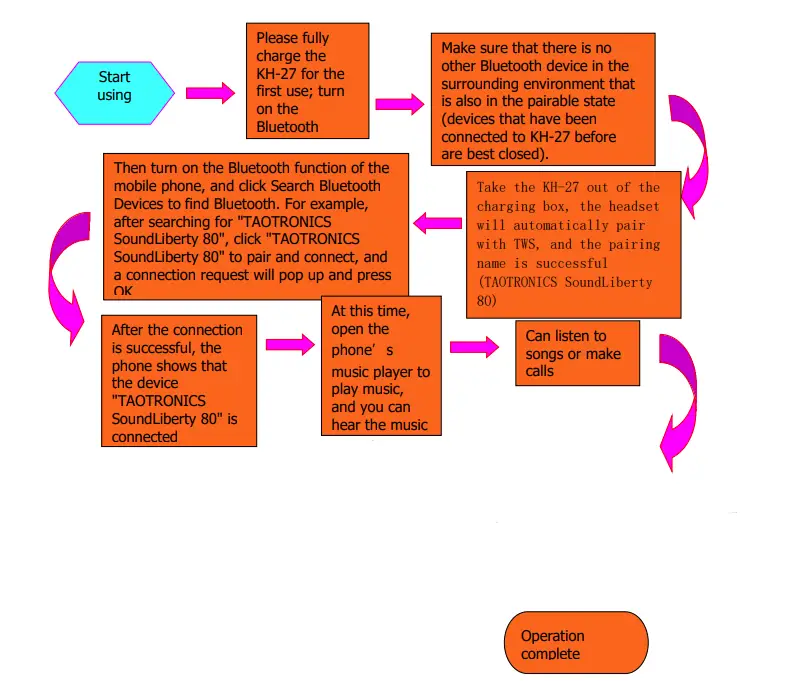
TTS prompt tone
| Status | Tone |
| Boot up | Power on |
| Shutdown | Power off |
| Enter the pairing state | pairing |
| TWS paired successfully | Tws_connected |
| TWS pairing failed | Tws_Disconnected |
| Bluetooth connection is successful | connected |
| Bluetooth disconnect | Disconnected |
| Low voltage alarm | Battery_Low |
Charging
When KH-27 voice prompts Battery_Low or Power off, put it in the charging case for charging. When the red light of the charging case is always on, it indicates that the power of the charging case is too less, and the charging interface type of the charging case is Type-C.
Note: When the KH-27 and the charging case are not in use, please charge them at least once every 2 months.
| Remaining battery indicator of the charging case ( display for 5 seconds when opening and closing the cover or pressing the button ) | |
| status | Indicator light display |
| The remaining amount of 0% – 25% of the time | Red light is always on |
| The remaining amount of 25 % – 100% when | White light always on |
| Charging case charging indicator | |
| status | Indicator light display |
| Amount of 0 to 99% charging | White light breathing |
| full charge | White light always on |
Specifications
| Bluetooth specification Bluetooth specification | Bluetooth 5.0 version Bluetooth 5.0 |
| Frequency Range Operation frequency | 2.402-2.480GHz |
| supporting agreement Supported profile | HFP, HSP, AVRCP, A2DP |
| Chip scheme Chip solution | QCC3020 |
| Decoding method | aptX™ SBC AAC |
| Use range Operation range | Up to 10 meters range UP to 10 meters |
| Call time Talk time | Headphone usage: about 3.5 hours ( 70% volume) |
| Use with charging case: about 12 hours ( 70% volume) | |
| Music time Music time | Headphone use: about 4 hours ( 70% volume) Use with charging case: about 16 hours ( 70% volume) |
| Standby time Standby time | Headphone standby: about 8.5 hours About 8 h 30min Put the earphone into the charging case and stand by for more than 1000 hours |
| type of battery Battery type | Headphone: 3.7V 35 mAh Charging case: 3.7V 350 mAh |
| Charging time Charge time | Headphone / charging case: . 1 .5 ± 0.5 hours |
| Charging case interface Charger Charging Port | USB-C OVP>10V supports C2C line charging |
| Operating temperature Operating temperature | -5 – 50℃ |
| net weight Net weight | Total about 50.6 g (earphone: 4.3 g*2 ; charging case about 42g ) |
| speaker S peaker | 5.6 mm diameter composite diaphragm, sound reference prototype ( TT-BH072 ) |
The above data is from Tianyi Lab. Actual use time will vary depending on the environment and music.
Notes and Q & A
- How to connect back? What should I do if I can’t connect back?
When the ” KH-27 ” is successfully connected to your mobile phone, it will automatically connect back to your mobile phone every time you turn it on. If you can’t connect back, please re-pair and connect. - How to clear the pairing record?
In the charging case, press and hold the button of the charging case for 10s until the LED of the charging case flashes white 3 times at the same time. After clearing the pairing, the earphone will automatically restart and enter the mobile phone pairing state. The KH-27 will no longer connect to the previously connected device. When various connection abnormalities occur, you can try to clear the pairing records. - Under what circumstances will it automatically shut down?
It will automatically shut down when there is no connection for more than 10 minutes or the battery voltage is less than 3.1V in the pairing state. - Under what circumstances will the low battery alarm be issued, and what are the prompts?
When the earphone battery voltage is lower than 3.2V, there will be a beep every 3 minutes. - What is pair password?
If a password input prompt appears when some devices are connected to KH-27, try to enter 0000 (four 0s ), 8888 (four 8s ), 1111 (four 1s ), or 1234 - Can be charged with what equipment?
As long as it meets the DC voltage of 5V and the current of 1 A or more, Type-C can charge the ” KH-27 ” charging case. - Some exceptions, such as the connection exception and so how do?
Put the earphone into the charging case to keep the cover open, and quickly press the button of the charging case five times, the white light will light up and reset. - How to enter the pairing state?
Put it into the charging case, close the cover and take it out again to enter the pairing mode. - Can it be used while charging?
Can’t.
NOTE: This equipment has been tested and found to comply with the limits for a Class B digital device, pursuant to part 15 of the FCC Rules. These limits are designed to provide reasonable protection against harmful interference in a residential installation. This equipment generates uses and can radiate radio frequency energy and, if not installed and used in accordance with the instructions, may cause harmful interference to radio communications. However, there is no guarantee that interference will not occur in a particular installation. If this equipment does cause harmful interference to radio or television reception, which can be determined by turning the equipment off and on, the user is encouraged to try to correct the interference by one or more of the following measures:
- Reorient or relocate the receiving antenna.
- Increase the separation between the equipment and receiver.
- Connect the equipment into an outlet on a circuit different from that to which the receiver is connected.
- Consult the dealer or an experienced radio/TV technician for help
Changes or modifications not expressly approved by the party responsible for compliance could void the user’s authority to operate the equipment. This device complies with Part 15 of the FCC Rules. Operation is subject to the following two conditions:
- this device may not cause harmful interference, and
- this device must accept any interference received, including interference that may cause undesired operation.