Caius H01 Wireless Microphone
User Guide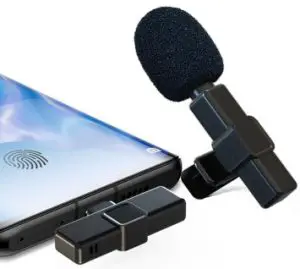
Thank you for choosing our products!
Product introduction
This product is a smart wireless radio microphone, can provide professional-level recording output.
Plug and play, no APP required.
Multi-purpose: Live Broadcast Network, video Vlog shooting, program interviews, video teaching, and other occasions.
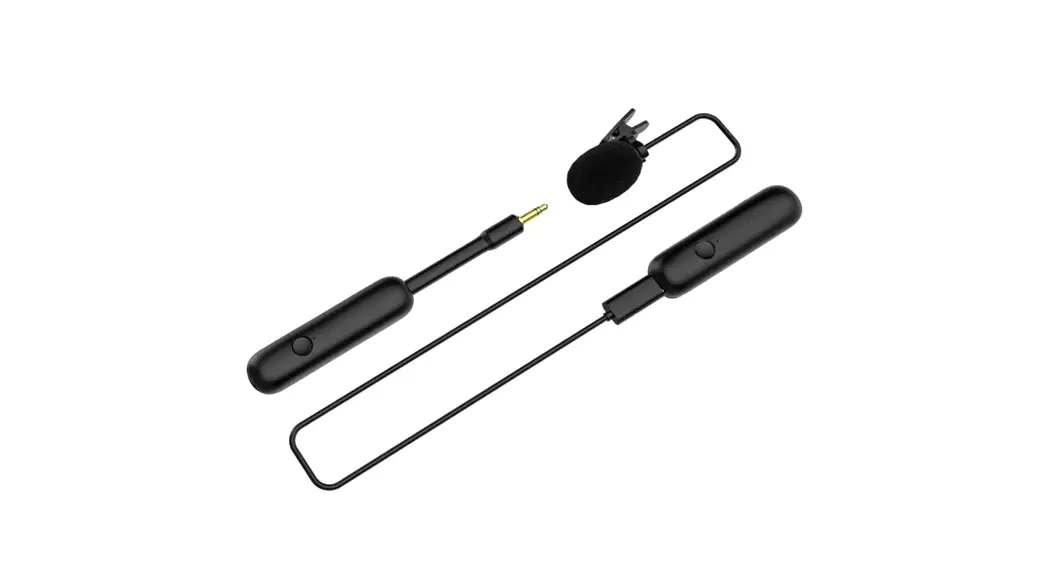
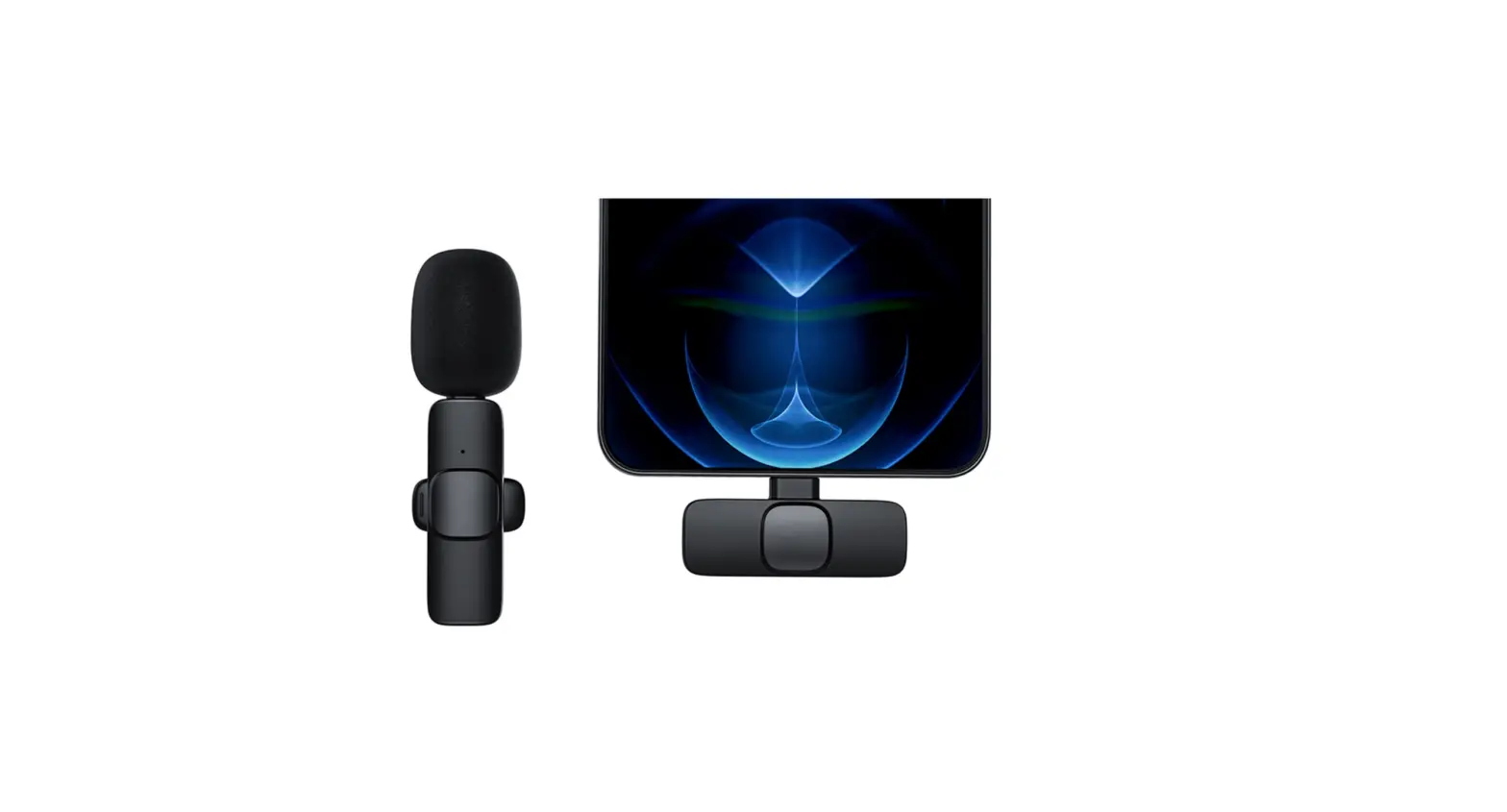
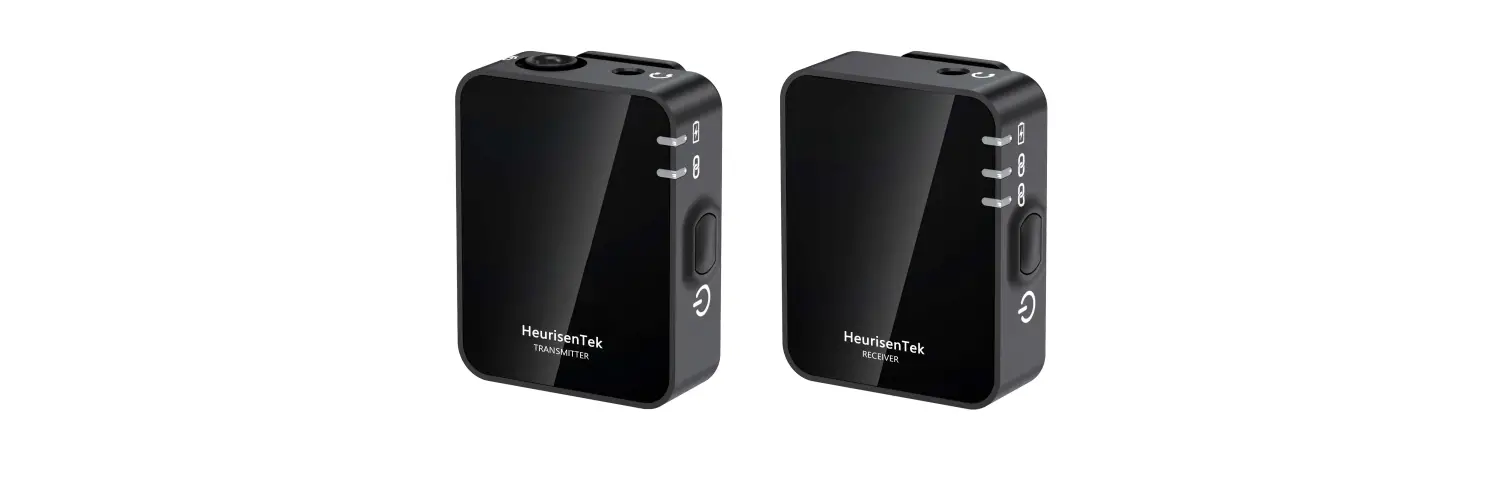
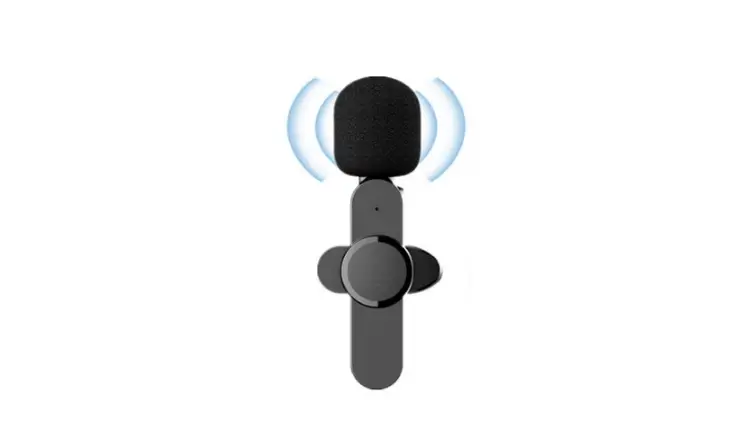
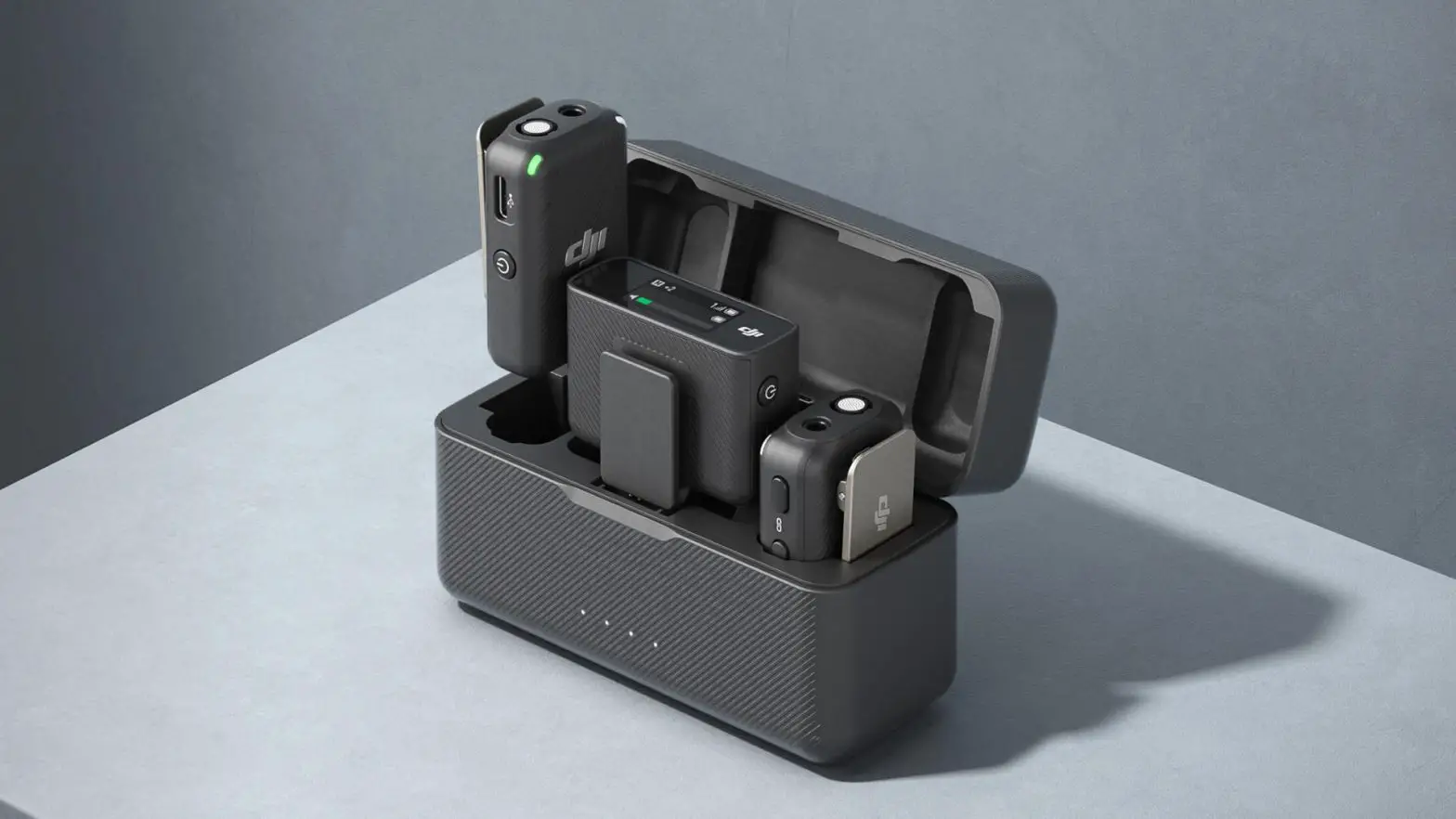
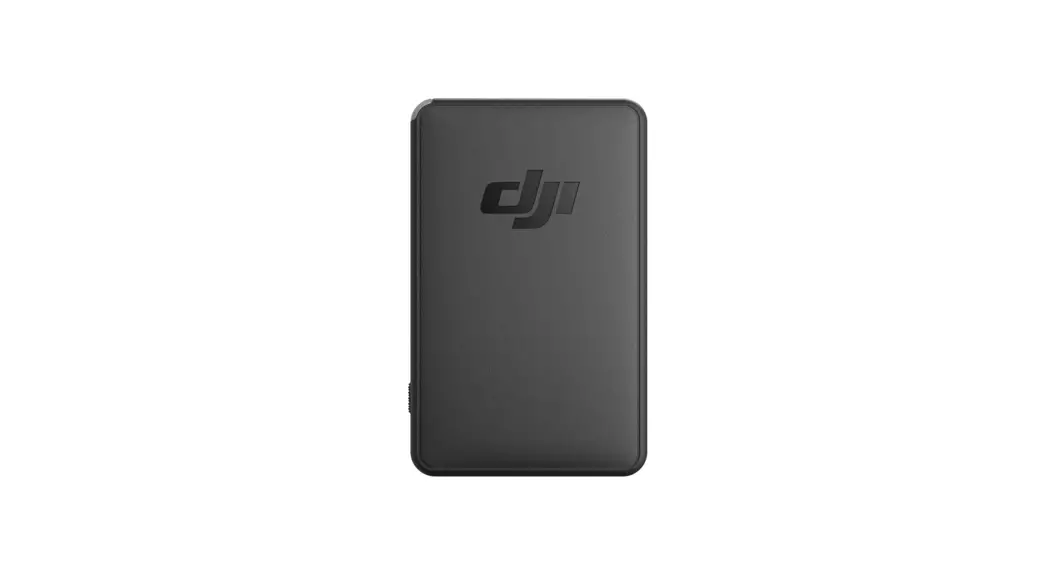
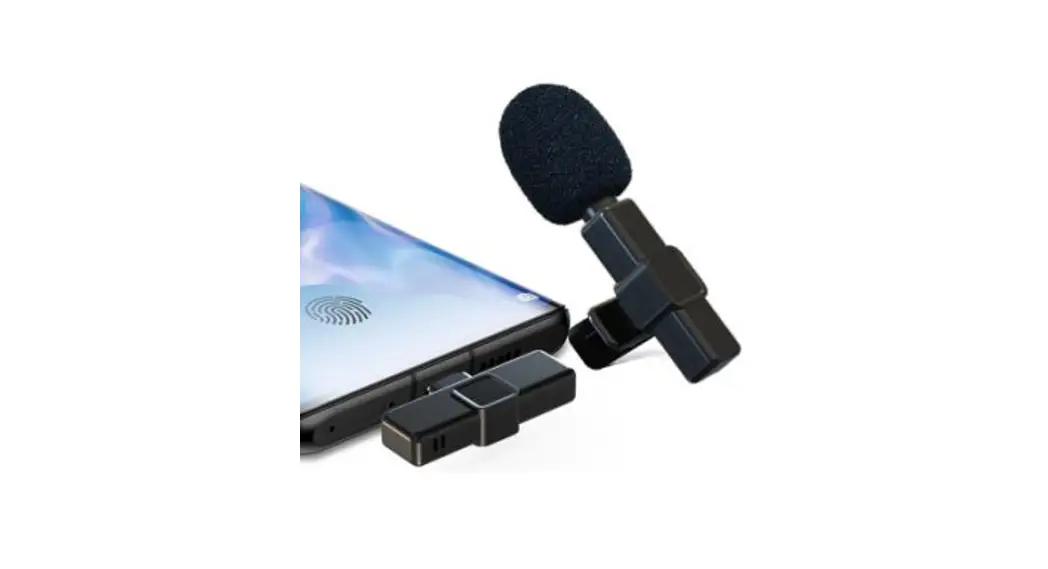
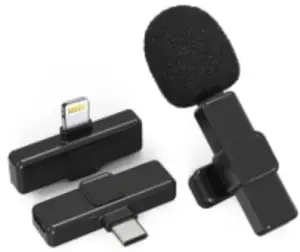
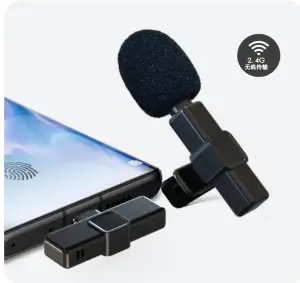
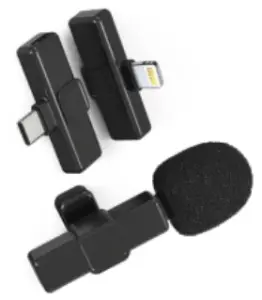
A wireless radio microphone consists of two parts, the transmitter, and the receiver. (As shown below)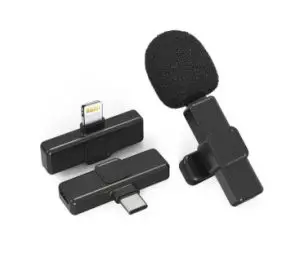
Product Overview
- 2.4G private transport protocol, the private high-quality compression algorithm
- Adaptive frequency hopping, strong anti-interference/signal stability/long distance
- Auto-match, Plug, and play
- Very low delay time, delay < 20ms, sound and picture synchronization
- Power consumption: transmitter < 15mA, receiver < 25MA
- Support mobile phone slow charge or fast charge (side record side charge)
- Built-in 360-degree all-directional high-definition, high-sensitivity microphone
- Good compatibility, mobile/PC/tablet support
- The transmitter has a built-in 60mAh rechargeable button battery that lasts for 6-8 hours
- Frequency response20HZ-20KHZ
- Sensitivity: – 30 db
- Signal to noise ratio:-65 db
- Transmission distance: 20 meters
I D icon
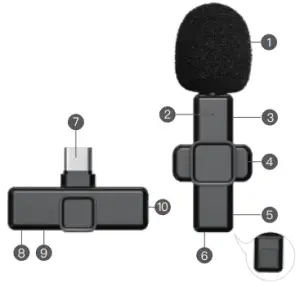
Transmitting end
- Windbreak nets
- Microphone light
- Charging interface
- Microphone clip
- Switch buttons
- Microphone reset button
Receiving End - Phone Type-C, Apple interface
- Receiver light
- Receiver reset key
- Receiver charging interface
Method of use
Power on: short press the power on button, the green light turns on for 2 seconds and then flashes
Pairings: Short Press power-on, then plug the receiver into the phone or other devices, wait a moment to connect, connect, transmitter green light long, receiver red light long.
Mute: after connecting, double-click the transmitter, the boot button, to mute state, the green light out, at this time the other side can not hear the transmitter side of the voice, and then double-click can remove the mute, green light long.
Power-off: press the power-on key for 3 seconds in the power-on state
Note: If the transmitter is not connected to the receiver within one minute, it will be turned off.
Special note 1: Oppo/ Vivo/ IQOO/ Realme and other Android brands to some phones into the settings to open OTG.
Open method: set-other networks with connection-OTG Power (open this function) to be used properly
Special Note 2: There is no battery inside the receiver, no need to charge during the live broadcast, if the live broadcast, the mobile phone is not enough power, you can directly through the receiver type-C interface to charge the mobile phone.
Turn on noise reduction: connect state, short press the boot button can be in noise reduction mode cycle switch (transmitter with memory function, the last use of what noise reduction mode, the next boot default for the last use of noise reduction mode)
| Type of Noise Cancellation | 1st Level of Noise Cancellation | 2nd Level of Noise Cancellation | 3rd Level of Noise Cancellation | Close Noise Cancellation |
| Mode of Light Flashing | Orange light flash once | Orange light flash twice | Orange light flash triple times | Orange light keep on for 1 second |
| Application Scenario | Music and meeting recording | Live to stream and short video | Outdoor and noisy places | Tranquil environment |
Light indication
Transmitter:
Power onscreen light flashing
Power off: No Flash
Pairing: green light flashing
Connection successful: green light on
Switching to noise reduction mode: Orange Flash
Mute status: green light out
Low power status: Orange Flash
Charging: Orange Light on long
Charging complete: orange lights out
Receiver:
Pairing: red light flashing
Connection successful: Red Light is always on
Power off: No Flash
Certificate of Conformity
Inspector
This product has passed the inspection
Warranty card
Product code:_______________
Inspector:__________________
Date of inspection:____________
Wireless Microphone
 |  |  |
| Plug and play | Smart noise cancellation | 20 meters of accessible reception |
 |  |  |
| Highly sensitive | Sound and picture synchronization | Widely compatible |
 |  |  |
| Precise radio | 6-8 H long working time | Tiny and portable |
- One drag one version
- One drag two version
- For iPhone
- For Type-C
Wireless Microphone
 |  |  |
| Live show | Interview | Vlog short video |

MADE IN CHINA