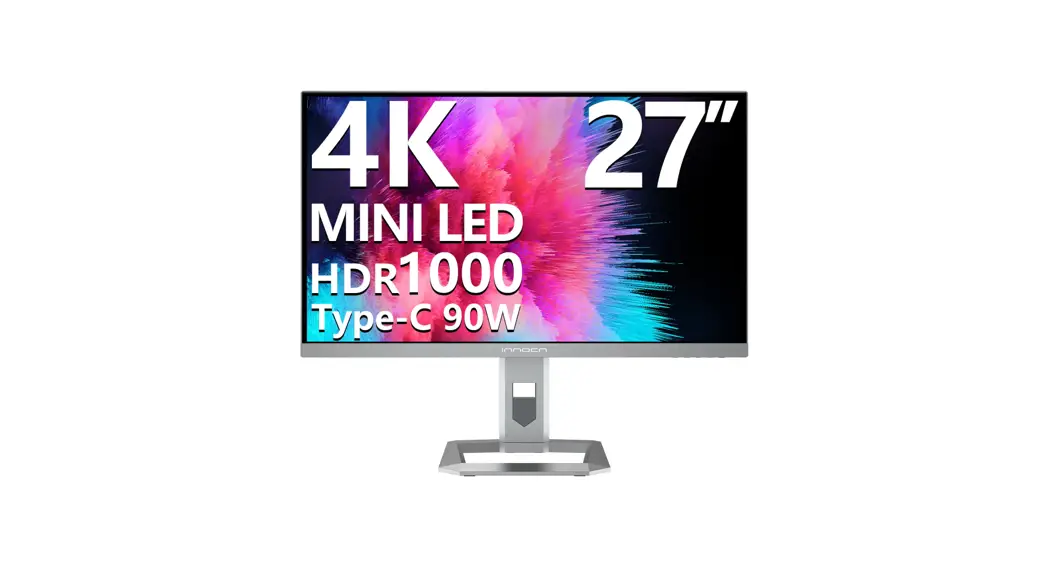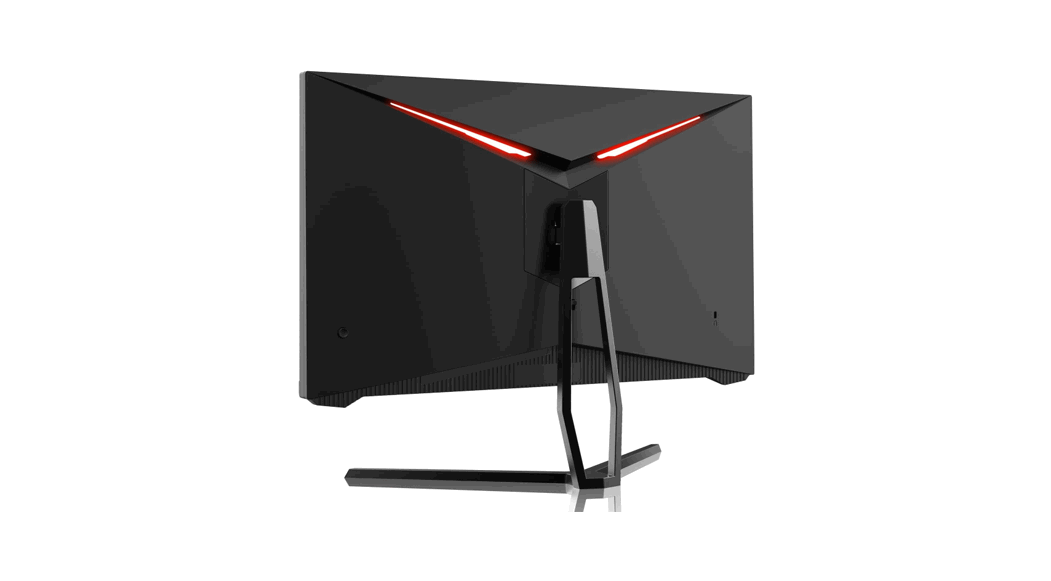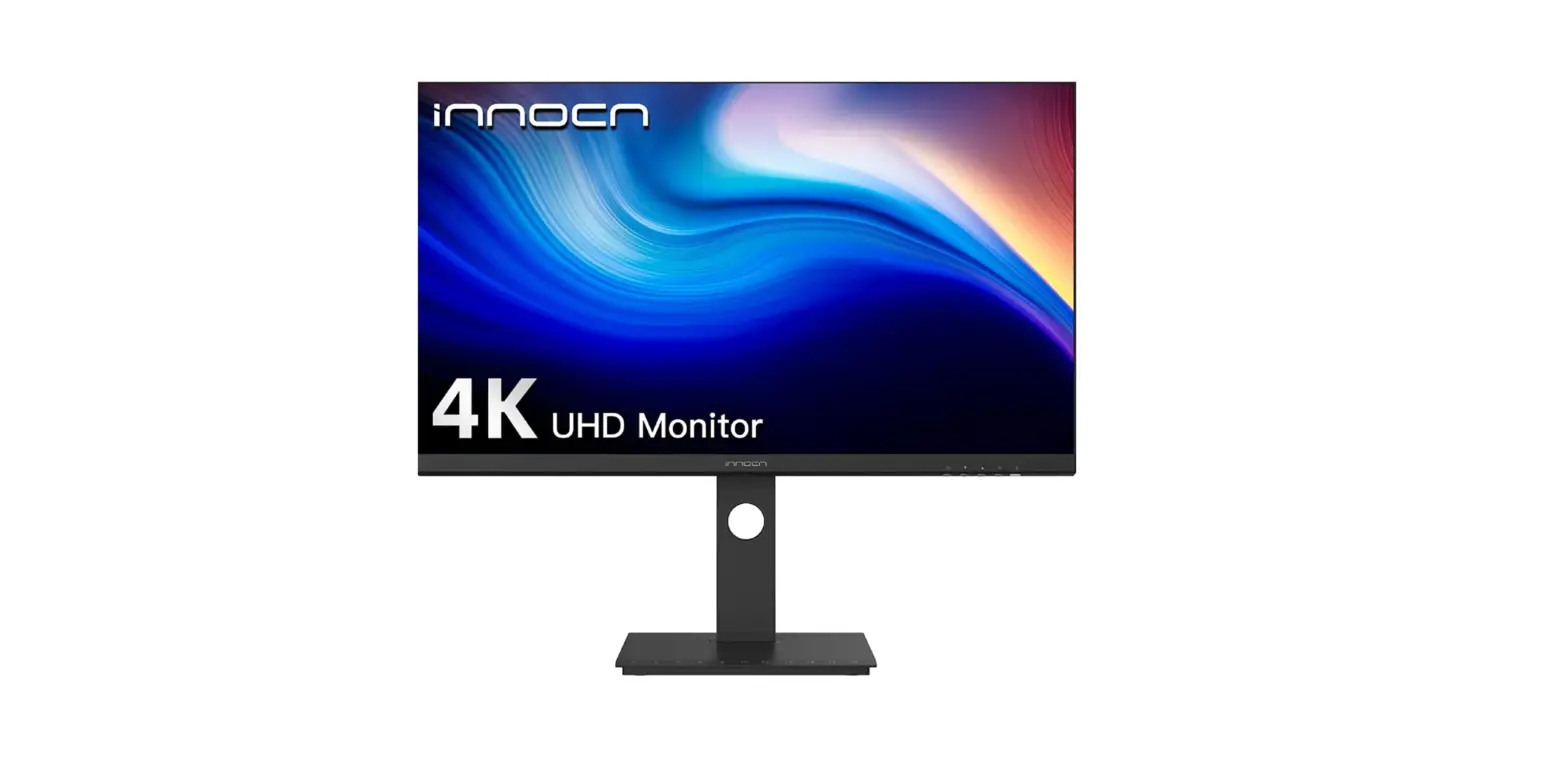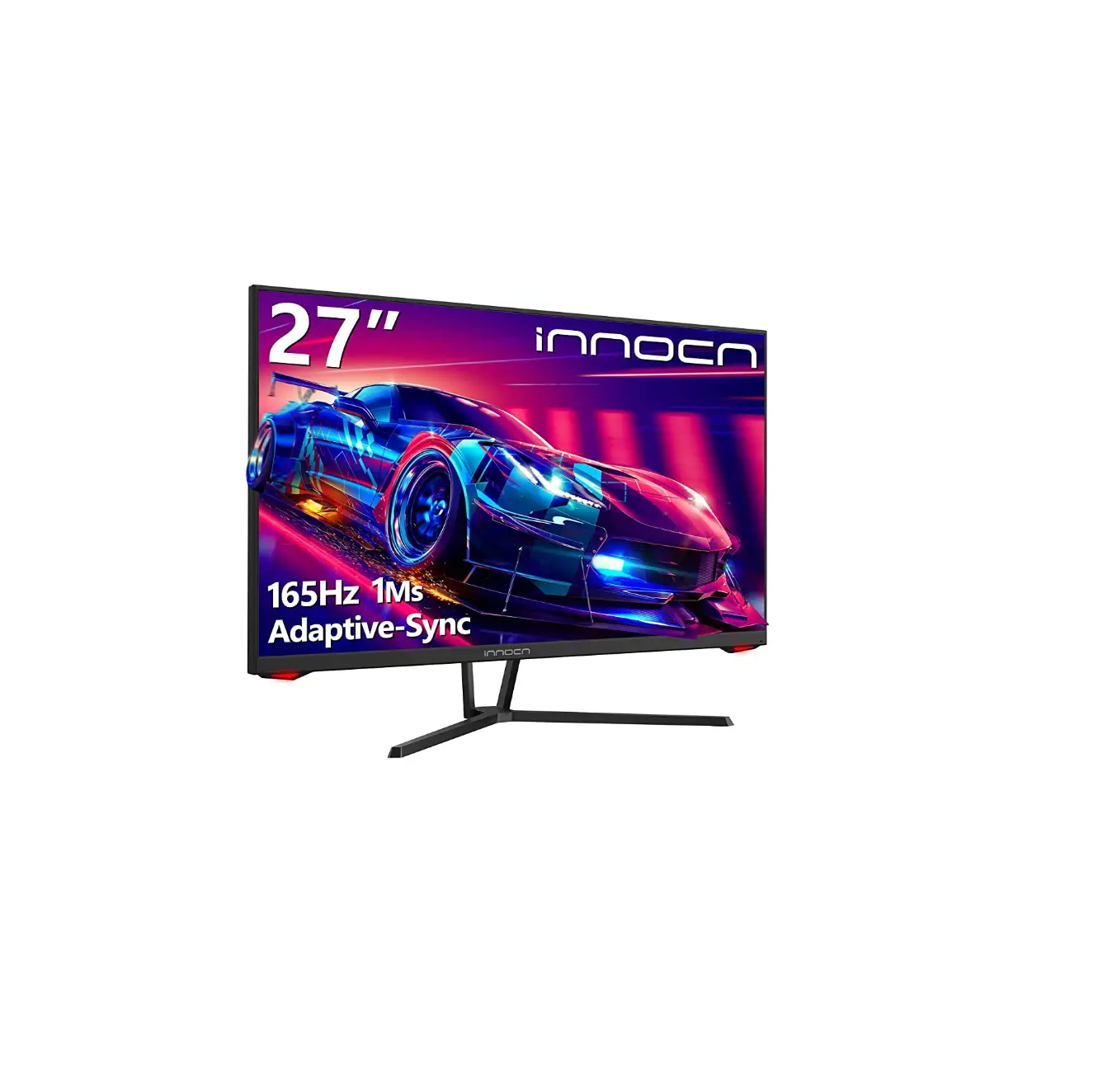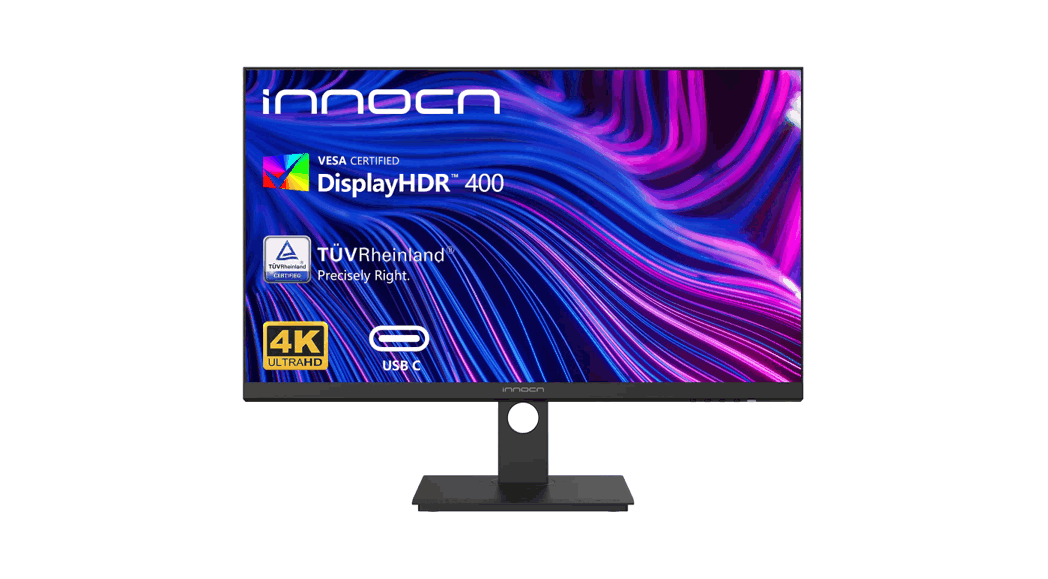
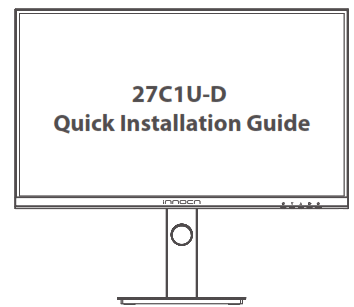
 27C1U-D LED LCD Monitor
Installation Guide
Before using this product, please read this User Manual carefully and keep it well
Precautions
- Keep the monitor away from water sources or damp places, such as bath rooms, kitchens, basements and swimming pools.
- Make sure the monitor is placed on a flat surface. If the monitor falls down, it may cause human injury or device damage.
- Store and use the monitor in a cool, dry and well ventilated place, and keep it away from emission and heat sources.
- Do not cover or block the vent hole in the rear casing, and do not use the product on a bed, sofa, blanket or similar objects.
- The range of the supply voltage of the monitor is printed on the label on the rear casing. If it is impossible to determine the supply voltage, please consult the distributor or local power company.
- If the monitor will not be used for a long period, please cut off the power supply to avoid electric shock in rainy days and damage due to abnormal supply voltage.
- Please use a reliable grounded socket, Do not overload the socket, or it may cause fire or electric shock.
- Do not put foreign matters into the monitor, or it may cause short circuits resulting fire or electric shock.
- Do not disassemble or repair this product by self to avoid electric shock. If faults occur, please contact the after-sales service directly.
- Do not pull or twist the power cable forcedly.
- There is a polarizer layer (not a protective film) on the surface of the screen. Do not peel it off, or the product may be damaged and the warranty will be invalid.
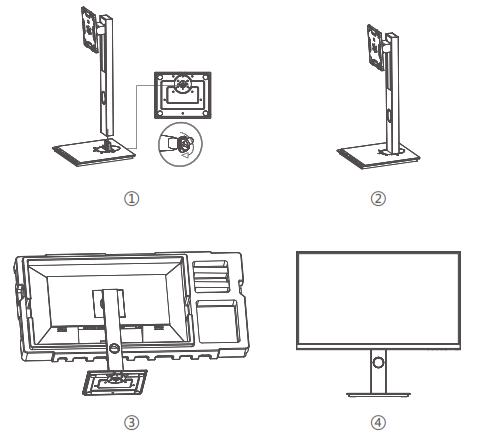
Installation of base
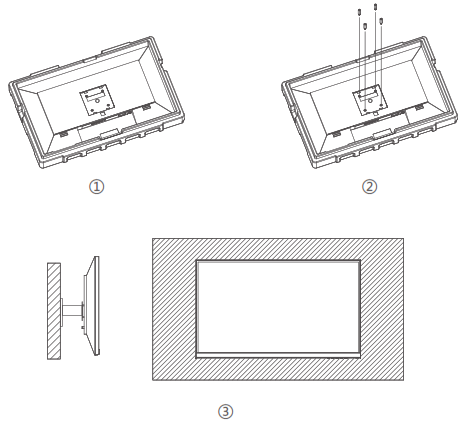
Wall-mounted Installation
Adjustment of monitor
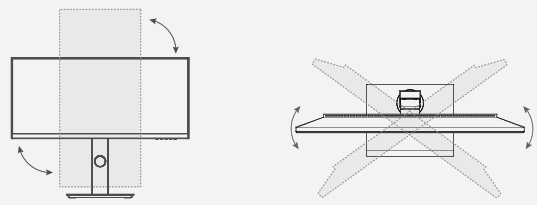 | |
| Vertical angle | Rotation angle |
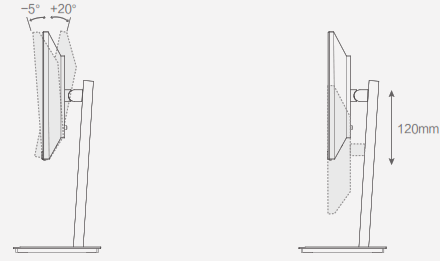 | |
| Tilting angle | Height adjustment |
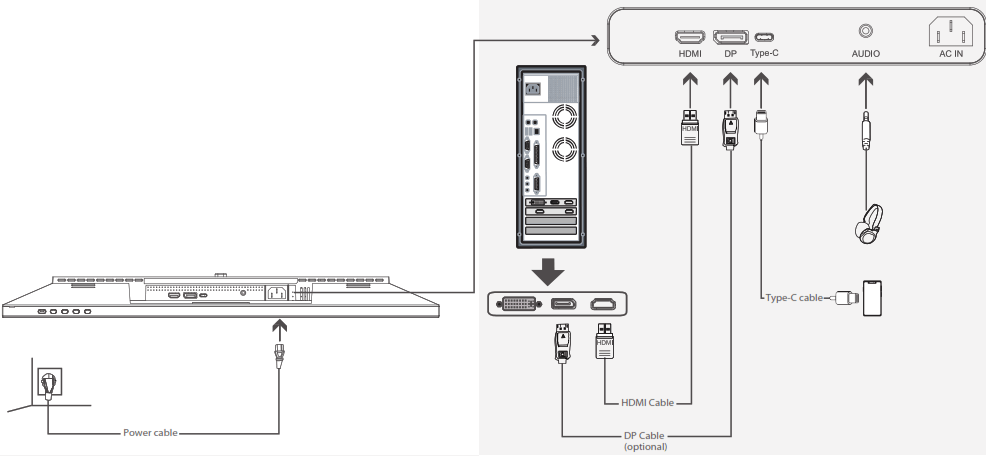
Cable connection
* The bottom interface configuration at the back of the monitor varies with products.
* Note: If the power cable or signal cable is damaged, you must replace it with special soft cables or special components purchased from the manufacture or maintenance department.
Language Selection
When booting for the first time, you need to set the default language of the monitor menu. Press buttons ( ) to select the language to be set, and press the OK button(
 ) to confirm.
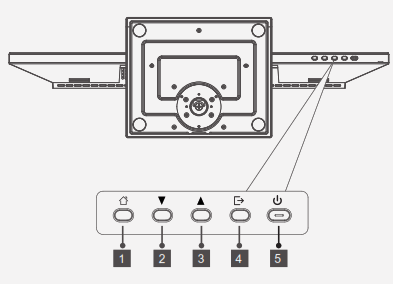
| Button | Function |
| 1 | Press control pad to turn the display on/off. |
| 2 | Control pad left : Exit / Port input shortcut. |
| 3 | Control pad down : select menu. |
| 4 | Control pad right : Main Menu / Ok. |
| 5 | Control pad up : Profile shortcut / Select menu. |
Explanation of indicator light
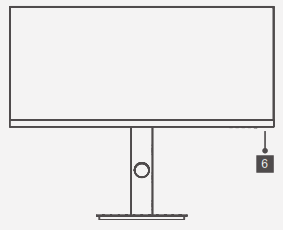
6. Indicator light: If the white light is normally on, it is indicated that the device is powered on, and that the monitor is running normally. red light indicates no video signal detected or low voltage.
Please make sure that your computer is turned on and all video cables are fully plugged in and/or connected.
 |  |
| https://www.innocn.com/ | http://weixin.qq.com/r/PjkZAULEvh-BrQZi92ws |
Home Page: www.innocn.com
Contact Us
Global Customer Service: [email protected]
Japan Customer Service: [email protected] The terms HDMI and HDMI High-Definition Multimedia Interface, and the HDMI Logo are trademarks or registered trademarks of HDMI Licensing Administrator, Inc. in the United States and other countries.
 This device complies with part 15 of the FCC Rules. Operation is subject to the following two conditions:
- This device may not cause harmful interference,
- this device must accept any interference received, including interference that may cause undesired operation.
CAN ICES-3 (B)/NMB-3(B)
 Pour en savoir plus:
www.quefairedemesdechets.fr

 INNOCN | Portable Monitors & Desktop Monitors, 4K Monitors, Ultrawide
 Info-tri | Ministères Écologie Énergie Territoires