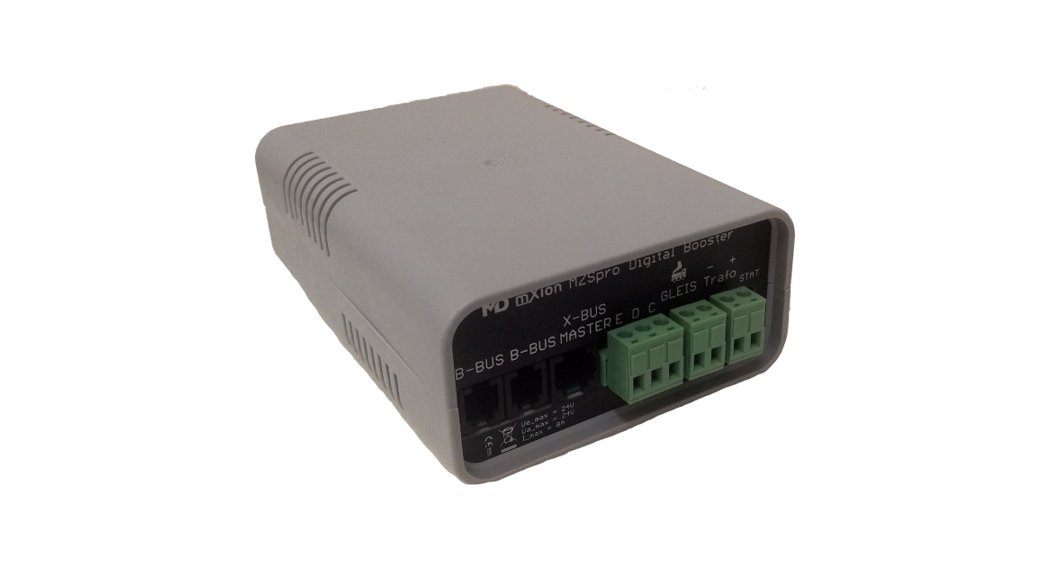
 MZSpro 8A Booster
User manual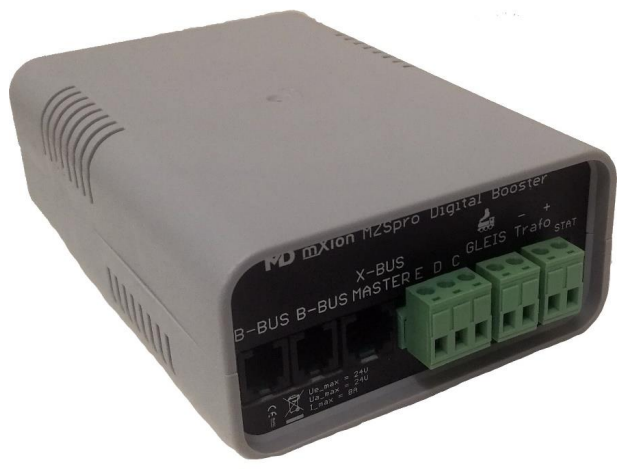
Introduction
Dear customer, we strongly recommend that you read these manuals and the warning notes thouroughly before installing and operating your device. The device is not a toy (15+).
NOTE: Make sure that the outputs are set to appropriate value before hooking up any other device. We can’t be responsible For any damage if this is disregarded.
General information
We recommend studying this manual thoroughly before installing and operating your new device.
NOTE: Some funktions are only available with the latest firmware.
Please make sure that your device is programmed with the latest firmware.
ATTENTION: The booster is locked by delivery! You can unlock it with CV15 = 110. Lock again after programming with CV15 = 0!
Summary of Funktions
100% DCC NMRA and LGB® compatible DCC, Märklin-Motorola, Selectrix, mfx, etc.
LGB® MTS support also pulse driver Operating voltage 14 – 24 V
ONLY DC VOLTAGE SWITCHING SUPPLY!
8A traction current on the track Temperature-controlled fan
RailCom® detection gab can be activated
Internal temperature and current monitor
Automatic reinit if short failures
Automatic restart after failure possible
External power supply with each DC
power supply with an voltage up to 24V
Usable for all tracks with matching power
Usable for all tracks with matching power
Sturdy screw terminals
Scope of supply
Manual
mXion MZSpro digital booster unit
B-Bus cable
Hook-Up
Install your device in compliance with the connecting diagrams in this manual.
The device is protected against shorts and excessive loads. However, in case of a connection error e.g. a short this safety feature can’t work and the device will be destroyed subsequently.
Make sure that there is no short circuit caused by the mounting screws or metal.
Connection to ECoS/CS Central Units
This type of central unit can directly connect to the CDE:
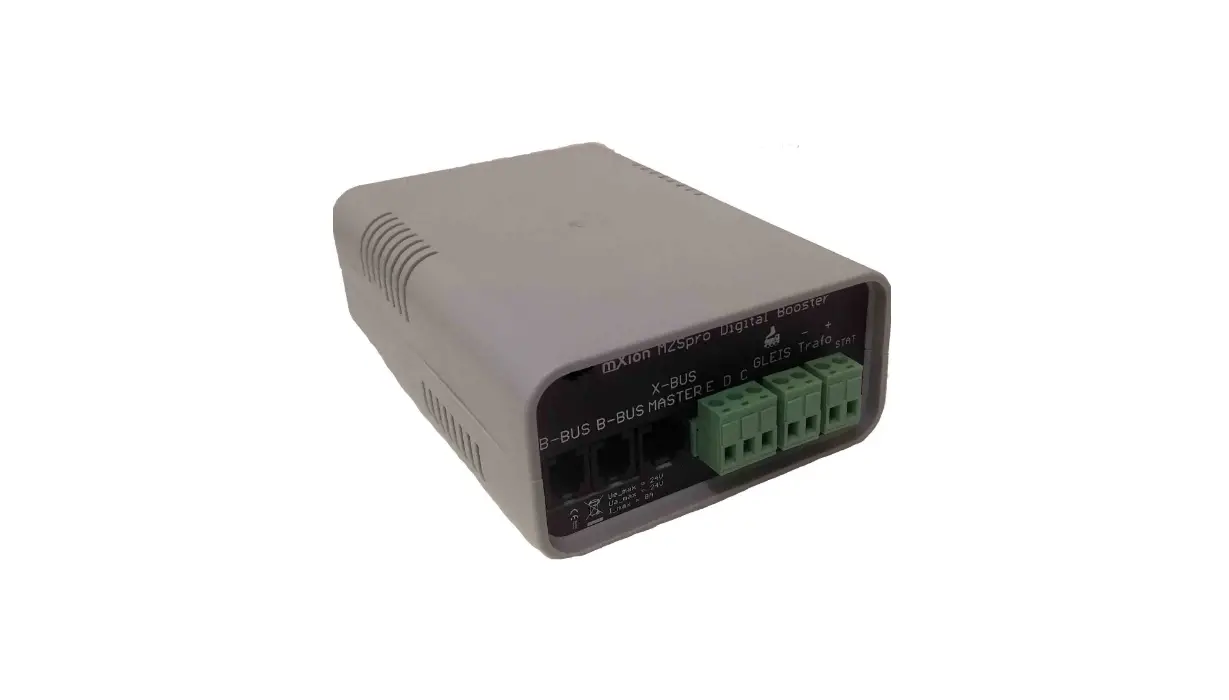
C = Daten/Data
D = Masse/GND
E = ShDCC
Connectors
Make sure you have sufficiently large cross section depending on the power output.
Pay attention to the separation, if you have several operate booster or central or booster/central mixture.
The plus pole is next to the LED states.
SPONGE DESTROYS THE BOOSTER!
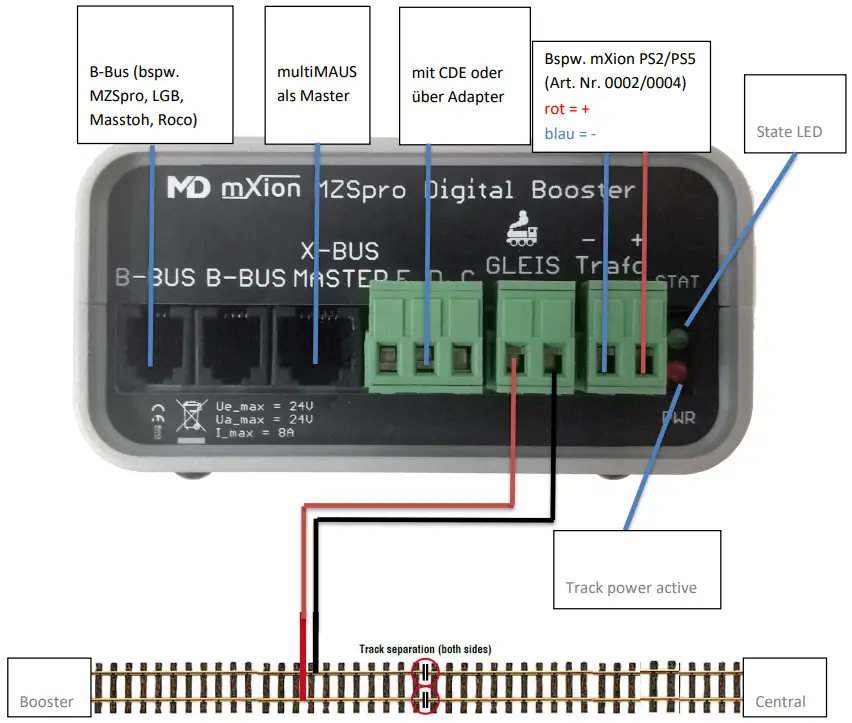
Always use only one feed option of the booster (e.g, signal input CDE OR signal input OR B-BUS
If your control station is not one of the above listed interfaces you can either use our B-Bus/CDE/XpressNet converter (item no. 0017) or directly the track output of your central station to the inputs of C and D (see picture downsite).

Product description
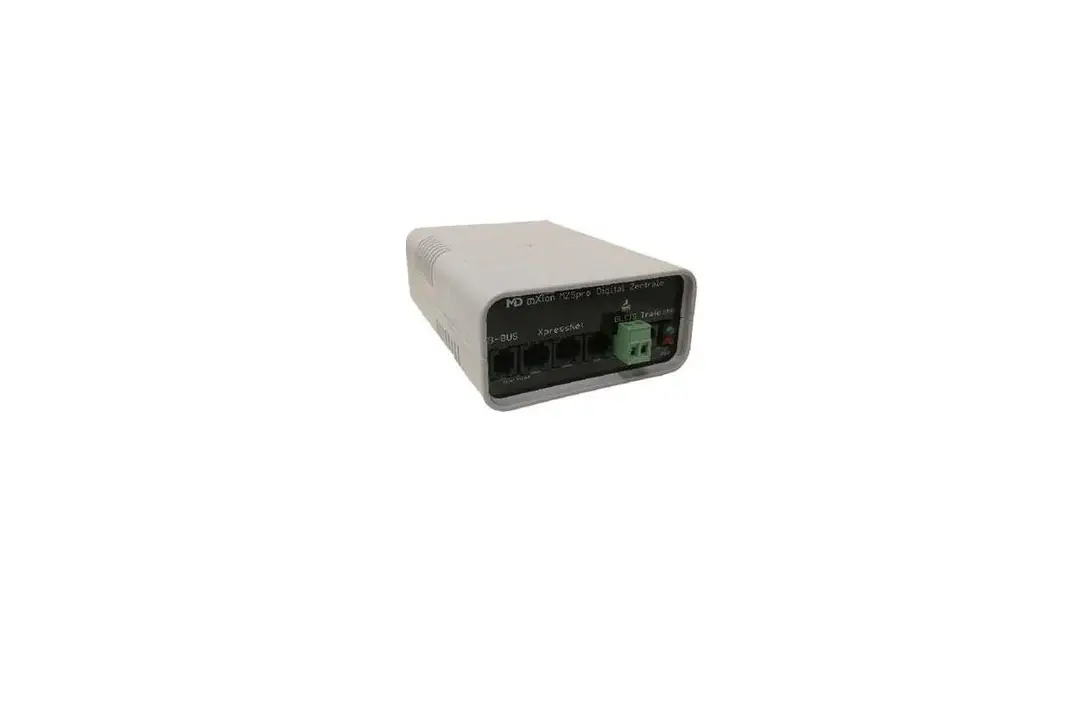
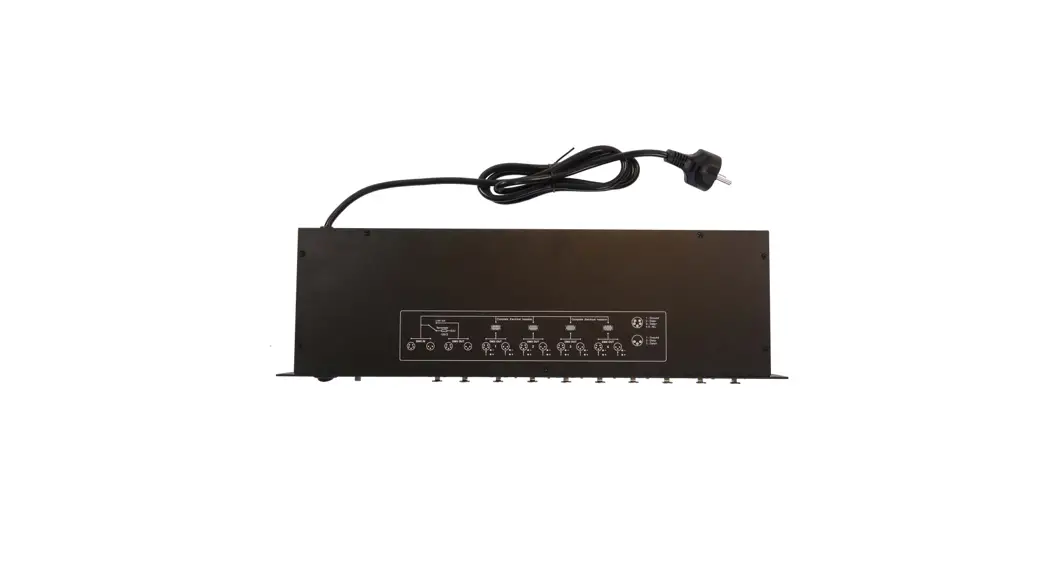
The mXion MZSpro Booster is our compact and smallest digital booster unit with an output of 8 Amps. for the tracks.
It supports all digital formats, systems and central and enables connection via B-BUS (e.g. on our MZSpro, Z21 from Roco® or LGB®) as well as connecting a Z21 multiMAUS via XpressNet as well as the connection via CDE (e.g. ECoS, Lenz) or our CDE distributor on all of them other central units.
The settings via CV programming enable the setting of the short circuit time, short circuit current, switch-off, switchover time and RailCom® blanking gaps, likewise the booster a turnout address (standard 1000) with which he switches on and off via a switching command can be turned off. The visualization takes place via the green LED. Self-Switch on by fault can be programmed too. The programming is by delivery blocked and must be canceled become. The programming is done directly at the B-Bus, CDE or XpressNet input if the booster with the central station is connected.
LED-States:
slow flashing (1 sek.) → stop
middle flashing (0.5 sek.) → over temperature
slow flashing (0.2 sek.) → short circuit
CV-Table
S = Standard
| CV | Description | S | Range | Range | |
| 7 | Software version | – | – | read only (10 = 1.0) | |
| 7 | Decoder reset functions | ||||
| 2 Resetbereiche wählbar | 11 16 | basic settings (CV 1-126) programming lock (CV 15/16) | |||
| 8 | Herstellerkennung | 160 | – | read only | |
| 7+8 | Register programming mode | ||||
| Reg8 = CV-Address Reg7 = CV-Value | CV 7/8 don’t changes his real value CV 8 write first with cv-number, then CV 7 write with value or read (e.g.: CV 122 should have 3) → CV 8 = 122, CV 7 = 3 writing | ||||
| 15 | Programming lock (key) | 0 | 0 – 255 | to lock only change this value (BLOCKED IN DELIVERY STATE!) | |
| 16 | Programming lock (lock) | 110 | 0 – 255 | changes in CV 16 will change CV 15 | |
| 48 | Switch address calculation | 0 | 0/1 | 0 = Calculation to NMRA 1 = Calculation to Roco/Lenz | |
| 49 | Switch adress invers | 0 | 0/1 | invert switch address in CV120/121 | |
| 120 | Switch adress high | 3 | 1000 | 1 – 2048 | Switch manual on and off of the booster |
| 121 | Switch adress low | 232 | |||
| 122 | Maximum current | 80 | 1 – 80 | Current limitation (80 = 8A) | |
| 123 | Short circuit sensitivity | 20 | 1 – 255 | Short circuit sensitivity (time base 10 ms) | |
| 124 | RailCom BiDiB | 0 | 0/1 | RailCom® generate blanking gaps | |
| 125 | Automatic switch on | 0 | 1 – 255 | Switch on after short circuit (time base in seconds) | |
| 126 | Detection time | 12 | 1 – 255 | Switchover time for signal detection (time base 1 ms) | |
Technical data
Power supply: 14 – 24V DC
Only use DC-Trafos!
Current: 50mA, switched off booster
Maximum current: 10 Amps. for short time
8 Amps all time
Temperature range: -40 up to 60°C
Dimensions L*B*H (cm): 9.5*13.5*4.5
NOTE: In case you intend to utilize this device below freezing temperatures, make sure it was stored in a heated environment before operation to prevent the generation of condensed water. During operation is sufficient to prevent condensed water.
Warranty, Service, Support
micron-dynamics warrants this product against defects in materials and workmanship for one year from the original date of purchase. Other countries might have different legal warranty situations. Normal wear and tear, consumer modifications as well as improper use or installation are not covered.
Peripheral component damage is not covered by this warranty. Valid warrants claims will be serviced without charge within the warranty period. For warranty service please return the product to the manufacturer. Return shipping charges are not covered by micron-dynamics. Please include your proof of purchase with the returned good. Please check our website for up to date brochures, product information, documentation and software updates. Software updates you can do with our updater or you can send us the product, we update for you free.
Errors and changes excepted.
Hotline
For technical support and schematics for application examples contact:
micron-dynamics
[email protected]
[email protected]
www.micron-dynamics.de
https://www.youtube.com/@micron-dynamics
 micron-dynamics