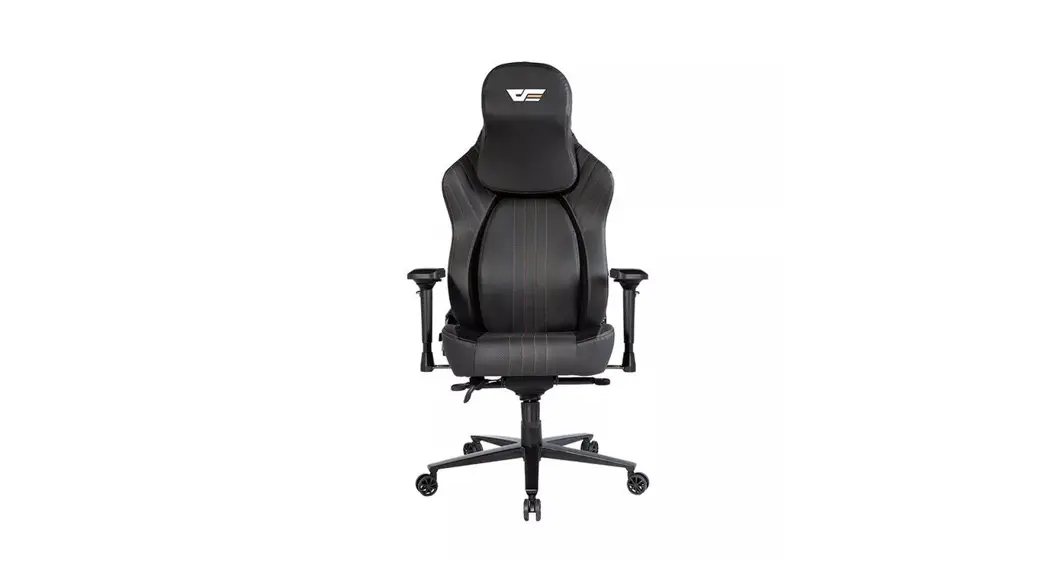
FFLEX-S ReddiSpace QuickTime Chair
ReddiSpace QuickTime Installation Manual
Product Information:
| Component | Quantity |
|---|---|
| Left panel | 1 |
| Right panel | 1 |
| Door | 1 |
| Ceiling Pieces | 2 |
| Bottom frame | 1 |
| Rear glass module | 1 |
| Blocks | 4 |
| Floor Pieces | 2 |
| Lock and Handle | 1 |
| Carpet Pieces | 4 |
| Top Frame | 1 |
| Glass Trim Pieces | 2 |
| Power Cord | 1 |
| Hexagon socket wrench | 3 |
| Worktop | 1 |
| A-06 Hexagon Socket Screw | 20 |
| A-60 60mm Self Drilling Screw | 6 |
| A-25 25mm Self Drilling Screw | 30 |
| B-63 60mm Self Drilling Screw | 4 |
| A-40 40mm Self Drilling Screw | 12 |
| A-10 10mm Self Drilling Screw | 5 |
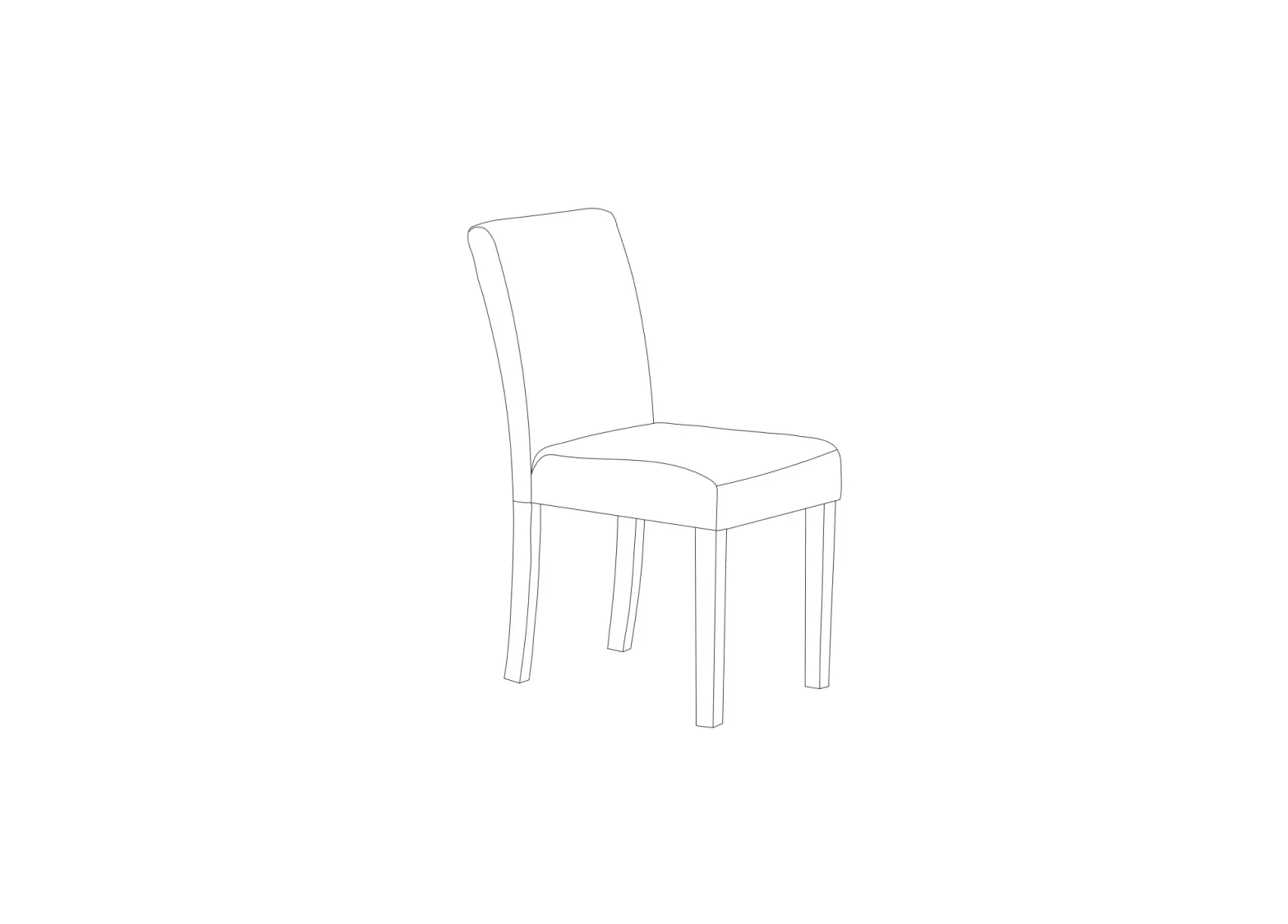
| Stool (Optional, sold separately) | 1 |
Product Usage Instructions:
Step 1: Install platform
No specific components mentioned. Please refer to the
installation manual for detailed instructions.
Step 2: Install steel side panels
Components required: Hexagon socket wrench, A-06 Hexagon socket
screw.
Step 3: Install top frame
Components required: Hexagon socket wrench, A-06 Hexagon socket
screw.
Step 4: Remove blocks
No specific components mentioned. Please refer to the
installation manual for detailed instructions.
Step 5: Adjust level
No specific components mentioned. Please refer to the
installation manual for detailed instructions.
Step 6: Install the glass
Components required: A-25 25mm self-drilling screw.
Step 7: Install the glass
Components required: A-60 60mm self-drilling screw.
Step 8: Install the Top
Components required: B-63 60mm self-drilling screw.
Step 9: Connect the electrical
No specific components mentioned. Please refer to the
installation manual for detailed instructions.
Step 10: Install roof
Components required: A-25 25mm self-drilling screw.
Step 11: Install the floor
Components required: Floor Carpet.
Step 12: Install Hinges
Components required: A-40 40mm self-drilling screw.
Step 13: Install door closer
Components required: Hexagon socket wrench.
Step 14: Install desktop
Components required: A-10 10mm self-drilling screw, A-25 25mm
self-drilling screw.
ReddiSpace QuickTime
Installation Manual
01
ReddiSpace QuickTime FFLEX-S Installation Please confirm that you have the following components:
Image
Name
Left panel
Right panel
Door
Pieces
1
1
1
Image
Name
Ceiling Pieces
Bottom frame
Pieces
2
1
Rear glass module
1
Blocks
4
02
ReddiSpace QuickTime FFLEX-S Installation Please confirm that you have the following components:
Image
Name
Floor Pieces
Pieces
2
Image
Name
Lock and Handle
Pieces
1
Carpet Pieces
4
Top Frame
1
Glass Trim Pieces
2
Power Cord
1
Hexagon socket wrench 3
Worktop
1
03
ReddiSpace QuickTime FFLEX-S Installation Please confirm that you have the following components:
Image
Name
A-06 Hexagon Socket Screw
Pieces
20
Image
Name
A-60 60mm Self Drilling Screw
Pieces
6
A-25
30
25mm Self Drilling Screw
B-63
4
60mm Self Drilling Screw
A-40
12
40mm Self Drilling Screw
A-10
5
10mm Self Drilling Screw
04
ReddiSpace QuickTime FFLEX-S Installation Please confirm that you have the following components:
Image
Name
Stool Optional, sold separately
Pieces
1
05 Step 1Install platform
06 Step 2 Install steel side panels
Hexagon socket wrench
A-06 Hexagon socket screw
Step 3 Install top frame
06
Hexagon socket wrench
A-06 Hexagon socket screw
07 Step 4 Remove blocks
08 Step 5 Adjust level
09 Step 6 Install the glass
A-25 25mm self drilling screw
10 Step 7 Install the glass
A-60 60mm self drilling screw
11 Step 8 Install the Top
B-63 60mm self drilling screw
12 Step 9 Connect the electrical
13 Step 10 Install roof
A-25 25mm self drilling screw
14 Step 11 Install the floor
Floor Carpet
15 Step 12 Install Hinges
A-40 40mm self drilling screw
16 Step 13 Install door closer
Hexagon socket wrench
17 Step 14 Install desktop
140150″
A-10 10mm self drilling screw
A-25 25mm self drilling screw