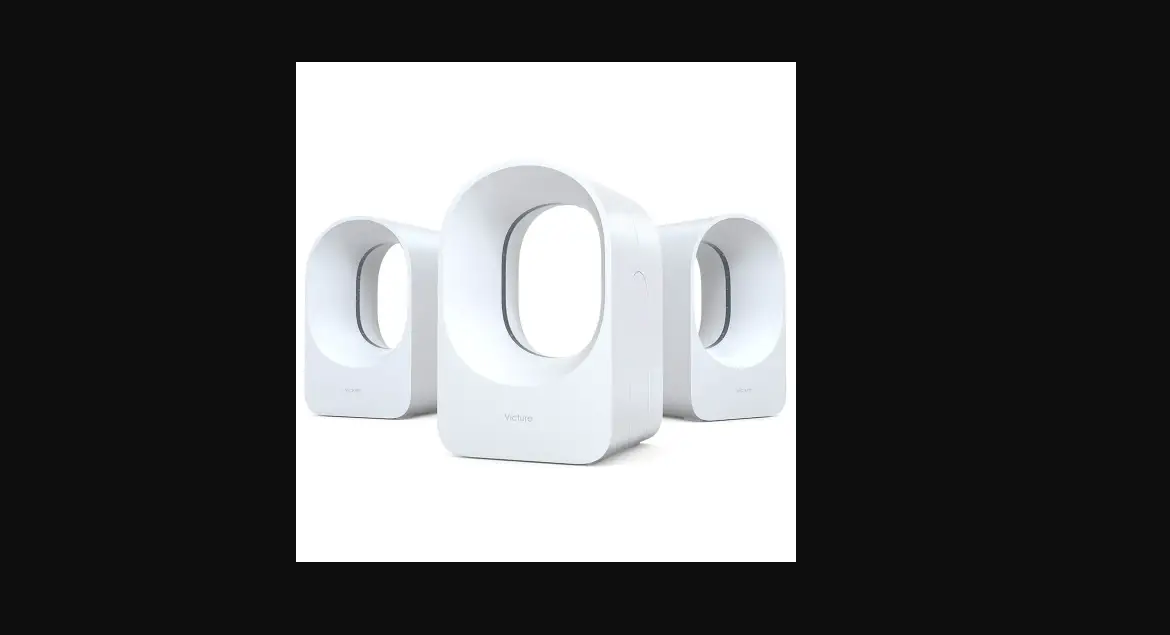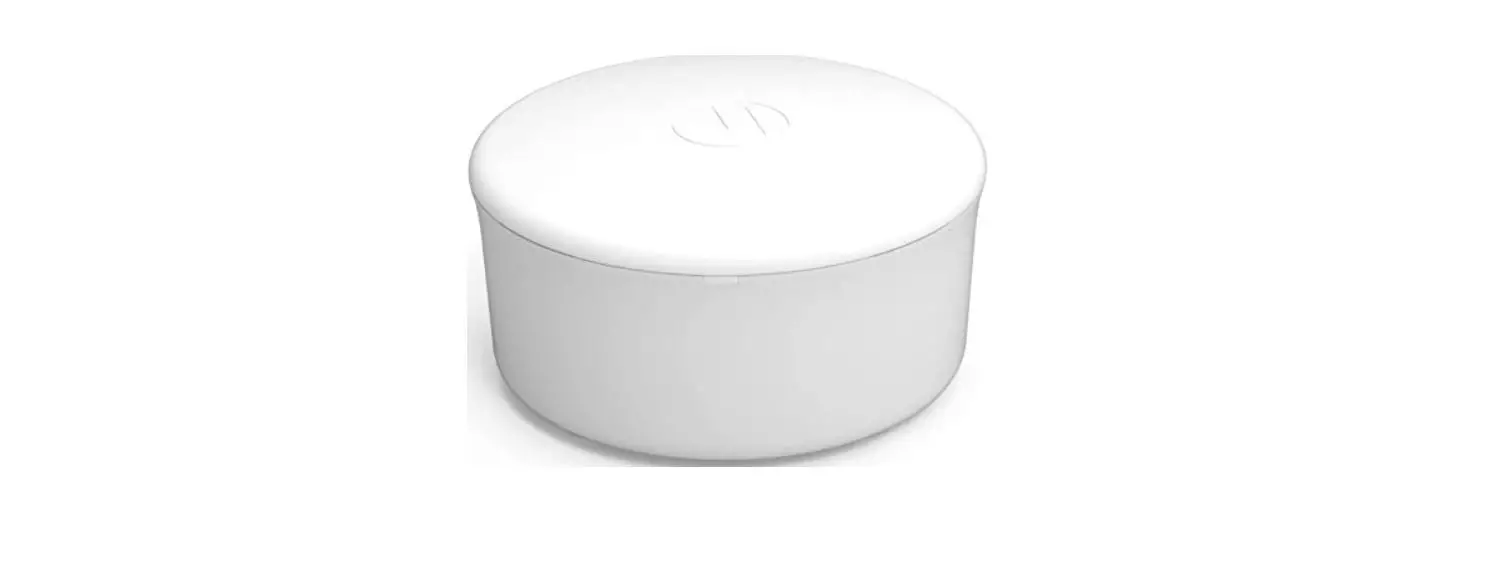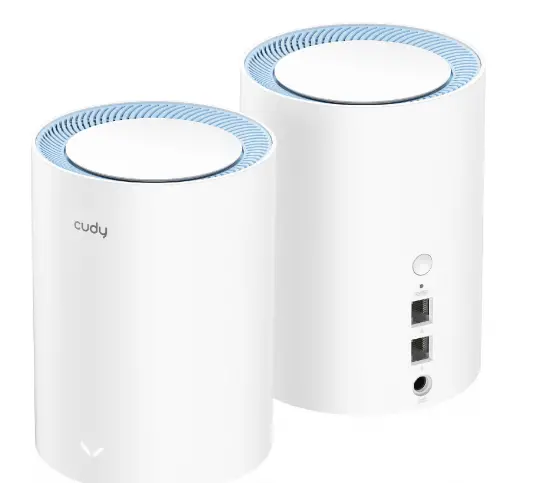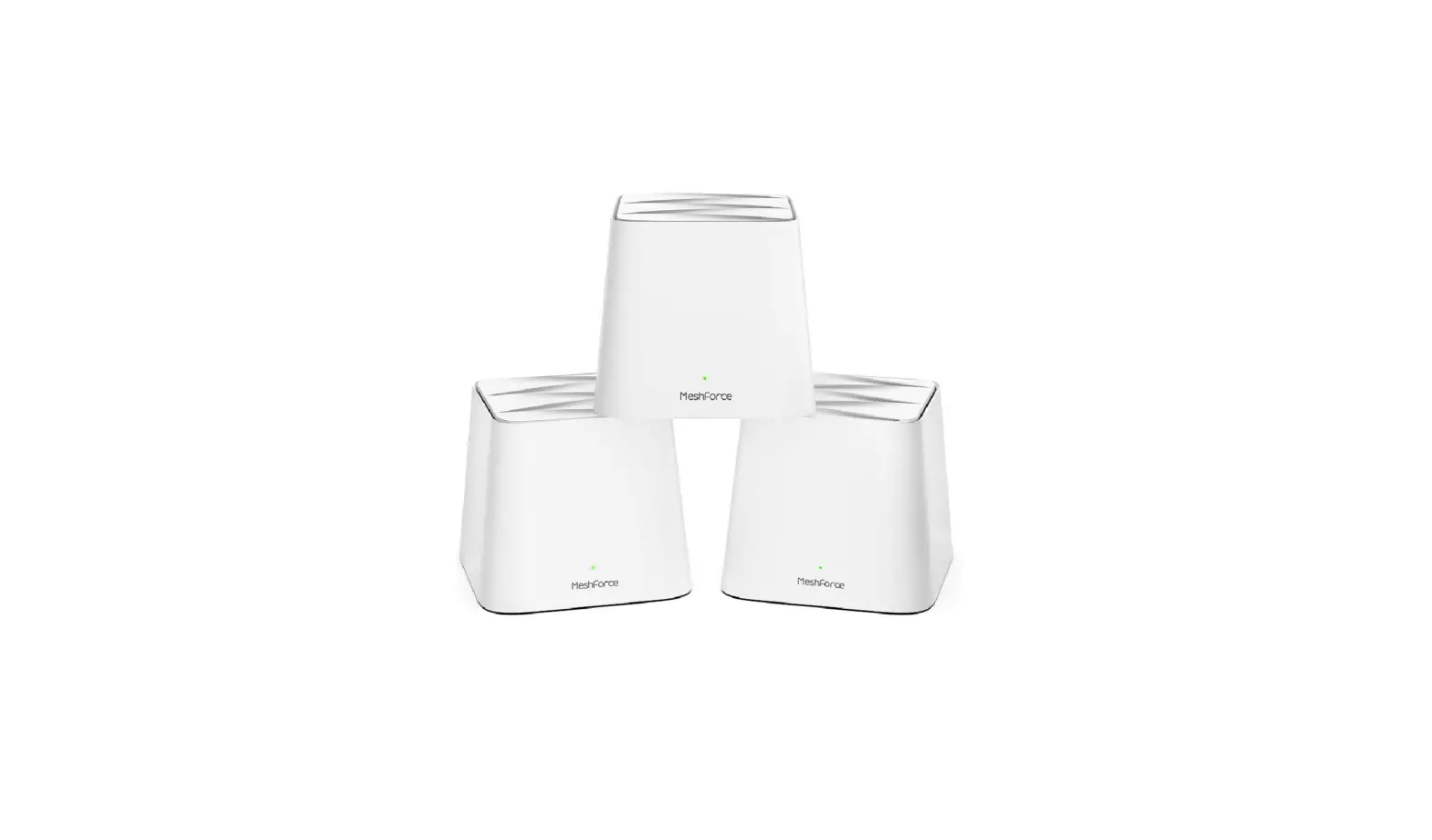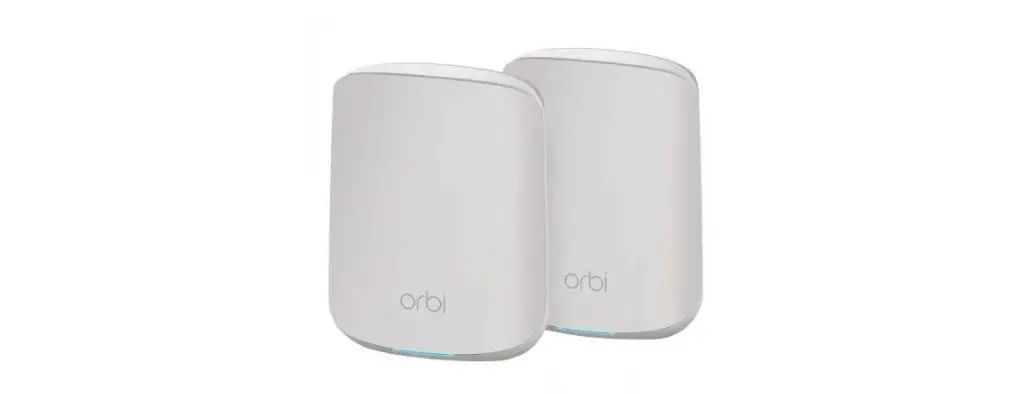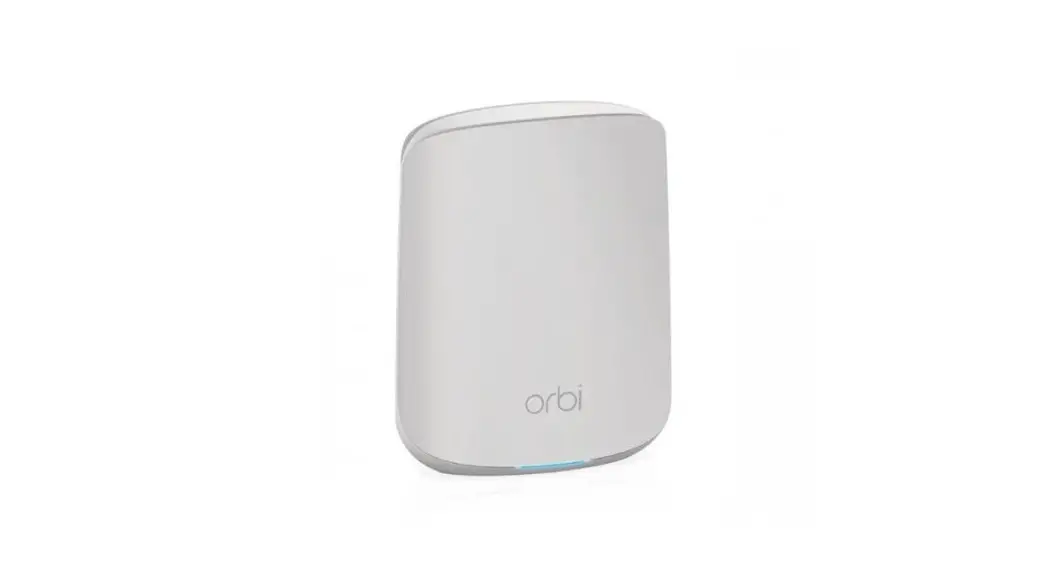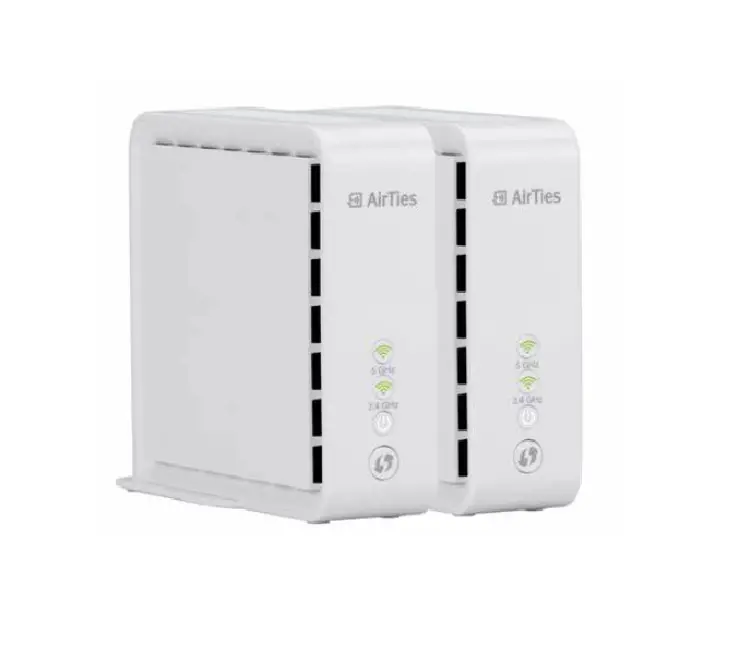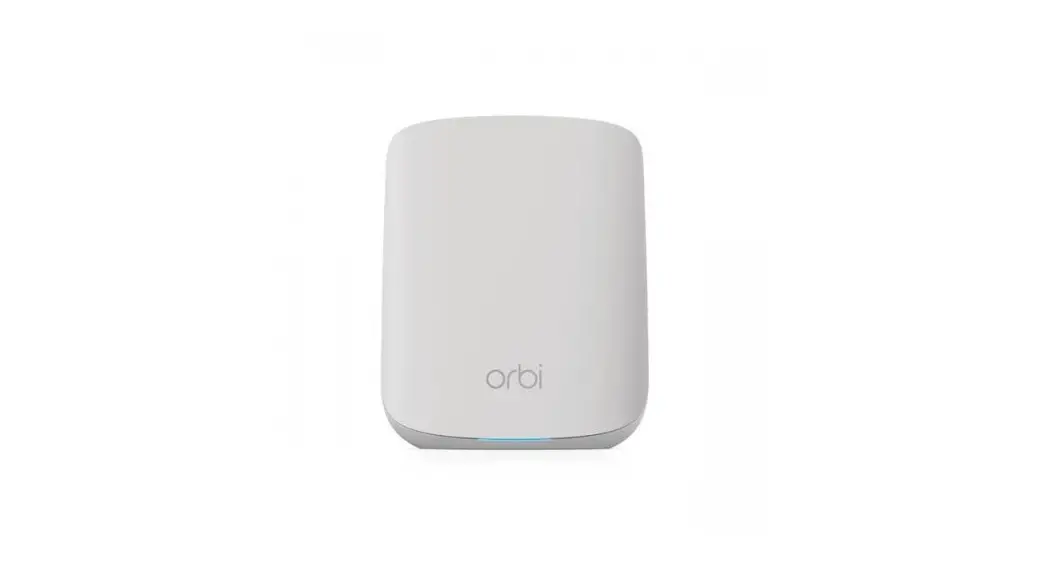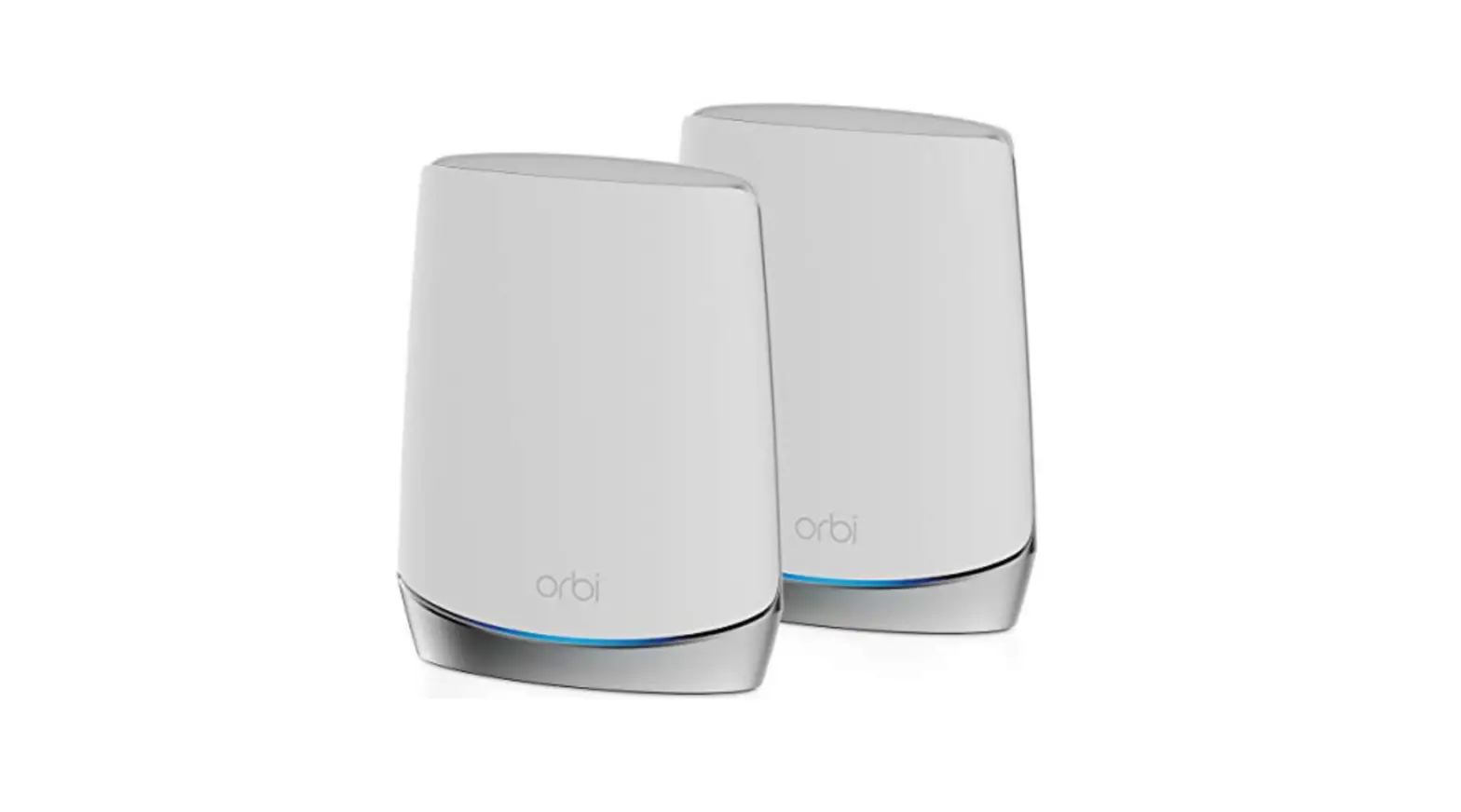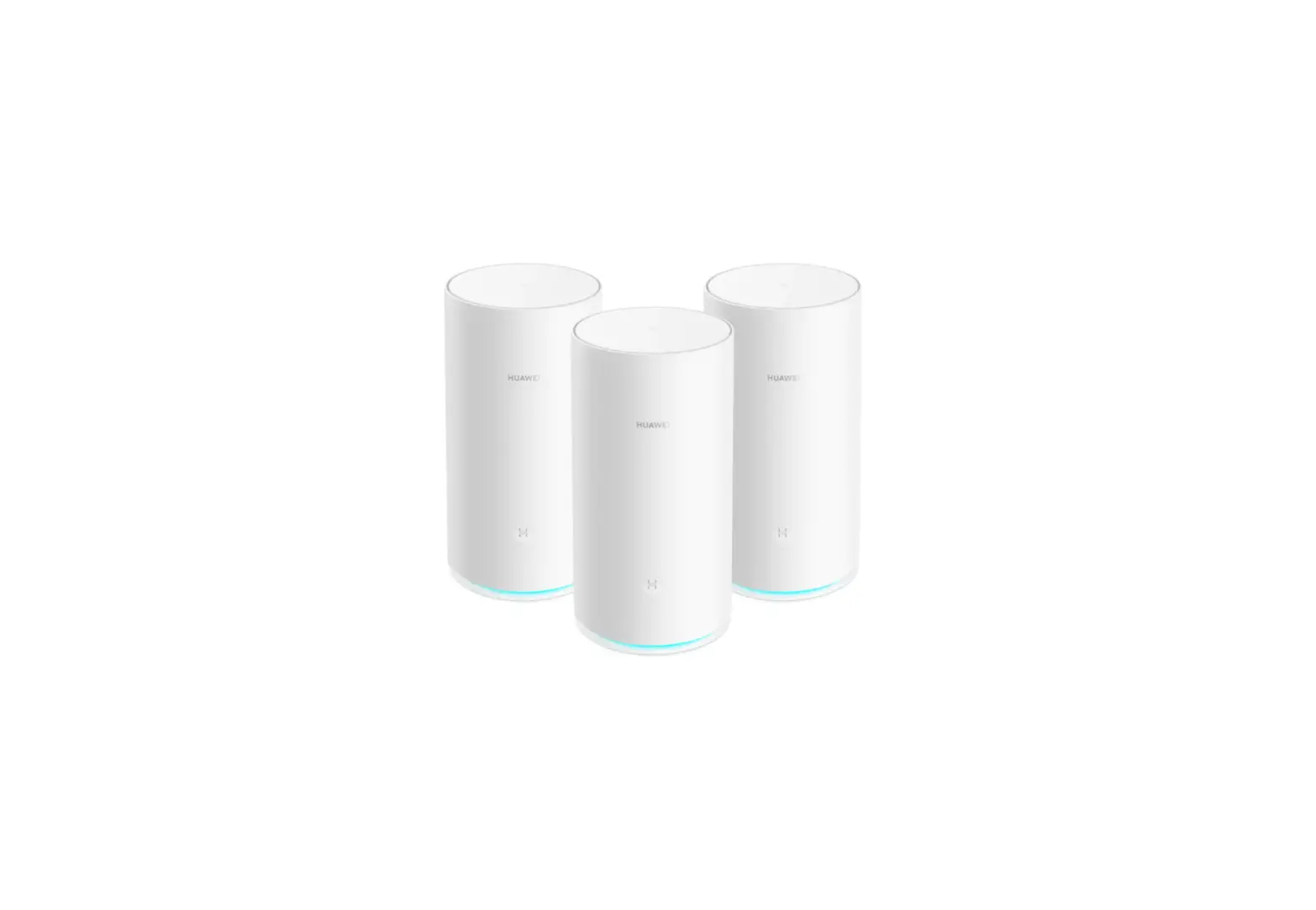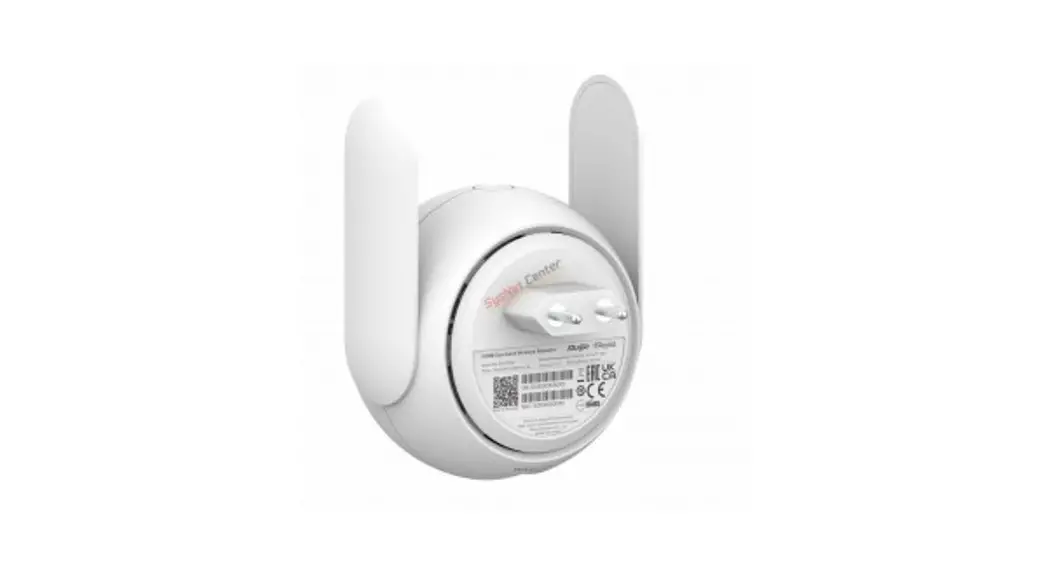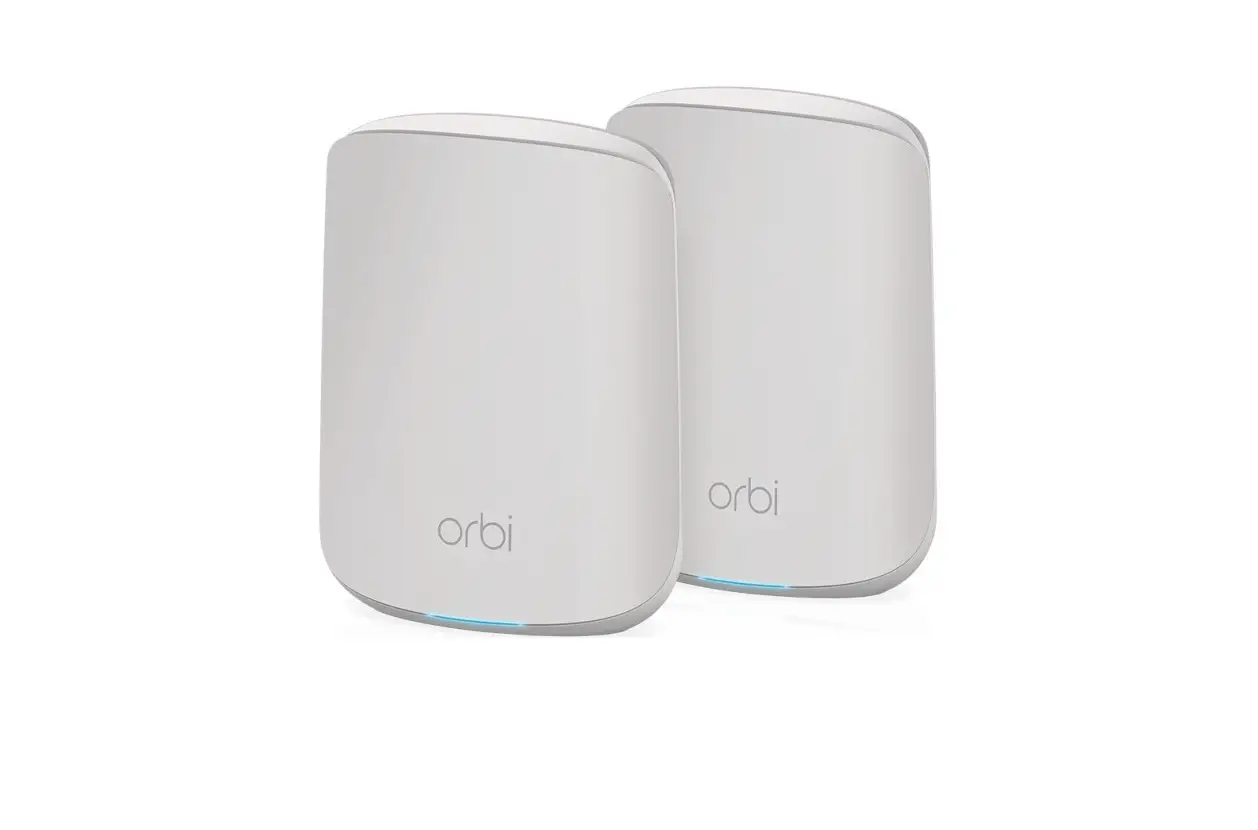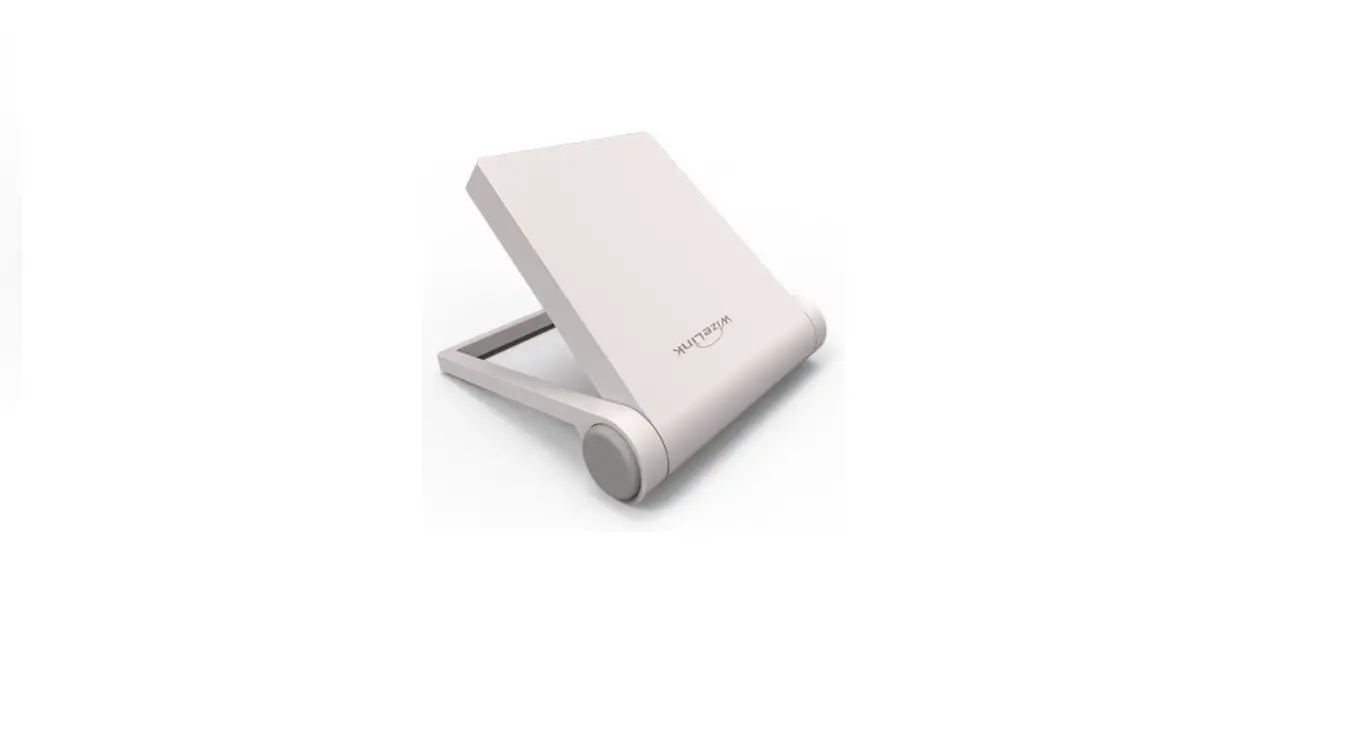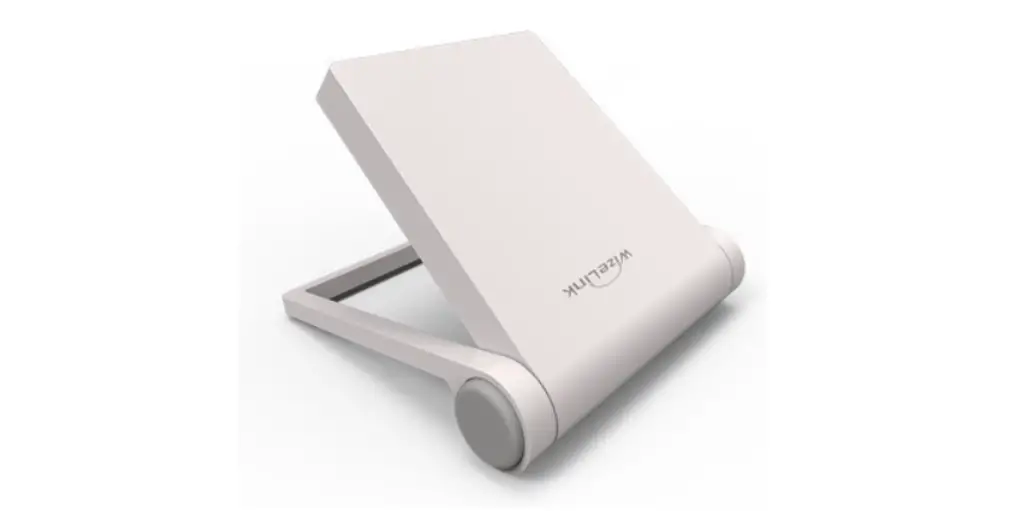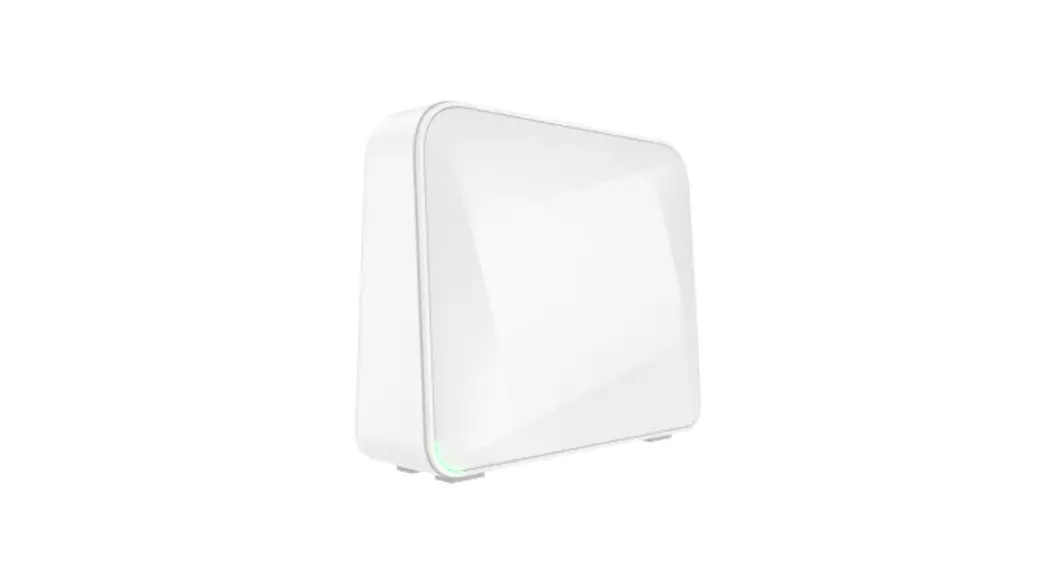
 ME4221 Dual-Band WiFi Mesh
User Manual 
GETTING TO KNOW YOUR DEVICE
Package contents
- WiFi MESH extender AME-4221SR unit
- 12V1.5A power supply
- Quick Installation Guide
- RJ45 Ethernet cable
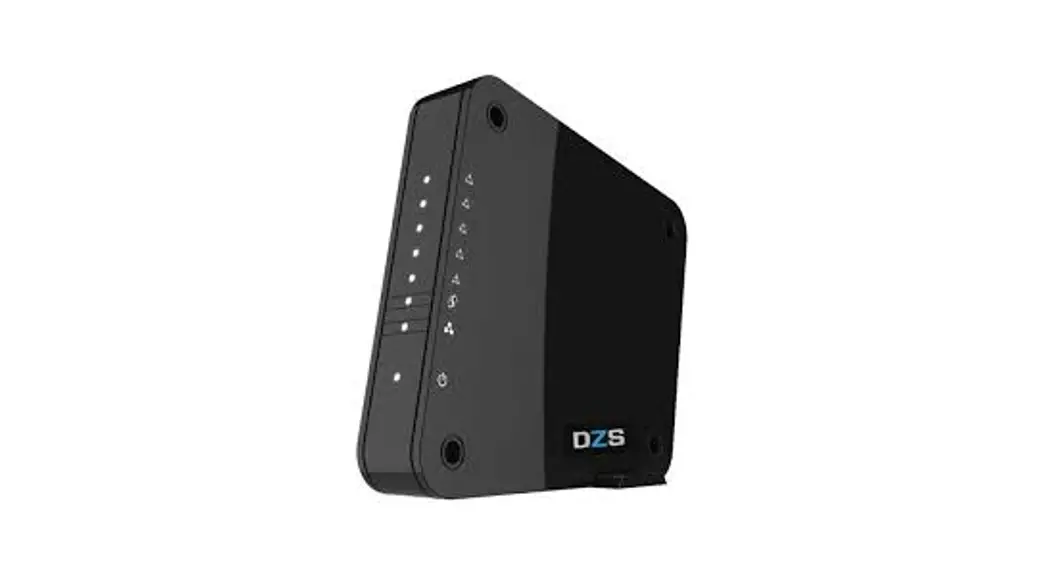
Device outlook
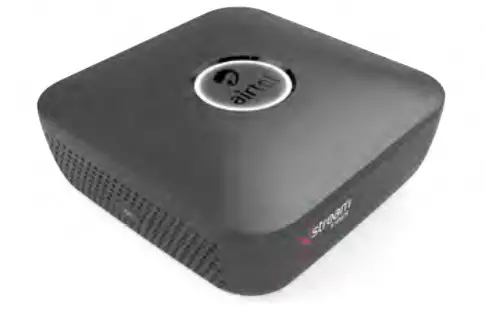
LED indicators
| LED | Status |
| White Solid | Internet up with active connection |
| White Dim | Internet up with no active connection |
| Green Blinking | A user connecting to Router |
| Pink Blinking | Starting WPS function |
| Red Solid | Internet Down |
SETTING UP THE MESH EXTENDER
- Check the device and note the Wifi SSID/password information from the label on the back of the unit.
- Position the MESH extender on a desktop. Make sure you leave enough space around the unit for ventilation and access to the cables.
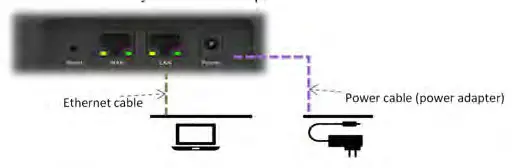
- Ensure the connectivity as shown in the picture below.

- After power-up, the System LED lights up as an Amber color.
CONFIGURING THE DEVICE
- Connect the device to your computer.
- On the computer, launch the web browser (e.g. Internet Explorer) and enter the following IP address in the URL bar: https://192.168.225.1
- When prompted, enter the default Username (admin) and Password (admin) and press Login to access to
TECHNICAL SPECIFICATION
| Environmental Conditions | • Temperature: -5°C to 45°C • Humidity: 5% to 95% |
DECLARATION OF CONFORMITY
 This product must not be disposed of as normal household waste, in accordance with the EU directive for waste electrical and electronic equipment (WEEE2 – 2012/19/EU). Instead, it should be disposed of by returning it to the point of sale, or to a designated recycling collection point.
 The product does not contain any Hazardous substances as listed in 2011/65/EU+(EU)2015/863 RoHS Directive.
 FCC Statement
This equipment has been tested and found to comply with the limits for a Class B digital device, pursuant to Part 15 of the FCC Rules. These limits are designed to protect reasonably against harmful interference in a residential installation. This equipment generates, uses, and can radiate radio frequency energy and, if not installed and used in accordance with the instructions, may cause harmful interference to radio communications. However, there is no guarantee that interference will not occur in a particular installation. Suppose this equipment does cause harmful interference to radio or television reception, which can be determined by turning the equipment off and on. In that case, the user is encouraged to try to correct the interference by one of the following measures:
- Reorient or relocate the receiving antenna.
- Increase the separation between the equipment and receiver.
- Connect the equipment into an outlet on a circuit different from that to which the receiver is connected.
- Consult the dealer or an experienced radio/TV technician for help.
To assure continued compliance, any changes or modifications not expressly approved by the party responsible for compliance could void the user’s authority to operate this equipment.
FCC Radiation Exposure Statement
This equipment complies with FCC RF radiation exposure limits set forth for an uncontrolled environment. This equipment should be installed and operated with a minimum distance of 56 centimeters between the radiator and your body.
This device complies with Part 15 of the FCC Rules. Operation is subject to the following two conditions:
- This device may not cause harmful interference, and
- This device must accept any interference received, including interference that may cause undesired operation.
This transmitter must not be co-located or operating in conjunction with any other antenna or transmitter.