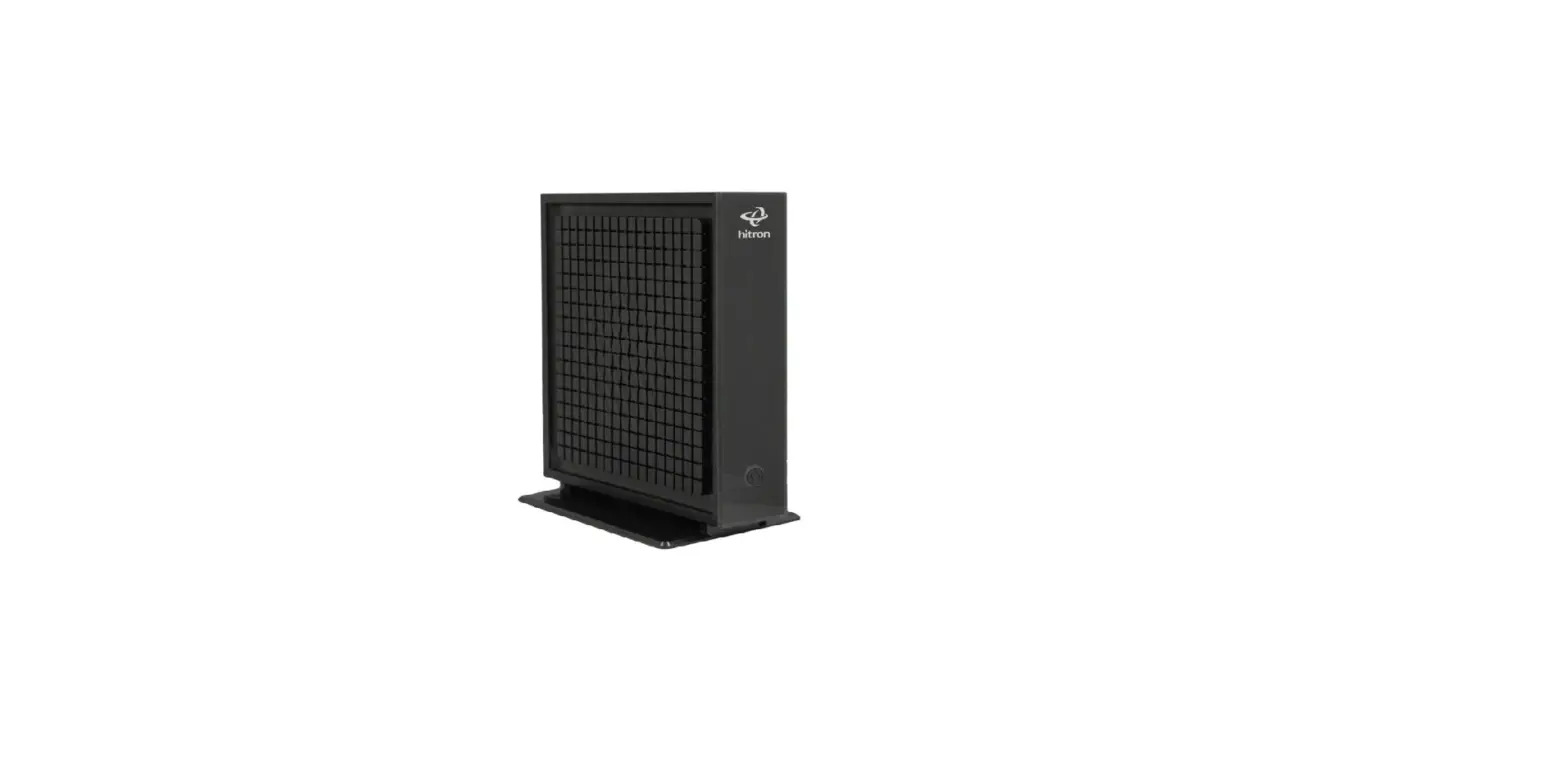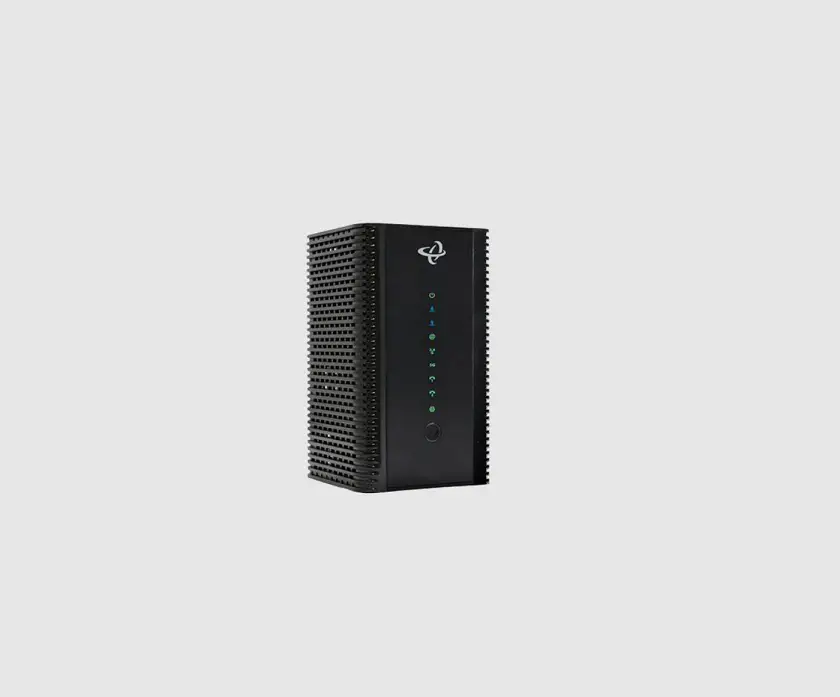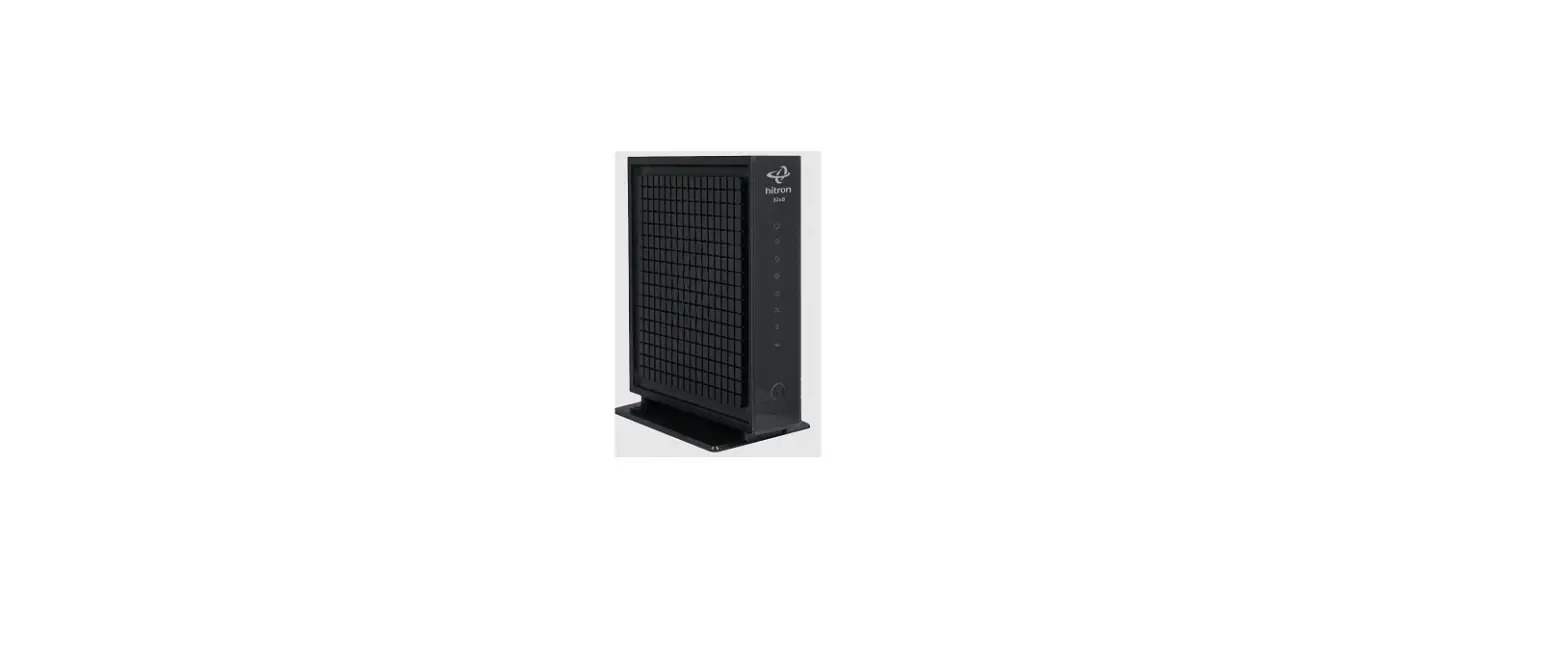

hitron CGNM-2250 WiFi Modem Self-Connect Router User Guide

Wi-Fi Modem Self-Connect Guide
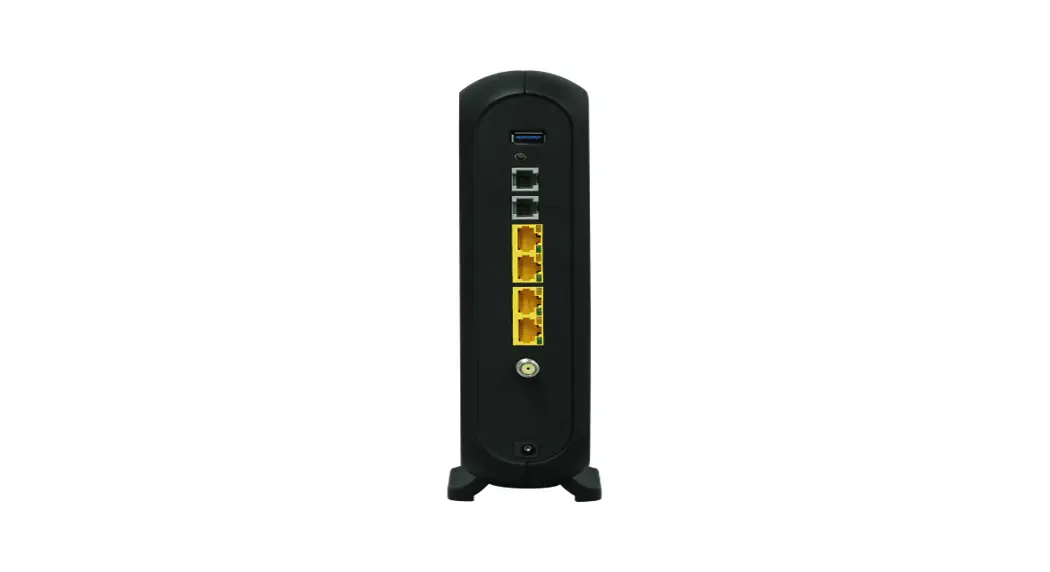
- Connect the supplied coaxial cable to the wall plate
- Connect the other end to the modem
- Ensure the connectors are as tight as you can possibly make them
- Plug in the supplied power cord to the modem
- Plug the other end of the power cord into the wall
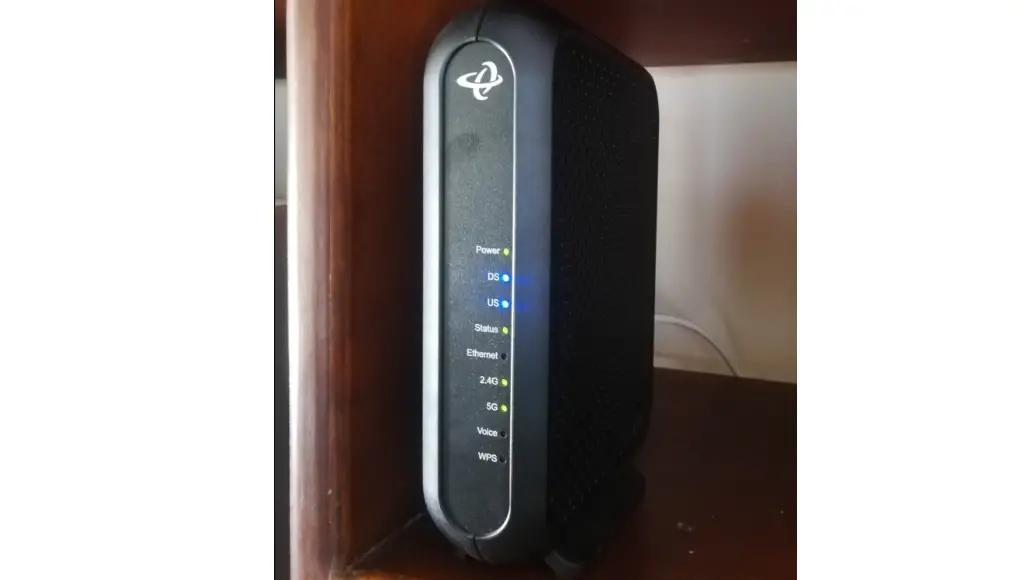
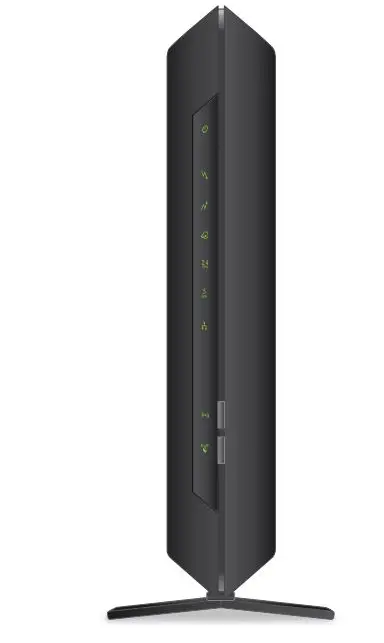
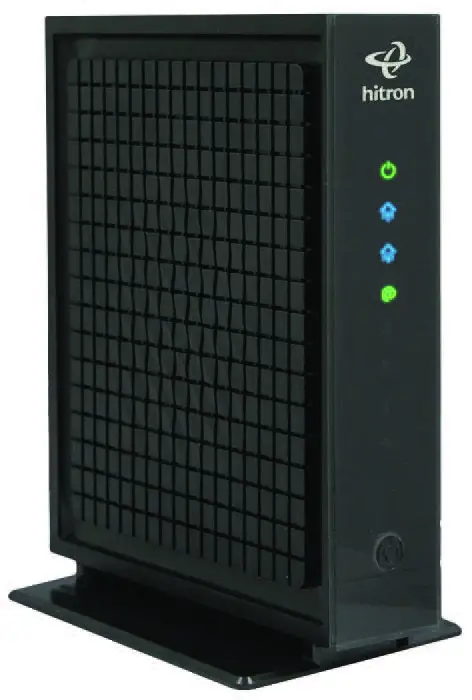
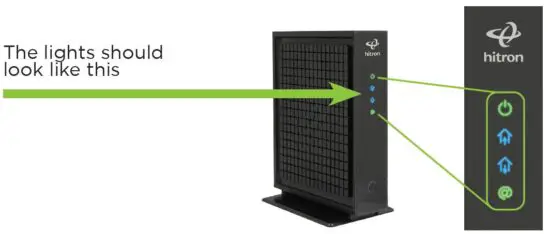
- Lights should come on
- Wait 5 minutes.
- Connect your cable (network) to your PC, if you need to, with the supplied Ethernet/ Network Cable
- Search for the Wi-Fi connection, if applicable, which is labelled on the back of the modem (network name, SSID, etc)
- Insert the supplied password
- Test connectivity
- In a small number of cases, the modem may reboot after 15 minutes. This is normal, however, if the modem lights do not look the same as above, please call us
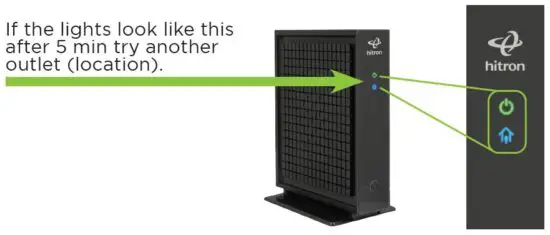
- If the lights look like this after 5 min try another outlet (location).
To watch an instructional video, please visit
support.westmancom.com and search for “Self-Connect”.
204.725.4300
1.800.665.3337
Read More About This Manual & Download PDF:
 Westman Communications Group - Customer Support Portal - Home
 Westman Communications Group: Your local telecommunications provider