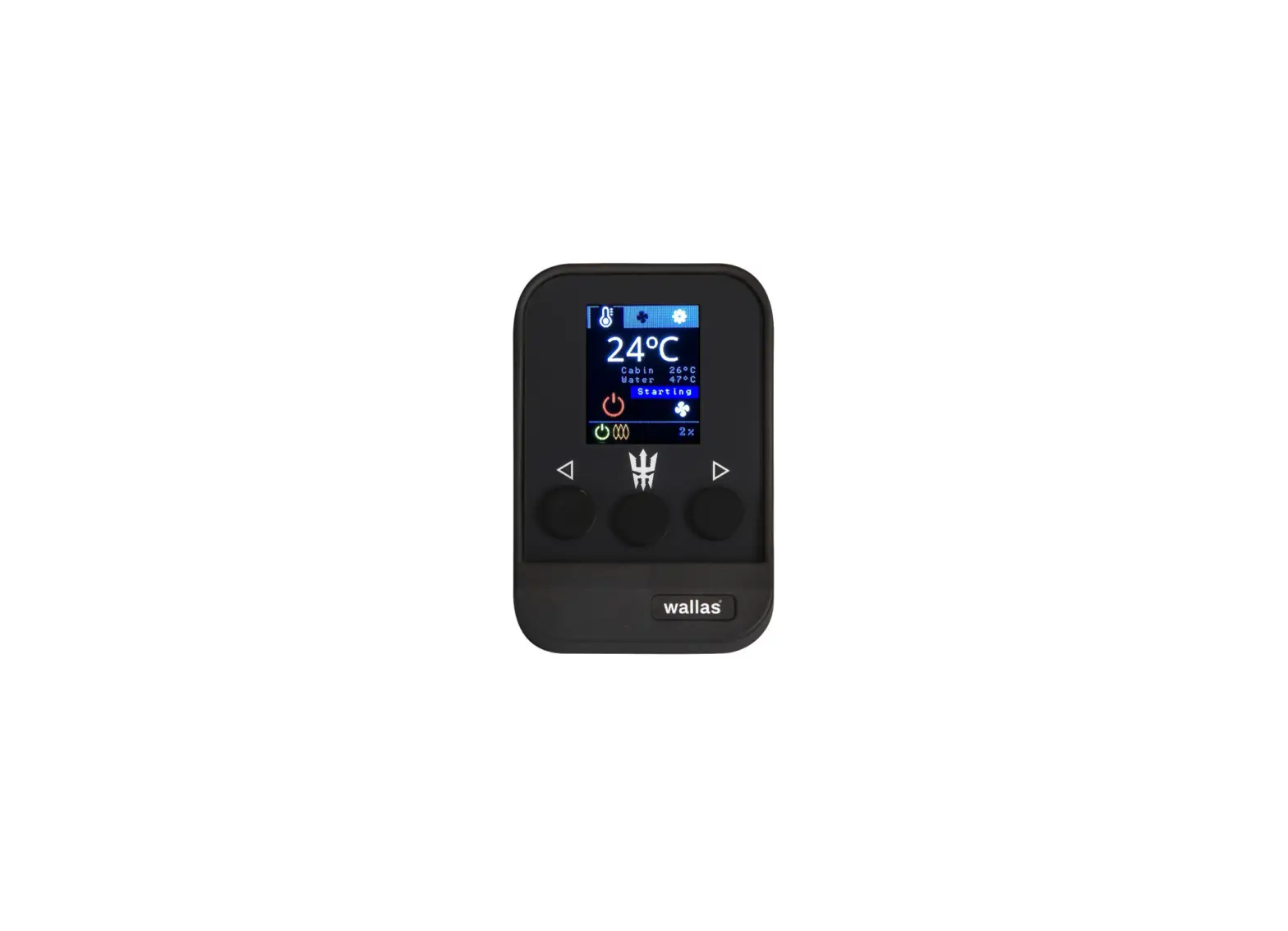

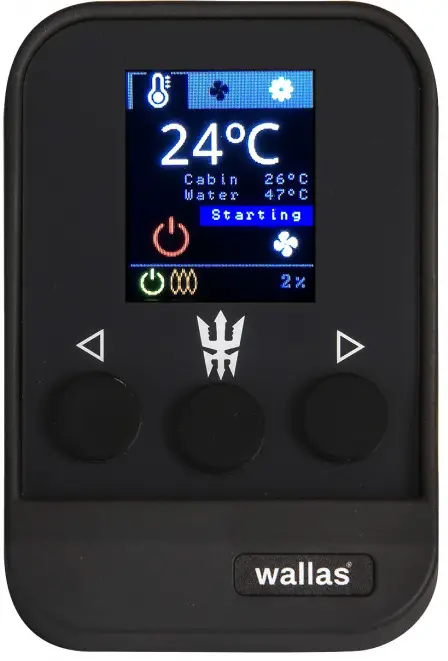
wallas 3008 Advanced Control Panel Viking Combi
Please Refer to Manual for Full Operation and Maintenance Instructions at wallas.com
OVERVIEW
SET OPERATION MODE
Combi Thermostatic Mode: Set a target cabin tempe-rature (C°/F°) for heating.
Ventilation Mode: Blow fresh air without heating.
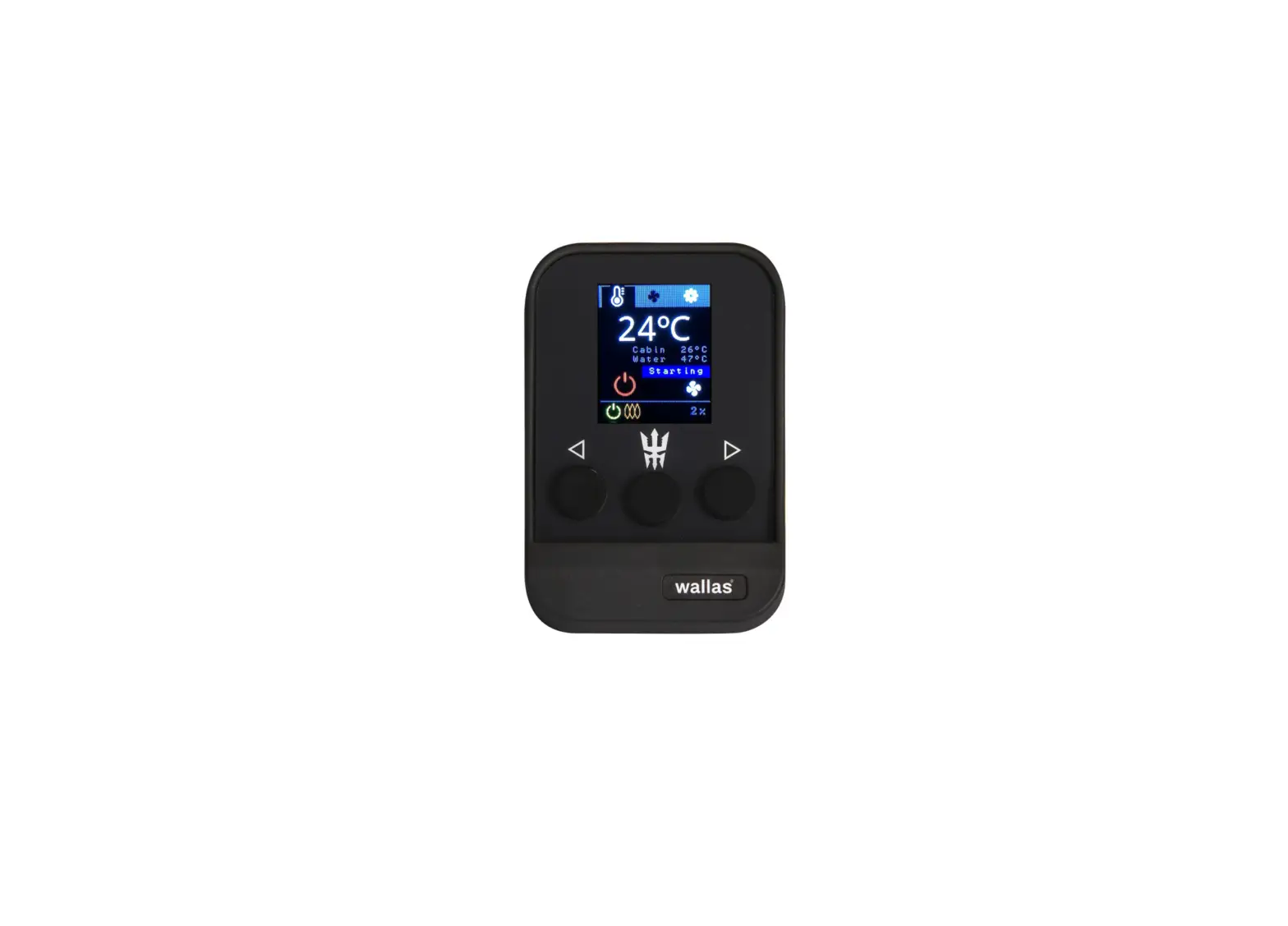
Prior to starting the heater, choose mode by using the Arrow Buttons (left or right) to move the orange selection square to the Main Menu Bar, press Select Button to activate the Main Menu Bar, use Arrow Buttons to choose the desired mode and press the Select Button to select. To switch between modes, turn the heater off and start in the desired mode.
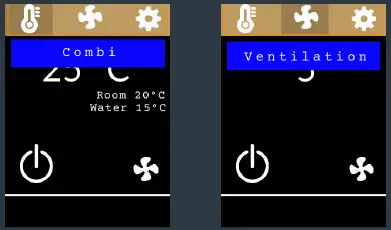
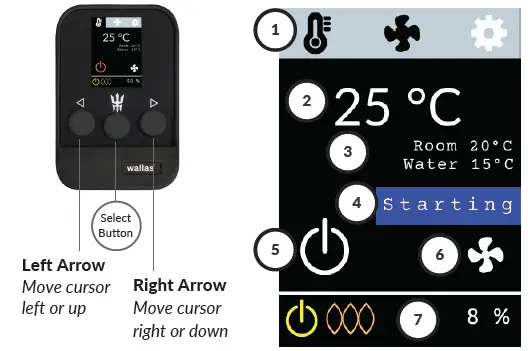
Digital Panel Legend
- Main Menu Bar
- Combi Thermostatic Mode
- Ventilation Mode
- Settings
- Temp Sensor
- Device Info
- Device Stats
- Clear Lock
- Temp Unit (C°/F°)
- Connections
- Altitude
- Target Temperature / Blower Speed
- Room / Water Temperature
- Heater Status
- Start/Stop Icon
- Air Boost Icon
- Info Bar
- Power On/Off
- Combustion
- Info
- Lock
- Heater power %
IGNITION
To start, use the Arrow Buttons (left or right) to move the orange selection square to the white Start/Stop Icon and press the Select Button. Confirm the selection by holding the Select Button down for 3 seconds (safety feature). White icon turns orange.
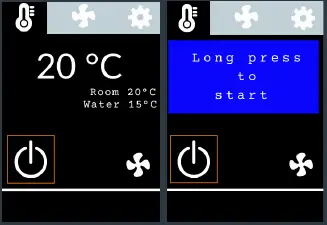
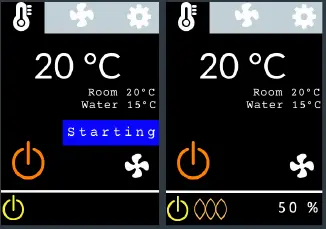
Starting will appear on the screen. The light orange combustion light will light up when the burner flame has been ignited and the combustion has stabilized (in about 5 min). Heater will be fully operational about 10 min later.
CABIN TEMPERATURE CONTROL
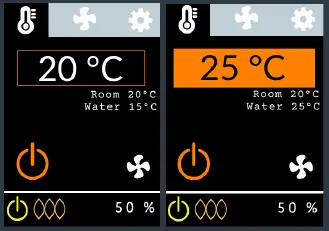
In Combi Thermostatic Mode, move the selection square to the Target Temperature and press the Select Button. Press Arrow Buttons (left or right) to set the desired target temperature.
WATER TEMPERATURE
Viking Combi is primarily an air heater – water is heated simultaneously as a convenient by-product. Power distribution is approxi-mately 50-90 % for air heating and 10-40 % for water heating. Water temperature cannot be controlled separately.
AIR BOOST
Air Boost feature maximizes the air volume for quick defrosting and drying, but does not change the set temperature. Air Boost can be activated in Combi Thermostatic Mode.
Use Arrow Buttons to move the selector to the Air Boost icon and press the Select Button.
The orange Air Boost On icon will appear.
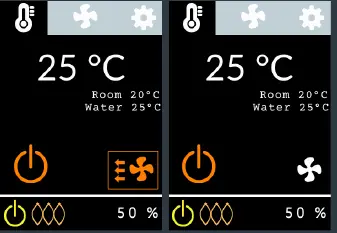
To go back to normal air volume, choose the Air Boost icon again and press the Select Button. The Air Boost icon will change back to white.
SHUTDOWN
Press and hold the Select Button down for more than 4 seconds.
Stopping will appear and the Power Icon light will change to white indicating the unit is off.
Note: The system mode that was used last upon shutdown will be the same mode when the heater is turned on again.
VENTILATION MODE
Ventilation Mode blows fresh air without heating with six blower speeds. ChooseVentilation Mode prior to starting the heater.
Use the Arrow Buttons to movethe selection square to the MainMenu Bar and press the SelectButton to activate it.
Use Arrow Buttons to choose Ventilation Mode and press the Select Button .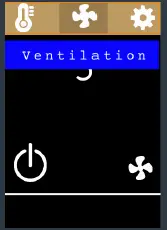
Move the selection square to theStart/Stop Icon and press the Select Button once. Press the Select Button down again for 3seconds to confirm (long press)and start the heater. YellowPower On light will appear in theInfo Bar.
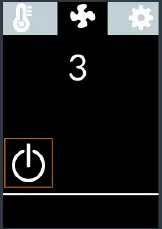
Choose the blower speed (1-6) by moving the selectionsquare to the Blower Speed andpress Select Button to activate the field. 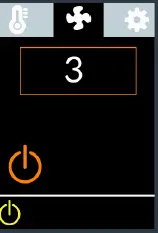
Press Arrow Buttons to set thedesired power and press the Select Button to choose.
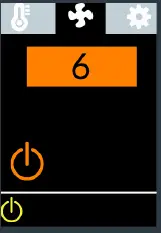
To deactivate ventilation, turn the heater off. Re-start in the desired mode.
PAUSE MODE
Pause Mode automatically turns the heater off if the temperature remains +2 C (3 F) above the set level for 1/2 hour due to local ambient conditions.
Pause Mode can be turned off temporarily by slightly increasing the target temperature.
If the heater is in Pause Mode,Paused and a Pause Icon will appear on the screen.
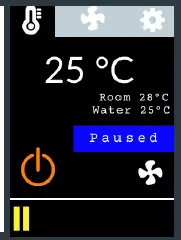
Heater will restart heating again automatically if the cabin temperature falls 2 degrees C (3 F)below the set target temperature.
LOCK
If a Lock Icon is displayed, theheater has locked itself for safety.
The heater will also lock after 2unsuccessful starts. Move theselection square to the Exclamation Point Icon and pressthe Select Button. An Error Pagewill appear.
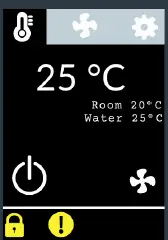
If the heater has locked itself,there may have been a failure that should be investigated and resolved prior to further use. The error page will display a check list and a website for further information.
If you need help,reach out to a professional.
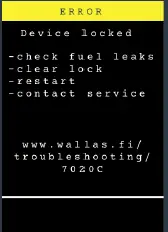
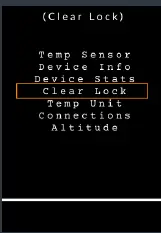
To remove the lock, press any button to return to the main display.Move the selection square to the
Main Menu Bar and press the Select Button, choose Settings, and press the Select Button. Choose Clear Lock from the Settings Menu and press the Select Button.
 All rights reserved. Wallas-Marin reserves the right to change or improve its products and to make changes in the content of this guide without obligation to notify any person or organization of such changes or improvements. Go to www.wallas.com for current updates and supplemental information concerning the use of this product.
 Boat heaters and stoves, cottage heaters and water heaters - Front page - Wallas
 Boat heaters and stoves, cottage heaters and water heaters - Front page - Wallas