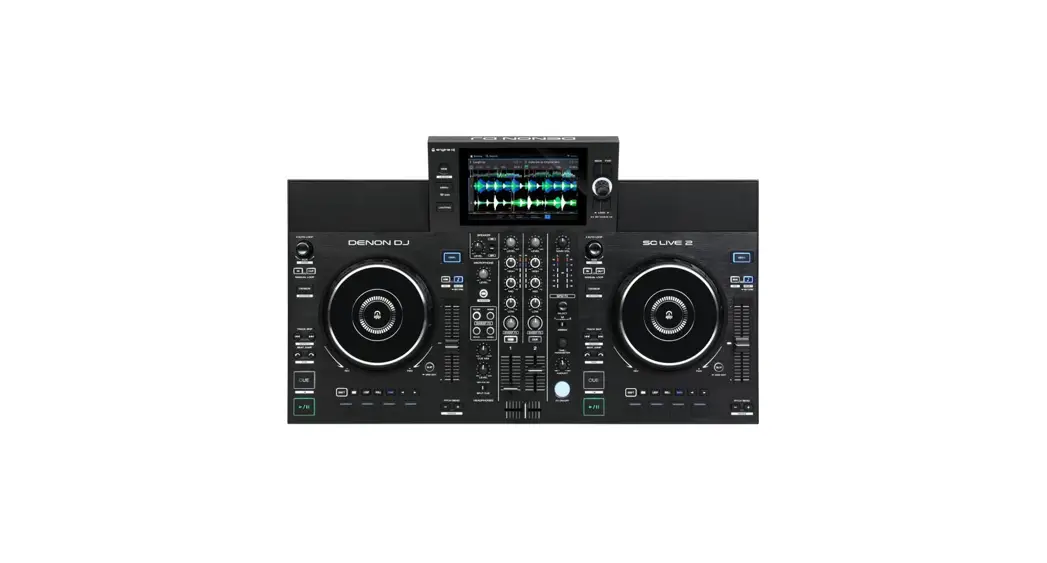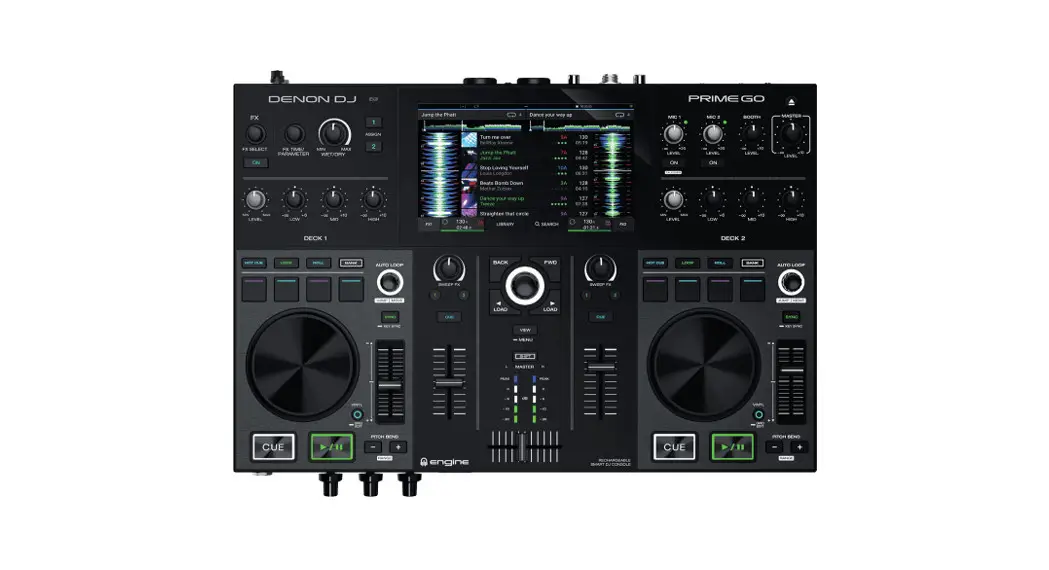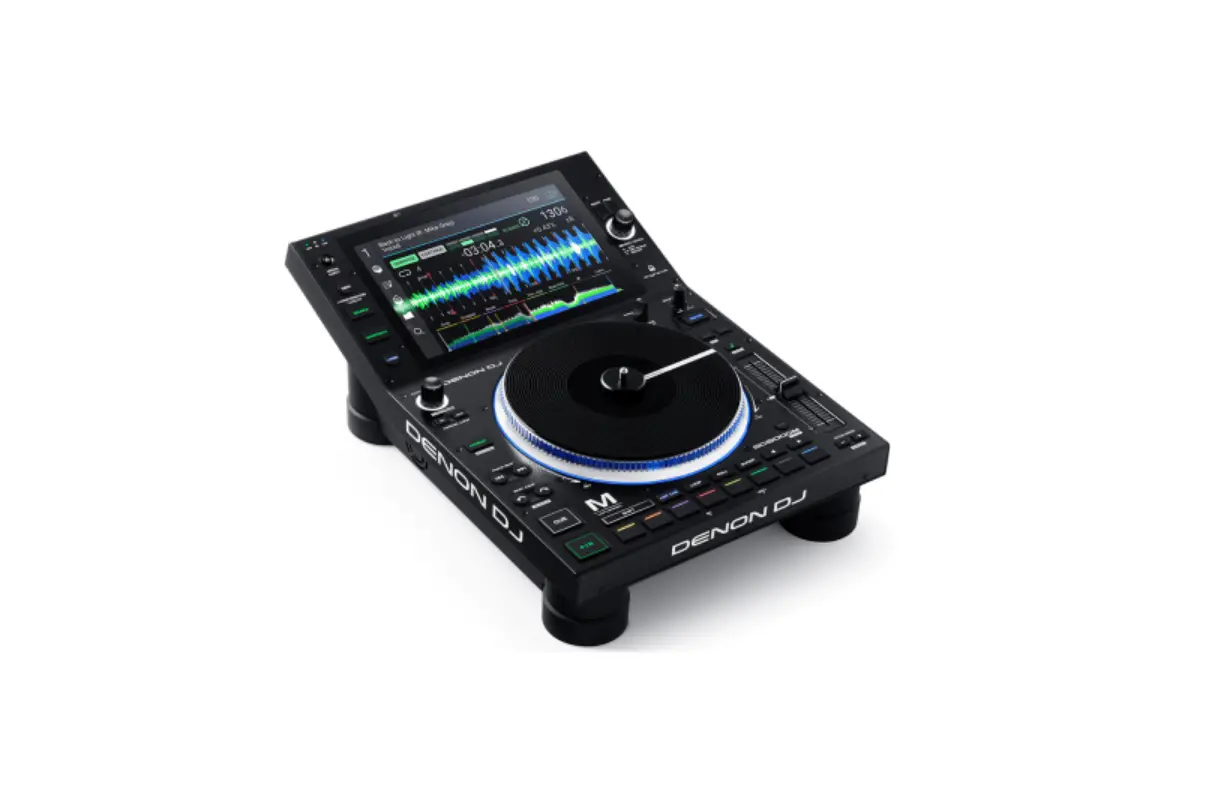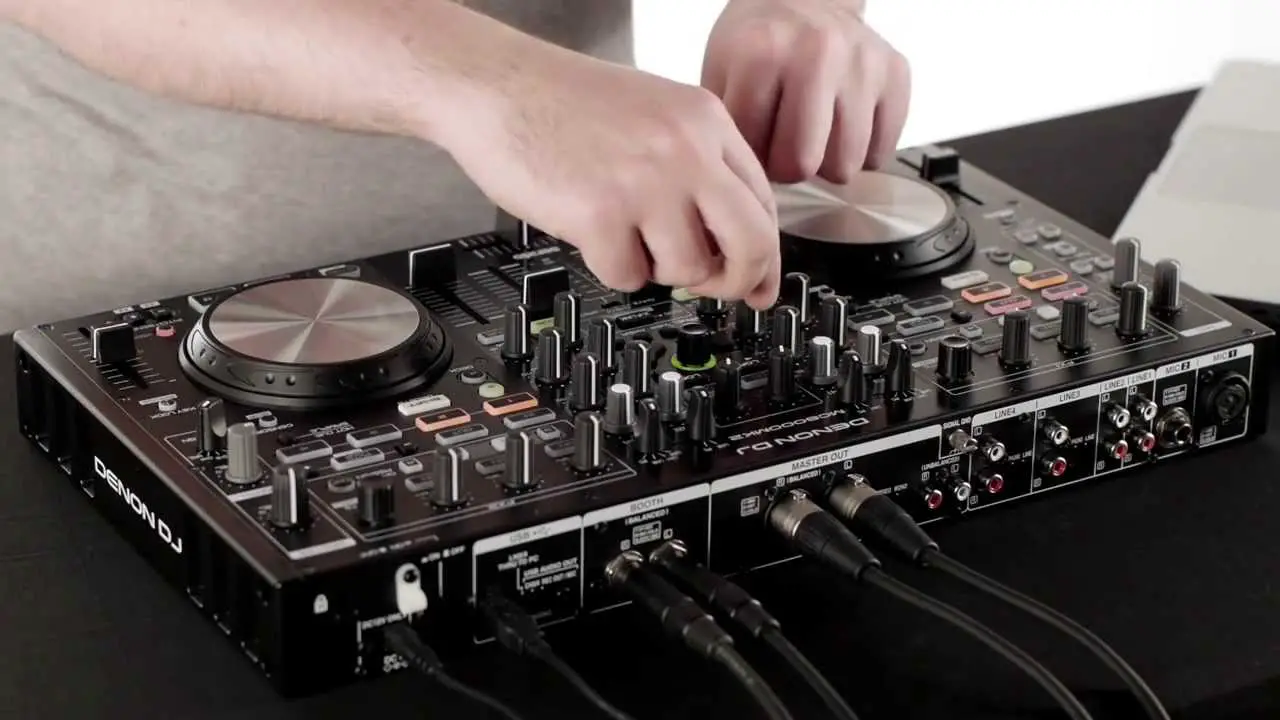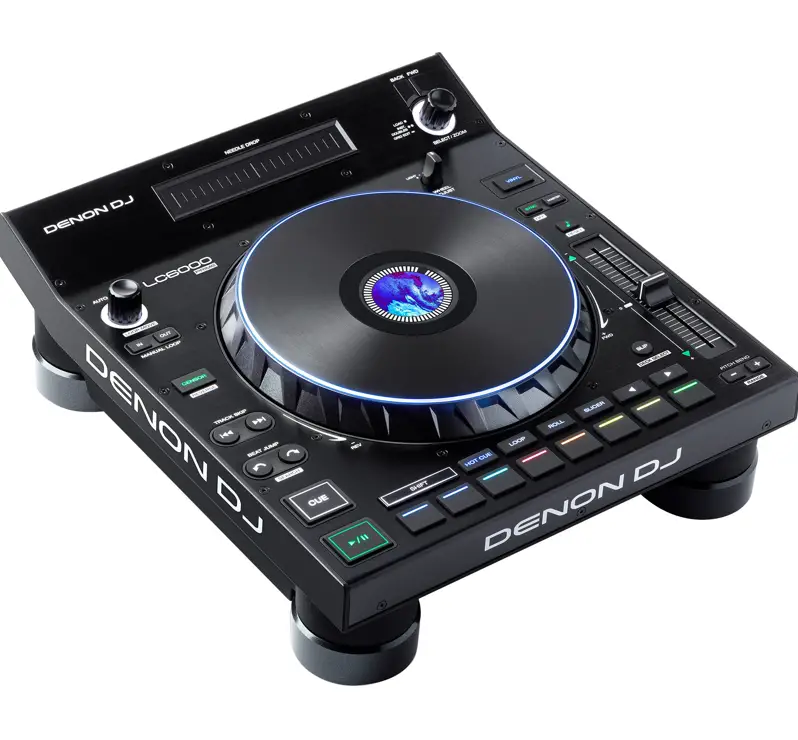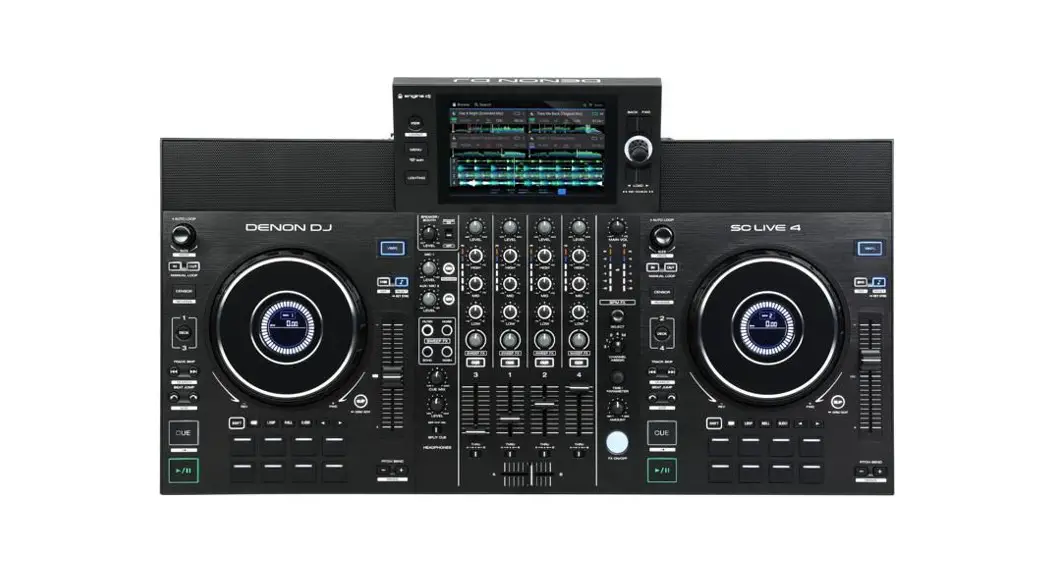
 DJ SC LIVE 4 Standalone DJ System
User Guide
v1.0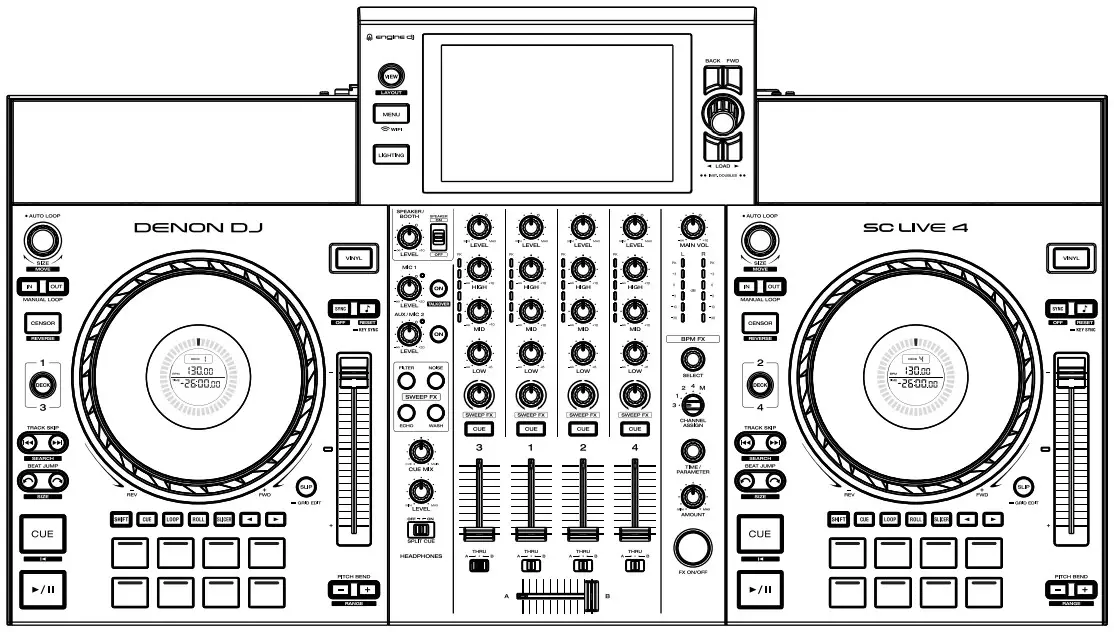
SC LIVE 4 Standalone DJ System

ENGINEDJ.COM/SUPPORT
For articles, videos, and phone and web support.
GETTING STARTED
Package Contents: SC LIVE 4, Display Cleaning Cloth, Power Adapter, USB 2.0 Cable, Getting Started Card, Quickstart Guide, Safety & Warranty Manual
 https://qrstud.io/55r2kyg
DENONDJ.COM/SC-LIVE-4-GET-STARTED
- REGISTER YOUR PRODUCT
- DOWNLOAD THE USER GUIDE
- DOWNLOAD INCLUDED SOFTWARE
- WATCH TUTORIAL VIDEOS
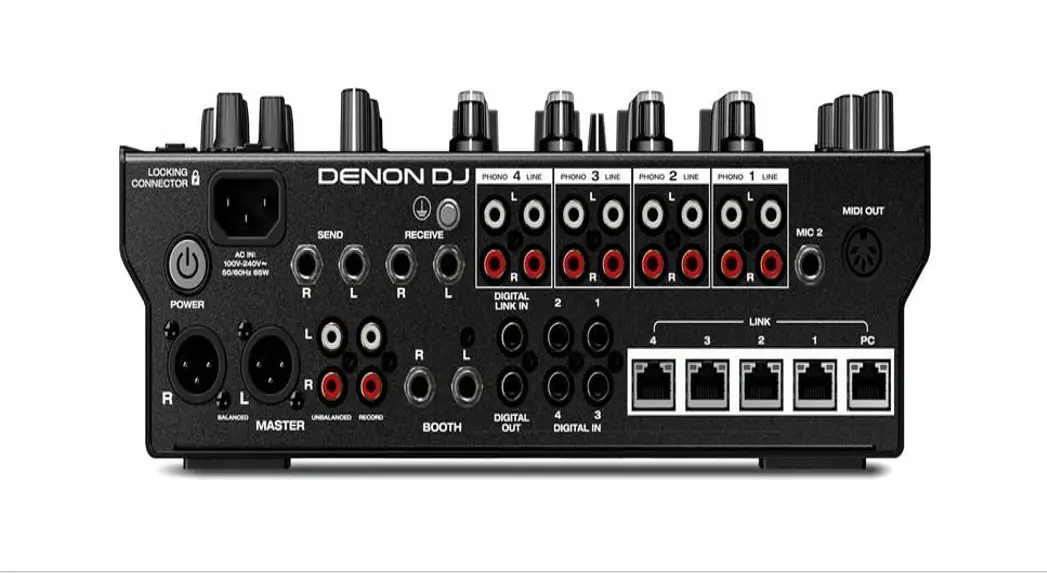
CONNECTION DIAGRAM
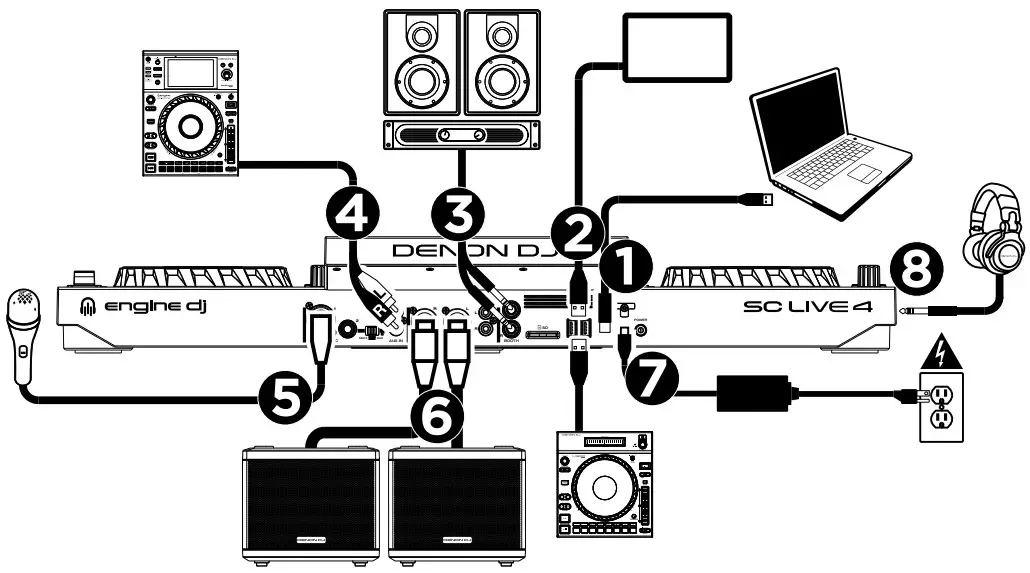
- USB-B Port: Connect to computer.
- USB-A Ports: Connect to hard drives, Sound Switch DMX interfaces, or LC6000 PRIME layer controllers
- Booth Outputs (1/4″, TRS)
- Aux Input (RCA)
- Mic Input (XLR or 1/4″)
- Main Outputs (XLR)
- Power
- Headphones (Front Panel, 1/4″ and 1/8″)
OPERATION
Engine DJ Standalone OS
Connect USB drive or SD card, or use built-in Wi-Fi to connect to streaming services or access your library from the cloud.
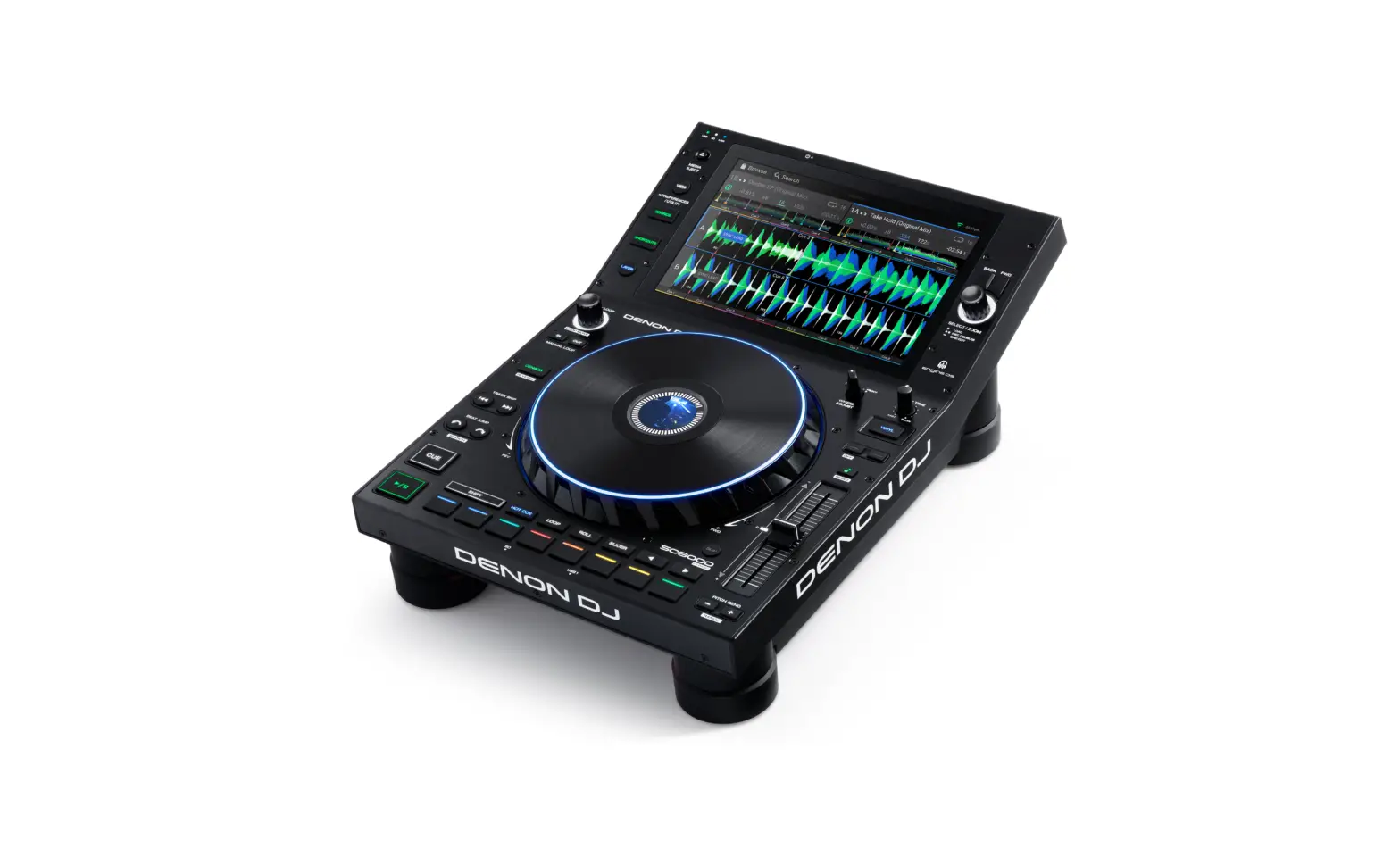
7″ HD Touchscreen
 | Multi-gesture support allows you to browse and load tracks and view responsive waveforms. Press VIEW to cycle between Performance and Library Views. Press SHIFT+VIEW to cycle between horizontal and vertical waveforms. |
Onboard Speakers
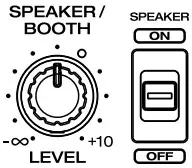 | Adjust Booth Output and Speaker volume level simultaneously using the SPEAKER/BOOTH LEVEL knob. |
6″ High-Resolution Jog Wheels with Displays
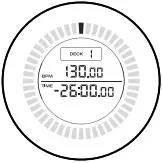 | View playhead position, active deck, BPM, and time elapsed/remaining. |
 | Press VINYL to swap between scratch and CD modes. |
 | Press DECK to swap layers. |
Instant and BPM-Synced FX
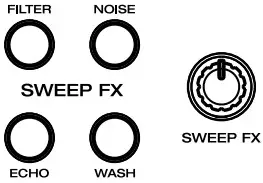 | Use SWEEP FX buttons and knobs for instant FX on each deck. |
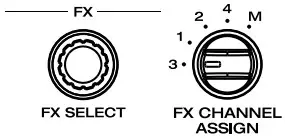 | Use FX SELECT knob to select BPM-synced FX. Assign the FX to a deck or the main mix. |
Control Center
 | Press MENU to open the Control Center, where you can access Source, Wi-Fi, Record, User Profile, and Settings menus. |
Engine Lighting
 | Press LIGHTING to open Engine Lighting view to control compatible light fixtures. |
Pad Modes

CUE: Set and jump to hot cue points.
LOOP: Enable and save automatic and manual loops.
ROLL: Trigger loop rolls as the track continues.
SLICER: Creates loop of 8 slices.
Use PARAMETER </> buttons to adjust pad mode settings.
DOWNLOAD THE FULL USER GUIDE TO LEARN MORE
ENGINEDJ.COM