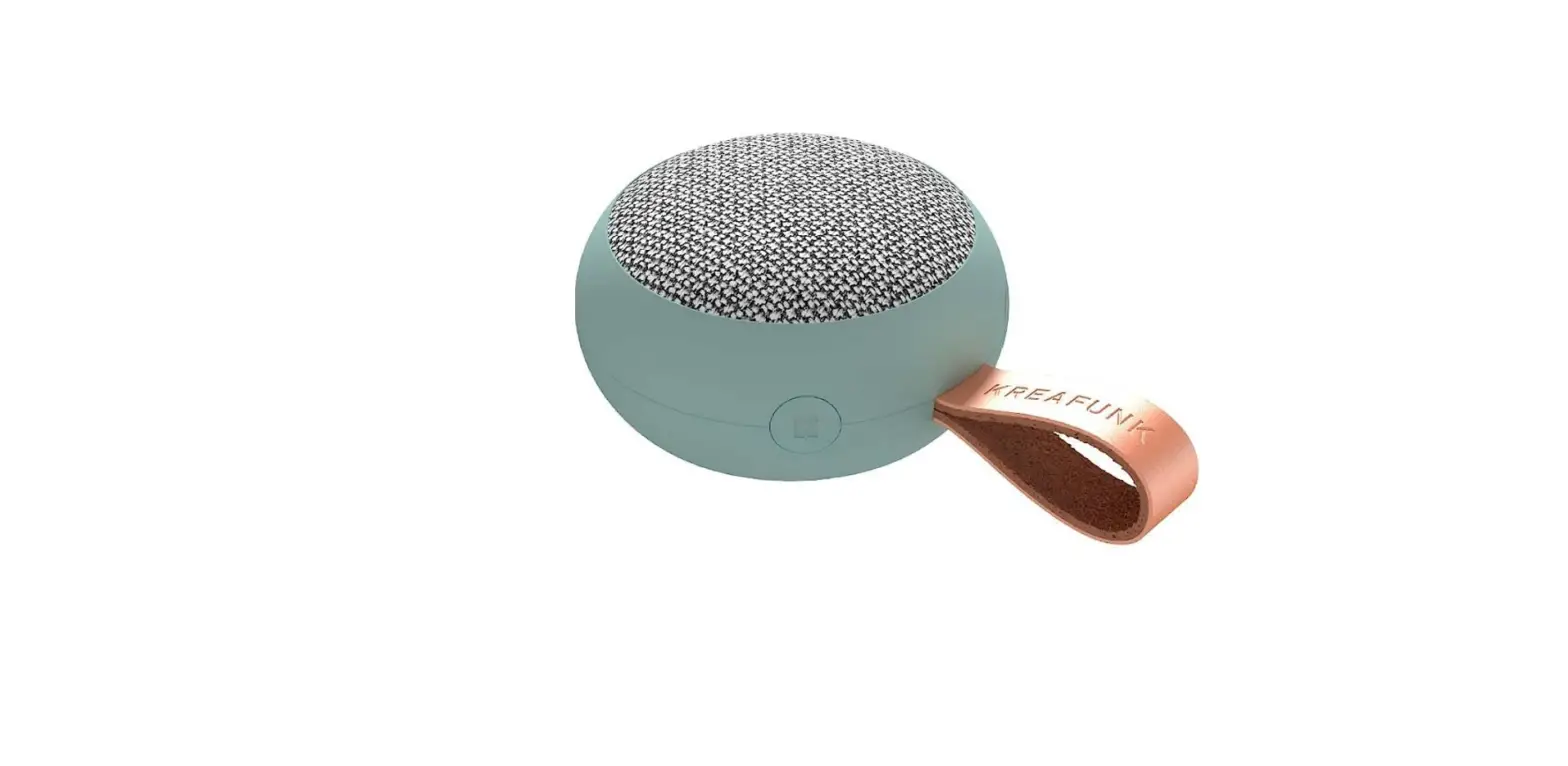
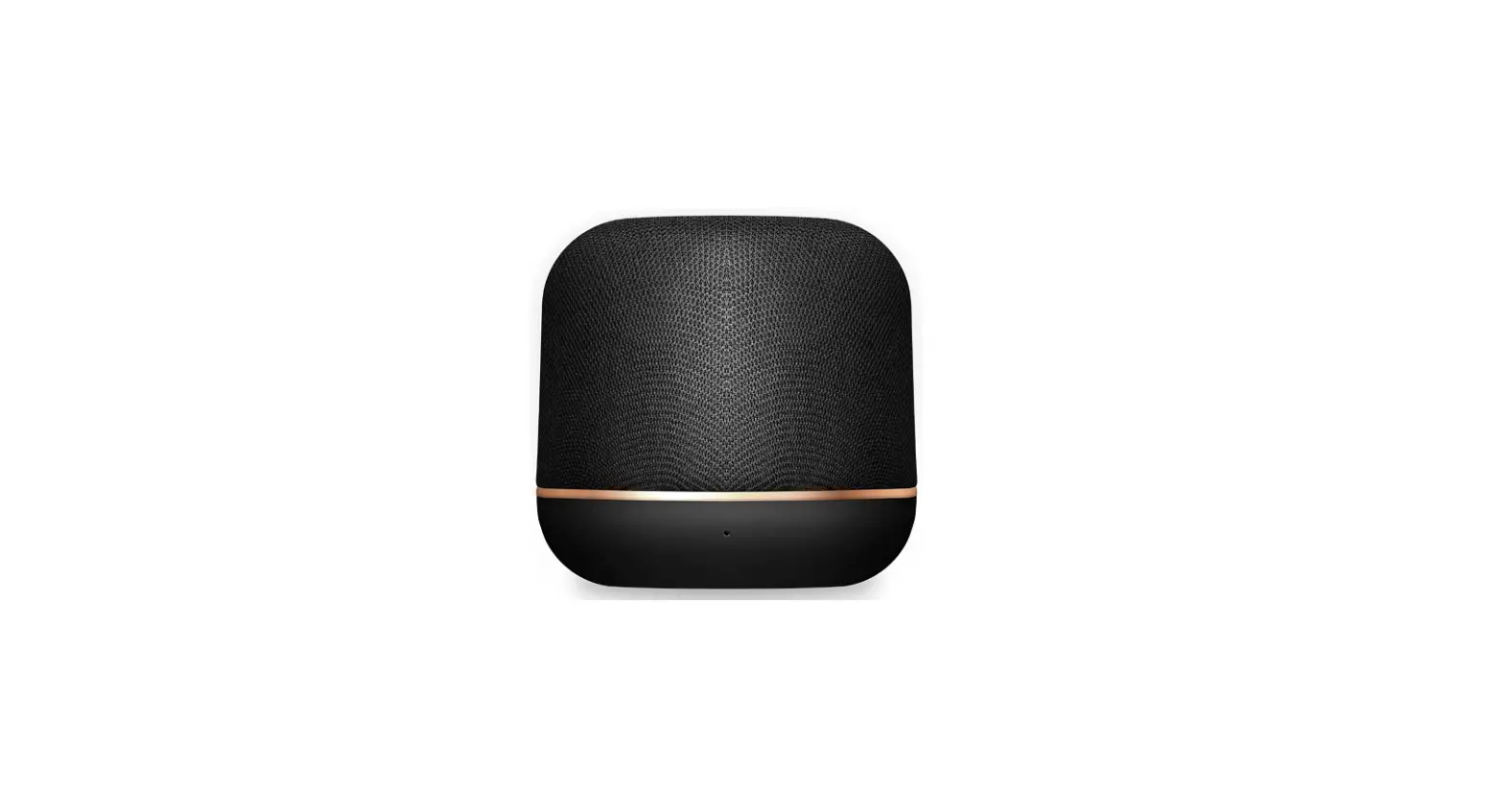
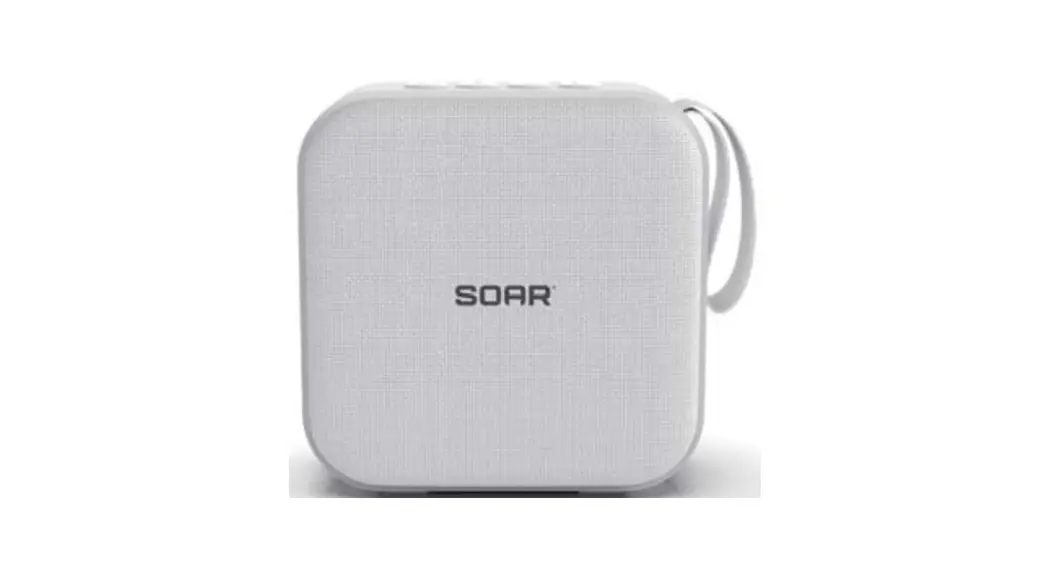
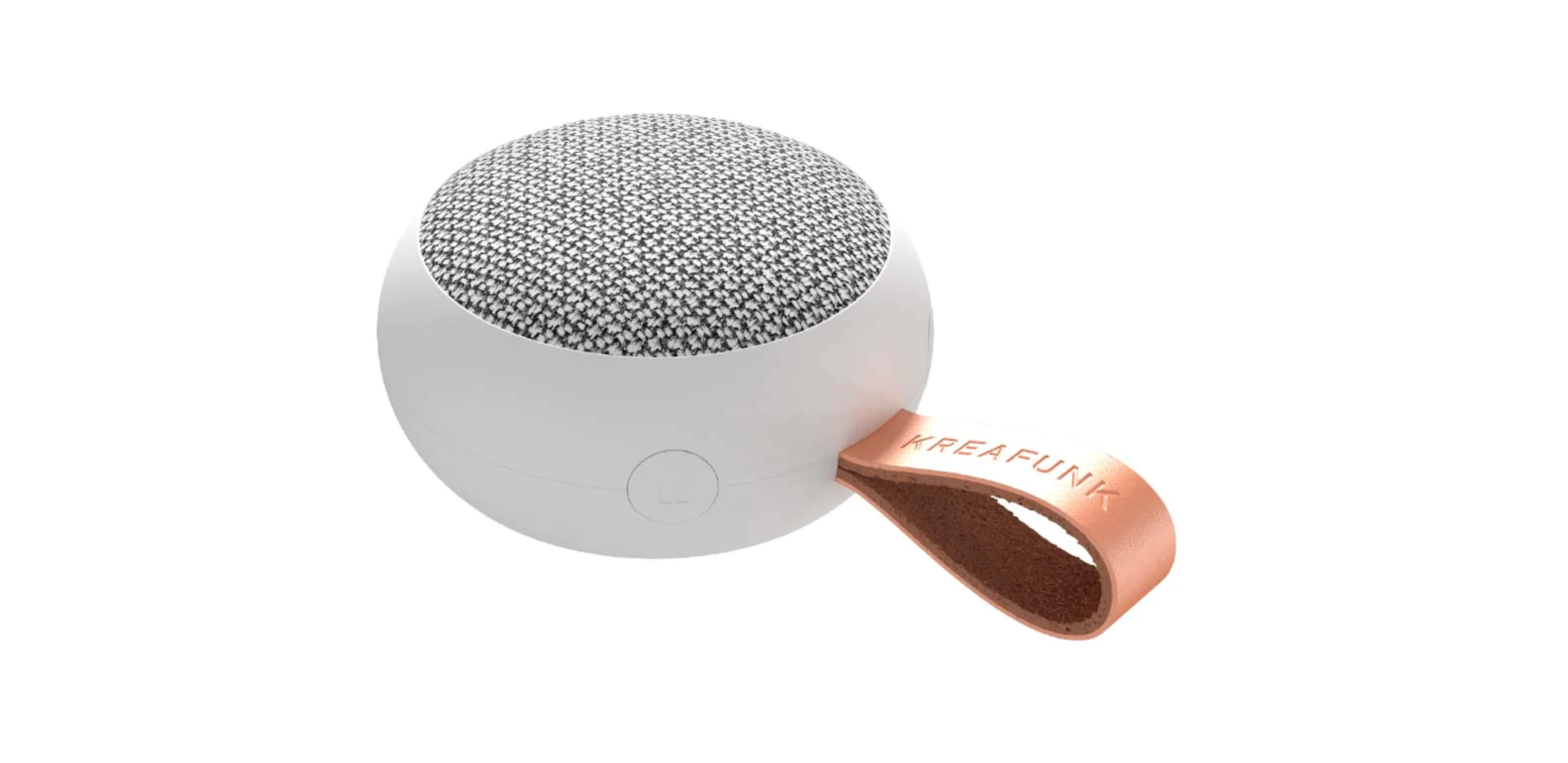
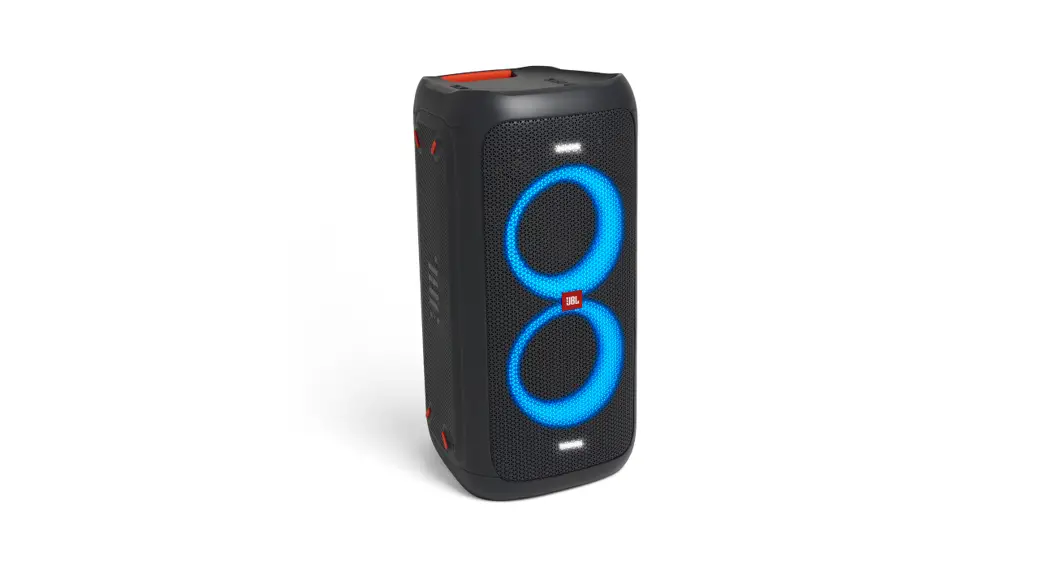
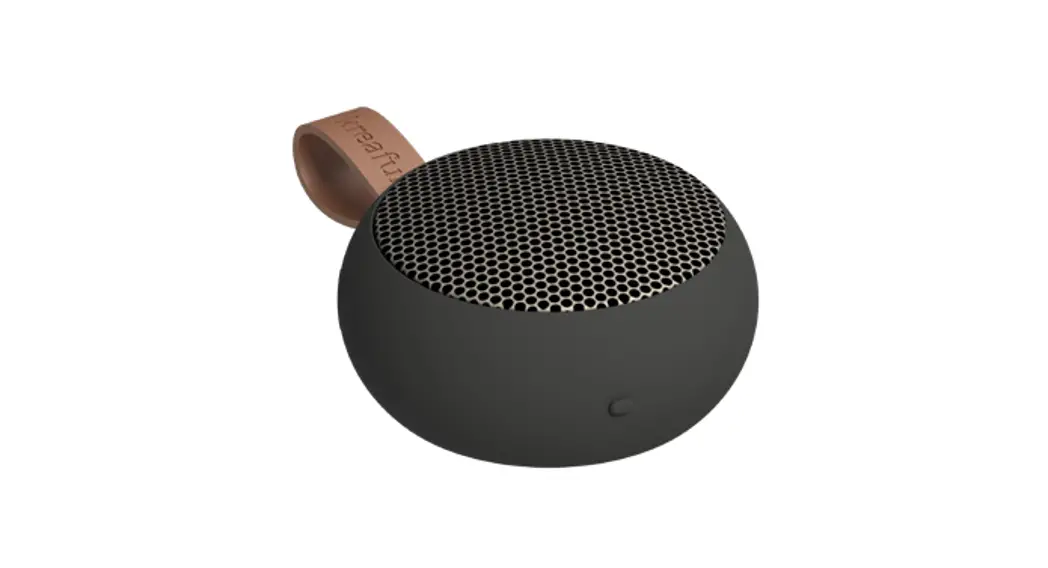
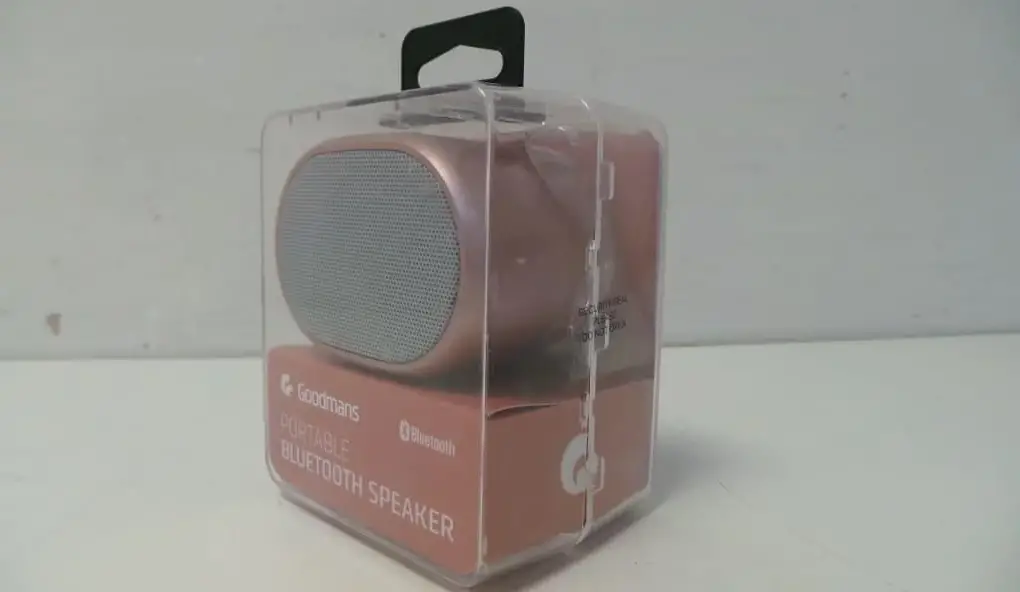
BT2931 IPX7 Portable Fabric Bluetooth Speaker
Product Information
Product Name: IPX7 Portable Fabric Bluetooth
Speaker
Model: BT2931
The speaker will automatically connect to a paired device when
turned on, provided that the device is within its range and has its
bluetooth function on.
Charging:
Use the provided charging cable to connect the speaker to a
compatible wall charger, computer, etc. During charging, the LED
indicator will be solid red. When the speaker is fully charged, the
LED will turn off.
True Wireless Stereo:
If you have two speakers, you can connect them via Bluetooth
using the true wireless connection. One speaker will be the left
channel and the other speaker will be the right channel, allowing
you to listen to music in stereo.
To make the connection:
- Eliminate any previous connections between the speaker and your
smartphone by going to the list of Bluetooth devices and removing
the connection with the BT2931 speaker. - Power on both speakers.
- Long press the M button for 2 seconds on either speaker to
activate the true wireless function. - A prompt will be heard once the speakers have been paired with
each other. One LED light will be in constant blue and the other in
quick flash blue light. - Follow the same steps to connect your mobile phone with the
main speaker.
FCC Statement:
This device complies with Part 15 of the FCC Rules. Operation is
subject to the following two conditions:
- This device may not cause harmful interference.
- This device must accept any interference received, including
interference that may cause undesired operation.
Warning: Changes or modifications not expressly
approved by the party responsible for compliance could void the
user’s authority to operate the equipment.
For better reception and to comply with FCC regulations:
- Reorient or relocate the receiving antenna.
- Increase the separation between the equipment and
receiver. - Connect the equipment into an outlet on a circuit different
from that to which the receiver is connected. - Consult the dealer or an experienced radio/TV technician for
help.
FCC Radiation Exposure Statement:
This equipment complies with FCC radiation exposure limits set
forth for an uncontrolled environment.
IPX7 Portable Fabric Bluetooth Speaker
Model: BT2931 User Manual
Button Function Illustration:
1. Power On/Off (Play/Pause) 2. Volume Increase (Next Track) 3. Indication Led Light 4. TWS/Disconnect Bluetooth 5. Volume Decrease (Previous Track) 6. Type-C Charging Port 7. Micro SD (TF) Card Slot 8. Microphone 9. Light Switch Bluetooth mode operation: 1. Long press the power on/off button 3S to turn on the speaker. Now it will automatically enter the bluetooth pairing mode and the blue light flashes quickly. 2. Make sure your phone (or other compatible device) has the bluetooth function on. Select “BT2931” from your mobile phone’s list of available bluetooth devices. When connected to a device, the speaker’s light will be solid blue.
3. Once paired to a device, the speaker will automatically connect to it when turned on, provided that the device is within its range and has its bluetooth function on.
Charging:
Use the charging cable provided to connect to the speaker to a compatible wall charger, computer, etc. During charging, the LED indicator will be solid red. When the speaker is fully charged, the LED will turn off.
True Wireless Stereo:
If you have two speakers you can connect them via Bluetooth with the true wireless connection. In this way one speaker will be the left channel and another speaker the right channel to listen to music in stereo.
To make the connection, first we must eliminate any connection that we have previously made between the speaker and the smartphone. We go to the list of bluetooth devices and eliminate the connection with the BT2931 speaker.
We power on the two speakers. Long press the M button for 2 seconds on either speaker to activate the true wireless function. A prompt will be heard once the speaker has been paired with each other. And one led light will be in constant blue and the other in quick flash blue light. Then follow the same step of connecting your mobile phone with the main speaker.
FCC STATEMENT :
This device complies with Part 15 of the FCC Rules. Operation is subject to the following two conditions: (1) This device may not cause harmful interference, and (2) This device must accept any interference received, including interference that may cause undesired operation. Warning: Changes or modifications not expressly approved by the party responsible for compliance could void the user’s authority to operate the equipment.
NOTE: This equipment has been tested and found to comply with the limits for a Class B digital device, pursuant to Part 15 of the FCC Rules. These limits are designed to provide reasonable protection against harmful interference in a residential installation. This equipment generates uses and can radiate radio frequency energy and, if not installed and used in accordance with the instructions, may cause harmful interference to radio communications. However, there is no guarantee that interference will not occur in a particular installation. If this equipment does cause harmful interference to radio or television reception, which can be determined by turning the equipment off and on, the user is encouraged to try to correct the interference by one or more of the following measures:
Reorient or relocate the receiving antenna. Increase the separation between the equipment and receiver. Connect the equipment into an outlet on a circuit different from that to which the receiver is connected. Consult the dealer or an experienced radio/TV technician for help.
FCC Radiation Exposure Statement:
This equipment complies with FCC radiation exposure limits set forth for an uncontrolled environment.