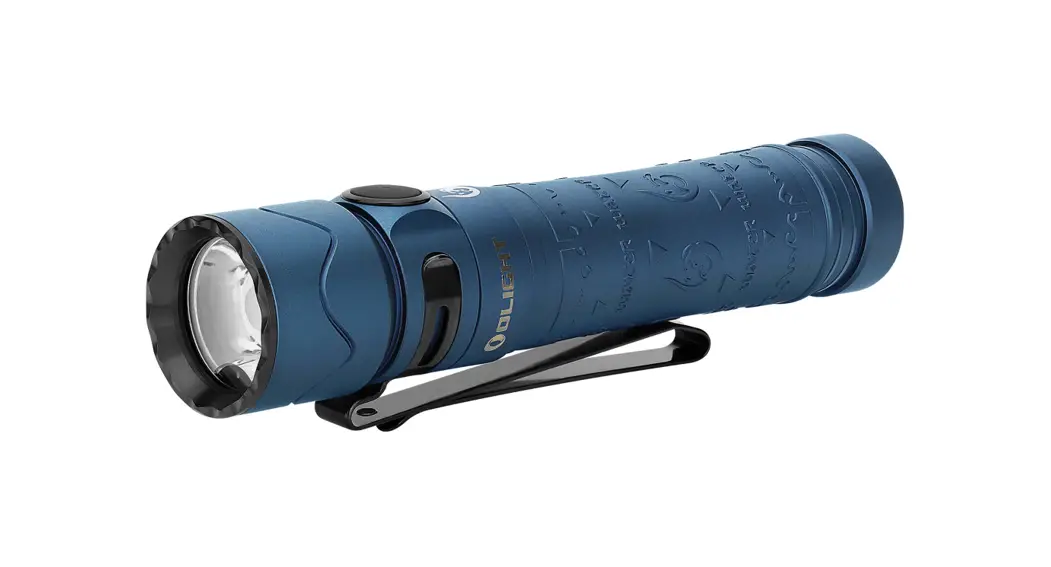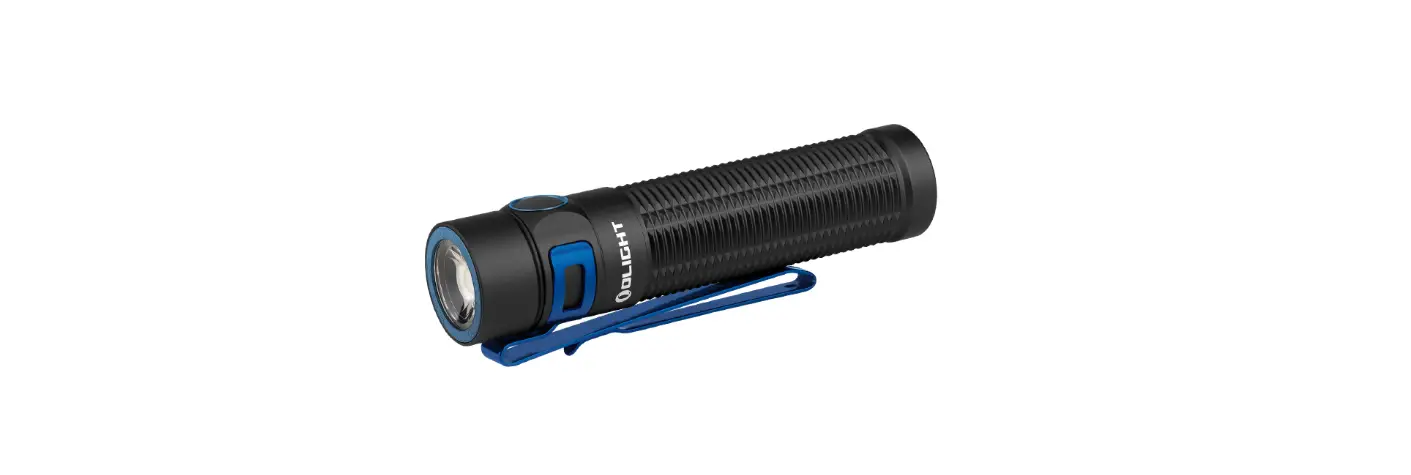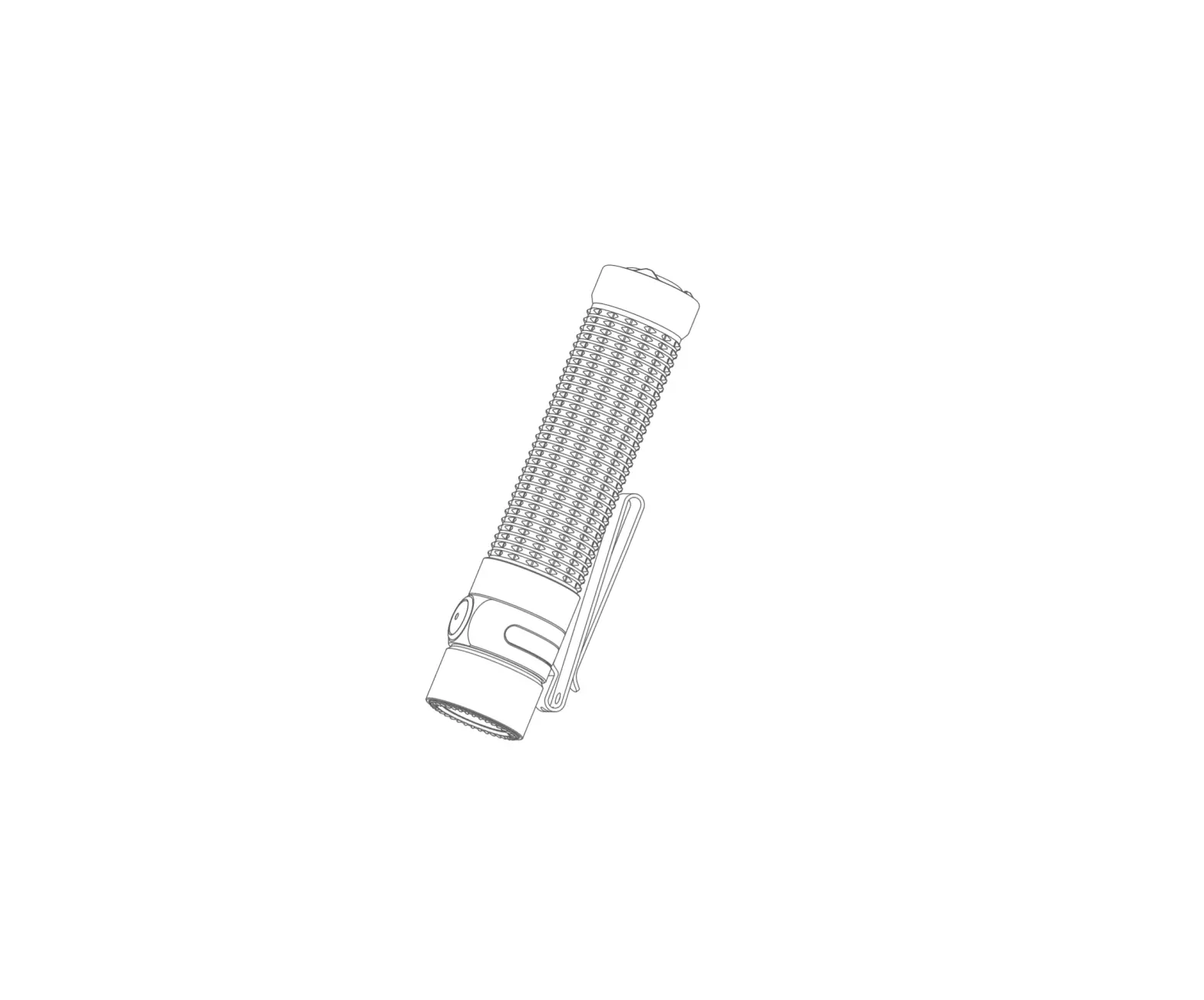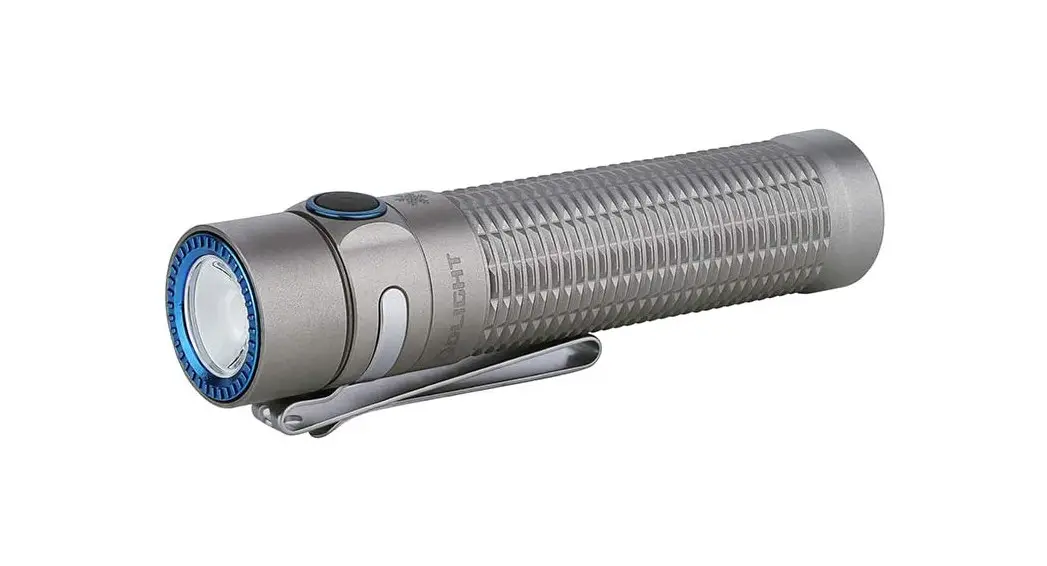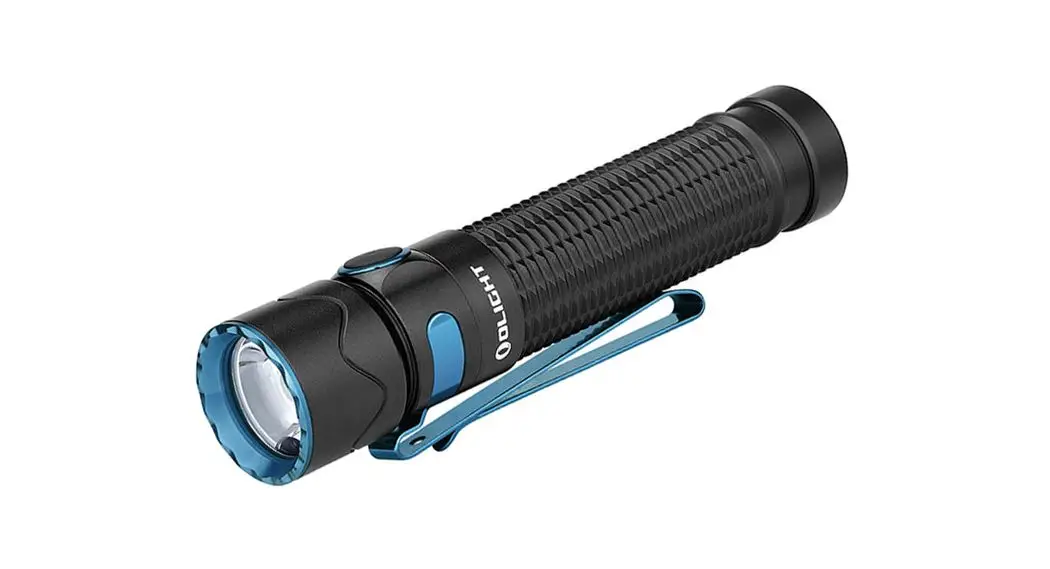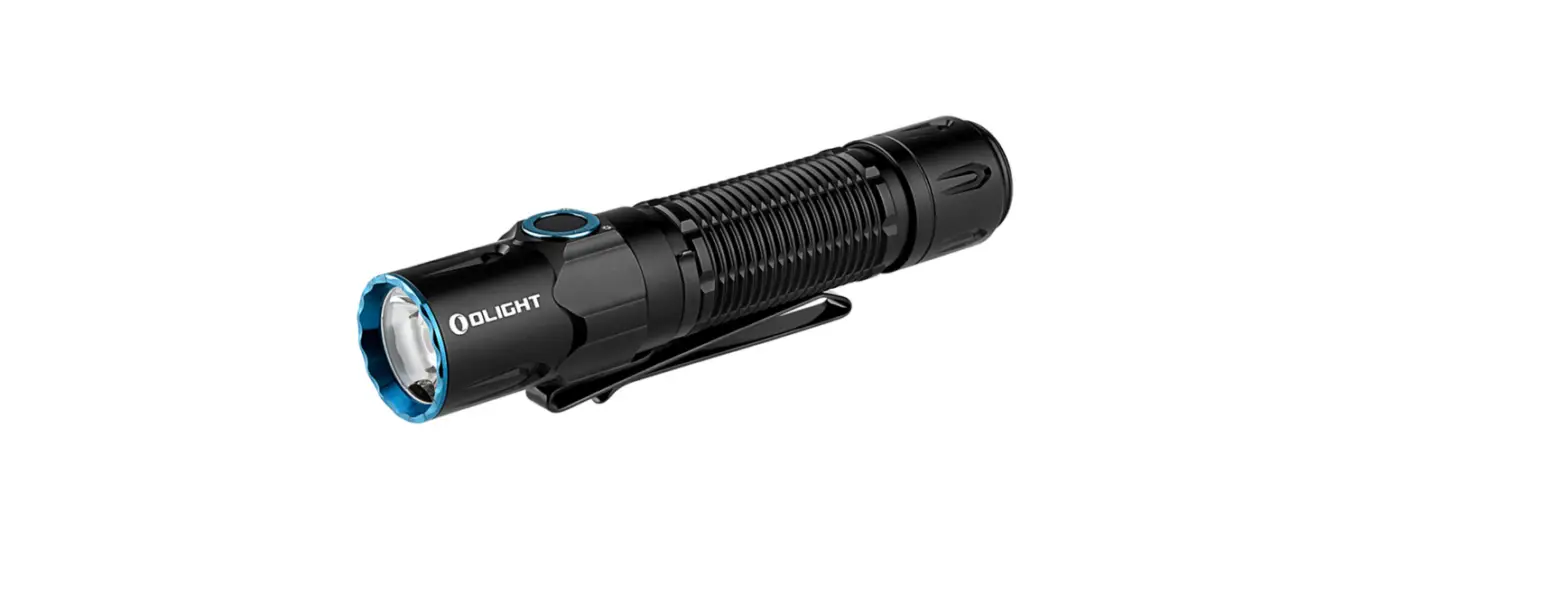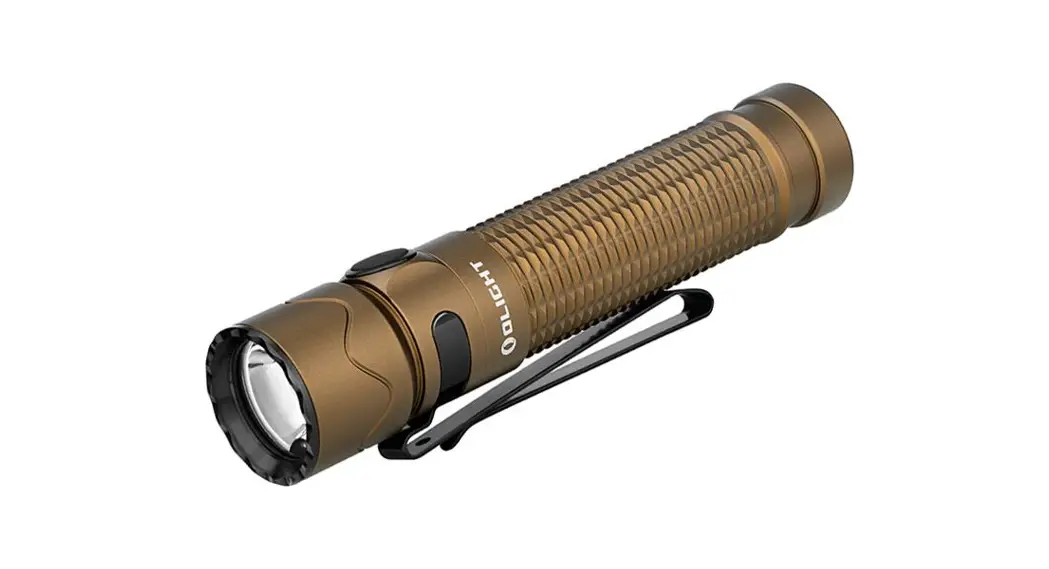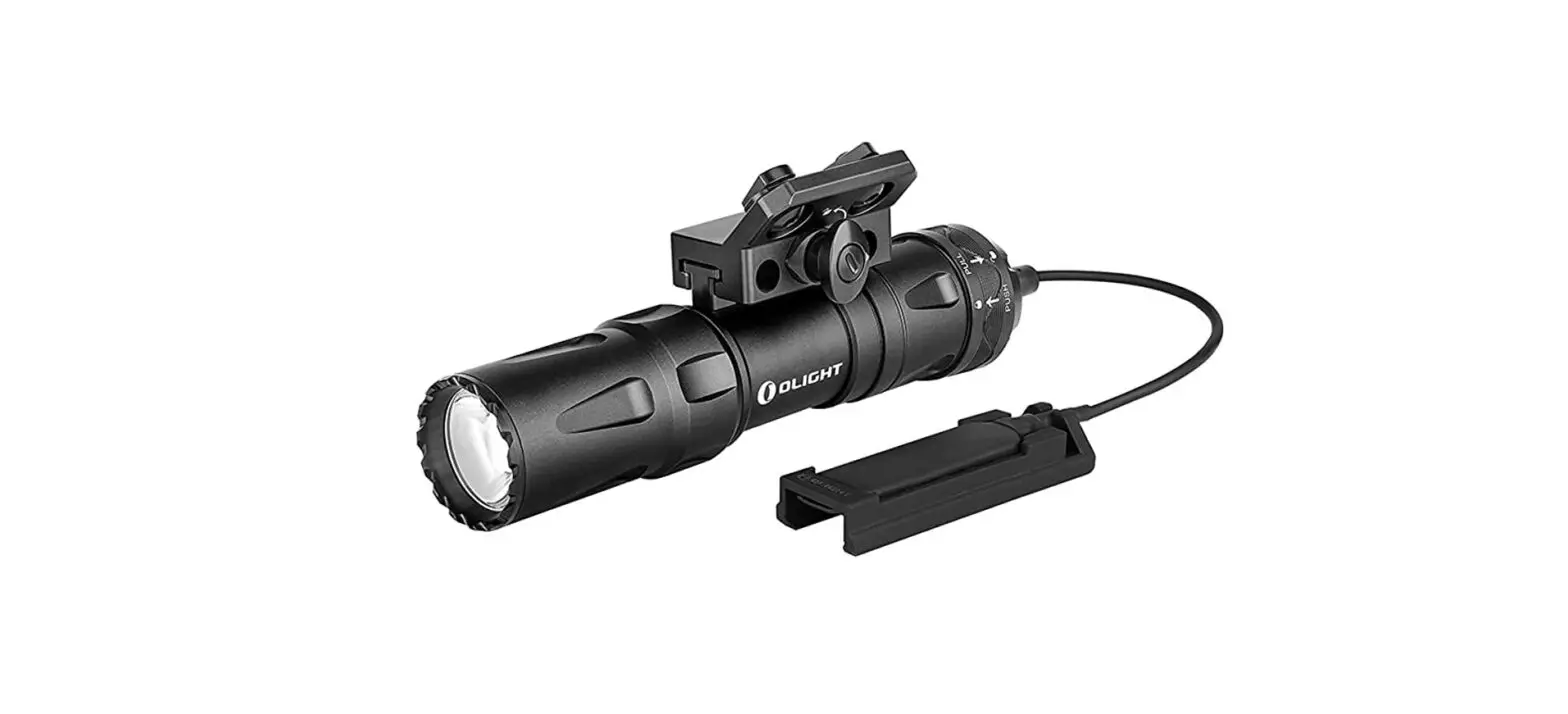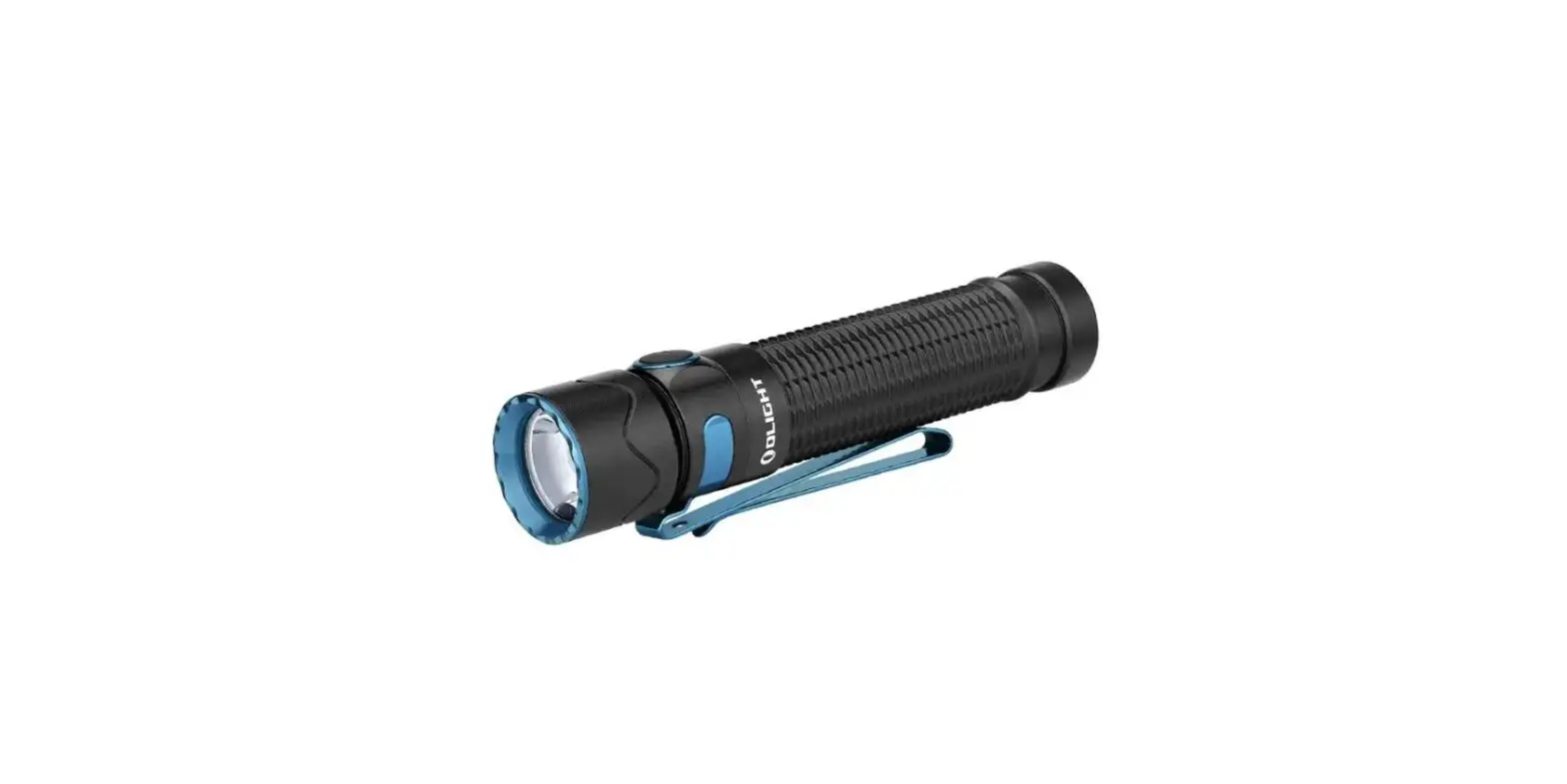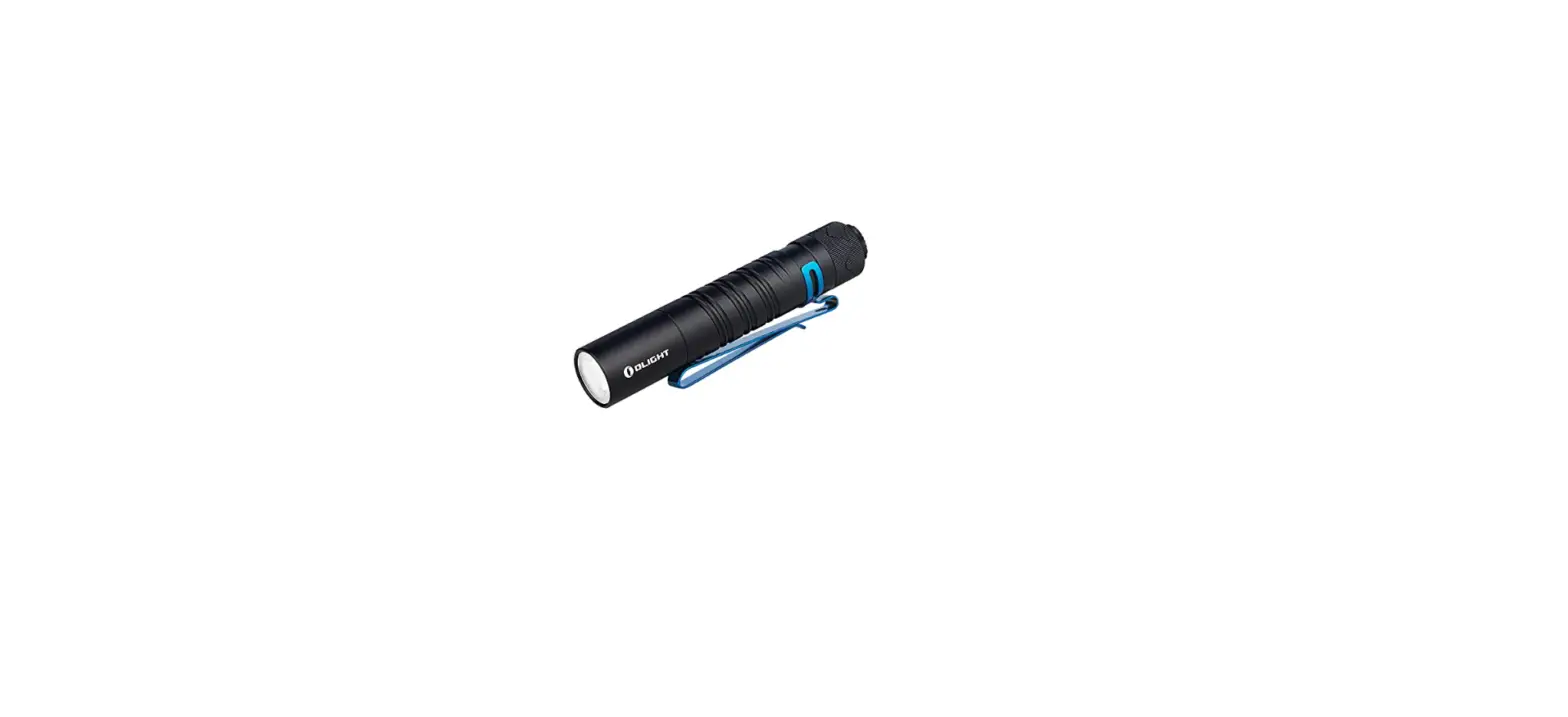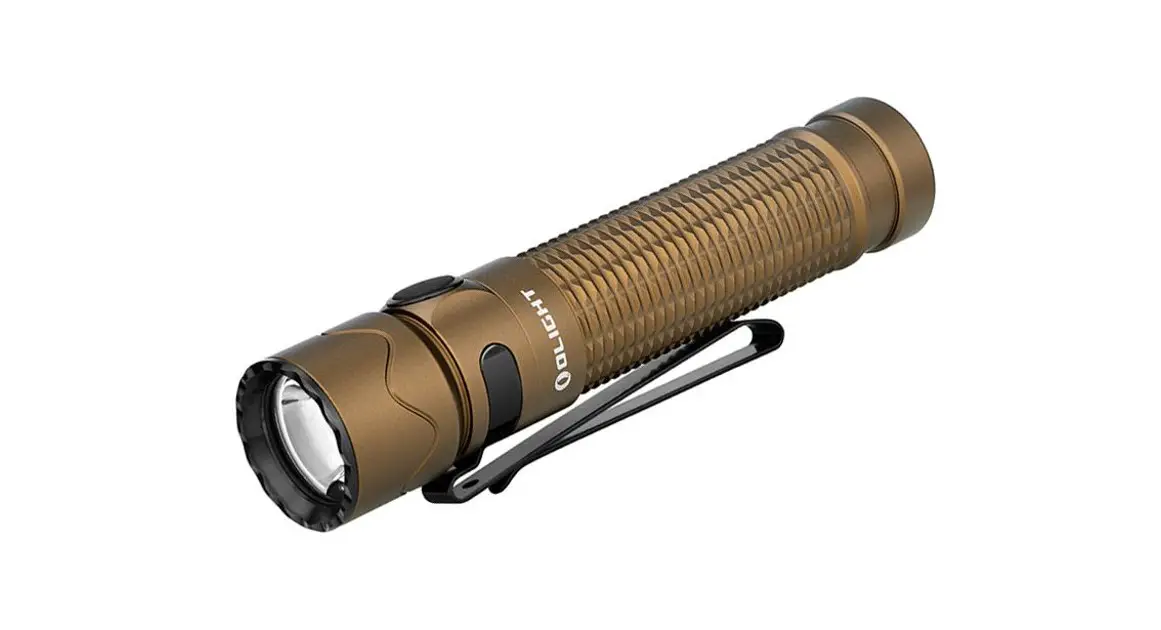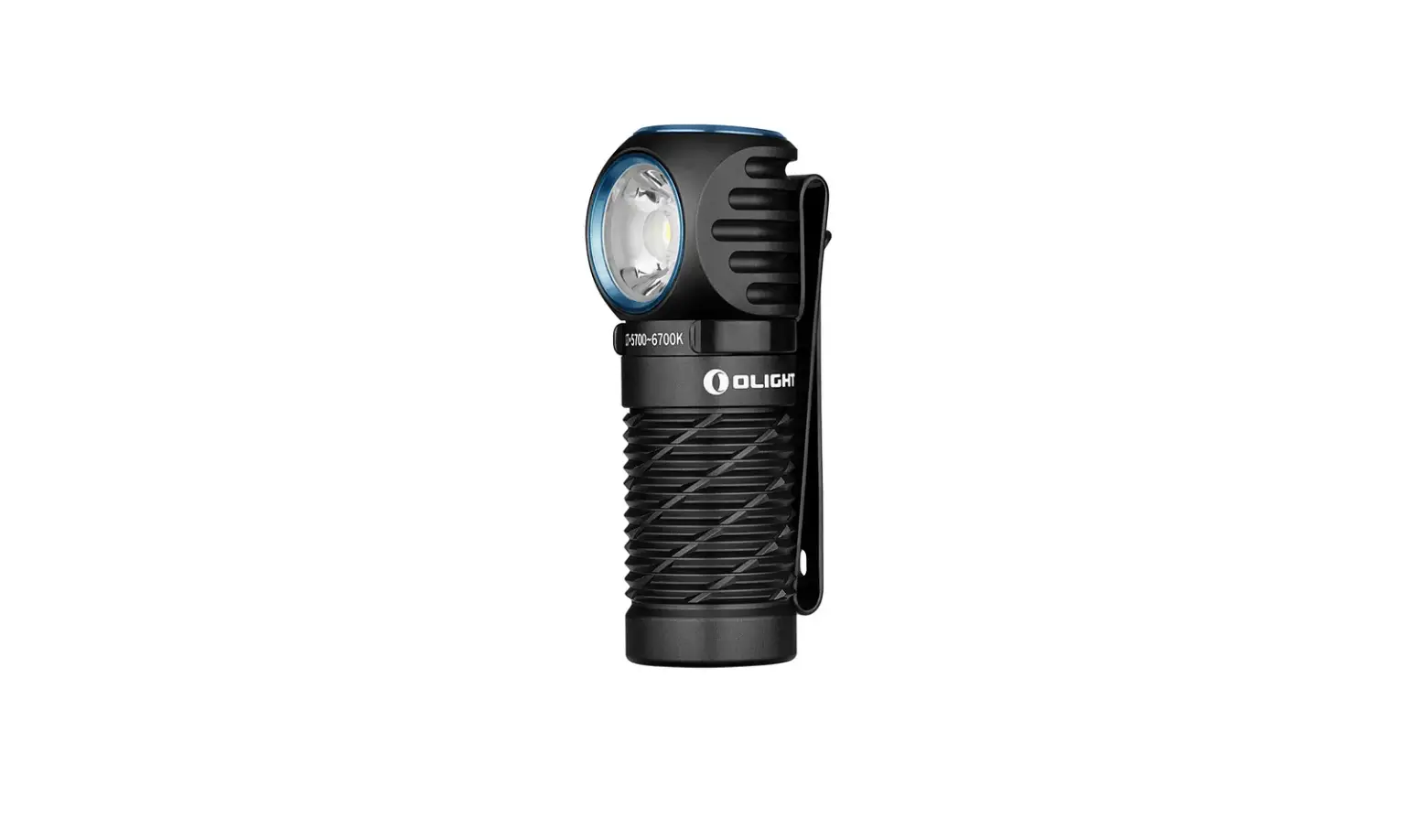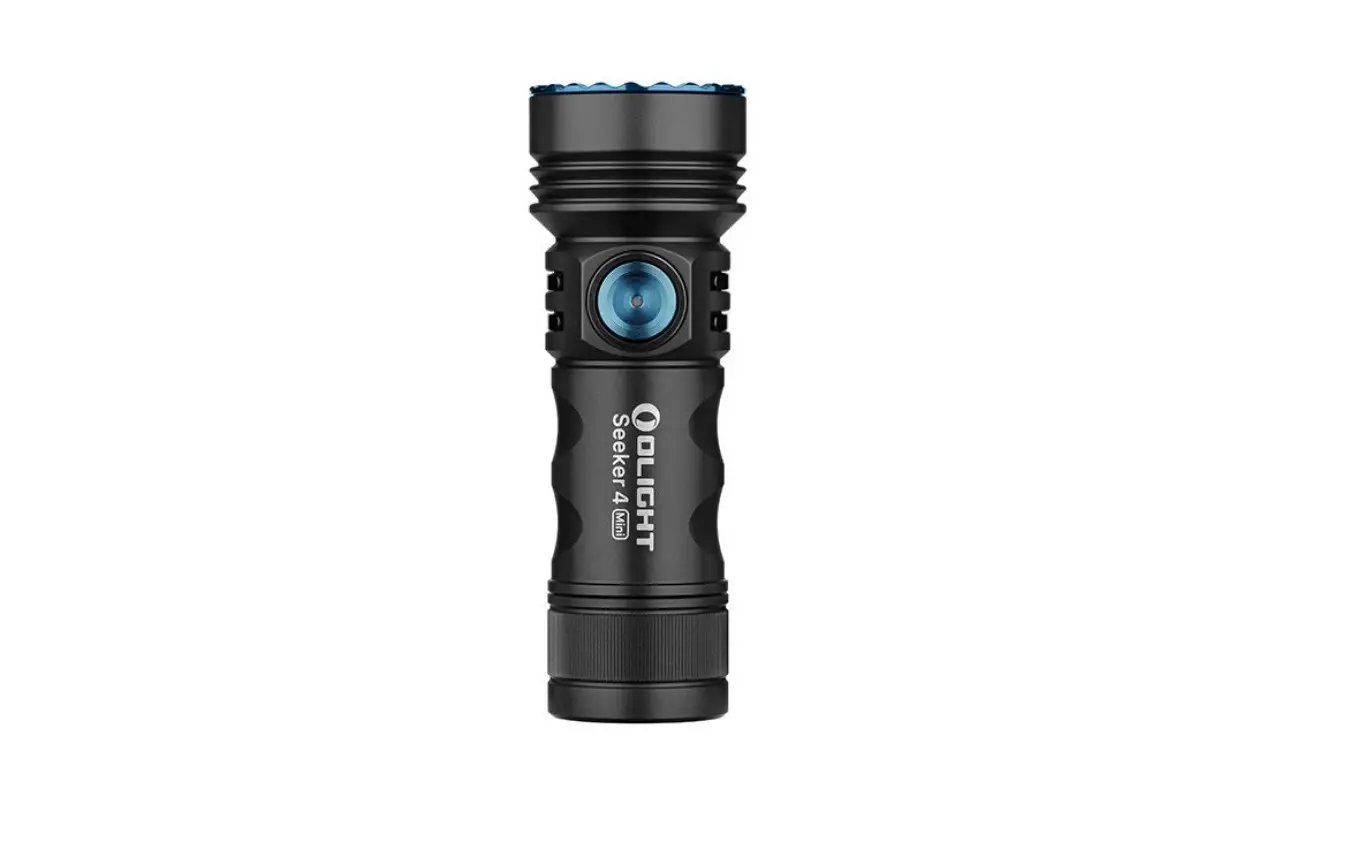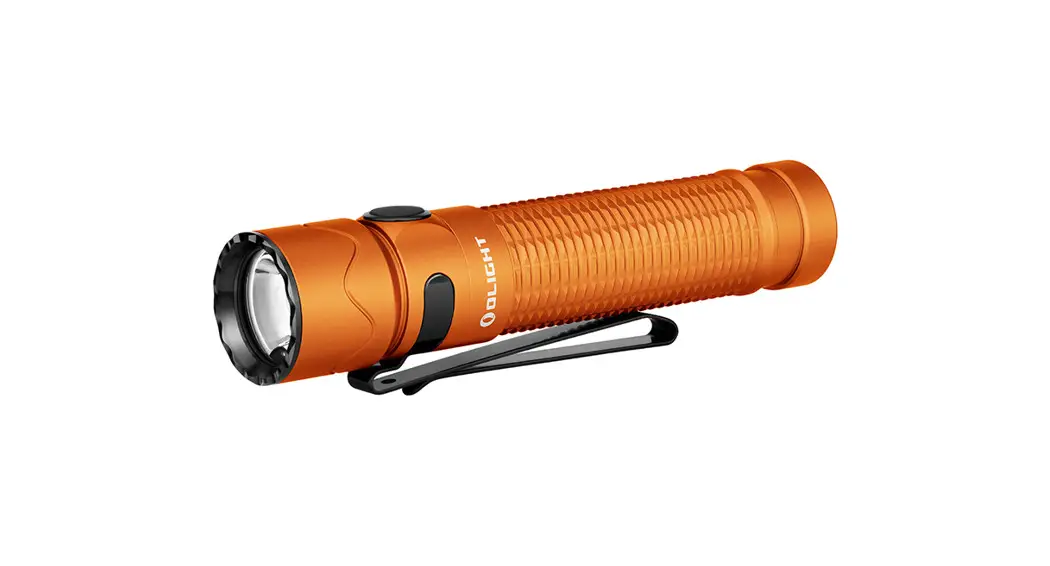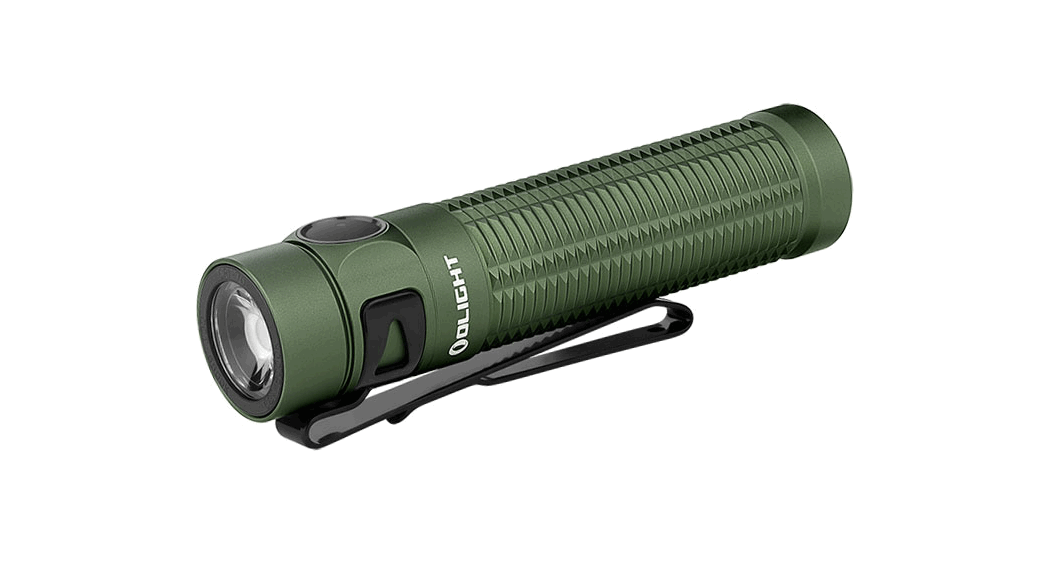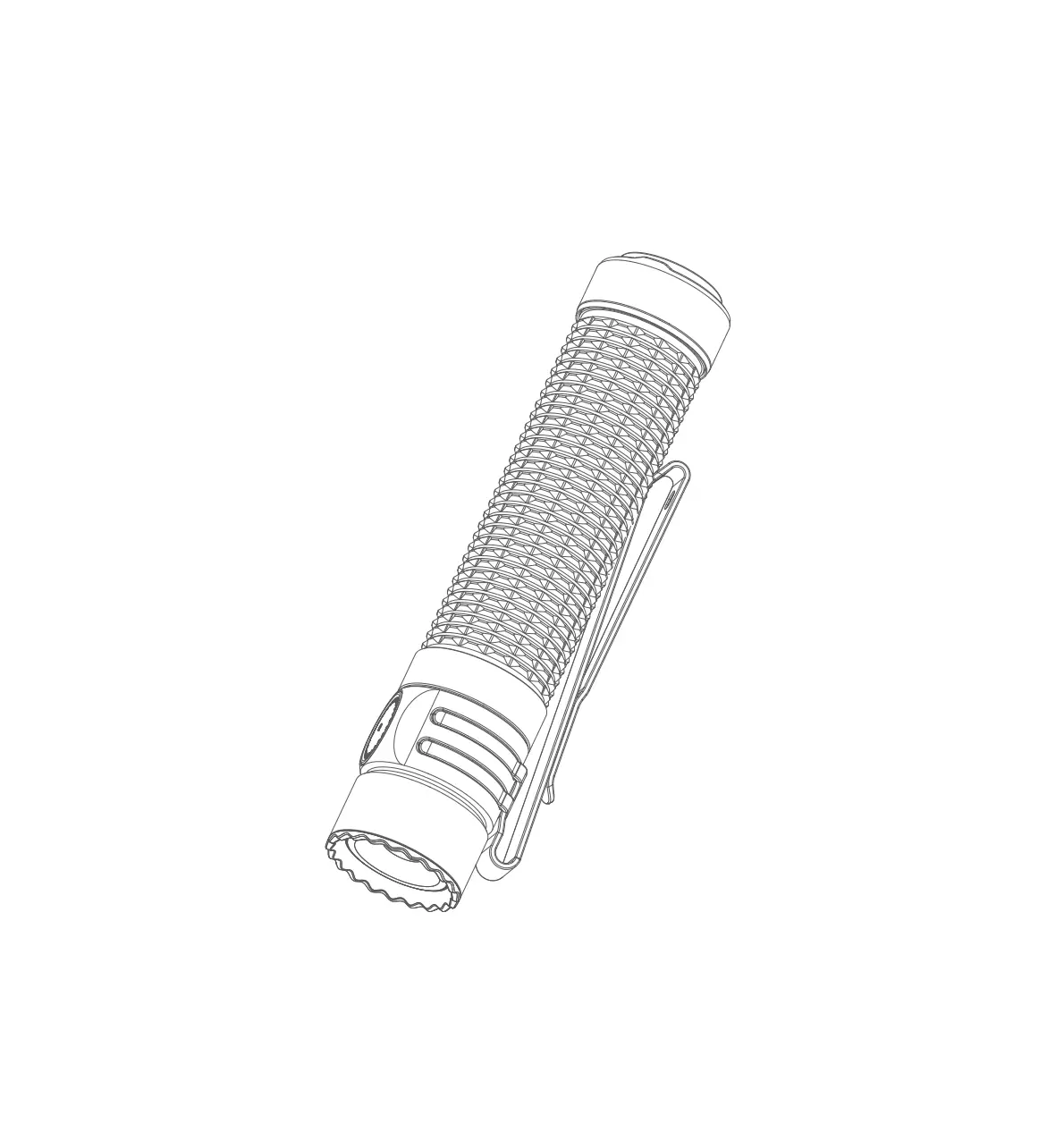
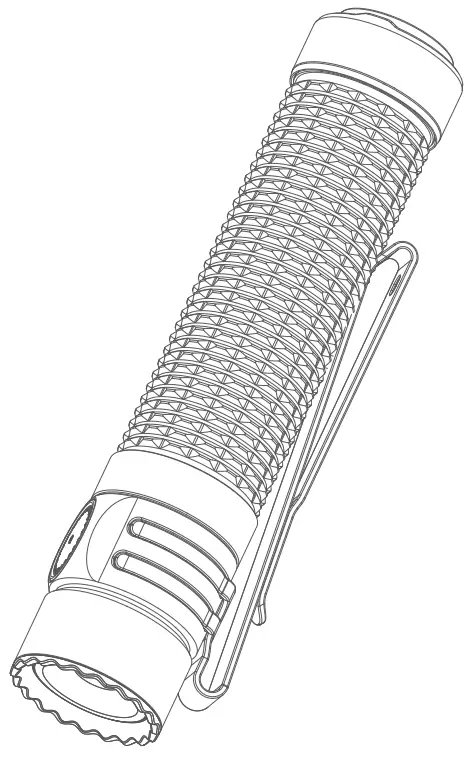
OLIGHT Warrior Mini 3 Powerful Compact Rechargeable Dual Switch EDC Flashlight
IN THE BOX
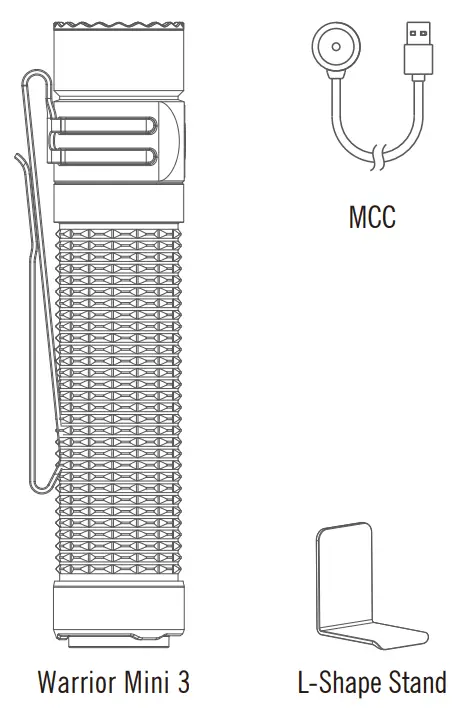
Table 1: Specification
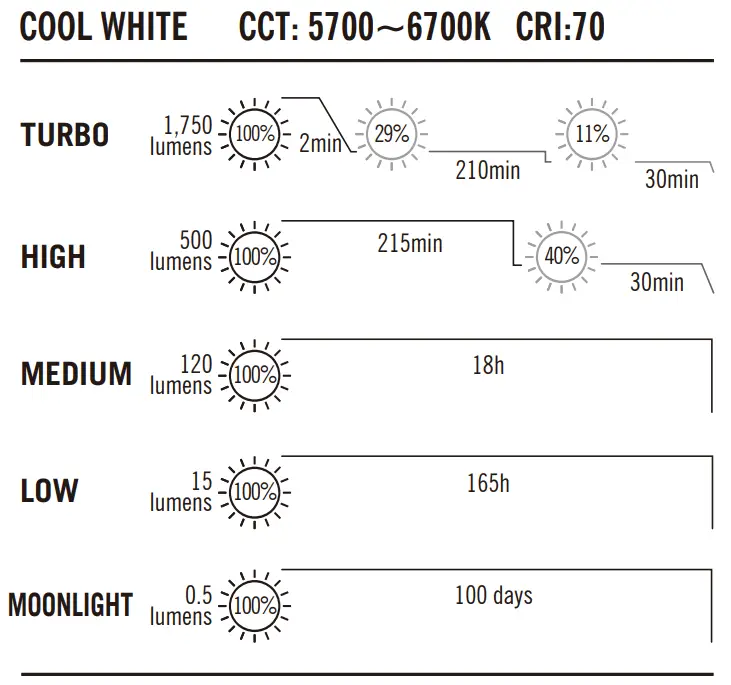
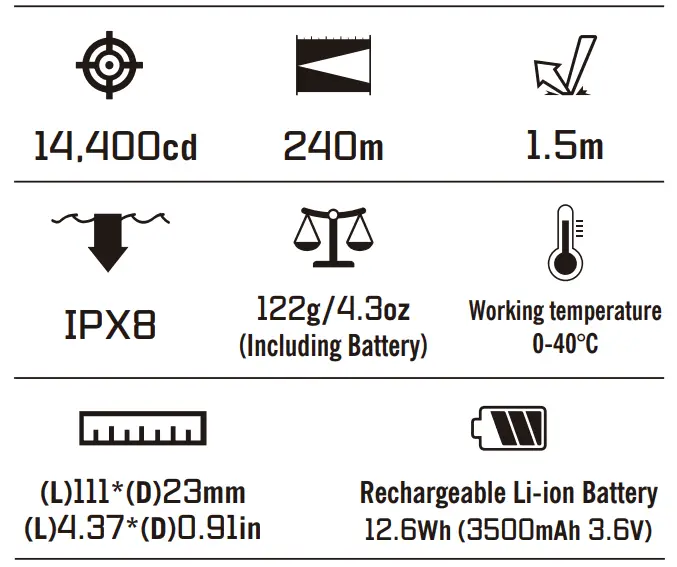
Table 2: MCC
| Cable length | 0.5m |
| Input | USB type A DC 5V 2A |
| Output | CC&CV 4.2V 2.0A |
| Time to fully charge | About 3.5 hours |
Installation and instruction for use
Multi-language dictionary, see Table 3;
1. Product specification, see Table 1 and Table 2;
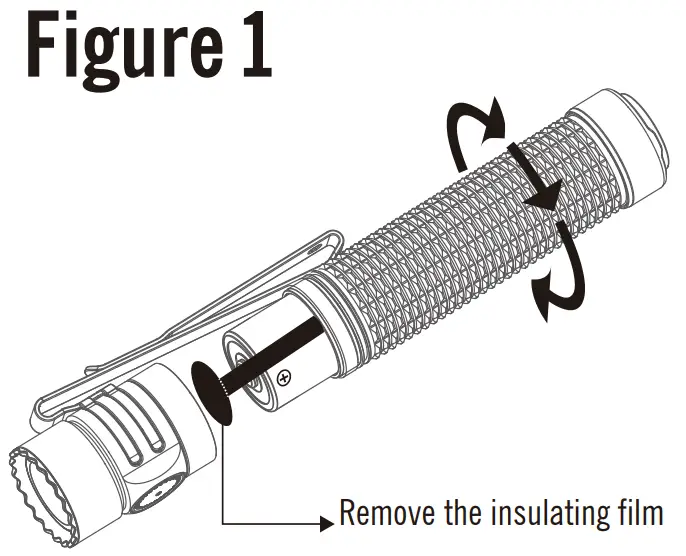
2. Remove the insulating film, see Figure 1;
3. Charging, see Figure 2;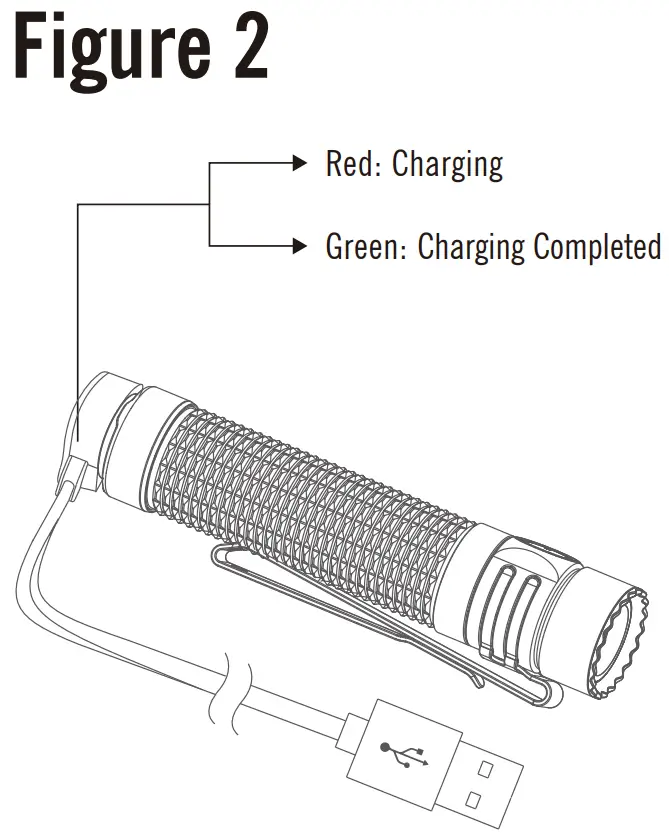
4. Side switch operating instructions below:
4.1 ON/OFF, see Figure 3;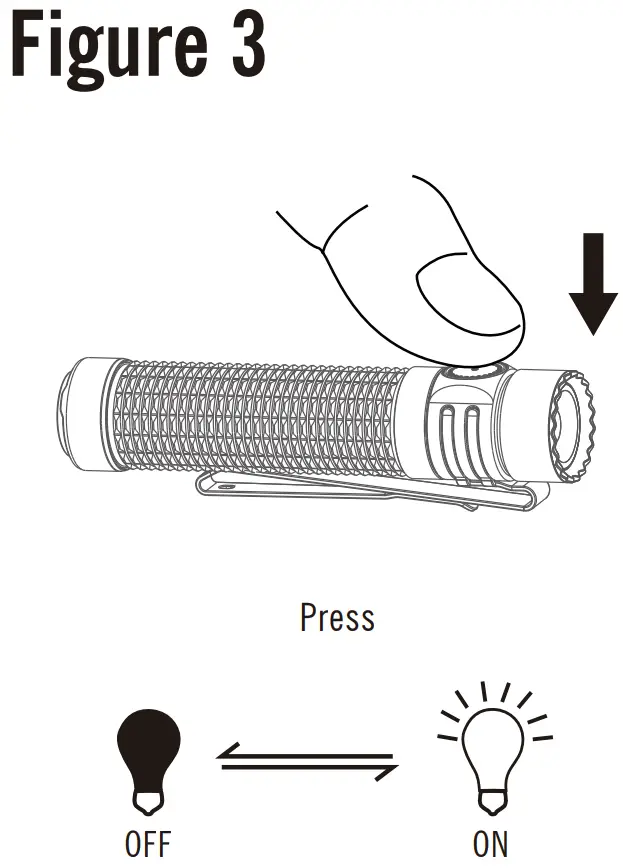
4.2 Lockout / unlock, see Figure 4;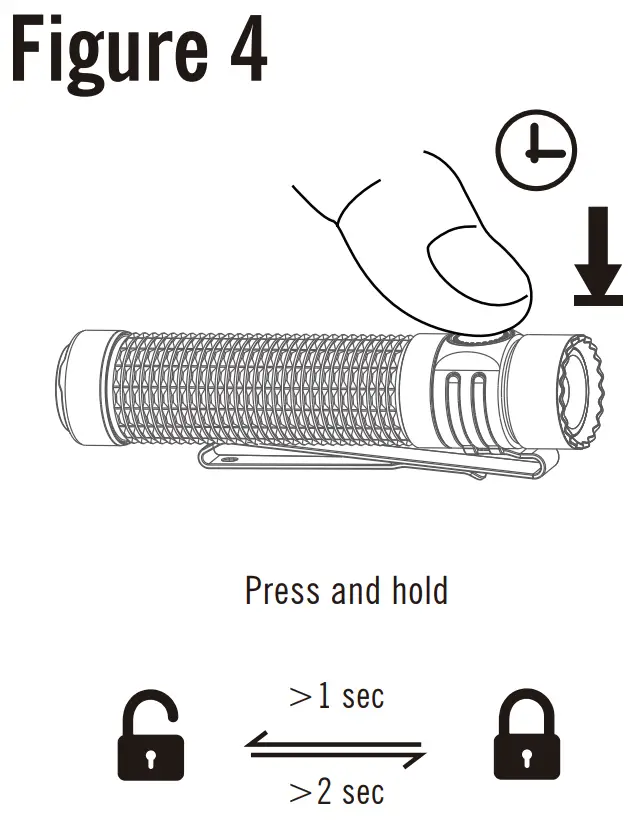
4.3 Moonlight, see Figure 5;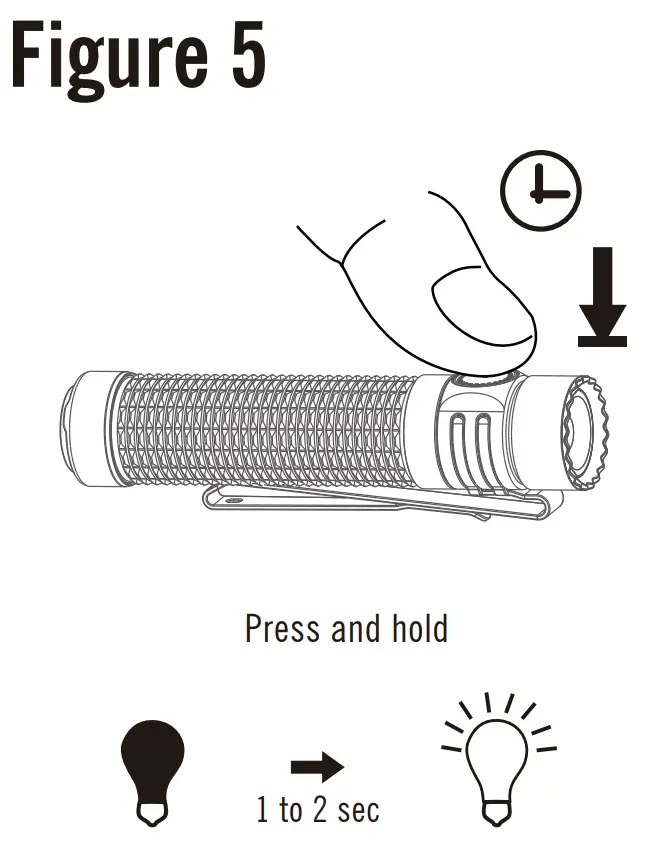
4.4 TURBO, see Figure 6;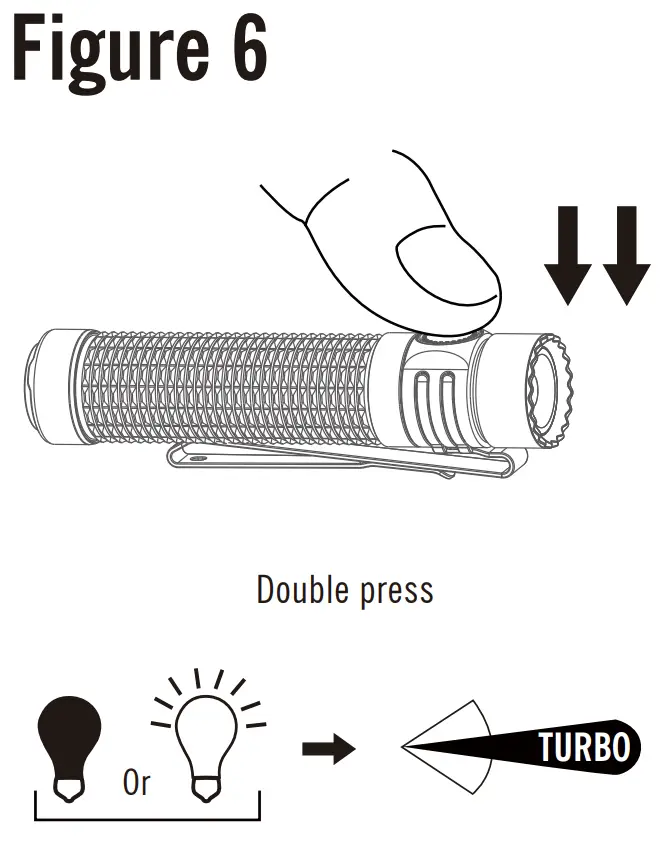
4.5 Strobe, see Figure 7;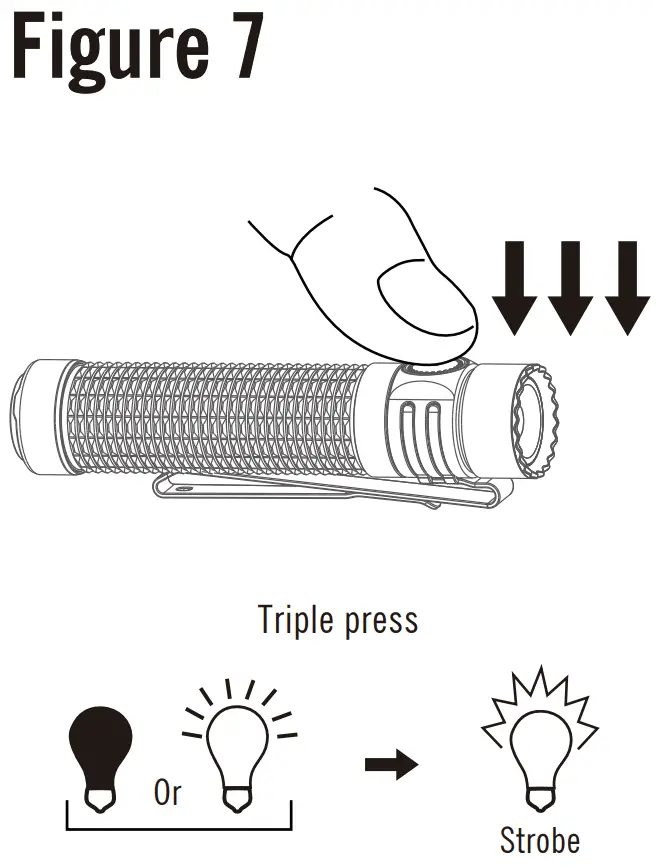
4.6 Change brightness level, see Figure 8;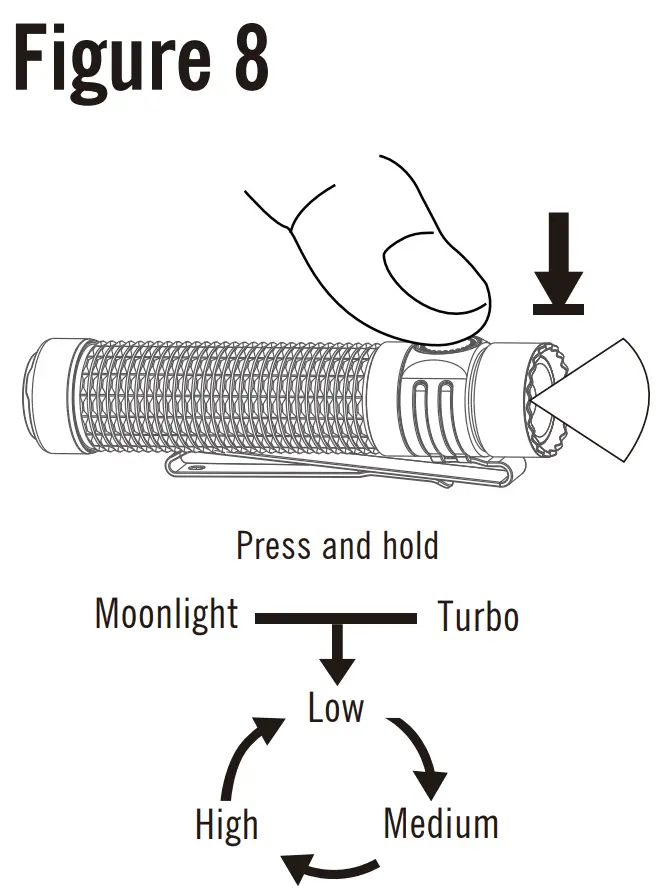
5. Tail switch operating instructions below:
5.1 Tap (configuration 1 only), see Figure 9;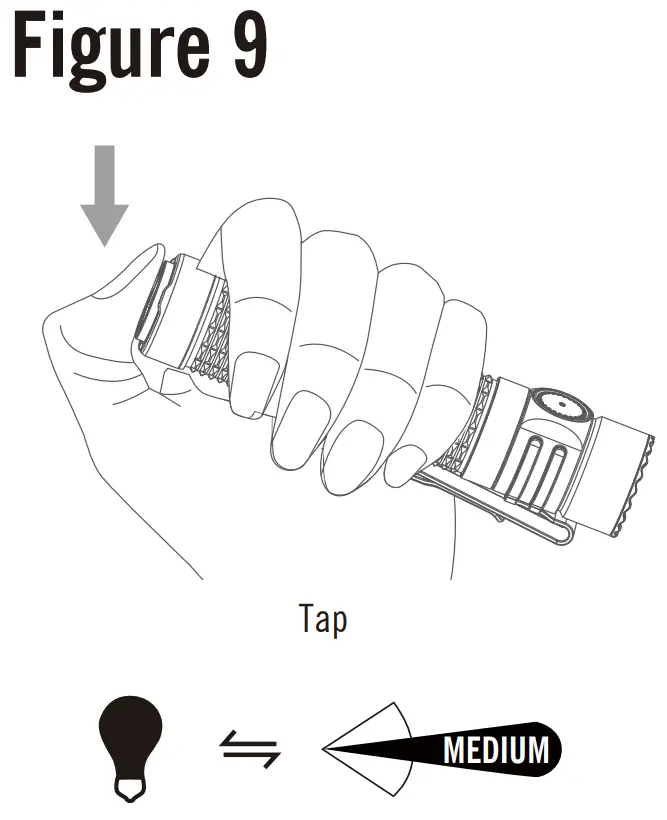
5.2 Press (configuration 1 only), see Figure 10;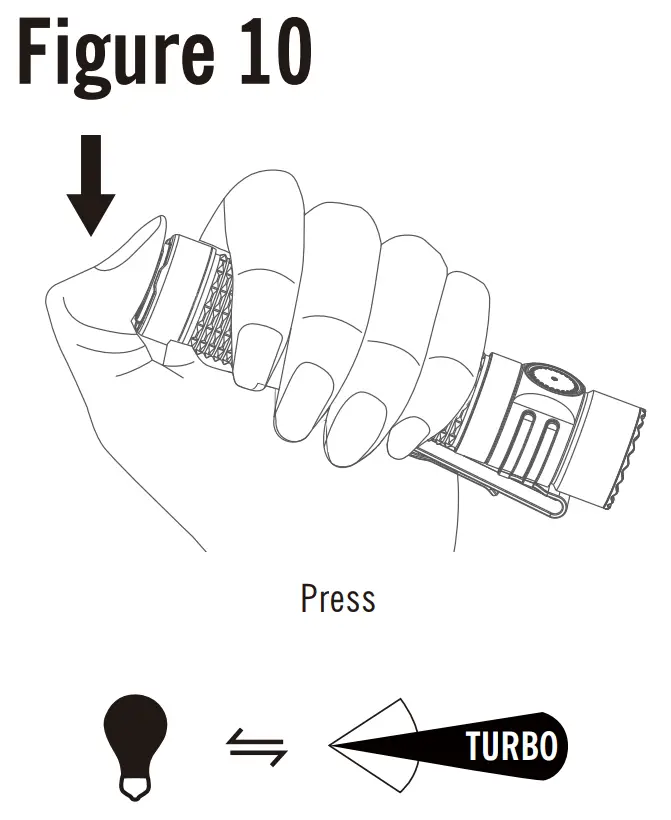
5.3 Tap and hold, see Figure 11;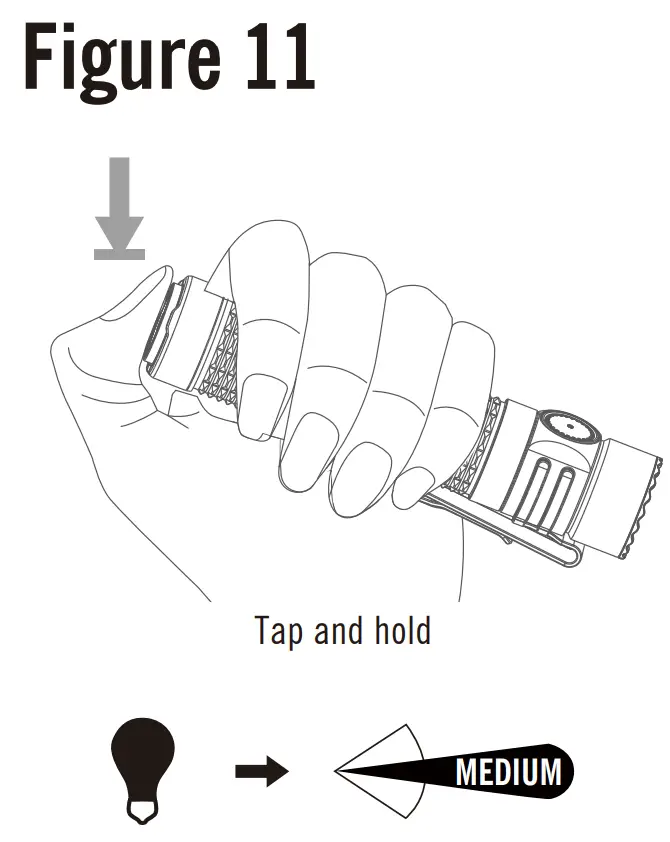
5.4 Press and hold to output Turbo mode (configuration
1 only), see Figure 12;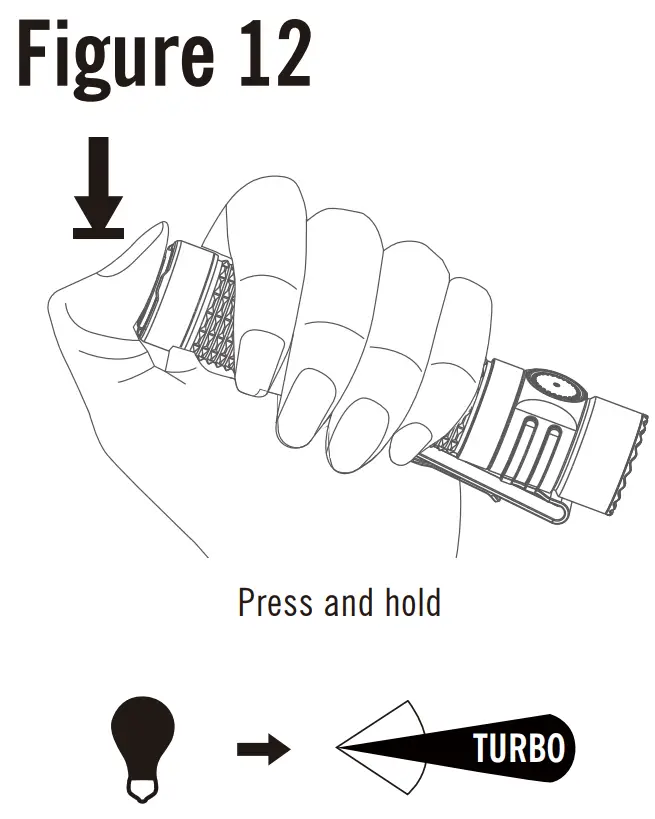
5.5 Press and hold to output Strobe mode (configuration 2 only), see Figure 13;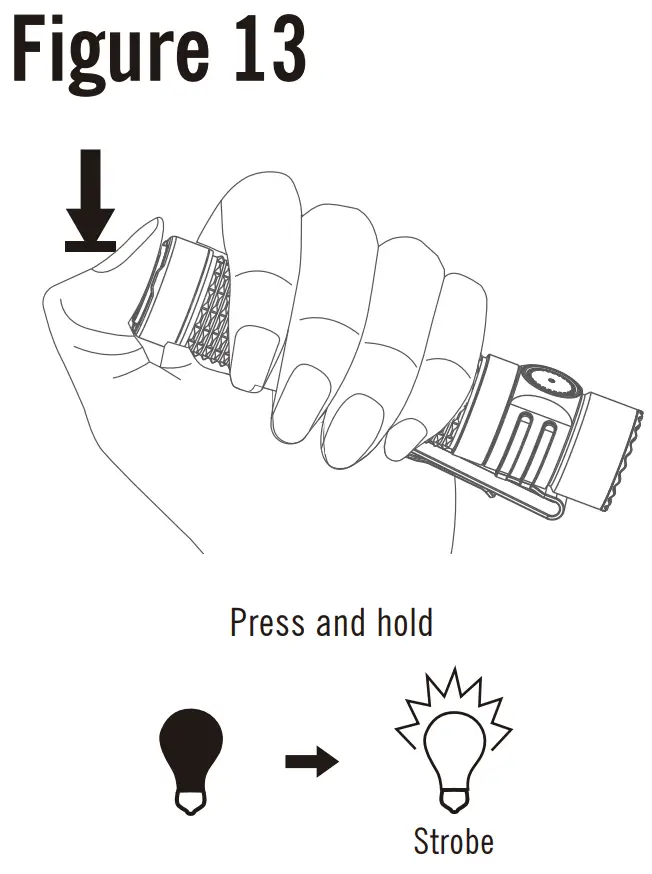
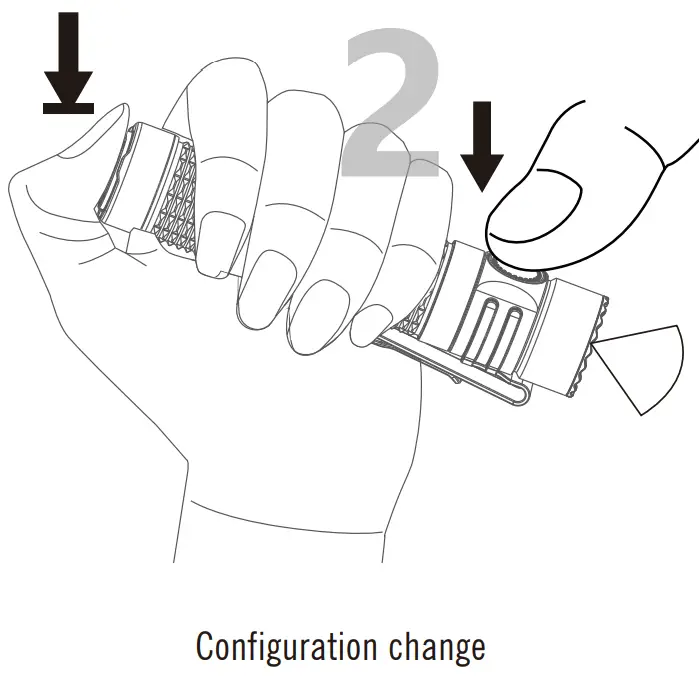
5.6 Configuration change, see Figure 14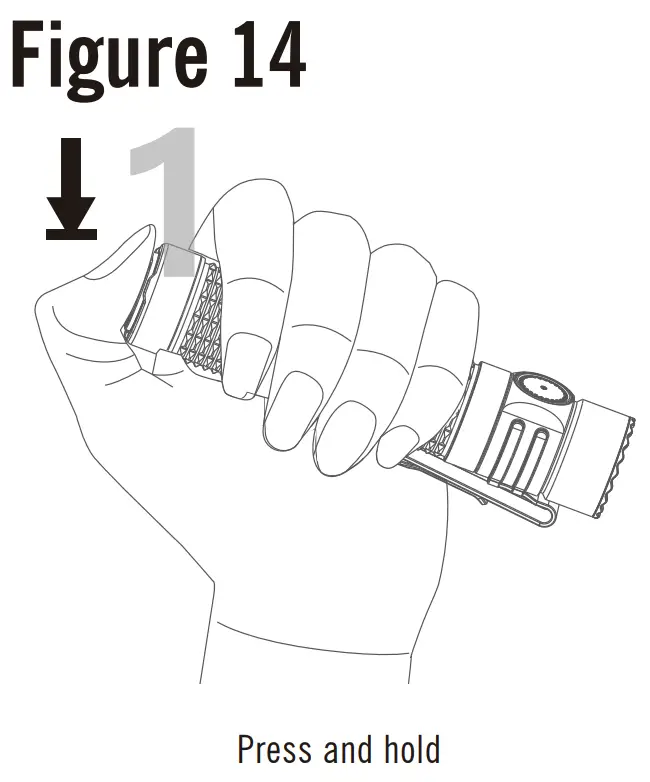

6. Battery Indicator:
6.1 Normal mode, see Figure 15-1;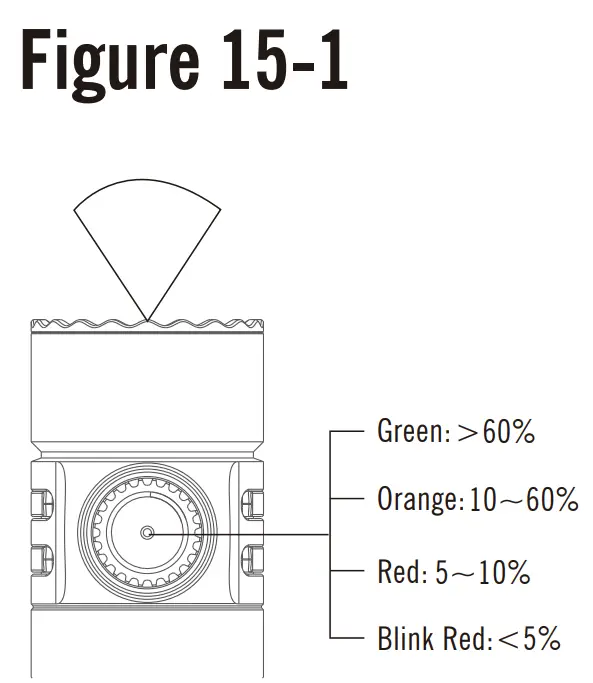
6.2 Moonlight mode, see Figure 15-2;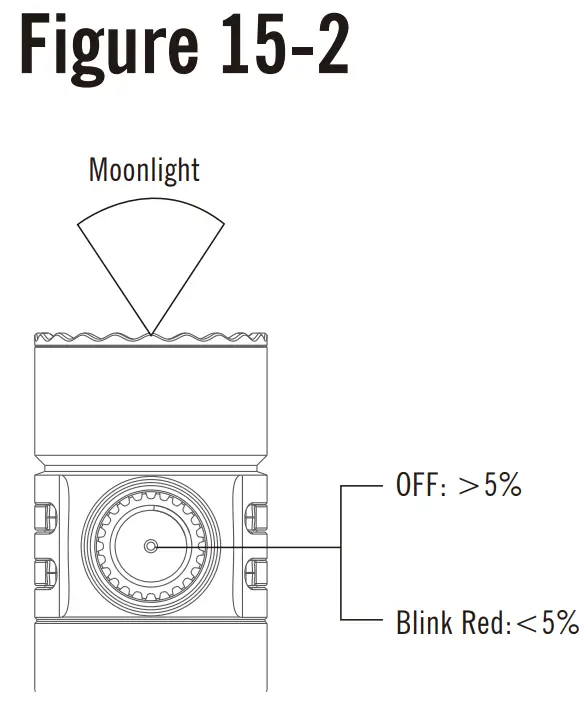
7. Brand new light-sensing function:
7.1 Obstruction caused downshift function, see Figure 16-1 and Figure 16-2;
* After the flashlight is activated in High/Turbo mode within 0.5 seconds, then block the light output. Or block the light output and then enter the High/Turbo mode.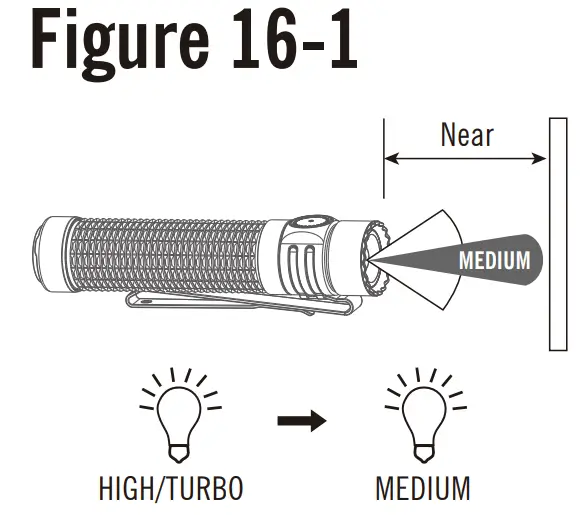
(Note: After the obstruction caused downshift stage, the output brightness will remain Medium even after the obstruction is removed.)
* After the flashlight is activated in High/Turbo mode for 0.5 seconds, then block the light outlet.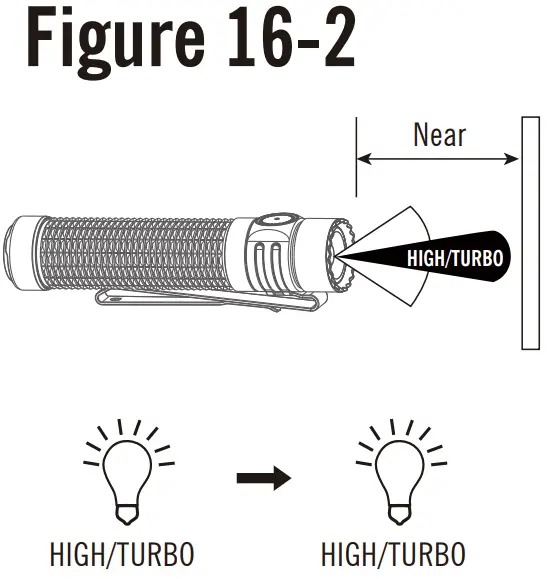
7.2 Forcibly return to High/Turbo, see Figure 17;
Figure 17
Obstruction caused downshift within 5 seconds, side switch operation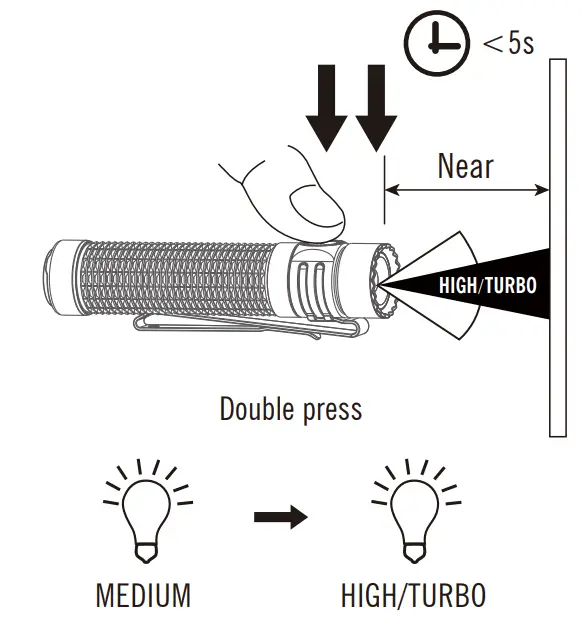
8. L-shape stand application, see Figure 18;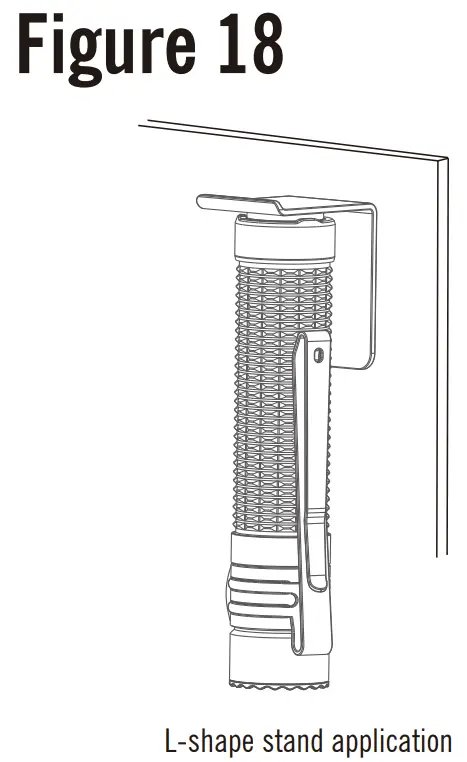
Table 3 Multi-language dictionary
| Moonlight | Low | Medium | High | Turbo | Strobe | Press | Double press | Triple press | Tap | Tap and hold | Press and hold | Configuration change | Configuration 1 (Factory mode) | Configuration 2 (Strobe mode) |
WARRANTY
Within 30 days of purchase: Contact the original seller for repair or replacement.
Within 5 years of purchase: Contact Olight for repair or replacement.
Battery warranty: Olight offers a one-year warranty for all rechargeable batteries.
MCC magnetic USB charging cable: One year.
For any of the fragile or low-value fittings not covered above, like lanyard and clip, you can contact the post-sale within 30 days of the purchase, if it has any quality drawback or damage under normal use condition.
If such drawback or damage occurs after 30 days of the purchase or under abnormal use condition, we will only offer conditional quality assurance as appropriate.
Customer Support
Dongguan Olight E-Commerce Technology Co., Ltd.
4th Floor, Building 4, Kegu Industrial Park, No 6 Zhongnan Road, Changan Town, Dongguan City, Guangdong, China.
Made in China

CAN ICES-005 (B) / NMB-005 (B)
USA Customer Support: [email protected]
Global Customer Support: [email protected]
Visit www.olightworld.com to see our complete
product line of portable illumination tools.

 Olightworld.com.Olight Flashlights, Tactical Light, Outdoor Light, Weapon Light