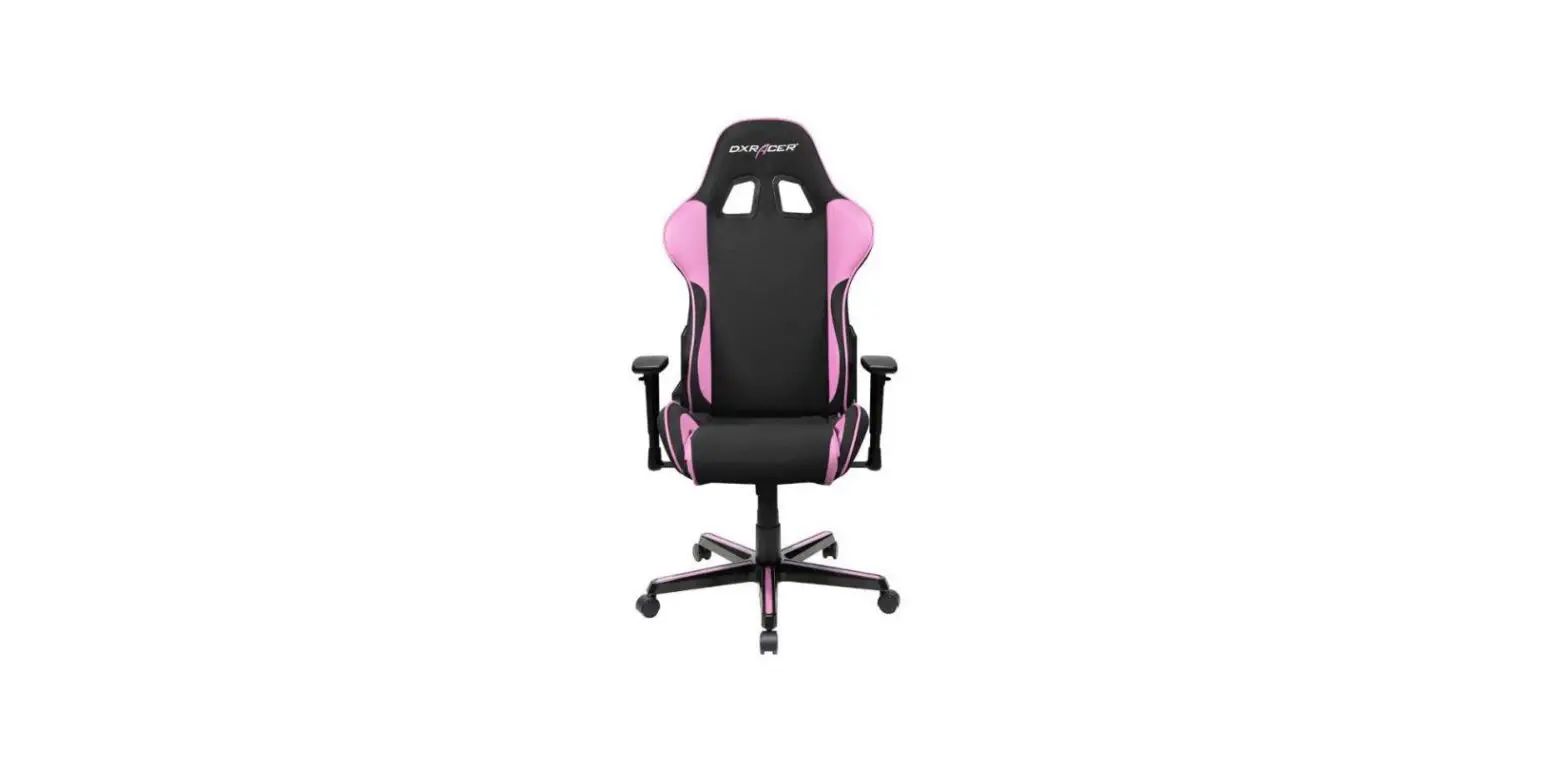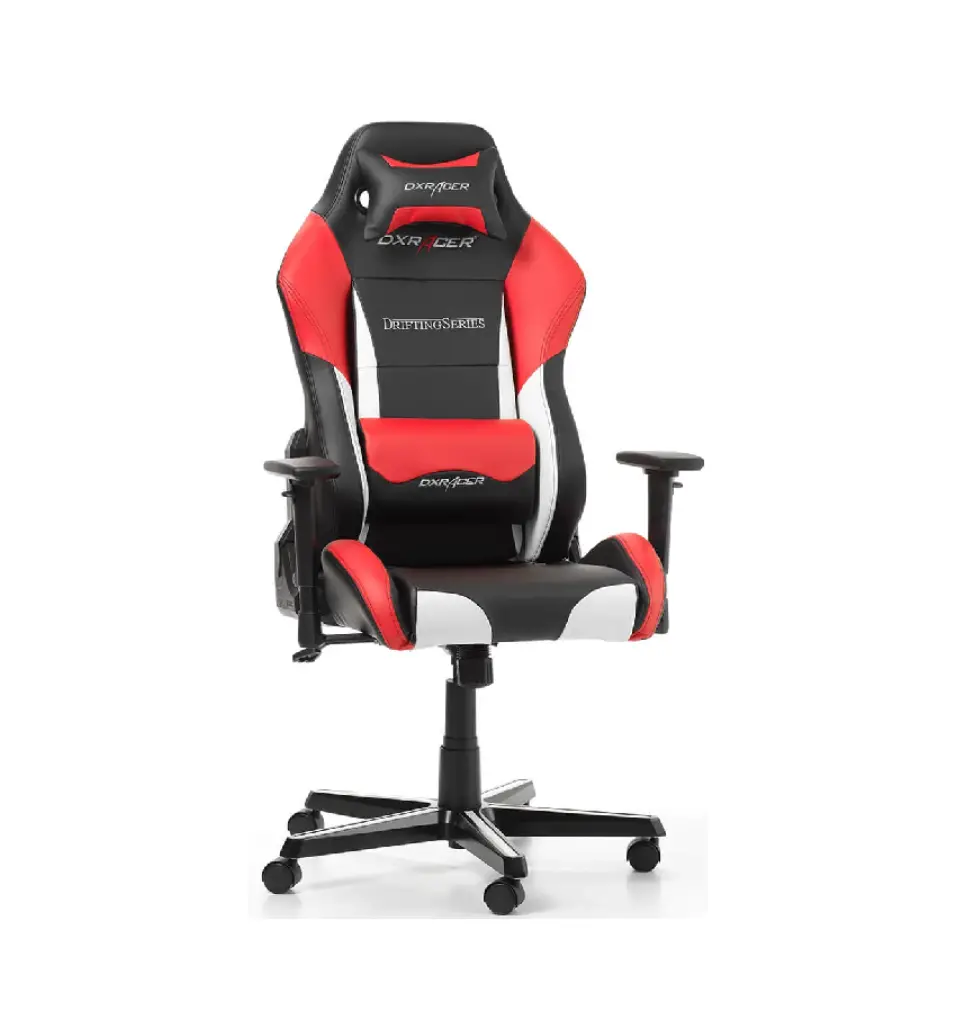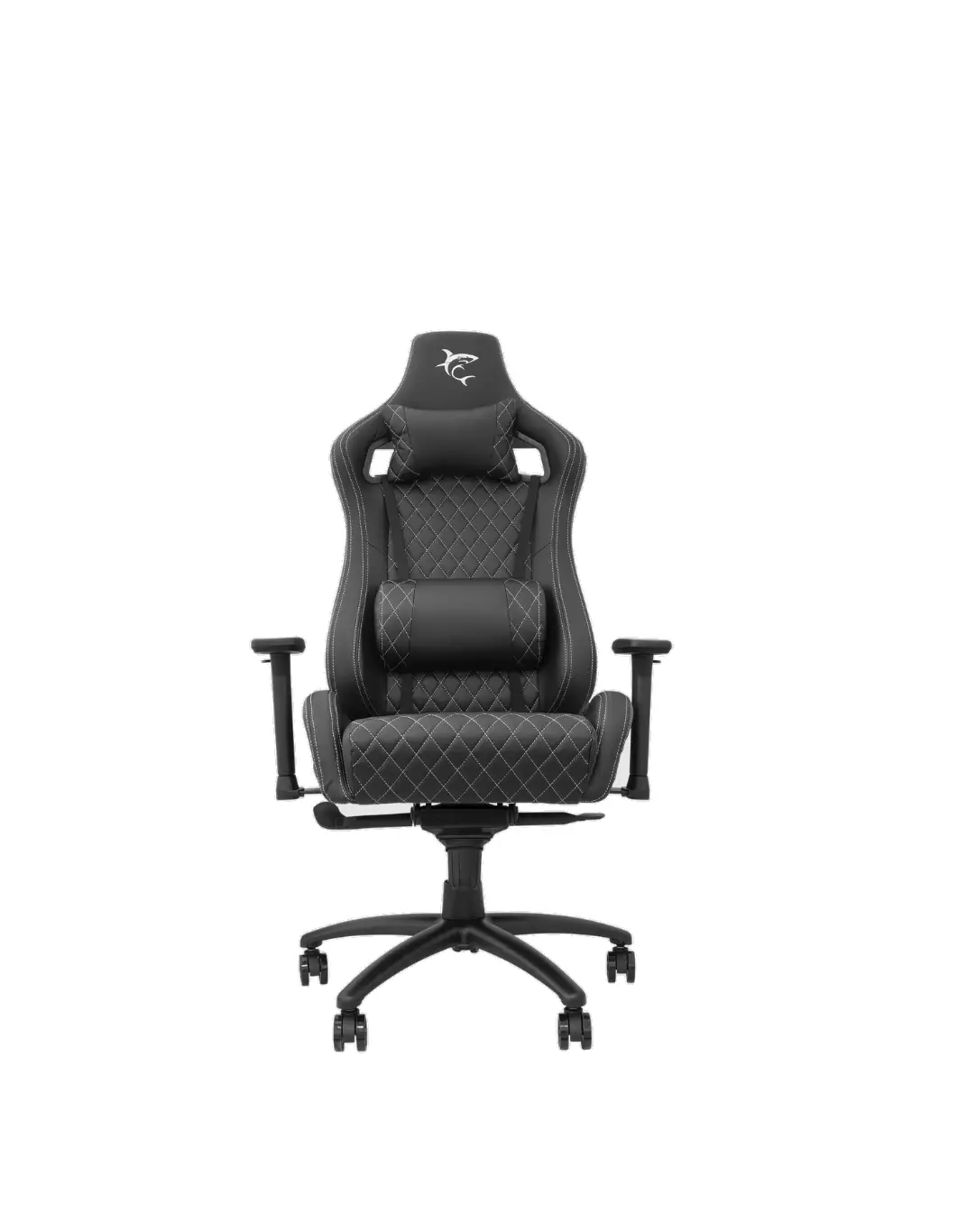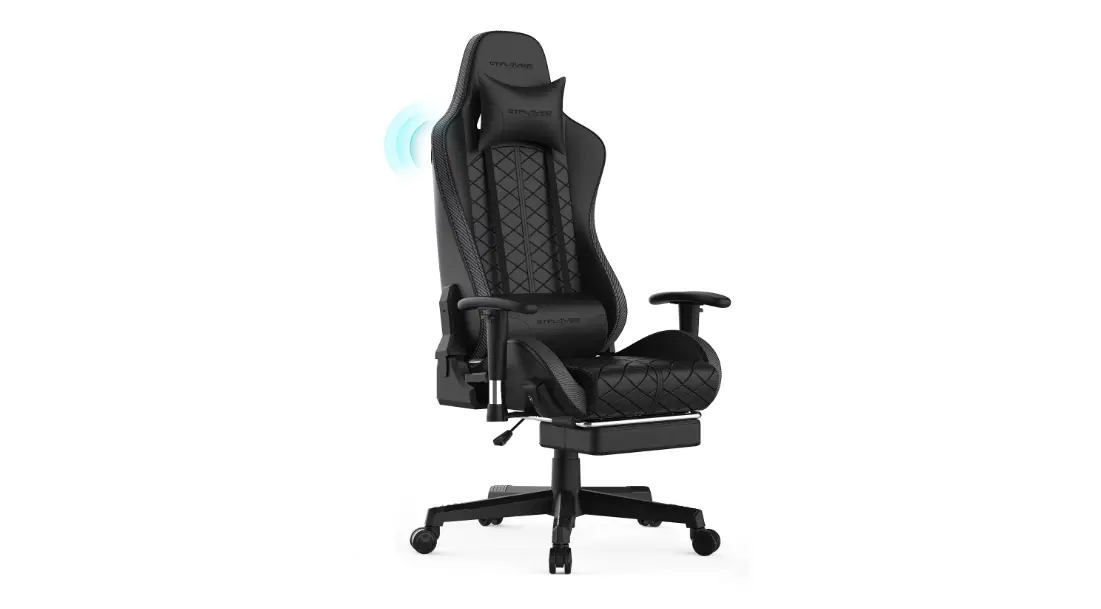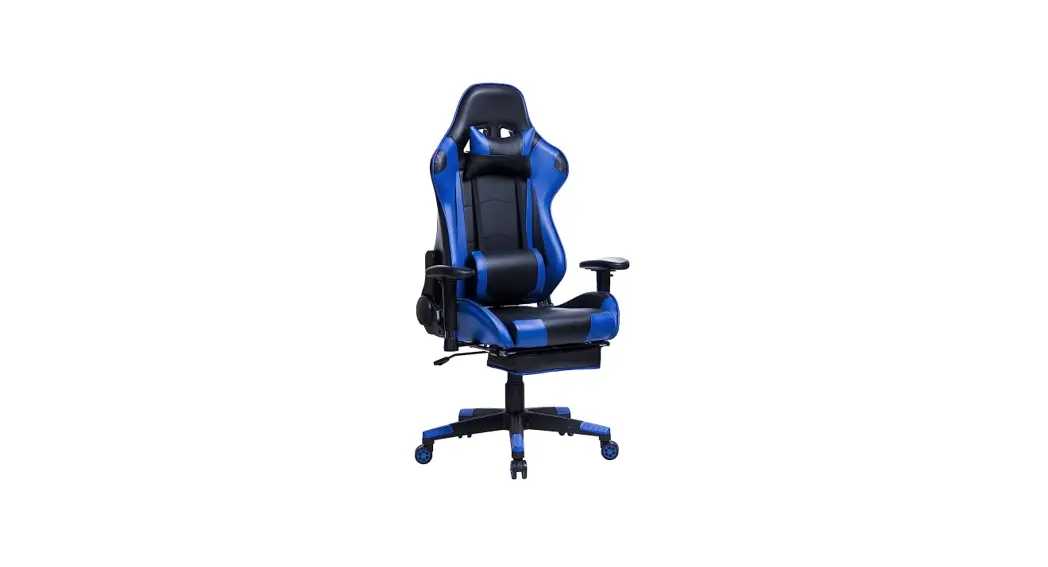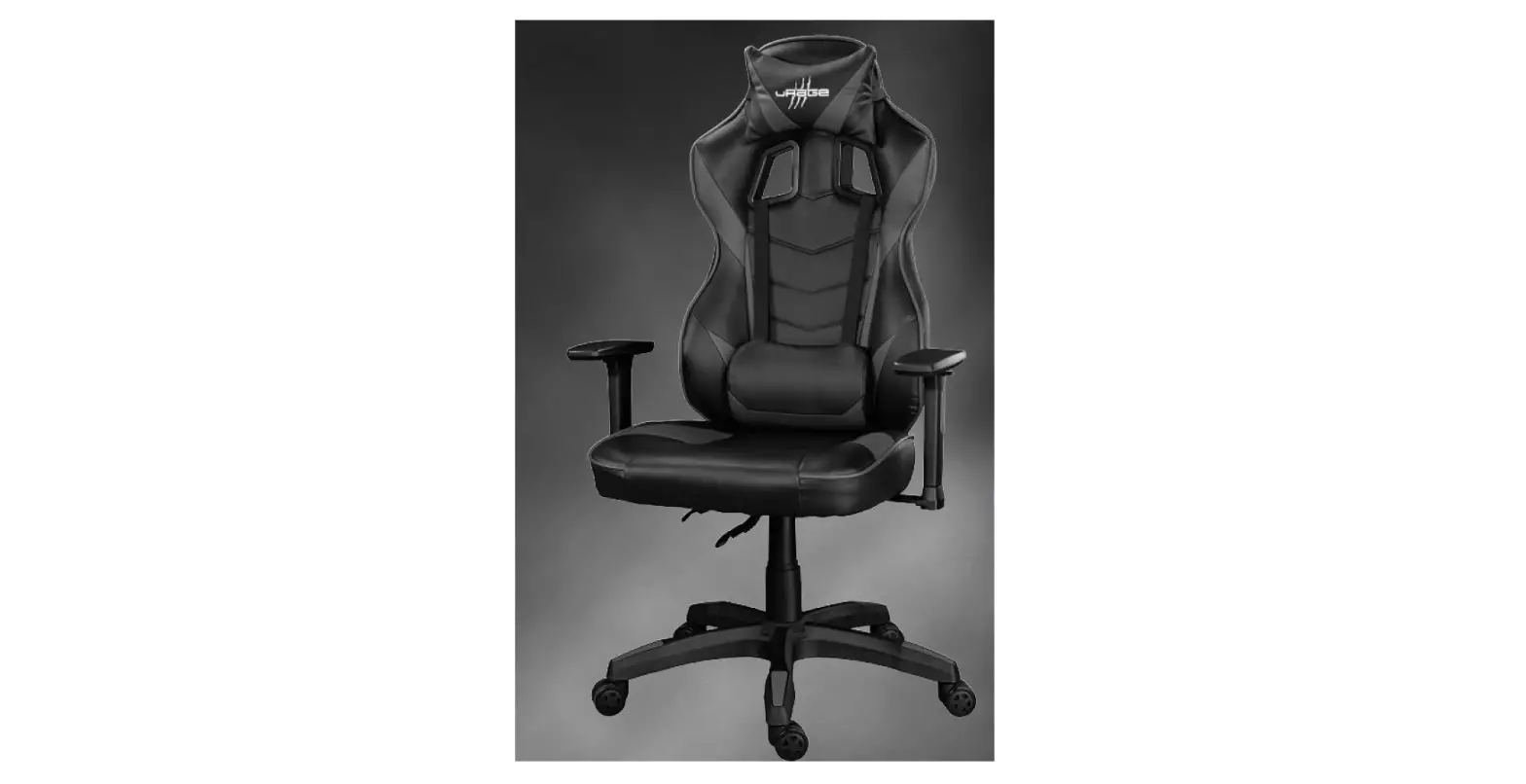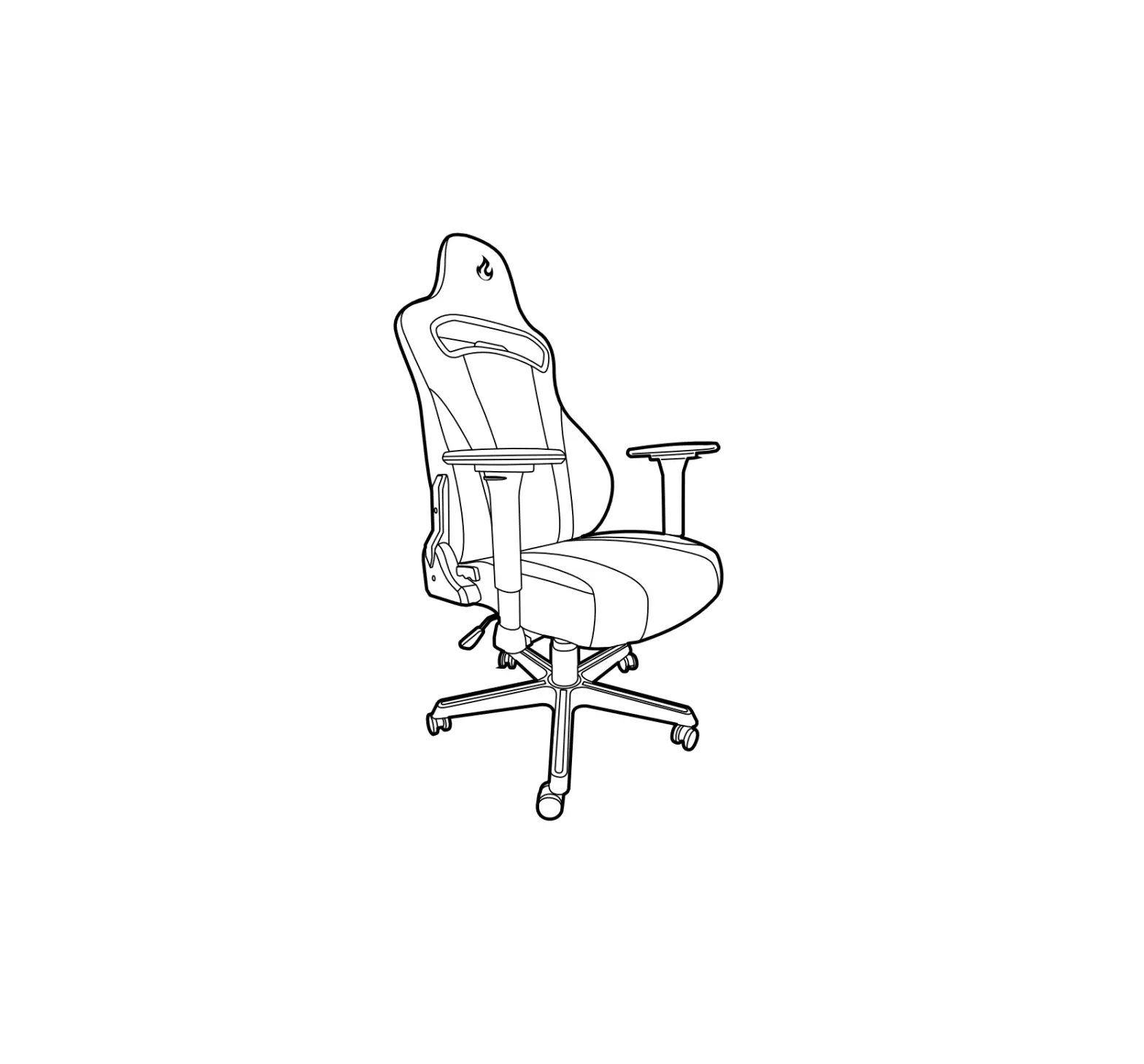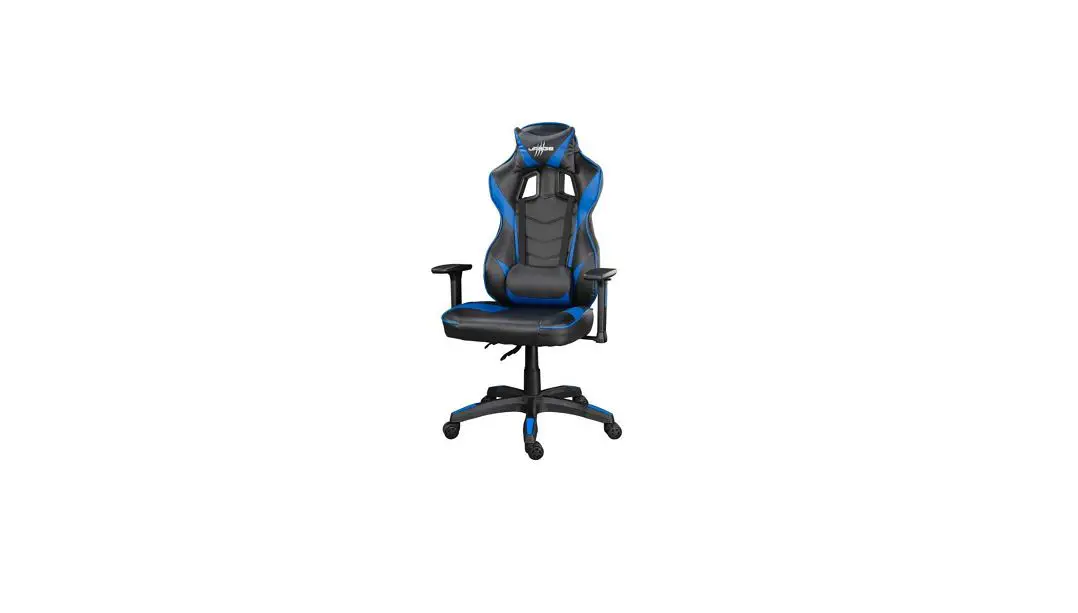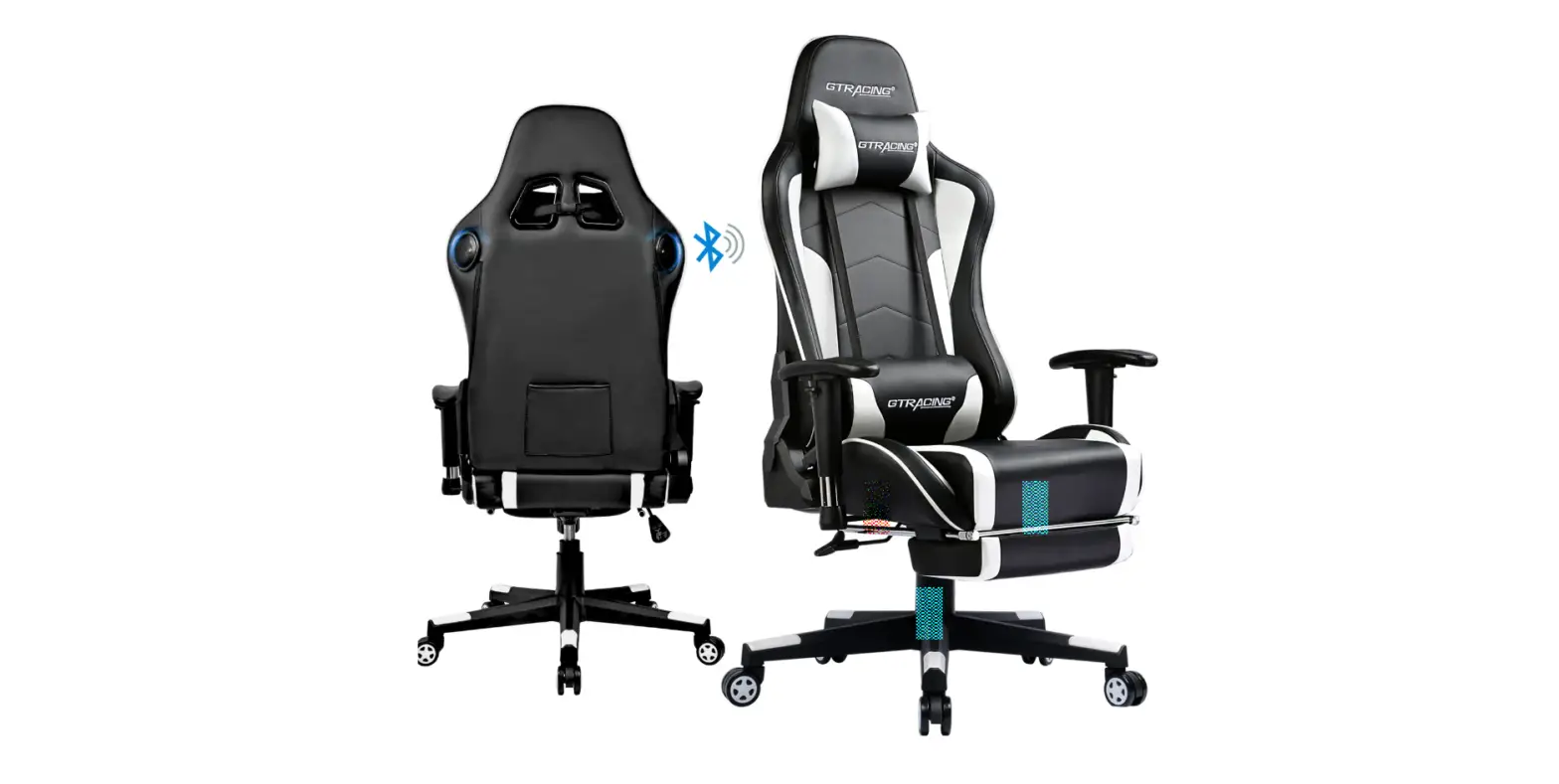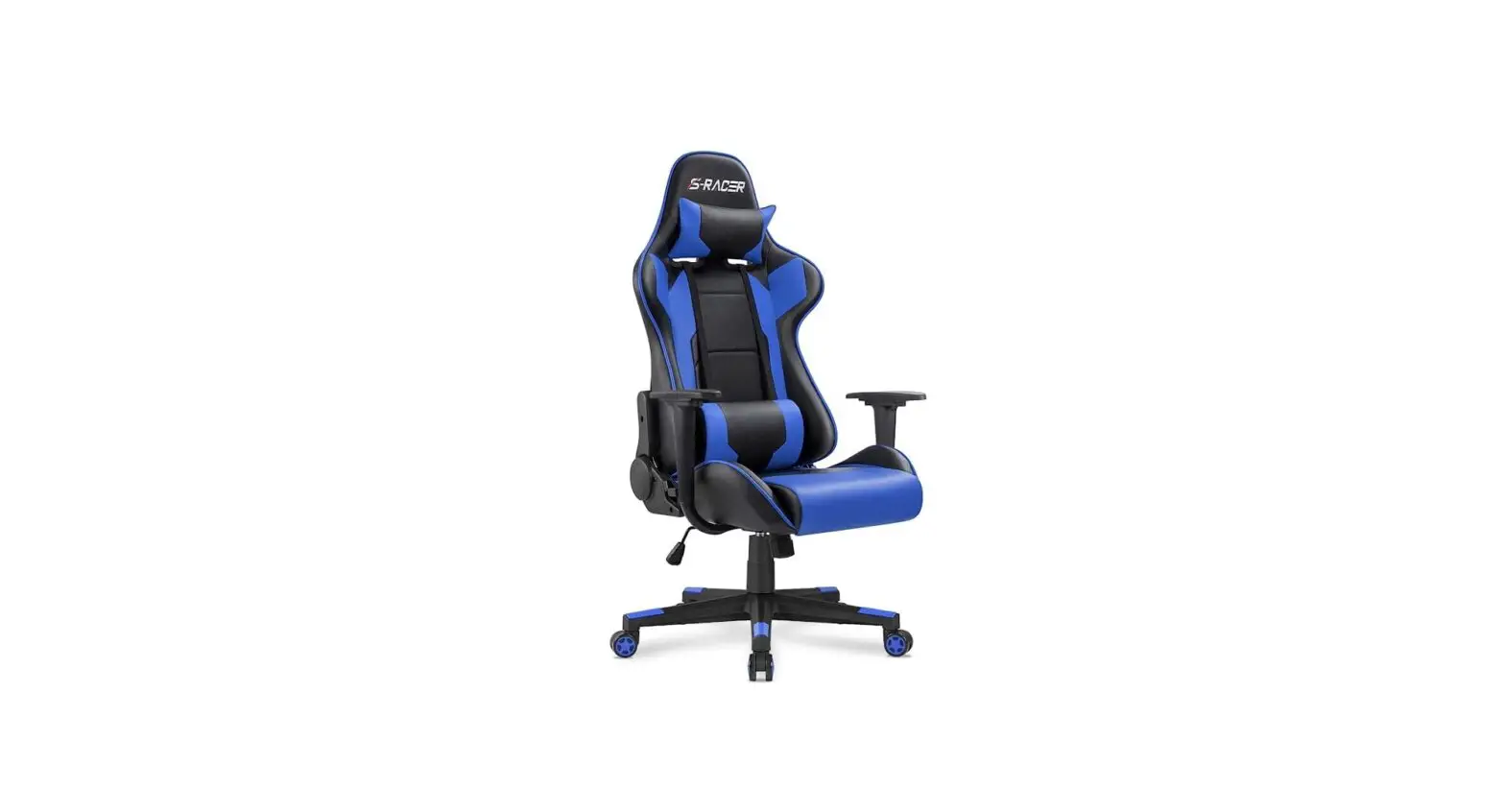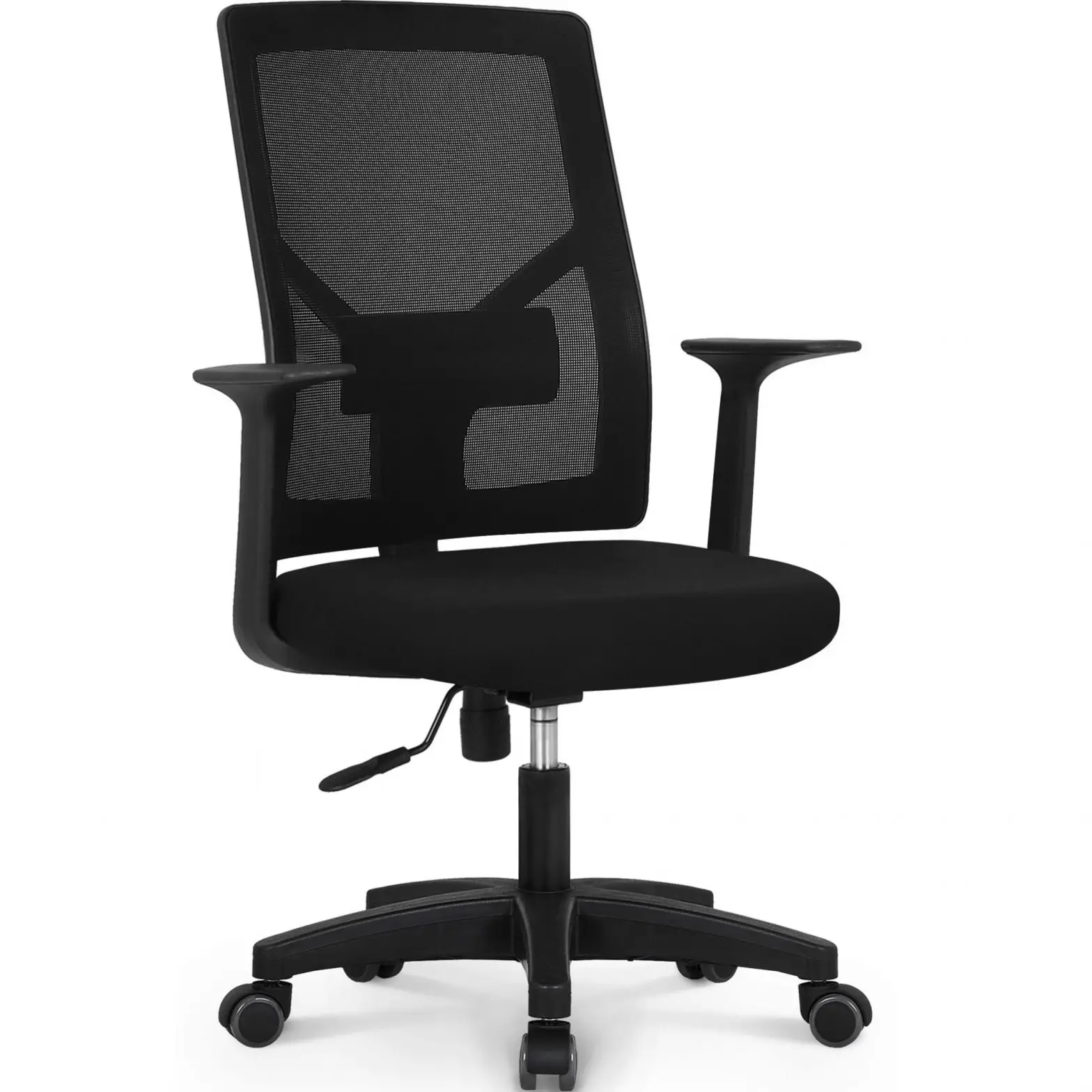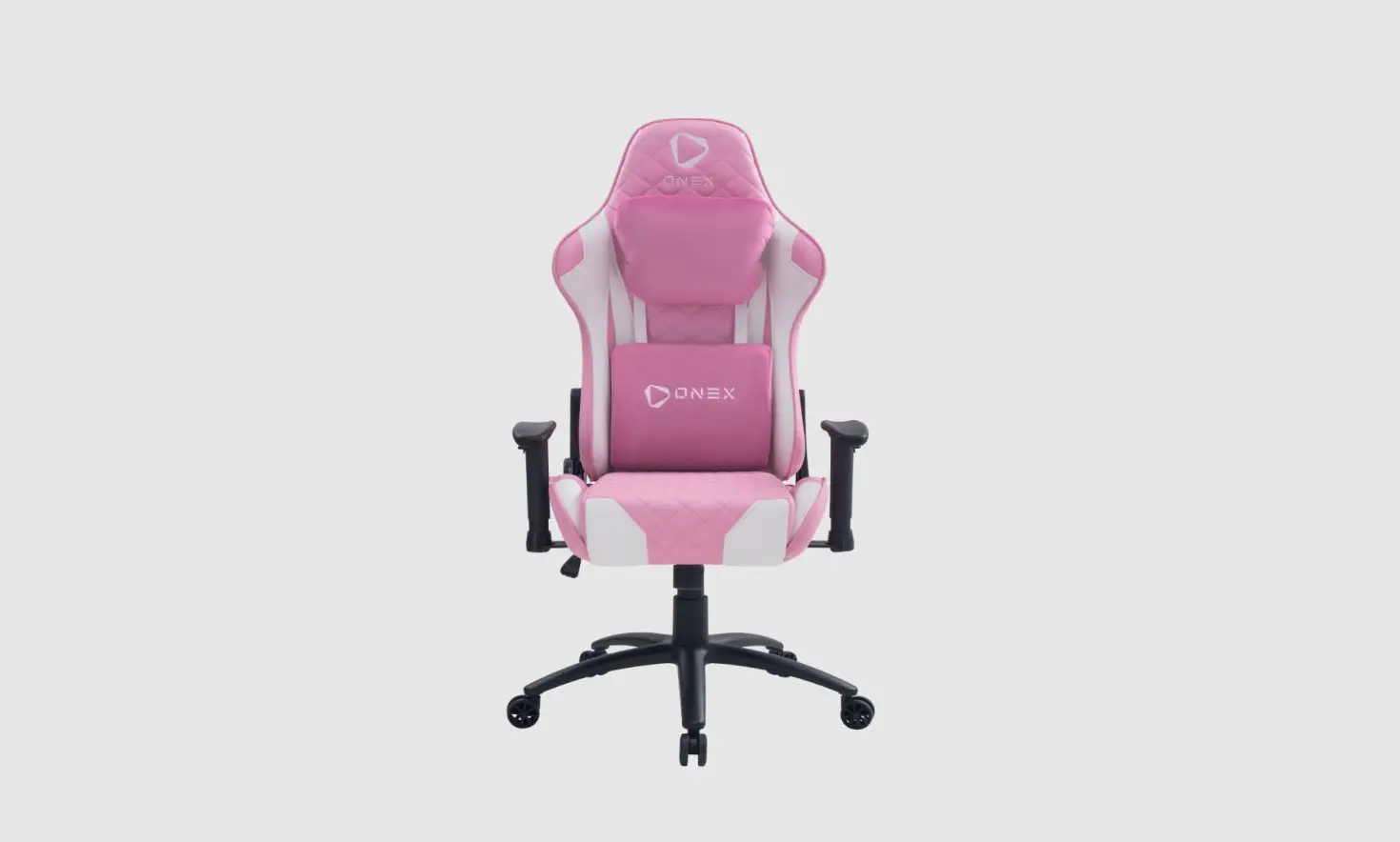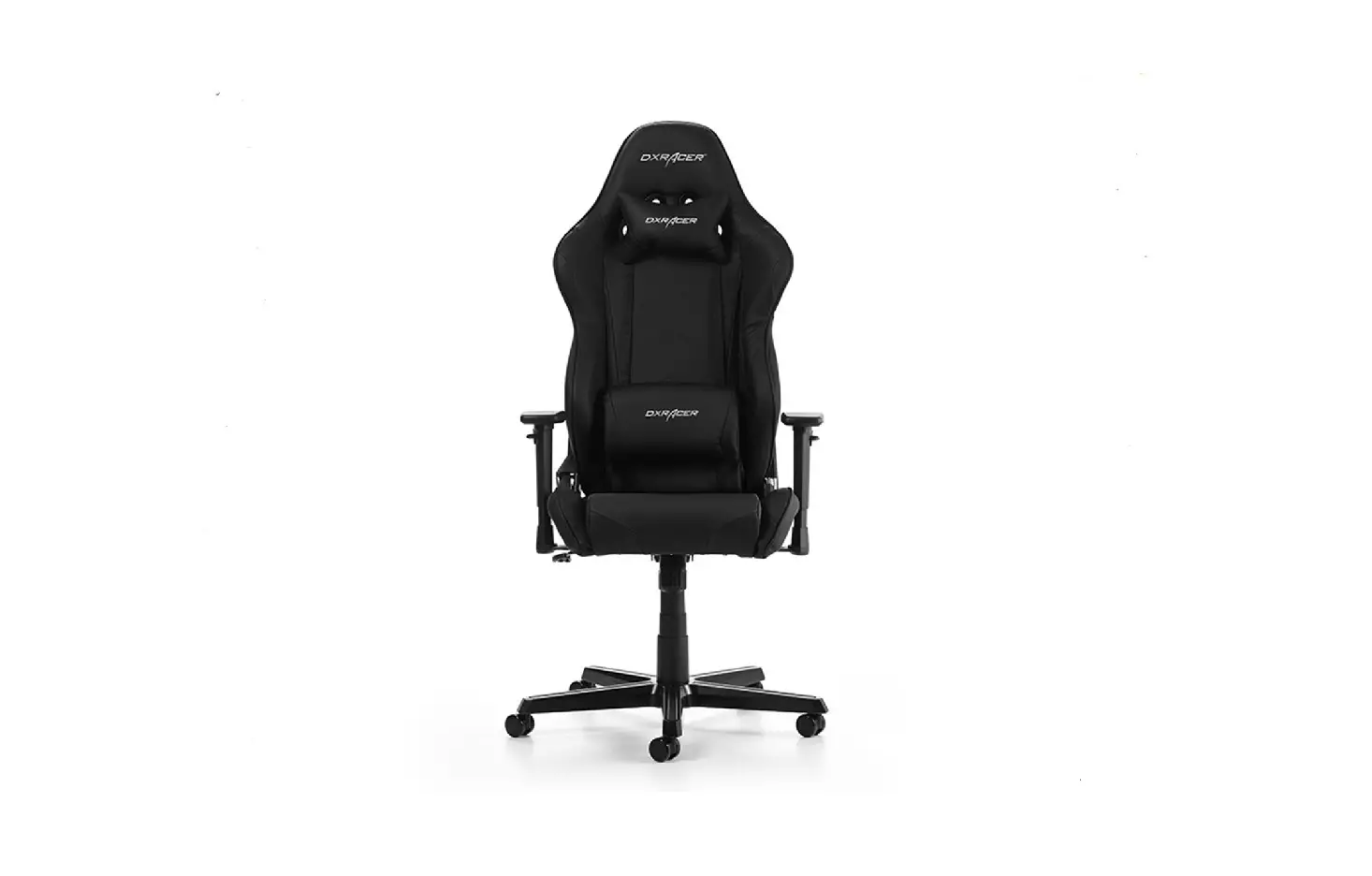
DXRACER GC-R0-NW-Z Gaming/Office Chair Instruction Manual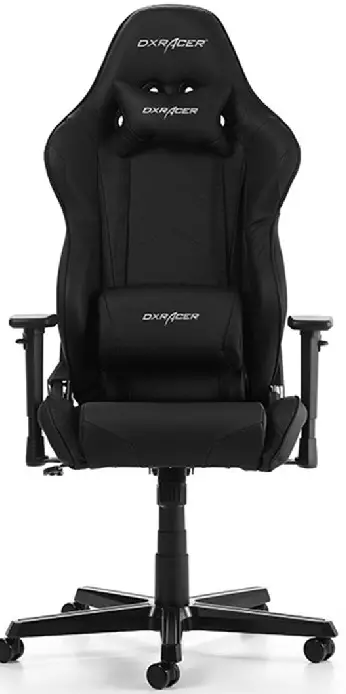
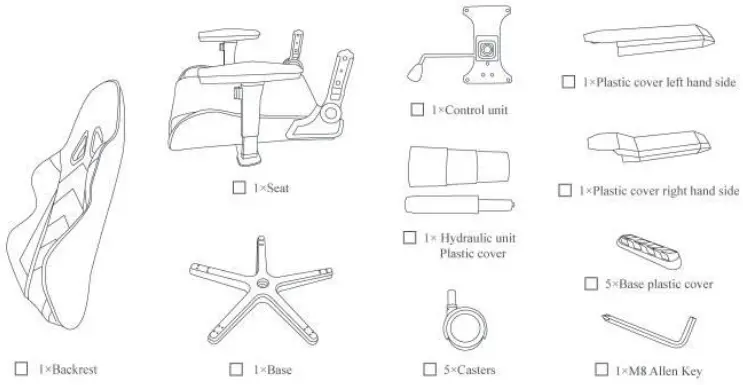
Chair accessories
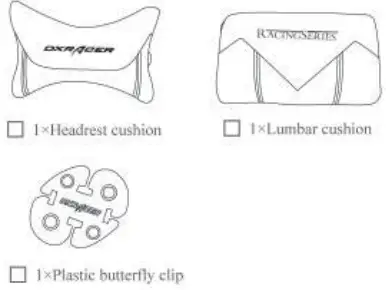
Please check and ensure that the following things are in the package. Please call the local distributor for help if something is not included.
- Chair accessories

- Other accessories

R series Chair Quick Reference Guide
Includes the following:
- Quick Reference Please read before using This file includes Chair Maintenance and Product Specifications.
- After-sales Service Guide Warranty card and filled in sample card included.
Chair assembly
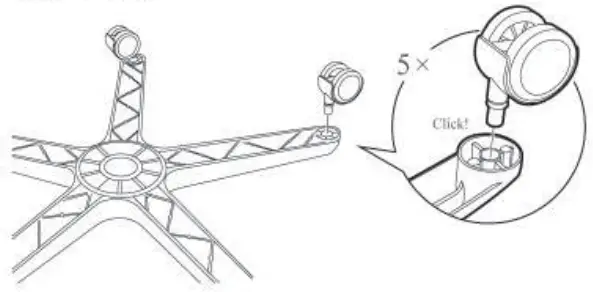
- Attach wheels

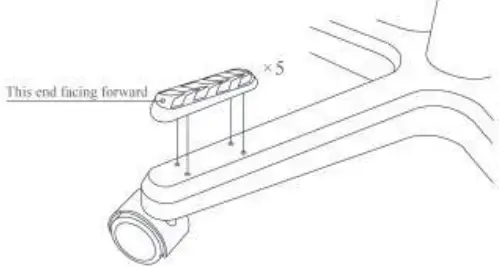
- Attach plastic covers on base

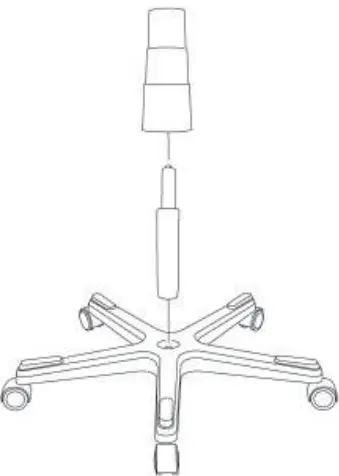
- Install the hydraulic unit

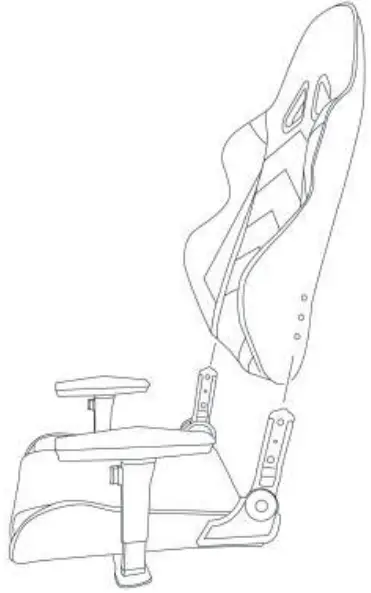
- Attach the backrest to the seat and the plastic cover

- Using the MS Allen key remove the screws on the side of the backrest and use to attach the backrest to the seat. (Screws come already fixed to the sides of the backrest before delivery)

- Fix the plastic covers onto the sides of the backrest Left

- Fix the control unit to the base of the seat (Screws have been fixed to the seat base at the factory prior to delivery. Please note the direction of the control unit should be on the right.)

- Insert the hydraulic unit into the opening of the control unit.


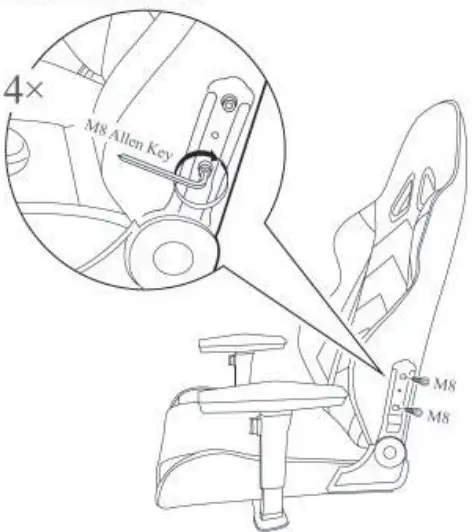
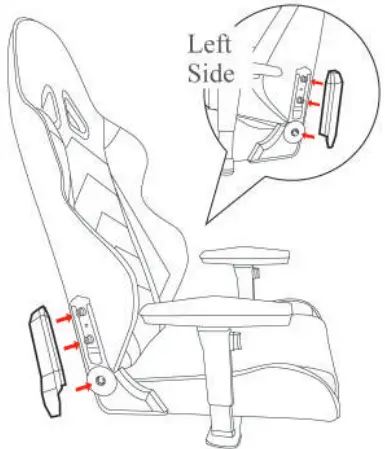
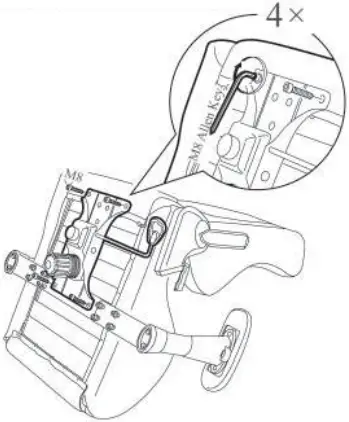
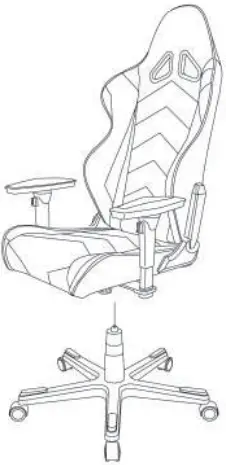
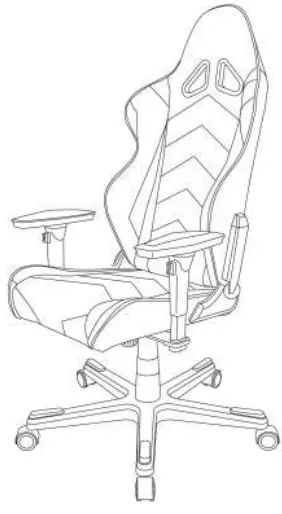
Attach headrest cushion
Attach Headrest cushion Method One
- Put headrest cushion on the backrest

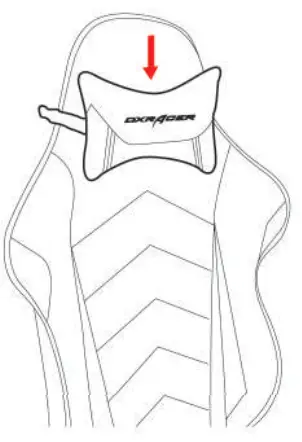
Attach Headrest cushion Method Two
- Insert the elastic tin ot igh the plastic hole

- Tighten the elastic using the butterfly clip

- Complete the assembly as shown

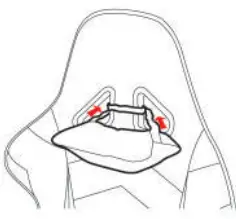
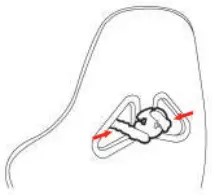
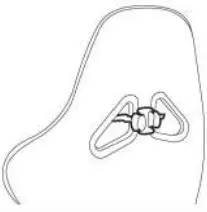
Attach lumbar cushion
- Lead the elastic through the aperture as shown

- Attach belt clips together

- Adjust cushion as desired
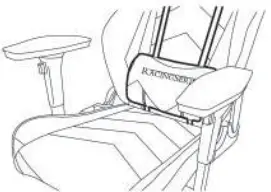
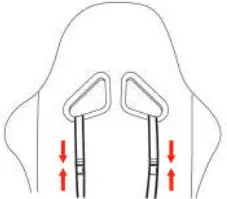
Detailed Specification
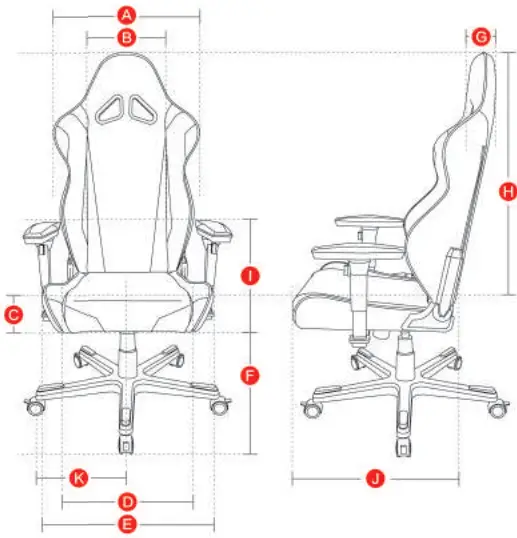
A 550
B 300
C 60-90
D 300-370
E 510
F 370-450
G 60
H 870
I 290-380
J 520
K 350 Size (mm)
Instructions during use
- Please move the product gently to avoid collision;
- Please keep out of direct sunlight:
- Please enmity the centre of gravity is on the hydraulic unit during use:
- Plcase watch your fingers when adjusting the backrest angle:
- Please toggle the handle under your seat when adjusting the chair height,do not to press it down roughly;
- Please litl the lever gently to raise or lower the height of the chair. Do not pull it roughly:
- Do not place any heavy objects on the chair or armrests;
- Plastic parts will split if chair is exposed to direct sunlight;
- Please do not use abrasive cleaners on the chair;
- We recommend you use Pledge to clean the chair.