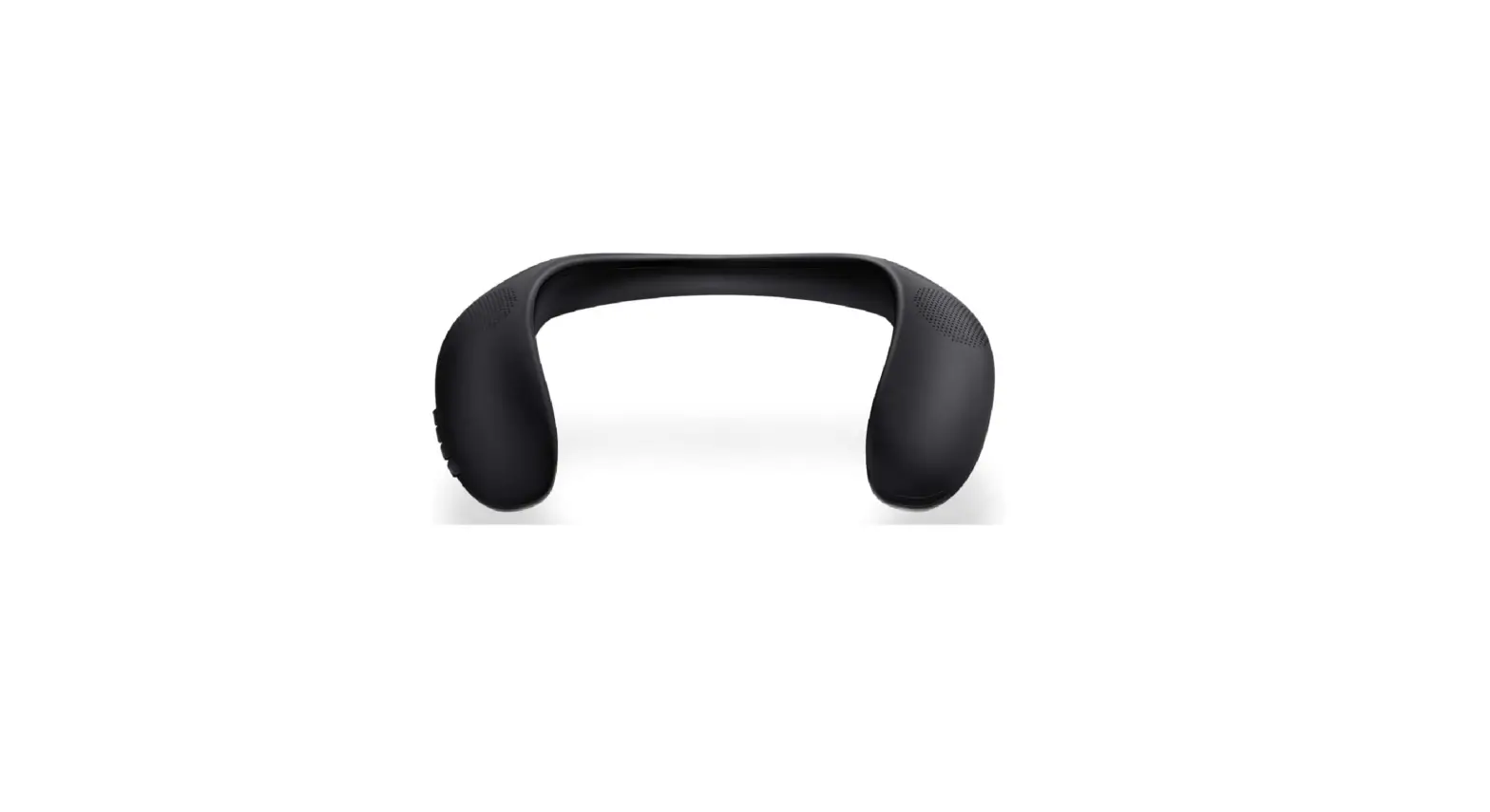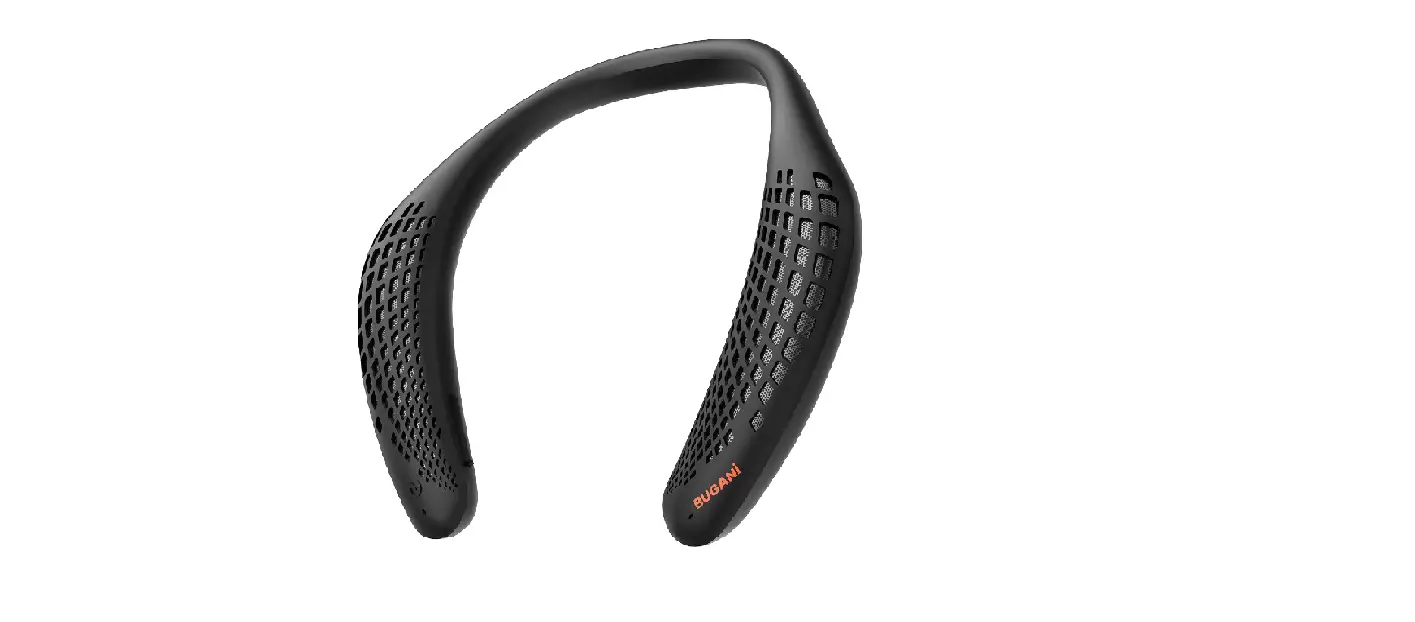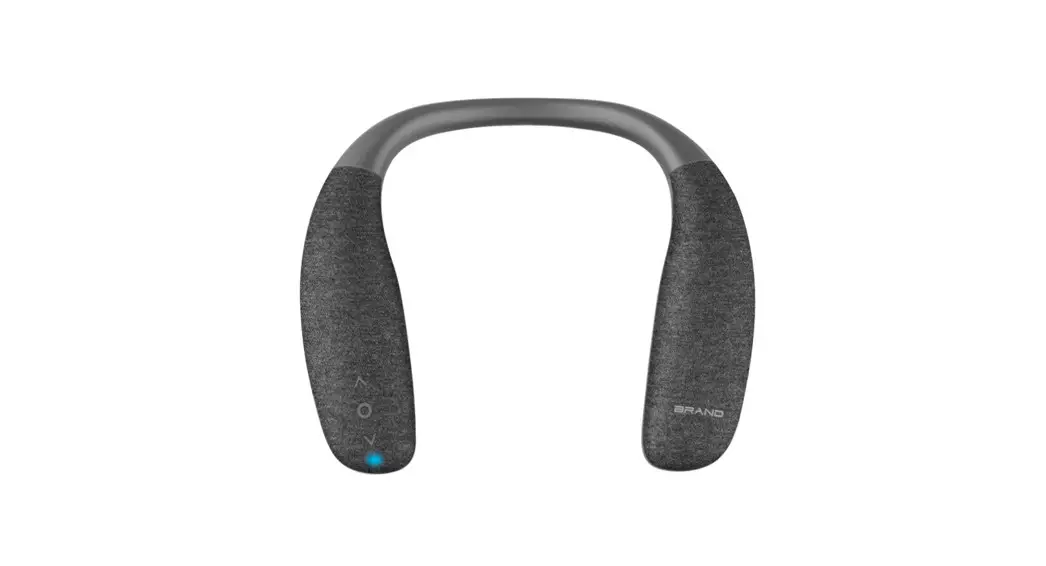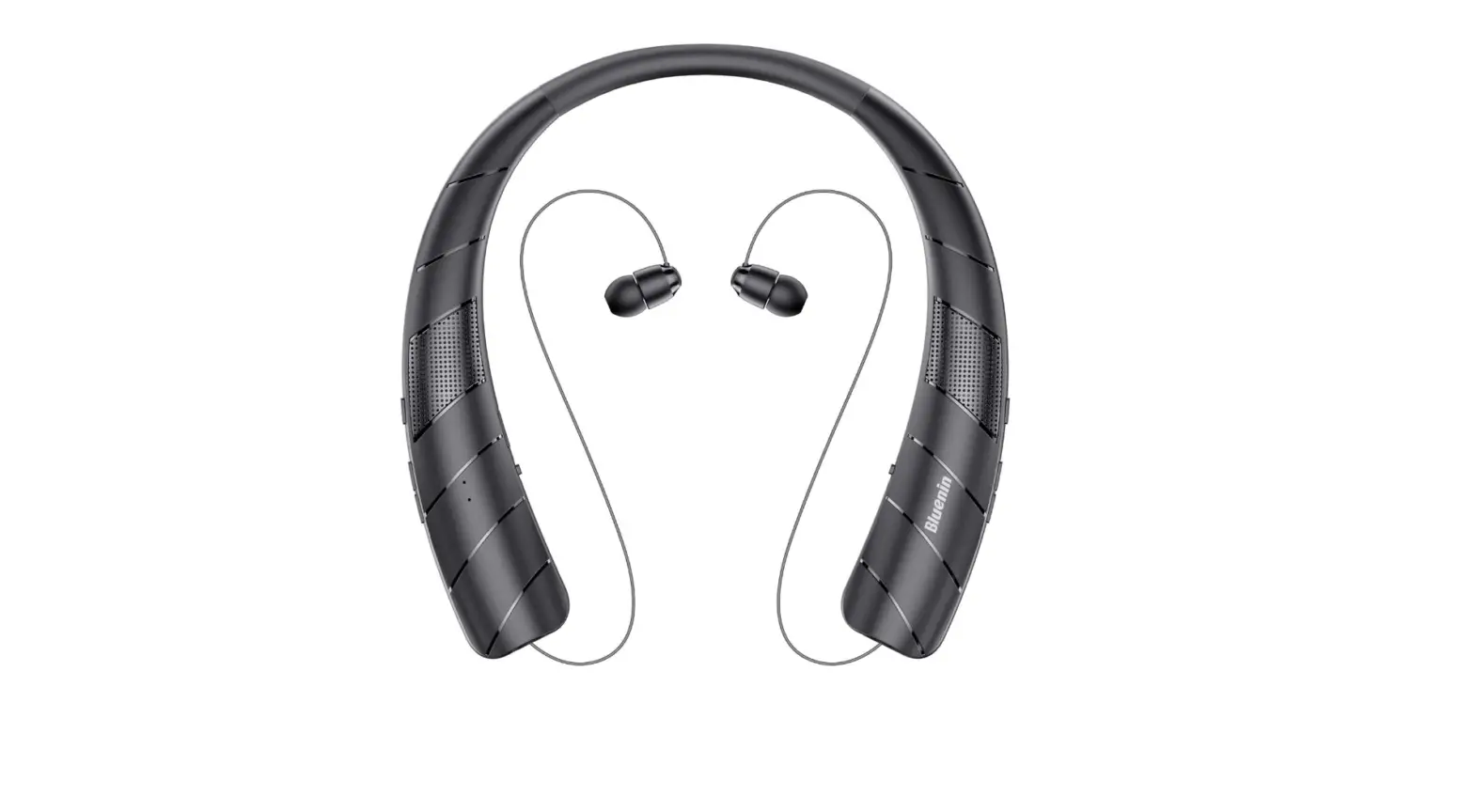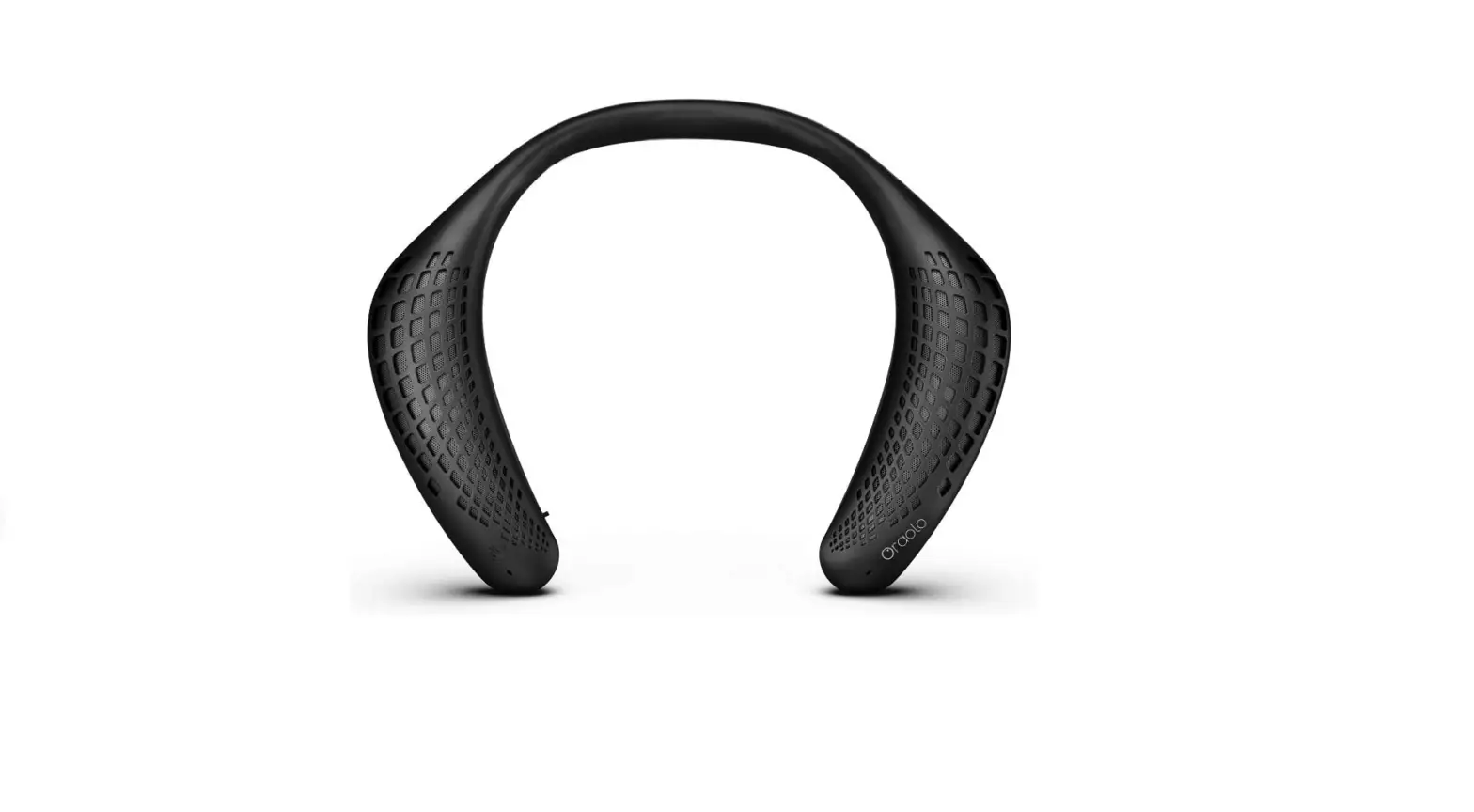

Neckband Bluetooth Speakers, Oraolo Wireless Wearable Speaker True 3D Stereo Sound
Specifications
- BATTERY CAPACITY: 3.7V/1000mAh lithium polymer
- SPEAKER DRIVER: 4
- SENSITIVITY: -3db
- OUTPUT POWER: 3Wx
- SPEAKER UNIT SIZE: 1.2″x2
- CHARGING TIME: About 2.5 hours
- PLAYING TIME: About 24H (at 60% volume)
- PRODUCT SIZE: 200x246x87mm
Introdcuction
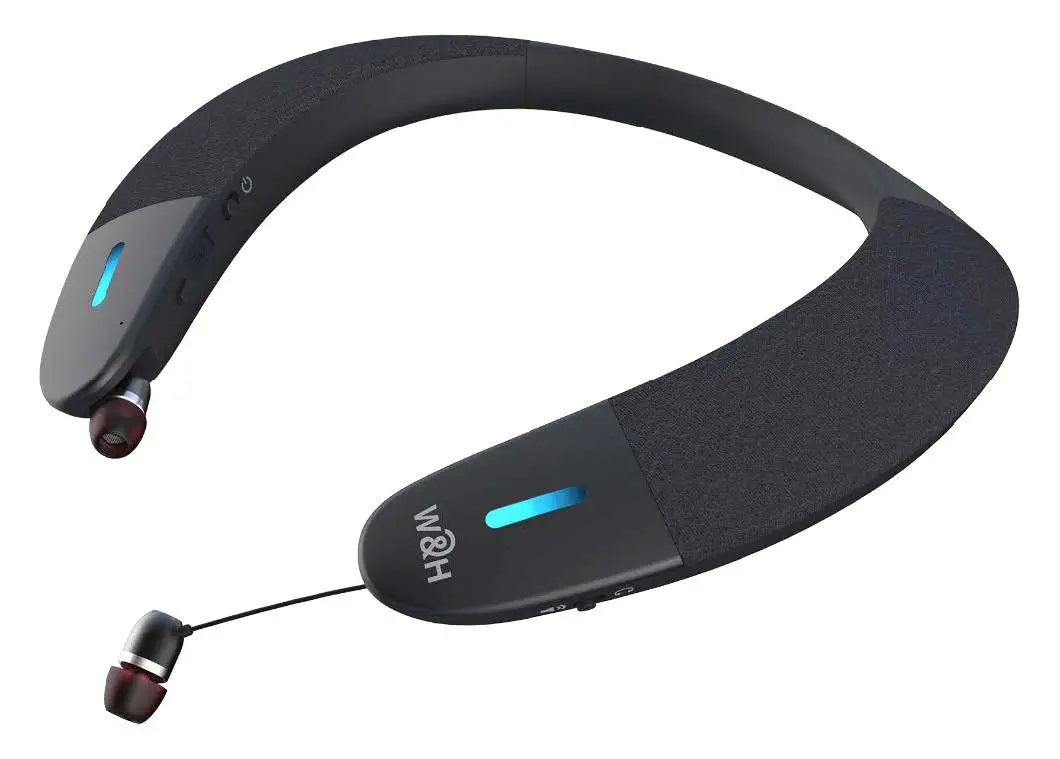
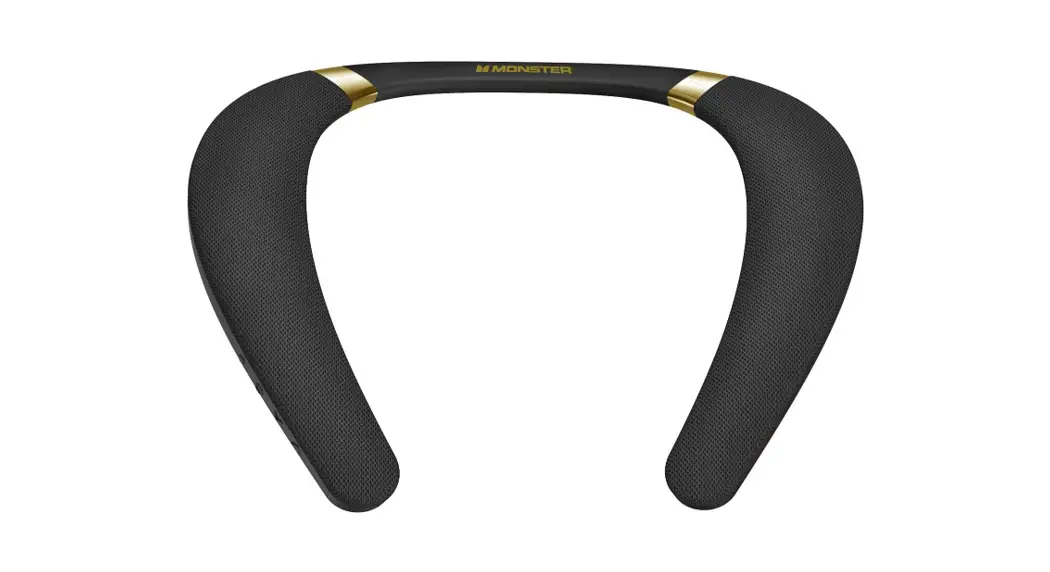
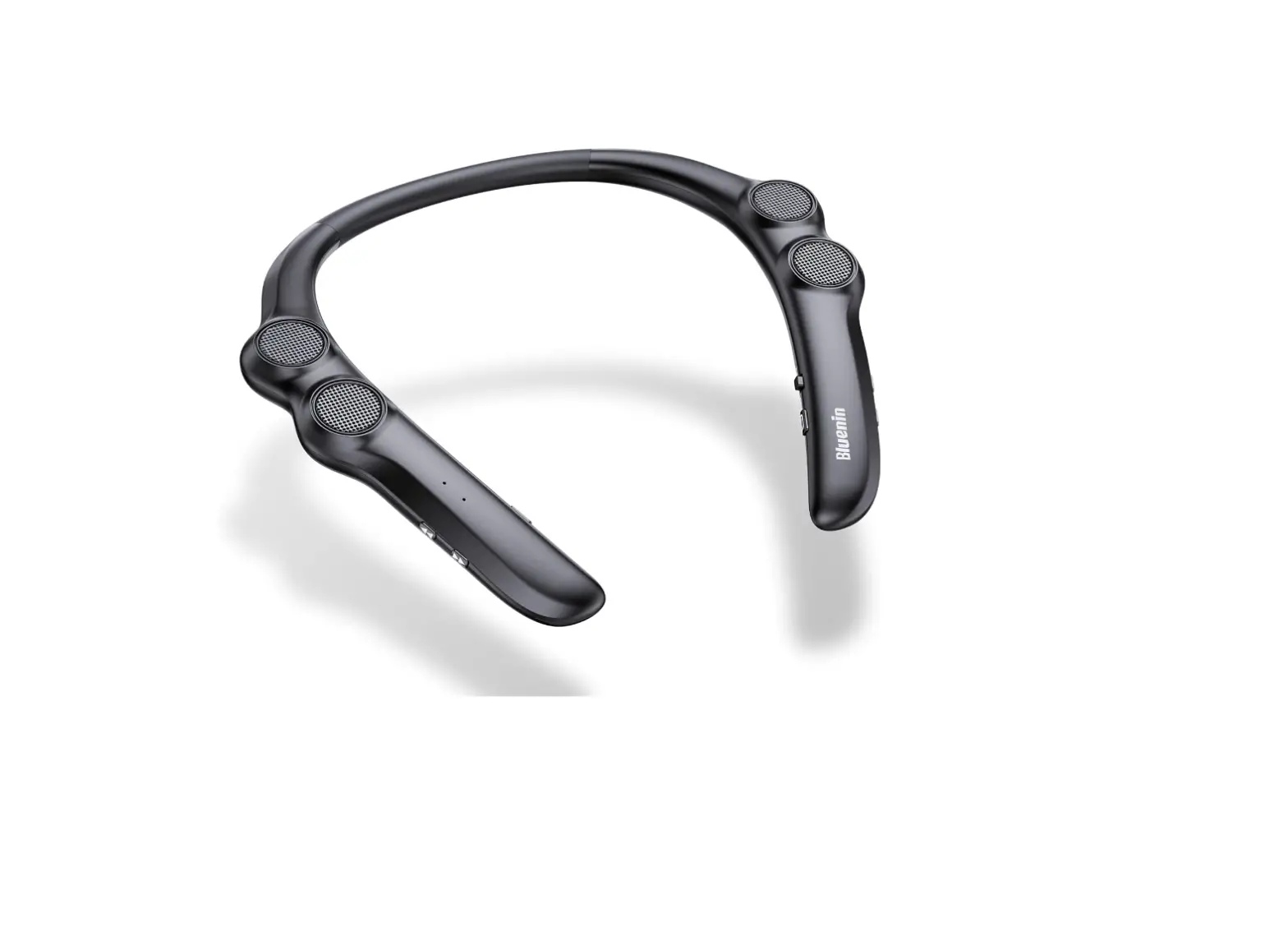
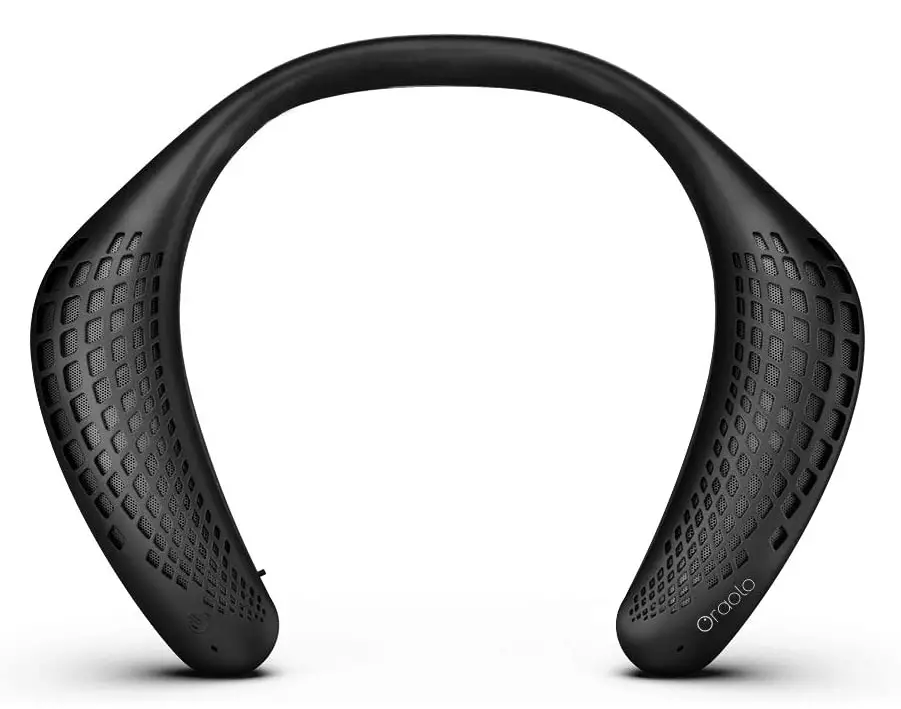
The wireless neckband speaker’s built-in 3W*2 speakers system generates resonant sound with improved bass that transcends its little size. High-quality 3D theatre sound is produced by upward-facing speakers on each side of the neck speaker to encircle your ears and deliver a genuinely exceptional and immersive audio experience This ergonomic headphone neckband is made of soft silicone and can be adjusted to match your neck line and rest on your shoulders, giving you a comfortable and secure fit for all-day listening. Listen to your favorite music while you stroll, eat, or relax in your yard This sweat- and weather-resistnt wearable speaker is waterproof. Suitable for outdoor activities like walking, cycling, mountain climbing, etc. The neck speaker has a high-quality built-in rechargeable 1000mAh battery that offers up to 24 hours of playback at 60% volume (12 hours at 100 percent volume).
Dear ORAOLO Customer,
Thank you for choosing an ORAOLO product. Please read through the instruction manual carefully before starting to use the device. It’s imperative you observe all of the information. Please keep the manual in a safe location.
WHAT’S INCLUDED
- M110 Wireless Speaker 1PC
- Micro USB Charging Cable 1PC
- User Manual 1PC
PRODUCT FEATURES
- Soft Silicone Material, Comfortable Wearing & Easy to Carry
- High-Quality Crystal Clear Sound
- immersive listening, Hands-Free & Ear-Free
- IPX5 Waterproof, Sweat-Proof & Weather-Proof
- Latest Wireless Technology
- Built-in Polymer Battery, Long Battery Life
- Support Wireless/TF card mode
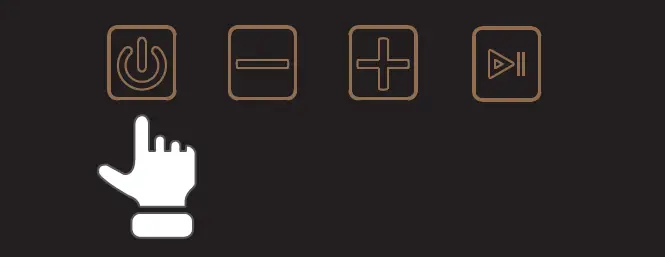
DIAGRAM OF CONTROLS
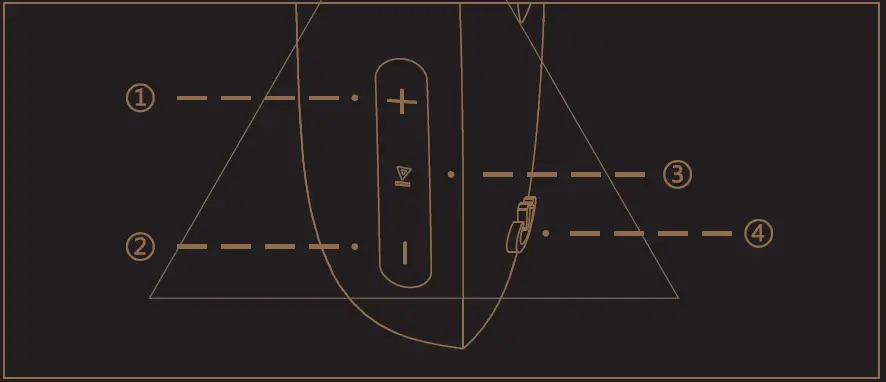
- Short press: Volume up, Long Press: next song.
- Short press: Volume down Long, Press: previous song @ Pause/play/Answer, long press to enter pairing,
- Long press: Power on and off (Bluetooth/TF Card)
- Short press: mode switch.
CHARGING SPEAKER
NOTE
Before you start using the speaker for the first time, it’s a good idea to charge it completely.
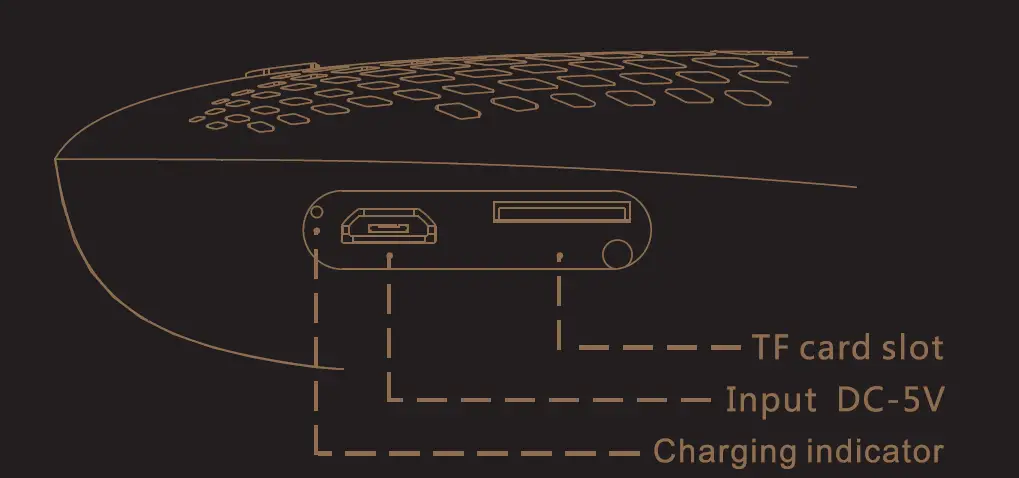
- Open the flap, and plug the included USB charging cable into the DC input jack behind this flap. Plug the other end of the USB charging cable into a power source (like a computer or a USB charging adapter).
- The charging indicator is on while the speaker is charging. It turns off when the speaker is fully charged.
WIRELESS MODE
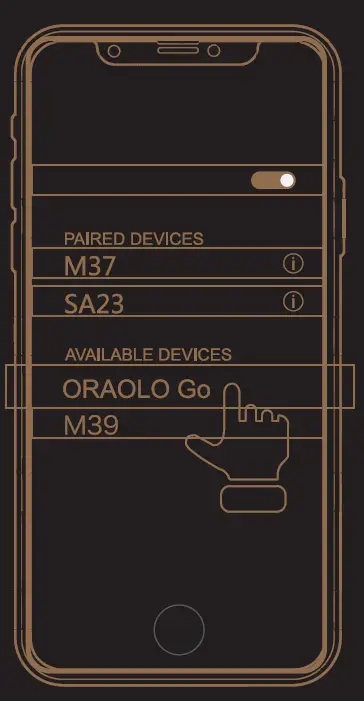
- Press and hold ” ” to turn the speaker on, when you hear an audio signal; make sure the LED indicator is blinking. (If it isn’t, switch the speaker off and on again.)
- M 11 0 is ready to pair, usually setting the steps to enter the “Setting” -> “ORAOLO Go”. (If it’s not in the list, choose “Scan” from your phone’s menu.)
- Once paired successfully, the LED indicator turns white and the speaker gives an audio signal.
Note
- (1). If the speaker is in low power, it may not be connected to your phone or other devices, please charge immediately before using it.
- (2) The process of enabling wireless and connecting varies from device to device. See your device’s user manual for more information and specific instructions.
- ) The wireless connection works up to a range of roughly 33 feet (1 Om). This range may vary, however, based on other factors, such as room layout, wall material, obstacles, your device’s wireless performance, etc. If you’re having problems connecting to this speaker, move closer to it.
- Press and hold
 for approximately 3 seconds to disable wireless pairing.
Wireless Pairing Diagram
PLAYING MUSIC
- Set your device’s volume for music under 50%.
(Note: This is to make sure the sound from the speaker isn’t too loud when you start streaming.)
- Connect this wireless speaker to your device or insert a TF card, within seconds, the speaker starts streaming audio.
- Short press the “+”/”-” buttons to increase/decrease the volume.
- Press and hold the”+”/”-” buttons for approximately 2-3 seconds to select the next/previous track.
HANDS-FREE SPEAKING
- (1). Short press to take a call, and music playback will be automatically interrupted.
(2). Short press  again to end the call, playback will be continued.
(3). Press and hold to reject a call.
Important: Not all support playback control and phone answer/end control. Please check your phone’s user manual for more information if you’re having trouble with these functions.
TF/MICRO SD CARD MODE
- Insert a TF/Micro SD card (up to 4GB, FAT 16/32) into the slot of the speaker, in order to play MP3/WMA music.
- In TF/Micro SD card mode, you cannot answer incoming calls via the speaker.
Note: When the TF/Micro SD card is inserted, it will automatically turn on TF/Micro SD card mode, press and hold to switch to wireless mode.
CARE AND MAINTENANCE
- When you are not using it, press and hold to turn off the device, to make sure that it is properly protected

- Do not operate or store the system in extreme temperatures (below 32°F/0 C and above 112°F/40 C).

- If the speaker is used outside on a deck or patio, make sure you take them indoors in the event of a rainstorm to prevent possible damage.


LIMITED WARRANTY
The warrants of Oraolo products that ii will furnish a replacement or repair any part which proves (upon inspection by Oraolo) to be defective under normal use within 18 months of the original purchase date. This warranty does not apply to appearance items, or accessories in the human damage caused by leaking batteries. II also does not apply to the product, or to any part thereof, that has been damaged through issue or negligence. Furthermore, this warranty will become invalid, in the judgment of Oraolo products or any parts has been installed incorrectly, repaired or altered by other than Oraolo Service department. This warranty gives you specific legal rights and you may also have other rights which vary from state to state. Some states do not allow the exclusion or limitation of incidental or consequential damages or limitation of incidental or consequential damages or limitations on how long an implied warranty lasts, so the above exclusions and limitations may not apply to you. For Service, Warranty, or Product information,
Please contact: [email protected]
PLEASE SAVE THIS CARD TOGETHER WITH THE ORIGINAL DATED PROOF OF PURCHASE FOR YOUR RECORDS AND FOR CUSTOMER SERVICE.
Frequently Asked Questions
- How do I reset my Bluetooth speaker that is Chinese?
Reset to factory defaults Long press the “M” key for three seconds when in Bluetooth connection mode to reset the speaker to its default settings. The blue light will flicker quickly. - Why won’t my Bluetooth pair?
Go to Settings > System > Advanced> Reset Options > Reset Wi-fi, mobile, & Bluetooth on Android devices? For iOS and iPadOS devices, you’ll need to unpair every device first, then restart your phone or tablet by going to Settings > Bluetooth, selecting the info icon, then selecting Forget This Device for each device. - Describe pairing mode
the process of connecting two Bluetooth devices. For instance, to link a headset with a phone put the phone to “Discoverable” mode and couple the headset - Why won’t my wireless speaker function?
Both devices’ volumes should be turned up. Ensure that the music is playing on your source device. Move the Bluetooth speaker as far away from metal objects and other potential interference-causing gadgets as you can. Ensure that nothing is plugged into the wireless speaker’s AUDIO IN port - How is the clock on the Gemini BRS 430 set?
A front-mounted analog quartz clock is included with the BRS-430. Use the included tool to pry the clock face out from the device in order to replace the battery or change the time. A notch at 6 o’clock, exactly beneath the clock’s frame, will accommodate the tool. - Does the Bluetooth speaker have an alarm?
Can Bluetooth Speakers Play Android Alarm? Simply pair an Android handset with a wireless Bluetooth speaker, and the speaker will trigger an alarm. - Why is my phone unable to locate Bluetooth devices?
If your Bluetooth devices aren’t connecting, they probably aren’t in pairing mode or are out of range. Try rebooting your devices or letting your phone or tablet “forget” the connection if you’re experiencing persistent Bluetooth connection issues. - How can I enable device discovery?
on with a click (to turn on the Bluetooth and to check if the button is working) Click to turn off (to turn off the Bluetooth and to check if the button is working) on with a click (turn on the Bluetooth again) Discoverable Click to enable Bluetooth for the gadget. - What is the Bluetooth pairing process?
When two devices are connected, they exchange addresses, names, and profiles, and most of the time they save these in memory. Additionally, they have a shared secret code that enables them to connect in the future anytime they are together. In order to pair devices, a user must often go through an authentication procedure where they must verify their connection. - What is a TWS reset?
Take out the earphones from the case, then turn them off by pressing the buttons for a short period of time. Hold down the buttons on both earphones starting with them in the OFF position for about 10 seconds. Three times each, Red and White LEDs will flash. Your earphones will reset as a result.