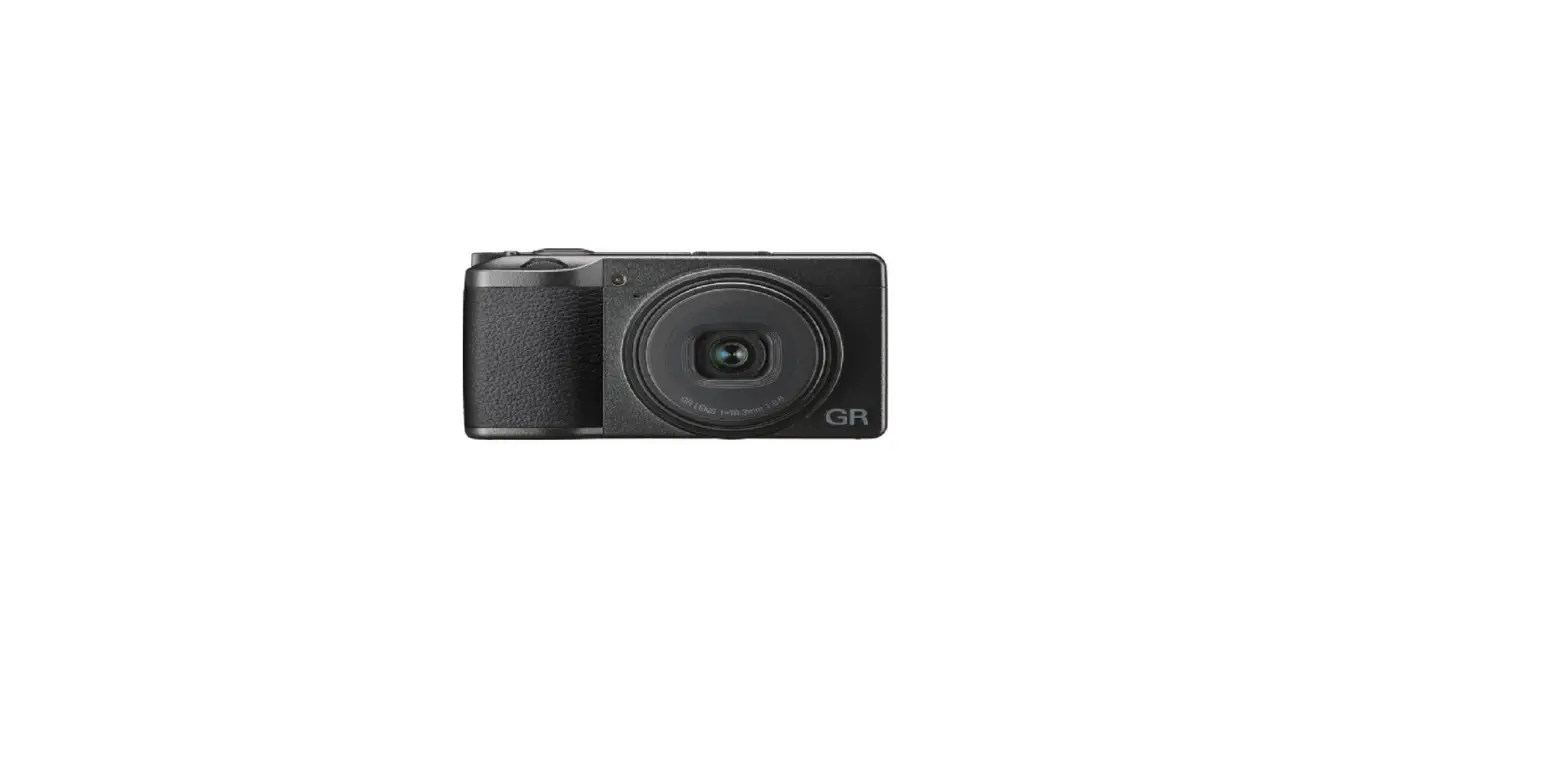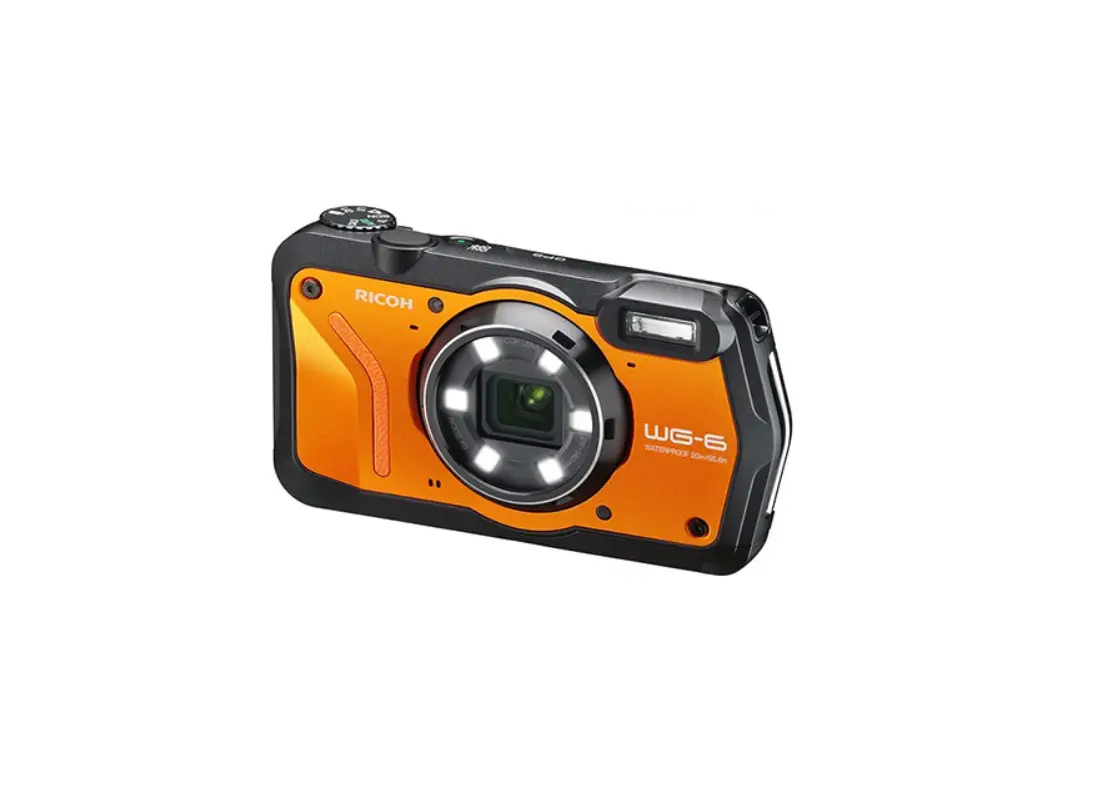
RICOH G900/G900SE User Manual

Additional Information for G900/G900SE Operating Manual
Thank you for purchasing a Ricoh product.
The following additional information is available for the provided Operating Manual.
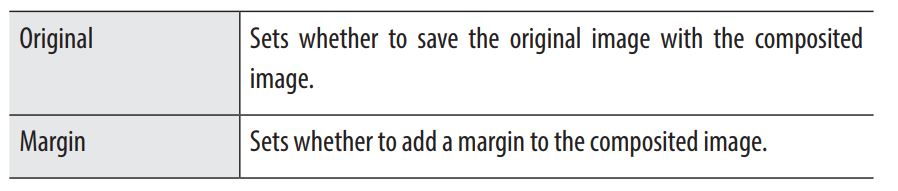
p. 77, Step 1 in “Compositing Images during Shooting”
Addition of [Image Composite Sett.] setting items
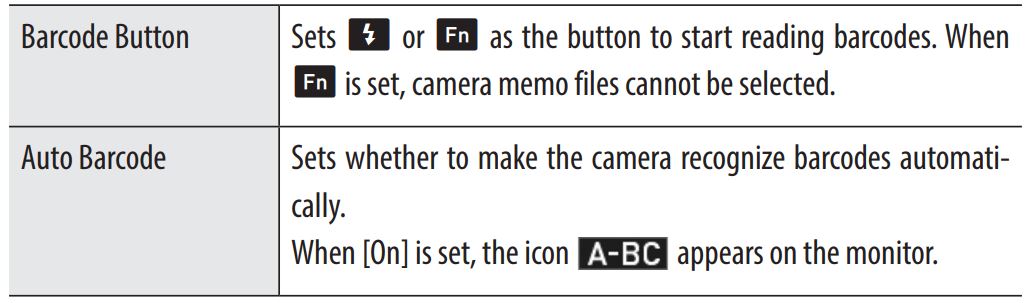
p. 126, “Using a Barcode”
Addition of setting items
 When a barcode is recognized after [Auto Barcode] is set to [On], the camera memo screen is displayed for 3 seconds and then the icon turns yellow. The camera memo information to display must be registered in advance.
- When the monitor is off, the automatic barcode recognition function is not available.
 When a barcode is recognized after [Auto Barcode] is set to [On], the camera memo screen is displayed for 3 seconds and then the icon turns yellow. The camera memo information to display must be registered in advance.