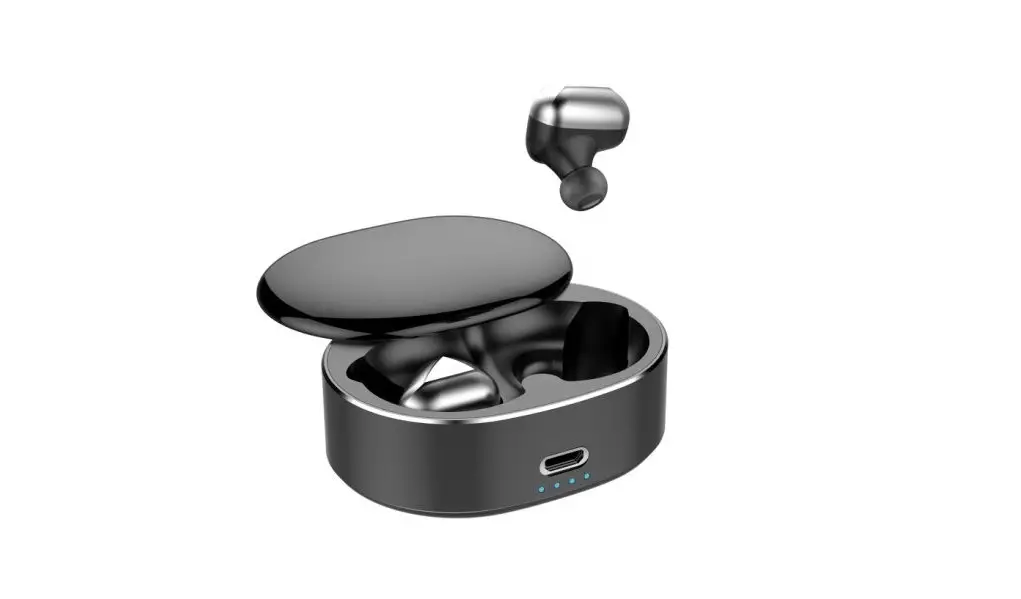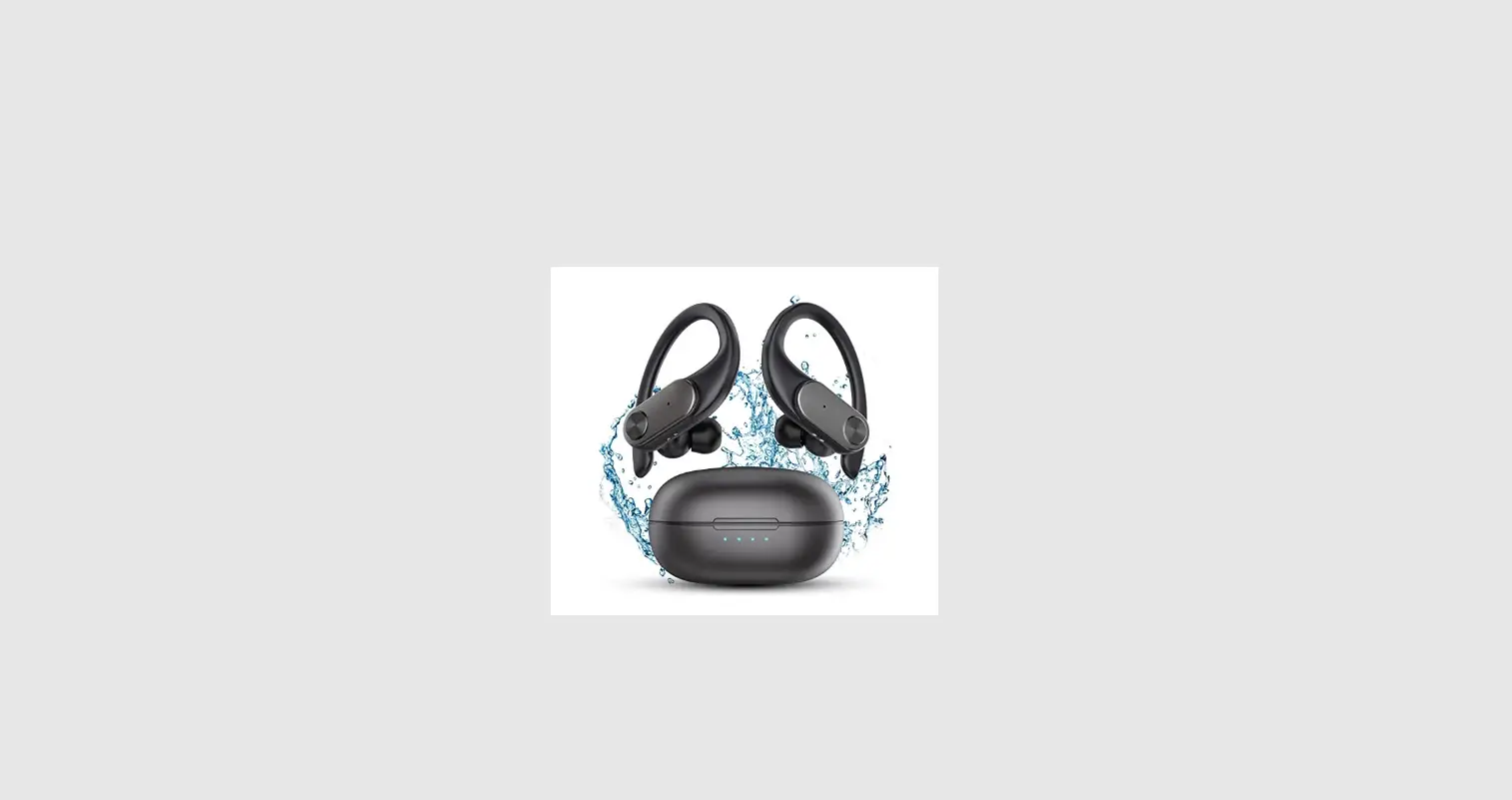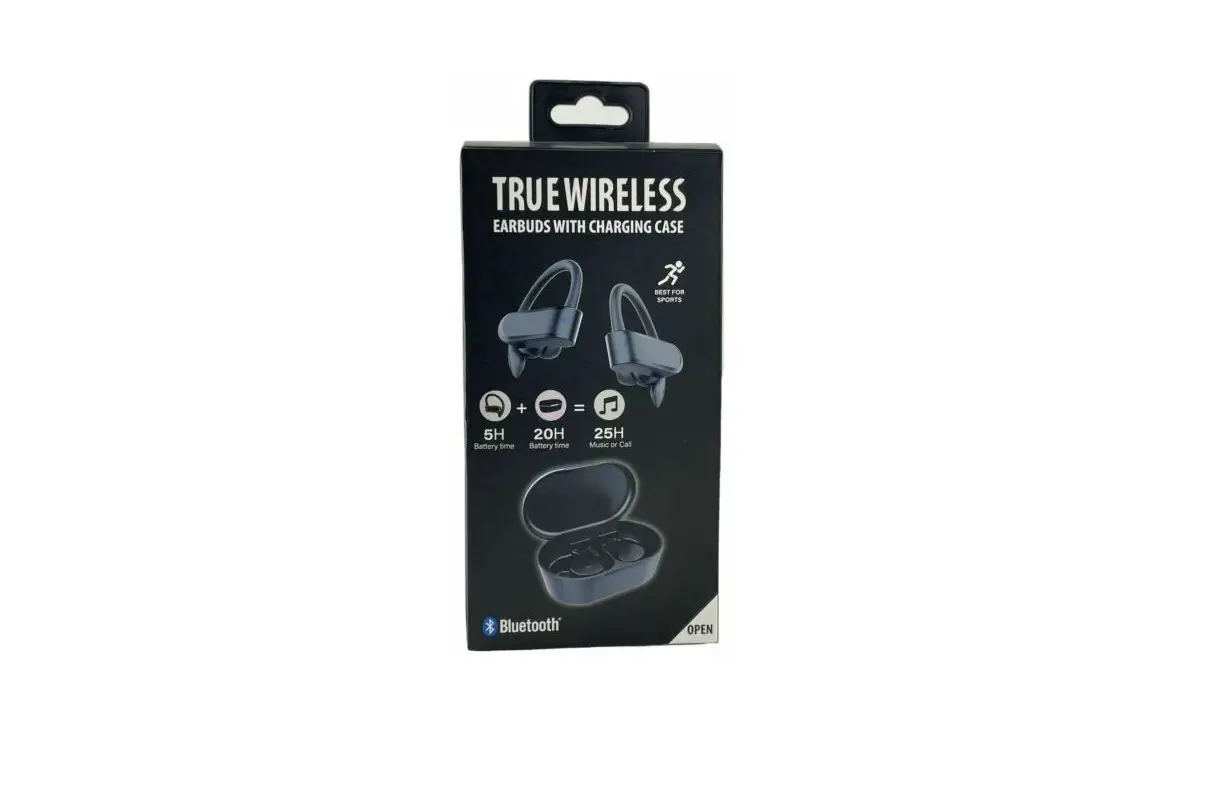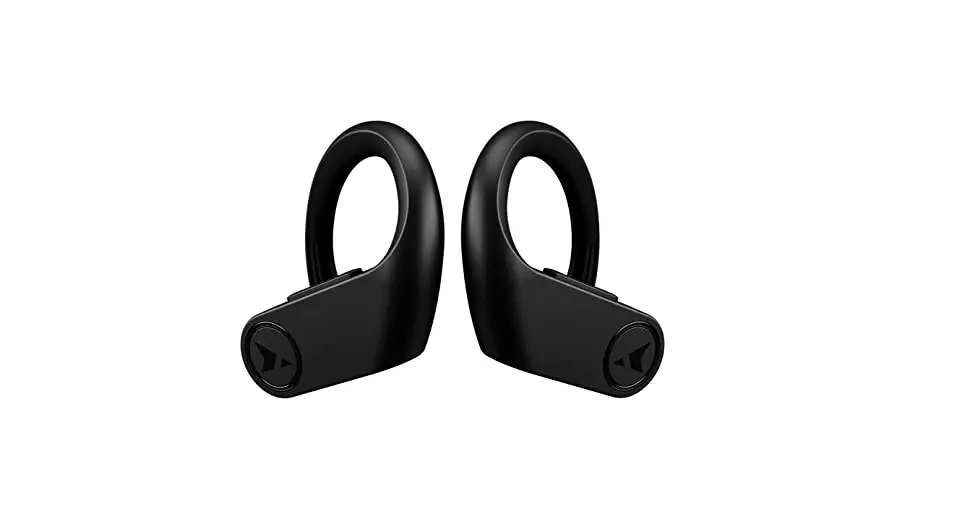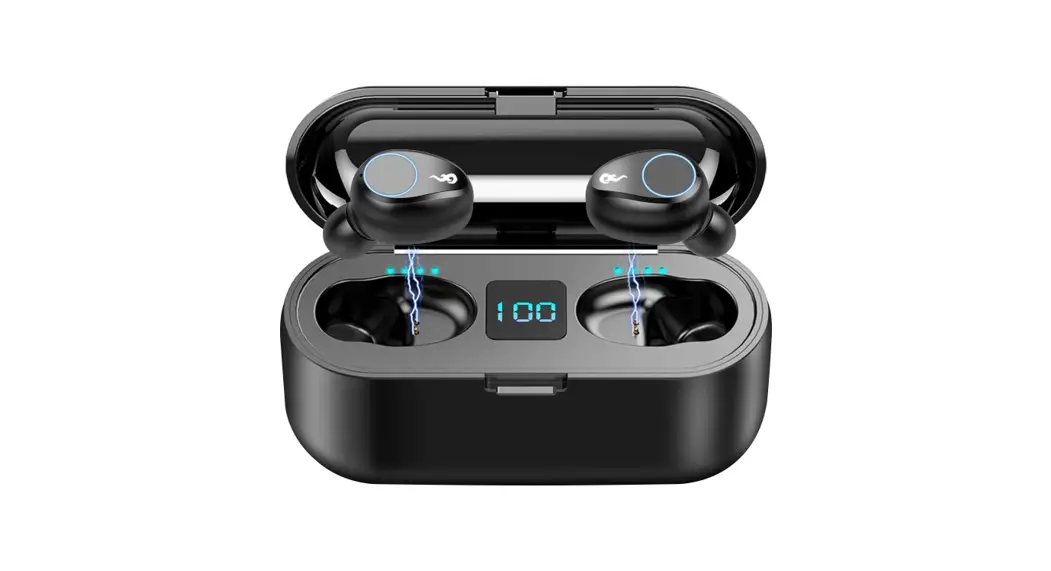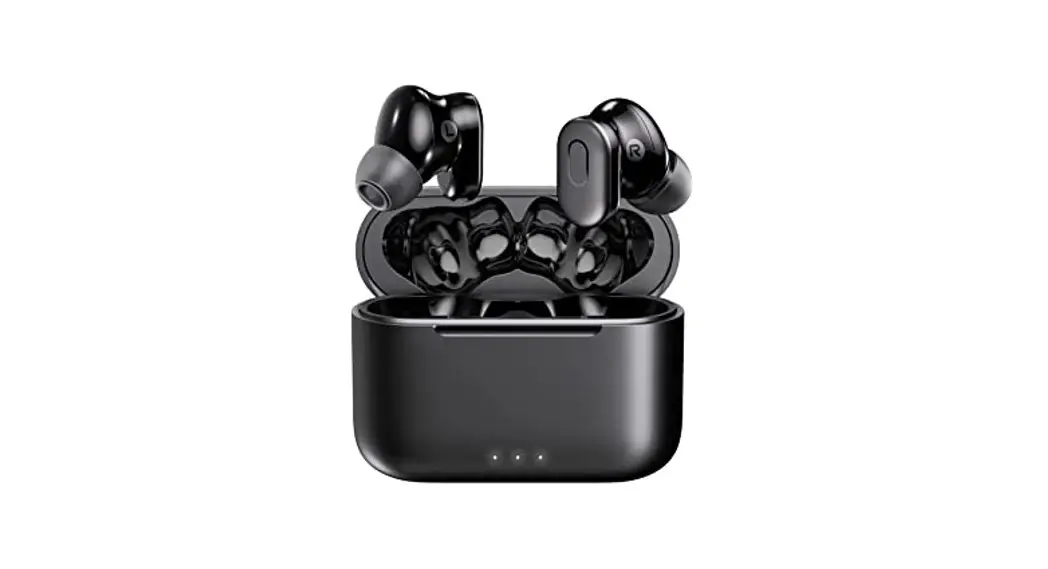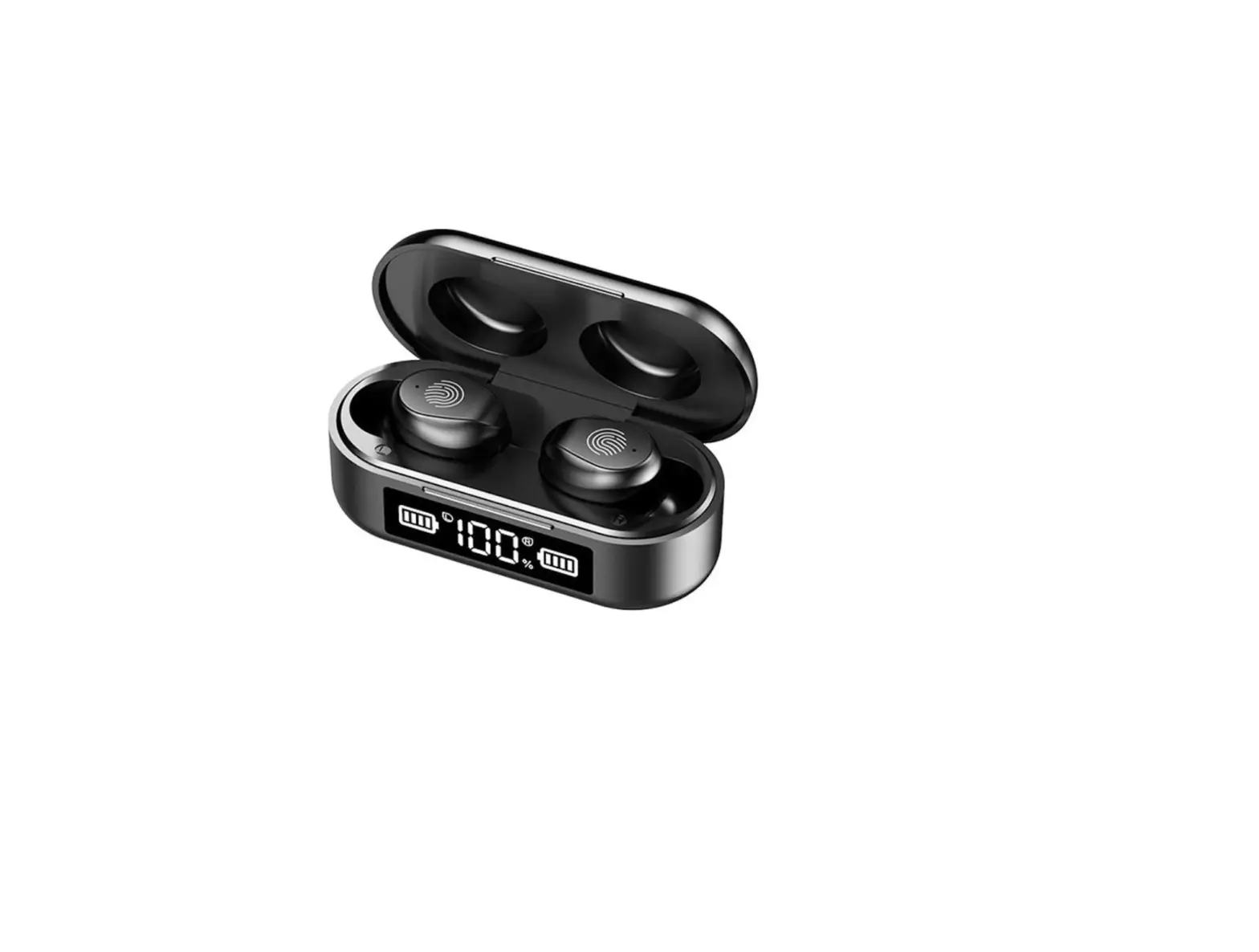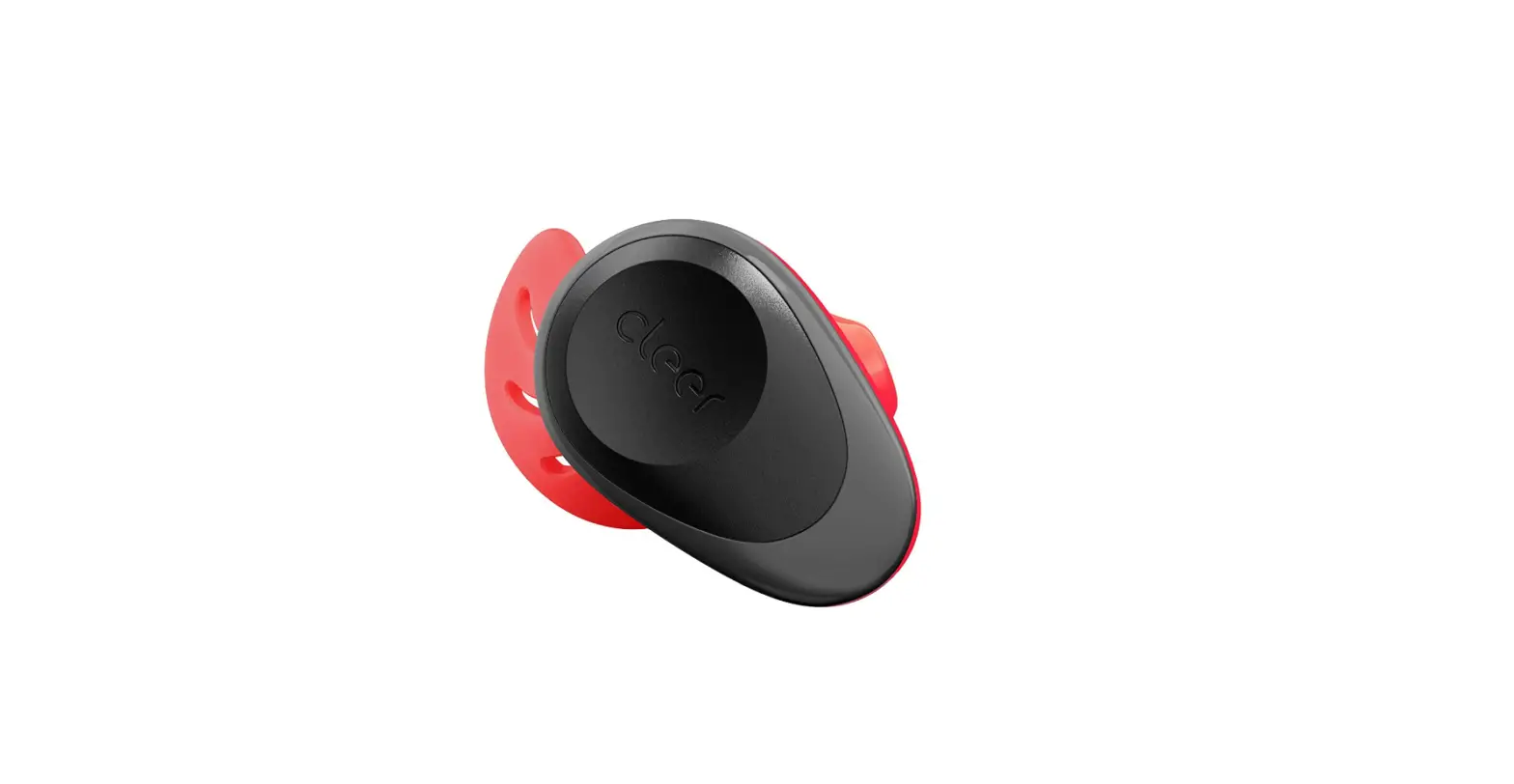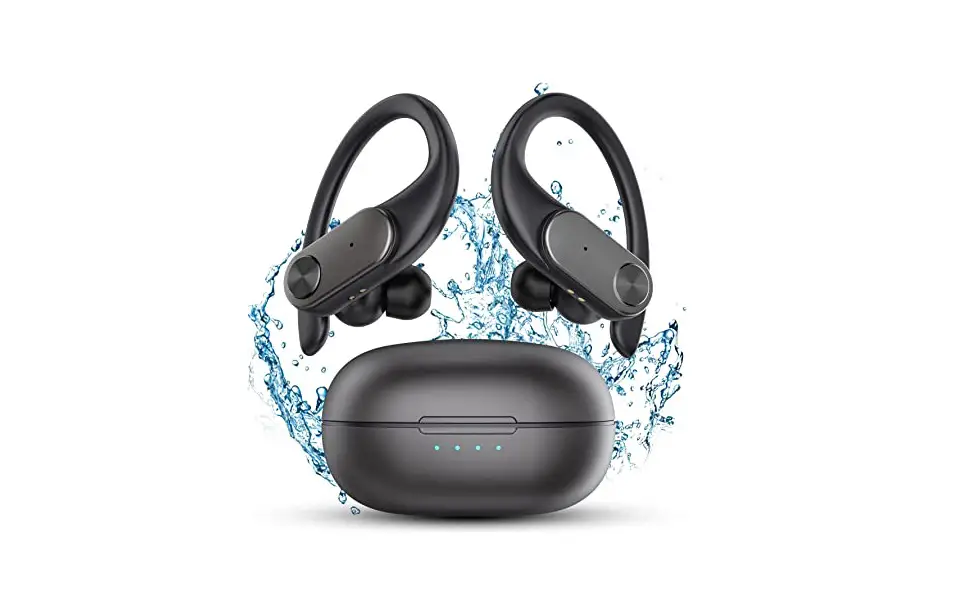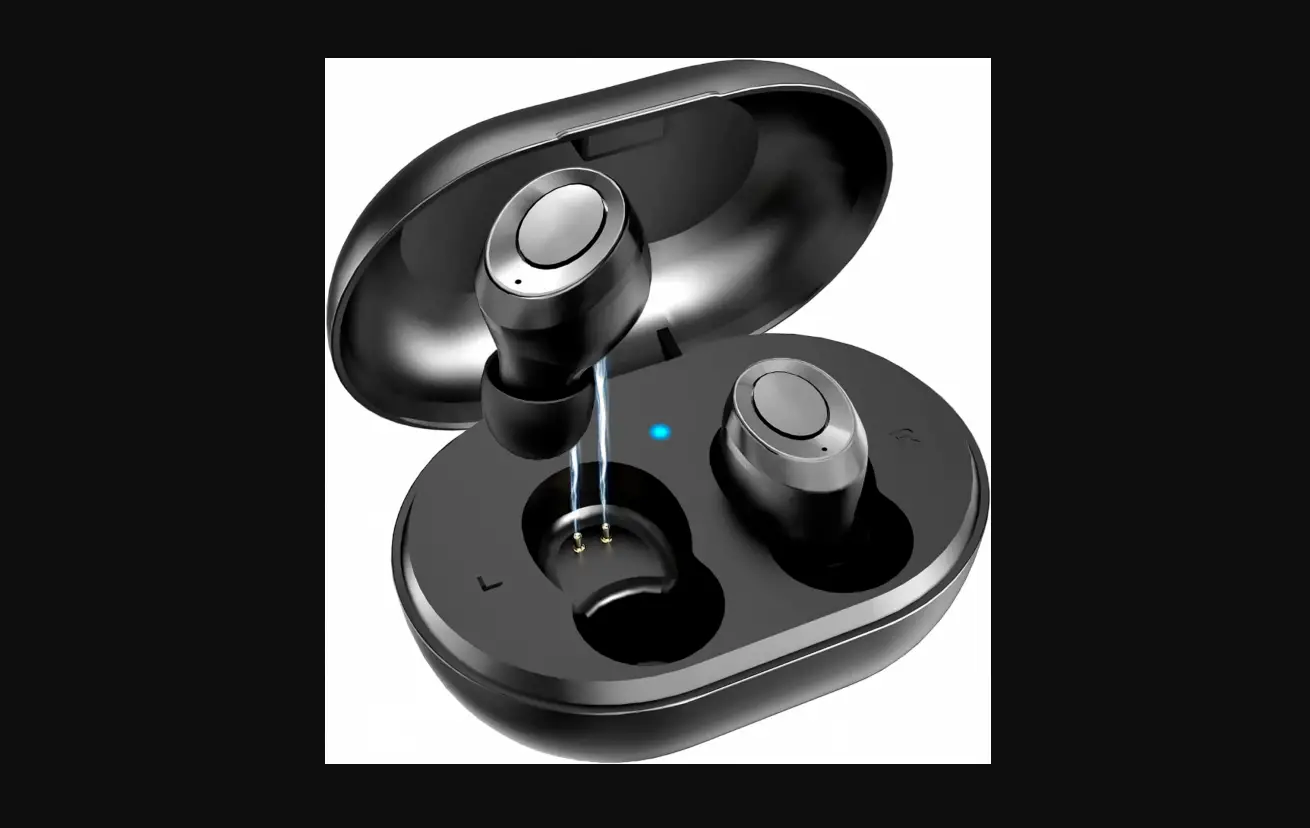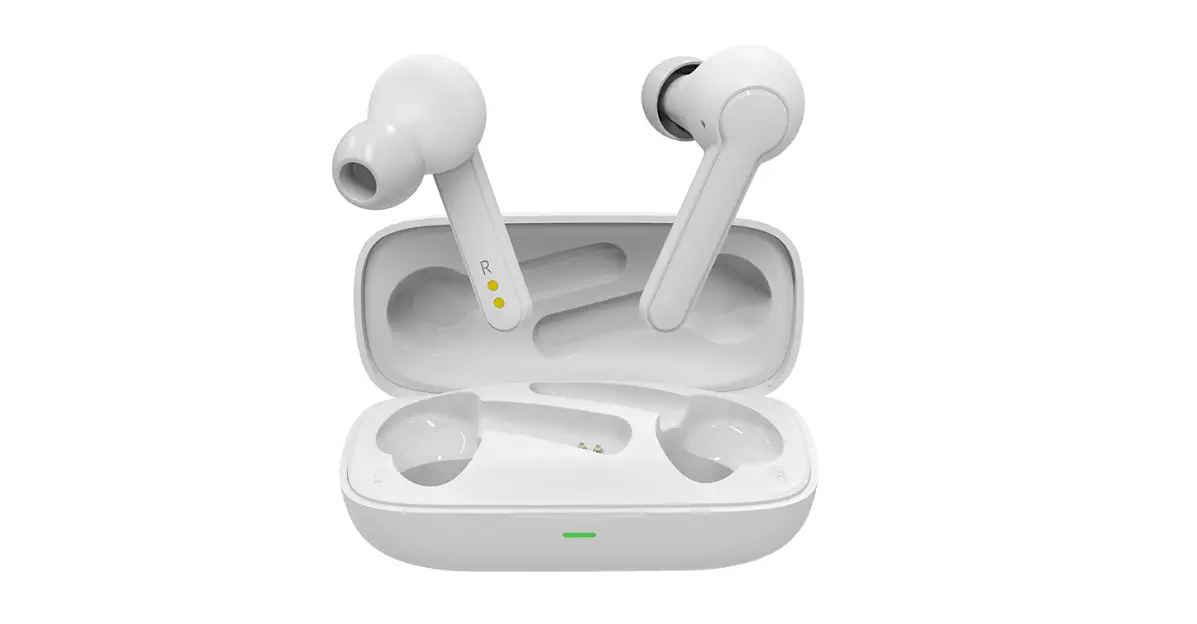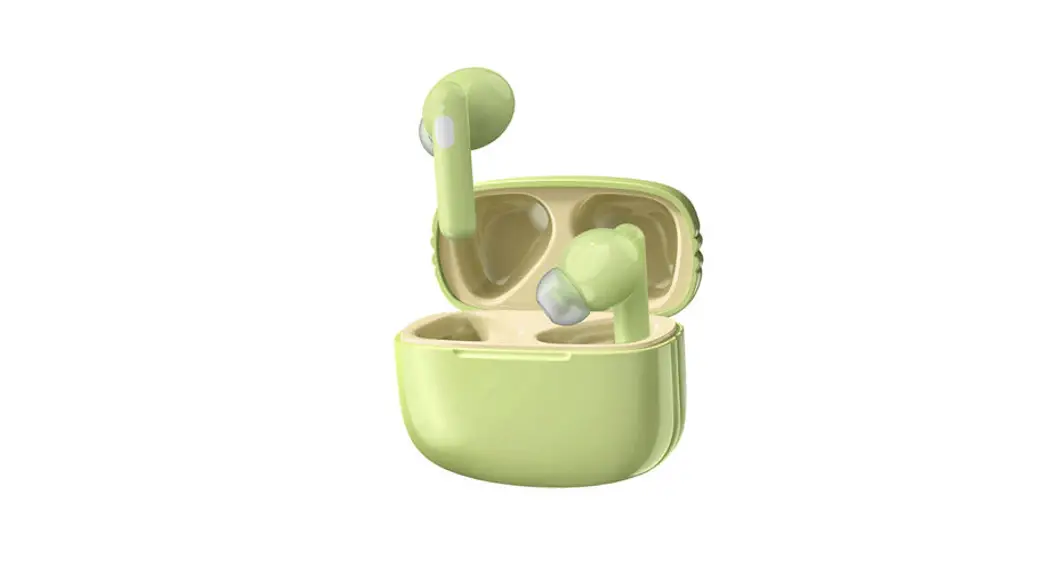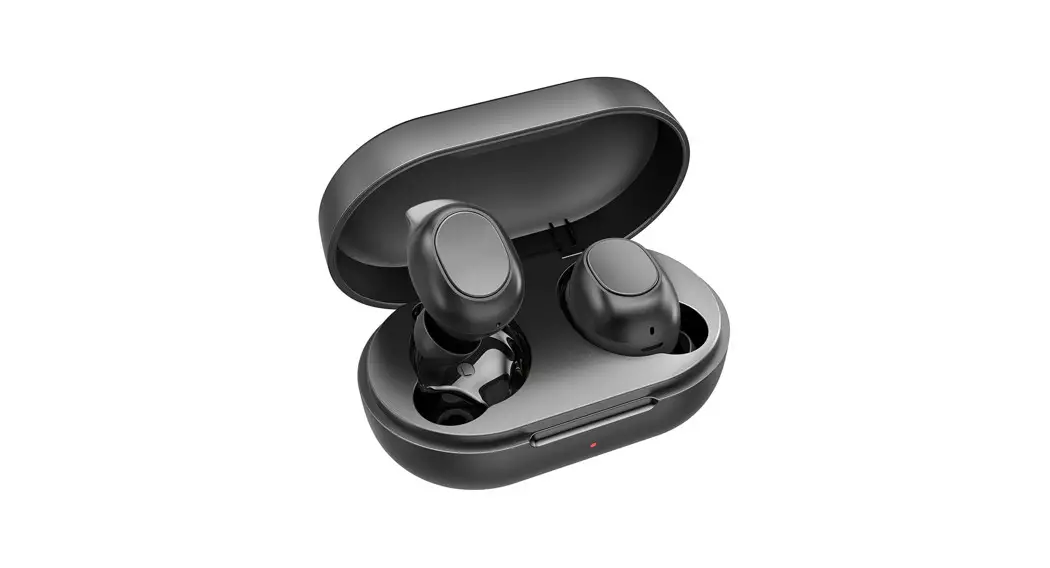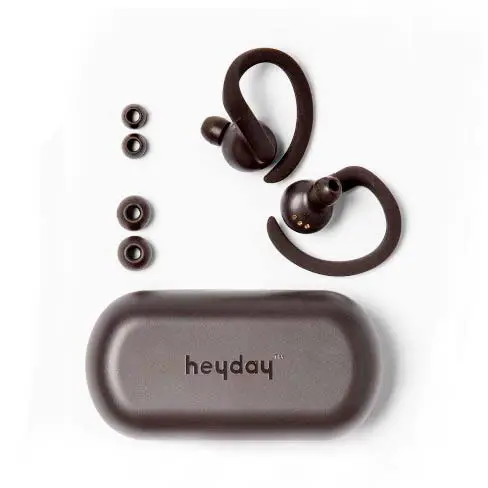

WIRELESS SPORTS EARBUDS
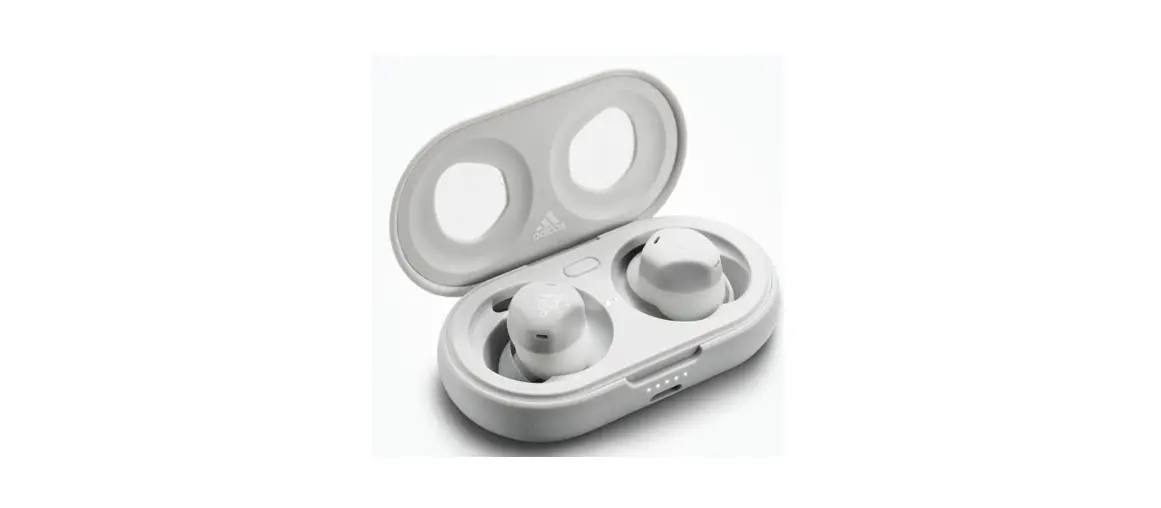
In the Box
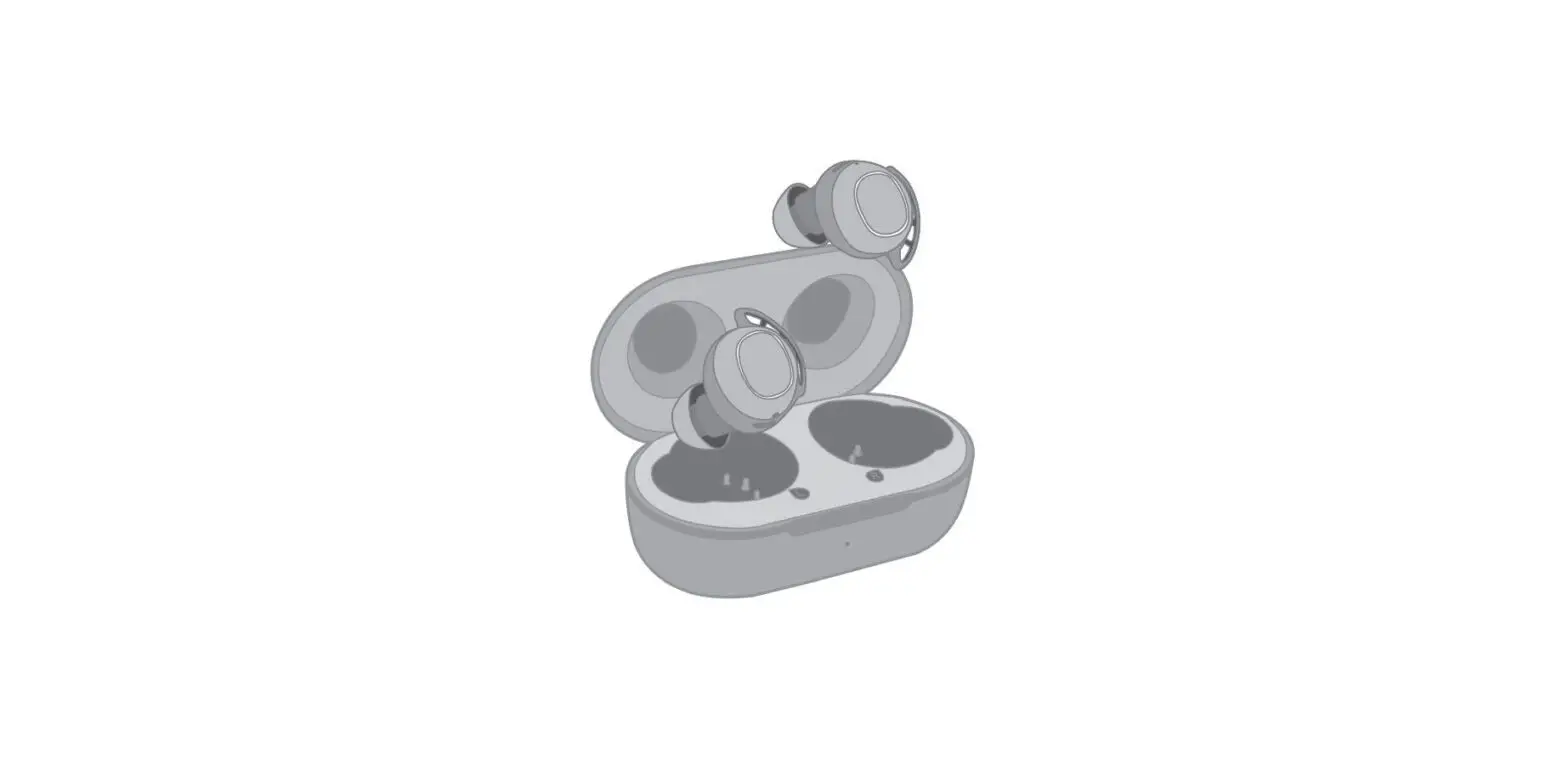
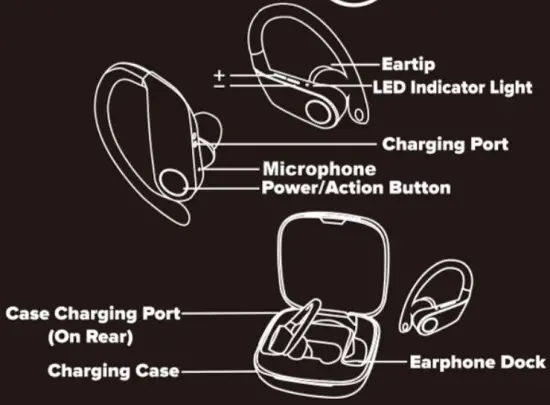
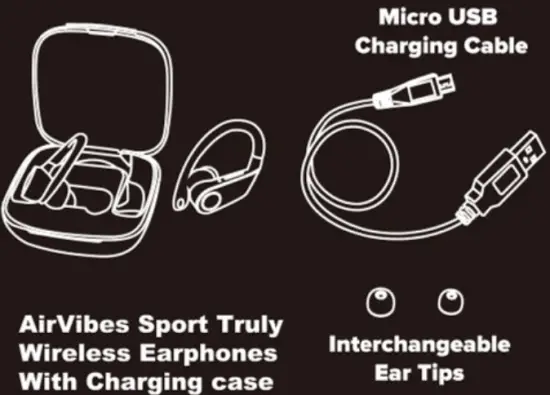 Take a Look
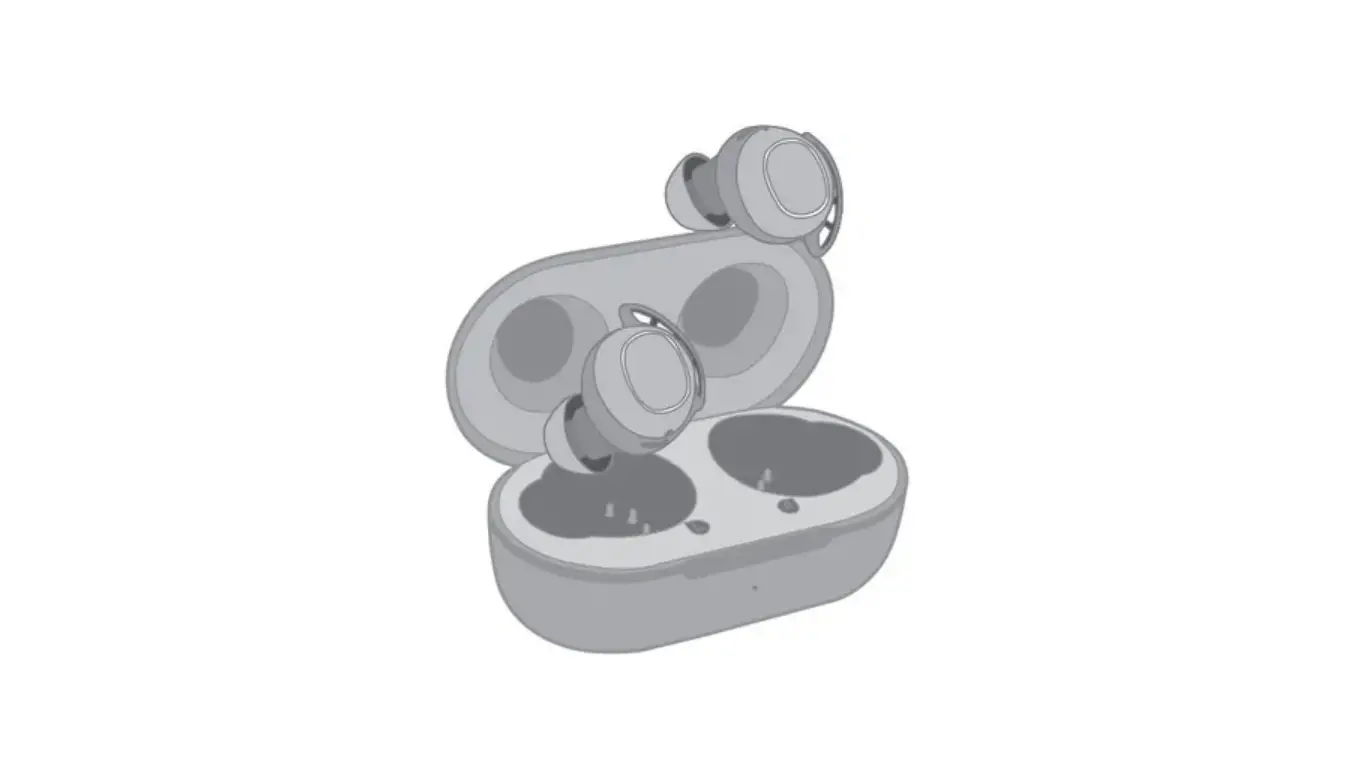
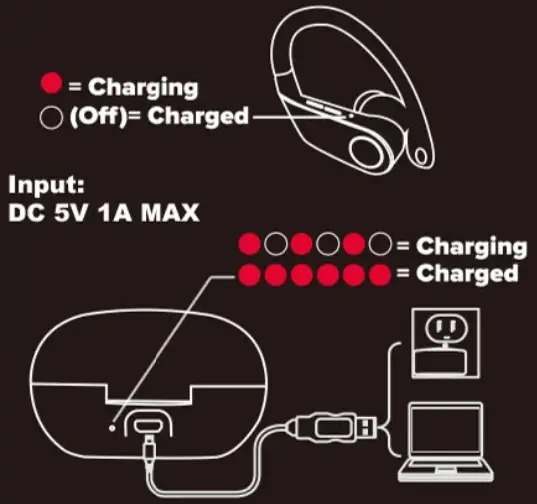
 Charging
 Powering On/ Bluetooth Pairing
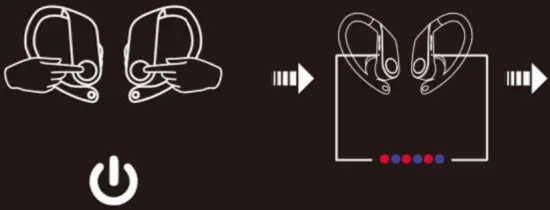 (When the earbuds are not in the charging box) Press & hold both power buttons simultaneously for 2-3 Seconds
(When the earbuds are in the charging box just take them out and they will power on automatically)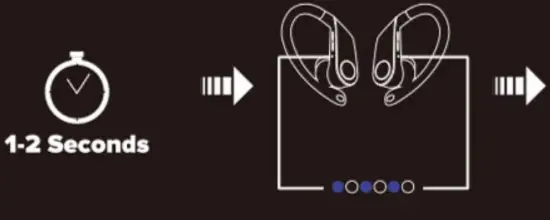 Once your earphones are powered on the LED Indicator Lights will alternately flash red and blue. After approximately 1-2 seconds, The LED Indicator lights will flash blue slowly, This means both earphones are paired together.
If both earbuds do not pair together after 10 seconds, tap the power button on either earphone to force them to pair.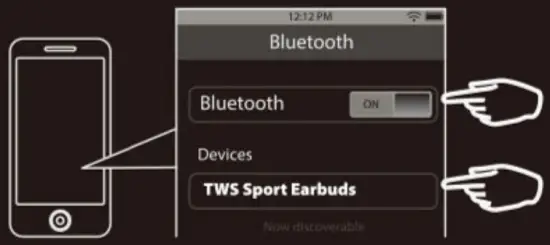
Check your phone’s Bluetooth settings menu. Make sure that Bluetooth is turned ON. Connect with the device listed as TWS Sport Earbuds.
Controlling Your Earphones
 One-Click: Play/Pause/Answer Incoming Call/End Call
Two Rapid Clicks: Activate Siri/Google Voice Assistants
Hold 2-3 Seconds: Reject an Incoming Call
Hold 3-4 Seconds: Power Off (When Not Receiving a Call)
Play music
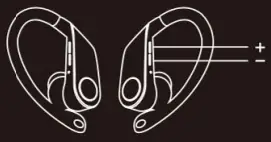 “+”: Short dress: Next Song ,Press & Hold : Volume Up
“-” Short Press: Previous Song, Press & Hold: Volume Down
Wearing Your Earphones
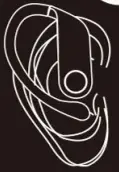 Choose Whichever Size Eartip Is Most Comfortable
FCC Statement
FCC ID: 2ALCFX0-9899-2
Changes or modifications not expressly approved by the party responsible for compliance could void the user’s authority to operate the equipment.
This device complies with Part 15 of the FCC Rules. Operation is subject to the following two conditions:
- this device may not cause harmful interference, and
- this device must accept any interference received, including interference that may cause undesired operation
This equipment has been tested and found to be campy with the limits for a Class B digital device, pursuant to Part 15 of the FCC Rules. These limits are designed to provide reasonable protection against harmful interference in a residential installation. This equipment generates, uses, and can radiate radio frequency energy. if not installed and used in accordance with the instructions, may cause harmful interference to radio communications. However, there is no guarantee that interference will not occur in a particular installation. If this equipment does cause harmful interference to radio or television reception, which can be determined by turning the equipment off and on, the user is encouraged to try to correct the interference by one or more of the following measures:
— Reorient or relocate the receiving antenna. — Increase the separation between the equipment and receiver.
— Connect the equipment into an outlet on a circuit different from that to which the receiver is connected.
— Consult the dealer or an experienced radio/TV technician for help.
BATTERY WARNING: The device is equipped with an integrated lithium battery. The battery cannot be replaced. Do not attempt to remove the battery from the device.
–Do not dispose of in fire or exposed to excessive heat.
–Do not crush, puncture, incinerate, or short circuit external contacts.
–Please recycle or dispose of the battery properly. Contact your local recycling facilities and/or the manufacturer for further information.
© 2020 Sakar International
195 Carter Drive,
Edison, NJ 08817
Keep Manual and All Relevant Information for Future Reference
If You’re Having Trouble, We’re Here to Help!
To Obtain Warranty Service and Troubleshooting Information, Call us 24/7 at 1-800-592-9541