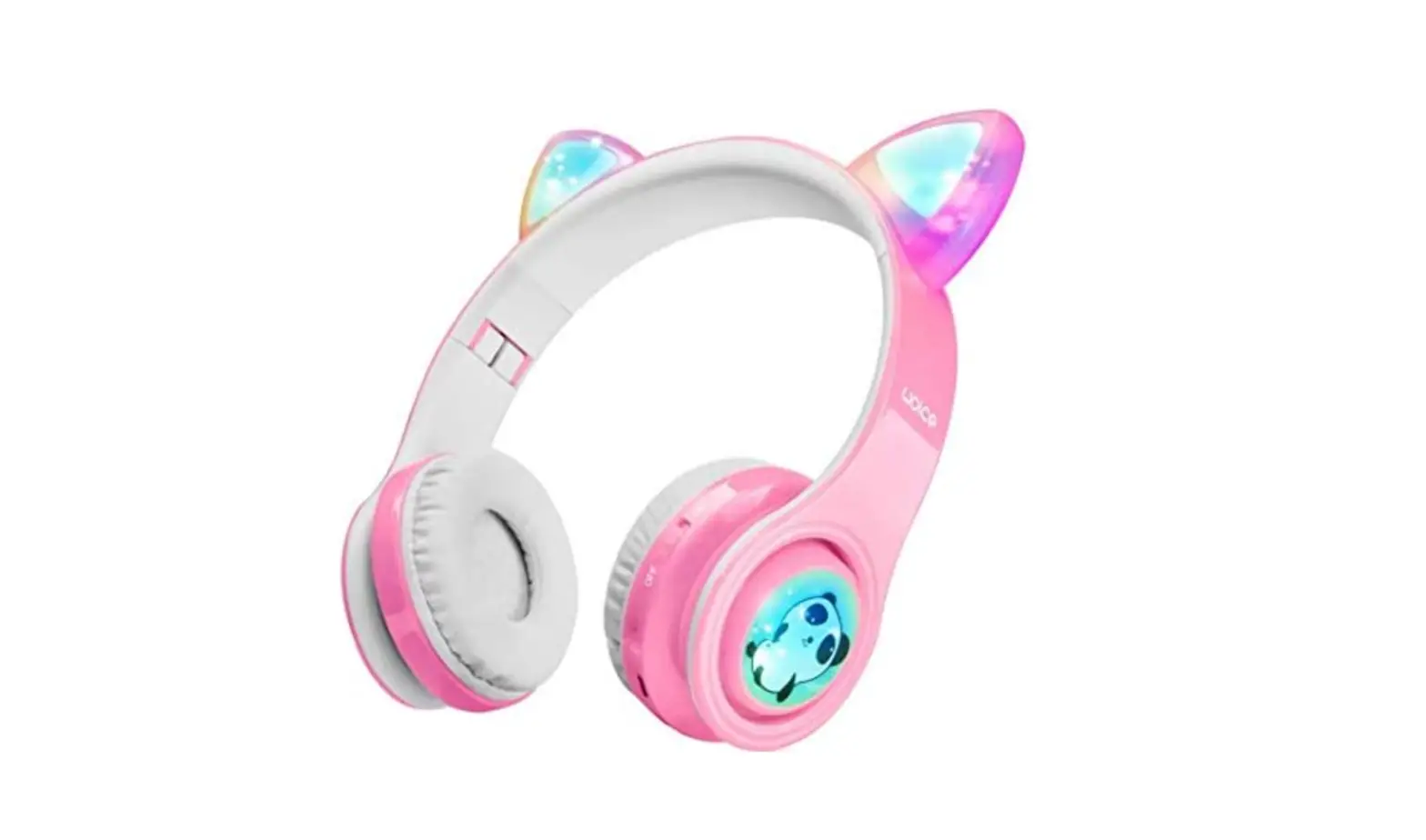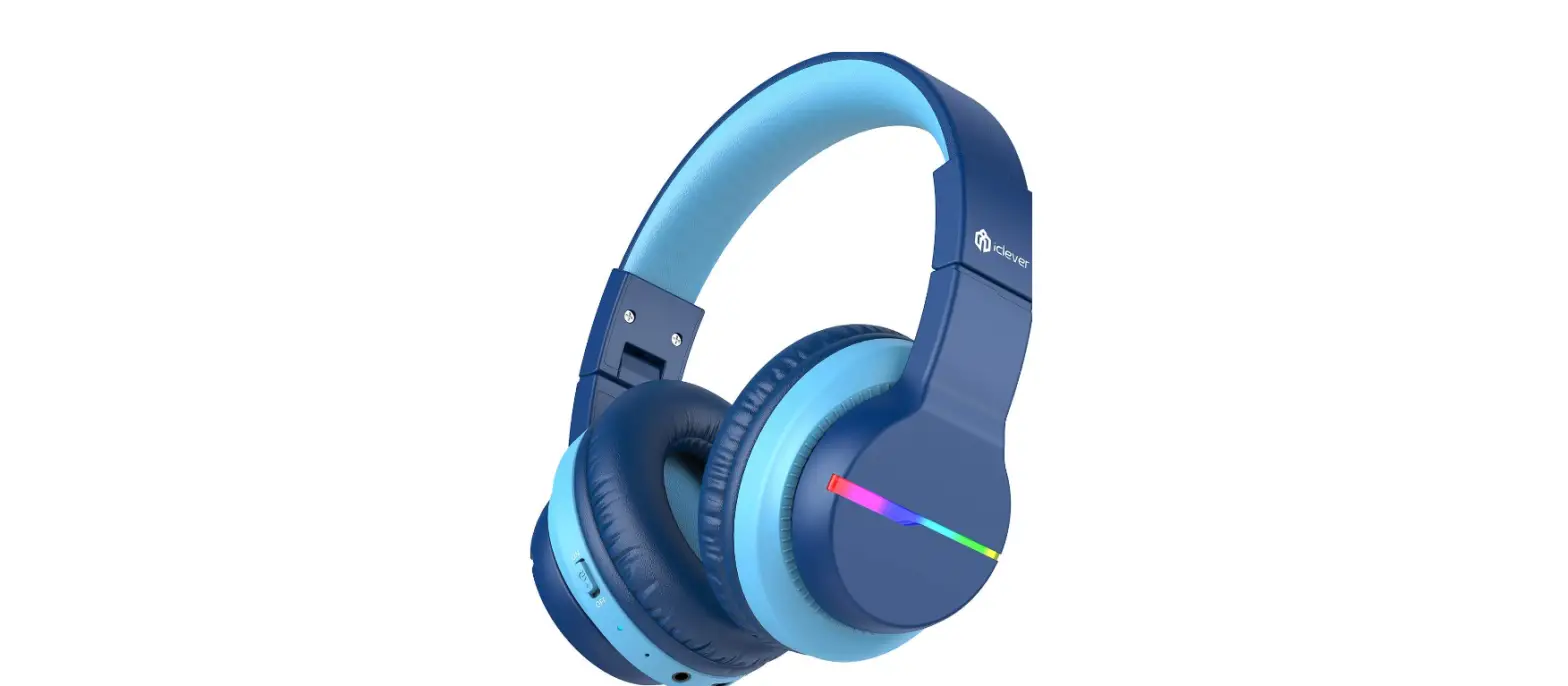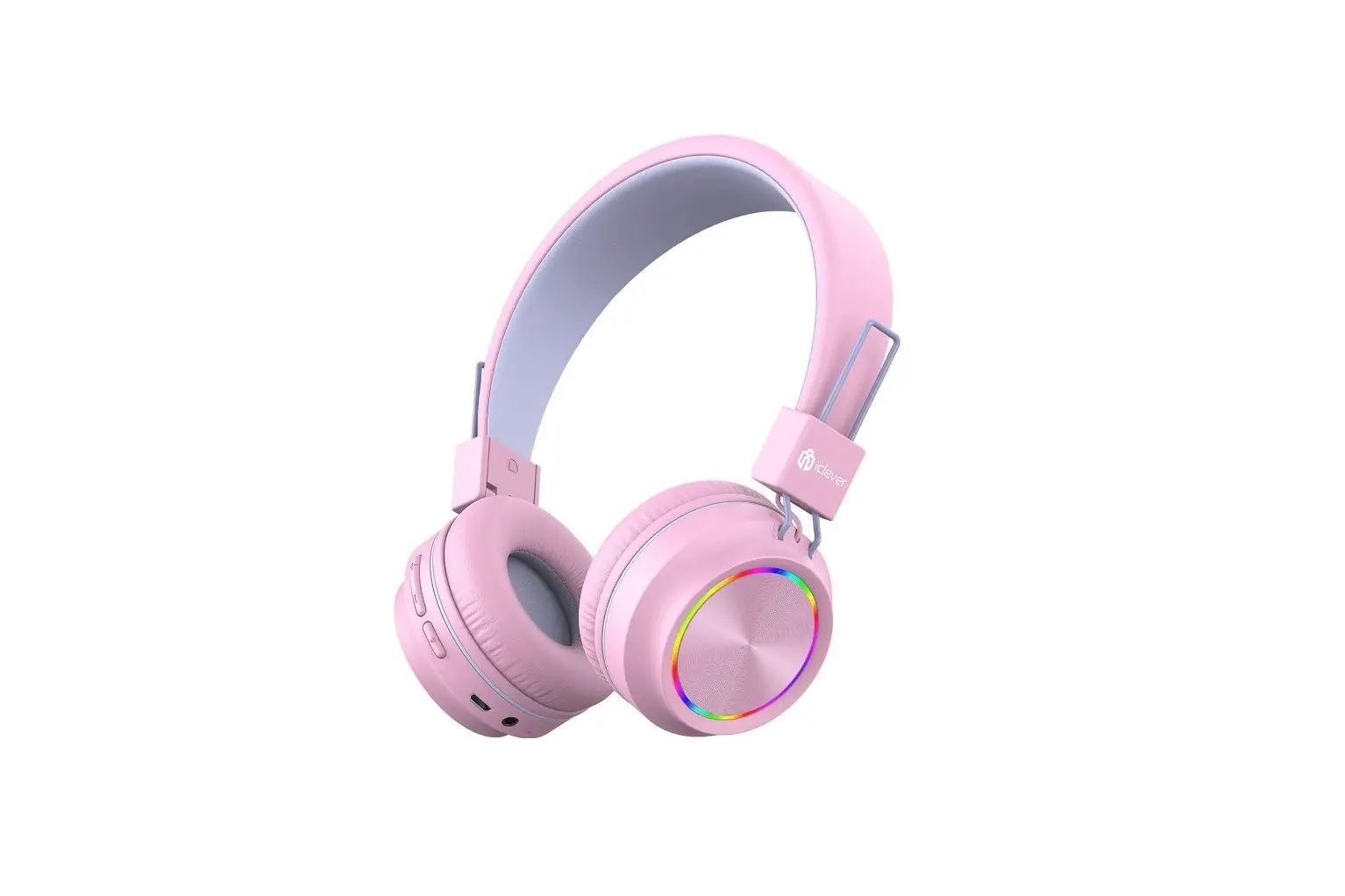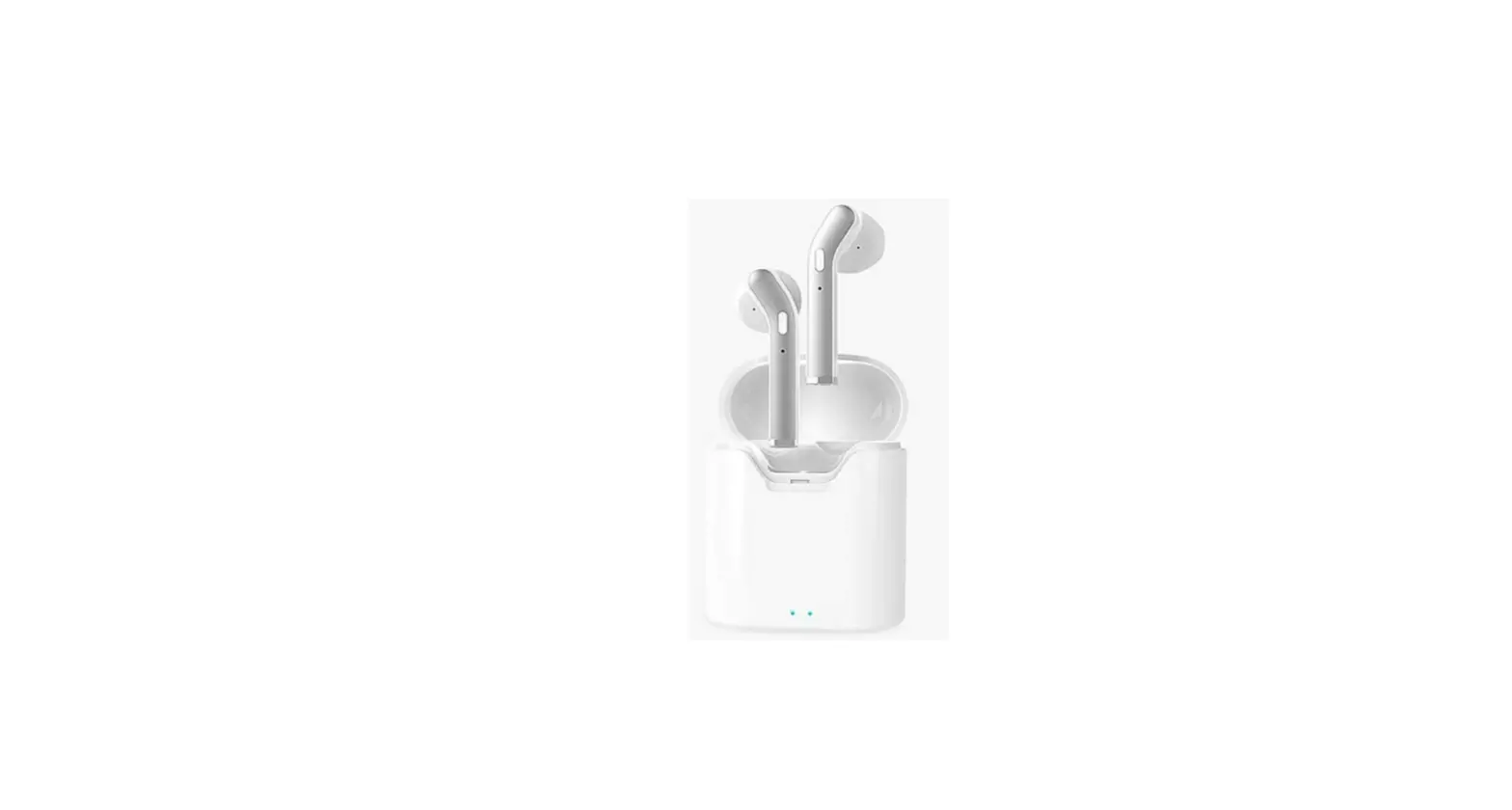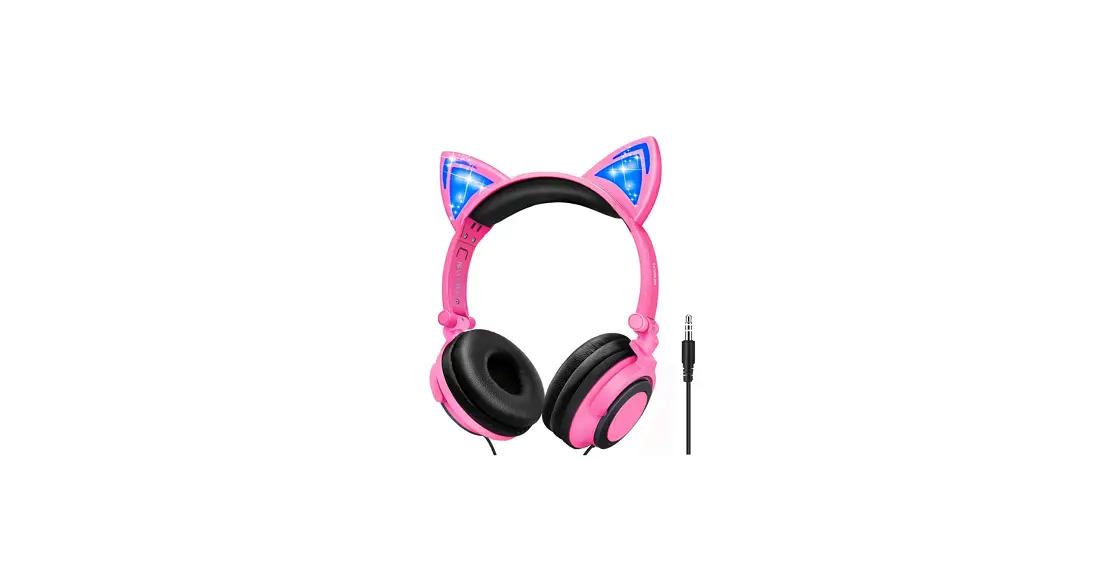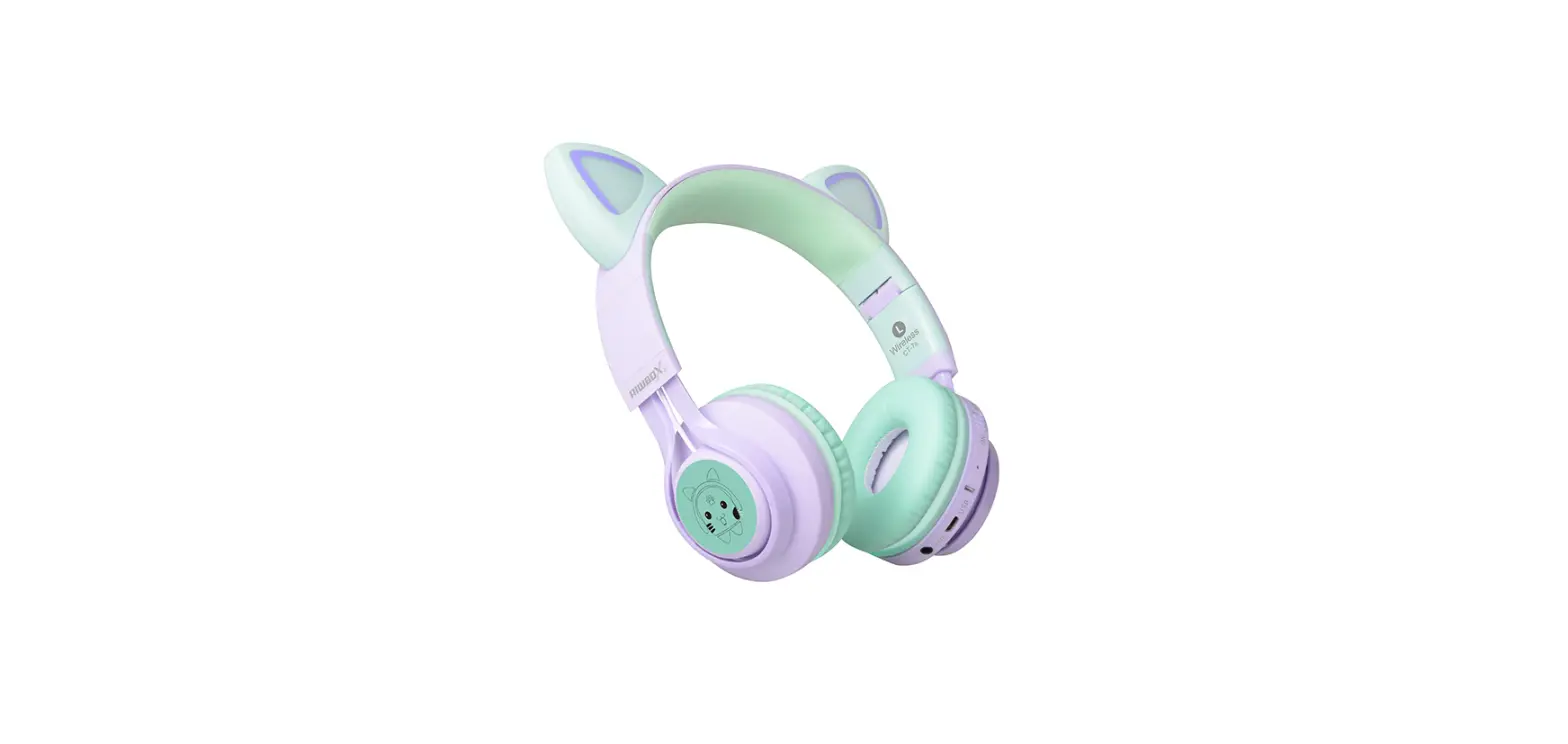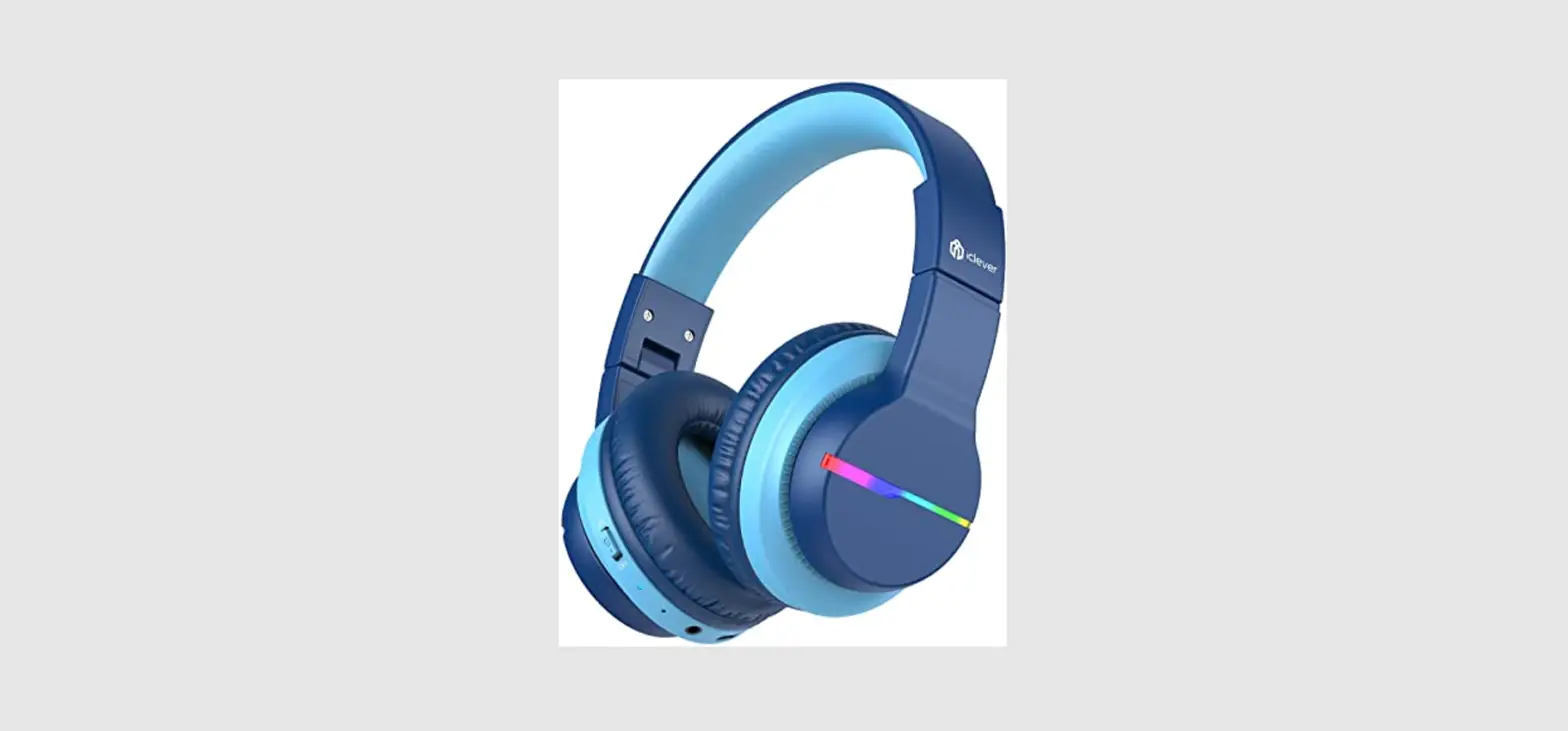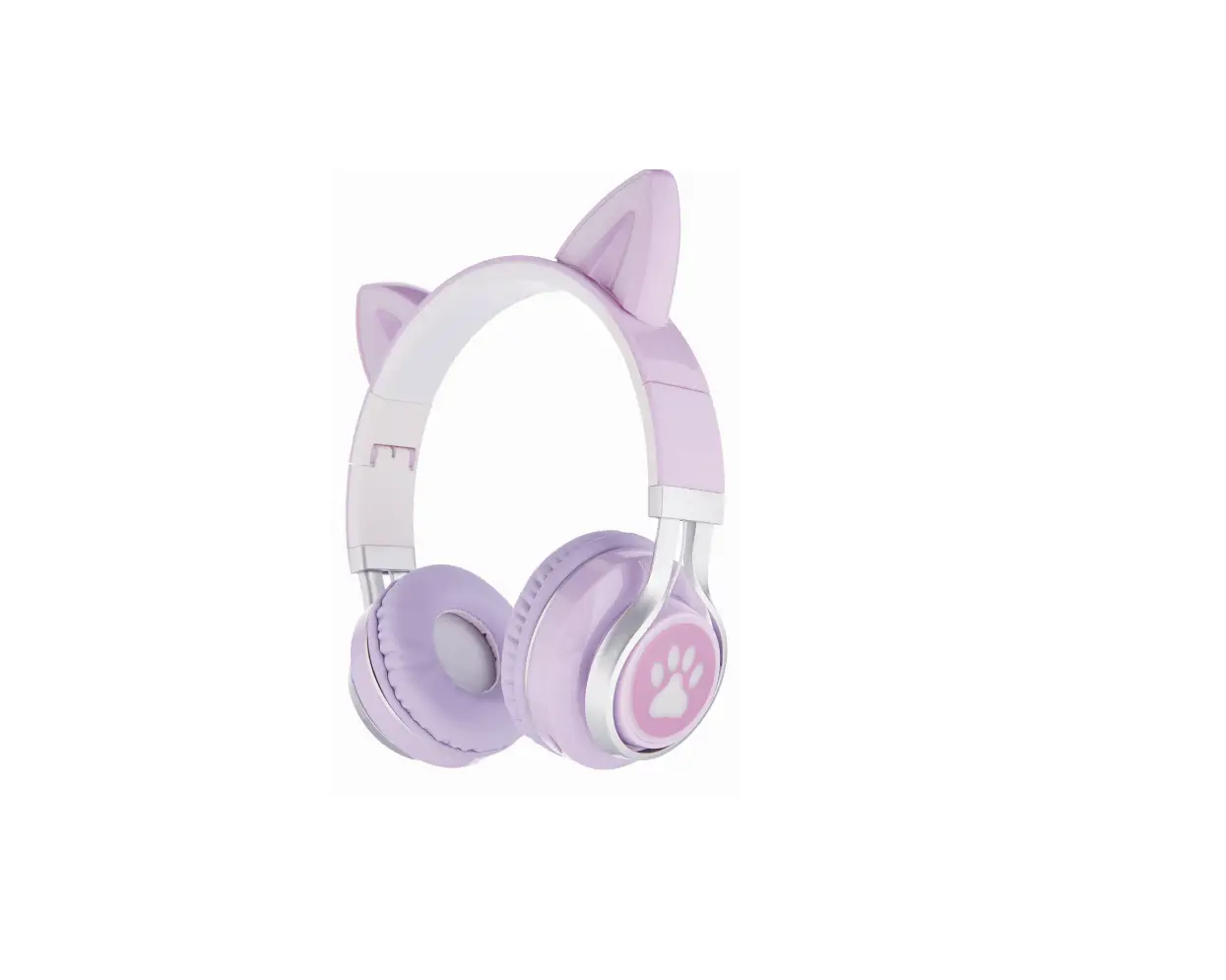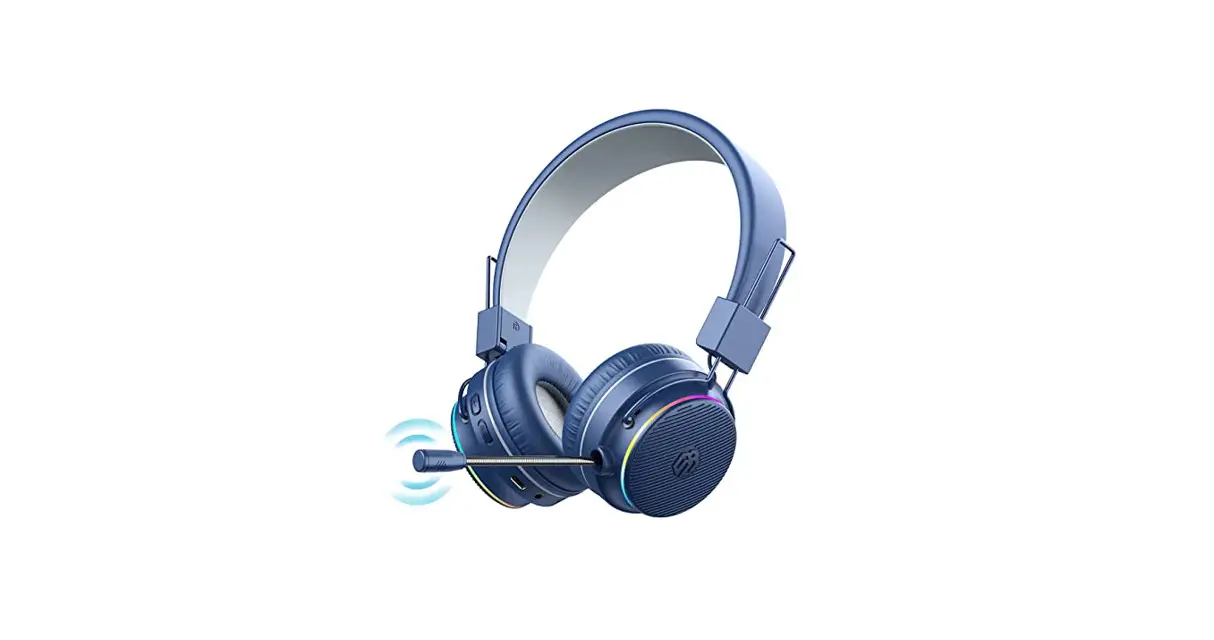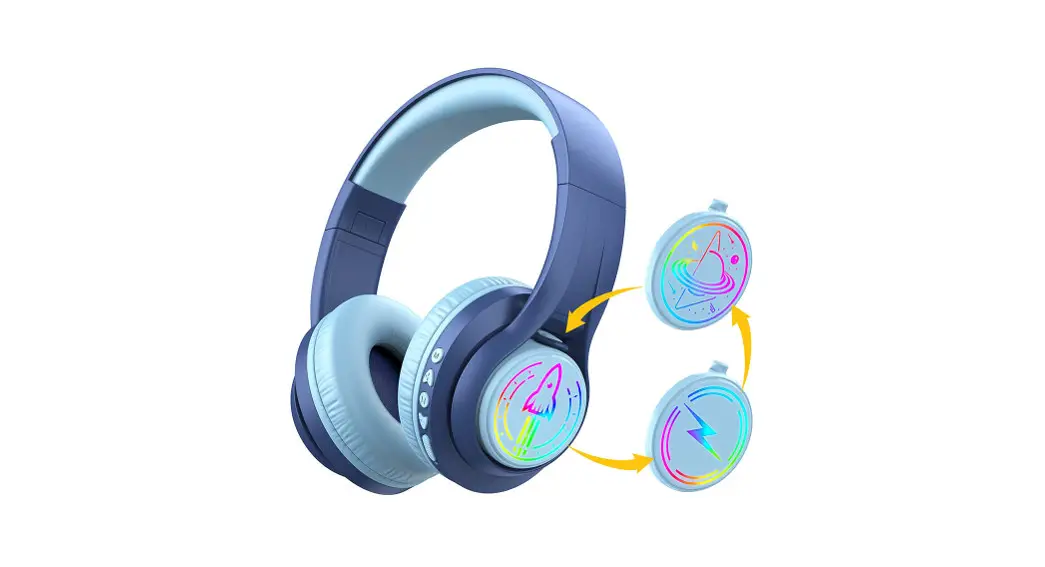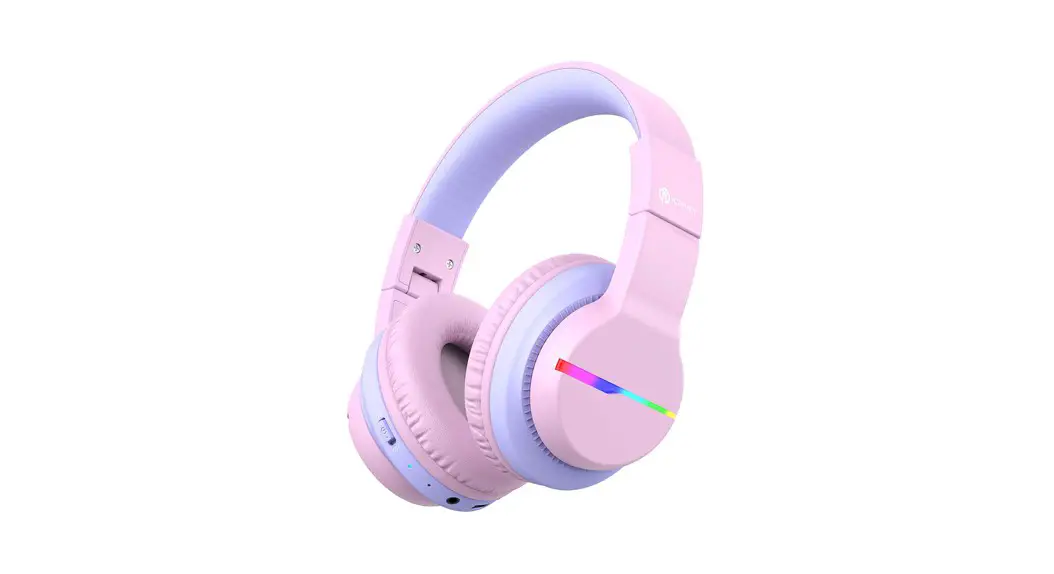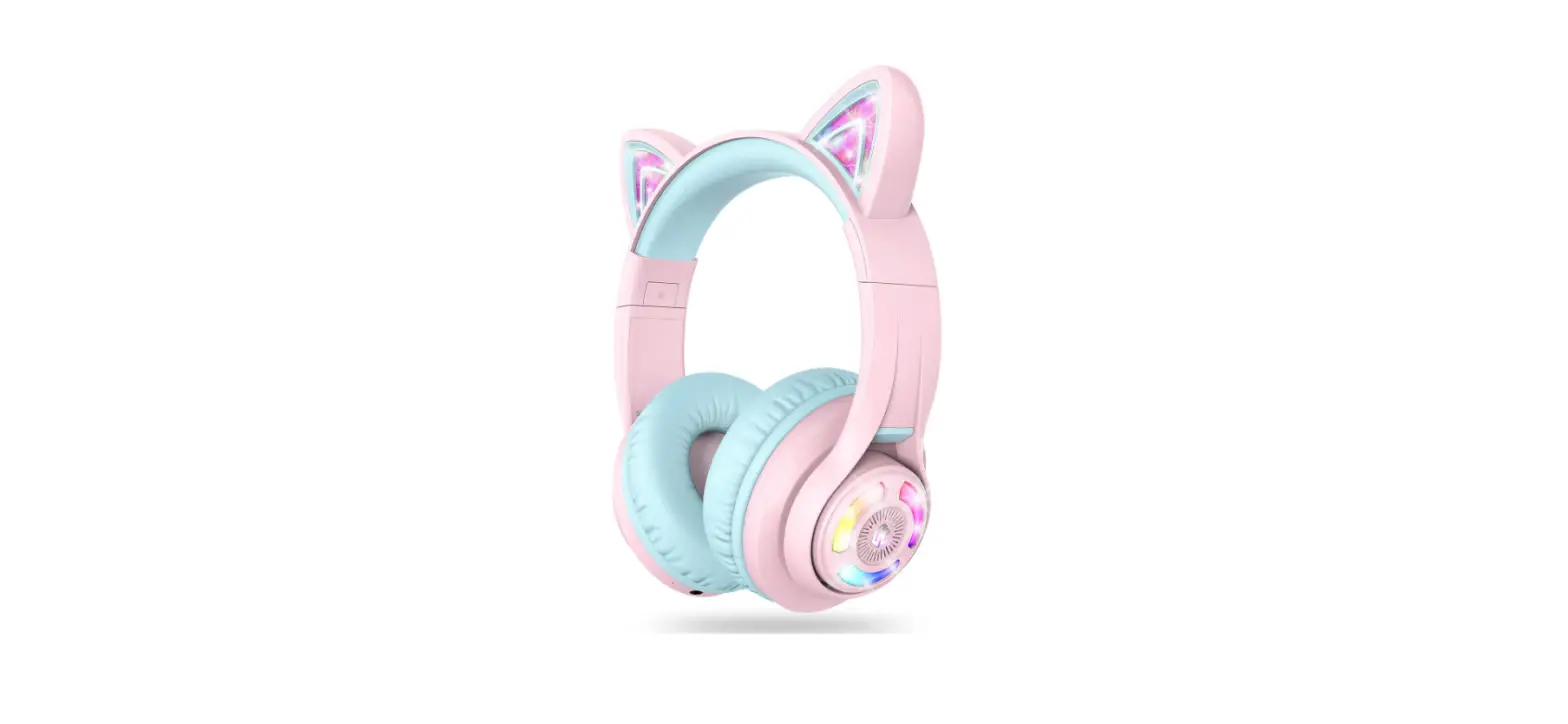

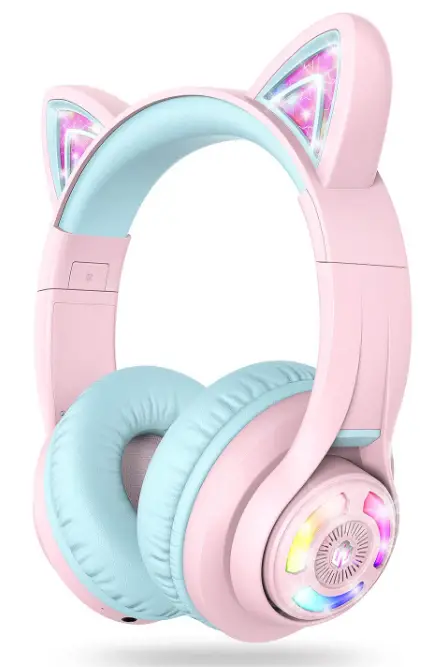
iClever Cat Ear Bluetooth Headphones RGB LED Light
Specifications
- PRODUCT DIMENSIONS: 6.1 x 2.64 x 7.09 inches,
- ITEM WEIGHT: 12.3 ounces,
- BRAND: IClever,
- CONNECTIVITY TECHNOLOGY: Wireless,
- FORM FACTOR: Over Ear,
- BATTERIES: 1 Lithium Polymer.
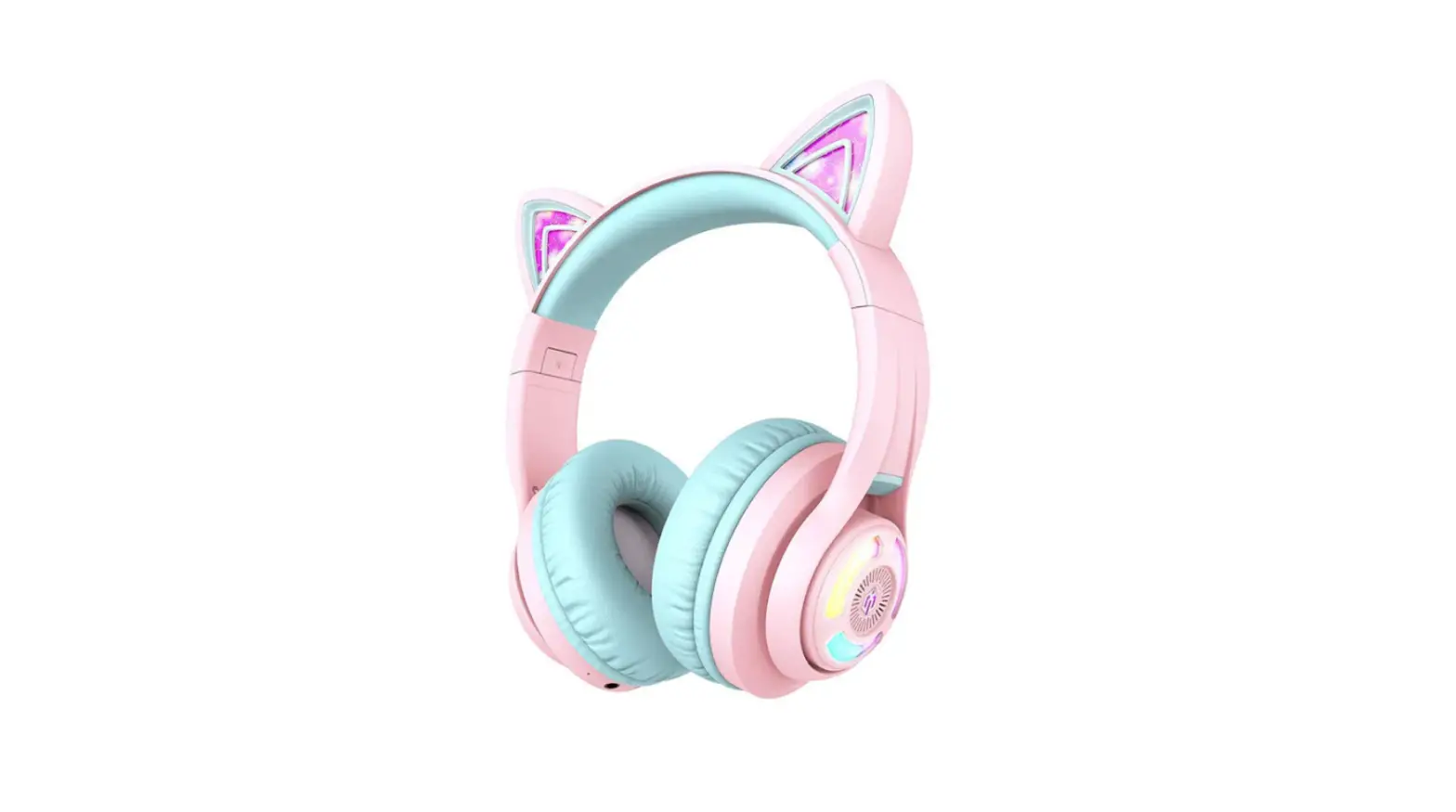
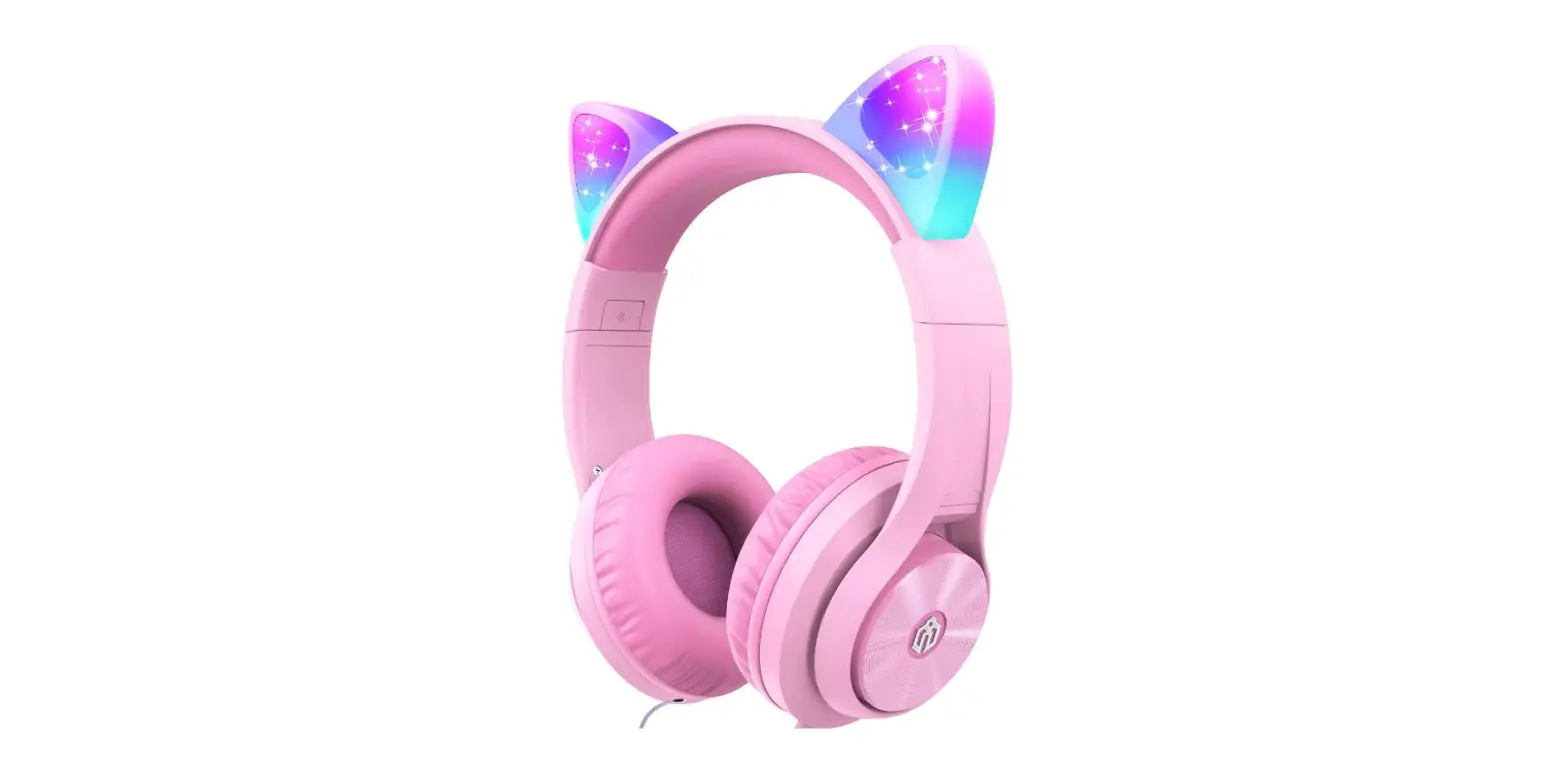
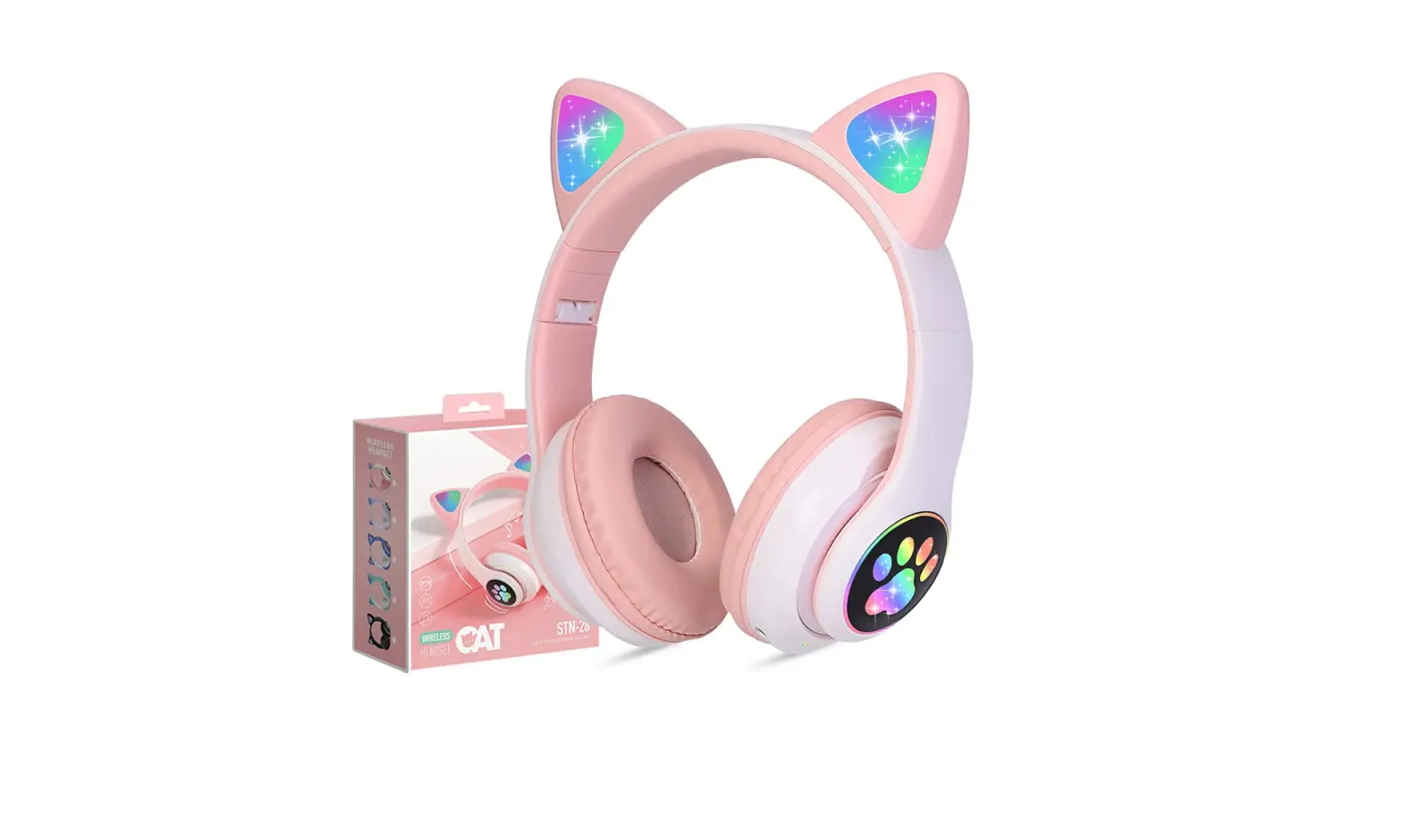
It’s the next step in the evolution of children’s headphones, with excellent sound quality and an attractive, engaging, and kid-friendly design. Kids like the iClever BTH13 children’s headphones, which have RGB LED lights controlled by a single button. When the button is pressed in Bluetooth mode, it turns off the lights to extend the battery life. They include all of the essential functions of headphones with added comfort. Universal compatibility, a tangle-free connection, a small design, and pleasant wear are all benefits of these headphones.
Volume sensitivity
Loud audio can harm children’s hearing, which are delicate. Keep an eye on their safety with the volume limiter, which offers settings of 74, 85, and 94 dB and is engaged by a combination of key strokes to prevent it from being adjusted accidently. Allow your children to have fun at a volume that is appropriate for them.
Connectivity
It’s always preferable to have choice. These headphones provide up to 45 hours of listening time thanks to the built-in rechargeable battery (with the RGB light off). If the battery runs out, you may use a regular 3.5mm audio connection to convert to wired mode and continue using your phone, tablet, or PC.
Comfortable
If children will be using headphones for an extended period of time, they should be comfortable. They include an adjustable headband and soft, skin-friendly ear cushions and are suitable for children ages 3 to 16. The silicone headband is designed with ergonomics in mind and does not impose unwanted pressure on the child’s head. They’re even foldable for simple transport.
What’s in the box?
- IClever BTH13 headphones.
- User manual.
- 5mm Audio Cable
- Type-C USB Cable
Controls
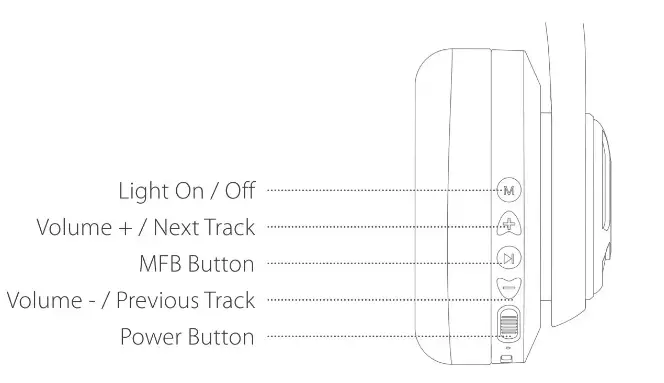
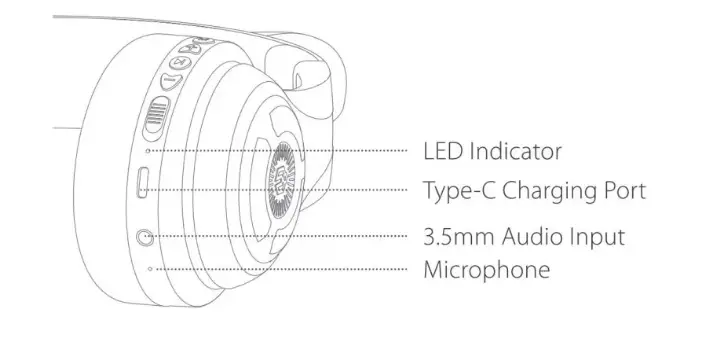
How to Power ON/OFF
- Switch the button to the “ON” position to turn it on. The LED indicator then flashes blue for 1 second before turning on the multicolored lights.
- The headphone is switched off when the button is set to the “OFF” position. For 1 second, the LED indicator glows blue before turning off.
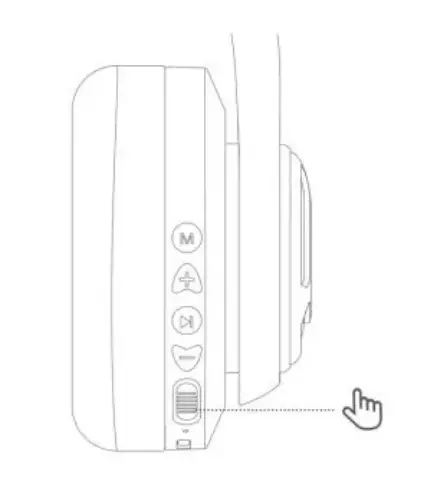
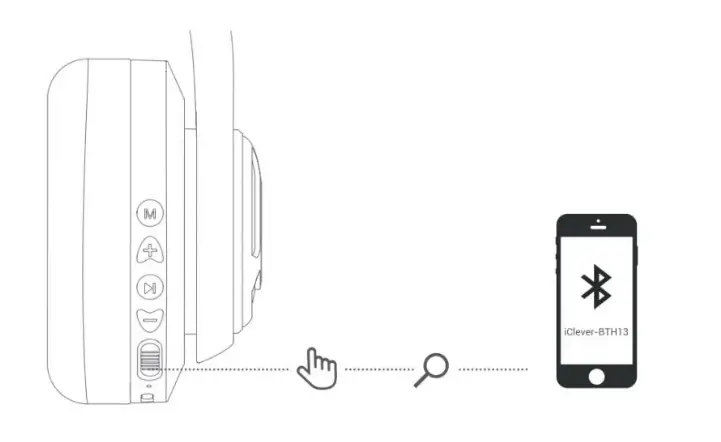
How to Pair
- Switch the button to the “ON” position in the power-on state; the multicolored lights will turn on; Bluetooth will enter the pairing state, and the red and blue lights will alternately flash.
- Turn on the mobile phone’s Bluetooth. Then, in the device list, look for and choose the”iClever-BTHI3″ Bluetooth pairing name for Bluetooth pairing connection.
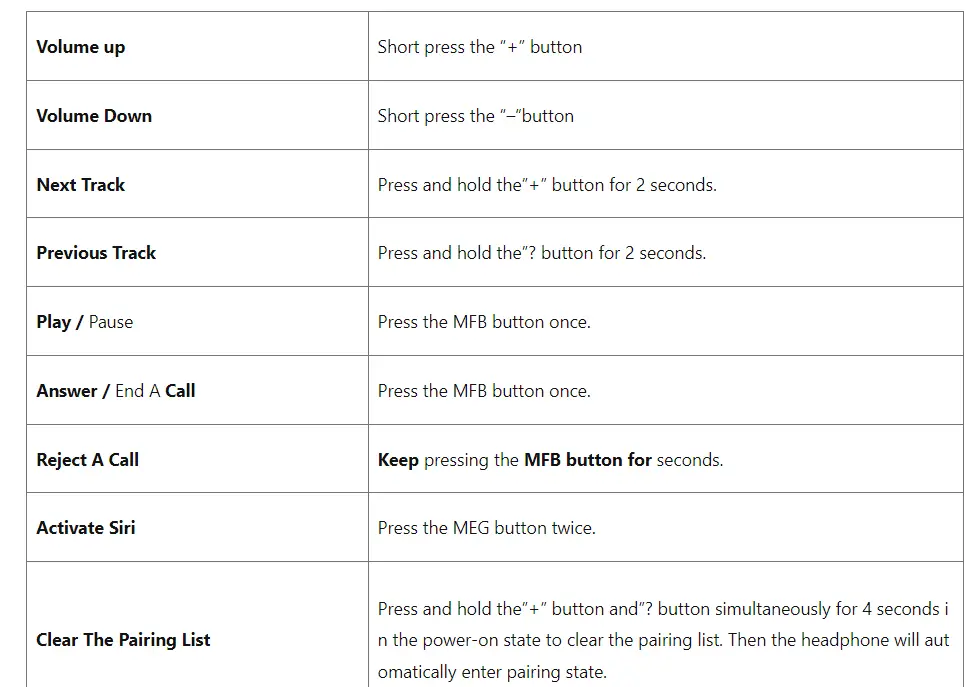
Functions Controls
How to turn LED ON/OFF
- To turn on or off the light, press and hold the Light on I Off” button for a few seconds.
Switching Gears with Volume Limits
- Switch the volume limit to 74dB and the voice broadcast to “74dB” by pressing and holding the “+”&”-” buttons at the same time.
- Switch the volume limit to 85dB and the voice broadcast to”85cIB” by pressing and holding the “-Faint”-” keys at the same time.
- Switch the volume limit to 94dB and the voice broadcast to “94dB” by pressing and holding the “-Eni&”-” keys at the same time.
How to charge the BTH 13 headphones
- Connect the Type-C cord to the headphone’s Type-C connector, as well as a 5V power outlet (power adapter is not included).
- To signal to charge, the indicator light will become red. The indicator light on the headset will change from red to blue when it is completely charged.
PROS
- Comfortable
- Easy to use.
- Best features of Bluetooth
- Can be wired and wireless.
CONS
- LED lights can get out of order with excessive use.
Verdict
If you want best technology in very good price then BTH13 is a very good option. It gives a cute and attractive look with all the premium features which other headphones have.
Frequently Ask Question
- What is the procedure for pairing my IClever Bluetooth headphones?
To link with your device, make sure it is visible first. Next, press and hold the multifunction button, which is a long green button, until the headphones are turned on and in pairing mode. Then wait for IC-BTH07 to appear in your Bluetooth settings. - What is the procedure for turning on the LED lights on iClever headphones?
Multicolor LED Lights: The fantastic wireless kid’s headphones with LEDs bring the song to life! To turn on the lights, simply press and hold the “+” button while listening to the music. The bright colors and additional pictures appeal to children. - In Bluetooth, where is the MFB button?
To skip to the next/last song, press the MFB button on the left/right earpiece twice. - What is the best way to pair Soundlogic?
Hold the Power/pairing button for three seconds to switch on or off your speaker. The speaker enters pairing mode when the Bluetooth LED blinks. To confirm that your Bluetooth device works, turn it on and place it within 33 feet (10 meters) of your speaker. - How can I link my iPad to my iClever headphones?
An on/off switch is located on the side of the headphones, which helps to preserve battery life when not in use. Switch on the headphones, then turn on Bluetooth on your device (phone, tablet, or laptop), and the headphones will link immediately.