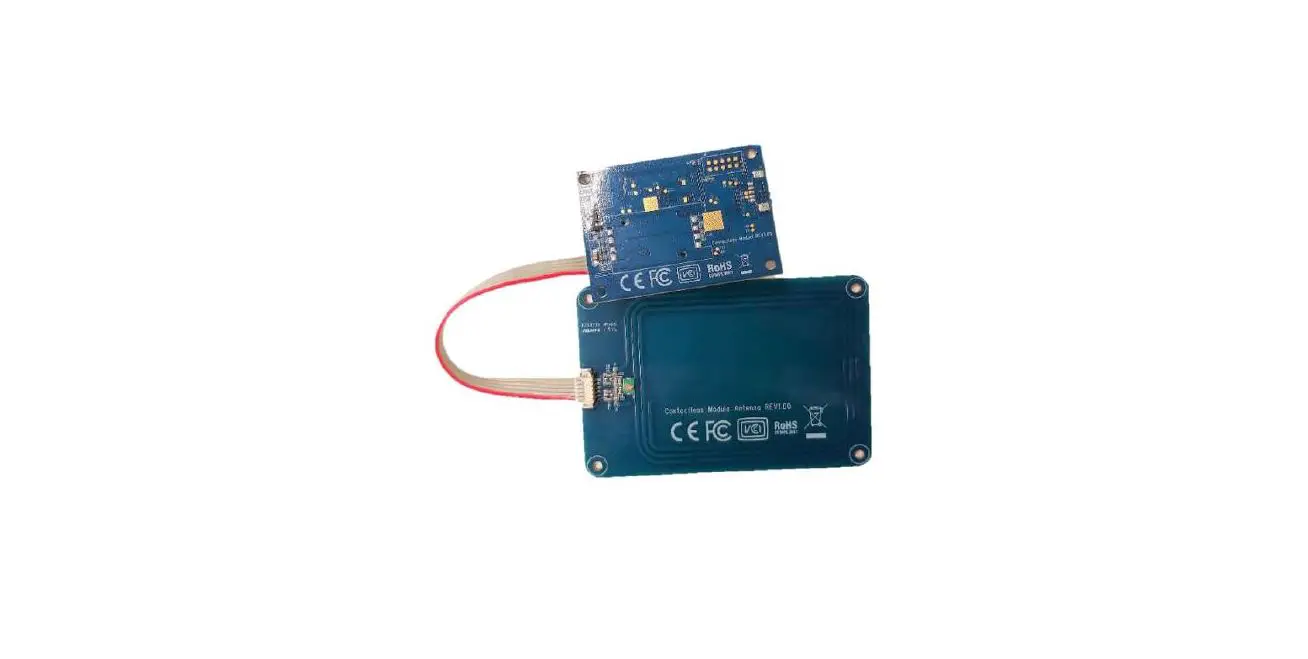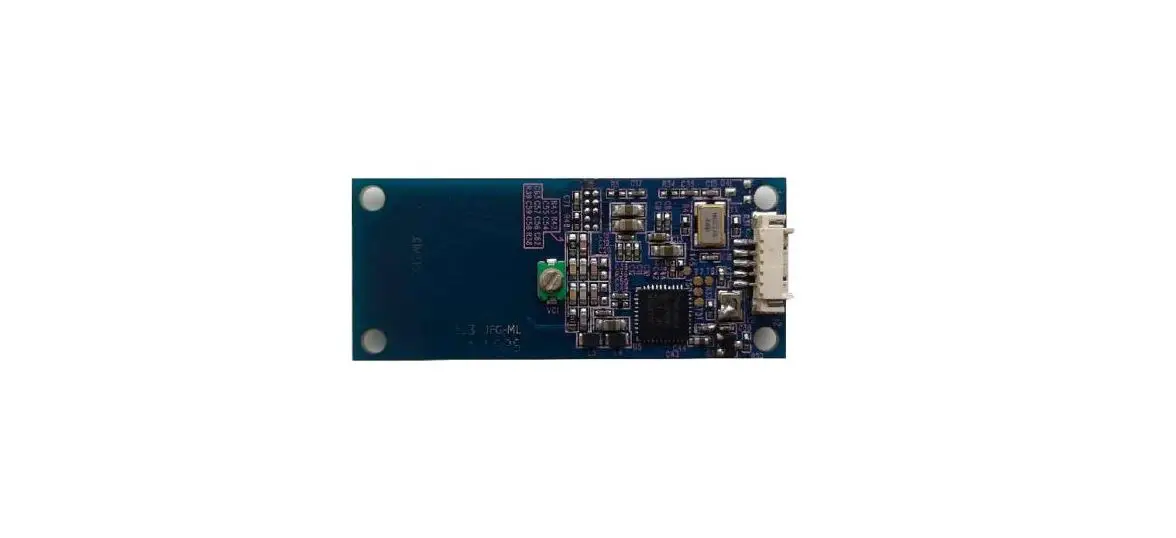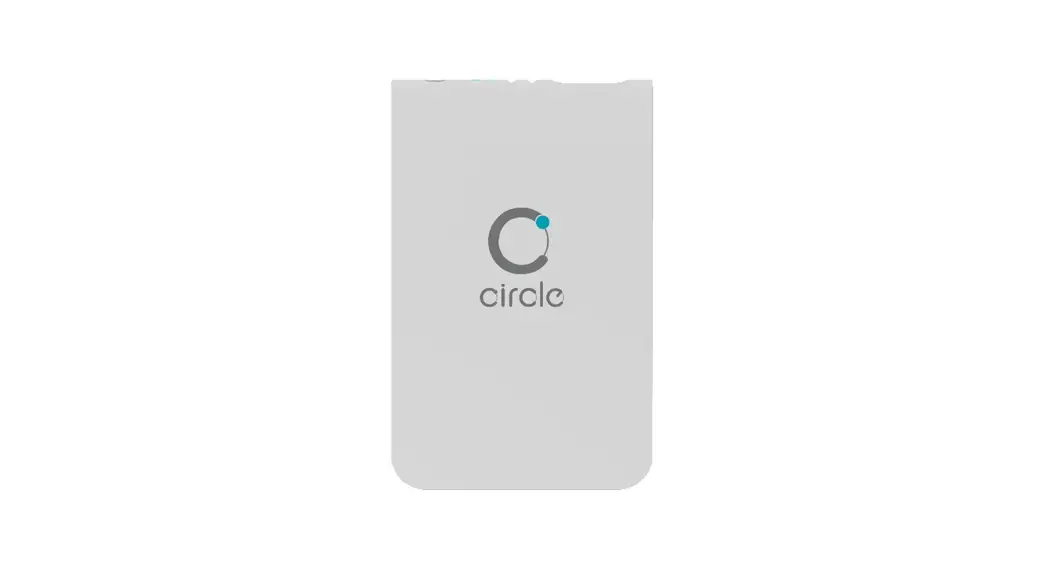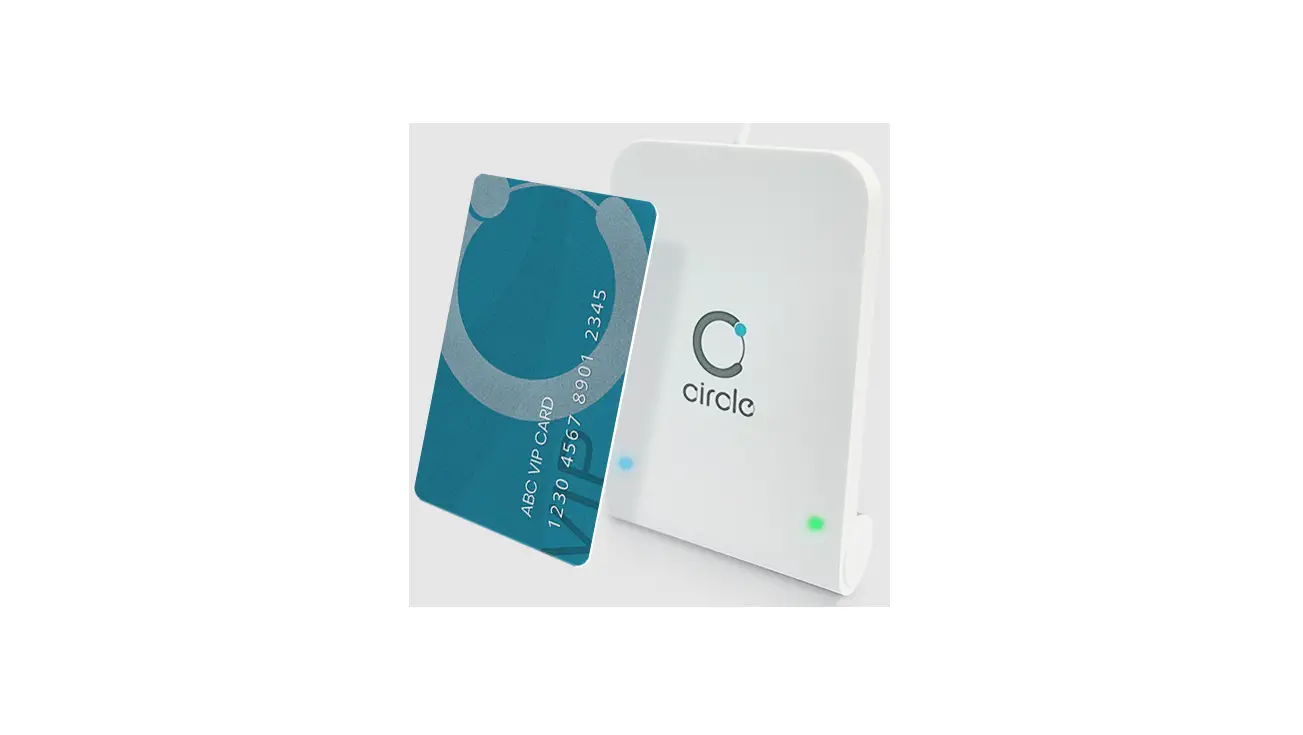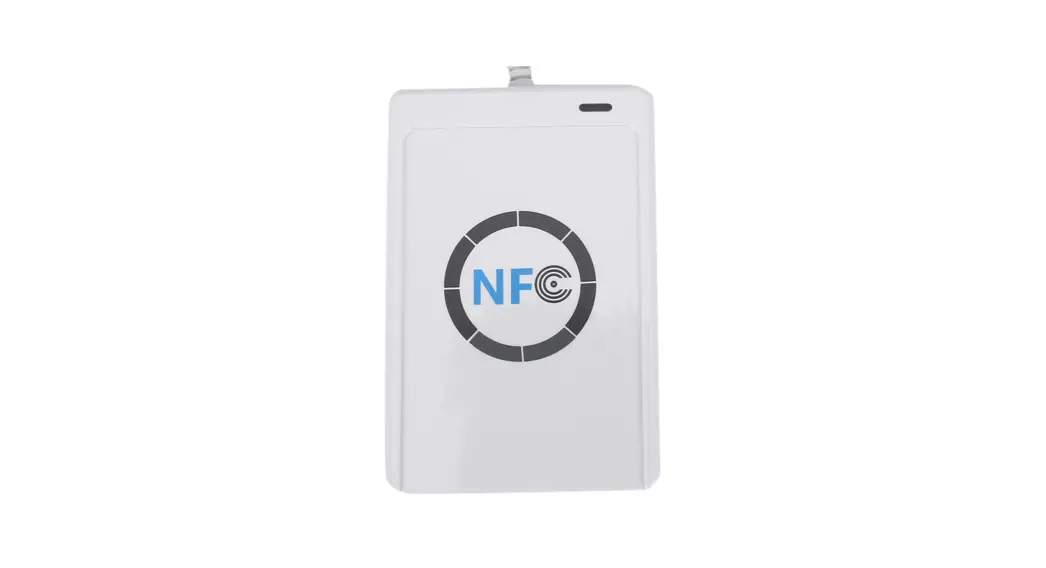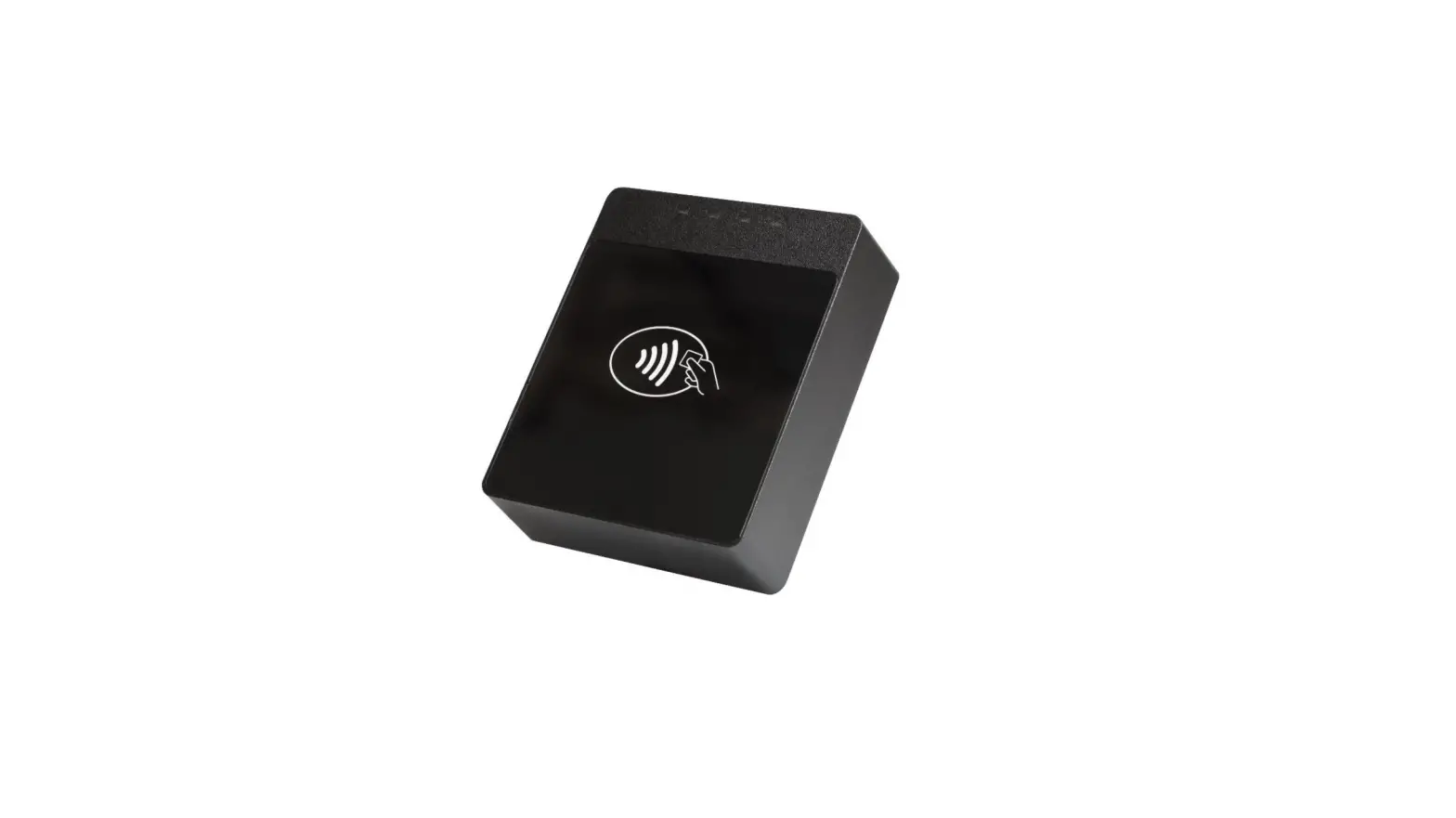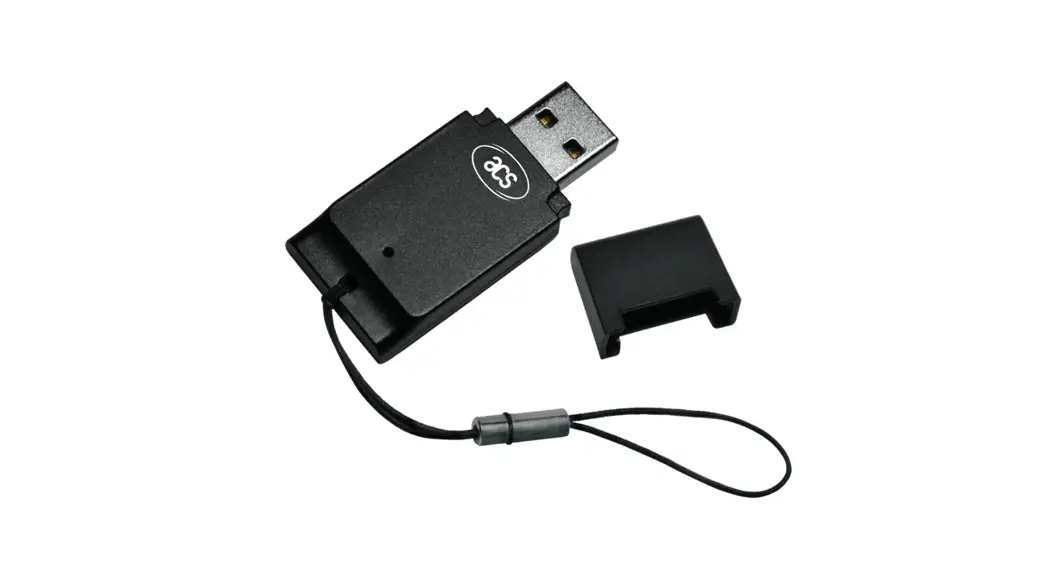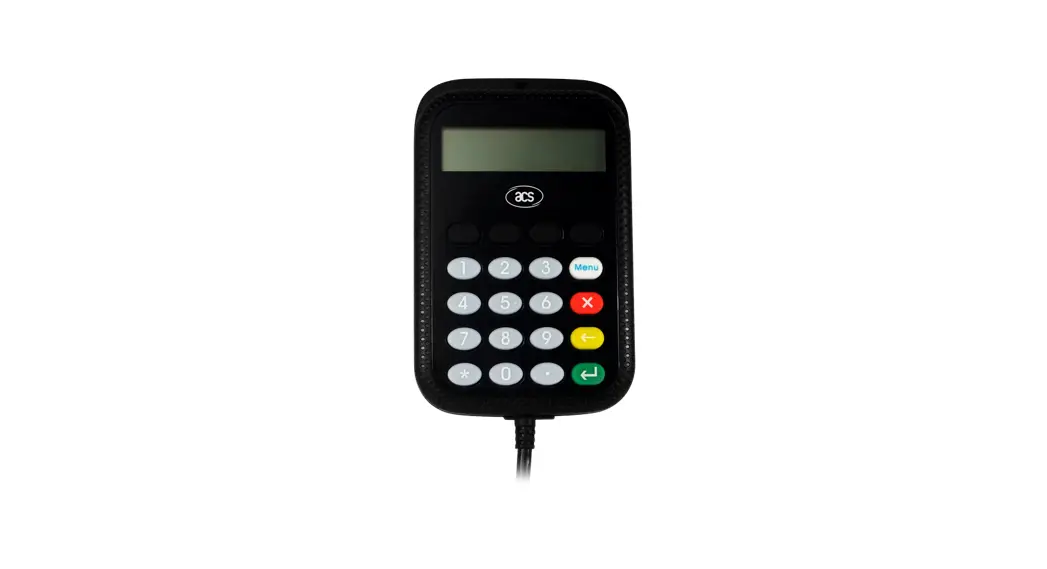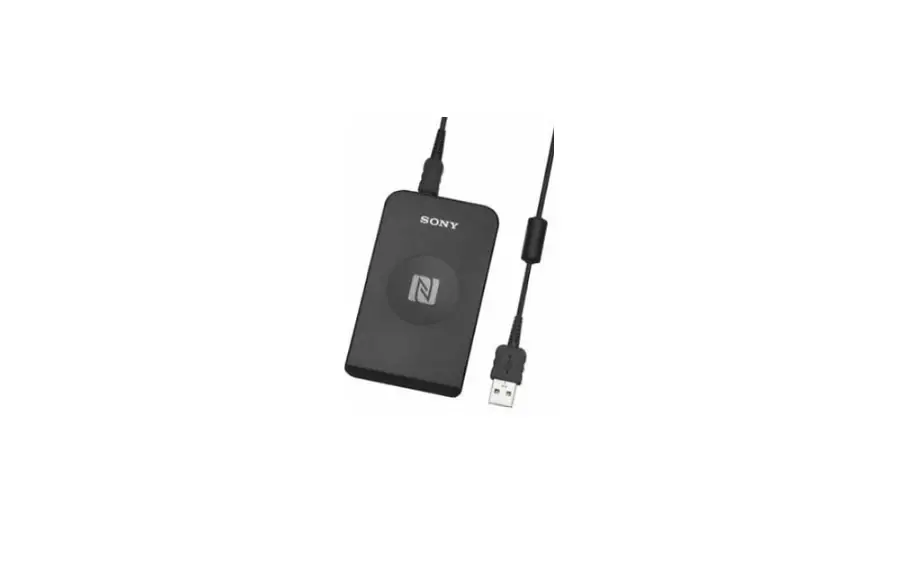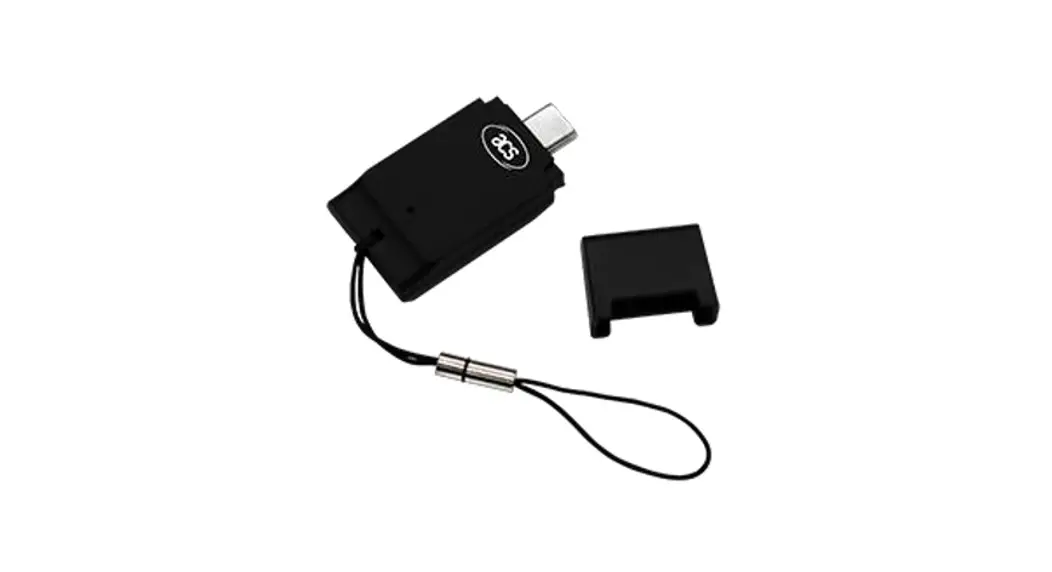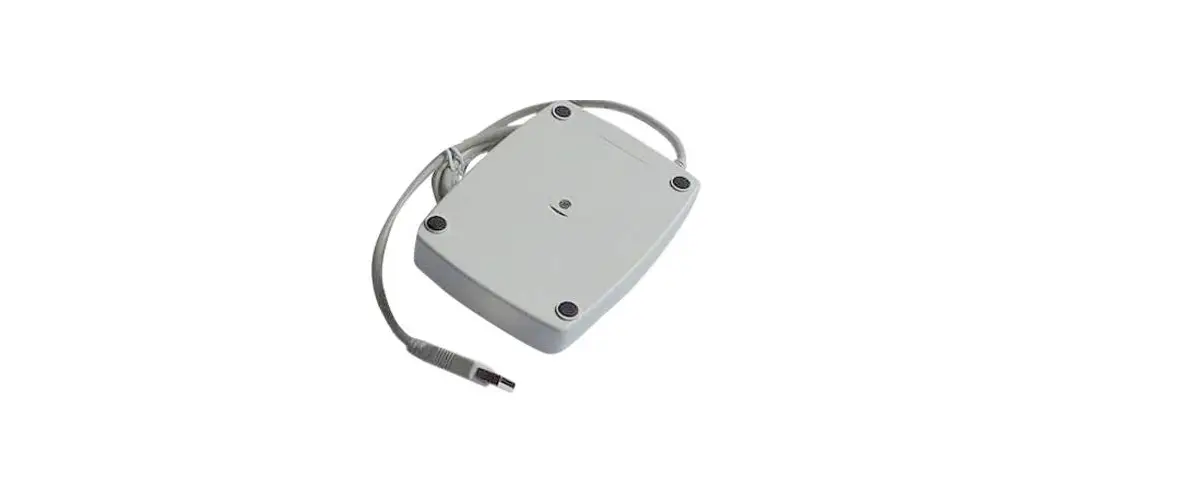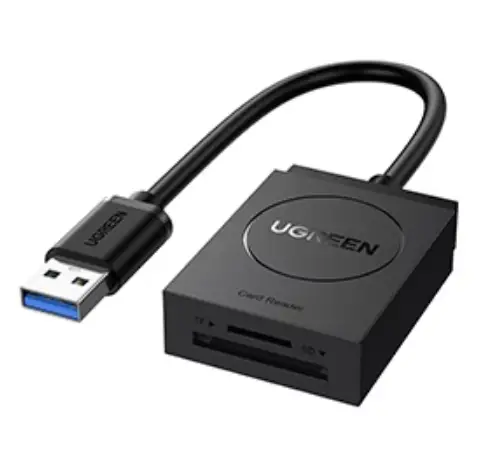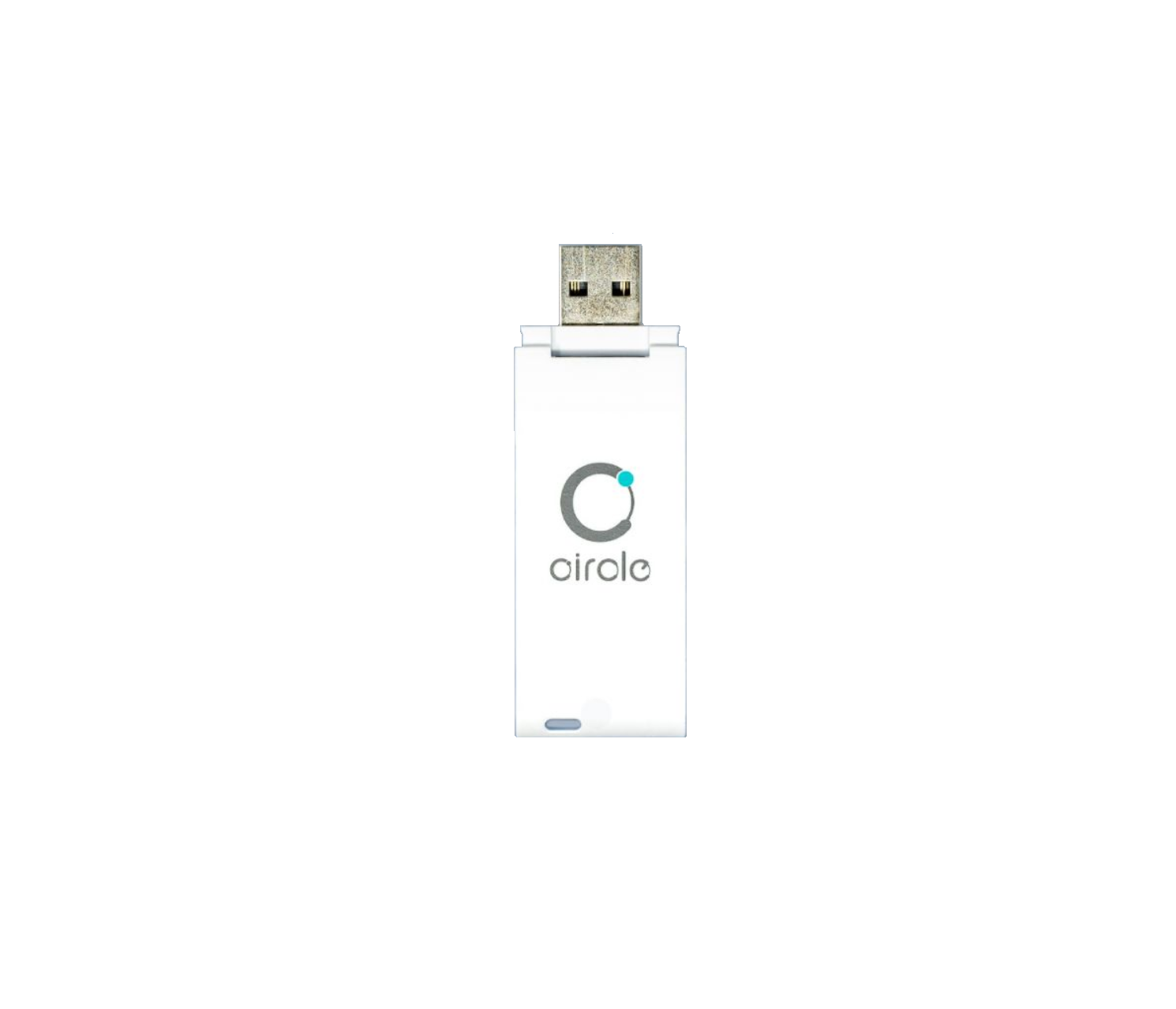
circle CIR315C Contactless Smart Card Reader
Driver installation Procedure
* Driver signed by Microsoft and WHQL, user can install the driver with Window Update. In case that cannot install via Window Update, please process the below steps to Manual installation
Hardware requires:
- CIR315C
- PC with OS windows 7 or above
Software requires:
- CIR315 Driver Package
Steps:
- Install driver by running Setup.exe

- Follow the on-screen instructions to install the driver to the system.
- Connect CIR315C to PC
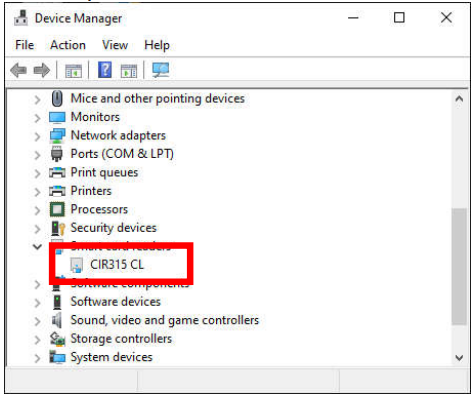
- If the device name under Device manager is “CIR315 CL”, it shows the driver is correctly installed.


Operation Example
Hardware requires:
- CIR315C
- PC with OS windows 7 or above
- Mifare 1k Test Card
Software requires:
- Any PCSC Application (e.g. APDU.exe)
Steps:
- Plug in the reader into the PC
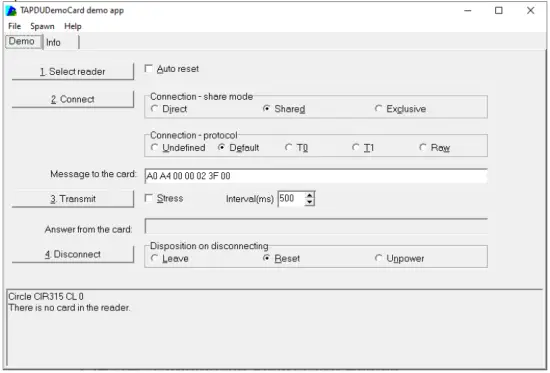
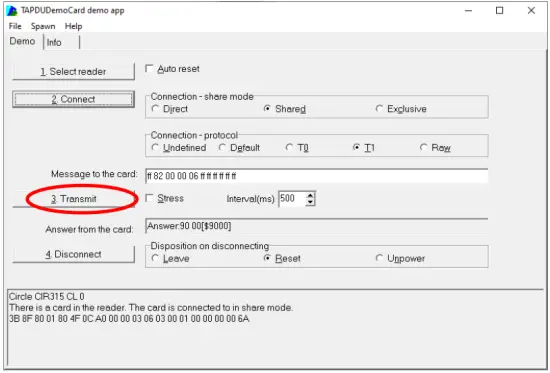
- Open “APDU.exe”

- Tag Test card on CIR315C
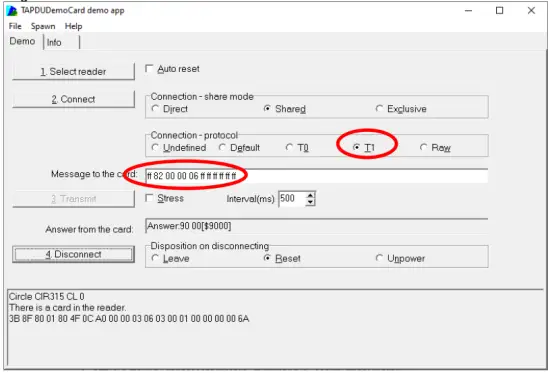
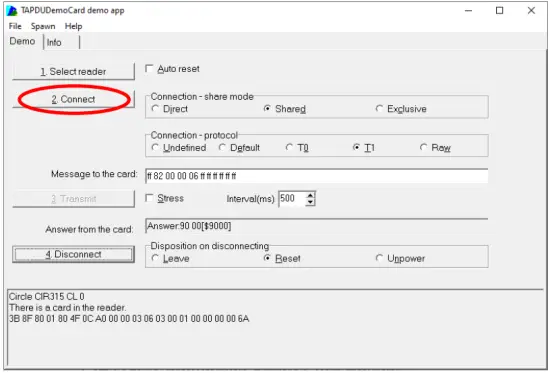
Select “T1”, Message = “ff 82 00 00 06 ff ff ff ff ff ff” - Press “2. Connect”
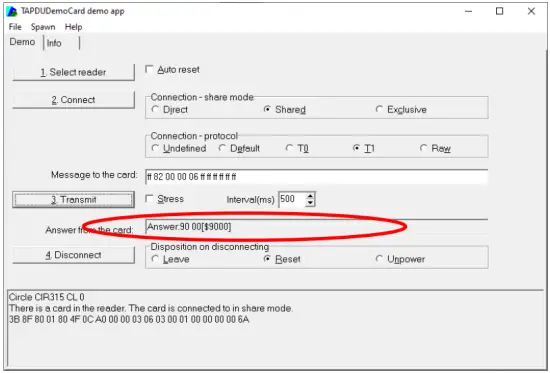
- Press “3. Transmit”
- Result will be shown on the “Answer from the card:”
Parameter Sheet
| Device AB Circle’s CIR315C | |
| Contactless Smart Card Interface | |
| Standard | ISO/IEC 14443 Type A & B, ISO/IEC 18092, ISO/IEC 15693 |
| Protocol | T=CL (translated to T=1 for PC/SC compliance) |
| Operating Frequency | 13.56 Mhz |
| Supported Card Types | ISO/IEC14443-4 A & 4B Cards, ISO/IEC15693-3 Cards, MIFARE series: Classic/ PLUS/ Ultralight/ Ultralight C/ DESFire/ DESFire EV1/ DESFire EV2, etc FeliCa (Standard/ Lite/ Plug), Calypso, J-LIS Cards, NFC Forum Tag type 1/2/3/4/5 |
| Speed | 106/ 212/ 424/ 848kbps (Default: 106kps) |
| Reading Distance | Up to 50 mm (depending on tag type) |
| Extended APDU | Support |
| Physical Characteristics | |
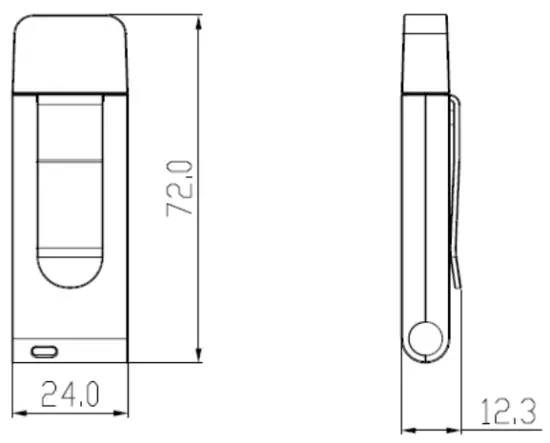
| Dimensions | 24.0 x 72.0 x 10.0 mm (no clip) |
| Weight | 13.0g (± 5 g) |
| Casing | White ABS |
| Host Interface | |
| Power Supply | USB Bus-powered |
| Current Consumption | |
| USB Standard | USB 2.0 Full Speed (12 Mbps) |
| USB Connector Type | Default: Type A, Optional: Type C |
| Human Interface | |
| LED | 1 LED: Blue (Operation Status) |
| Software and Driver | |
| Firmware Upgradeable | Support, via USB |
| Driver | CCID |
| Application Programming Interface (API) | PC/SC |
| Operating Conditions | |
| Operating Temperature | -10 °C – 55 °C |
| Operating Humidity | Max. 95% (non-condensing) |
| Storage Temperature | -20 °C – 70 °C |
| Meantime Between Failure (MTBF) | 600,000 hours |
| Compliance/ Certifications | |
| Standards/ Systems | ISO/IEC14443, ISO/IEC18092, ISO/IEC15693, ISO/IEC7816 (SAM slot), USB 2.0 Full Speed, CCID, Microsoft® WHQL |
| Regulatory/ Environmental | EN62368, CE, FCC, VCCI, MIC, RoHS3, REACH |
| Operational Environment | |
| Supported Operating Systems | Windows® 7 and above, Linux®, Mac OS® 10.12 and above, Android™ 6.0 and above |
| Ordering Information | |
| Produce Code | CIR315C-01: USB Type A Connector, CIR315C-02: USB Type C Connector (Optional) |
Warning:
- Changes or modifications to this unit not expressly approved by the party responsible for compliance could void the user authority to operate the equipment.
NOTE: This device complies with part 15 of the FCC Rules. Operation is subject to the following two conditions: (1) This device may not cause harmful interference, and (2) this device must accept any interference received, including interference that may cause undesired operation.
Warning: Changes or modifications to this unit not expressly approved by the party responsible for compliance could void the user authority to operate the equipment.
NOTE: This equipment has been tested and found to comply with the limits for a Class B digital device, pursuant to Part 15 of the FCC Rules. These limits are designed to provide reasonable protection against harmful interference in a residential installation. This equipment generates, uses and can radiate radio frequency energy and, if not installed and used in accordance with the instructions, may cause harmful interference to radio communications. However, there is no guarantee that interference will not occur in a particular installation. If this equipment does cause harmful interference to radio or television reception, which can be determined by turning the equipment off and on, the user is encouraged to try to correct the interference by one or more of the following measures:
- Reorient or relocate the receiving antenna.
- Increase the separation between the equipment and receiver.
- Connect the equipment into an outlet on a circuit different from that to which the receiver is connected.
- Consult the dealer or an experienced radio/TV technician for help
This equipment complies with FCC radiation exposure limits set forth for an uncontrolled environment. The End user must follow the specific operating instructions for satisfying RF exposure compliance. This transmitter must not be co-located or operating in conjunction with any other antenna or transmitter.
[email protected]
www.abcircle.com

 AB Circle Limited - Finest IoT and smart card readers