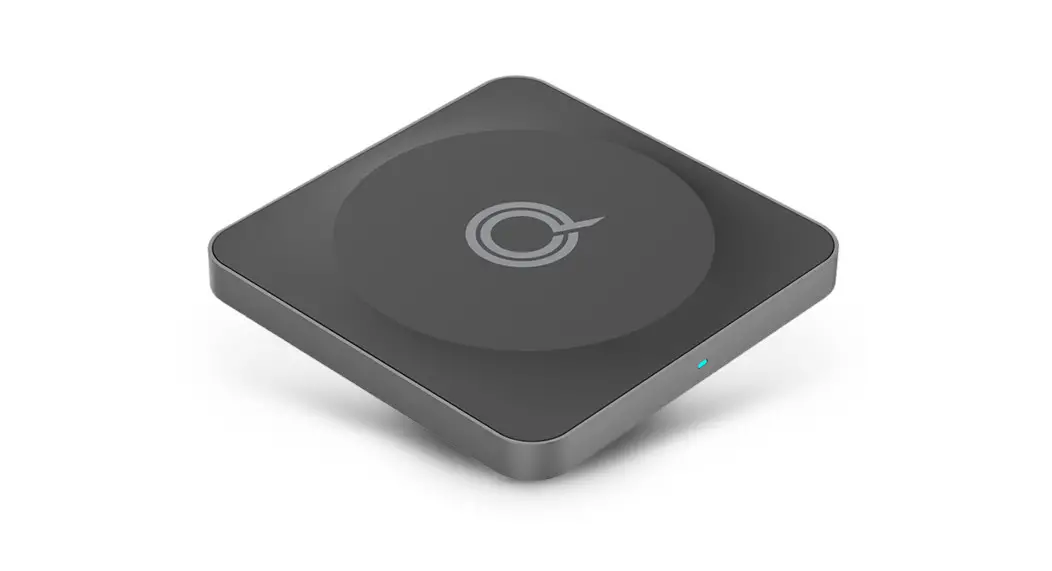
POWERBASE Wireless Charging Pad
Wireless Charging Pad
Quick Start Guide
Specifications
The wireless charging pad comes with:
- 2 Type-C Charging Cables
The device complies with part 15 of the FCC Rules. Operation is
subject to the following two conditions: (1) This device may not
cause harmful interference, and (2) this device must accept any
interference received, including interference that may cause
undesired operation.
Wireless Charging Pad Controls
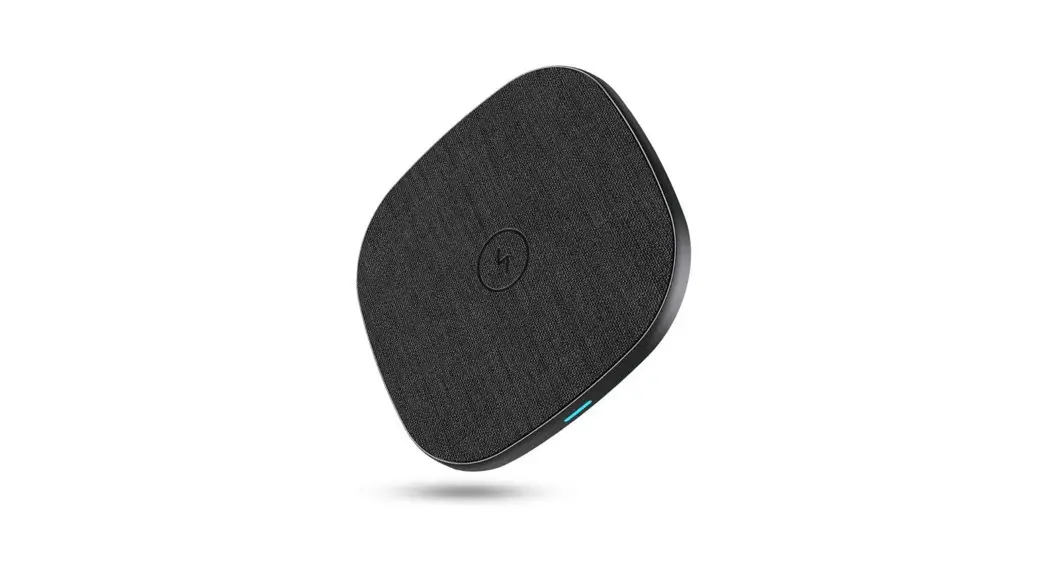
The wireless charging pad has 2 controls:
- LED light to indicate charging status
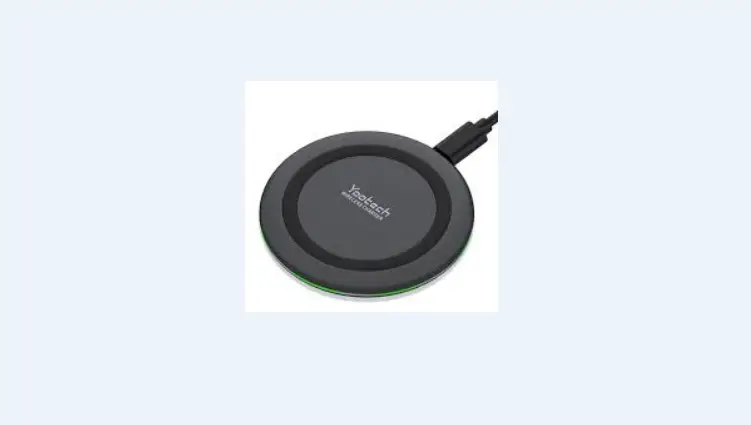
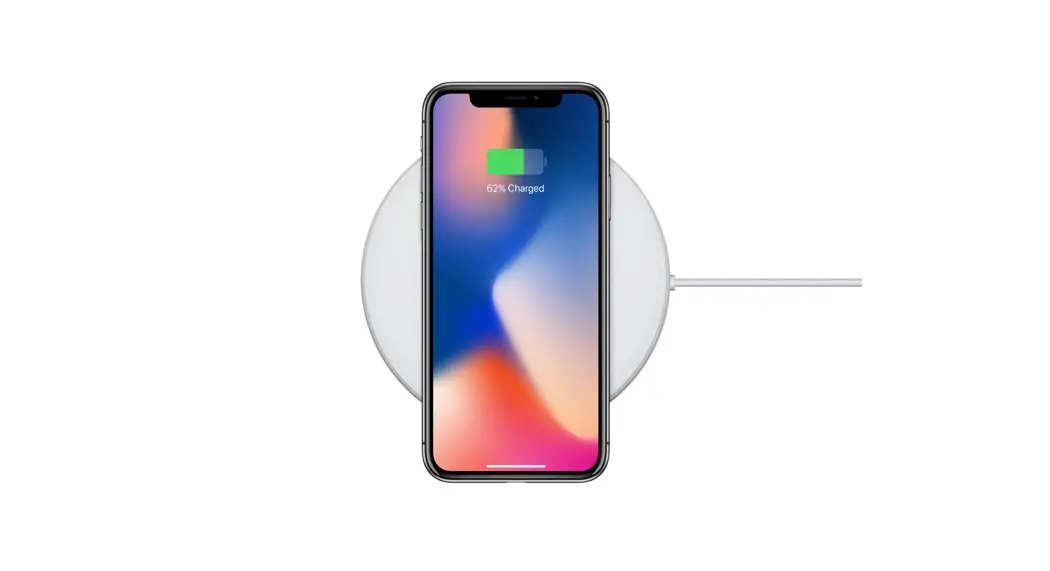
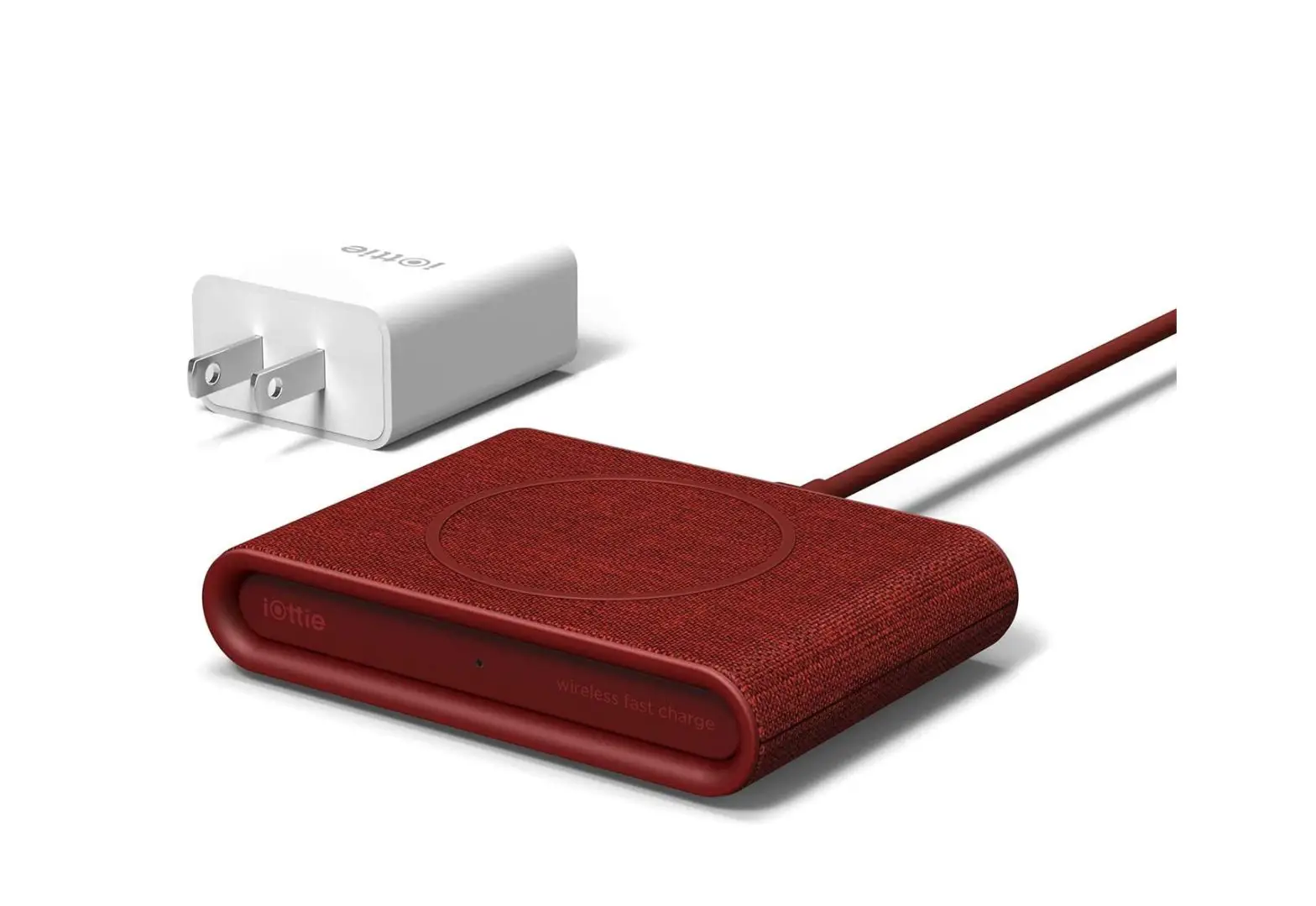
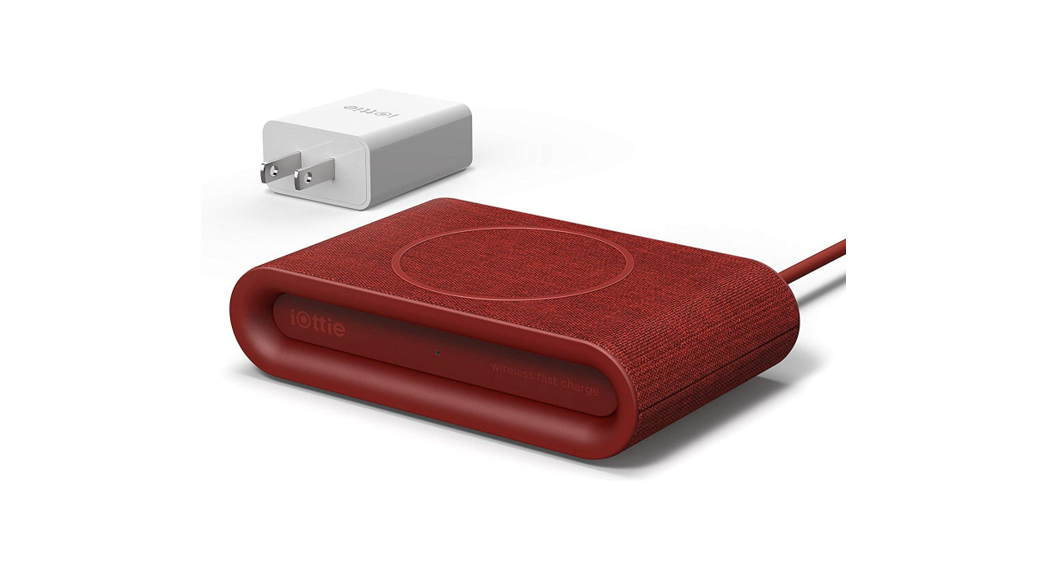
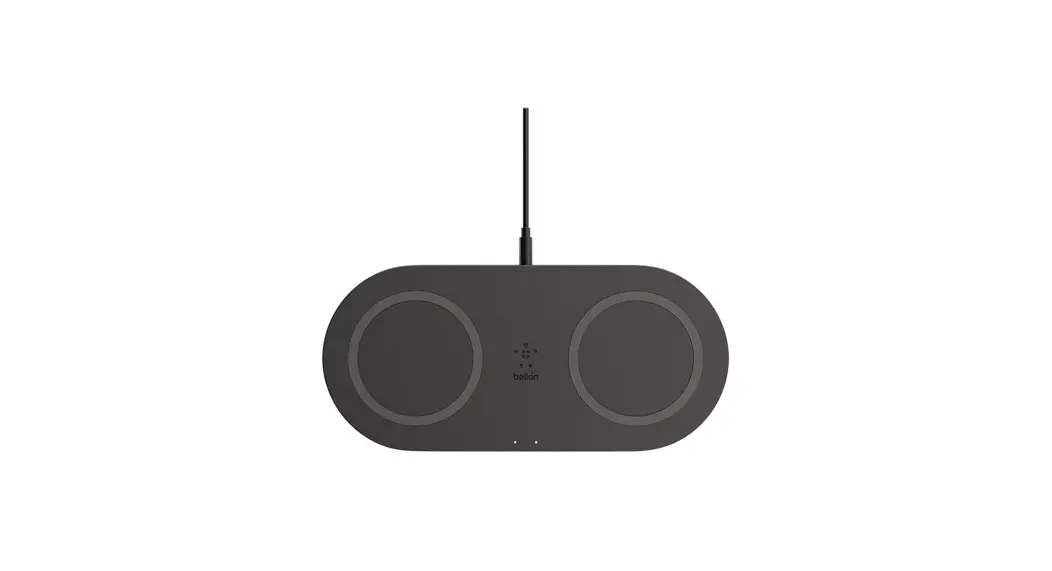
- Placement area for wireless charging devices
Product Usage Instructions
- Connect to Power: Connect the wireless
charging pad to a power source using the provided Type-C charging
cable. - Setup Your Device: Place your wireless
charging device in the correct placement area on the charging pad.
Ensure that your device is positioned correctly for proper
charging. - Start Charging: Once your device is in the
correct placement area, look for the LED light to turn solid BLUE.
This indicates that charging has started. The LED light will turn
off when in standby.
POWERBASE®
Wireless Charging Pad
Plataforma inalámbrica para cargar
QUICK START GUIDE
GUÍA DE INICIO RÁPIDO
SPECIFICATIONS
ESPECIFICACIONES
Power: 10W Potencia: 10W Output: 5W, 7.5W, 10W Max Salida: 5W, 7.5W, 10W máx Input: DC5V 2A, 9V/2A Entrada: DC5V 2A, 9V/2A Efficiency: 70% Eficiencia: 70% Transmission distance: 8mm Distancia de transmisión: 8mm Certifications: FCC, RoHS, and Qi Certificaciones: FCC, RoHS, and Qi
WHAT’S INSIDE
QUÉ HAY DENTRO
1 Wireless Charging Pad Plataforma inalámbrica para cargar
2 Type-C Charging Cable Cable de carga tipo C
1
2
WIRELESS CHARGING PAD CONTROLS
2
3 1 1 Wireless phone charging pad Superficie inalámbrica de carga del teléfono 2 LED charging indicator Indicador LED de carga 3 Type-C Input Entrada de tipo C
STEP 1
CONNECT TO POWER
Power your PowerBase by connecting the included cable to your wireless charging pad using the Type-C port and a power source*. The LED light will flash BLUE three times then turn off when the PowerBase is ready for use. *Wall/Car charger not included Potencia tu PowerBase conectando el cable incluido a su superficie inalámbrica de carga utilizando los puertos Tipo C y una fuente de alimentación*. La luz LED parpadea en AZUL tres veces y luego se apagará cuando la PowerBase esté lista para usarse. *No se incluye el cargador de pared/automóvil
STEP 2
SETUP YOUR DEVICE
Your Powerbase is designed to make charging as convenient as possible for you. To ensure proper charging takes place, please ensure your device is positioned in the correct placement on the charging pad.
Su PowerBase está diseñado para que cargar sea lo más conveniente posible para usted. Para garantizar una carga adecuada, asegúrese de que su dispositivo esté colocado en la posición correcta en la superficie de carga.
Correct
Incorrect
OR
STEP 3
START CHARGING
Place your wireless charging device on your PowerBase and look for the LED light to turn solid BLUE to indicate charging has started and will turn off when in standby.
Coloque su dispositivo de carga inalámbrica en su PowerBase y espere que la luz LED se vuelva AZUL fija, lo cual indica que la carga ha comenzado y se apagará cuando esté en modo de espera.
Please note: If the LED light flashes GREEN this indicates abnormal charging. Remove your device from the PowerBase and ensure there are not any foreign objects on the wireless charging pad. Once the LED light turns off ensure it is properly placed back on the PowerBase and look for the LED light to turn BLUE to indicate normal charging. Tenga en cuenta: si la luz LED parpadea en VERDE, esto indica una carga anormal. Retire su dispositivo de la PowerBase y asegúrese de que no haya objetos extraños en la plataforma de carga inalámbrica. Una vez que
la luz LED se apague, asegúrese de volver a colocarla correctamente en la PowerBase y observe si la luz LED se vuelve AZUL para indicar que la carga es normal.
ONE YEAR LIMITED WARRANTY Garantía limitada de un año, visite visit quikcell.com/warranty
© 2023 All rights reserved. Alphacomm, Quikcell, and PowerBase are registered trademarks of Alpha Comm Enterprises, LLC. All other trademarks are the property of their respective owners. Designed by Alpha Comm Enterprises, LLC at Diseñado por Alpha Comm Enterprises, LLC en 1500 Lakes Parkway, Lawrenceville, GA.30043.
PowerBase® QC-PWRBASE3-BLK FCC ID: 2A9G4-1070Q Alpha Comm Enterprises, LLC 1500 Lakes Parkway Lawrenceville GA 30043. 1-888-951-0909
This device complies with part 15 of the FCC Rules. Operation is subject to the following two conditions: (1) This device may not cause harmful interference, and (2) this device must accept any interference received, including interference that may cause undesired operation.
 Warranty - Quikcell