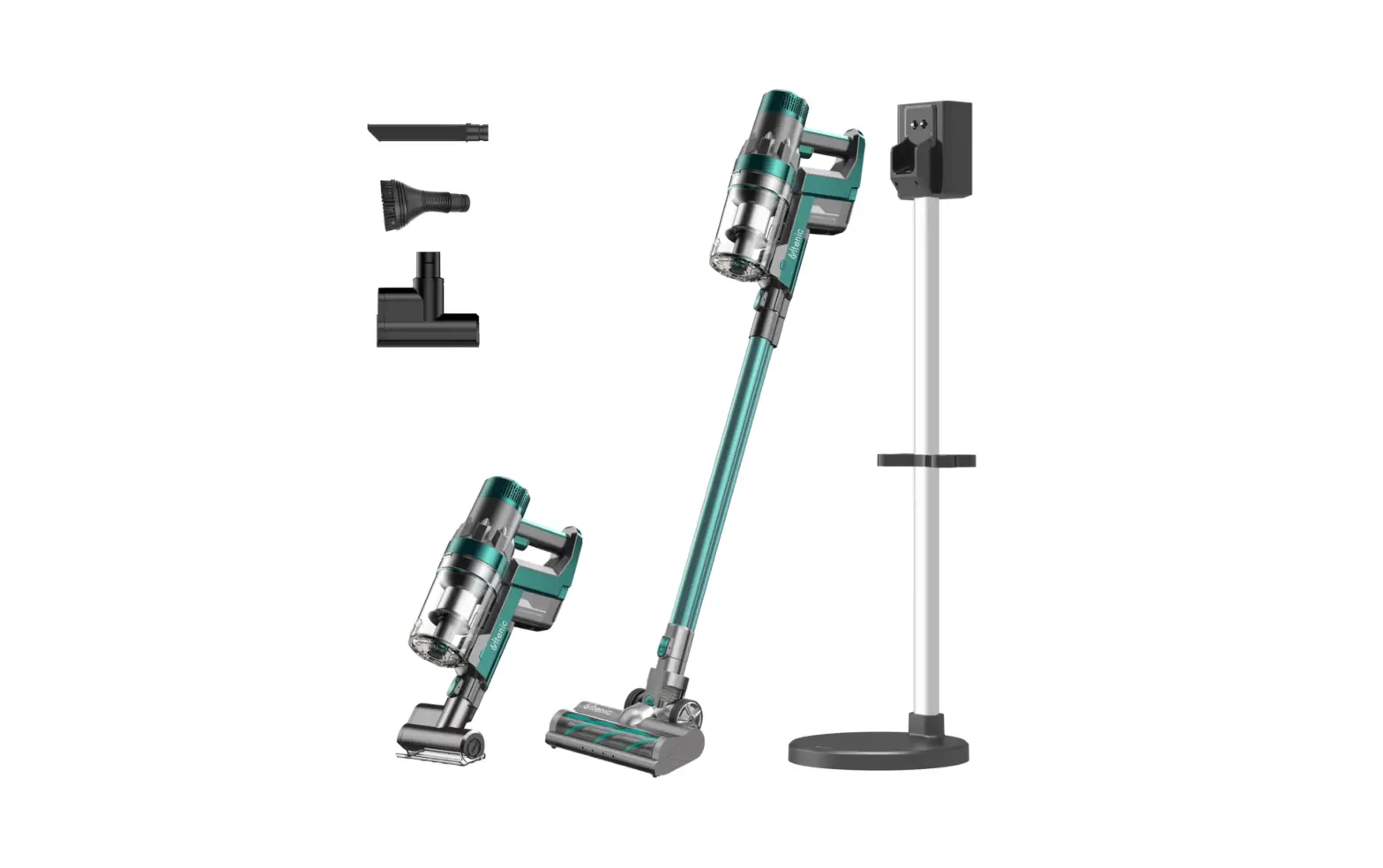

Charging
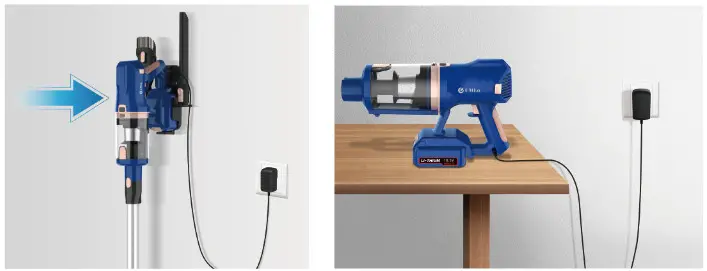
- The battery could be charged only when connected to the main motor.
- The battery could he charged only when connected to the main motor.
- It will take about 5 hours to charge the battery.
- Only can he be charged with the original charger.
Press the power switch to turn it on
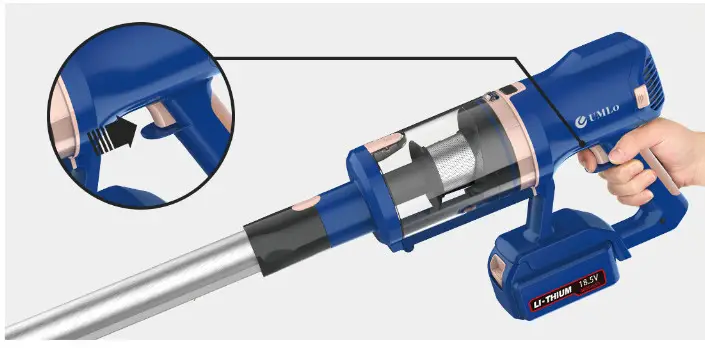
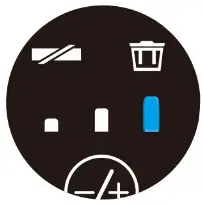
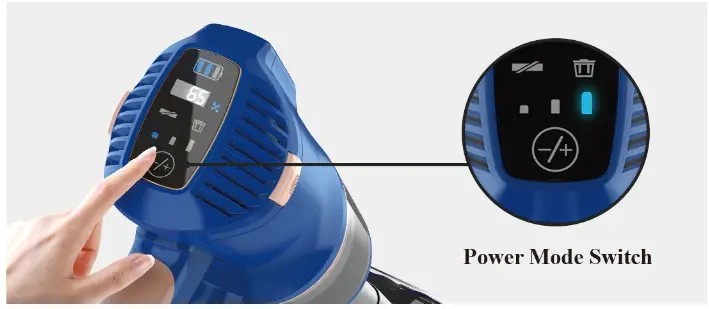
Touch +1- to switch power mode
Empty the Dust Cup
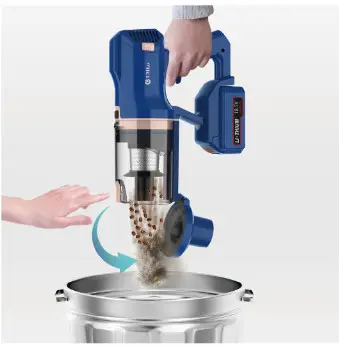
When dust reaches MAX labeled on the dust cup. please empty the dust cup before going on.
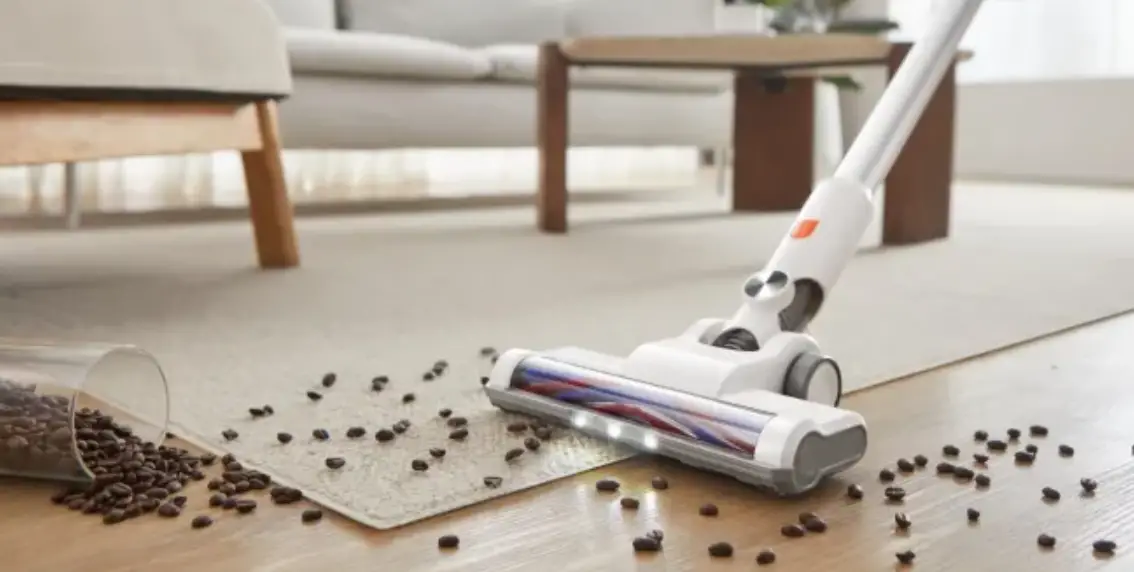
Clean the Roler Brush
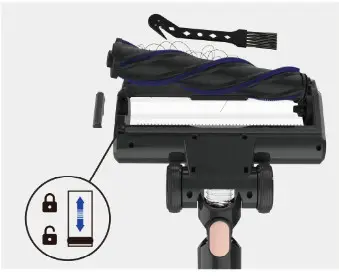
Note: There Is ill be an alert on the I.F.D Display if the roller brush gets tangled or stuck. Please clean It in time.
- Unlock the side lock on the bottom side of the cleaner head.
- Remove the side cover.
- Take out the roller hnish, and clean it with the cleaning tool.
Clean the Filters
Note: Please re-assemble them when they are completely dry.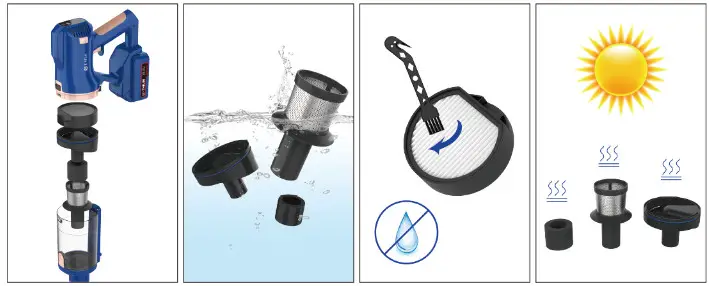
Filter Installation

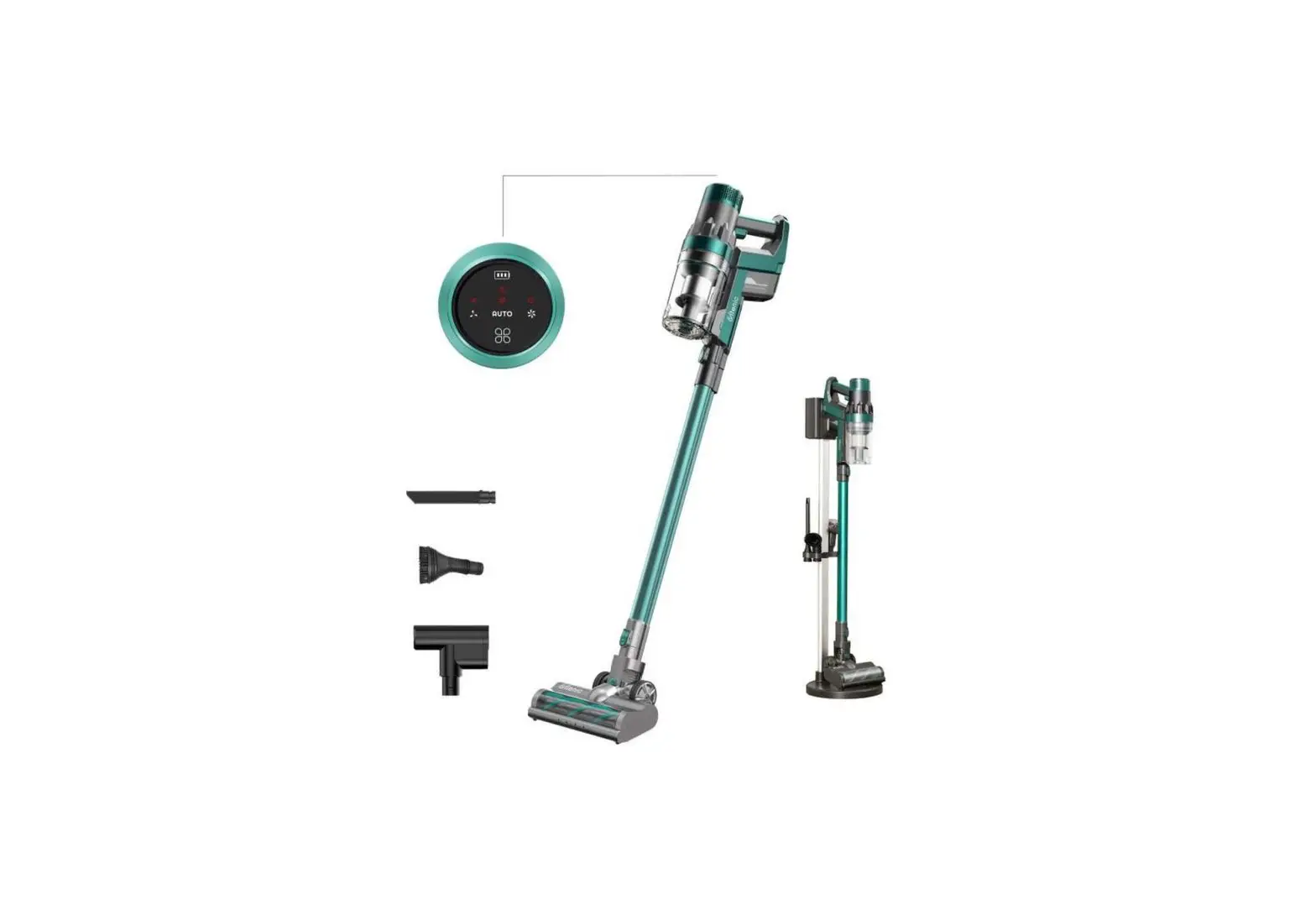
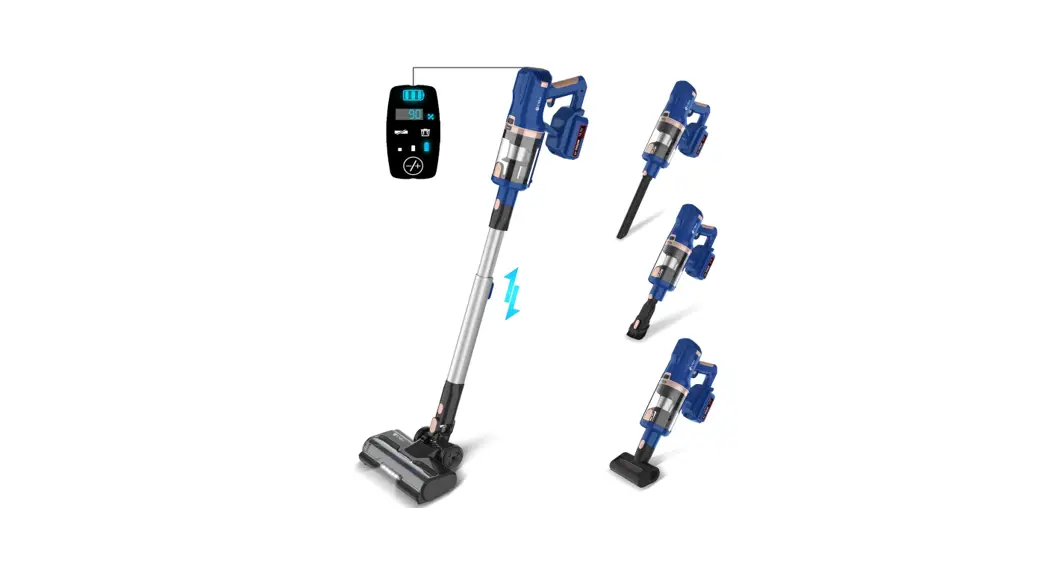
LED Display
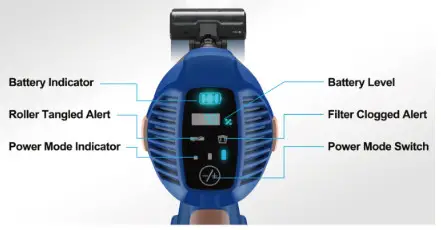
Three modes can be selected
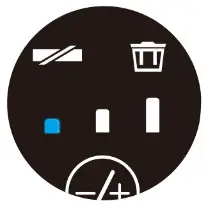
Low Mode
Suction: Up to 8Kpa
Runtime: Up to 60 minutes
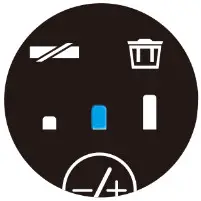
Medium
Mode Suction: Up tol5Kpa
Runtime: Up to 35 minutes
High Mode
Suction: Up to 25Kpa
Runtime: Up to 15 minutes