 Programming
Quick Start Guide
Power Awning Pro QSG Programming
THIS QUICK START GUIDE IS INTENDED AS A GUIDE ONLY AND IS NOT INTENDED TO PROVIDE ALL INFORMATION AND WARNINGS RELATED TO THE PRODUCT. REFER TO YOUR OPERATING AND INSTRUCTION MANUALS FOR ADDITIONAL IMPORTANT INFORMATION AND WARNINGS, INCLUDING ADDITIONAL SAFETY WARNINGS.
| Model | For Part Numbers |
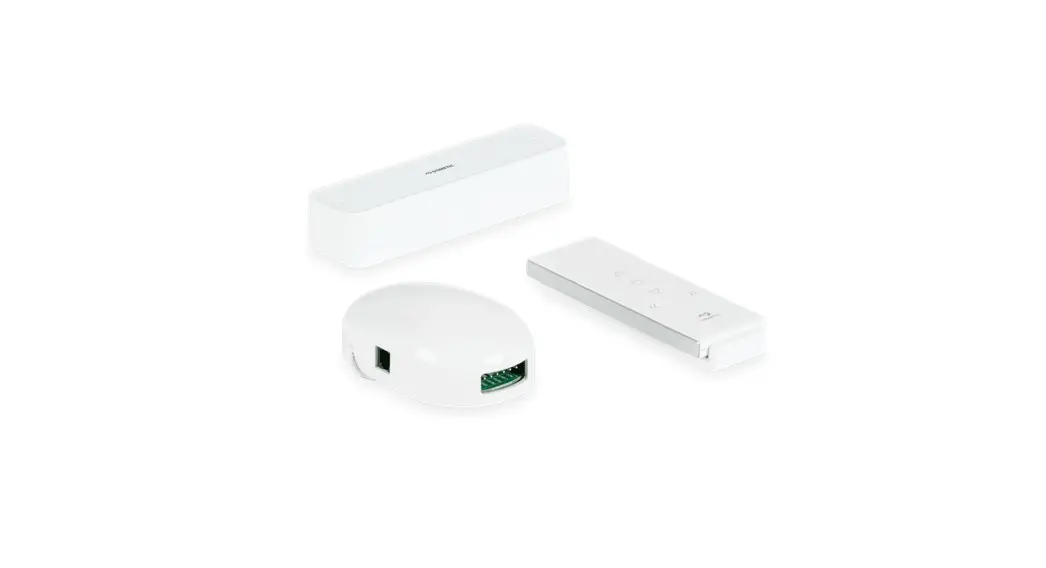
| Power Awning Pro | 3316518.XXX, 3316519.XXX, 33117114.XXX, 3317115.XXX, 3316554.XXX, 3316520.XXX |
Complete each programming step within four seconds of the previous step to keep the receiver in pairing mode.
| Step | Operation | Audible Alert | Awning Movement |
| 1 | 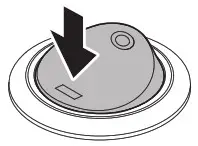 Turn Power On Turn Power On | 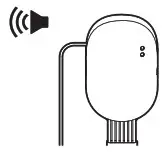 Beep x1 | None |
| 2 | 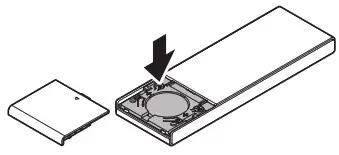 Press Left P2 Button x2 | Beep x2 | None |
| 3 | 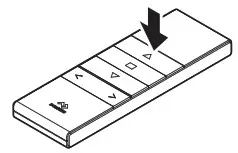 Press Up Button x1 | Beep x4 | 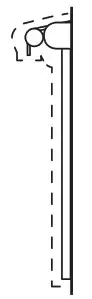 Awning Jogs |
| 3¹ | 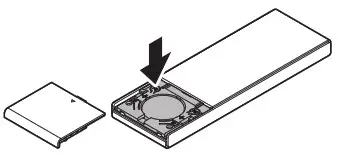 Press Left P2 Button x1 | Beep x1 | Awning Jogs |
| 4² | 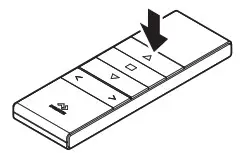 Press Up Button x1 | Beep x1 | None |
| 5² | 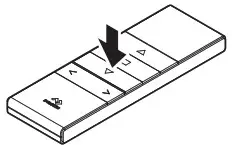 Press Down Button x1 Press Down Button x1 | None | None |
| 6² | 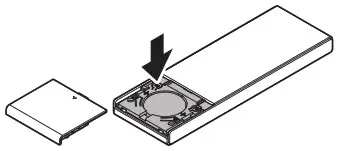 Press Left P2 Button x1 | Beep x3 | Awning Jogs |
| 7² | 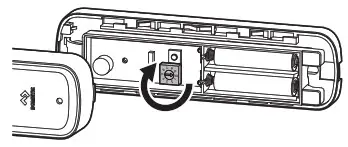 Set Sensor Dial to “0” | None | None |
| 8 | 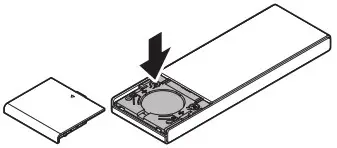 Press Left P2 Button x1 | Beep x1 | 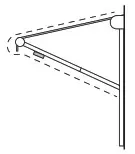 Awning Jogs |
| 9 | 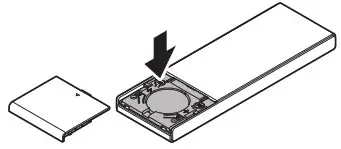 Press Left P2 Button x1 | Beep x1 | None |
| 10 | 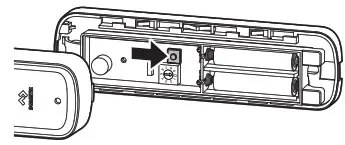 Press Programming Button x1 | 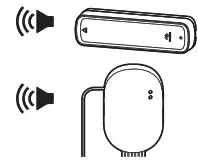 Beep x1/Beep x5 | Awning Jogs |
| 11 | 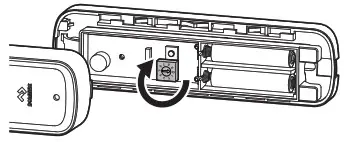 Set Sensor Dial to “5” | None | None |
| 12 | 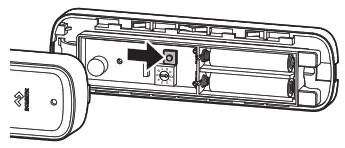 Press Programming Button x1 | 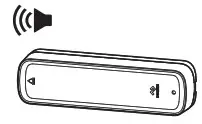 Beep x1 | 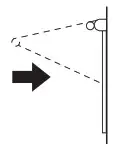 Awning Retracts |
| 13 | 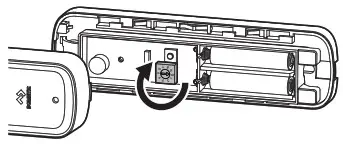 Set Sensor to Desired Level (adjusting sensitivity can be done without reprogramming) | To clear memory: Press P2 □ (STOP button) P2 Programming must then be restarted at Step 1. | |
- When using on 9500 awning, press the ▼ DOWN button at step 3 instead of the ▲ UP button.
- Steps 4-7 are only applicable to the 9100 awning series.
Revision A Form No. 3317464.000 05/22
©2022 Dometic Corporation