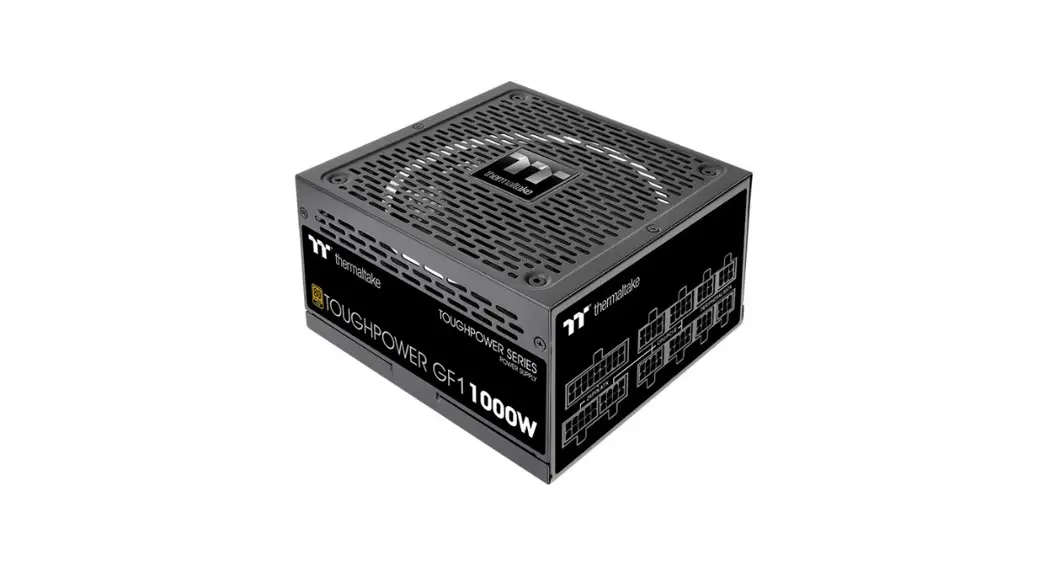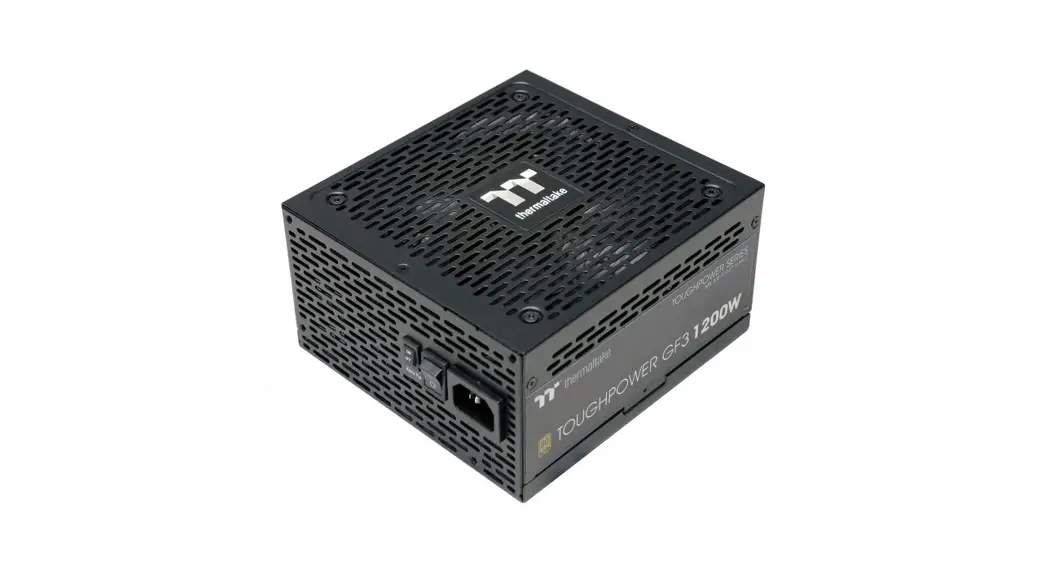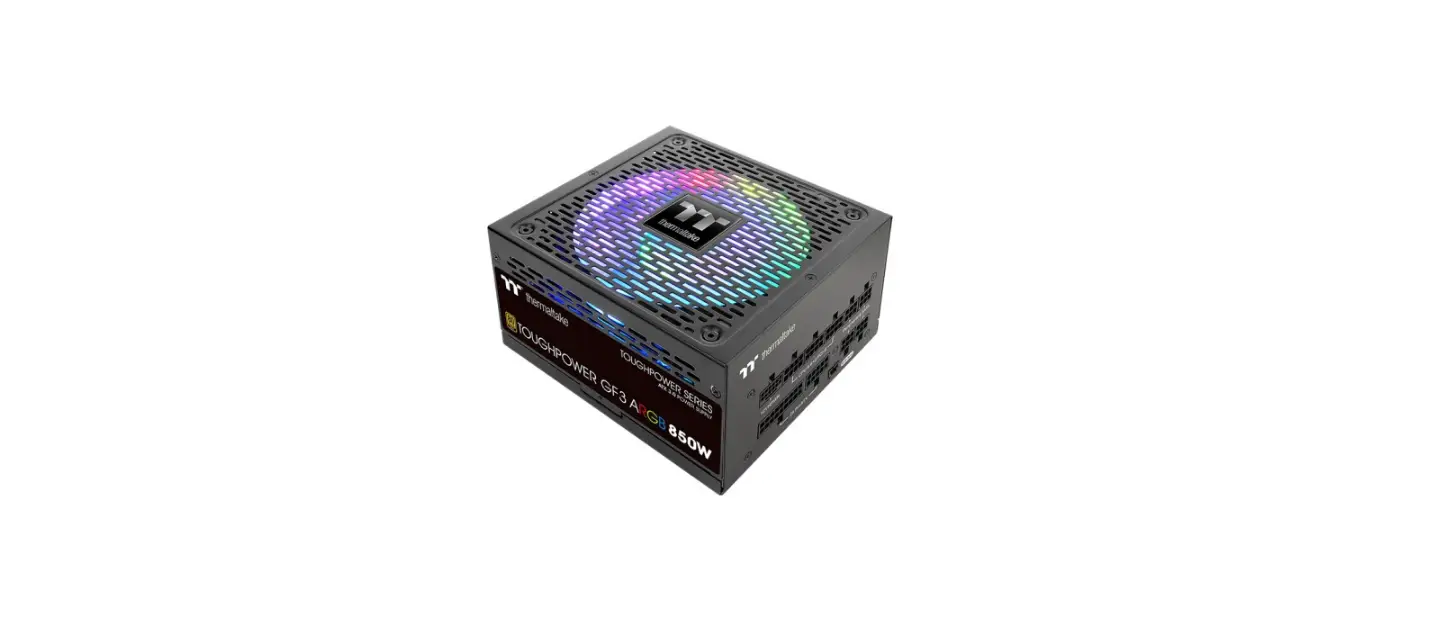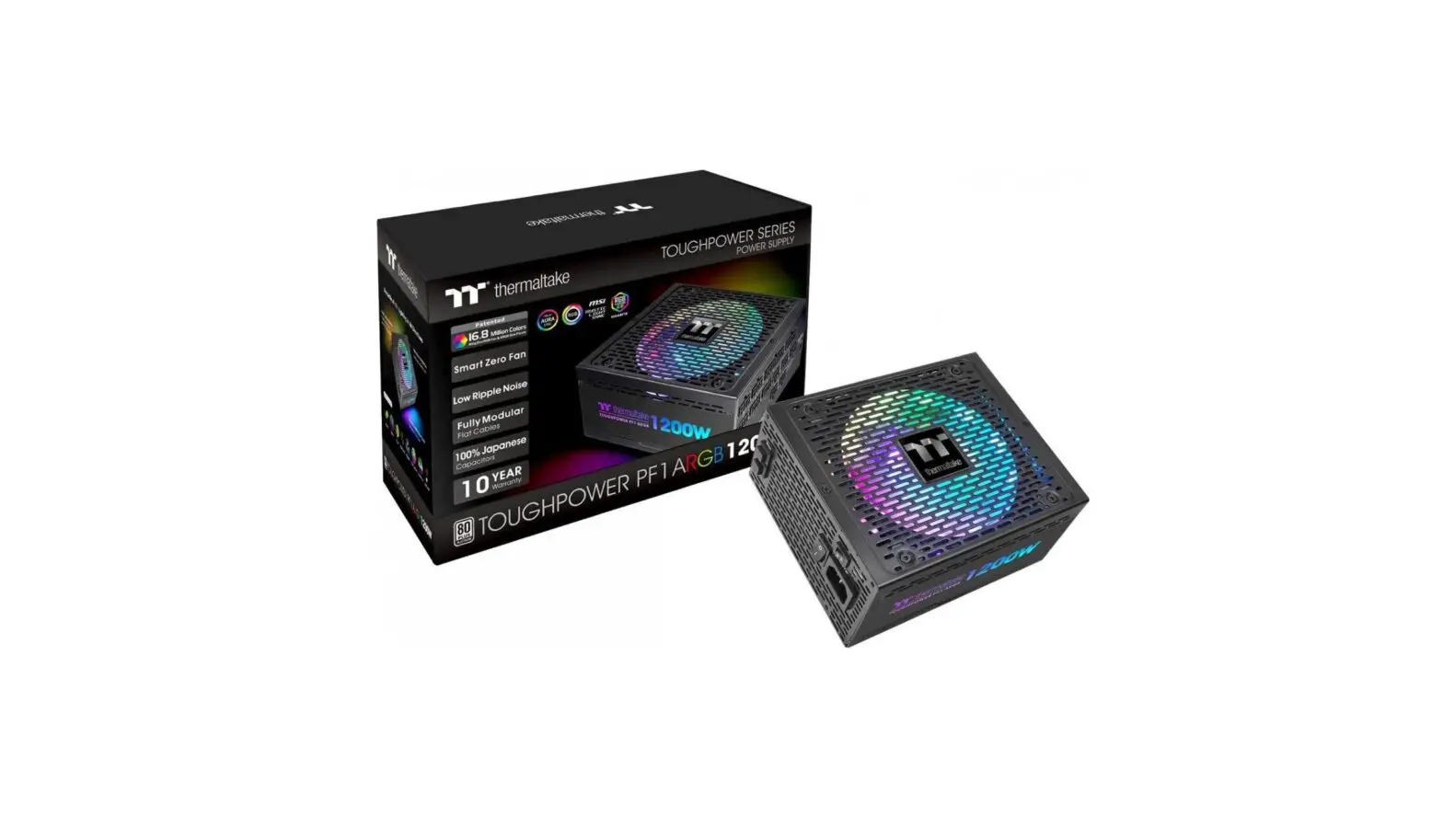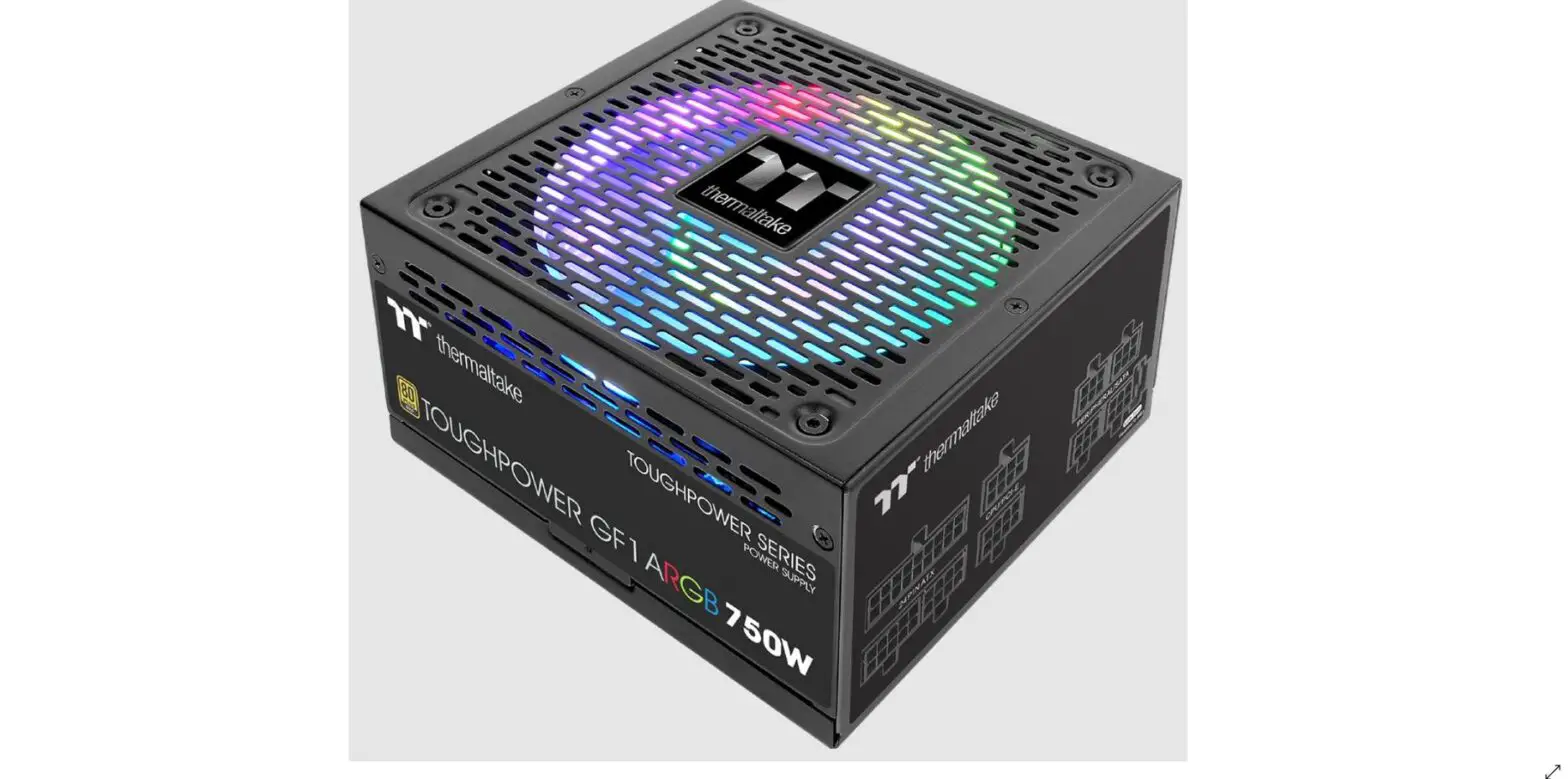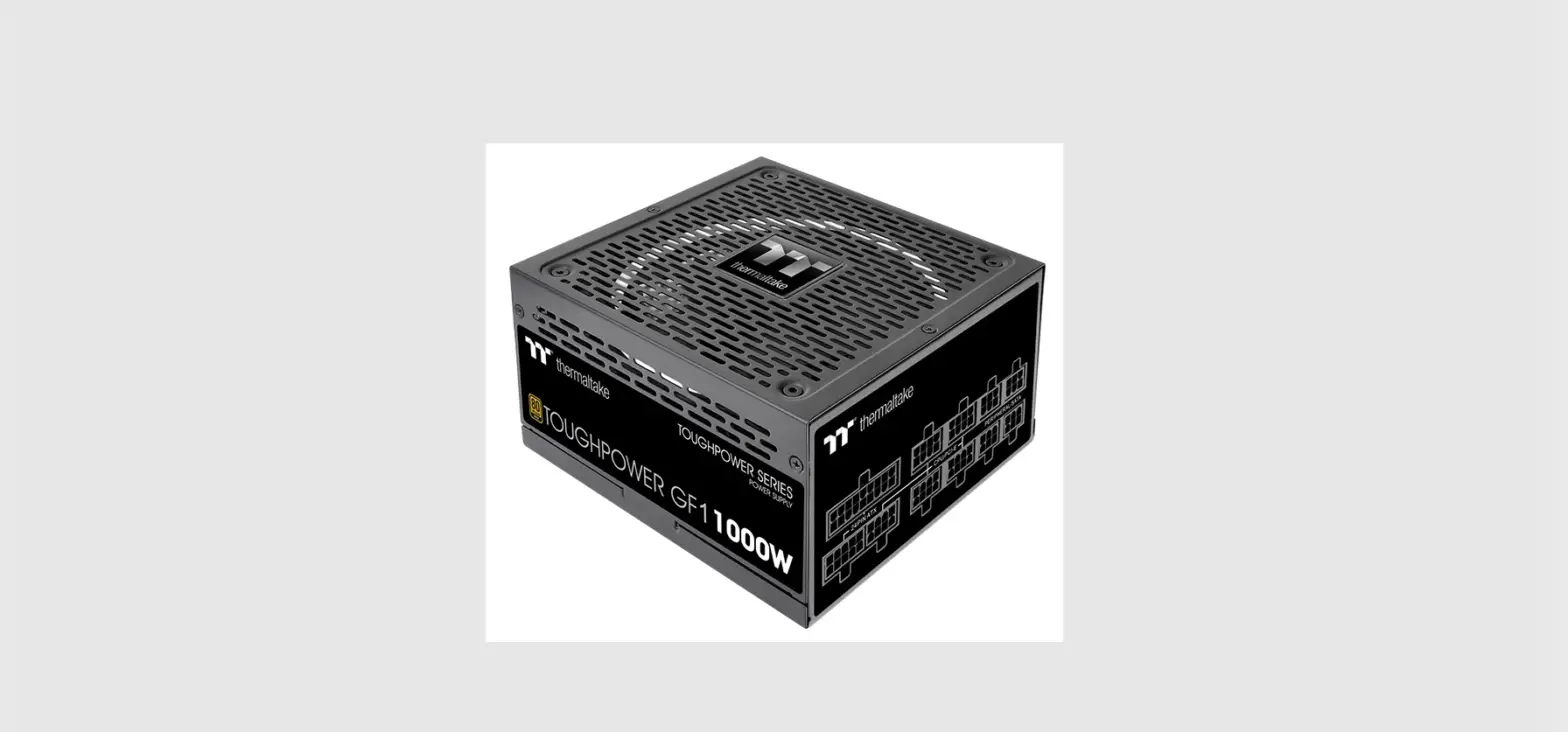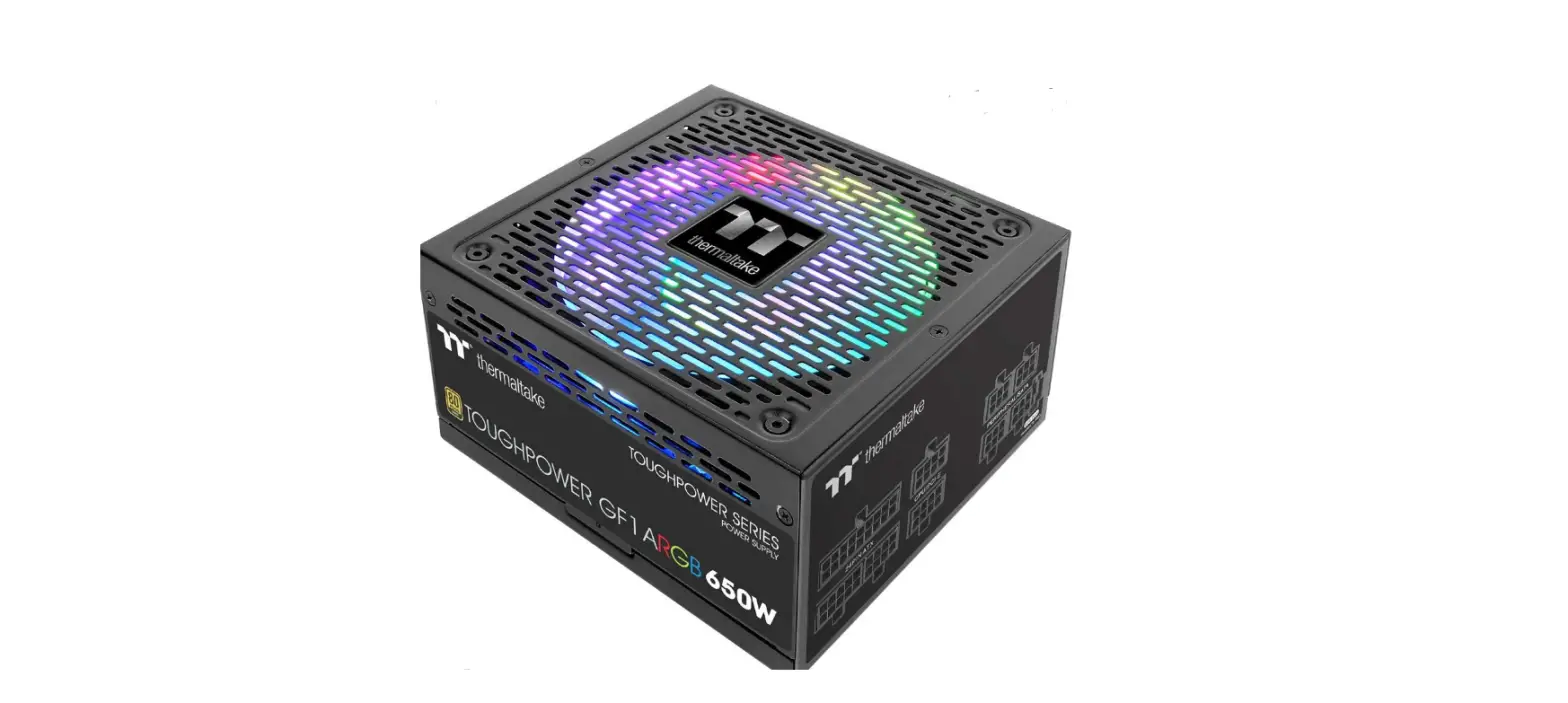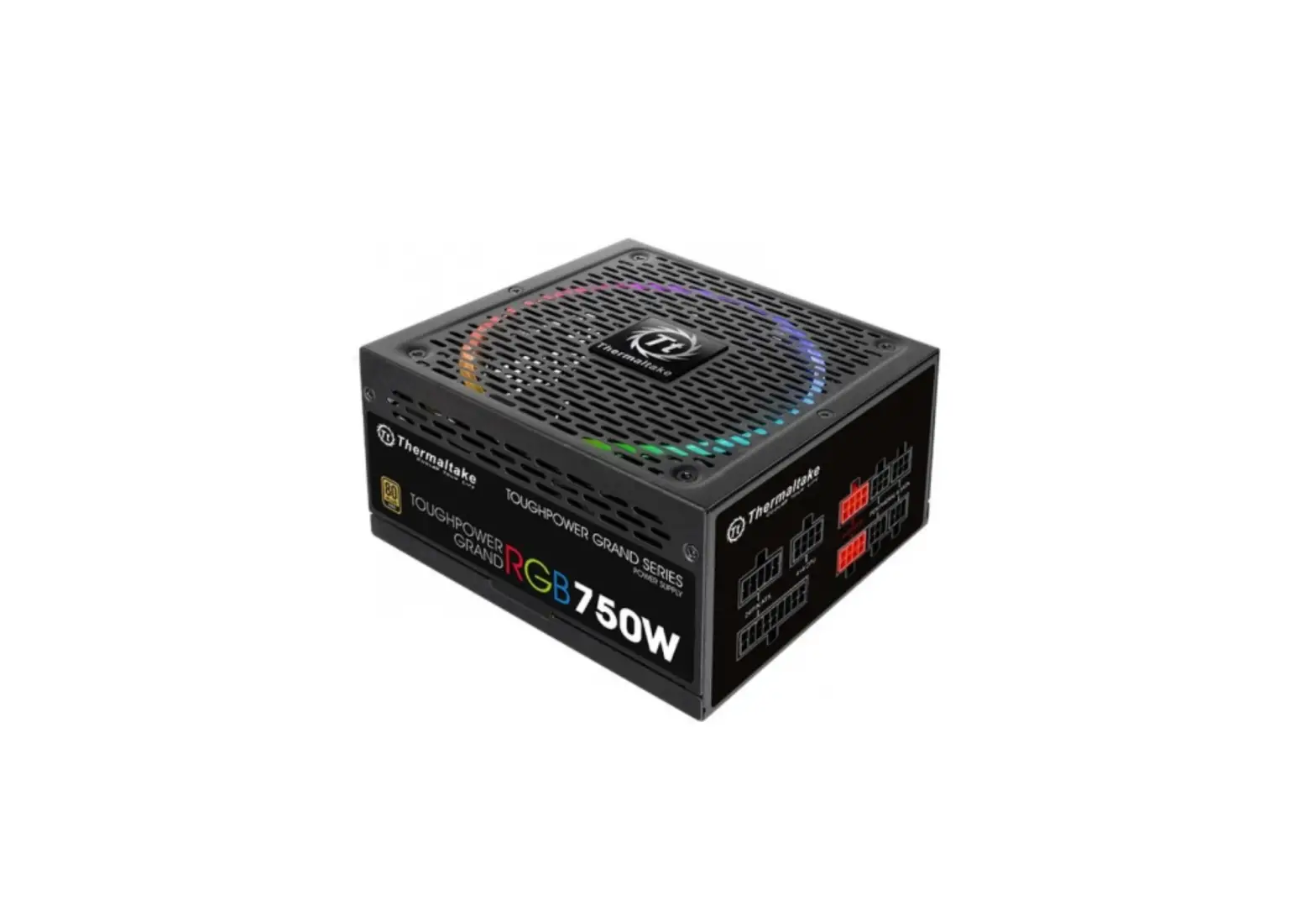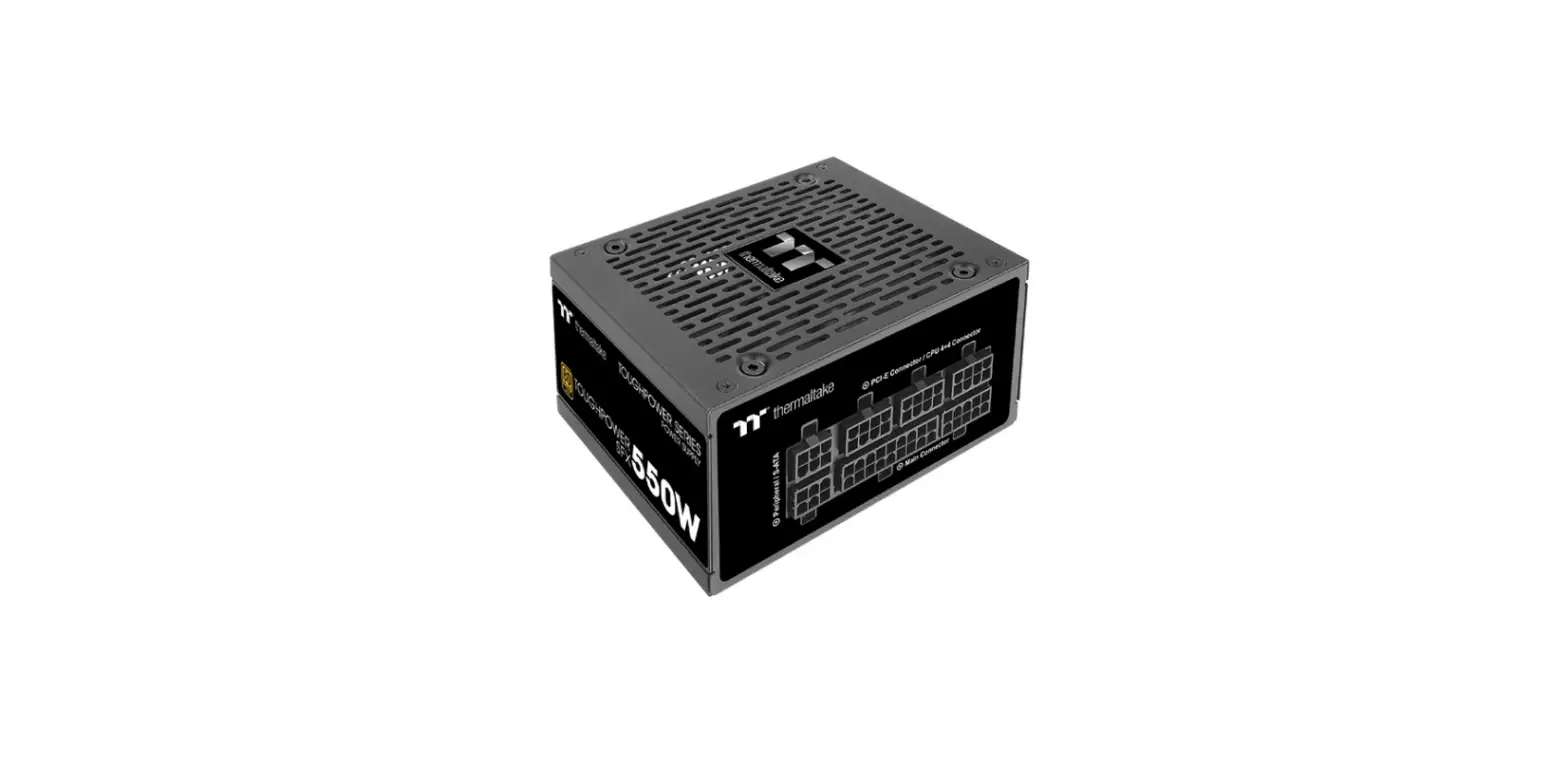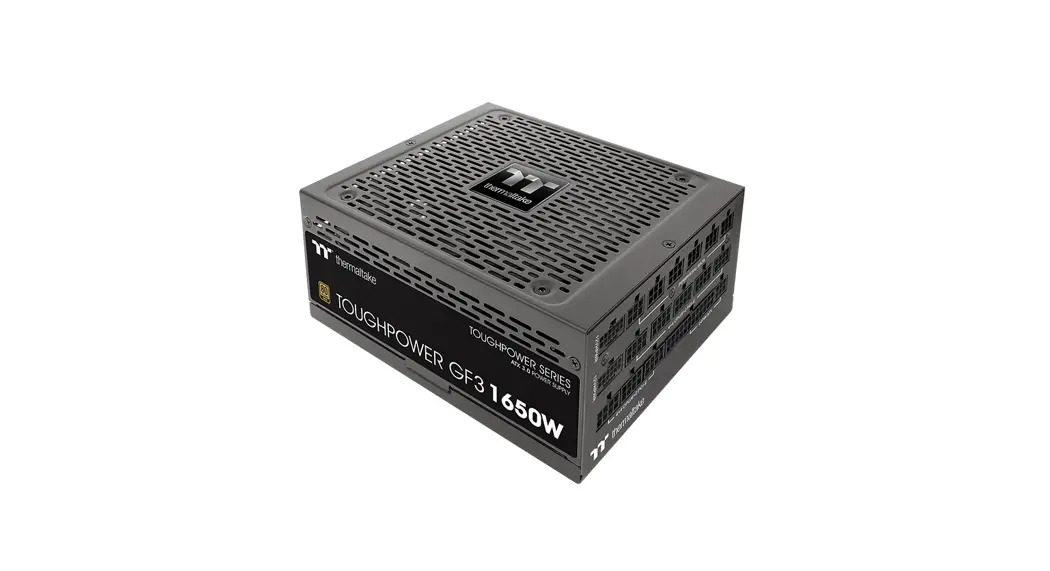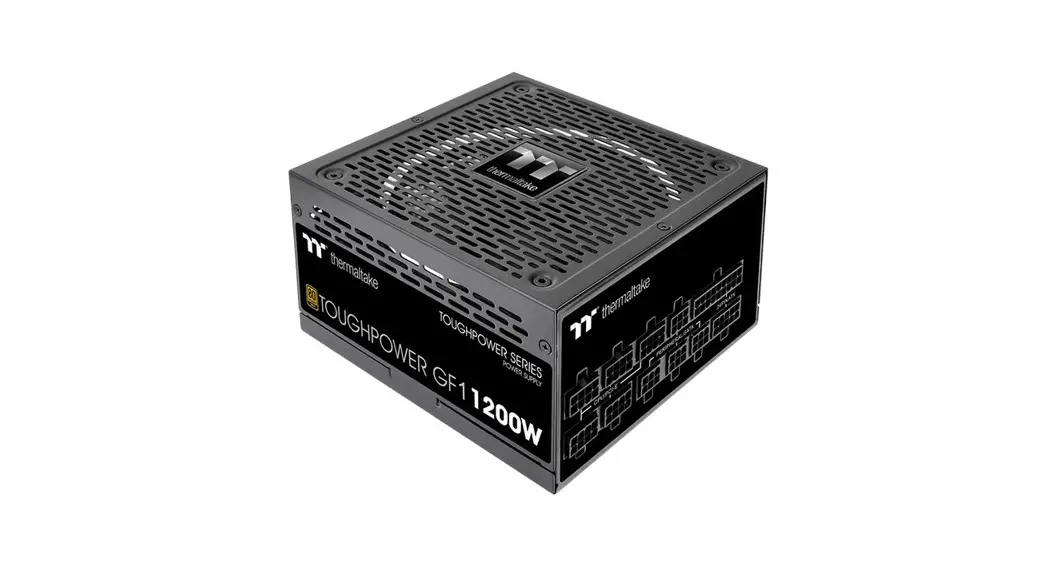
 TOUGHPOWER GF1 1200W / 1000W
Warnings and Caution
- Do not unplug the AC power cord when the power supply is in use. Doing so may cause damage to your components.
- Do not place the power supply in high humidity and/or temperature environment.
- High voltages exist in the power supply. Do not open the power supply case unless you are an authorized service technician or electrician. Doing so will void the warranty.
- The power supply should be powered by the source indicated on the rating label.
- Please use only genuine Thermaltake modular cables with Thermaltake Cable Management power supply models. Third-party cables might not be compatible and could cause serious damage to your system and power supply. The warranty is voided with the use of third-party cables.
- All warranties and guarantees will be voided if failure to comply with any of the warnings and cautions covered in this manual.
Components Check
- TOUGHPOWER GF1 power supply unit
- AC power cord
- User manual
- Mounting screws x 4
- Cable straps x 4
Power Connector Introduction
| CABLE | 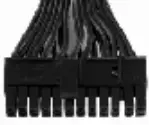 | 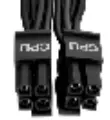 | 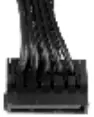 | 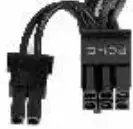 | 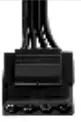 | 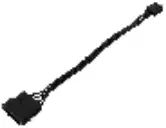 |
| Wattage | Main Power Connector (20+4 Pin) | CPU Connector (8 Pin/4+4 Pin) | SANTA Connector (5 Pin) | PCI-E Connector (6+2 Pin) | Peripheral Connector (4 Pin) | Floppy Adapter (4 Pin) |
| 1200W | 1 | 2 | 12 | 6 | 4 | 1 |
| 1000W | 1 | 2 | 12 | 6 | 4 | 1 |
Output Specification
| Continuous Power | AC INPUT | Input Voltage: 100V – 240V~ ; Input Current: 15A ; Frequency: 50Hz / 60Hz | ||||
| 1200W | DC OUTPUT | +3.3V | +5V | +12V | -12V | +5VSB |
| Max Output Current | 22A | 22A | 100A | 0,5A | 3A | |
| Max Output Power | 120W | 1200W | 6W | 15W | ||
| Continuous Power | AC INPUT | Input Voltage: 100V – 240V~ ; Input Current: 15A ; Frequency: 50Hz / 60Hz | ||||
| 1000W | DC OUTPUT | +3.3V | +5V | +12V | -12V | +5VSB |
| Max Output Current | 24A | 24A | 83.3A | 0,5A | 3A | |
| Max Output Power | 120W | 1000W | 6W | 15W | ||
Installation Steps
Note: Make sure that your system is turned off and unplugged.
Disconnect the AC power cord from your old power supply.
- Open your computer chassis: please refer to the instruction manual provided with your chassis.
- Install the PSU into the case with the four screws provided.
- If your motherboard requires a 24pin Main Power connector.
please connect the 24pin Main Power connector to the motherboard. - 4.1 For a motherboard that only requires a 4pin ATX 12V (CPU) connector, please detach a 4pin connector from the 4+4pin ATX 12V connector and connect it to the motherboard. (Either one of the 4pin from the 4+4pin ATX 12V connector will work)
4.2 For a motherboard that requires a single Spin EPS connector, please use the 4+4pin connector from the power supply. - Connect other peripheral power connectors to devices such as hard drives, optical drives. etc.
- If your graphic card requires a PCI-E power connector, please connect the corresponding PCI-E connector instructed by your graphic card’s user manual. Please note the power supply utilizes a unique 6+2pin PCI-E connector that can be effectively used as a single Spin or Spin PCI-E connector. To use it as a Spin PCI-E connector, please detach the 2pin connector from the 6+2pin connector.
- Close your computer case and connect the AC power cord to the power supply AC inlet.
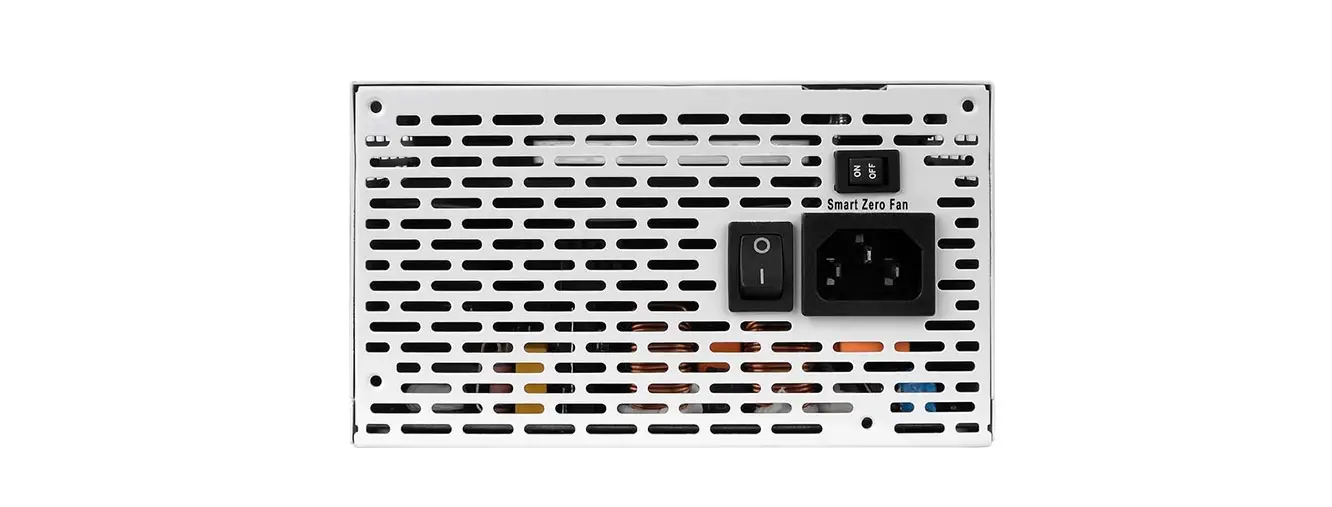
- Attention! When Smart Zero Fan System is turned on. the fan will not operate until the power supply reaches approximately 30% of the rated load:11os normal if the fan does not operate when the computer is at a low working load.
Total Protection
Over Current Protection
| Voltage Source | Protection Point |
| +3.3V | 4.5V max. |
| +5V | 7V max. |
| +12V | 15.6V max. |
– Over Current Protection
| Wattage | +3.3V | +5V | +12V |
| 1200W | 150% max. | 150% max. | 145% max. |
| 1000W | 180% max. | 180% max. | 150% max. |
– Short Circuit Protection
Activated when any DC rails short-circuited.
– Over Power Protection
The power supply shall be shut down and latch off if the wattage of the power supply is 120% — 145% over continuous power.
EMI & SAFETY
| EMI Regulatory S SAFETY Standards | |
| TOUGHPOWER GF I 1200W r 1000W | CE. cTUVus. TUv. EI5M1. FCC. EAC. S-Mark and RCM certified. |
Environments
| Operating temperature | 0°C to +50°C |
| Operating humidity | 20/0 to 90%,non-condensing |
| MTBF | >100.000 hours |
Trouble-Shooting
If the power supply fails to function properly, please follow the troubleshooting guide before applying for service:
- Is the power cord plugged properly into an electrical outlet and into the power supply AC inlet?
- Please make sure the I/O switch on the power supply is switched to the I position.
- Please make sure all power connectors are properly connected to all the devices.
- If connected to a UPS unit, is the UPS on and plugged in?
If the power supply is still unable to function properly after following the above instruction, please contact your local store or Tt branch office for after-sales service. You may also refer to Thermaltake’s website for more technical support: thermaltake.com