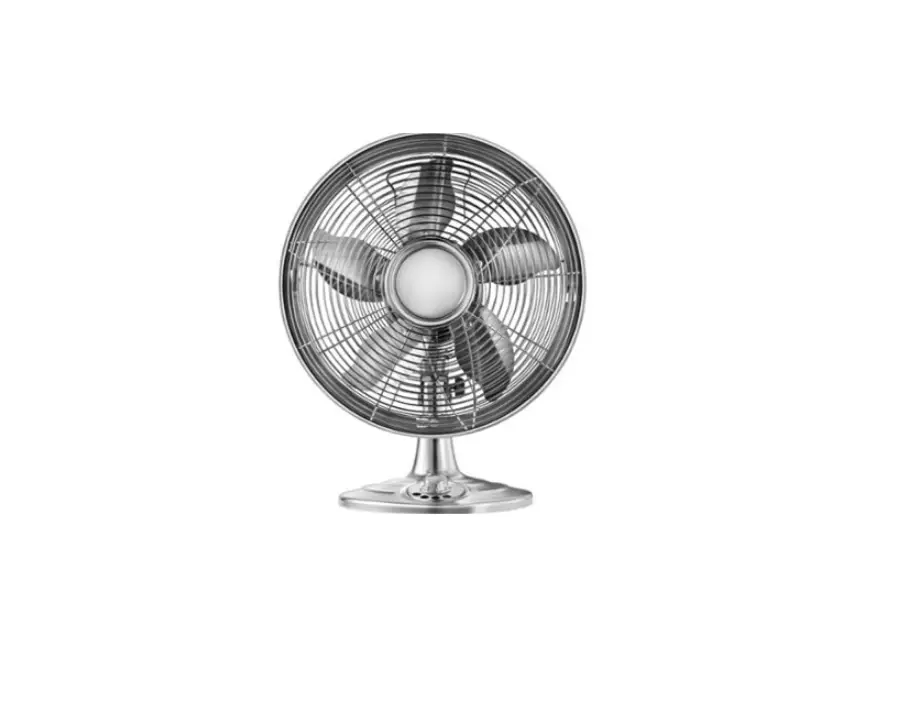
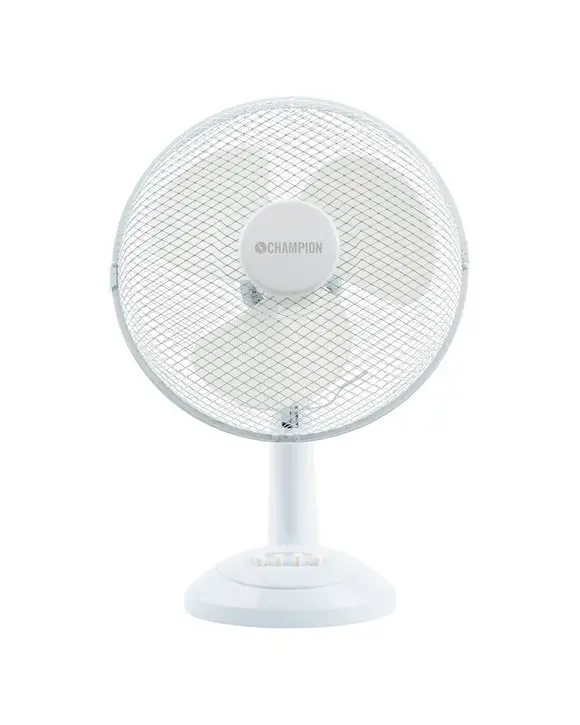
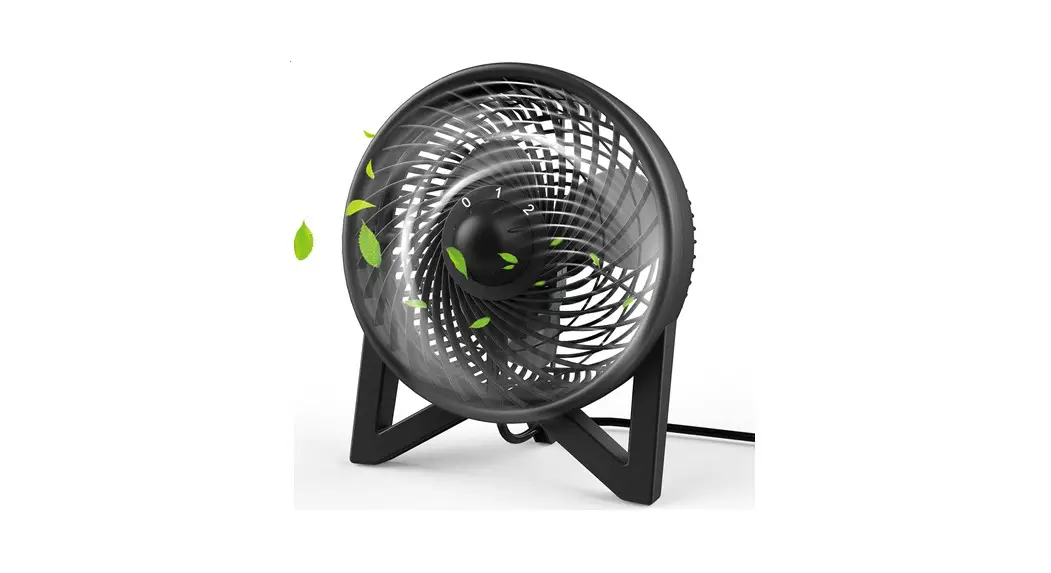
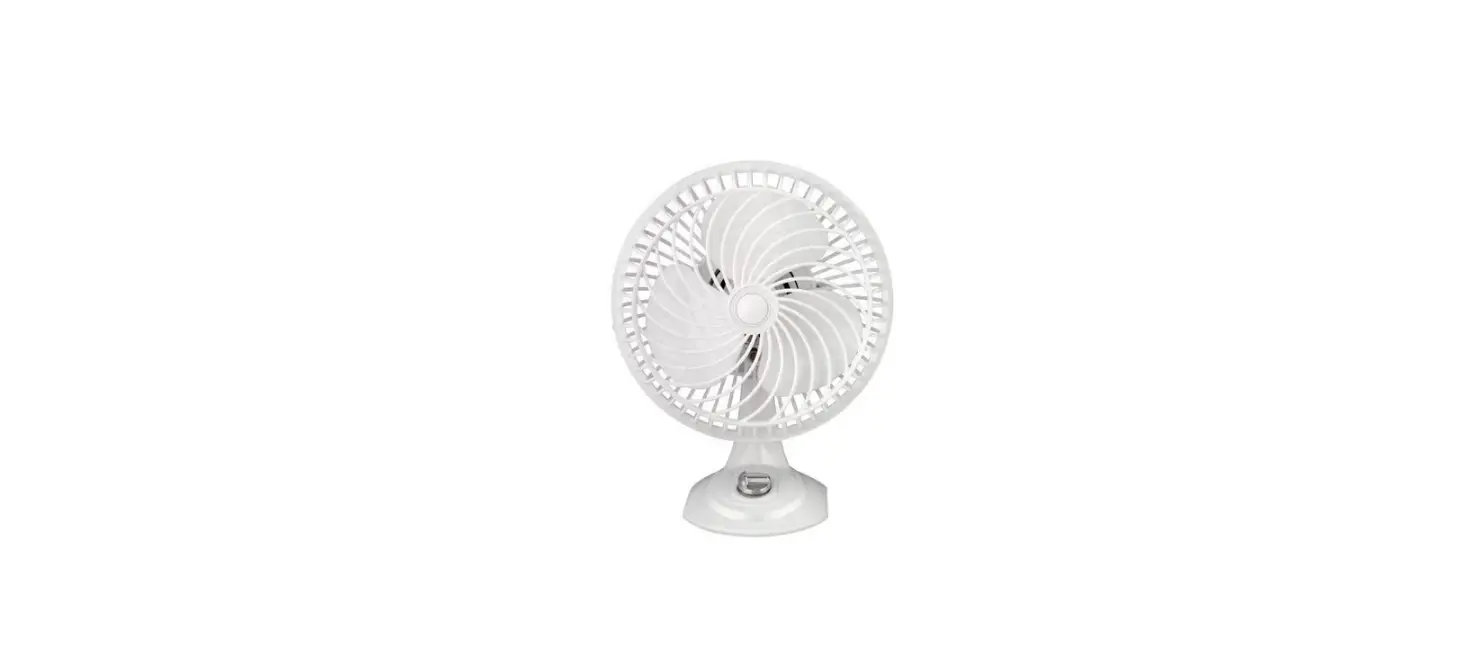
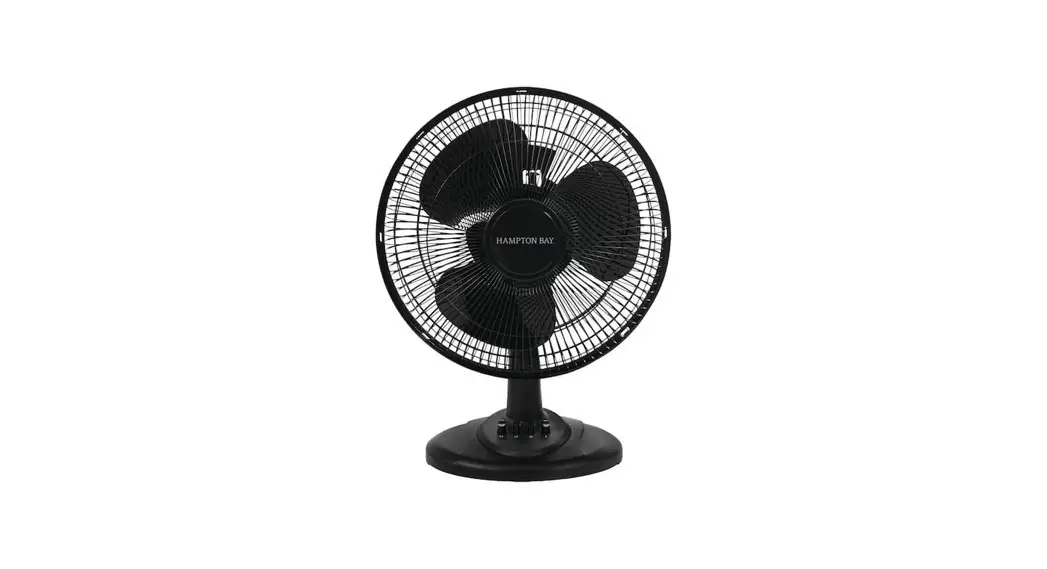
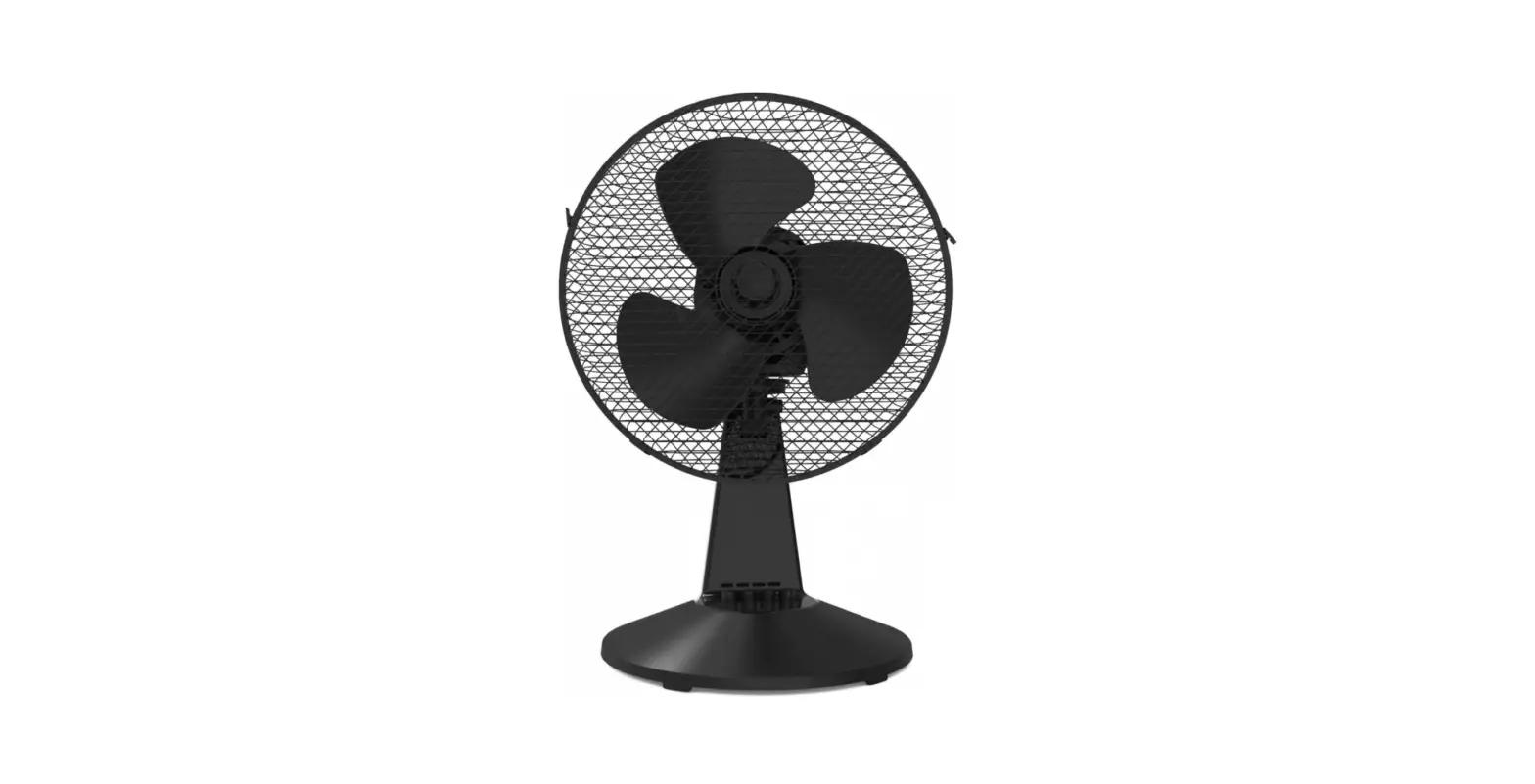
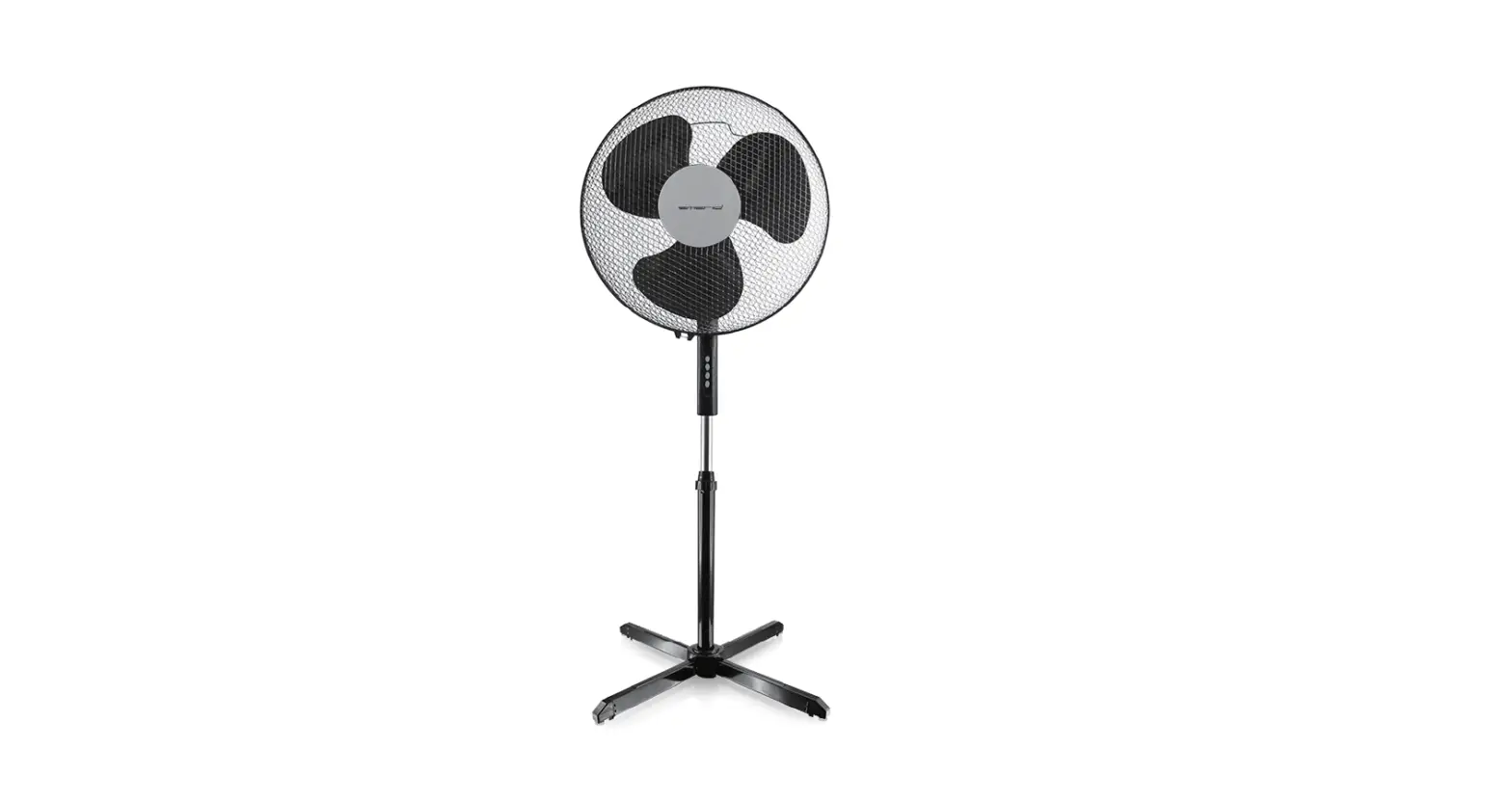
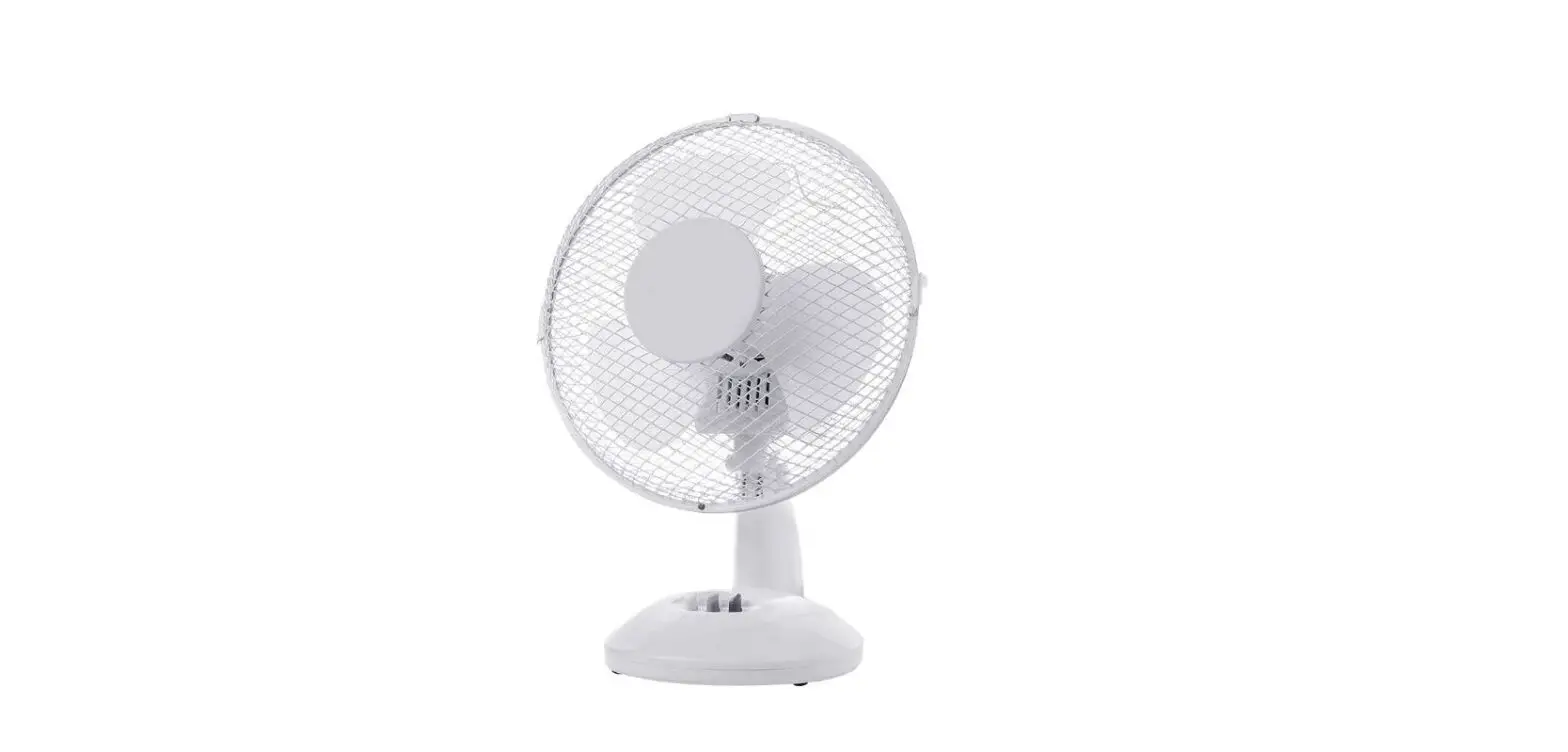
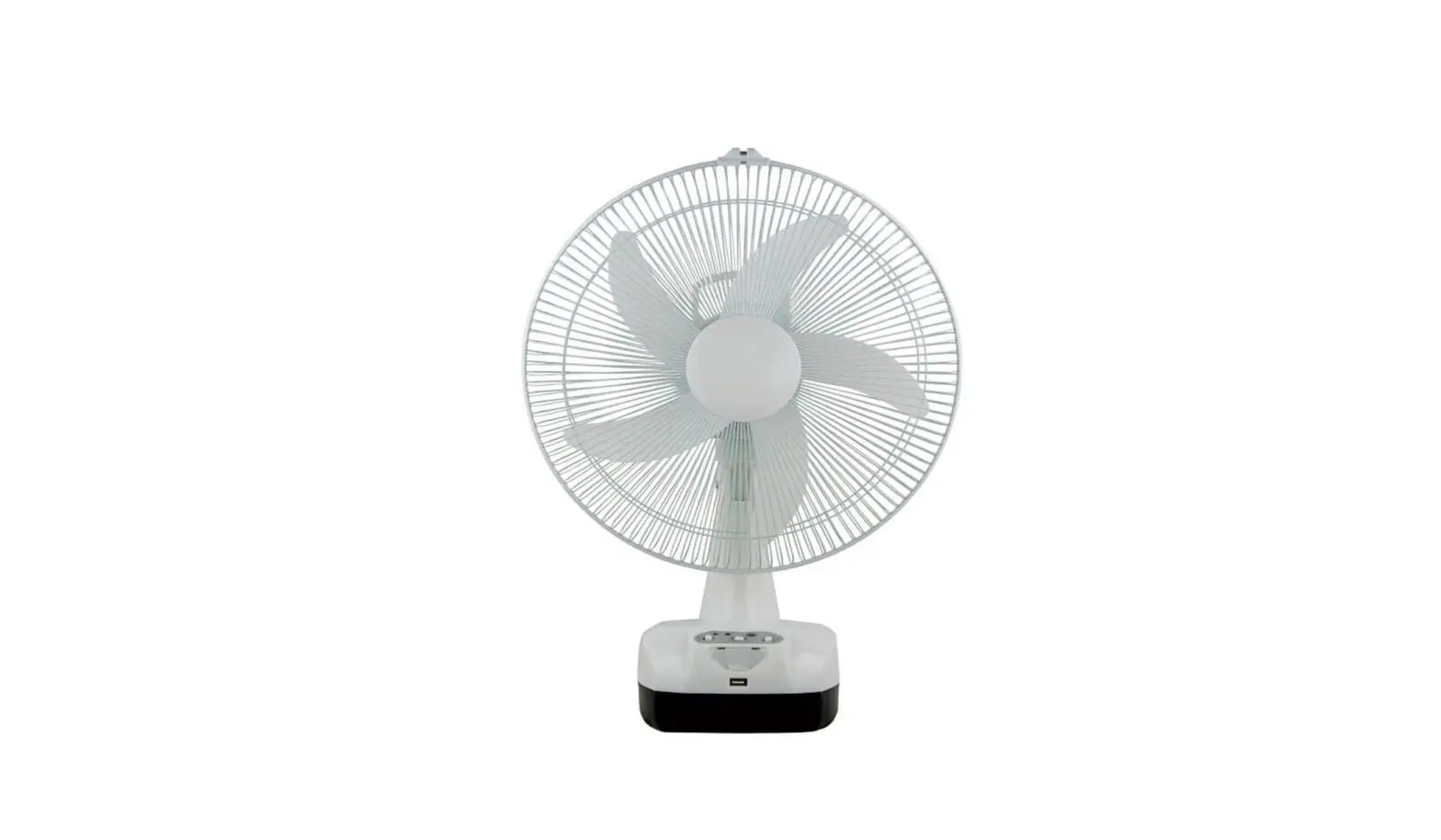
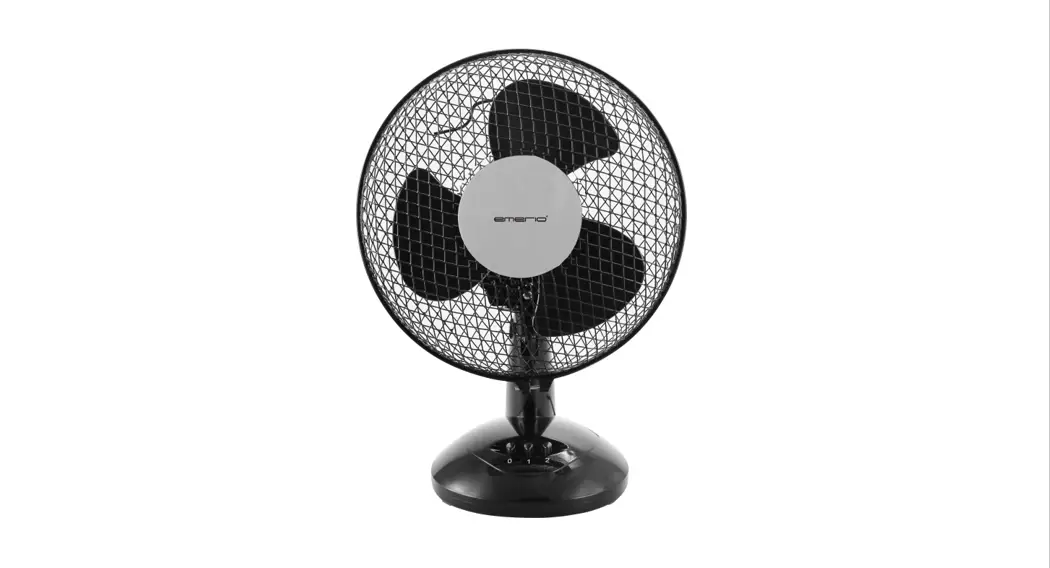
NS-F10T7-PK 10 Inch Table Fan
Product Information
The product is a 10″ Table Fan manufactured by Insignia. It is
available in three different colors: Pink (NS-F10T7-PK), Black
(NS-F10T7-BK), and Green (NS-F10T7-NG). The package includes the
table fan along with a quick setup guide and important safety
instructions.
Important Safety Instructions
- Use the fan only as described in the Quick Setup Guide.
- Do not use the fan if it works intermittently, stops working
entirely, or if any parts are missing or damaged. - To reduce the risk of fire or electrical shock, do not use this
fan with a blown fuse. - Do not run the power cord under carpeting, rugs, runners, or
other coverings. Avoid routing the cord under furniture or
appliances.
Features
- Power switch/speed selection
- Oscillation knob
- Fan blade
- Grill
- Adjustment knob for angle adjustment
Specifications
- One-year limited warranty
- For more details on the warranty, visit www.insigniaproducts.com
Product Usage Instructions
Using Your Fan
To use your fan:
- Turn the power switch/speed selection to the desired speed: 0
for off, 1 for low, 2 for medium, and 3 for high. - To start the oscillation, push the oscillation knob down. To
stop the oscillation, pull the knob up.
Angle Adjustment
To adjust the angle of the fan:
- Loosen the adjustment knob.
- Adjust the fan to the desired angle.
- Retighten the adjustment knob to secure the fan in place.
Replacing the Fuse
If your fan stops working, follow these steps to replace the
fuse:
- Unplug the fan from the power outlet.
- Slide open the fuse access cover located on top of the AC power
plug. - Remove the fuse.
- Replace the fuse with a 5A, 125 Volt fuse. Do not force the
fuse into place. - Slide the fuse access cover closed.
- Note: If the AC power plug is damaged, discard the product and
do not replace the plug.
Cleaning Your Fan
To clean your fan:
- Ensure the fan is unplugged and turned off.
- Use a soft cloth or brush to remove dust and debris from the
fan blade and grill.
Note: Refer to the user manual for any additional information or
troubleshooting tips.
Contact Insignia for customer service at 1-877-467-4289 (U.S.
and Canada) or 01-800-926-3000 (Mexico). You can also visit their
website at www.insigniaproducts.com.
QUICK SETUP GUIDE
10″ Table Fan
NS-F10T7-PK / NS-F10T7-BK / NS-F10T7-NG / NS-FT10MT8
PACKAGE CONTENTS
· 10″ table fan · Quick Setup Guide
IMPORTANT SAFETY INSTRUCTIONS
READ AND SAVE THESE IMPORTANT INSTRUCTIONS 1 Use your fan only as described in this Quick Setup Guide. 2 Do not use your fan if it works intermittently, stops working
entirely, or parts are missing or damaged. 3 To reduce the risk of fire or electrical shock, DO NOT use this fan
with any solid-state speed control devices (such as a dimmer switch) or expose it to water. 4 To help prevent electrical shock, do not immerse your fan, plug, or power cord in water or spray it with liquids. 5 Close supervision is needed when your fan is being used near children. 6 Unplug your fan before moving or cleaning it, or when it is not in use. 7 Never insert fingers or other objects through the grill while the fan is running. 8 Make sure your fan is on a stable surface during use so it won’t overturn. 9 Do not use your fan in an open window. Rain may cause an electrical hazard. 10 Do not use your fan near explosive or flammable fumes. 11 Do not place your fan or its parts near an open flame, stove, or other heating appliances. 12 Do not use your fan if the cord or plug is damaged. Throw your fan away or return it to an authorized service facility for examination and/or repair. 13 Do not use your fan after a malfunction, drop, or if it is is damaged in any way. 14 To unplug, pull the plug from the power outlet. Never yank on the power cord. 15 Always use your fan on a dry surface. 16 This fan is intended for household use only. Do not use it for commercial or industrial use. 17 Do not use this fan near curtains, plants, window treatments, or other loose fabrics.
18 This fan uses a fuse for overload protection. A blown fuse indicates that an overload or short-circuit has occurred. If the fuse blows, unplug the fan from the outlet, then replace the fuse as indicated (using only a 5 Amp, 125 Volt fuse). If the replacement fuse blows, a short-circuit may be present and the product should be thrown away or returned to an authorized service facility for examination and/or repair.
19 Do not run the power cord under carpeting, throw rugs, runners, or other coverings. Do not route the cord under furniture or appliances. Keep the cord away from traffic areas where it could be tripped over.
Power cord · To insert the plug, hold it firmly and guide it into the outlet. · To unplug, hold the plug and remove it from the outlet. · Never pull or yank on the cord or fan. · Check the cord for cuts and abrasion marks before each use. · Do not wrap the cord tightly around the fan. This could stress the
cord where it enters the fan and cause it to fray and break.
FEATURES
Power switch/ speed selection
Oscillation knob
Fan blade
Grill
Adjustment knob
Before using your new product, please read these instructions to prevent any damage.
USING YOUR FAN
Speed selection 0 – Off 1 – Low 2 – Medium 3 – High
Oscillation Push the oscillation knob down to start oscillation, pull it up to stop.
SPECIFICATIONS
· Dimensions (D × W × H): 9.5 x 11.1 x 15 in. (24 x 28.2 x 38.2 cm) · Volts: 120V, 60Hz. · Speeds: 3 speeds
ONE-YEAR LIMITED WARRANTY
Visit www.insigniaproducts.com for details.
CONTACT INSIGNIA:
For customer service, call 1-877-467-4289 (U.S. and Canada) or 01-800-926-3000 (Mexico) www.insigniaproducts.com
INSIGNIA is a trademark of Best Buy and its affiliated companies. Distributed by Best Buy Purchasing, LLC 7601 Penn Ave South, Richfield, MN 55423 U.S.A. ©2016 Best Buy. All rights reserved. Made in China
Angle adjustment 1 Loosen the adjustment knob. 2 Adjust the fan to the angle you want, then retighten the knob.
Adjustment knob
REPLACING THE FUSE
If your fan stops working, you may need to replace the fuse (not included). Warning: Risk of fire. Replace the fuse only with a 5A, 125 Volt fuse. Do not force the fuse into place. 1 Unplug the fan. 2 Slide open the fuse access cover
on top of the AC power plug. 3 Remove the fuse. 4 Replace the fuse, then slide the fuse access cover closed. Caution: Do not replace the AC power plug. Discard the product if the plug is damaged.
CLEANING YOUR FAN
· Unplug the fan. · Clean plastic parts with mild soap and a damp cloth or sponge.
Thoroughly remove soap film with clear water. · Do not splash water or other liquid into the motor.
V3 ENGLISH 16-0824
 Insignia Consumer Electronic Products