 INSTRUCTION MANUAL
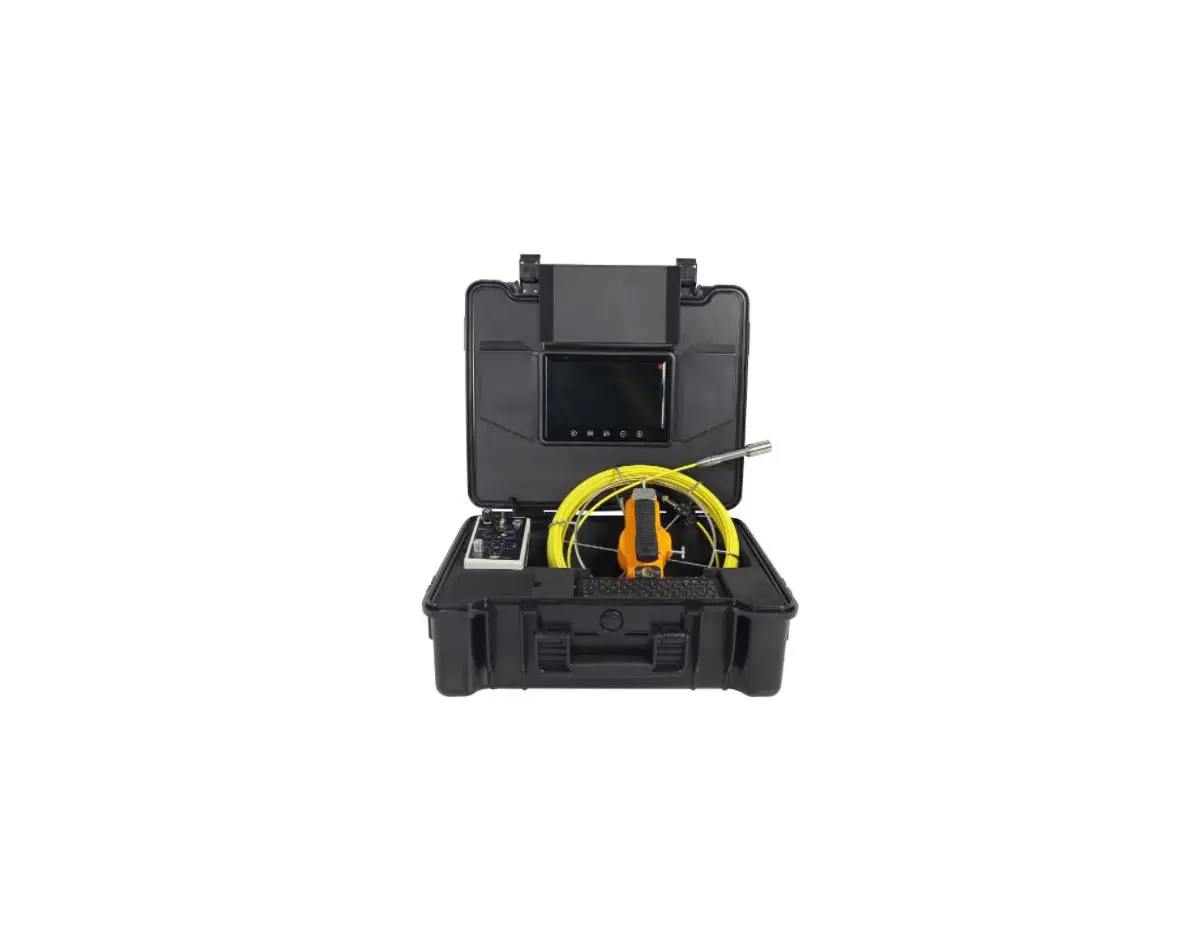
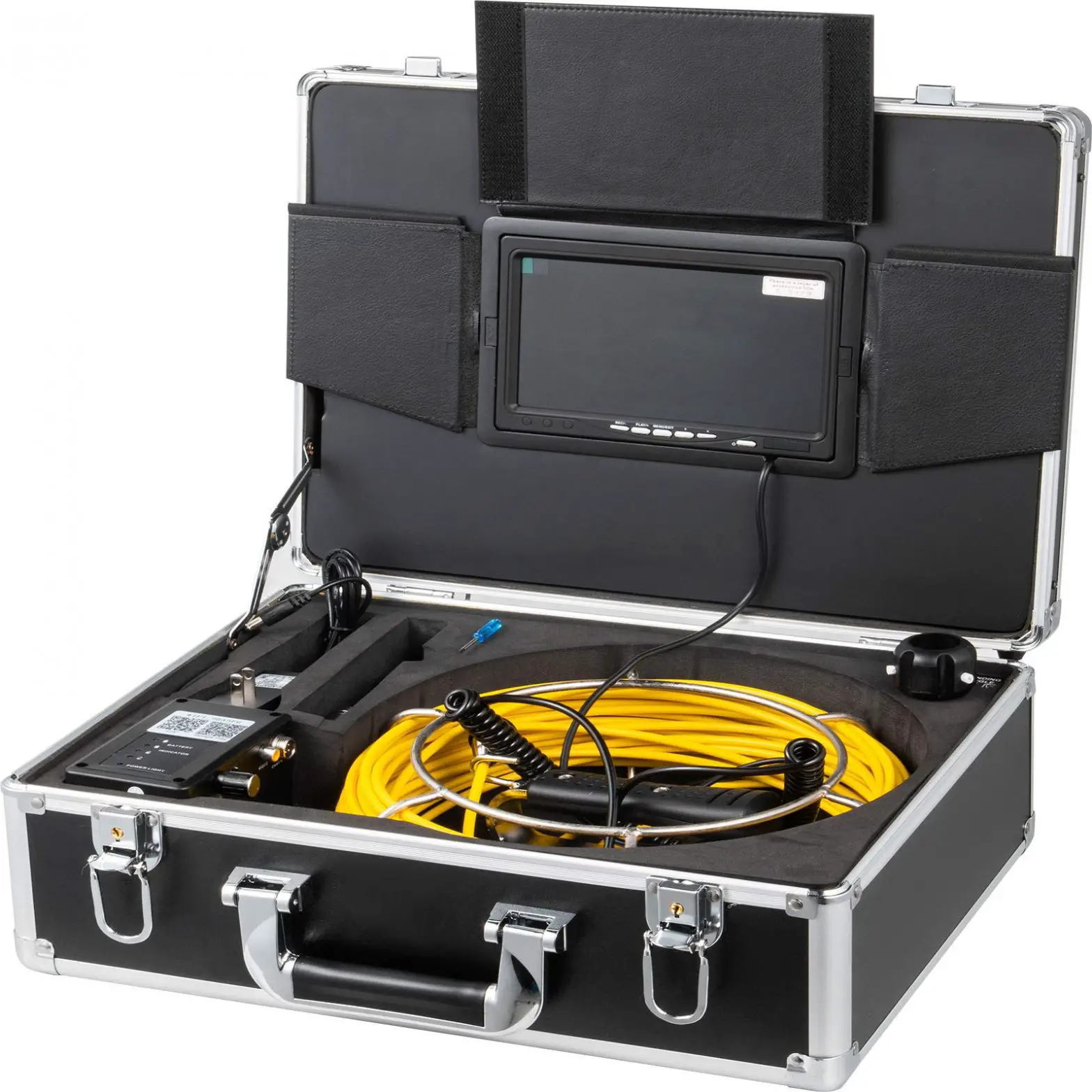
RC2 Inspection-camera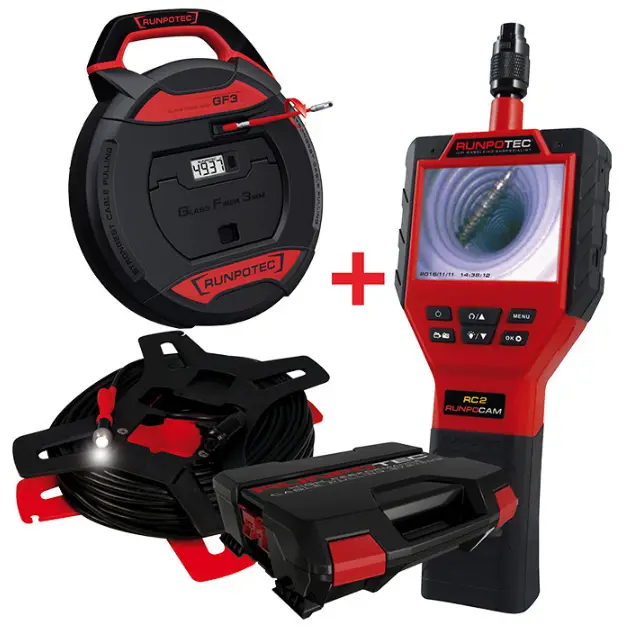
RC2 Inspection Camera
 https://www.runpotec.com/de/Filme/Multifunktionskamera-rc2
https://www.runpotec.com/en/Videos/RUNP
Handheld-Monitor
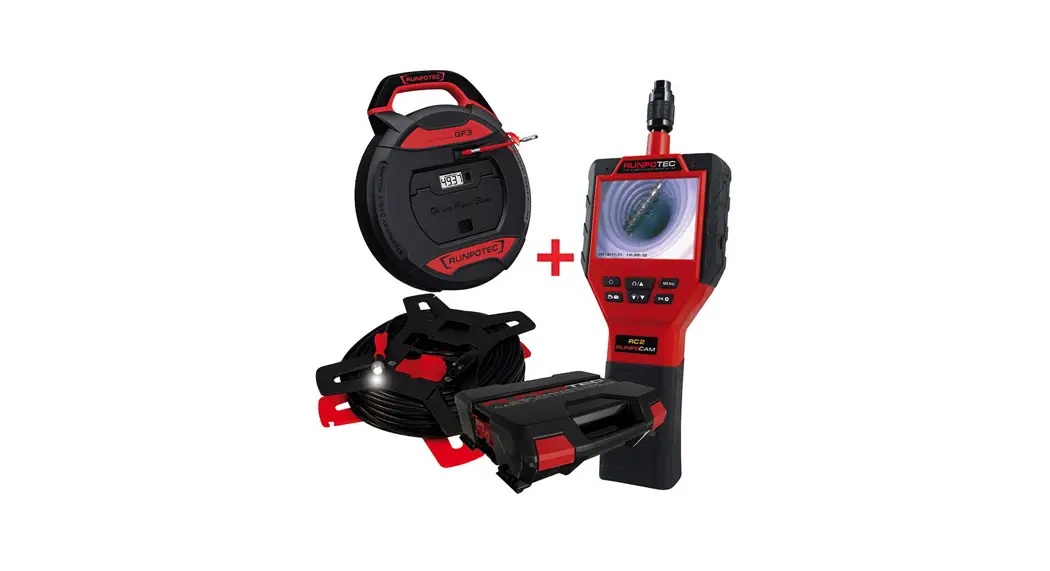
Including accessories
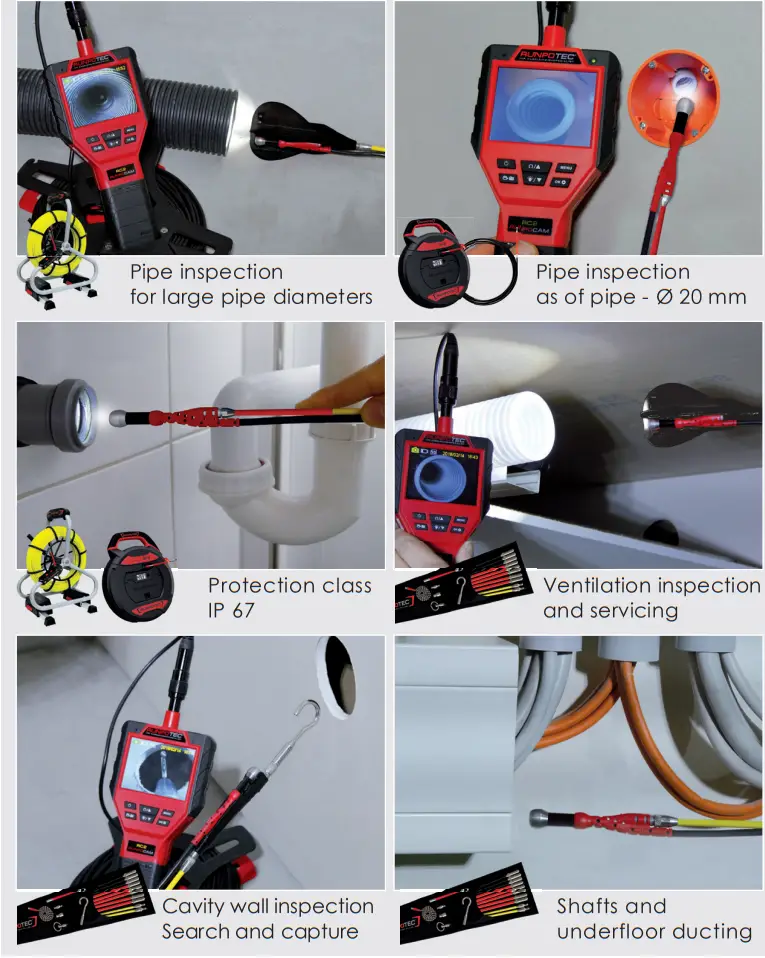
Inspection camera RC2 – Application examples
Application examples
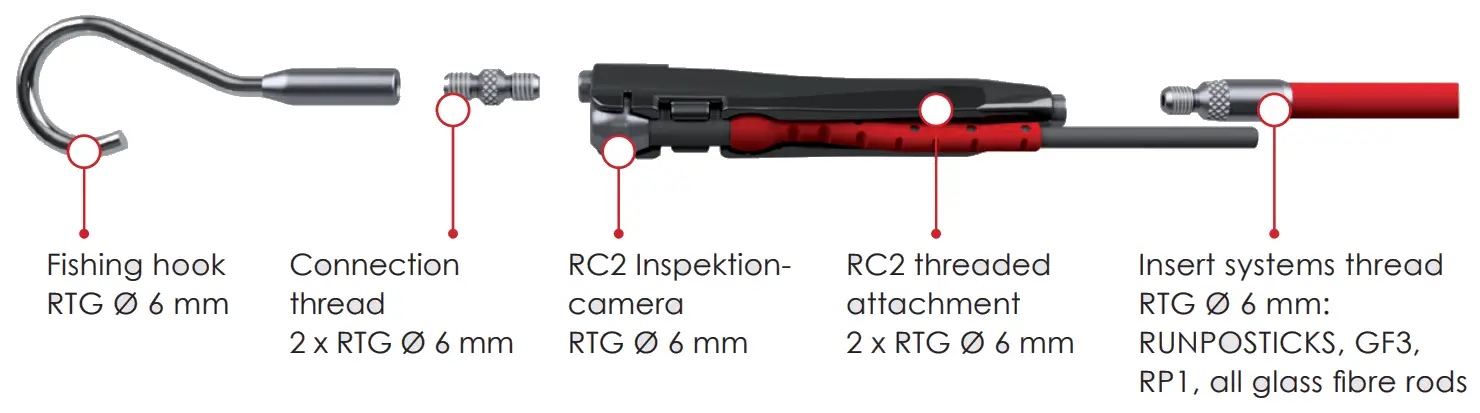
Combination variant – compatible with all RUNPOTEC products with RTG Ø 6 mm thread
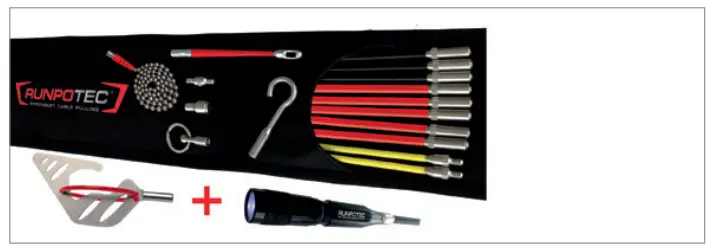
Compatible with the following RUNPOTEC products
| RUNPOSTICKS Comfort | Length | Item no. |
| (19-part) 2 x 1 m (Ø 4,5 mm) 3 x 1 m (Ø 5,5 mm) 5 x 1 m (Ø 7,5 mm) | 10 m | 10020 |
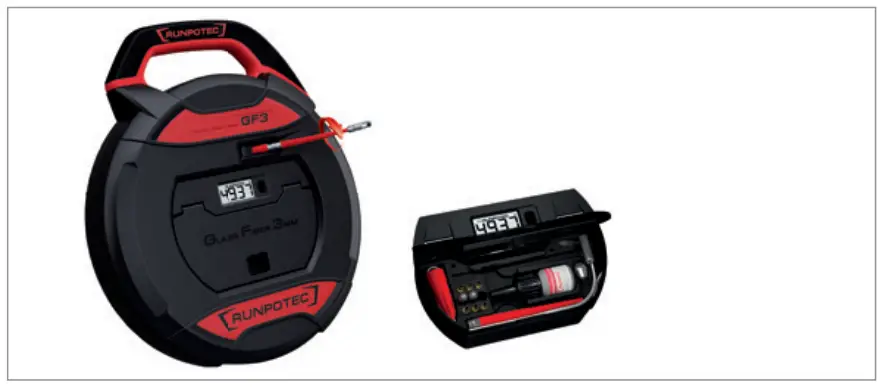
| GF3 Cable pulling system | Length | Item no. |
| Glass fiber rod Ø 3 mm | 20 m | 10192 |
| with integrated digital | 30 m | 10193 |
| meter counter – ft/m | 50 m | 10195 |
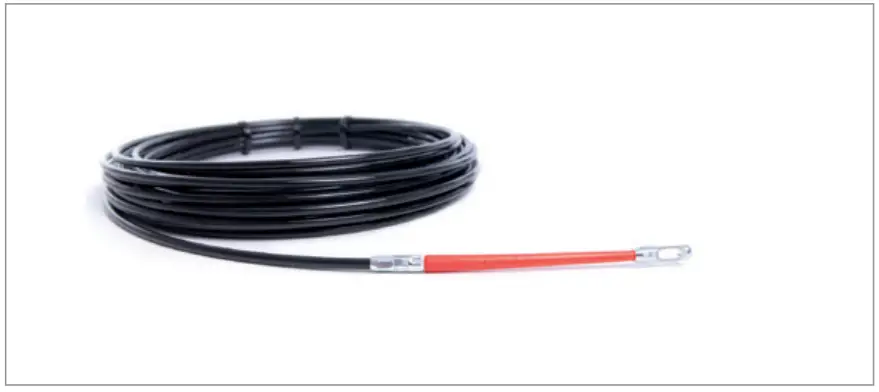
| RP 1 Cable pulling rod | Length | Item no. |
| Special plastic tape Ø 4 mm Tensile load 170 kg, rear RTG Ø 6 mm thread | 5 m 10 m 15 m 20 m 25 m 30 m | 30027 30028 30029 30030 30042 30043 |
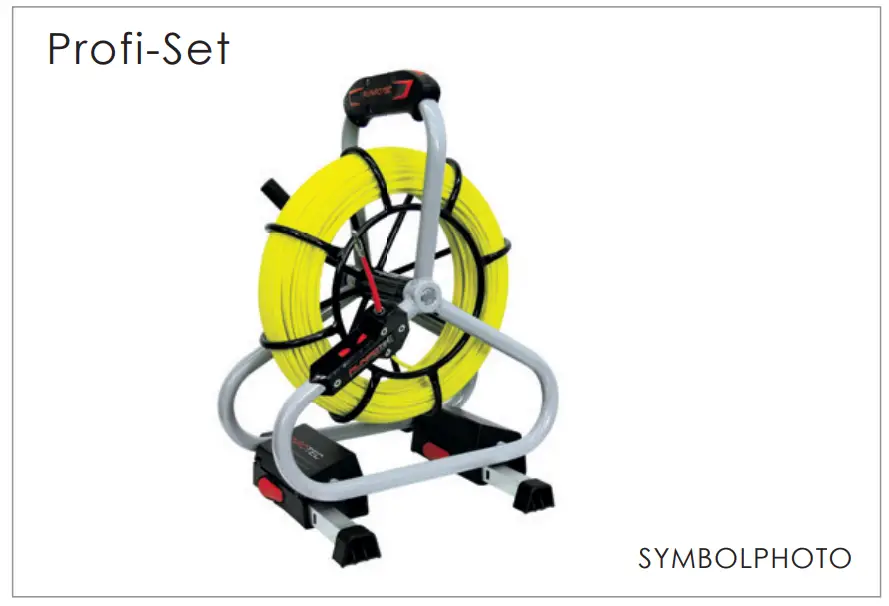
| GF4.5 / GF6 – Profi Set | Length | Item no. |
| Fiberglass rod Ø 4,5 mm | 30 m | 10052 |
| incl. steel cage | 40 m | 10055 |
| RTG Ø 6 mm thread | 50 m | 10057 |
| (also available as | 60 m | 10047 |
| Standard-Set) | 80 m | 10050 |
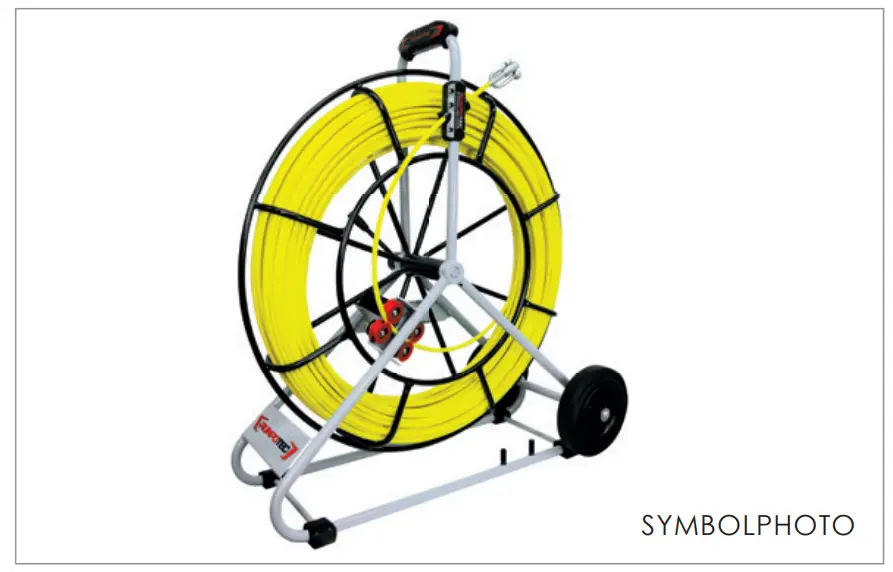
Fiberglass rod Ø 7,5 mm, Ø 9 mm and Ø 11 mm
Due to the transition thread from RTG Ø 12 mm to RTG Ø 6 mm, the RUNPOCAM RC2 is also compatible with fi berglass rods Ø 7.5 mm, Ø 9 mm and Ø 11 mm. The full range of fi breglass rods can be found in the RUNPOTEC product catalogue or on www.runpotec.com.
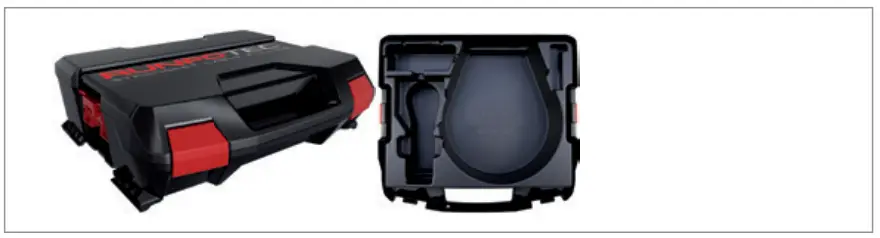
| RUNPOTEC system-case | Item no. | |
| with RC2 Inspection-camera case insert | 20611 |
Comprehensive combination options
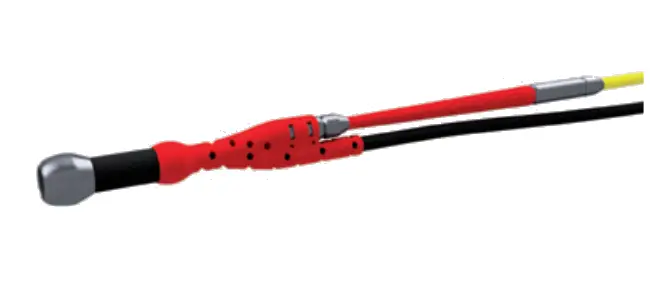
RC2 Inspection-camera + guiding head with front thread
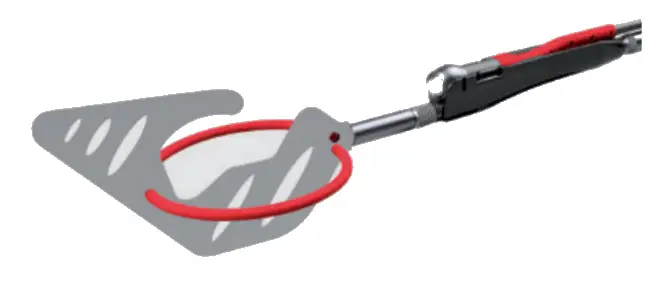
RC2 Inspection-camera + RC2 threaded attachment + sliding hook
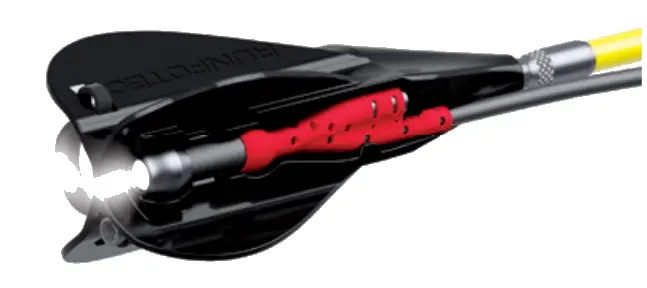
RC2 Inspection-camera + systemglider + LED battery lamp
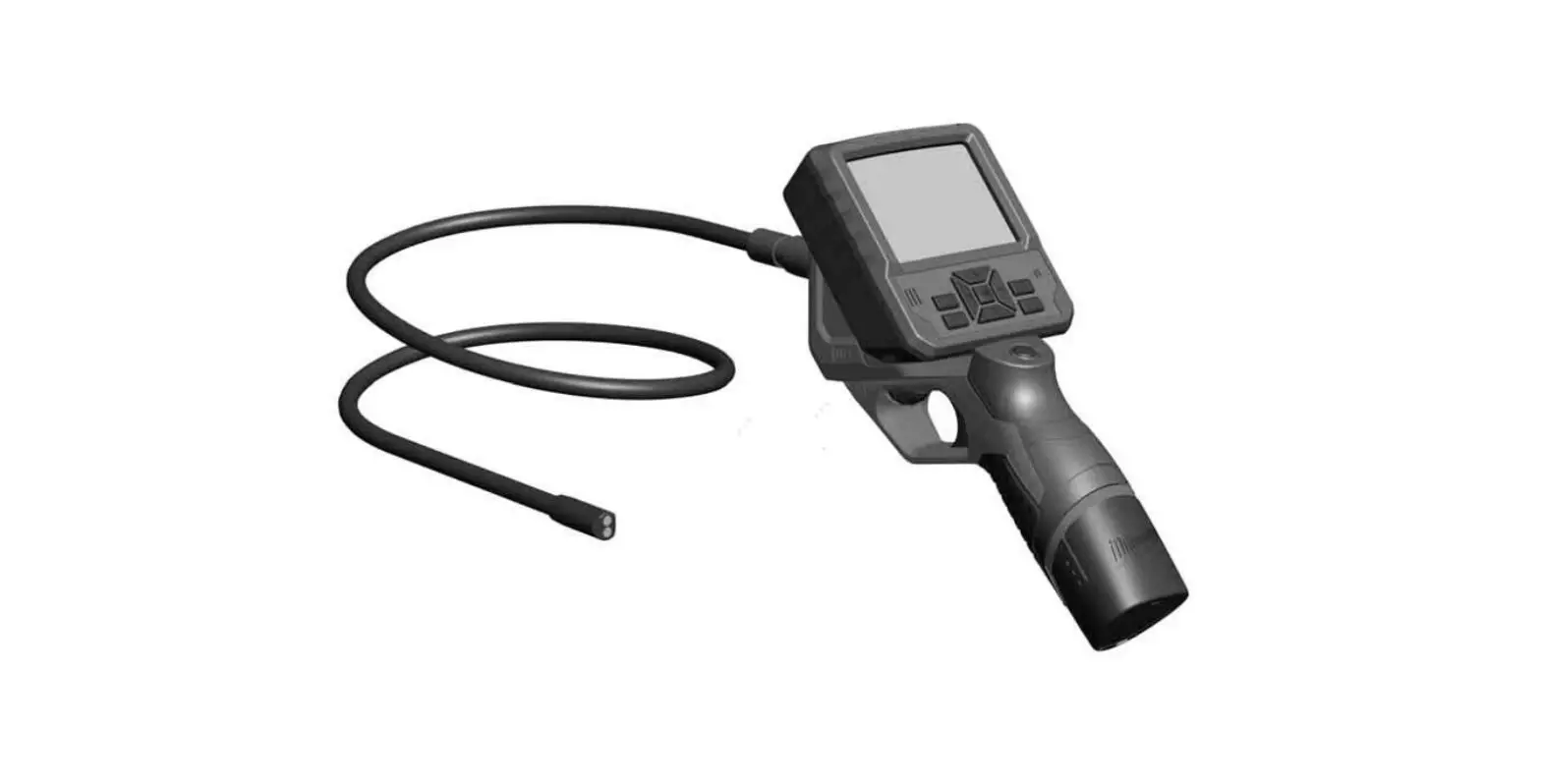
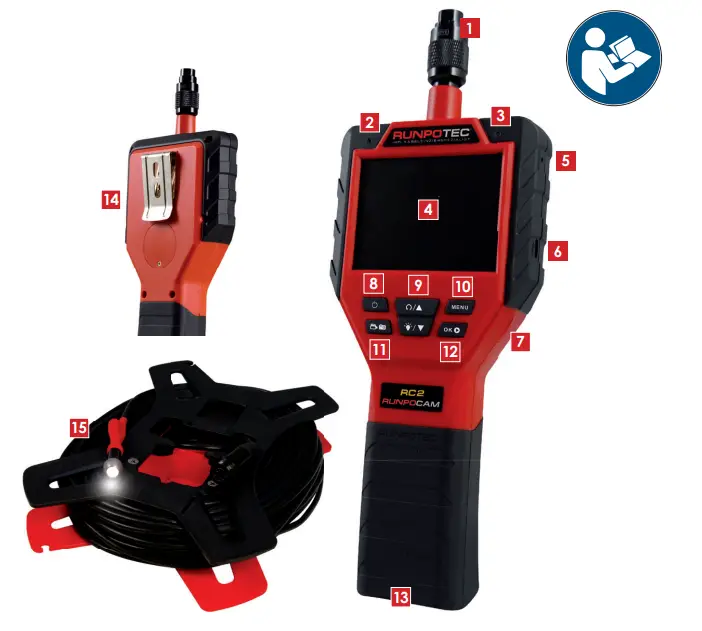
 HANDHELD MONITOR DESCRIPTION
| 1 | Camera connector |
| 2 | Microphone |
| 3 | LED battery charge monitor |
| 4 | Monitor (3.5″ TFT LCD 16M colours) |
| 5 | Reset button |
| 6 | Micro USB output |
| 7 | Slot – Micro memory card 8 GB |
| 8 | On/off button |
| 9 | Rotate image 180° / LED camera light / Navigation |
| 10 | Menu |
| 11 | Recording photo/video |
| 12 | OK / Play |
| 13 | Li-Ion battery 18650 (continuous operation up to 6 hours) |
| 14 | Belt clip |
| 15 | Camera head RC2 with cable In lengths of 10 m, 30 m or 50 m incl. camera reel |
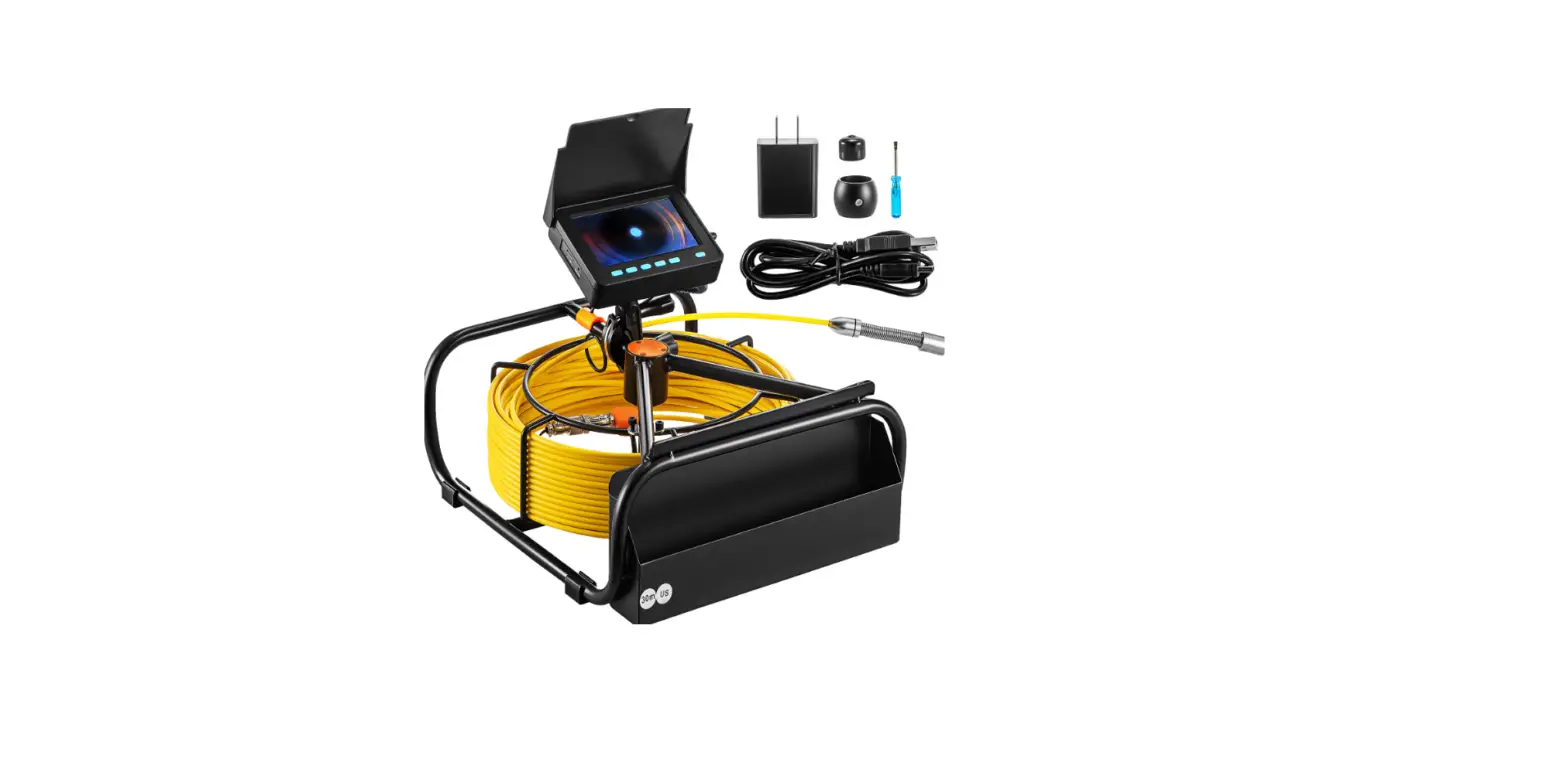
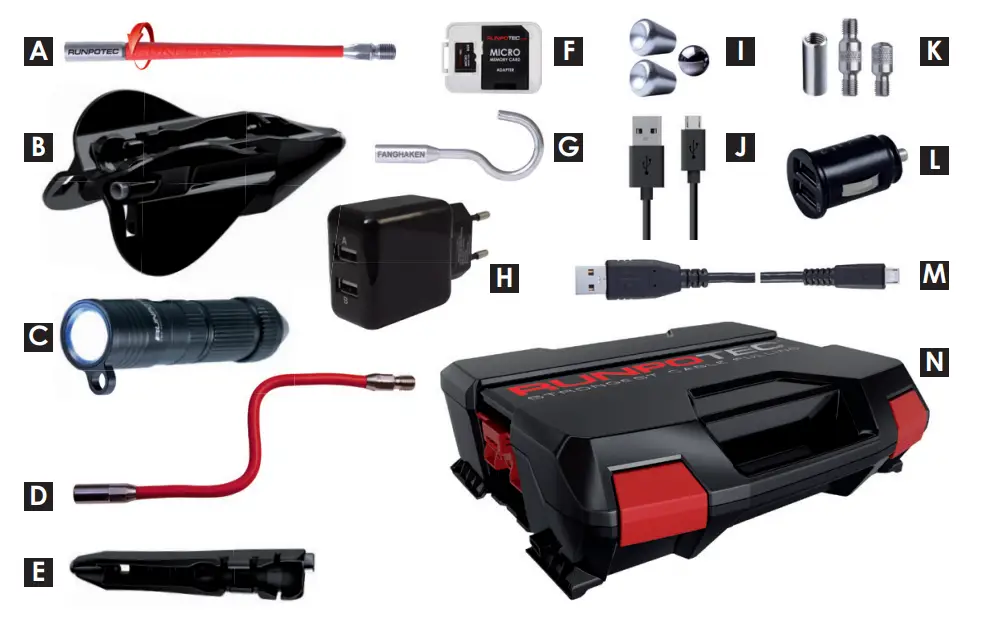
INCLUDING ACCESSORIES
| A | Guiding head with front thread |
| B | Systemglider RC2 |
| C | LED battery-operated high-performance lamp 320 lumen (rechargeable via Micro USB charging socket) |
| D | Flexible attachment 12 cm |
| E | RC2 thread attachment |
| F | Micro memory card 8 GB incl. card adapter |
| G | Stainless steel fishing hook |
| H | 2 x USB charging plug 230 V |
| I | Magnet fishing-set |
| J | USB charging cable for LED battery lamp (plug: USB / Micro USB) |
| K | Connecting thread set, RTG Ø 6 mm (Blind cap, inside and outside connection thread) |
| L | 2 x USB charging plug 12 V |
| M | USB cable 3 m (plug: USB/Micro USB) |
| N | RUNPOTEC system case with RC2 case insert |
TECHNICAL DATA
| Monitor | 3.5″ TFT LCD Monitor 16 M colours |
| Camera head | 307.200 pixels (640 x 480) |
| Protection class | IP 67 (camera head and cable) |
| Video / Photo | Video: AVI / Photo: JPG |
| Image angle | 64 ° |
| Focus distance | 30 mm – 80 mm |
| Lighting | 6 x LED (integrated in the camera head) |
| Connection | 230 V or battery operation (battery included) |
| Languages | DE, EN, FR, ES, PT, IT, NL, DA, SE, NO, FI, PL, CS, HU, RU, IS, LT, SK, SLO, HR, TR |
 INTRODUCTION
RUNPOTEC appreciates your purchase of a RC2 inspection-camera. These instructions for use provide information on safe use of your RC2 inspectioncamera. Read the instructions for use thoroughly before commissioning. If you have any questions about commissioning, assembly, safety and applications, or problems, please contact your dealer or RUNPOTEC by telephone or e-mail. You will find our contact data on page 2.
 SAFETY INFORMATION
 SAFETY INFORMATION
Read the safety information on www.runpotec.com before use. The RC2 inspection-camera is used exclusively for the exploration and inspection of inaccessible components such as pipelines, hollow systems, ventilation systems, etc. No liability is accepted for any other use! No liability is accepted for any other use!
COMMISSIONING
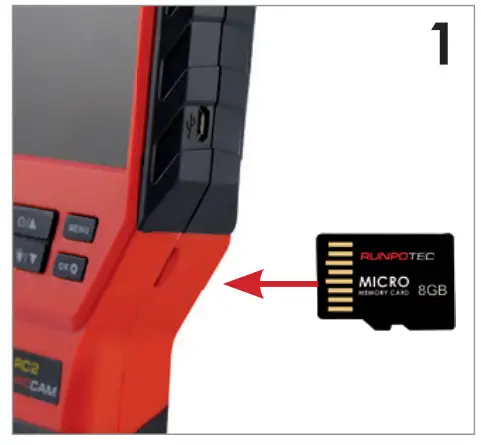
Insert the Micro Memory Card into the slot at the side. If necessary, format the card, see operating instructions.
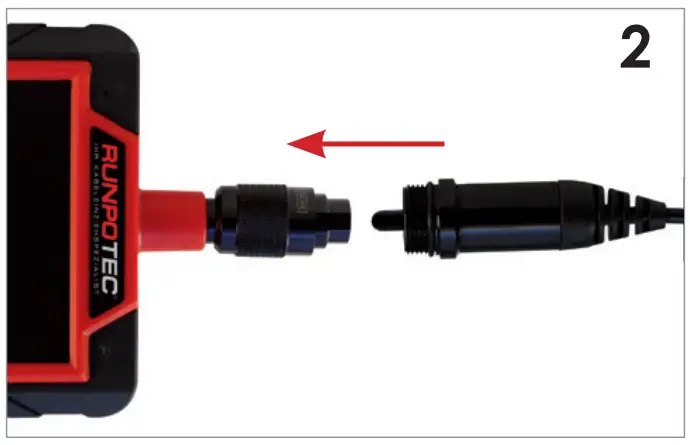
Camera head cable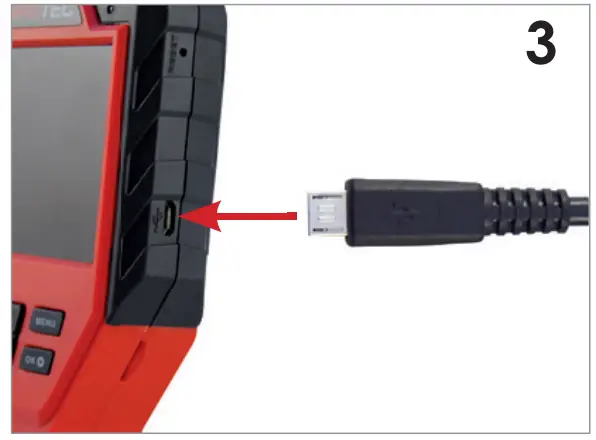 connect with monitor.
The Li-Ion battery is charged! Monitor can be used immediately. Charge the battery with the Micro USB charging cable and charging adapter.
COMMISSIONING – LED-LAMPE
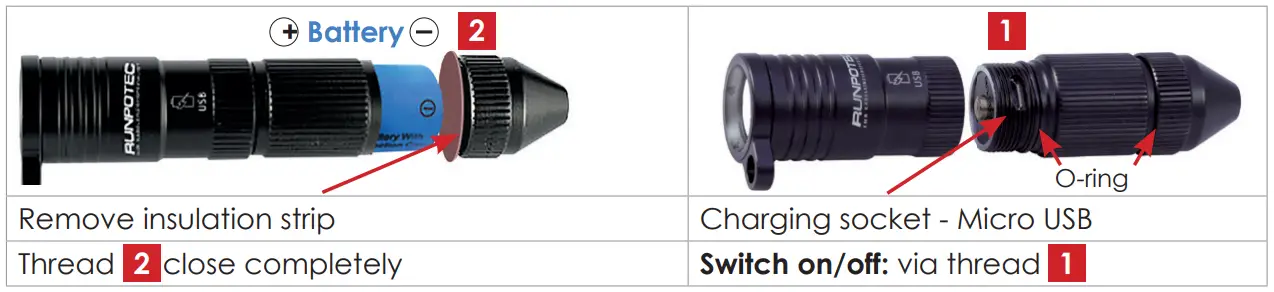
INSTRUCTIONS FOR USE
| General |  Press and hold for 1,5 seconds to switch on and off Press and hold for 1,5 seconds to switch on and off |
 Rotate monitor image 180°. Rotate monitor image 180°. | |
 Switch camera LED light on and off. Switch camera LED light on and off. | |
| Adjust monitor brightness in 3 levels. | |
| Photo/video mode |  Press and hold for 3 seconds to switch to Capture mode or to switch between Photo/Video mode. Press and hold for 3 seconds to switch to Capture mode or to switch between Photo/Video mode. |
| Display top: Mode Photo/Video icon, battery status, memory card, date, time. | |
| Briefl y press to switch to the corresponding mode, take a photo or start and stop video recording (recording time is displayed in the upper right-hand corner). File is stored in the archive. | |
| Photo/video Archive |  Press to view photos/videos. Press to view photos/videos. |
| Display Top: Photo or video symbol and number Bottom: Time stamp – date/time (Time stamp can be switched on and off in the menu). | |
| Select photo/video. Top left: Display photo or video fi le Top right: Display photo/video number | |
| Video file display: play and stop. | |
| Press for 3 seconds to exit the archive and return to Photo/Video mode. | |
| Delete photo/video in archive | Select photo/video. |
| Delete photos/video. | |
| Select – Current Photo/Video (Delete) | |
| or Delete entire archive (Delete all). | |
| Cancel/Execute. | |
| Cancel and return to the archive. | |
| MenuSettings | Press to display the menu. |
 Navigate up and down. Navigate up and down. | |
| Select and return to the menu. | |
| Press to quit the menu. | |
| Date/time: | Change settings. |
| Press and move to the next setting. | |
| Save. | |
| Time stamp: | Select OFF ¨ /ON þ. |
| Language: | 17 languages selectable. |
| Auto off: | Automatic monitor switch-off Off / 10 min. |
| Format | Format memory card |
| memory | Select – Execute/Cancel. |
| card: | All data on the memory card is deleted! |
| Reset: | Reset to the factory settings. |
| Version: | Software version number: RC2.1 |
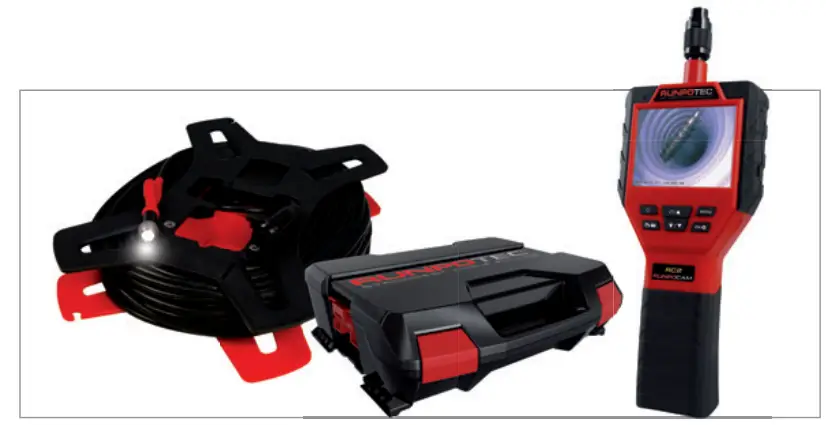
| RC2 | Length | item no. |
| Inspection-camera | 10 m | 10139 |
| In system case | 30 m | 10140 |
| Including accessories see page 3 | 50 m | 10141 |
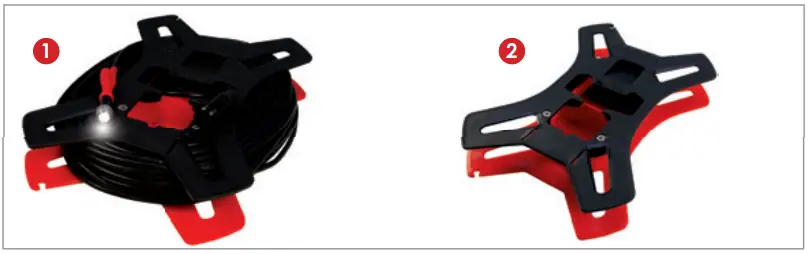
| RC2 camera probe with cable | Length | item no. |
| Incl. camera reel 1 Ø 12 mm | L 28 mm | IP 67 RTG Ø 6 mm inside thread Camera reel RC2 – empty 2 | 10 m 30 m 50 m | 20593 20560 20559 20608 |
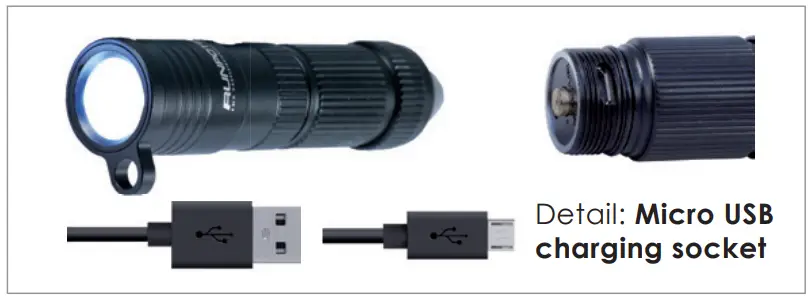
| Rechargeable LED lamp | item no. | |
| High-performance 320-lumen rechargeable LED lamp 2 x RTG Ø 6 mm thread (1 x vertical and 1 x horizontal) Micro USB charging socket for battery | 20485 |
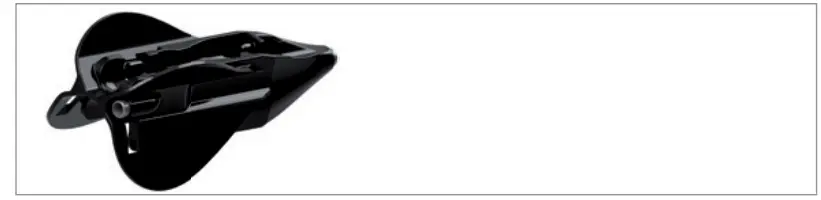
| Systemglider RC2 | item no. |
| L 130 mm | W 58 mm | H 53 mm Front thread RTG Ø 6 mm | 20606 |

| Guiding head with front thread | item no. | |
| RTG Ø 6 mm thread | 20460 |
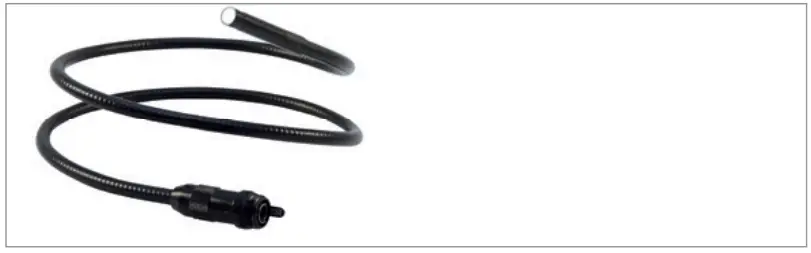
| Flexible camera probe 0,8 m | Length | item no. |
| Ø 9 mm for RC2 300,000 pixels (720 x 576) 64° Image angle, IP 67 4 x LED (dimmable) | 0.8 m | 20481 |
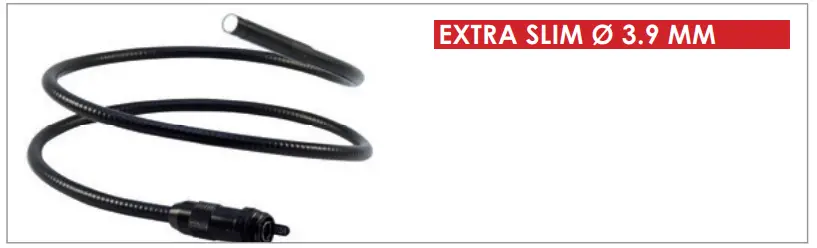
| Flexible camera probe 1 m | Length | item no. |
| Ø 3.9 mm for RC2 100,000 pixels (320 x 240) 54° Image angle, IP 67 2 x LED (dimmable) | 1 m | 20488 |

| RC2 thread attachment | item no. | |
| L 101 mm | W 16 mm | H 19 mm RTG Ø 6 mm front thread | 20607 |

| Micro memory card 8 GB | item no. |
| Incl. card adapter | 20483 |

| Magnet fishing-set | item no. | |
| 1.5 – 2.9 kg (pipe Ø 16 – 40 mm) | 20475 |
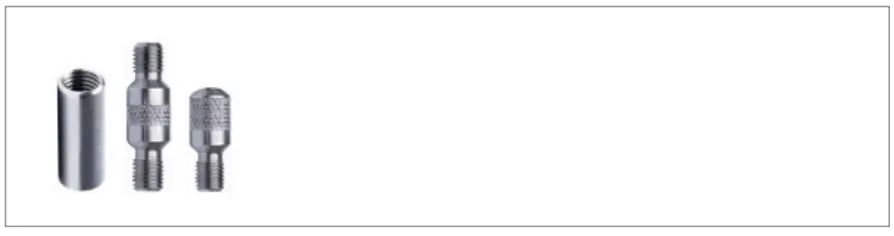
| Connection thread set | item no. | |
| Thread RTG Ø 6 mm (3 pcs = 1 x inside, 1 x outside, 1 x blindcap) | 20484 |

| Stainless steel fishing hook | item no. | |
| RTG Ø 6 mm thread | 20261 |
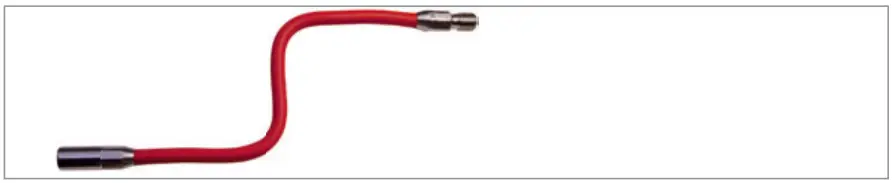
| Flexible attachment 12 cm | item no. |
| stainless steel, RTG Ø 6 mm thread | 20509 |
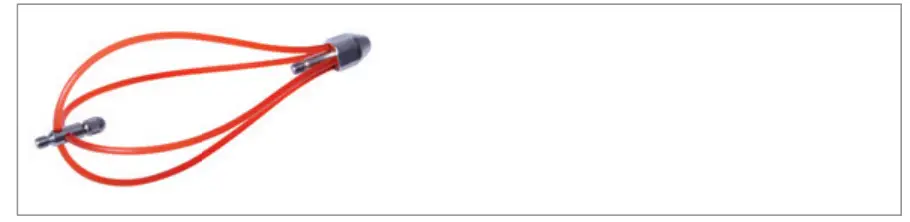
| RUNPOTEC Functionglider | item no. | |
| RTG Ø 6 mm thread | 20468 |
RUNPOTEC GmbH – Irlachstrasse 31 – A-5303 Thalgau
Tel.: +43-6235-20335 – Fax: DW 35 – [email protected]
WWW.RUNPOTEC.COM
RUNPOTEC GmbH
Irlachstrasse 31
A-5303 Thalgau
Tel.: +43 6235 20335-0
Fax: +43 6235 20335-35
[email protected]
www.runpotec.com
 RUNPOTEC -STRONGEST CABLE PULLING
 TEC - Residential and Business Internet, Voice, and Security
 RUNPOTEC -STRONGEST CABLE PULLING