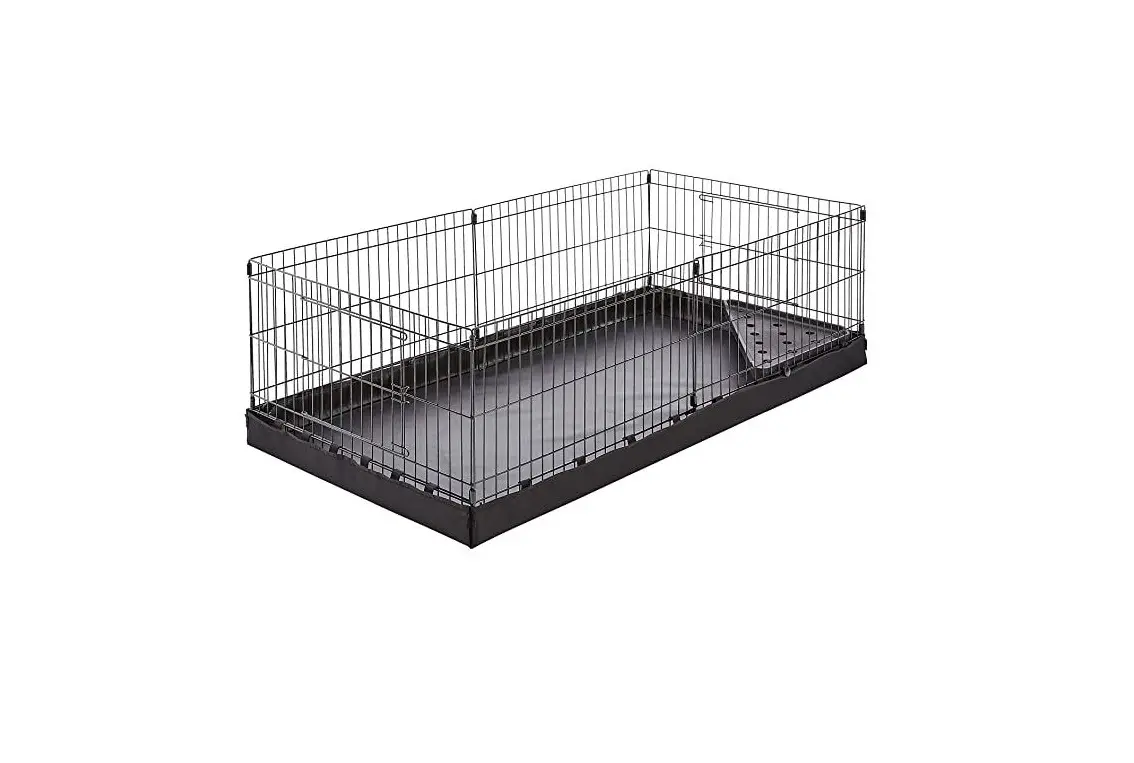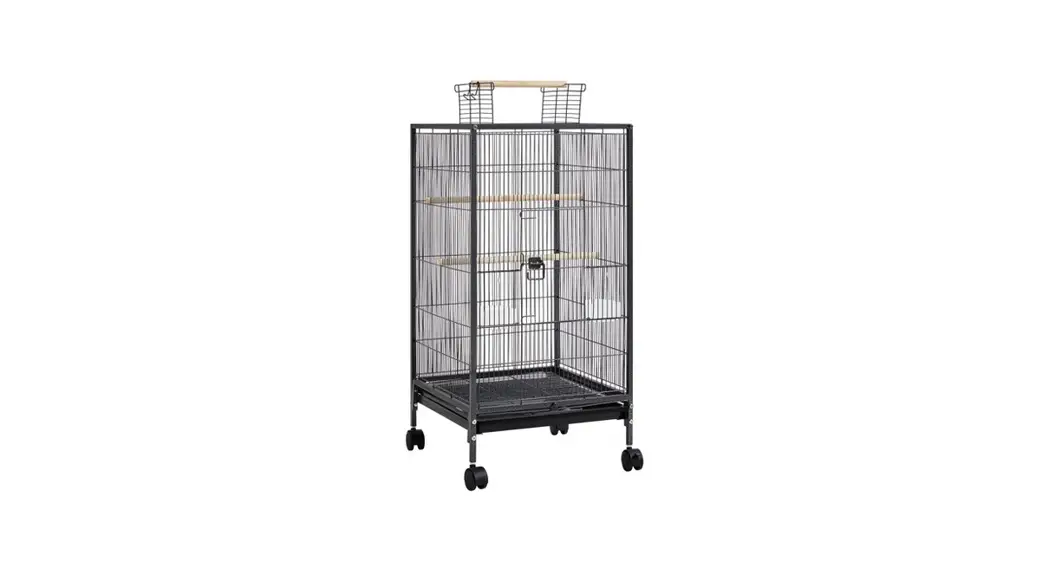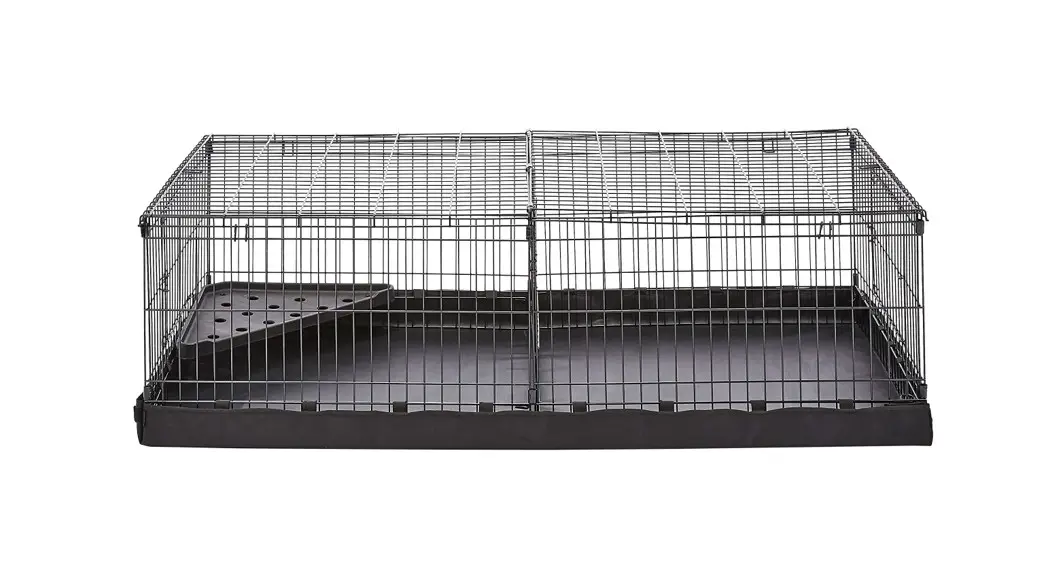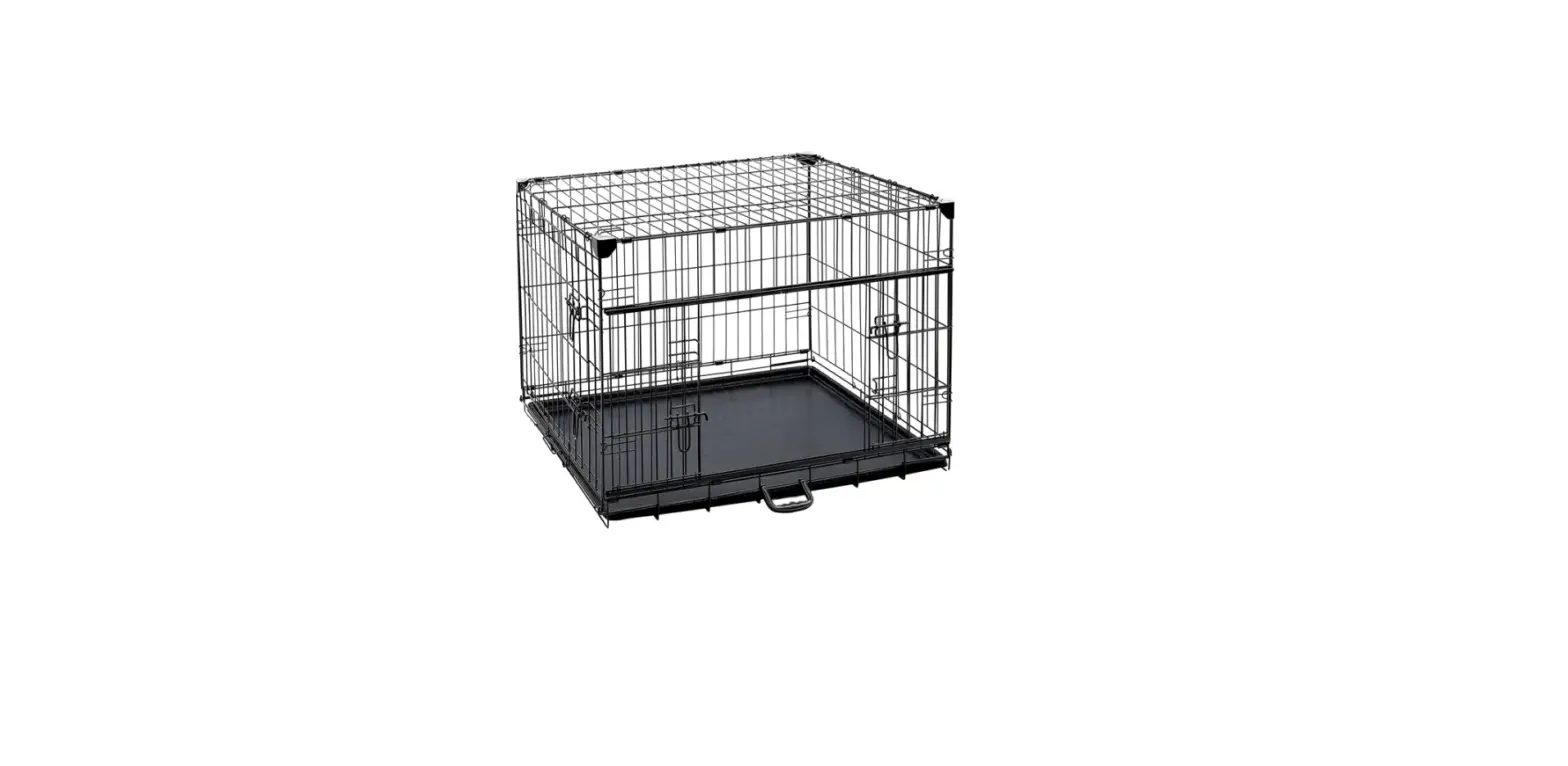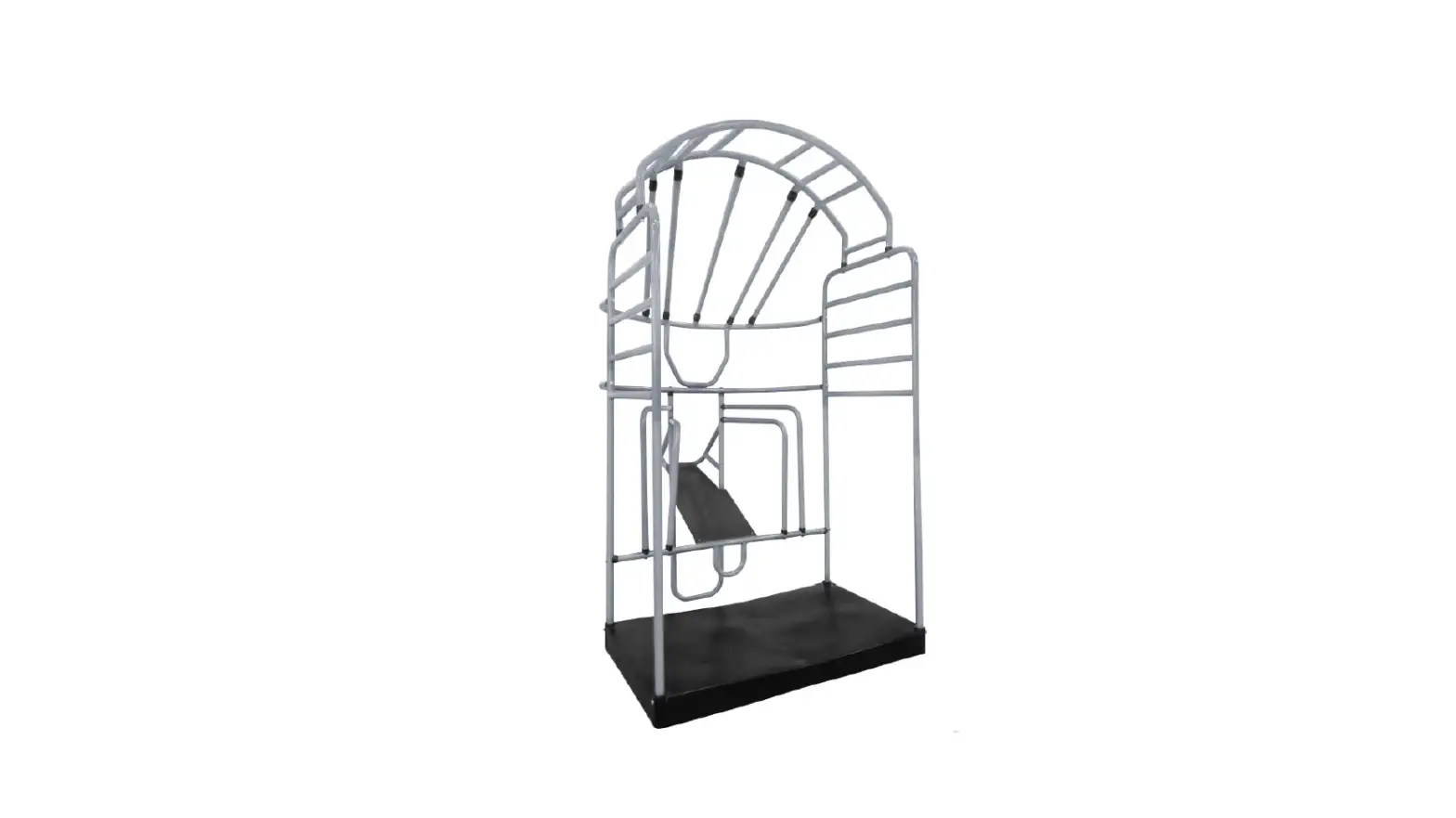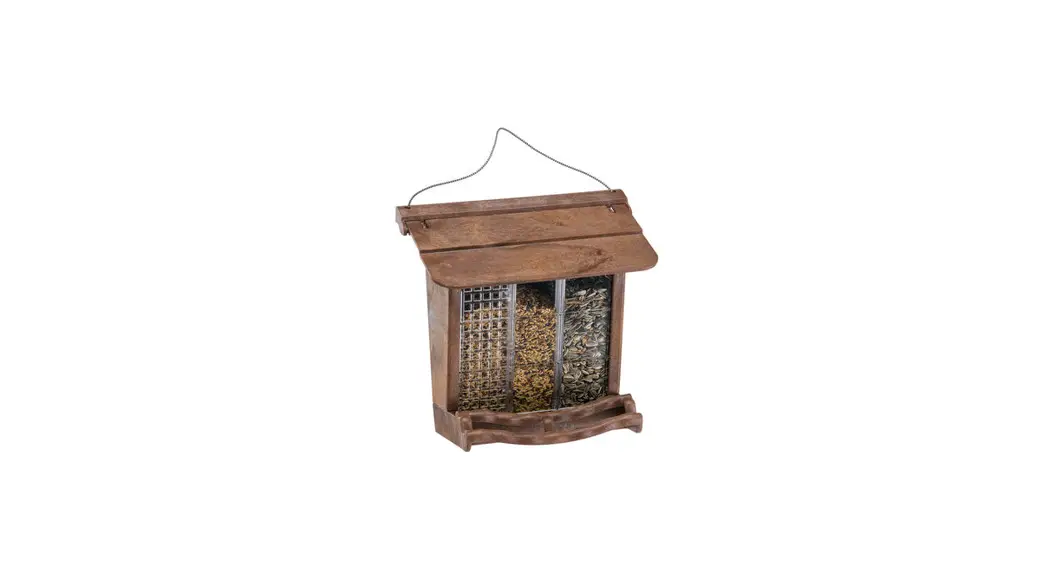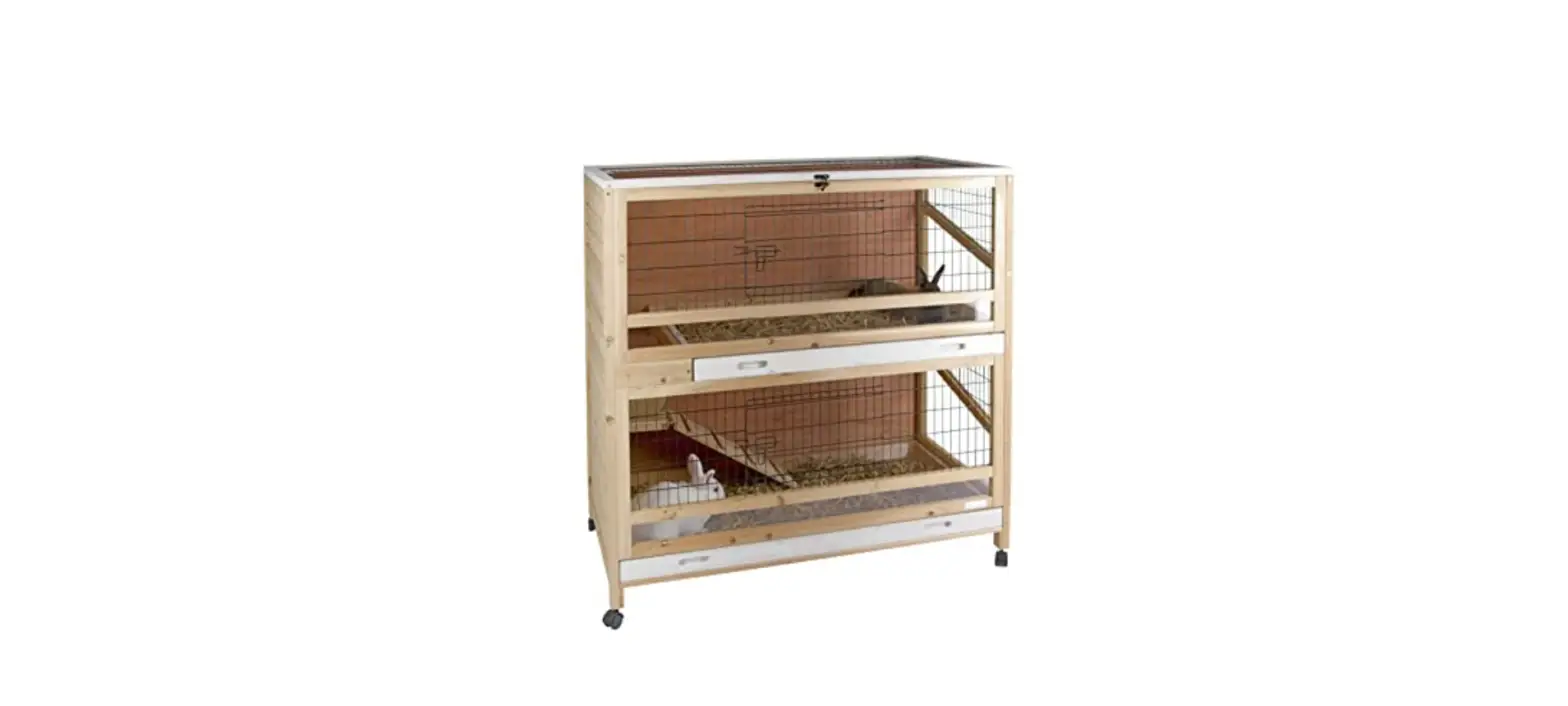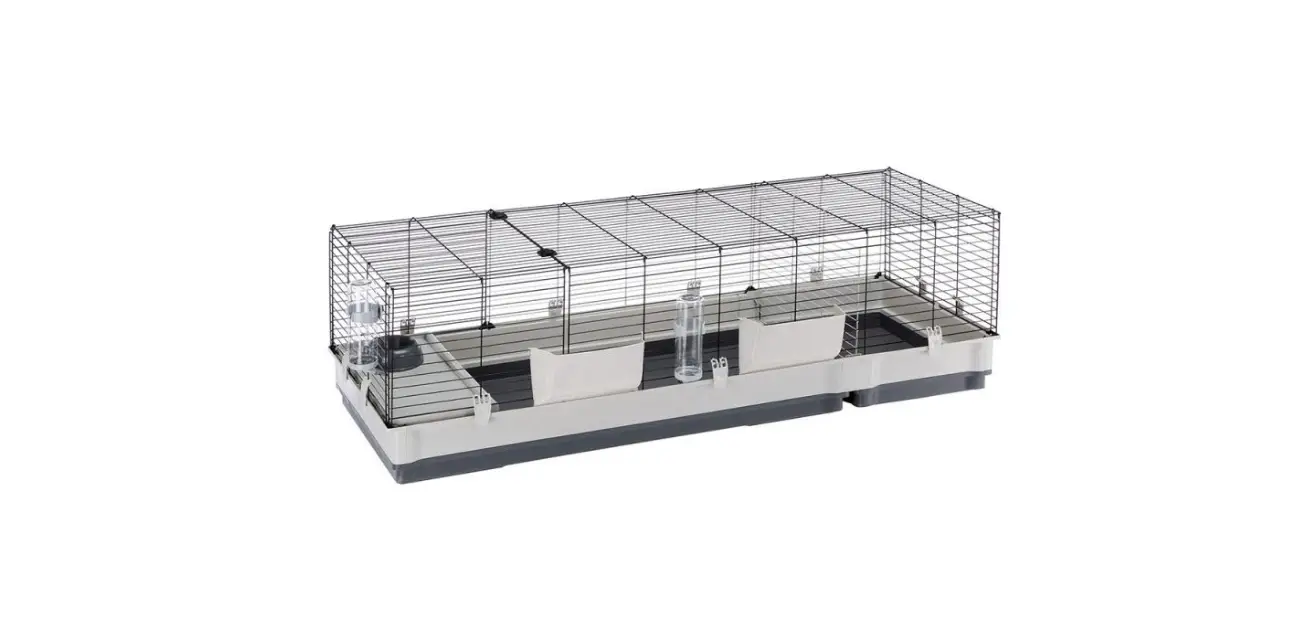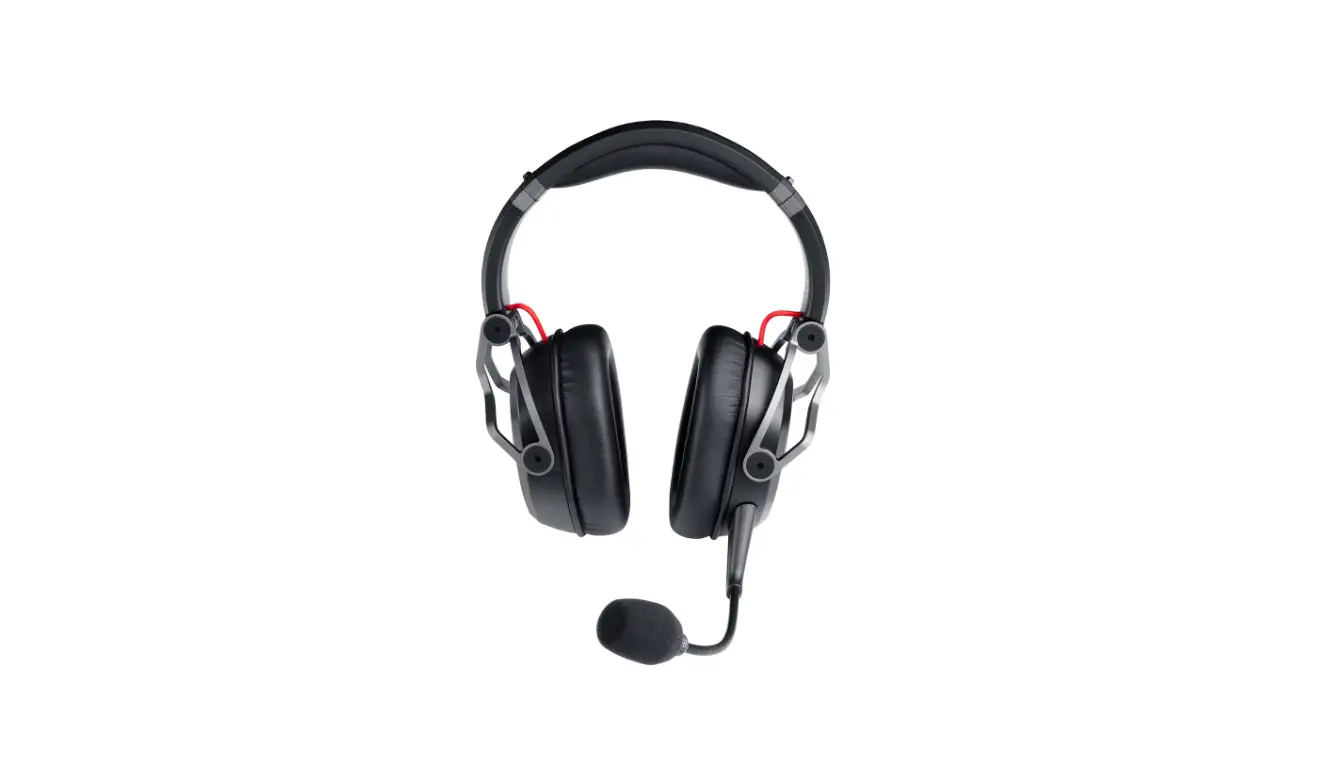

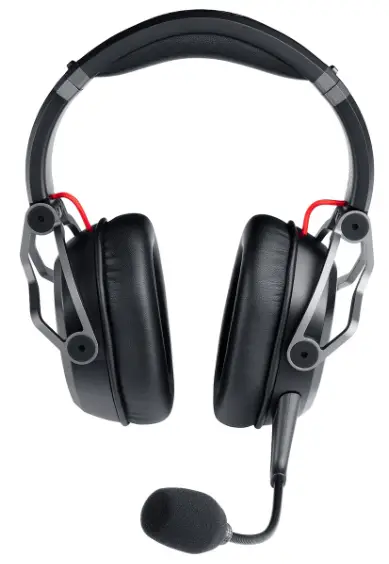
Teufel Cage, Cage One Folding Cage
Overview
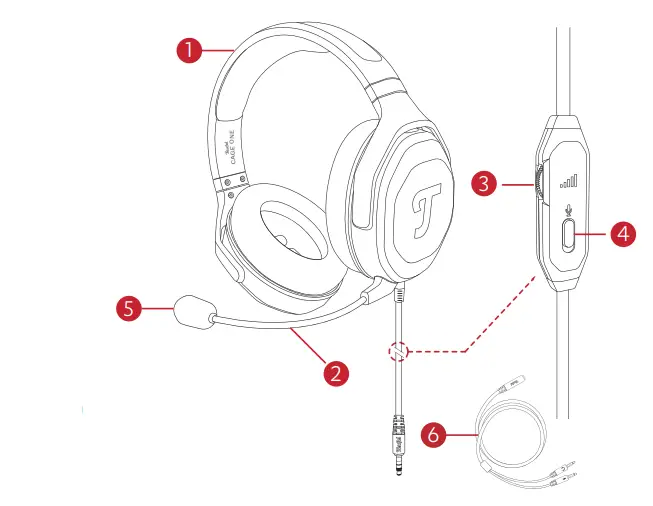
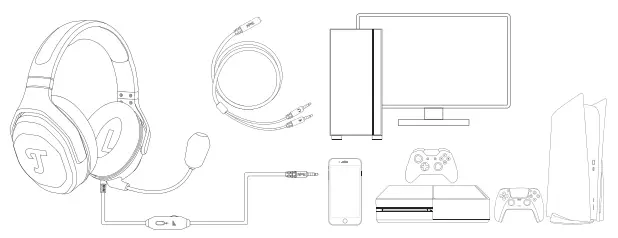
- Gaming Headset
- Mic Arm
- Analog Volume Wheel
- Microphone Mute Switch
- Windscreen
- Splitter Cable
Note: Accessories are located underneath the headset.
Connecting
- Connect the 3.5 mm plug of the headset to gaming controller, smartphone or PC. Hint: For some desktop PCs, the supplied Splitter Cable is needed to split the microphone and the line output.

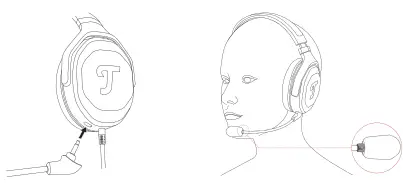
- Connect the microphone to the microphone jack. Make sure to align the small guide slot to insert the microphone. There is a little groove with a glossy finish on the inside of the boom arm mic head. This needs to point in the direction of the mouth and be about 2-4cm away to get an optimal signal-to-noise ratio.

Controlling
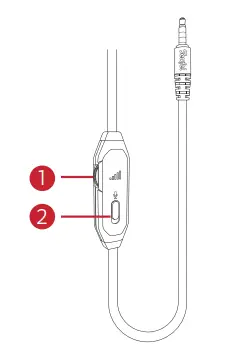
- Analog Volume Wheel: Rotate the wheel upwards to increase the volume or downwards to decrease the volume.
- Microphone Mute Switch: Push the button down to mute the microphone or up to unmute the microphone.
CONTACT US
Lautsprecher Teufel GmbH Bikini Berlin, Budapester Str. 44 10787 Berlin (Germany)
- www.teufelaudio.com
- www.teutel.de
- www.teufel.ch
- www.teufelaudio.at
- www.teutelaudio.nl
- www.teufelaudio.be
- www.teufelaudio.fr
- www.teufelaudio.pl
- www.teufelaudio.it
- www.teufelaudio.es
International: 0800 400 300 20
Fax: +49 (0) 30 / 300 930 930
Online-Support:
www.teufelaudio.com/service
www.teufel.de/service
Contact:
www.teufelaudio.com/contact
 Teufel: Speakers & Headphones Direct from the Manufacturer Online
 CAGE ONE | Teufel