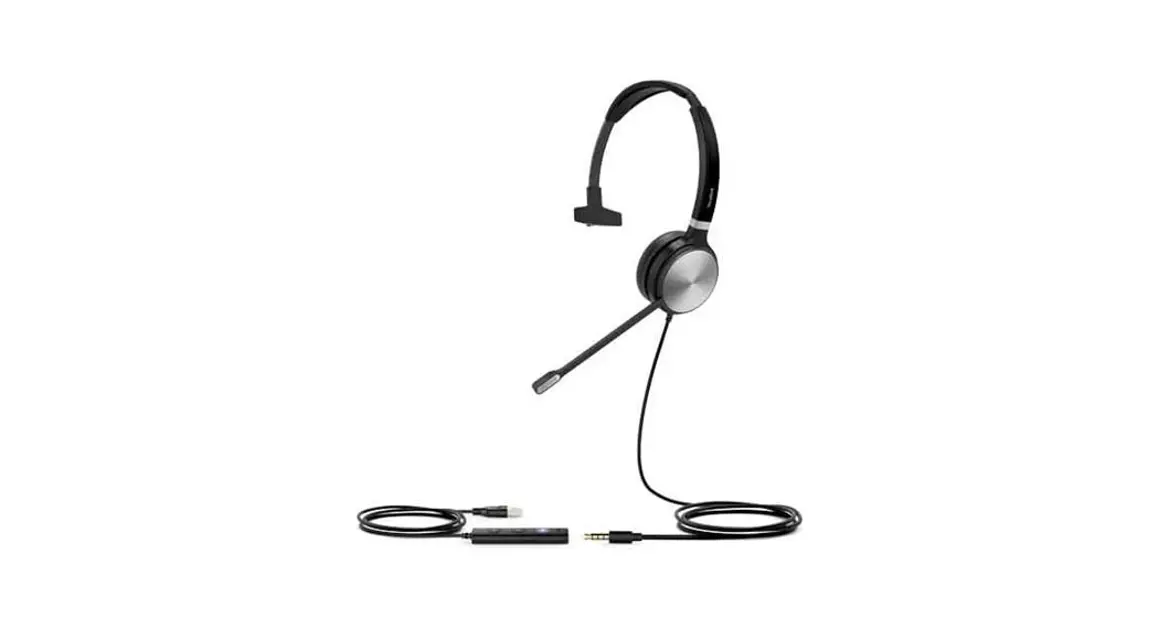
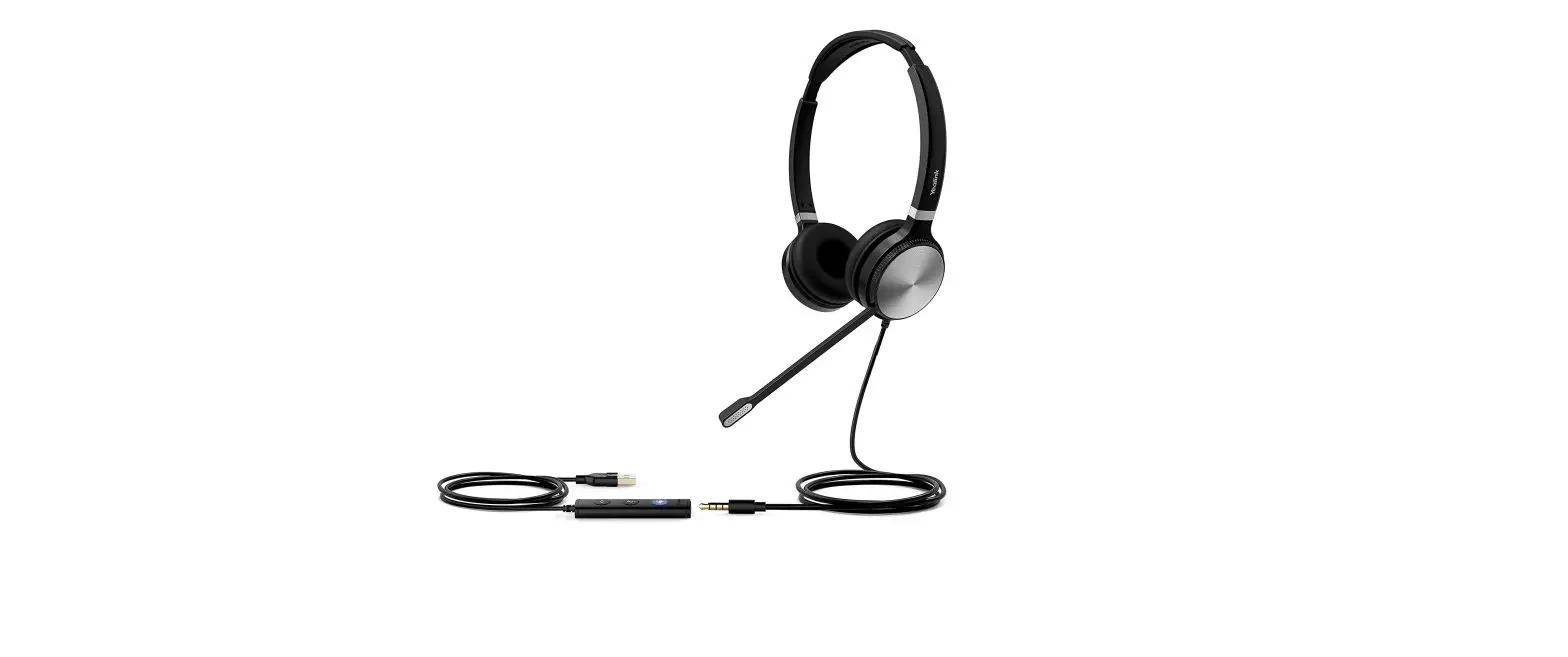
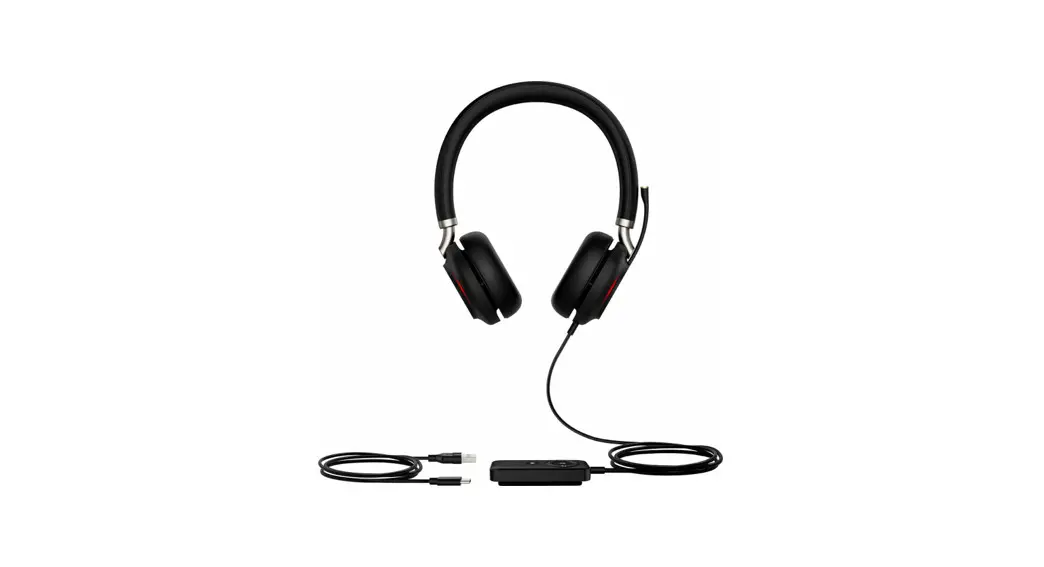
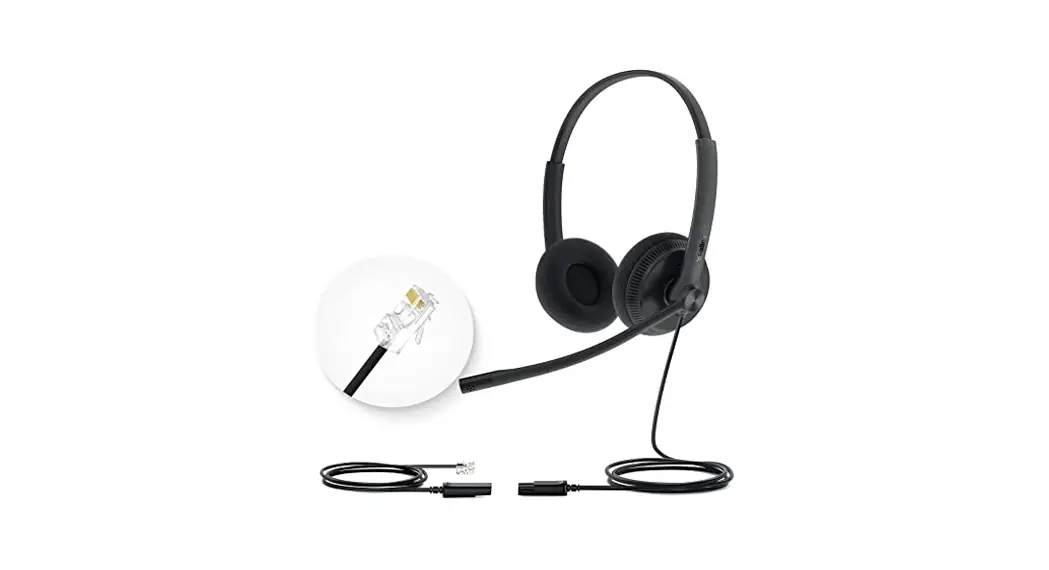
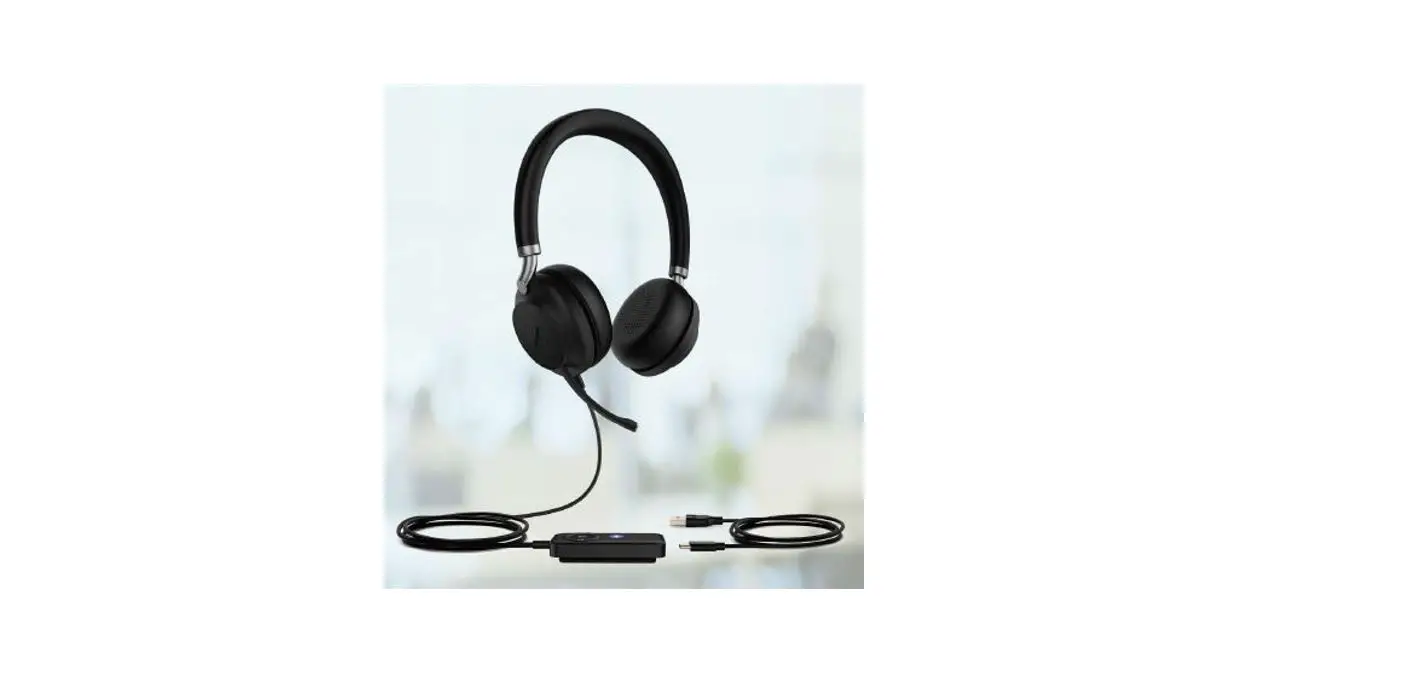
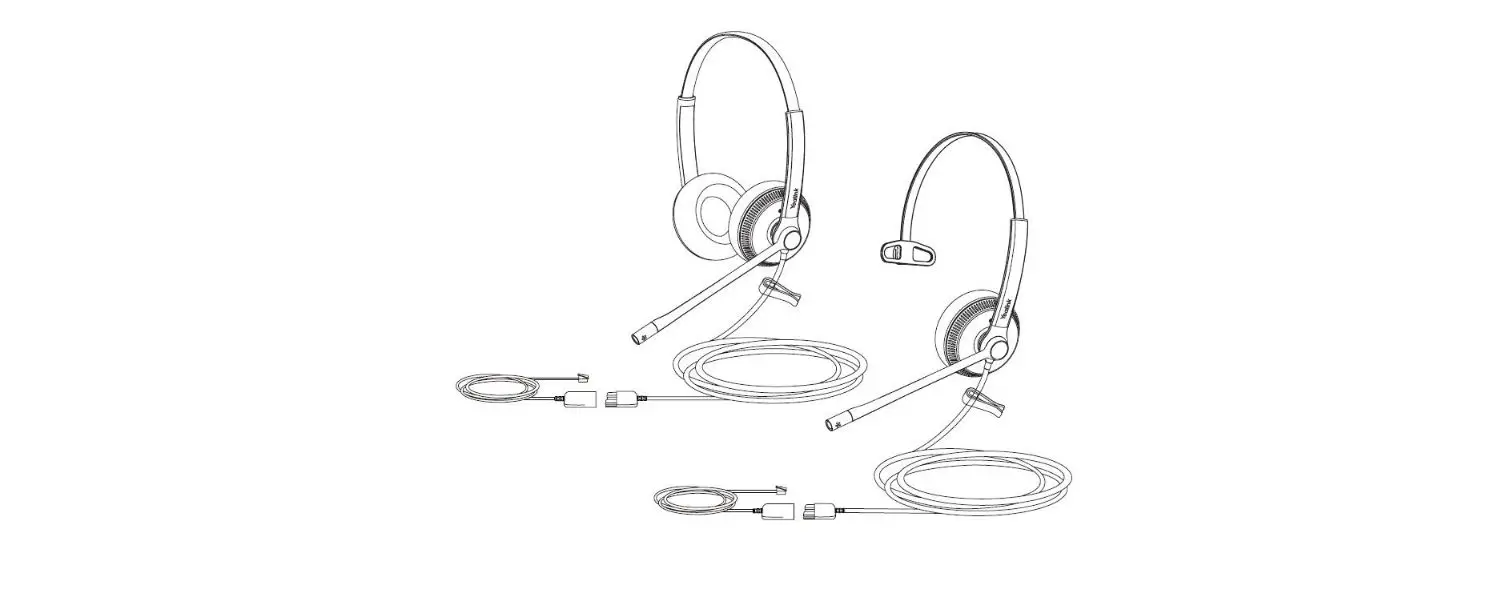
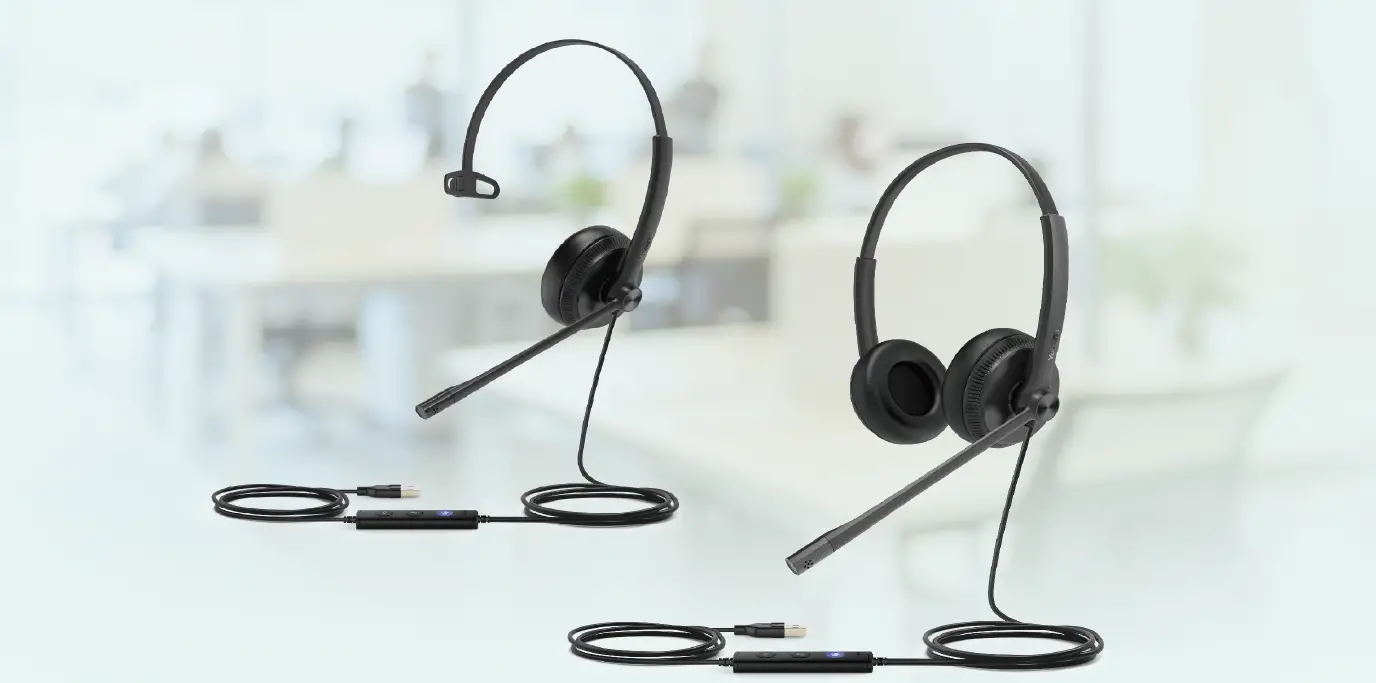
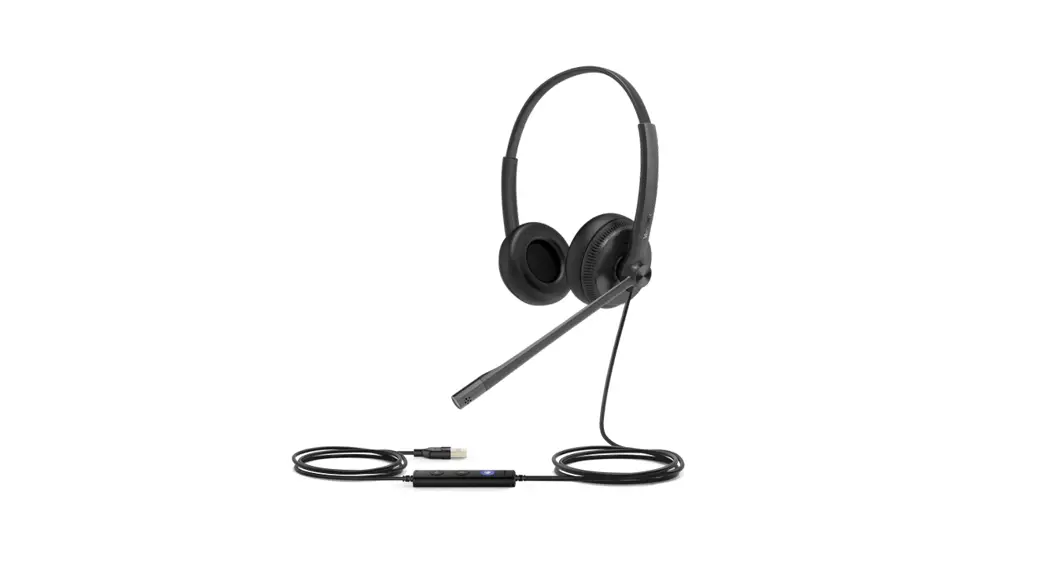
 UH36 Mono/Dual Wired Headset
User Guide
 UH36 MONO/DUAL WIRED HEADSET
GETTING STARTED
Unbox the contents of the headset.
PACKAGE CONTENTS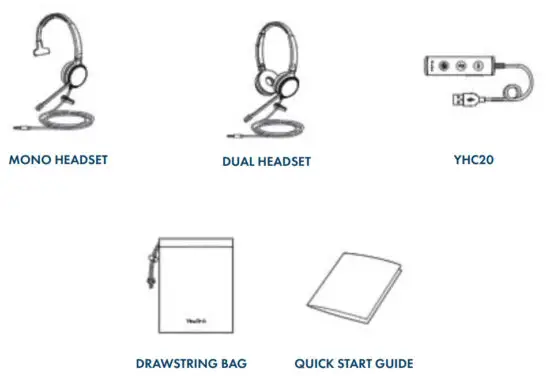
NOTES: You should use the included accessories as other accessories may have compatibility issues that prevent them from working properly.
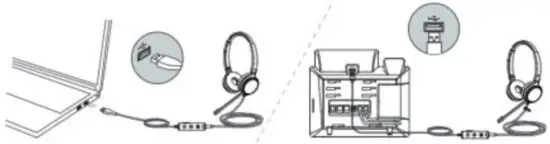
CONNECTING THE HEADSET TO A PC OR YEALINK PHONE
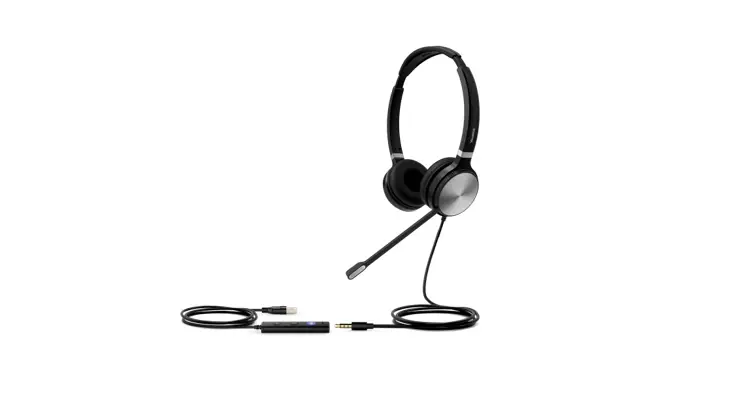
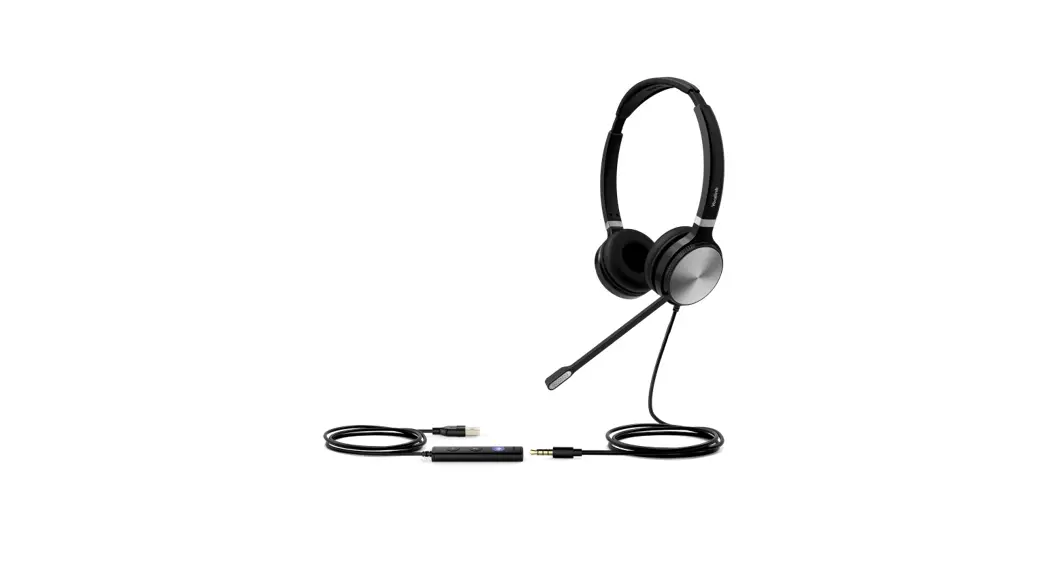
The following diagram will assist with connecting the headset properly.
Connect the headset to a PC or compatible Yealink phone using the YHC20 USB Connector.
CONNECTING THE HEADSET TO A SMARTPHONE OR TABLET
Connect the headset to a Tablet or Smart Phone without the YHC20 USB Connector.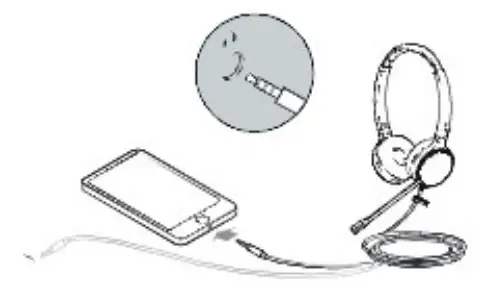
HEADSET CONTROLS
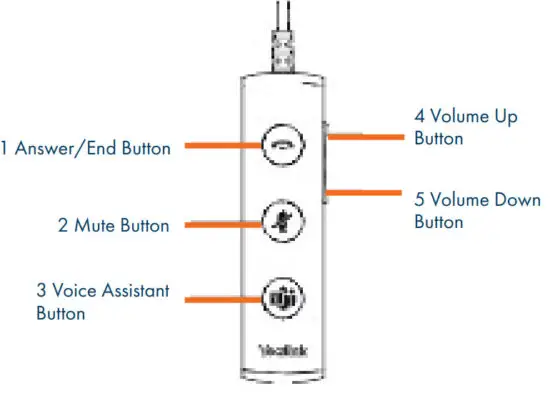
| Button | Description |
| Answer/End | Press to answer or end a call. |
| Mute | Press to mute/unmute the microphone. |
| Voice Assistant | Press and hold for two seconds to activate Cortana. |
| Volume Up | Press to increase volume. |
| Volume Down | Press to decrease volume. |
Need support? Connect with us at www.northland.net/support or
Dial 4357 (HELP) or 315-671-6262 to speak to a Northland Training Representative