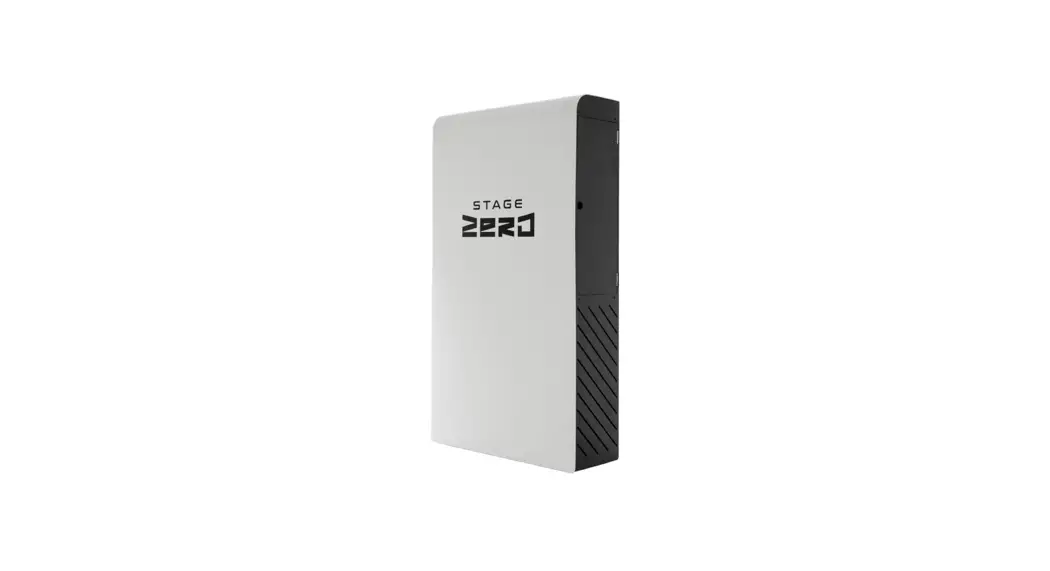
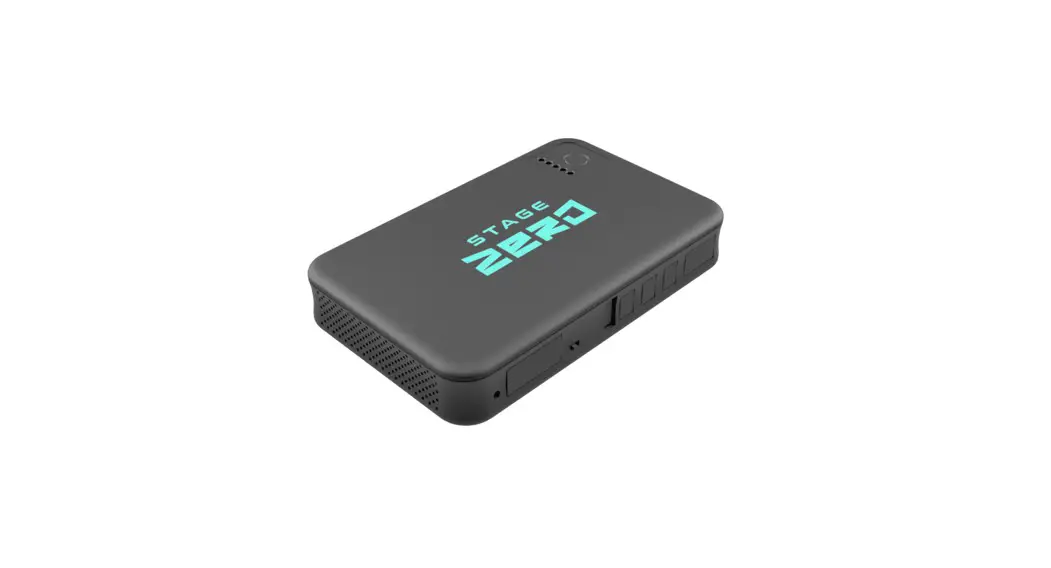
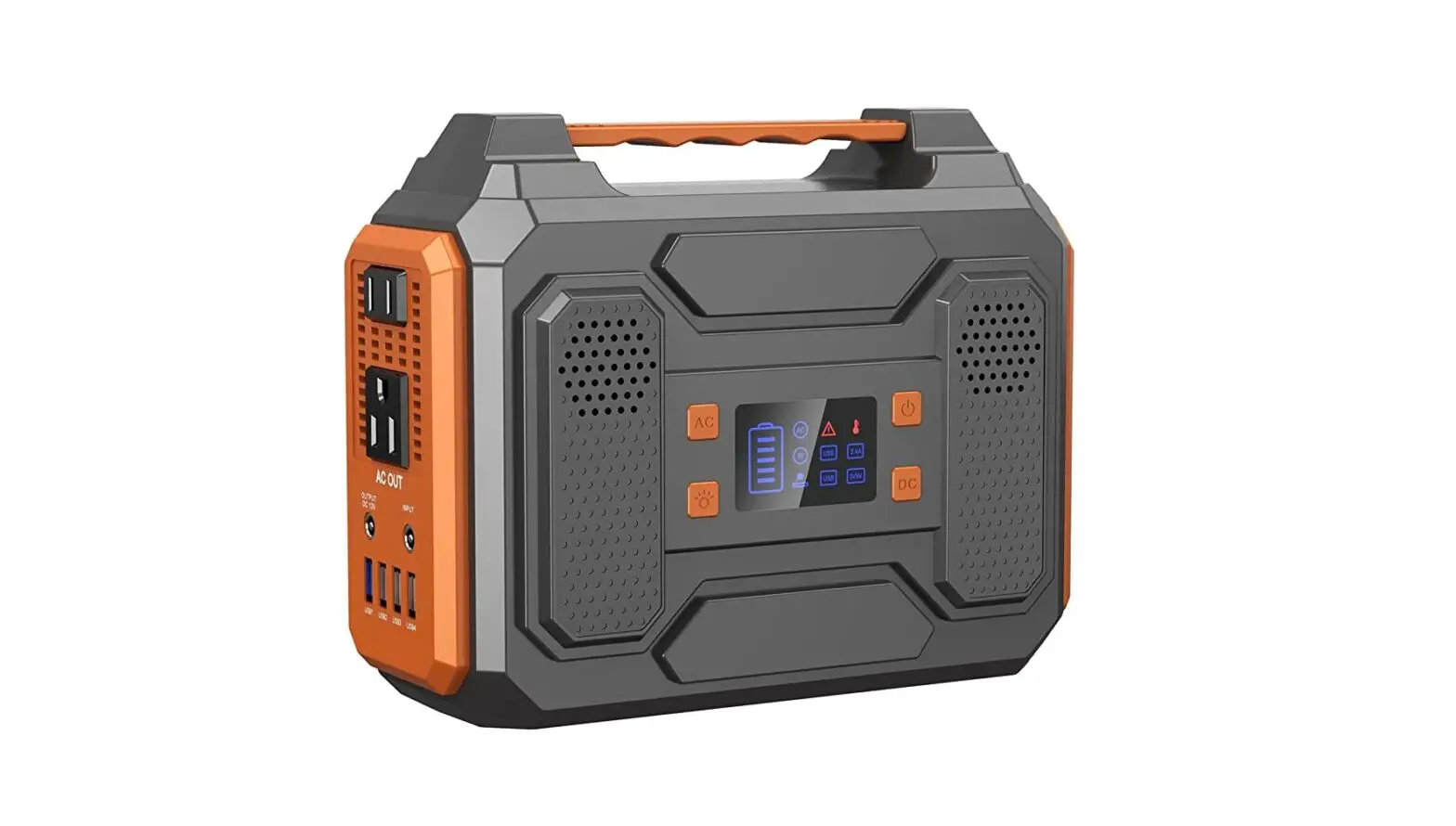
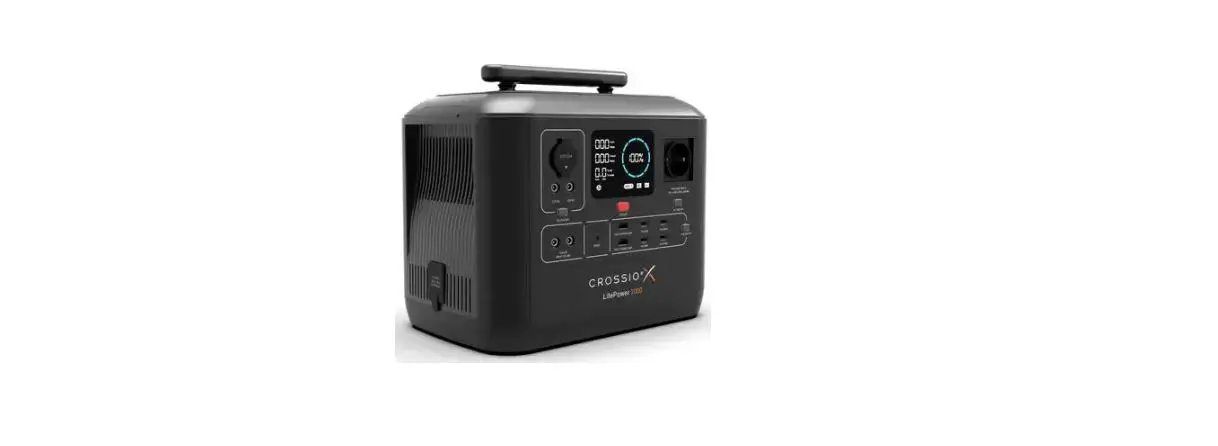
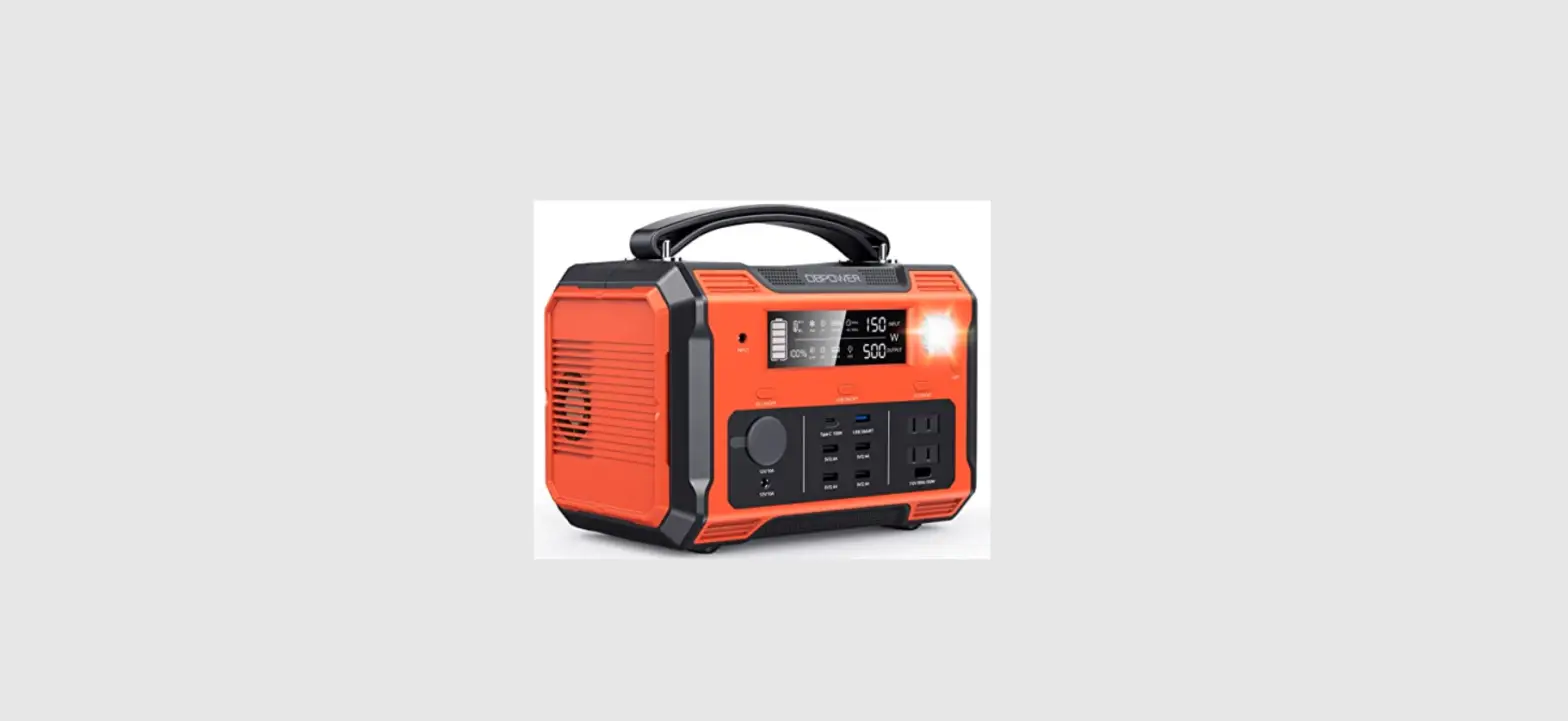
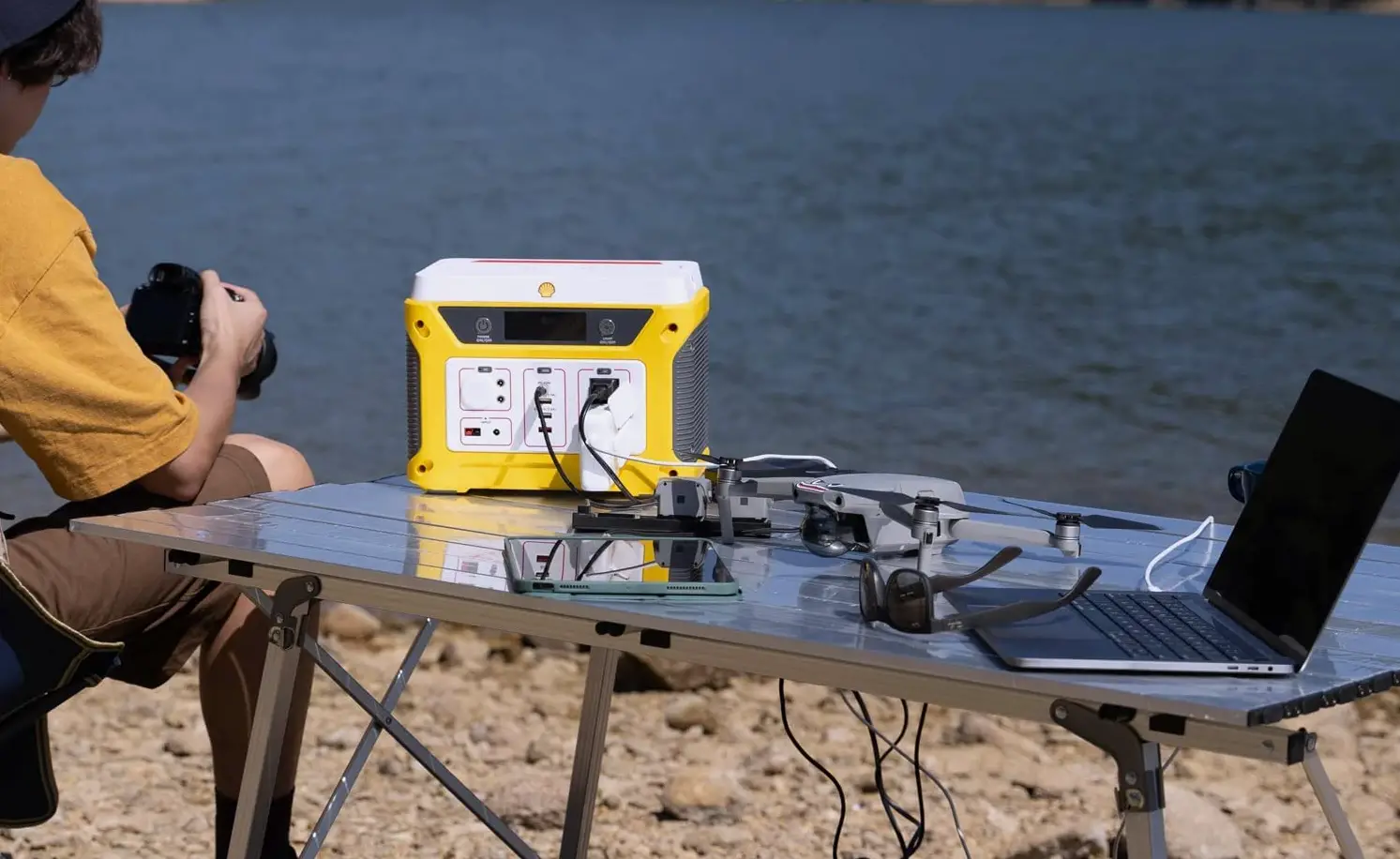
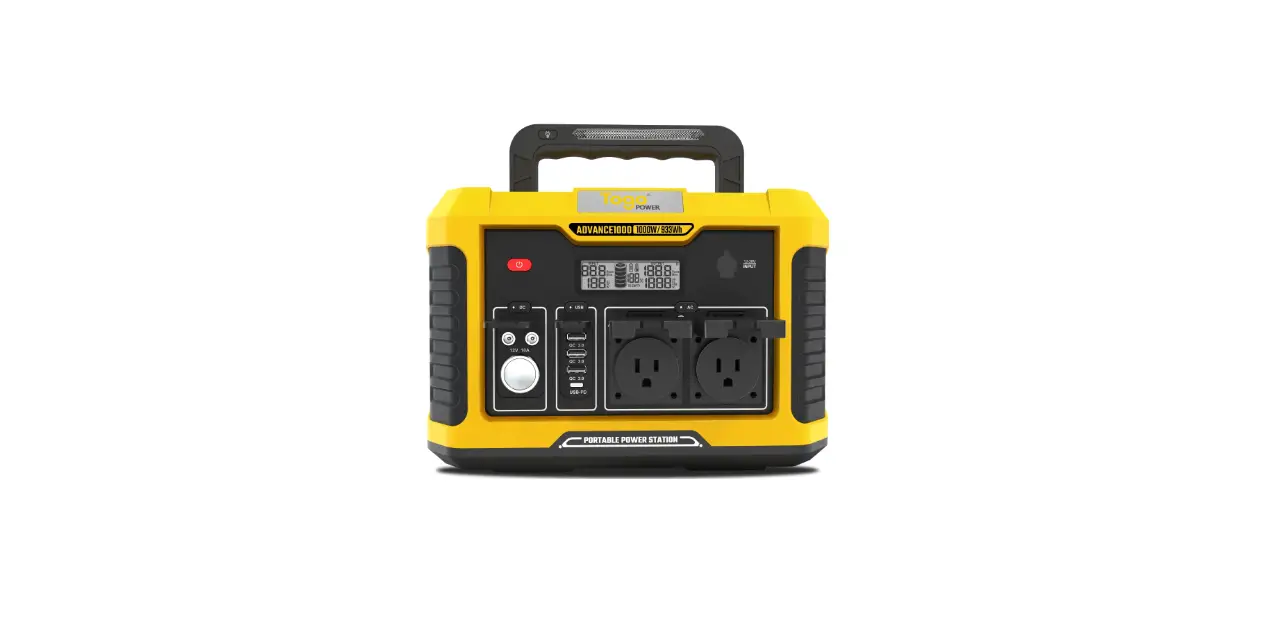
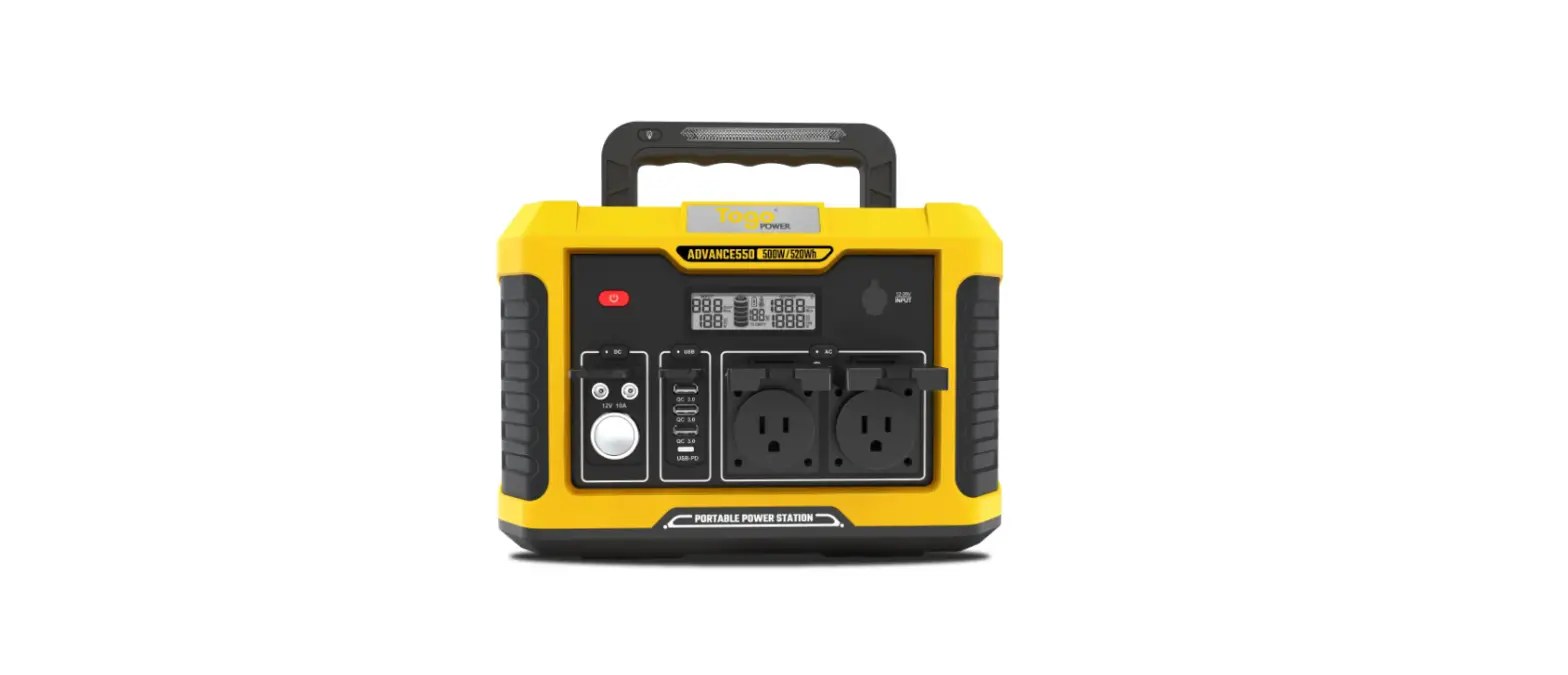
Volta 500 Portable Power Station
Volta 500 Portable Power Station User Manual
Please read this manual before use and follow the instructions
inside. Keep this manual for future reference.
1. Safety Precautions
This section contains important instructions that should be
followed during operation of the Volta 500 Unit (hereinafter
referred to as Device/s).
1.1 General
It is important and necessary to read the Stage Zero User Manual
carefully before using the Device. Failure to do so or to follow
any of the instructions or warnings contained in said document can
result in electrical shock, serious injury, or death.
1.2 Risk of Unsafe Operation
When using this Device, basic safety precautions should always
be followed to reduce the risk of personal injury. Improper
operation, maintenance or modification of this Device could result
in serious injury and property damage. This Device may not be
modified and/ or used for any application other than for which it
was designed for.
1.3 Shock Hazard Warning
Any contact with electrically active parts of the Device, such
as electrical terminals can result in injury or death, irrespective
of whether the Device and the other electrical equipment of the
property have been disconnected.
1.4 Battery Safety
The Device contains LiFePO4 cells (battery).
harmful to the skin and eyes.
instructions should be read and understood. All other
maintenance and repair requirements must be reported to the help
line (via the customer portal) who will arrange for the necessary
work to be conducted.
1.6 Emergency Situations
1.6.1 Leaking Batteries
If the Device (or any part thereof) has any indication of a
liquid like substance leaking from it, avoid contact with the
substance and contact Stage Zero immediately.
medical. attention. Ingestion: Induce vomiting and seek medical
attention.
1.6.2 Fire
NO WATER! DO NOT use water to extinguish fires that arise from
the Device (or any part thereof). Should a fire occur, use a
specialist Lithium fire extinguisher to extinguish the fire,
alternatively use a DCP (dry powder) or CO2 (carbon dioxide) type
fire extinguisher.
1.6.3 Wet Batteries
If the Device (or any part thereof), is wet or submerged in
water, do not let people access it, and contact Stage Zero for
technical support.
2. Product Information
2.1 General
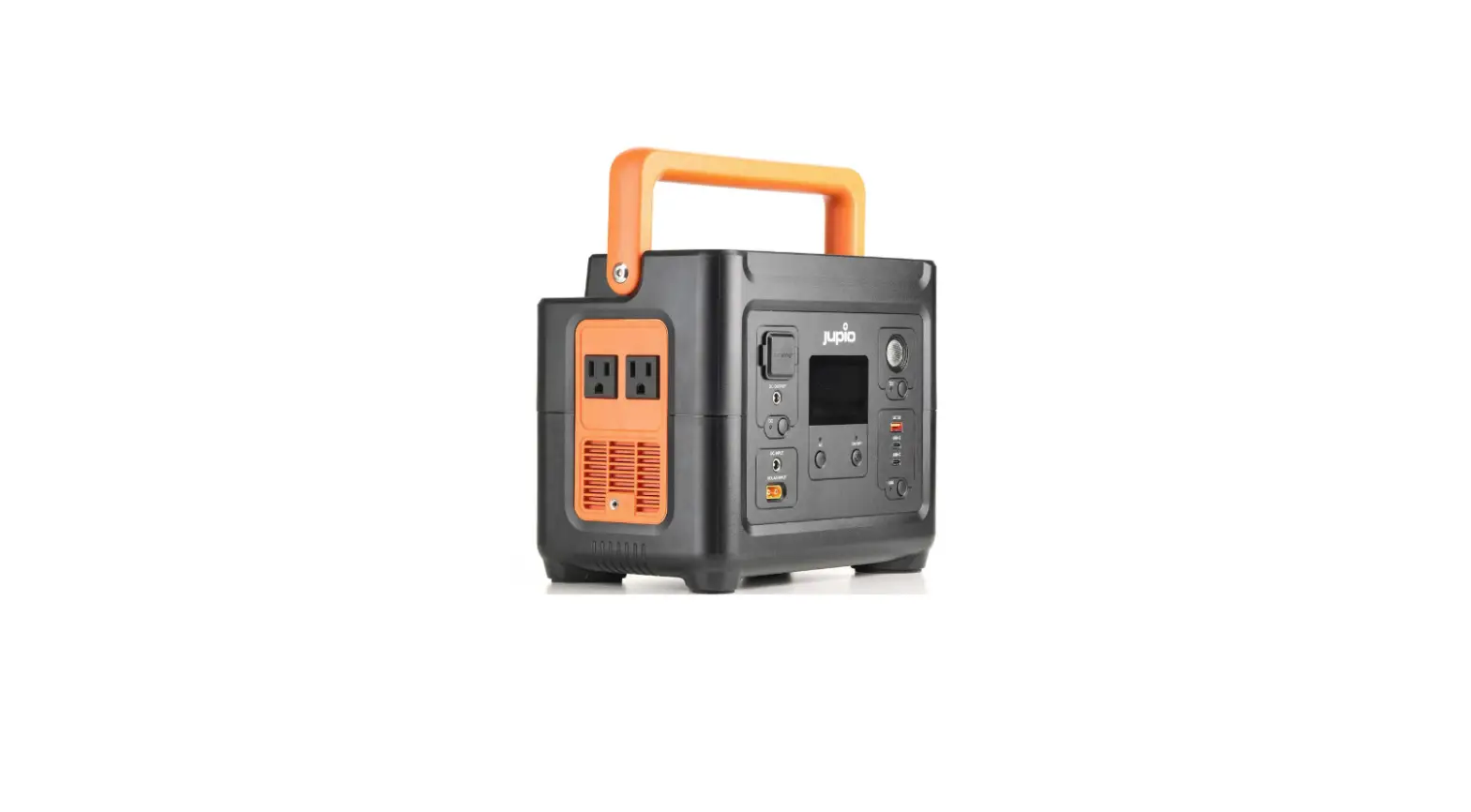
The Volta 500 Portable Power Station is designed to provide
portable power for electronic devices when an electrical outlet is
not available.
2.2 Specifications
The specifications of the Volta 500 Portable Power Station
are:
- Battery Capacity: 500Wh
- Output: AC 110V/60Hz, DC 12V/10A, USB 5V/2.1A
- Input: AC Wall Charger, Solar Panel, Car Charger
- Weight: 13.6 lbs
2.3 Views
The Volta 500 Portable Power Station has the following
views:
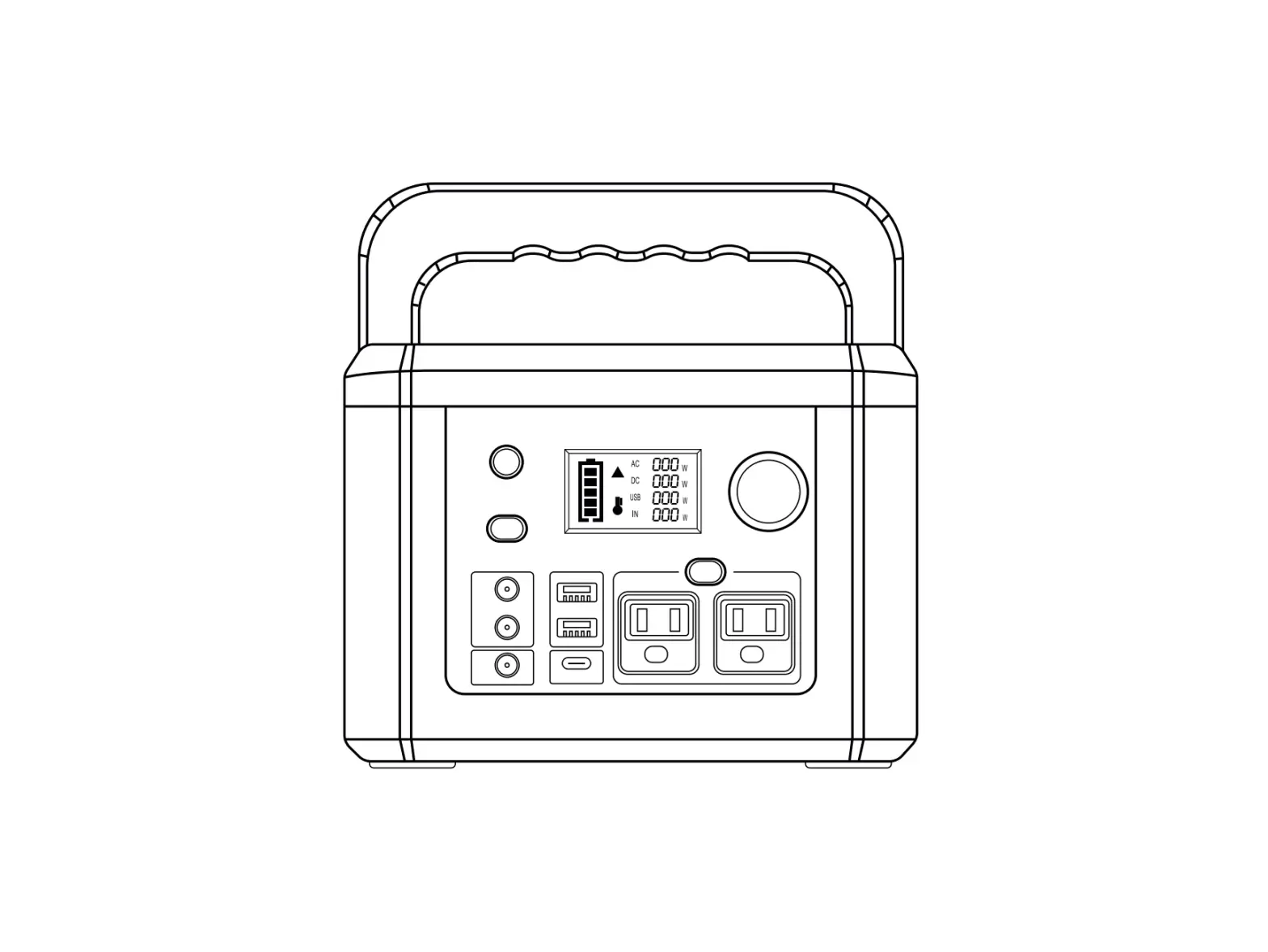
- Front View: LED Display, AC Outlet, DC Outlet, USB Ports
- Back View: Power Button, Input Ports, Cooling Fan
2.4 Installation
The Volta 500 Portable Power Station does not require any
installation. Simply plug in the device that needs power to the
appropriate outlet on the power station.
2.5 Device Specific Safety Precautions
The Volta 500 Portable Power Station should not be used by
children without adult supervision. Do not expose the device to
extreme temperatures or moisture. Do not attempt to disassemble or
modify the device. Use only approved charging cables and
adapters.
3. Operating Instructions
To use the Volta 500 Portable Power Station:
- Ensure the device is fully charged before use.
- Plug in the device that needs power to the appropriate outlet
on the power station. - Turn on the power station using the power button on the
back. - The LED display on the front will show the remaining battery
life.
4. Care and Maintenance
Clean the exterior of the power station with a soft, dry cloth.
Do not use any abrasive cleaners or solvents. Store the device in a
cool, dry place when not in use. Charge the device at least once
every six months to maintain battery life.
5. Customer Portal
5.1 How to submit a ticket
To submit a ticket for technical support or warranty claims, go
to the Stage Zero website and follow the instructions on the
customer portal.
6. Troubleshooting
If the power station is not working properly, refer to the
troubleshooting section of the user manual or contact Stage Zero
for technical support.
7. Warranty
The Volta 500 Portable Power Station comes with a limited
warranty. Refer to the warranty section of the user manual for
details.
8. Legal Notice
8.1 Information contained in this manual
The information contained in this manual is subject to change by
Stage Zero (Pty) Ltd (hereinafter referred to as Stage Zero)
without prior notice.
8.2 Disclaimer and Indemnification
Stage Zero is not responsible for any damages or injuries that
may occur as a result of improper use or maintenance of the Volta
500 Portable Power Station. By using this device, the user agrees
to indemnify and hold harmless Stage Zero from any claims or
damages arising from the use of the device.
9. Queries and Support
Contact Stage Zero for any queries or technical support related
to the Volta 500 Portable Power Station.
Volta 500 Portable Power Station User Manual
Please read this manual before use and follow the instructions inside. Keep this manual for future reference.
1. SAFETY PRECAUTIONS
3
11.1
General
3
1.2
Risk of Unsafe Operation
3
1.3
Shock Hazard Warning
3
1.4
Battery Safety
3
1.5
General Safety
3
1.6
Emergency Situations
3
1.6.1 Leaking Batteries
3
1.6.2 Fire
4
1.6.3 Wet Batteries
4
1.7
Prohibitions
5
2. PRODUCT INFORMATION
5
2.1
General
5
2.2
Specifications
6
2.3
Views
7
2.4
Installation
8
2.5
Device Specific Safety Precautions
8
3. OPERATING INSTRUCTIONS
9
4. CARE AND MAINTENANCE
9
5. CUSTOMER PORTAL
9
5.1
How to submit a ticket
10
6. TROUBLE SHOOTING
11
7. WARRANTY
12
8. LEGAL NOTICE
12
8.1 Information contained in this manual
12
8.2
Disclaimer and Indemnification
12
9. Queries and Support
12
3
This Manual contains important instructions that should be followed during operation of the Stage Zero Volta 500 Unit.
The information contained in this manual is subject to change by Stage Zero (Pty) Ltd (hereinafter referred to as Stage Zero) without prior notice.
1. Safety Precautions 1.1 General This section contains important instructions that should be followed during operation of the Volta 500 Unit (hereinafter referred to as “Device/s”).
It is important and necessary to read the Stage Zero User Manual carefully before using the Device. Failure to do so or to follow any of the instructions or warnings contained in said document can result in electrical shock, serious injury, or death.
1.2 Risk of Unsafe Operation When using this Device, basic safety precautions should always be followed to reduce the risk of personal injury. Improper operation, maintenance or modification of this Device could result in serious injury and property damage. This Device may not be modified and/ or used for any application other than for which it was designed for.
1.3 Shock Hazard Warning Any contact with electrically active parts of the Device, such as electrical terminals can result in injury or death, irrespective of whether the Device and the other electrical equipment of the property have been disconnected.
1.4 Battery Safety The Device contains LiFePO4 cells (battery).
The following safety instructions must be followed: · Do not locate the Device near external heat sources or in direct sunlight. · Do not attempt to open the Device and connect additional batteries of any type · Do not pack flammable or hazardous materials around the Device. · Do not generate steam or store corrosive chemicals in the vicinity of the Device. · Do not mutilate batteries, the batteries contain an electrolyte that is toxic and
harmful to the skin and eyes.
1.5 General Safety The following list highlights the general safety precautions that need to be followed: · Before attempting to operate the Device and other electrical equipment, all
instructions should be read and understood. All other maintenance and repair requirements must be reported to the help line (via the customer portal) who will arrange for the necessary work to be conducted.
4
· Reliance on Life Sustaining Equipment · The backup services are scoped on variable assumptions that may change over time and should NEVER be relied on as sustainable source of power for any life sustaining equipment. · Examples of life sustaining equipment include but not limited to breathing apparatus, life monitoring systems or lung and heart respiratory machines. · This device is intended for indoor use only. To prevent the risk of fire or electric shock, locate the Device in a temperature (0 40 °C) and humidity controlled indoor area, free of conductive contaminants. · Do not allow children to touch or handle any part of the Device under any circumstances. · Do not repair problematic Devices (except for fuse replacement) on your own. If the Device is faulty or not operational, please call the help line for assistance or log a ticket via the customer portal. · This Device is not intended for operation by persons (including children) with reduced physical, sensory, or mental capabilities, or lack of experience and knowledge, unless they have been given supervision or instruction concerning operation of the Device by a person responsible for their safety. · It is hazardous for anyone other than a competent authorised Stage Zero accredited person to carry out any service or repair on the Device.
1.6 Emergency Situations 1.6.1 Leaking Batteries If the Device (or any part thereof) has any indication of a liquid like substance leaking from it, avoid contact with the substance and contact Stage Zero immediately.
If one is exposed to the leaked substance, immediately perform the actions described below: · Inhalation: Evacuate the contaminated area and seek medical attention. · Contact with eyes: Rinse eyes with flowing water for 15 minutes and seek medical
attention. · Contact with skin: Wash the affected area thoroughly with soap and water and seek
medical. attention. Ingestion: Induce vomiting and seek medical attention.
1.6.2 Fire NO WATER! DO NOT use water to extinguish fires that arise from the Device (or any part thereof). Should a fire occur, use a specialist Lithium fire extinguisher to extinguish the fire, alternatively use a DCP (dry powder) or CO2 (carbon dioxide) type fire extinguisher.
1.6.3 Wet Batteries If the Device (or any part thereof), is wet or submerged in water, do not let people access it, and contact Stage Zero for technical support.
5
1.7 Prohibitions It is prohibited to: · Connect any additional batteries of any type to the Device · Disassemble the Device (or any part thereof) in any form or manner · Cosmetically change the exterior of the Device, e.g., painting, etc.
2. Product Information 2.1 General The Volta 500 is an uninterrupted portable power station that can be used to power selected appliances/devices when the main electricity power fails (i.e., during load shedding). The changeover from grid to `back-up’ power occurs automatically and once the device is connected to the selected loads requires no input from the user.
The Device consists of a packaged unit that has an integrated battery (Lithium Iron Phosphate, LiFePO4) and inverter which utilises grid power to charge the batteries during non-load shedding periods.
The Device has a rated output power supply of 500W and a battery capacity of 1152Wh (@ DOD of 90%) and during outages, can supply uninterrupted back-up power to appliances with a single load of 500W or a combination of appliances with a collective load of 500W for approximately 2½ hours (if batteries were fully charged).
Examples of typical loads:
· Small non-heat generating house-hold equipment (e.g., medium sized home entertainment system)
· Office equipment (e.g., PC, laptop, Wi-Fi Router, small/medium sized printer, scanner, etc.)
· Charging of mobile connectivity devices (e.g., cell phone, tablet, etc.)
During load shedding, the system will supply back-up power for a time period dependant on:
· Load/s connected to the Device · Whether the Device’s battery was fully charged at the time when the power failed
(load shedding)
The Device’s battery, under normal circumstances, should take approximately 5 ½ hours to fully charge from the point where they were completely discharged.
Via supplied AC Input cable
Grid Supply
Volta 500 Unit
Via suitable rated supplied AC extension cable
Load/s 500W
Figure 1: Solution Block Diagram
6
2.2 Specifications Product
Type
UPS Backup Power
Capacity
1152Wh @ 90% DOD
Rated Output Power
500W
Peak Power
1000W
Battery Type
LiFePO4 (Lithium iron phosphate)
Input Voltage
220-230 VAC (C14 socket)
Output Current (Max)
5A (fuse protected)
Output Power (Max)
1150W
Output Voltage
5VDC @ 1.2A 220-240 VAC @ 5A
Thermal Dissipation
Passive (Air vents in front and rear panels; Inverter & Charger internal fan)
Discharge Rate
0.4C (±40A DC)
Charge Rate
0.5C (15A DC)
Operating time at 500W (No AC input)
2.3hrs max
Charge Cycle
5.4hrs min
Over Current Protection
Replaceable 5A Fuse
Mechanical
Dimensions (H x W x L)
360 x 360 x 160mm
Weight
15.1kg
Environmental
Operating Temperature
0 – 40°C
Operating Temperature (Optimal)
15 35°C
Operating Humidity
10-90% (non-condensing)
Storage Temperature
-20 to 60°C
Ingress Protection Rating
IP20
Miscellaneous
Input
x1 C14 socket
Output
x1 USB A socket x1 Switched three point plug socket, SA
Status Indicator / Display
None
Accessories
C13/3-point plug cable (“kettle plug”), 10A, 1.5m
Fuse
5A, 5x20mm, Cartridge Fuse
Refer to technical datasheet for more detailed information regarding the Device
7 2.3 Views
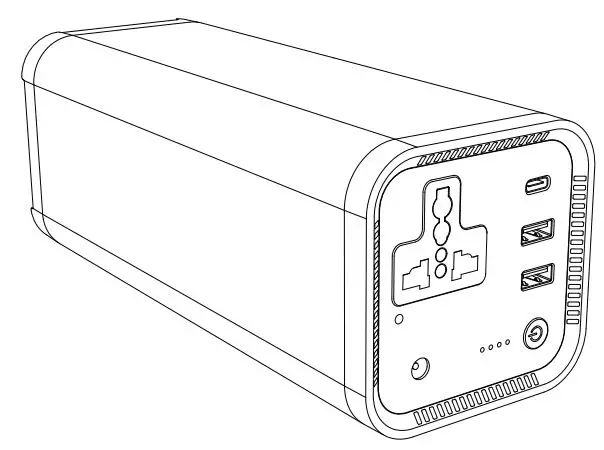
Figure 2: Isometric (Front) Figure 2: Isometric (Front, Side, Rear)
Figure 2: Isometric (Top, Bottom)
8
1
2
3
1. AC Power Input (C14 Socket)
2. Fuse Holder
3. Product Power Switch (on/off) 4. AC Power Output (3 point plug
socket, SA)
5. AC Power Output Switch (on/off) 6. DC Power Output (USB-A)
4
5
6
Figure 5: User Interfaces
2.4 Installation The Device is a plug-and-play solution. Other than adhering to the safety precautions and operating instructions, there is no other installation requirements.
The following is supplied with the Device:
· Volta 500 unit · AC Power Input Cord – C13/3-point plug cable, 10A, typ. 1.5m (“kettle cord”) · User manual
Plug-and-play:
· Ensure Device’s power switch is in `off’ position. · Connect the AC Power In cable (supplied with product) into the C14 socket located on
the rear. · Connect the 3-point plug of the AC Power In cable into a standard wall plug or
extension cord (220-230VAC, 50Hz). Only adequate rated extension cords may be used. · Switch on at the Device’s power switch. · Device is ready for operation.
2.5 Device Specific Safety Precautions Following precautions to be adhered to for safe use:
· DANGER The Device generates the same potentially lethal AC power as household wall outlets, even when not connected to an AC supply.
9
· DANGER The Product contains internal batteries and may present a shock hazard even when disconnected from AC power.
· DANGER If the Product emits smoke or unusual odours, immediately switch Product into the `Off mode’. Contact Stage Zero immediately.
· DO NOT let the Product be subjected to direct water. It is NOT water resistant. · DO NOT locate the unit in direct sunlight. · DO NOT move/relocate the Device whilst in operation. · Only use the AC Power In cable (“kettle plug cable”) supplied with the Device. · Ensure the AC Power In Cable and/or extension lead is placed such NOT to
cause a tripping hazard. · DO NOT obstruct the air vents of the product (located on front and rear panels). · DO NOT insert foreign objects into electrical outlets or air vents. · DO NOT stack anything on top of the Device. · DO NOT place any heat sources (e.g., open flame, heaters, etc.) in proximity of
the Device. · Minimize strenuous vibration during transport. Vibrations and impacts may cause
damage to or dislodge internal hardware.
3. Operating Instructions · Connect devices/appliances to be powered into the USB-A (located on the front)
and/or 3-point plug socket (located on the rear). · Switch on AC output power switch.
Note: · The single or collective load of the appliances/devices connected to the Device
must not exceed 500W. · Refer to device/appliance specification label for power operating requirements
(watts). · Ideal operating temperature range is 0 – 40°C.
4. Care and Maintenance · If the Device is to be stored for a prolonged duration, it is advised to charge the
product to 80% every 6 months to extend the lifespan of battery. Remember to turn off the unit before storing. · Device to be stored in a dry and cool environment. · Do not use corrosive chemicals or aerosols to clean this device. · From time to time wipe the outside of the Device with a soft DRY cloth. Do not subject the unit to water OR use a wet cloth to wipe the unit.
5. Customer Portal The Customer portal is where the User can review, order and manage Stage Zero solutions. It is also from where the User can request support via logging a ticket on the Help tab.
The Customer Portal has the following tabs:
10
· Dashboard (default) general overview of account. · Accounts detailed overview of client’s account containing personal information,
account payments and billing, installation C.o.C’s and application documentation. The User can also settle payments from the Accounts tab. · Services general overview of what services (subscriptions) are contracted and paid for. · Messages list of messages regarding account/device status. · Help – allow the customer to submit a ticket/query when a fault occurs.
Note: When a serious issue occurs such as a fire or complete power outage outside of load shedding, it is recommended to call the stage zero help line which is shown on the customer portal under the help tab.
Figure 6: Example of Dashboard
5.1. How to submit a ticket To log a ticket using the Customer Portal follow the following steps:
1. Navigate to Help tab from the Dashboard 2. Select `Submit Ticket’ 3. Select Service – From drop down, select most applicable
option for type of ticket, e.g., account, PPA service, hardware service, inverter service, solar panel service, etc. 4. Problem Subject – Insert a brief description of the problem, e.g., for a noisy inverter use `Inverter noisy’ 5. Request Description – Insert more detailed description of the problem 6. Attach any supporting information of the problem, e.g., photos, 7. video clips, etc. 8. Submit
Figure 7: Example of Ticket
All tickets that have been logged will be time stamped and can be tracked either on the dashboard or on the help tab.
11
6. Troubleshooting
#
Problem
Possible Cause
Solution(s)
The Device is overloaded (single/ combined load of more than 500W)
· Switch off Device and check that connected load does not exceed 500W
(use device specification labels). · If devices do not exceed 500W, switch
on Device and if beeping noise does
not reoccur, continue operation.
· If connected devices exceeds 500W,
disconnect excessive devices and
switch on Product.
1
The Device is making a beeping sound
The Device’s batteries are depleted and does not have enough capacity to sustain the load/s
· With AC input available (i.e., no loadshedding), wait for the battery to be replenished
(applicable during
loadshedding only)
Faulty Device
· If beeping sound persists when the Device is not overloaded and batteries are replenished, halt operation and log a ticket (via Customer Portal)
· Check/replace fuse located at the rear
2
No or diminished power output supply from
Blown fuse (caused by overloading the device)
·
(in fuse holder). If the fuse is functional and the unit is still not supplying output, halt operation and log a ticket (via Customer
Device to
Portal)
connected
loads
Faulty Device
· Halt operation and log a ticket (via Customer Portal)
The Device has
physical
· In case of fluid like substance, avoid
3
damage and/
or a fluid like substance is
Physical damage to Device
contact · Halt operation and log a ticket (via
Customer Portal)
discharged
from it
12
7. Warranty Stage Zero warrants this Device against defects in materials and workmanship. This warranty does not apply to defects resulting from normal wear and tear, accidents; damages sustained during; alterations; unauthorized use or repair; neglect, misuse, abuse; and failure to follow instructions for care and maintenance for the product.
8. Legal Notice 8.1 Information contained in this manual · Stage Zero gives no warranty of any kind whatsoever, either explicitly or implicitly,
with respect to the information contained herein. · Stage Zero’s copyrighted designs, products and processes contained or described
in this document are confidential. This document, either in part, or as a whole, may not be copied or reproduced by any means whatsoever, nor disclosed to third parties for purposes other than for which it is supplied, without the prior written consent of Stage Zero and shall not be furnished to any third party without the prior written consent of Stage Zero. · Stage Zero, its subsidiaries, the directors, employees, and agents cannot be held liable for the use of and reliance of the information in these documents. · This document (User Manual) is an uncontrolled copy of a controlled document (Operating Instruction) held by the Stage Zero Management System. Please refer to our product lists and documents published on our website at: http://www.stagezero.co.za. as these lists are updated on a regular basis.
8.2 Disclaimer and Indemnification Stage Zero shall not be liable for: · The losses of damage to property, death or personal injury arising from
non-compliance with this Stage Zero User Manual. · The losses not caused by Stage Zero’s negligence. · Stage Zero shall not be liable to either Customer or any other third party under any
applicable law, law of delict, in equity, restitution or otherwise for any kind of indirect or consequential loss or damage including loss of actual or anticipated profit or revenue, loss of use or productivity, loss of production or business interruption, loss of goodwill, loss of any contract or loss of opportunity that is connected with any claim arising under or in connection with use of the Stage Zero Device. · By operating the Stage Zero Device, you indemnify Stage Zero and shall hold Stage Zero harmless against any liability arising from non-compliance with this Stage Zero User Manual.
9. Queries and Support Email [email protected] or visit www.stagezero.co.za for more information.
 Holding Page - Stage Zero