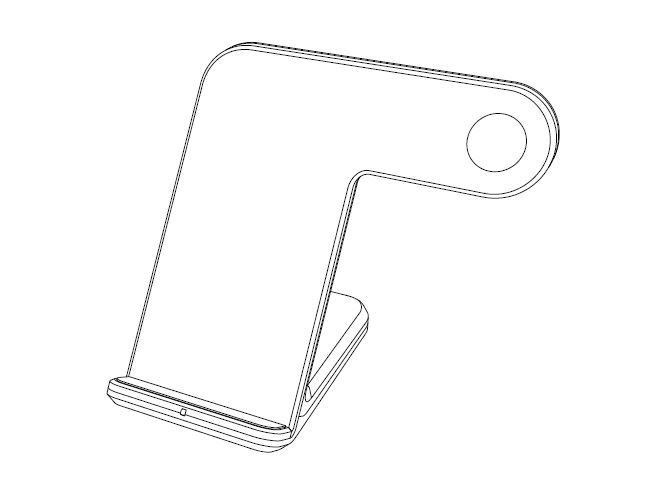
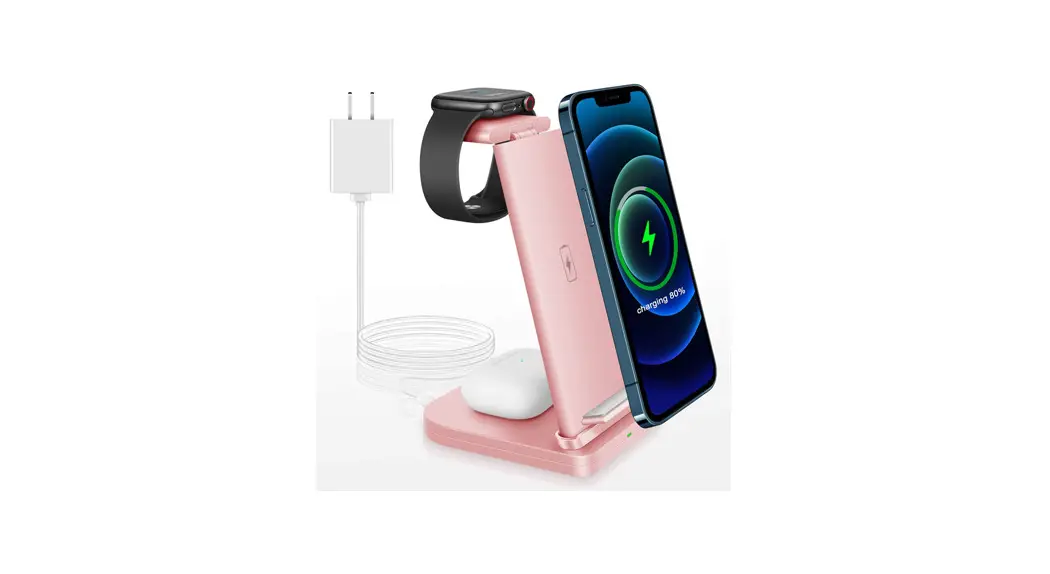
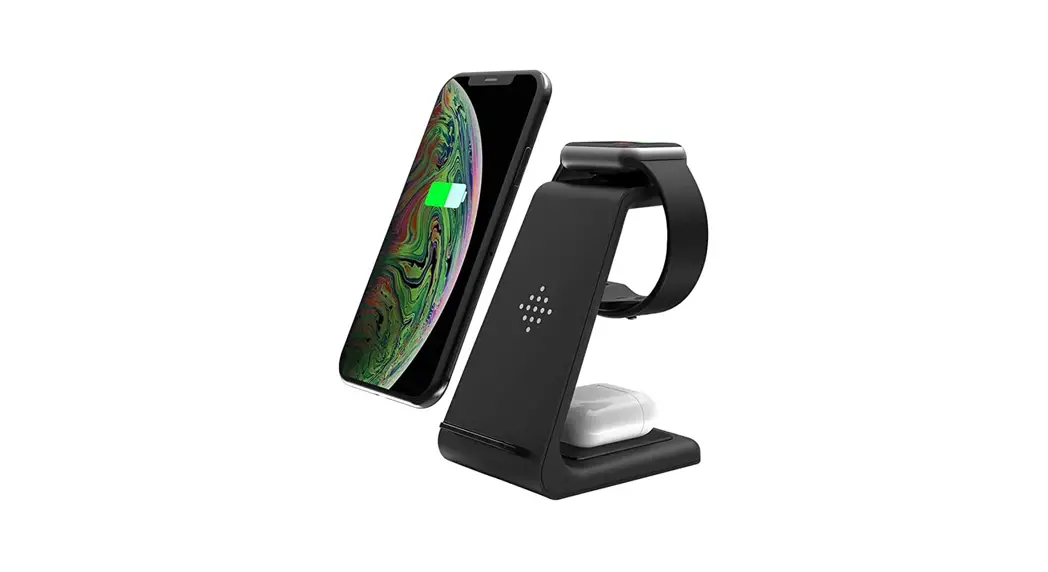
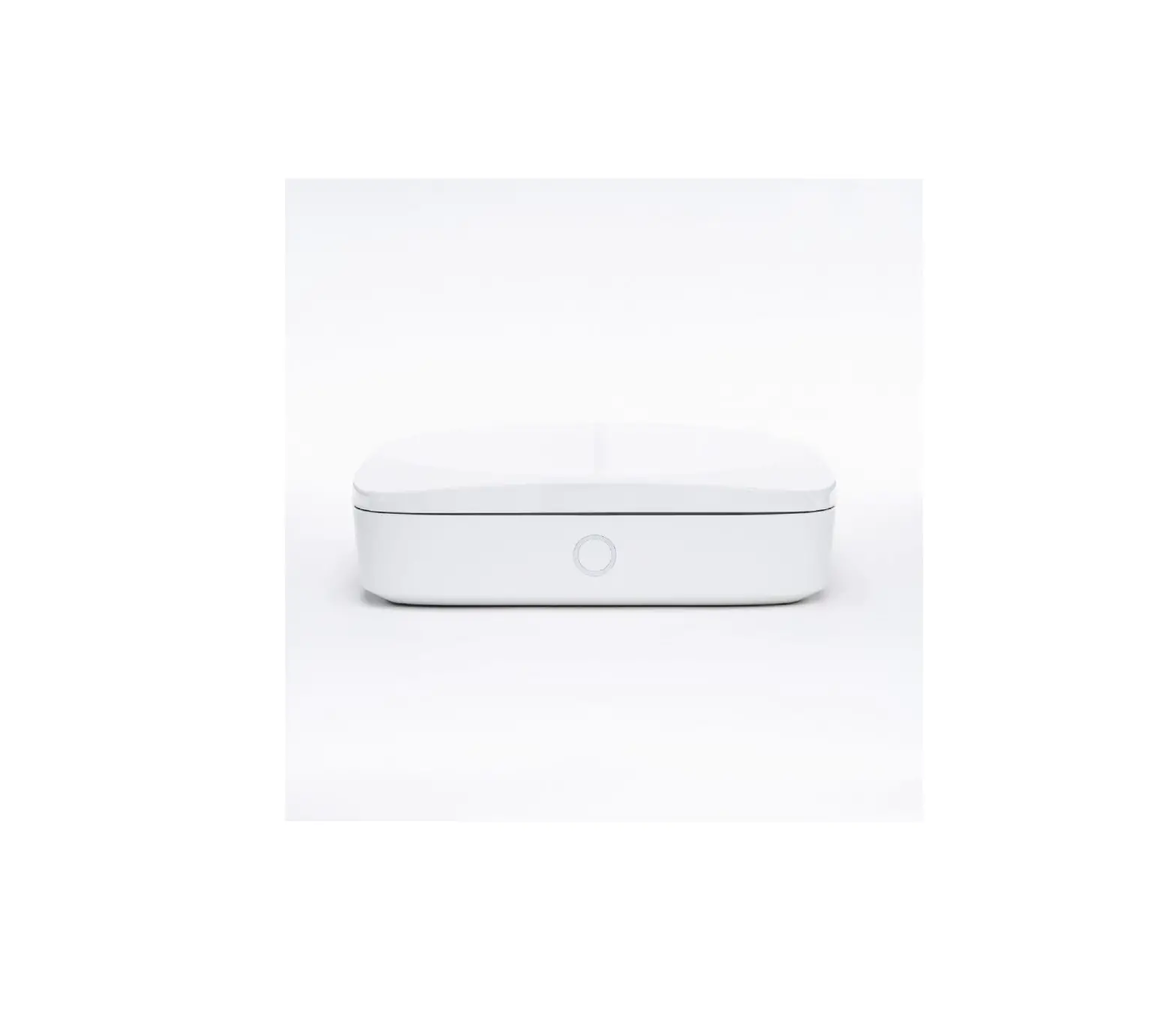
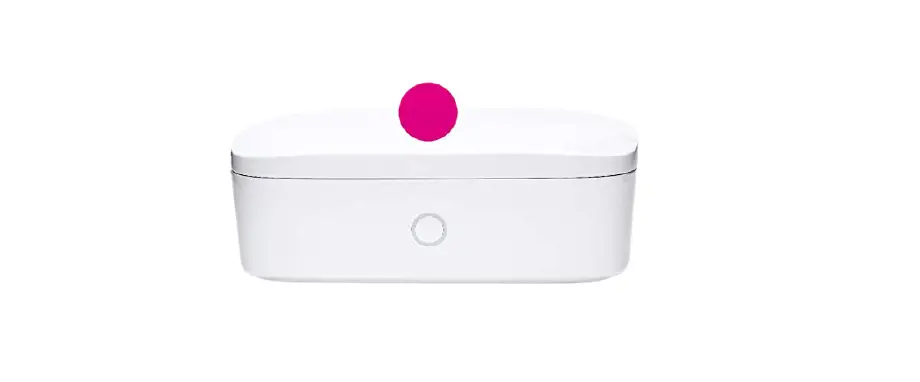
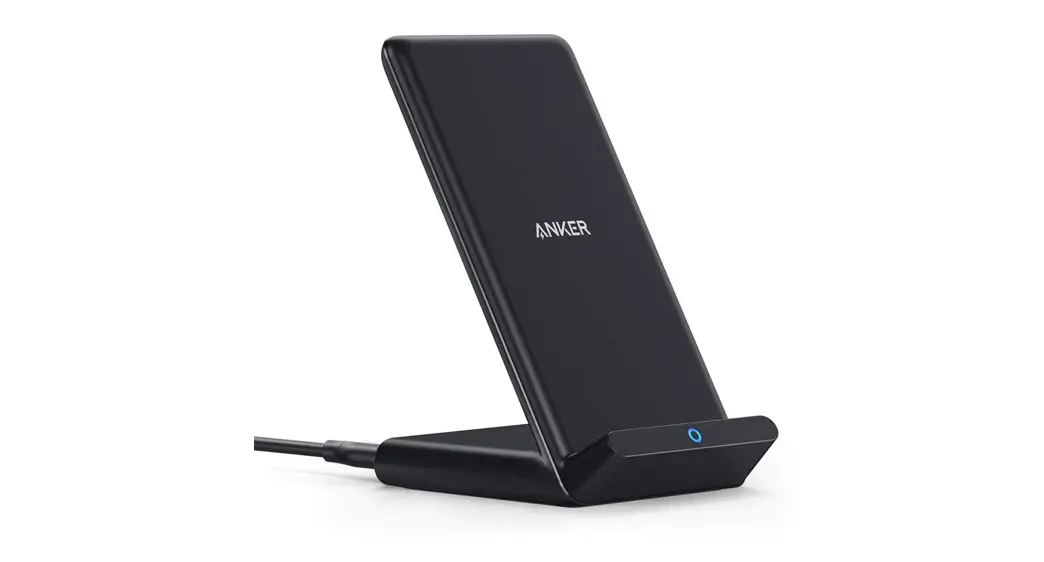
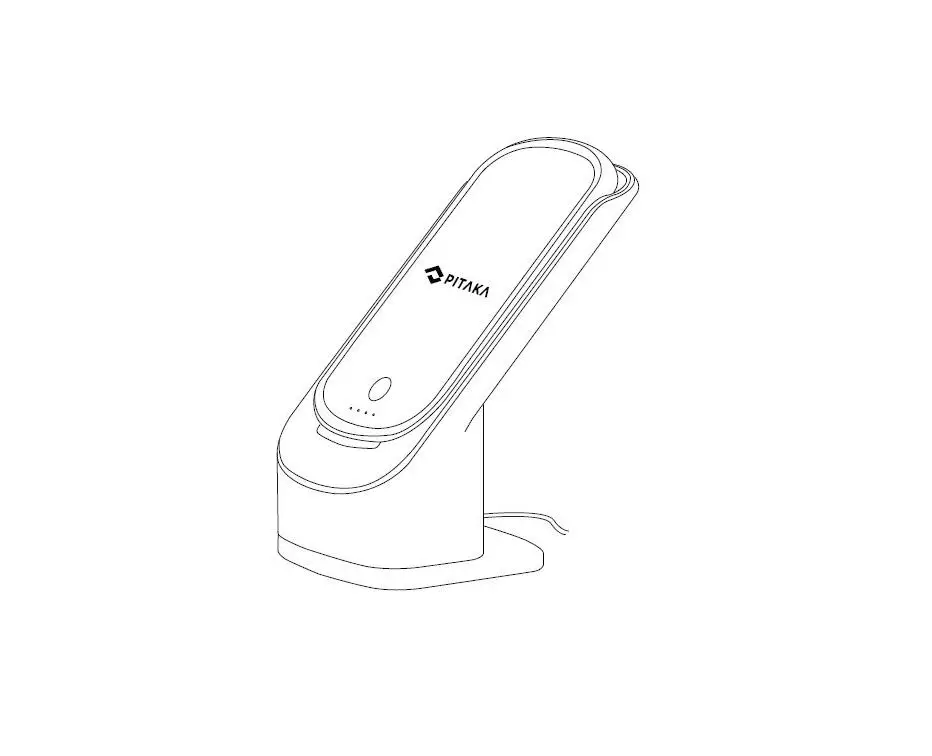
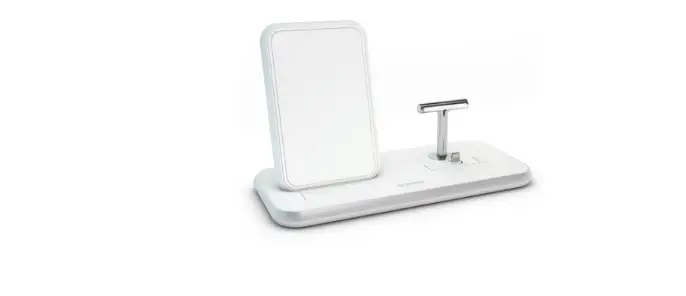
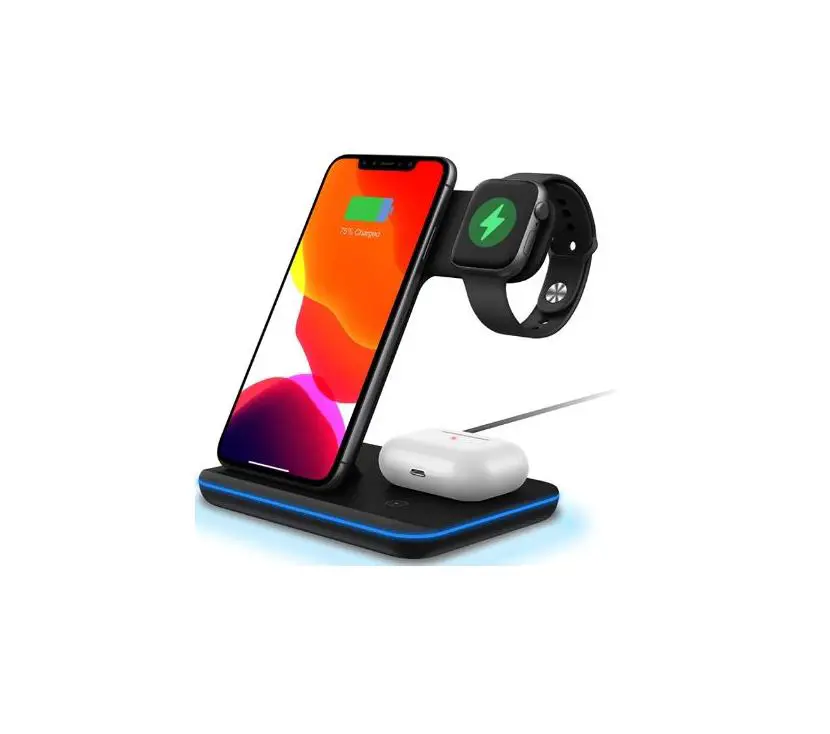
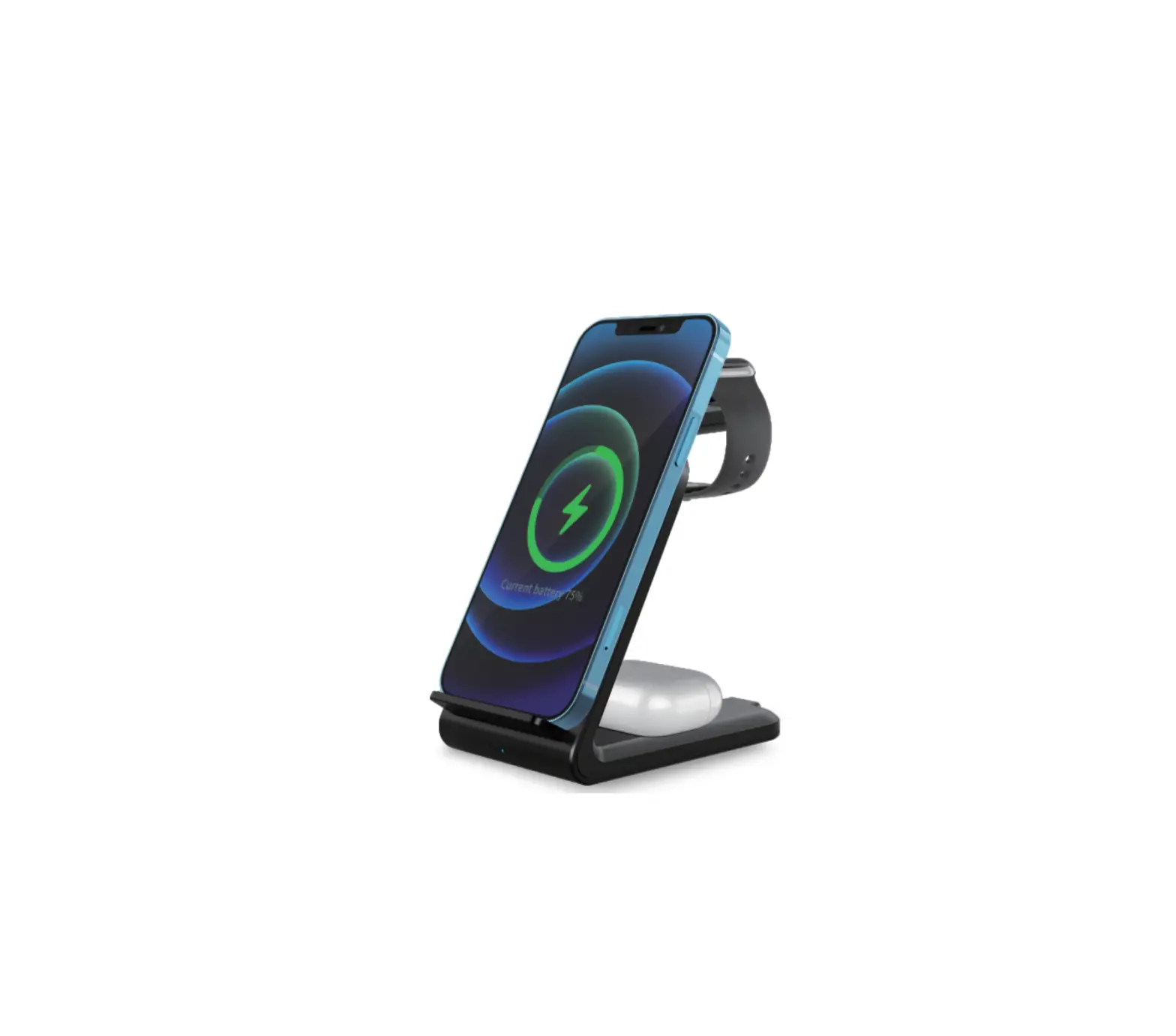
K2 Wireless Charging Dock
Product Information:
- Product Name: Wireless Charging Dock
- Compatibility: Compatible with Kindle Paperwhite Signature
Edition - Package Contents:
- Wireless charging dock
- User manual
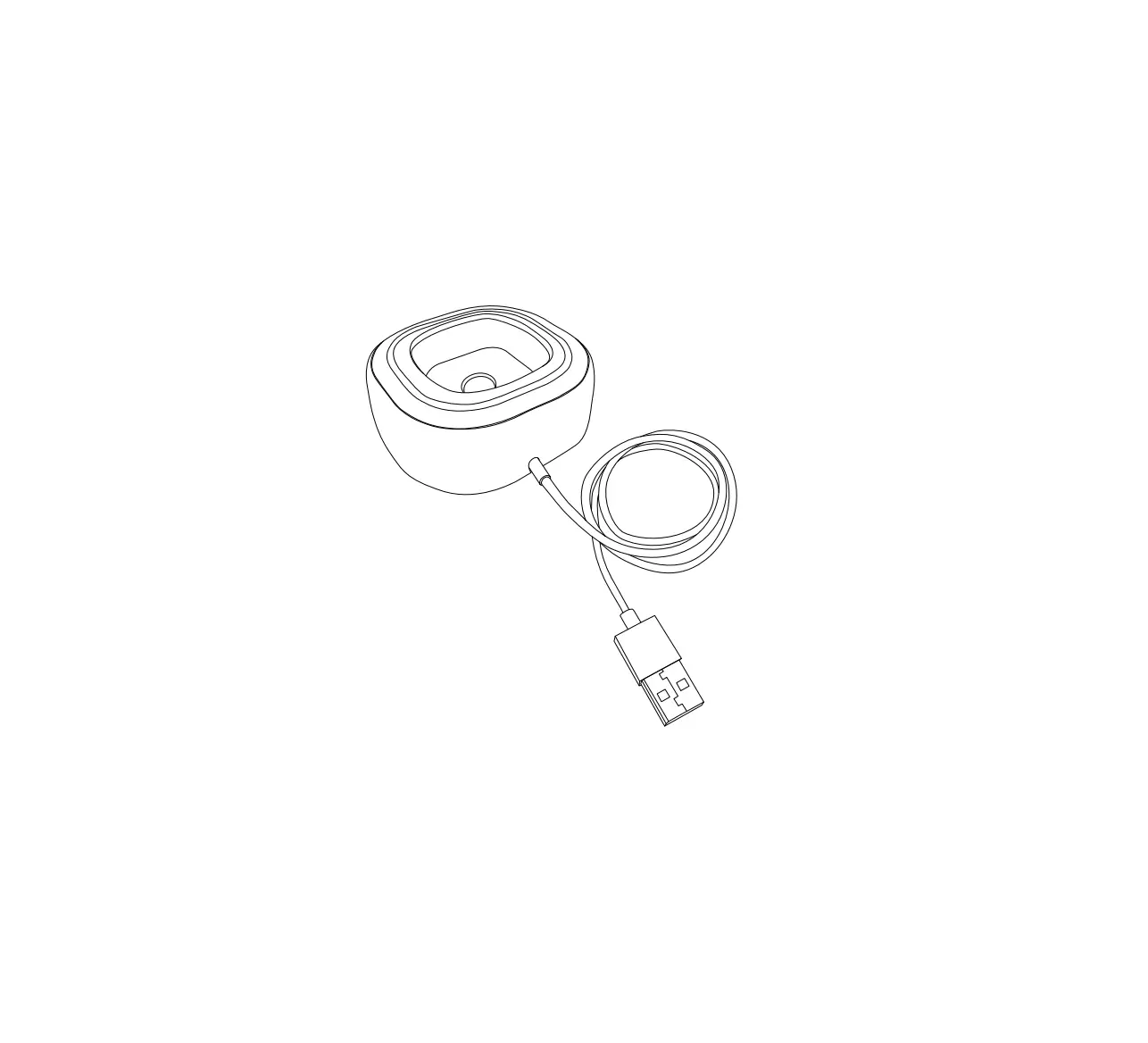
- Type-C quick charging cable
- Adapter
- Specification:
- Input: 5V/3A, 9V/2A, 12V/1.5A
- Output: 15W (max) /10W/7.5W
- Input Interface: Type-C
- LED Indicator Light:
- Red indicator light on, off after 5 seconds: Charging dock is
powered up - Blue indicator light on: Device starts charging
- Red indicator light flashes: Metal substance detected,
Overvoltage/Undervoltage/Other anomalies - Indicator light is off: Charging dock standby or power off
- Red indicator light on, off after 5 seconds: Charging dock is
- Device Condition:
- Device can be charged horizontally
- Device can be charged vertically
- Charging with protective cover (thickness not exceeding
4mm)
Product Usage Instructions:
- Check if your device is compatible with the wireless charging
dock. The wireless charging dock is compatible with Kindle
Paperwhite Signature Edition. - Unbox the package and check if all the items mentioned in the
package contents are present. - Connect the Type-C charging cable to the wireless charging
dock. - Connect the adapter to the Type-C charging cable.
- Plug the adapter into a power source.
- Place your device on the wireless charging dock. You can charge
your device horizontally or vertically. - Check if the red indicator light is on. If not, unplug and
reinsert the adapter and cable. - Once your device starts charging, the blue indicator light will
turn on. - If the red indicator light flashes, it indicates that a metal
substance is detected or there are overvoltage/undervoltage/other
anomalies. Remove your device and check for any metal substance on
your device or the wireless charging dock. If the issue persists,
contact customer support. - When you are done charging your device, remove it from the
wireless charging dock.
FAQ:
Q: What should I do if the charger doesn’t work or
charge devices intermittently?
A: Please check the following:
- Please make sure your devices have wireless charging function
and can be charged wirelessly. - Please use the adapter and cable provided in the package.
- Please check if the charging indicator light is on, if not,
please unplug and reinsert the adapter and cable. - Please use another QC3.0 adapter and charging cable to check if
the adapter and cable are damaged. - Please make sure the thickness of Protective Cover does not
exceed 4mm when charging.
110mm
75mm
Wireless Charging Dock
Quick Start Guide
Packing List
List 1. Wireless charging dock 2. User manual 3. Type-C charging cable 4. Adapter
Quantity 1PCS 1PCS 1PCS 1PCS
Wireless Charging Dock Quick Start Guide
1.Wireless charging dock
Compatible with Kindle Paperwhite Signature Edition
2. User manual
3. Type-C quick charging cable
4. Adapter
EN-2
Specification
Input: 5V/3A, 9V/2A, 12V/1.5A Output: 15W (max) /10W/7.5W Input Interface: Type-C
Folding Bracket
Input Interface
EN-3
LED Indicator Light
LED Indicator Light
Indicator Light Red indicator light on,
off after 5 seconds Blue indicator light on Red indicator light flashes
Red indicator light flashes
Indicator light is off
Device Condition
Charging dock is powered up
Device starts charging Metal substance detected Overvoltage/Undervoltage/
Other anomalies Charging dock standby
or power off
EN-4
Device can be charged horizontally
Device can be charged vertically EN-5
110mm
Kabellose Ladestation
Schnellstart-Anleitung
Packliste
Liste 1. Kabellose Ladestation 2. Benutzerhandbuch 3. Typ-C-Ladekabel 4. Adapter
Menge 1PCS 1PCS 1PCS 1PCS
Kabellose Ladestation Schnellstart-Anleitung
1. Kabellose Ladestation
Kompatibel mit Kindle Paperwhite Signatur-Edition
2. Benutzerhandbuch
3. Typ-C-Schnellladekabel
4. Adapter
DE-2
Spezifikation
Eingang: 5V/3A, 9V/2A,12V/1.5A Ausgang: 15W(max)/10W/7.5W Eingangsschnittstelle: Typ-C
Klappbare Halterung
Eingangsschnittstelle
DE-3
LED-Anzeigeleuchte
LED-Anzeigeleuchte
Blinkleuchte Rote Kontrollleuchte leuchtet
auf Aus nach 5 Sekunden Blaue Kontrollleuchte leuchtet
Rote Kontrollleuchte blinkt
Rote Kontrollleuchte blinkt
Anzeigelampe ist aus
Gerät Zustand
Ladestation ist eingeschaltet
Gerät beginnt zu laden Metallische Substanz erkannt Überspannung/Unterspannung/
andere Anomalien Ladestation im Standby
oder ausgeschaltet
DE-4
Gerät kann waagerecht aufgeladen werden
Das Gerät kann vertikal aufgeladen werden DE-5
Charging with protective cover
(thickness not exceeding 4mm)
EN-6
FAQ
Q: What should I do if the charger doesn’t work or charge devices intermittently?
Please check the in the following ways: 1. Please make sure your devices have wireless charging
function and can be charged wirelessly. 2. Please use the adapter and cable provided in the package. 3. Please check if the charging indicator light is on, if not,
please unplug and reinsert the adapter and cable. 4. Please using the other QC3.0 adapter and charging cable
to check if the adapter and cable are damaged. 5. Please make sure the thickness of Protective Cover<=4mm
( if there is a Protective Cover) and there is no any metalpop ring, credit cards, or magnetic to bother charging. 6. Please align your devices’ coil to the charging center.
Q: What if charging is slowly? 1. Please make sure to use the QC3.0 adapter and cable
provided in the package. 2. Charging efficiency depends on the receiving power of
your devices.
Q: What if charger heats up while charging Kindle 1. It is normal for the receiving coil or transmitter board to
generate heat during wireless charging. If the charger is too hot, please take your Kindle off from charger to wait the charger to cool down and charge again. 2. It is recommended to avoid using the charger in high temperature and sun exposure environments as possible. If there is any other issues, please contact our AFTERSALES for solution.
EN-7
SAFETY NOTICE
1. Please use the Type-C cable provided in the package. 2. Do not put metal objects or magnetic cards on the
charging pad which may cause damage or abnormality to the charging station. 3. If the charging station overheats and stops charging during use, please remove the charging device and try charging after cooling down. 4. Please do not use this product in high temperature, humidity and corrosive environment. 5. Avoid dropping the product from high places. 6. Do not disassemble the product by yourselves. Please contact us if necessary.
MADE IN CHINA EN-8
Aufladen mit Schutzhülle
(Dicke nicht mehr als 4 mm)
DE-6
FAQ
F: Was soll ich tun, wenn das Ladegerät nicht funktioniert oder Geräte nur unregelmäßig auflädt?
Bitte überprüfen Sie das auf folgende Weise: 1. Vergewissern Sie sich, dass Ihre Geräte über eine kabellose
Ladefunktion verfügen und kabellos aufgeladen werden können. 2. Verwenden Sie den Adapter und das Kabel, die im Paket enthalten
sind. 3. Bitte überprüfen Sie, ob die Ladeanzeige leuchtet, wenn nicht, bitte
ziehen Sie den Adapter und das Kabel ab und stecken Sie es wieder ein. 4. Bitte verwenden Sie den anderen QC3.0-Adapter und das Ladekabel, um zu prüfen, ob der Adapter und das Kabel beschädigt sind. 5. Bitte stellen Sie sicher, dass die Dicke der Schutzabdeckung<=4mm (falls eine Schutzabdeckung vorhanden ist) und keine Metallringe, Kreditkarten oder Magnete den Ladevorgang stören. 6. Bitte richten Sie die Spule Ihres Geräts auf das Ladezentrum aus.
F: Was, wenn der Ladevorgang langsam ist? 1. Bitte stellen Sie sicher, dass Sie den QC3.0-Adapter und das Kabel
verwenden, die im Paket enthalten sind. 2. Die Effizienz des Ladevorgangs hängt von der Empfangsleistung
Ihrer Geräte ab.
F: Was ist, wenn sich das Ladegerät beim Aufladen des Kindleerhitzt? 1. Es ist normal, dass die Empfangsspule oder die Sendeplatine
während des kabellosen Ladens Wärme erzeugt. Wenn das Ladegerät zu heiß ist, nehmen Sie Ihren Kindle bitte vom Ladegerät und warten Sie, bis das Ladegerät abgekühlt ist und laden Sie erneut. 2. Es wird empfohlen, das Ladegerät möglichst nicht in Umgebungen mit hohen Temperaturen und Sonneneinstrahlung zu verwenden. Wenn es irgendwelche anderen Probleme gibt, kontaktieren Sie bitte unseren AFTER-SALES für die Lösung.
DE-7
SICHERHEITSHINWEIS
Bitte verwenden Sie das im Paket enthaltene Typ-C-Kabel. Legen Sie keine Metallgegenstände oder Magnetkarten auf das Ladepad, die Schäden oder Störungen an der Ladestation verursachen können. 3. Wenn die Ladestation überhitzt und der Ladevorgang während des Gebrauchs abbricht, entfernen Sie bitte das Ladegerät und versuchen Sie den Ladevorgang nach dem Abkühlen. 4. Bitte verwenden Sie dieses Produkt nicht bei hohen Temperaturen, Feuchtigkeit und korrosiver Umgebung. 5. Vermeiden Sie es, das Produkt von hohen Plätzen fallen 1. zu lassen. 62.. Nehmen Sie das Produkt nicht selbst auseinander. Bitte kontaktieren Sie uns, falls nötig.
MADE IN CHINA DE-8
FCC Warning
This device complies with part 15 of the FCC Rules. Operation is subject to the following two conditions: (1) This device may not cause harmful interference, and (2) this device must accept any interference received, including interference that may cause undesired operation.
Any Changes or modifications not expressly approved by the party responsible for compliance could void the user’s authority to operate the equipment.
Note: This equipment has been tested and found to comply with the limits for a Class B digital device, pursuant to part 15 of the FCC Rules. These limits are designed to provide reasonable protection against harmful interference in a residential installation. This equipment generates uses and can radiate radio frequency energy and, if not installed and used in accordance with the instructions, may cause harmful interference to radio communications. However, there is no guarantee that interference will not occur in a particular installation. If this equipment does cause harmful interference to radio or television reception, which can be determined by turning the equipment off and on, the user is encouraged to try to correct the interference by one or more of the following measures:
-Reorient or relocate the receiving antenna.
-Increase the separation between the equipment and receiver.
-Connect the equipment into an outlet on a circuit different from that to which the receiver is connected.
-Consult the dealer or an experienced radio/TV technician for help.
This equipment complies with FCC radiation exposure limits set forth for an uncontrolled environment. This equipment should be installed and operated with minimum distance 20cm between the radiator & your body.