
SoundSwitch Control One
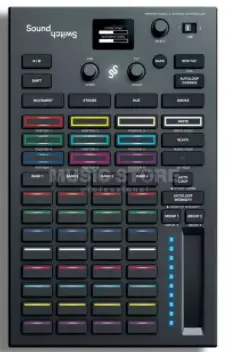
Welcome
Thanks for purchasing the Control One. We are stoked to have you on the SoundSwitch team.
This quickstart guide will help you set up your new lighting controller.
Once connected, the software will step you through the final setup process.
for more details check out:
SOUNDSWITCH.COM/CONTROL
If you need help at any stage, please email us at [email protected]
Alternative Setup options
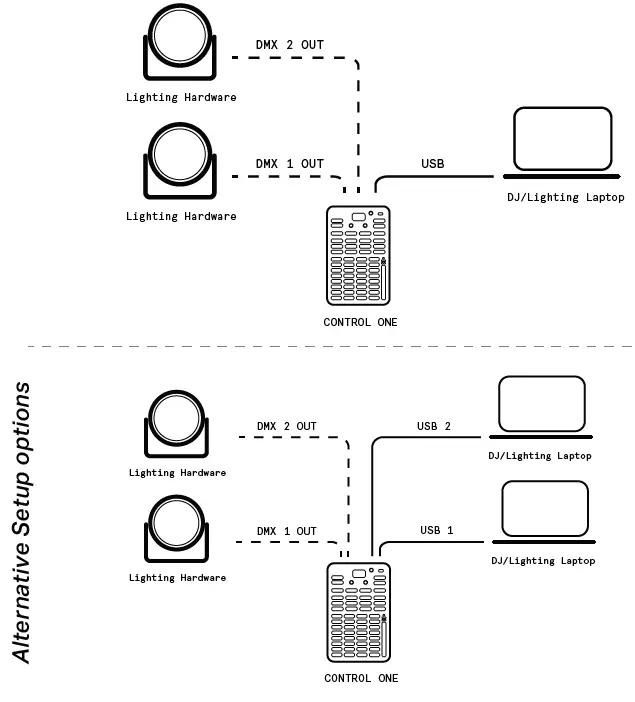
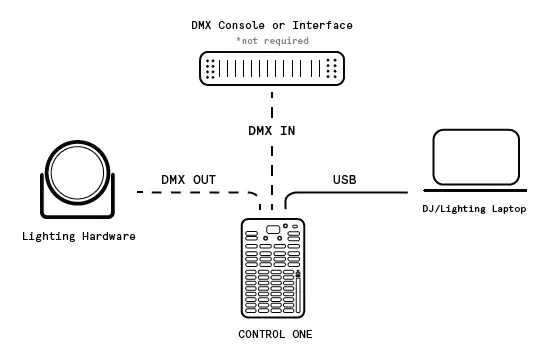
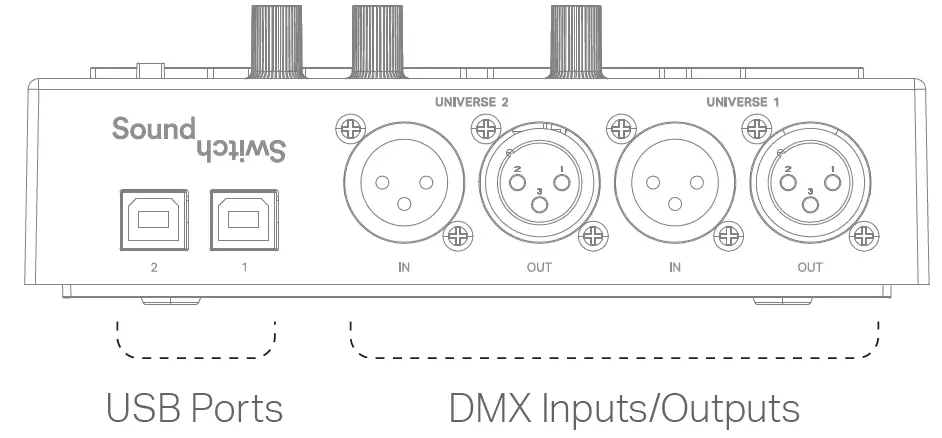
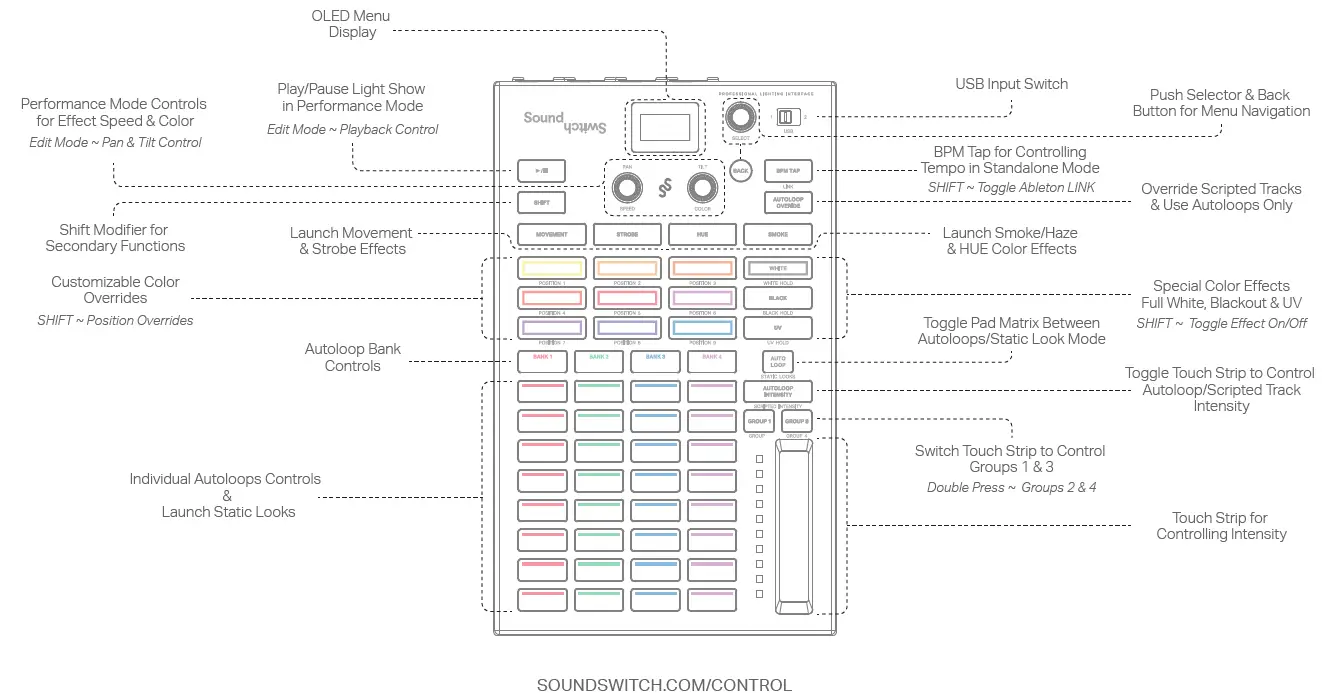
Connecting Lighting Hardware
Step 1: Connect your fixtures to power and turn them on.
Step 2: Set the fixtures to DMX Mode and then select the DMX Address for each fixture.
Step 3: Connect a DMX cable to the DMX Output labeled “Universe One”.
Step 4: Connect the DMX cable to the first fixture’s DMX Input and continue to connect cables from each light to the next.
This is called ‘daisy chaining’.
For additional instructions, follow the hardware setup tutorial at soundswitch.com/getting-started
Hardware Setup Illustrations
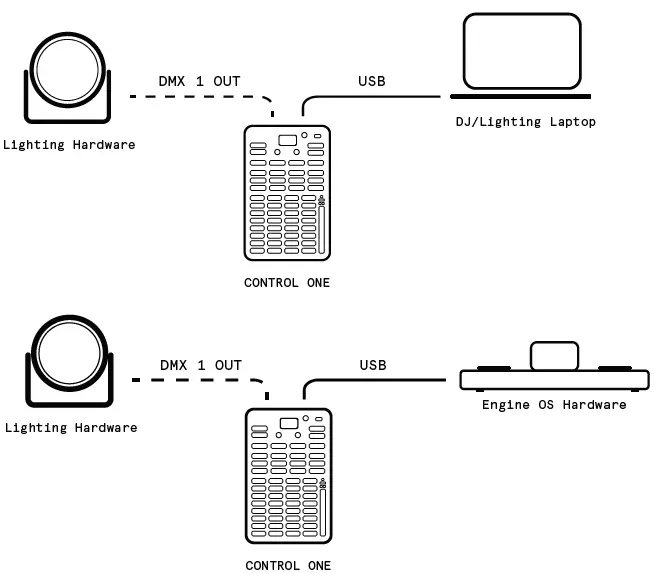
Step 1
Download and install the latest version of the software from soundswitch.com
Step 2
CLOSE ALL APPLICATIONS INCLUDING SOUND SWITCH
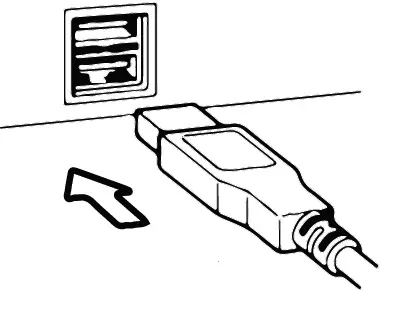
Connect the Control One via USB to your computer
Step 3
Open SoundSwitch.
Follow the onscreen setup guide to configure the Control One SOUNDSWITCH.COM/CONTROL