Waterproof LED Light

Instruction Manual
Forward
Thank you for purchasing Godox product!
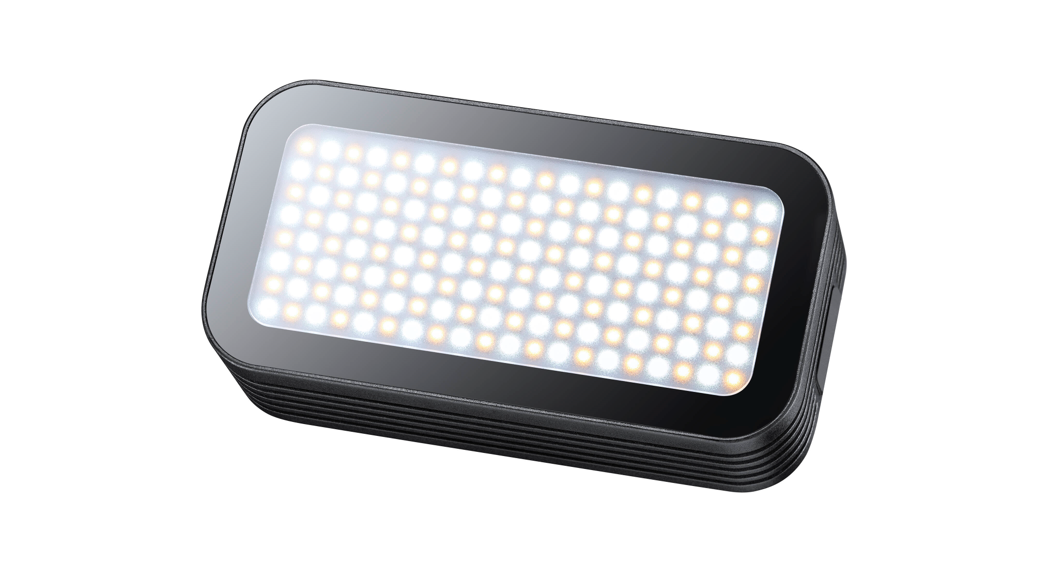
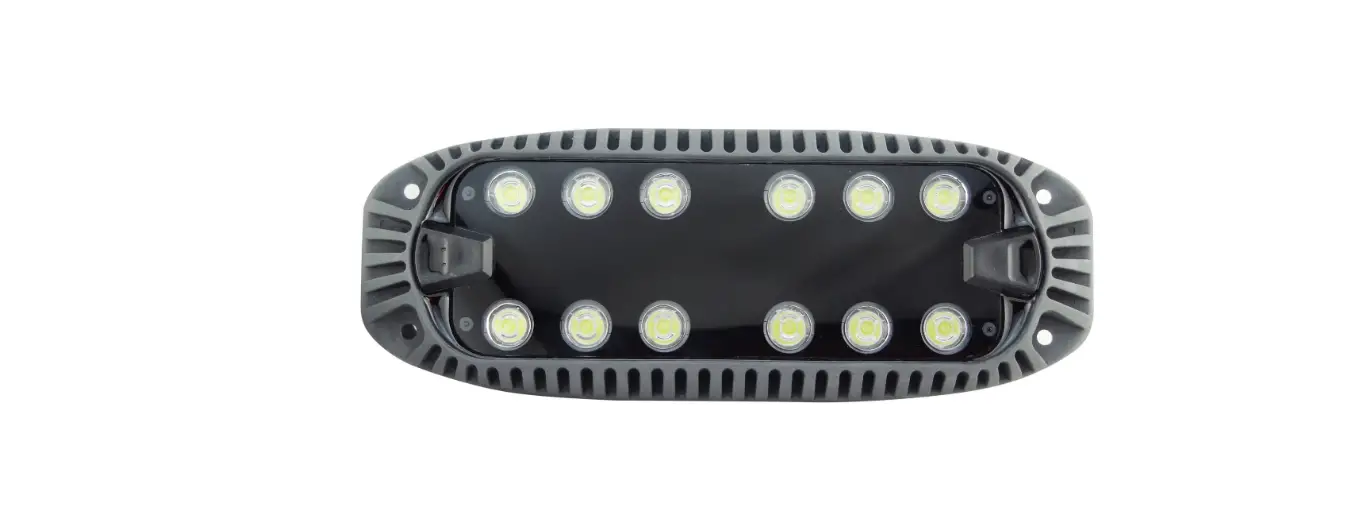
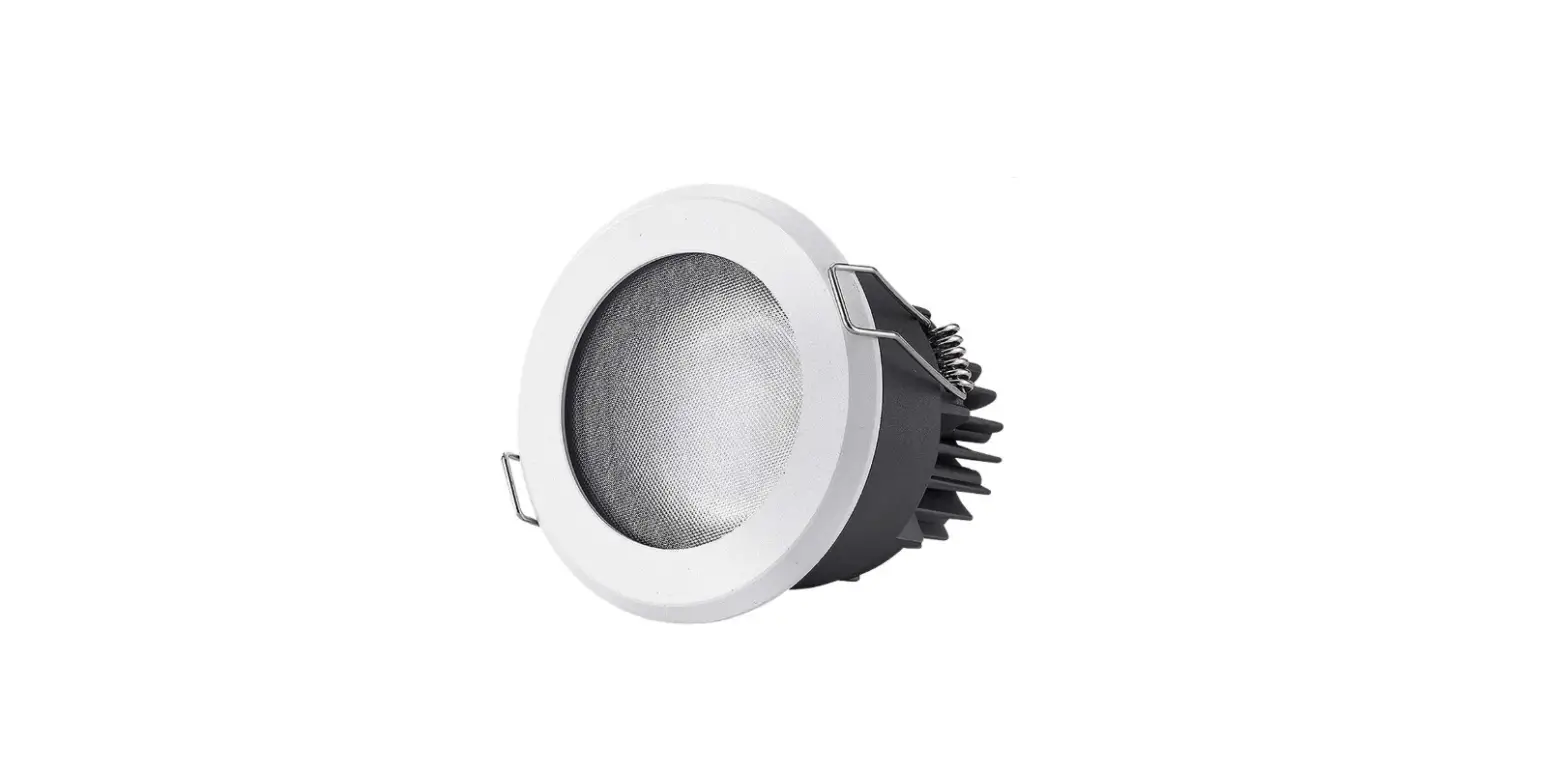
Waterproof LED light WL4B is a multifunctional continuous light with adjustable light brightness. It can be used in combination with sports camera. Suitable for offering fill light for underwater photography, professional diving, creative underwater commercial photography, etc. With several methods of remote control, WL4B is easy to be operated.
Main Features
- Waterproof levels up to IPX8, which enables to achieve waterproof functions 30 meters under water
- With continuous lighting modes and 13 light effects modes
- With high color rending index, CRI and TLCI is over 96
- Can be controlled by 2.4G wireless or smartphone APP remote control through Bluetooth
- Portable and fashionable
 Warning
Do not disassemble. Should repairs become necessary, this product must be sent to an authorized maintenance center. Keep out of reach of children. Do not use the flash unit in the presence of flammable gases, chemicals and other similar materials. In certain circumstance, these materials may be sensitive to the strong light emitting from this flash unit and fire or electromagnetic interference may result.
As this product has built-in lithium battery, do not disassemble, impact, squeeze or put it into fire. If serious bulge occurs, please do not use. Do not use or store the product if the ambient temperature reads over 40°C. Please charge the product with specialized charger and correctly operate it within the defined voltage and working temperate according to the instruction manual. The product’s body will get hot when being used in high-temperature environment with max. power output for a long time. Please do not touch the body in case of being scalded.
Body
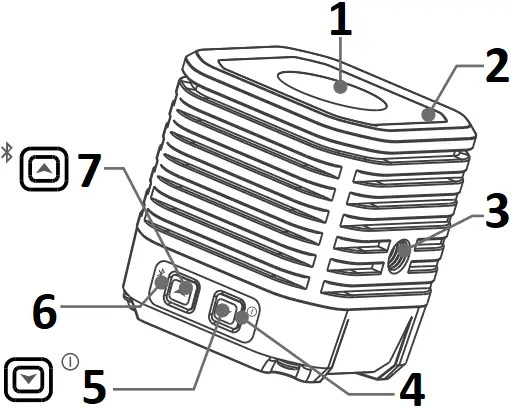
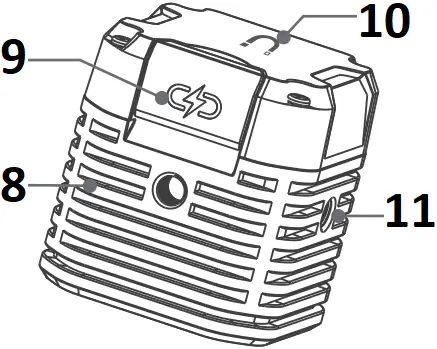
- LED Beads
- Lens
- 1/4” Socket 1
- Battery Level Indicator
- Power Switch Button
- Bluetooth Indicator
- Bluetooth Switch Button
- 1/4” Socket 3
- USB Charging Port
- Magnetic Absorption
- 1/4” Socket 2
What’s in the Box
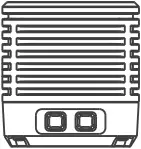


Light Body *1 Type-C USB Cable *1 Silicone Diffuser *1


Cold Shoe Holder *1 Portable Bag *1 Instruction Manual *1
Battery
- This flash unit uses Li-ion battery which has long runtime.
- It is reliably safe. The inner circuit is against overcharge, overdischarge, overcurrent, and short circuit.
- Take only 1 hour and 40 minutes to fully charge the battery by using the 5V/2A charger (optional).
Operation
 Button
Long press the button for 2 seconds to power on or off the LED light. Short press the button to decrease the LED light’s brightness (low/medium/high/SOS).
Note: the minimum brightness will be displayed after the light being turned on.
 Button
When the LED light is powered on, Long press the button for 2 seconds can power on or off the Bluetooth. Short press the button to increase the LED light’s brightness (low/medium/high/SOS).
Battery Level Indication
When the battery level is below 15%, the battery indicator will blink in red. When in charging status, the indicator will always display green. When being full charged, the indicatro will put off.
Control Mode Selection
1. Bluetooth Control
1.1 When the light is turned on, long press the button for 2 seconds to power on the Bluetooth.
1.2 Scan the “Godoxlight” smartphone APP(can be both used on Android and Apple system).
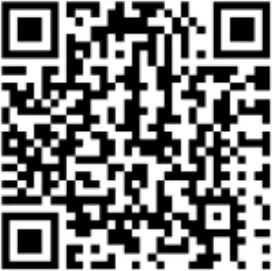
For more smartphone APP operations, please open the “help” in APP to gain detailed guidance.
1.3 Bluetooth Reset Function
When the Bluetooth indicator is on, press the and (the indicator will blink for 3 times) simultaneously to reset the Bluetooth.
Note: the APP can be used directly on the firstly installed device (smartphone or iPad). When changing to other mobile device, the light shall be reset before the normal usage of APP.
2. Light Effects Mode
Select different light effects modes on smartphone APP from 5 categories which are divided into 13 kinds.
| Number | Display | Scene | Display I | Display II | Display III |
| 1 |  | Flash | Flash | Press conference | Paparazzi |
| 2 |  | Lightning | Discontinuous | Frequent | Sustainable |
| 3 |  | Broken Bulb | Discontinuous | Frequent | Sustainable |
| 4 |  | TV | Slow speed | Medium speed | Quick speed |
| 5 |  | SOS |
3. Temperature Protection Function
When the temperature of LED light is over 60°C, the red indicator will blink quickly and the LED light will auto off after 30 seconds to enter temperature protection function. The red indicator will stop quick blinking after the temperature decreased to 55°C. Then, the LED light can be turned on and operated..
Technical Data
| Model | WL4B |
| Built-in Lithium Battery | 3.8V/1500mAh |
| Power | Max. 4W |
| Waterproof Level | IPX8 (30m) |
| Color Temperature Range | 5600K±300K |
| Max. Illumination (LUX)(0.5m)(≈) | 1900 |
| CRI(≈) | 97 |
| TLCI(≈) | 97 |
| Brightness Range | Low/Medium/High/SOS |
| Beam Angle | 55° |
| Continuous Usage Time | High brightness≈1 hour and 20minutes Medium brightness≈2 hours Low brightness≈5 hours and 30minutes |
| Standard Charging Power Source | DC5V/2A |
| Control Method | Smartphone APP |
| Working Environment Temperature | -10~40°C |
| Dimension | 45*45*47mm |
| Weight | 116g |
| BT Frequency Range | 2402.0-2480.0MHz |
| Max. Transmitting Power | 5dbm |
Maintenance
Please wash the LED light with clean freshwater after being used underwater.
Maintenance of the flash must be performed by our authorized maintenance department which can provide original accessories.
This product, except consumables e.g. charger, charger cable and cold shoe holder is supported with a one-year warranty.
Unauthorized service will void the one-year LED light warranty and will charge relevant maintenance fees. Changes made to the specifications or designs may not be reflected in this manual.
FCC statement
This device complies with part 15 of the FCC Rules. Operation is subject to the following two conditions: (1) This device may not cause harmful interference, and (2) this device must accept any interference received, including interference that may cause undesired operation.
Any Changes or modifications not expressly approved by the party responsible for compliance could void the user’s authority to operate the equipment. Note: This equipment has been tested and found to comply with the limits for a Class B digital device, pursuant to part 15 of the FCC Rules. These limits are designed to provide reasonable protection against harmful interference in a residential installation. This equipment generates uses and can radiate radio frequency energy and, if not installed and used in accordance with the instructions, may cause harmful interference to radio communications. However, there is no guarantee that interference will not occur in a particular installation. If this equipment does cause harmful interference to radio or television reception, which can be determined by turning the equipment off and on, the user is encouraged to try to correct the interference by one or more of the following measures:
– Reorient or relocate the receiving antenna.
– Increase the separation between the equipment and receiver.
– Connect the equipment into an outlet on a circuit different from that to which the receiver is connected.
– Consult the dealer or an experienced radio/TV technician for help.
The device has been evaluated to meet general RF exposure requirement.
The device can be used in portable exposure condition without restriction.
Warranty
Dear customers, as this warranty card is an important certificate to apply for our maintenance service, please fill in the following form in coordination with the seller and safekeep it. Thank you!
| Product Information | Model | Product Code Number |
| Customer Information | Name | Contact Number |
| Address | ||
| Seller Information | Name | |
| Contact Number | ||
| Address | ||
| Date of Sale | ||
| Note: | ||
Note: This form shall be sealed by the seller.
Applicable Products
The document applies to the products listed on the Product Maintenance Information (see below for further information). Other products or accessories (e.g. promotional items, giveaways and additional accessories attached, etc.) are not included in this warranty scope.
Warranty Period
The warranty period of products and accessories is implemented according to the relevant Product Maintenance Information. The warranty period is calculated from the day(purchase date) when the product is bought for the first time, And the purchase date is considered as the date registered on the warranty card when buying the product.
How to Get the Maintenance Service
If maintenance service is needed, you can directly contact the product distributor or authorized service institutions. You can also contact the Godox after-sale service call and we will offer you service. When applying for maintenance service, you should provide valid wananty card. If you cannot provide valid warranty card, we may offer you maintenance service once confirmed that the product or accessory is involved in the maintenance scope, but that shall not be considered as our obligation.
Inapplicable Cases
The guarantee and service offered by this document are not applicable in the following cases: 1. The product or accessory has expired its warranty period; 2. Breakage or damage caused by inappropriate usage, maintenance or preservation, such as improper packing, improper usage, improper plugging in/out external equipment, falling off or squeezing by external force, contacting or exposing to the improper temperature, solvent, acid, base, flooding and damp environments, etc; 3. Breakage or damage caused by non-authorized institution or staff in the process of installation, maintenance, alternation, addition and detachment; 4. The original identifying information of product or accessory is modified, alternated, or removed; 5. No valid warranty card; 6. Breakage or damage caused by using illegally authorized, nonstandard or non-public released software; 7. Breakage or damage caused by force majeure or accident; 8. Breakage or damage that could not be attributed to the product itself. Once met these situations above, you should seek solutions from the related responsible parties and Godox assumes no responsibility. The damage caused by parts, accessories and software that beyond the warranty period or scope is not included in our maintenance scope. The normal discoloration, abrasion and consumption are not the breakage within the maintenance scope.
Maintenance and Service Support Information
The warranty period and service types of products are implemented according to the following Product Maintenance Information:
| Product Type | Name | Maintenance Period(month) | Warranty Service Type |
| Parts | Circuit Board | 12 | Customer sends the product to designated site |
| Battery | 3 | Customer sends the product to designated site | |
| Electrical parts e.g. battery charger, power cord, sync cable, etc. | 12 | Customer sends the product to designated site | |
| Other Items | Flash tube, modeling lamp, lamp body, lamp cover, locking device, package, etc. | No | Without warranty |
Godox After-sale Service Call 0755-29609320-8062
QC PASS
GODOX Photo Equipment Co., Ltd.
Add: Building 2, Yaochuan Industrial Zone, Tangwei Community, Fuhai Street,
Bao’an District, Shenzhen, China Tel: +86-755-29609320(8062)
Fax: +86-755-25723423 E-mail: [email protected]

godox.com 705-WL4B00-00 Made in China