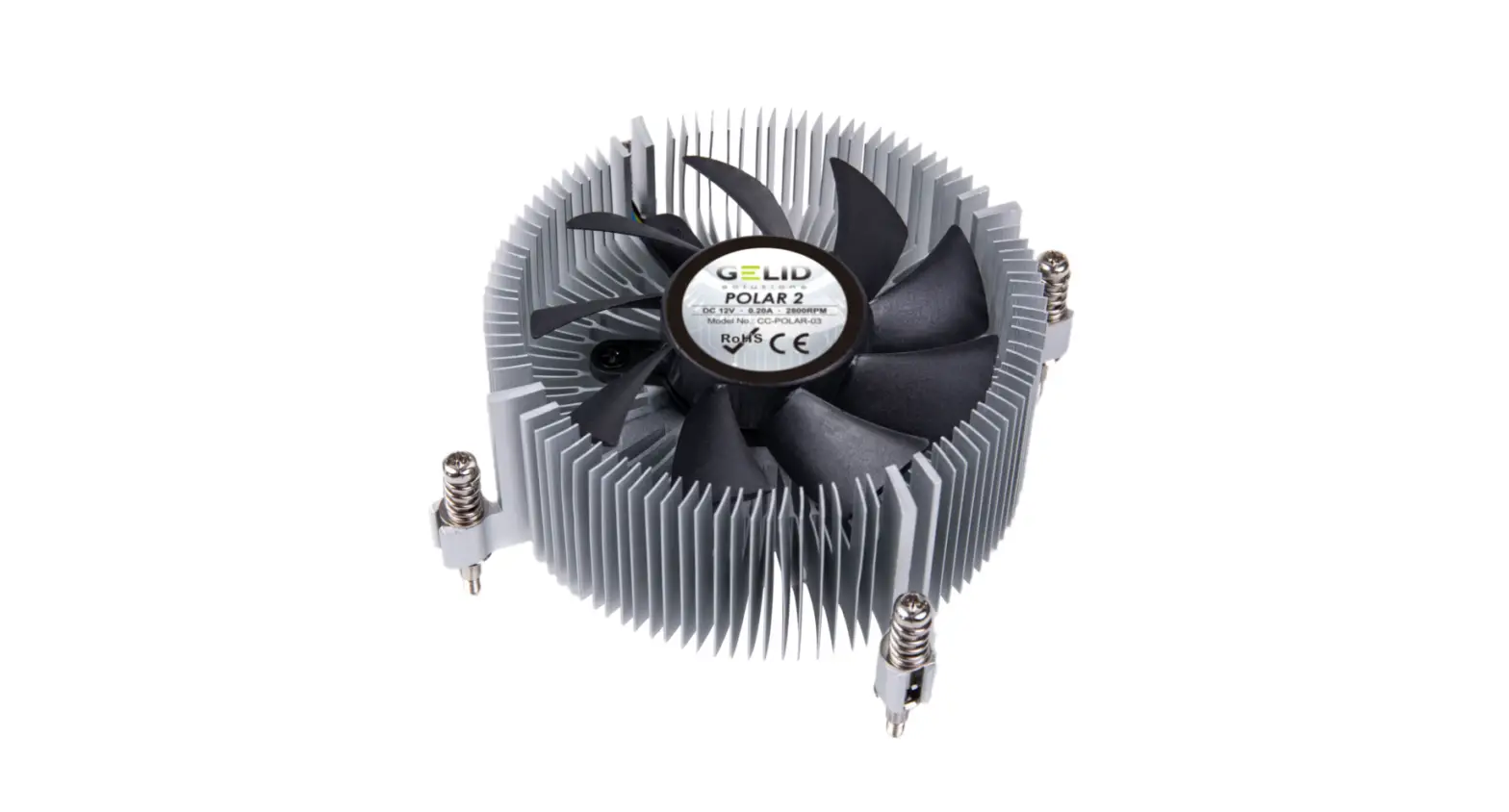

POLAR 2
QUICK START GUIDE
A Installation Parts
A 1 x POLAR 2 Heatsink B 1 x Backplate
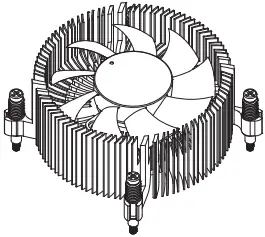
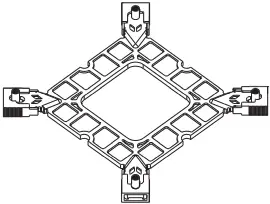
B Installation Instructions (INTEL™ only)
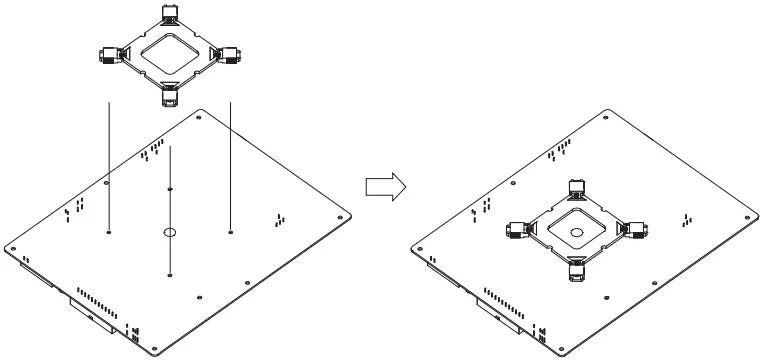
Insert the Backplate B onto the motherboard backside.
C Installation Instructions (INTEL™ only)
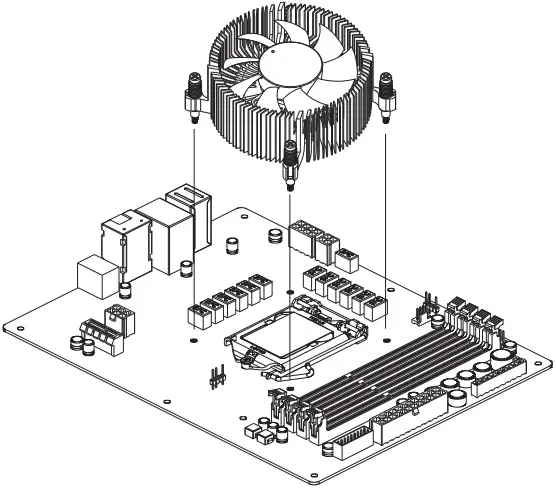
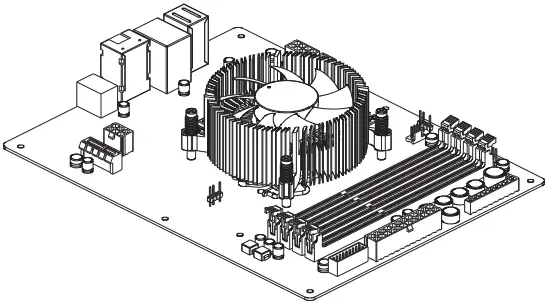
Install the Heatsink A on top of Motherboard and fasten 4 x Screw in the Heatsink A.
D Installation Instructions (INTEL™ only)
Limits of Warranty:
Warranty coverage does not include the following:
– A faulty product that leads to harm or damage to other products
– Damage of product as a result of other product components
– Incorrect method of operation or use of the product not for the intended use
– Any form of alteration to the original product
– Inability to install the product as a result of incompatibility with other components.
The Specifications are subject to change without notice.
Please consult our website for further information:
www.gelidsolutions.com
Disclaimer:
In no event shall GELID Solutions its directors or employees be liable for any indirect damages, incidental or consequential damages arising from any defect or error in this manual or product.
© Copyright 2022 All rights reserved by GELID Solutions Limited
All Brand names and Trademarks are the properties of their respective owners.