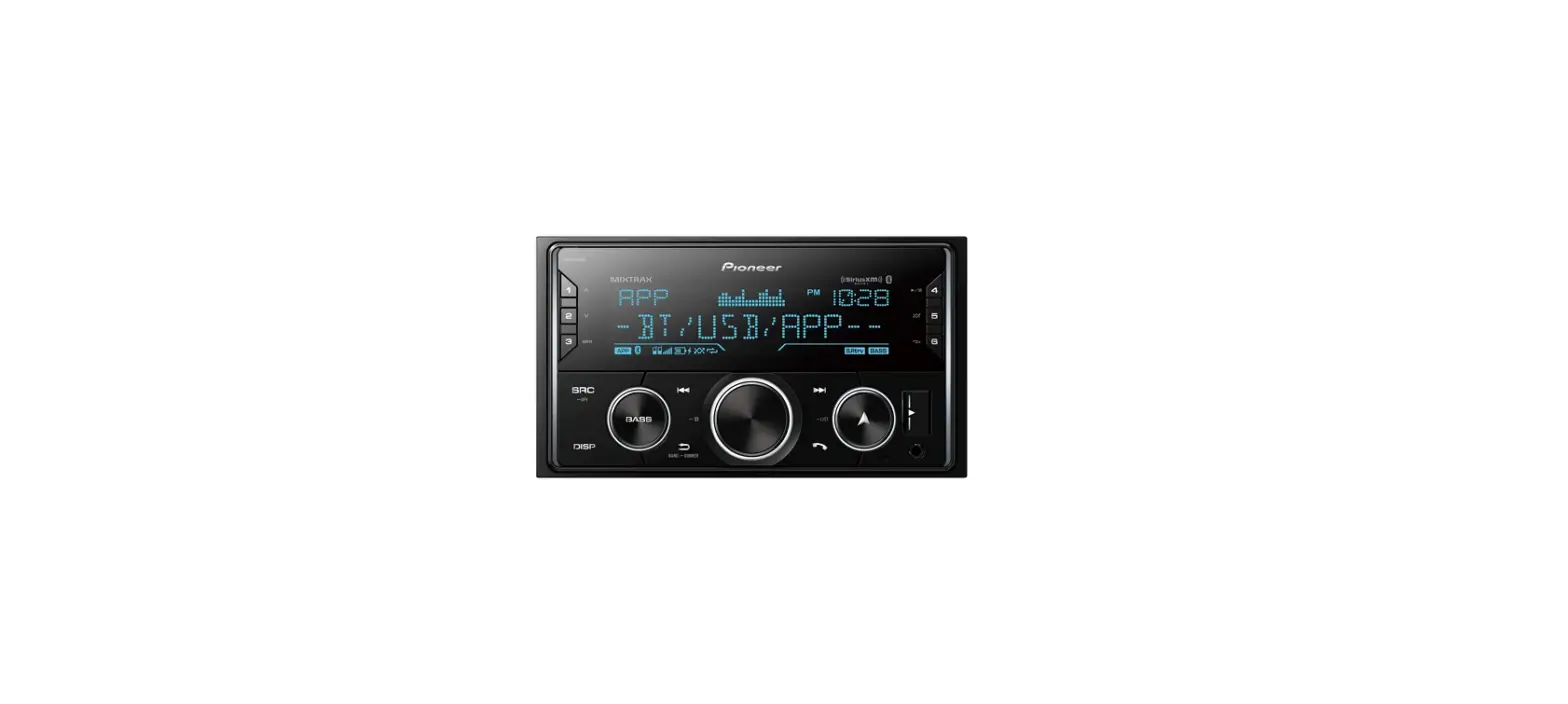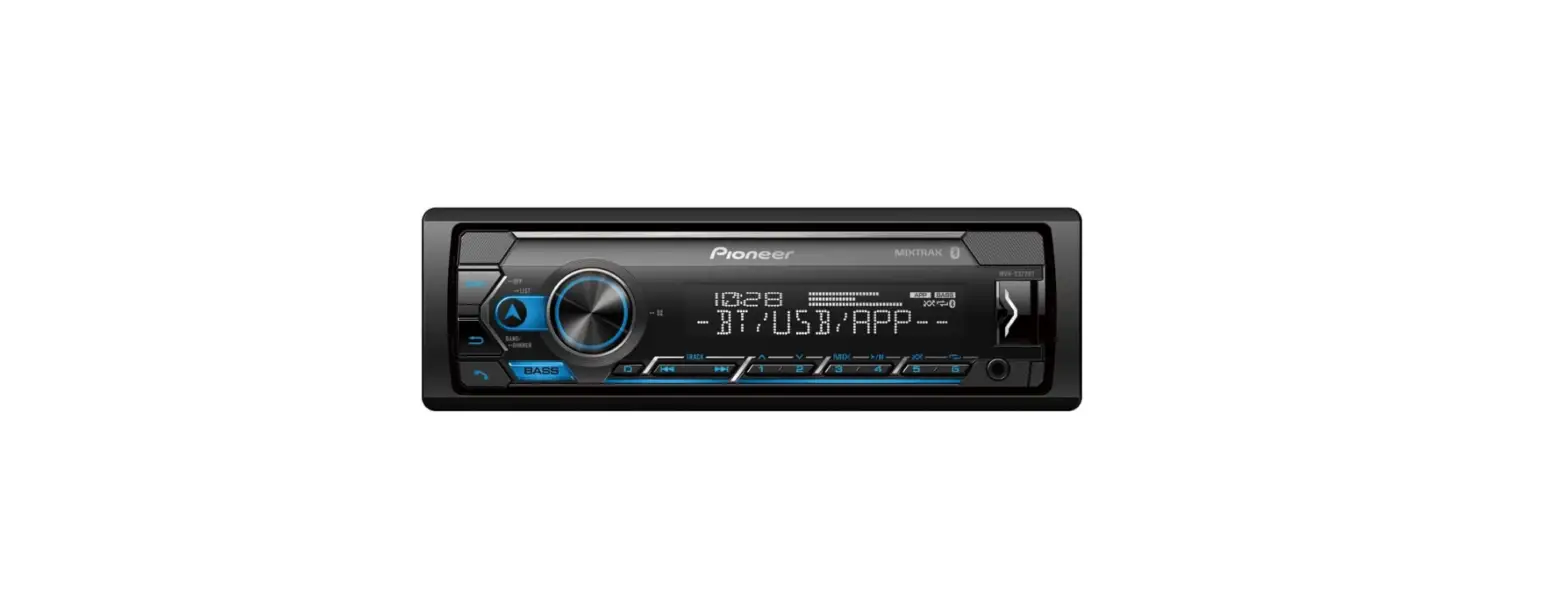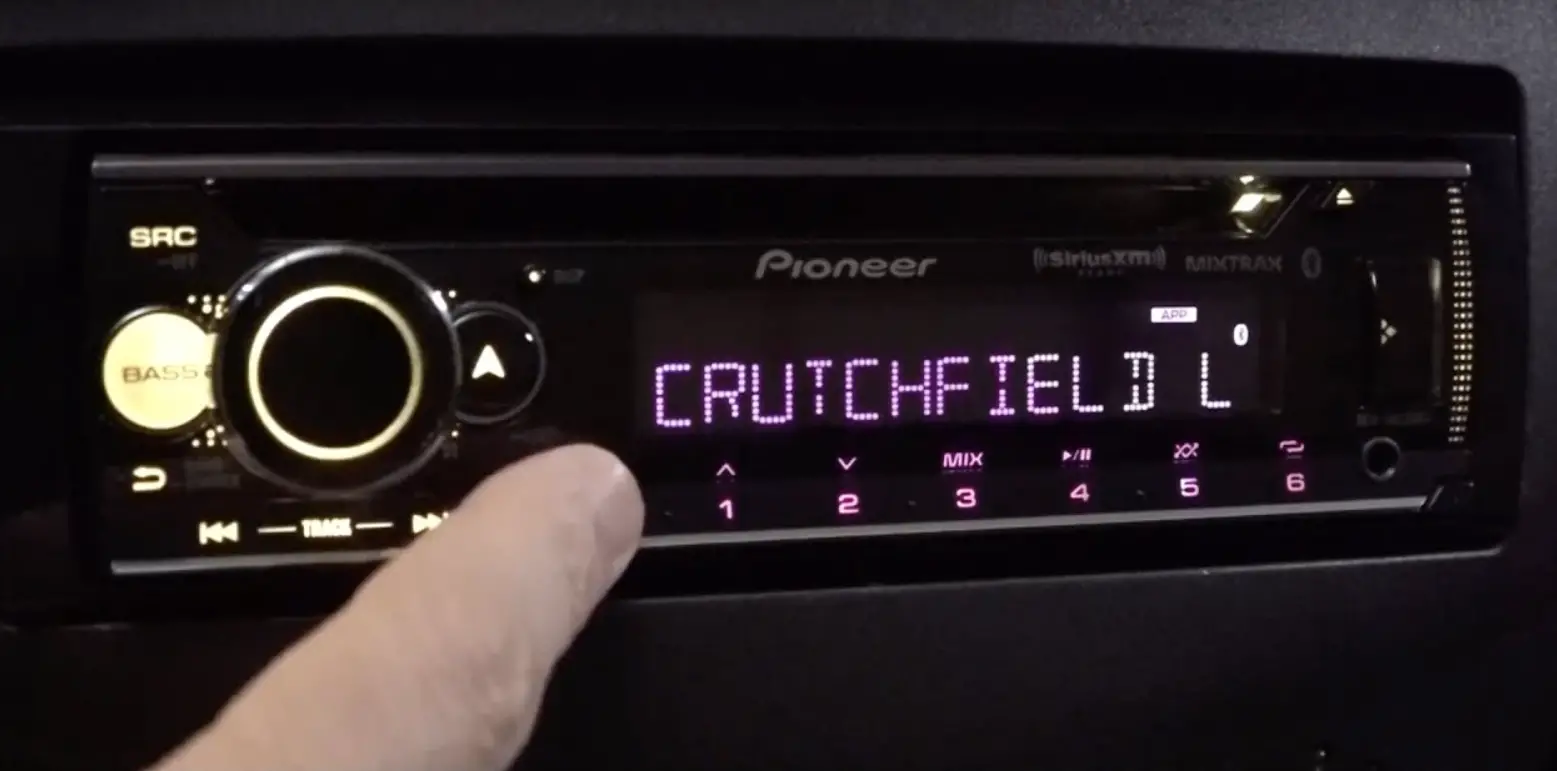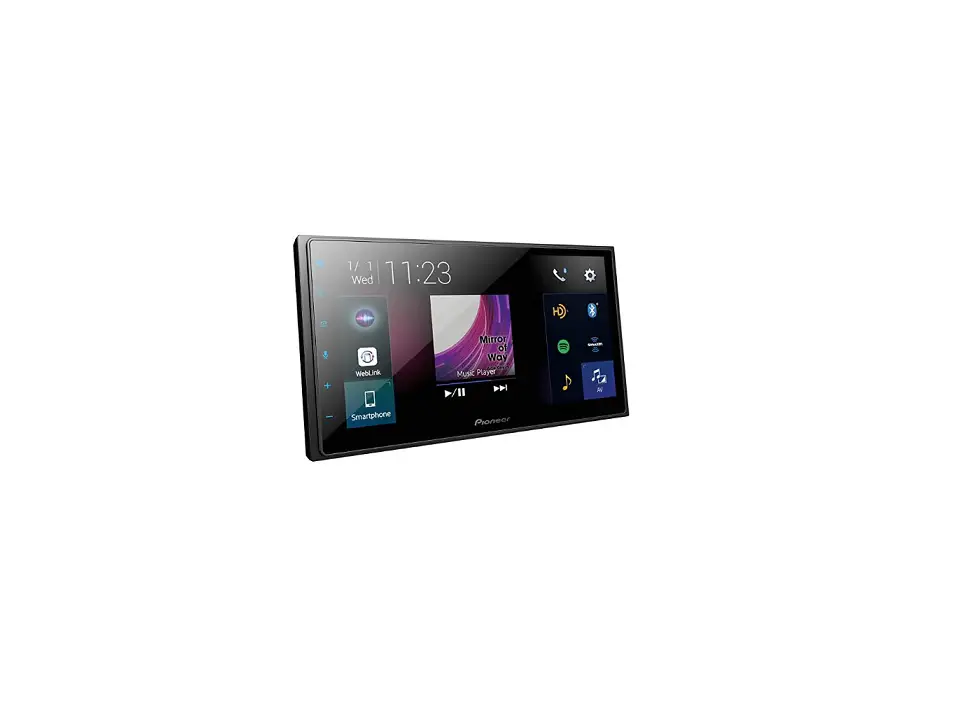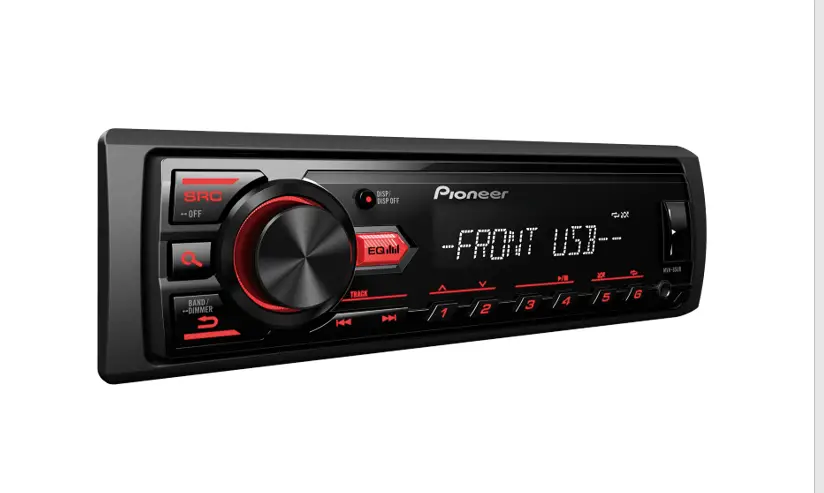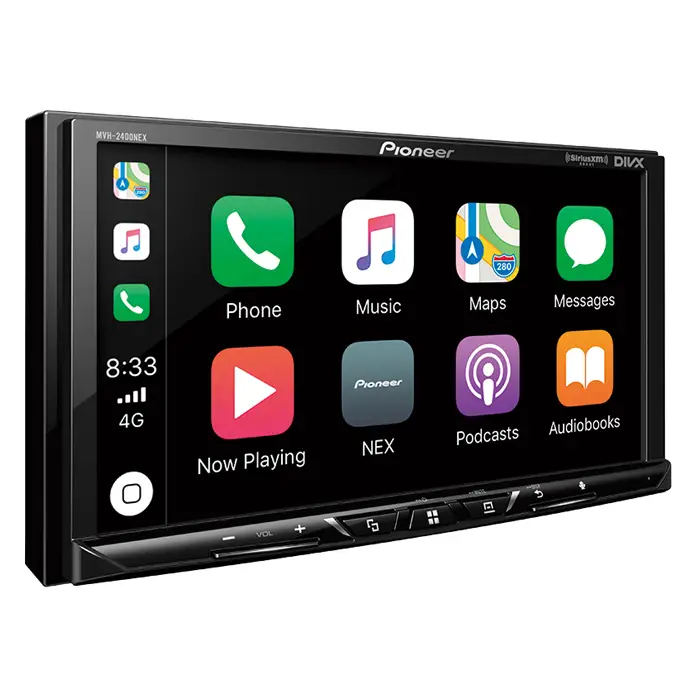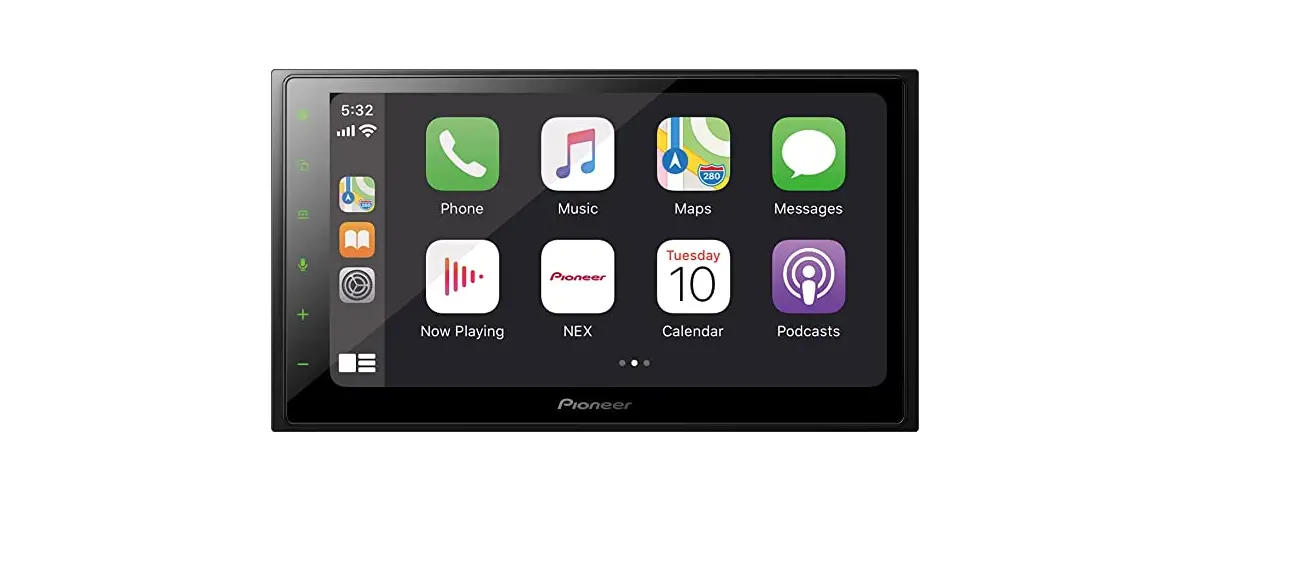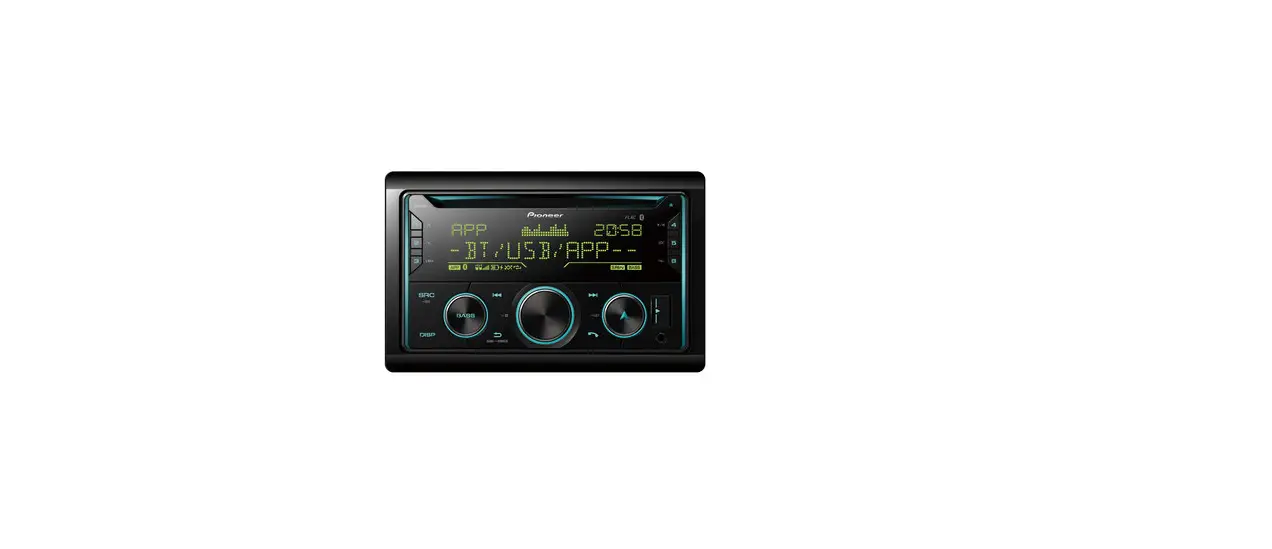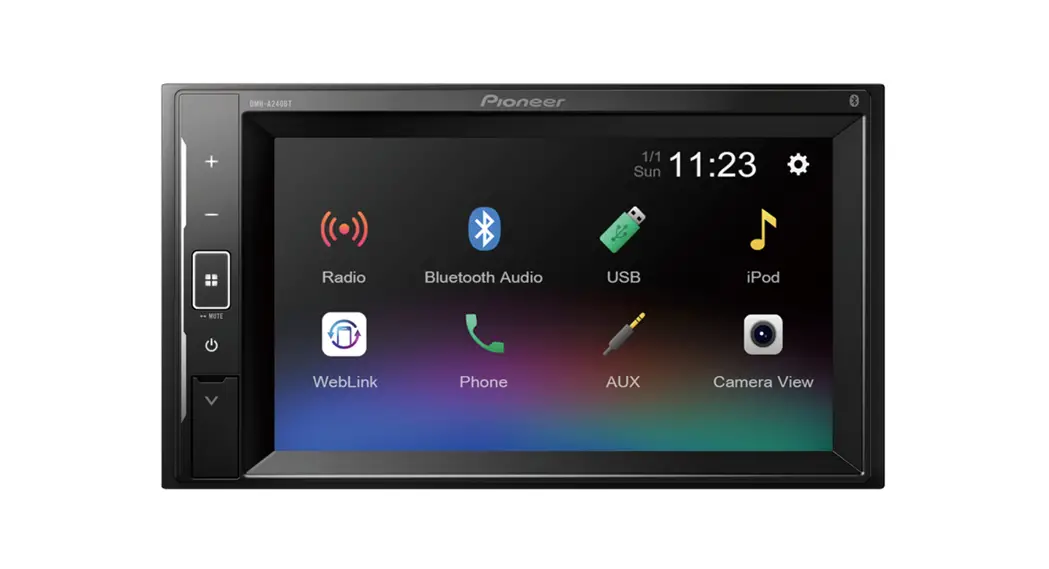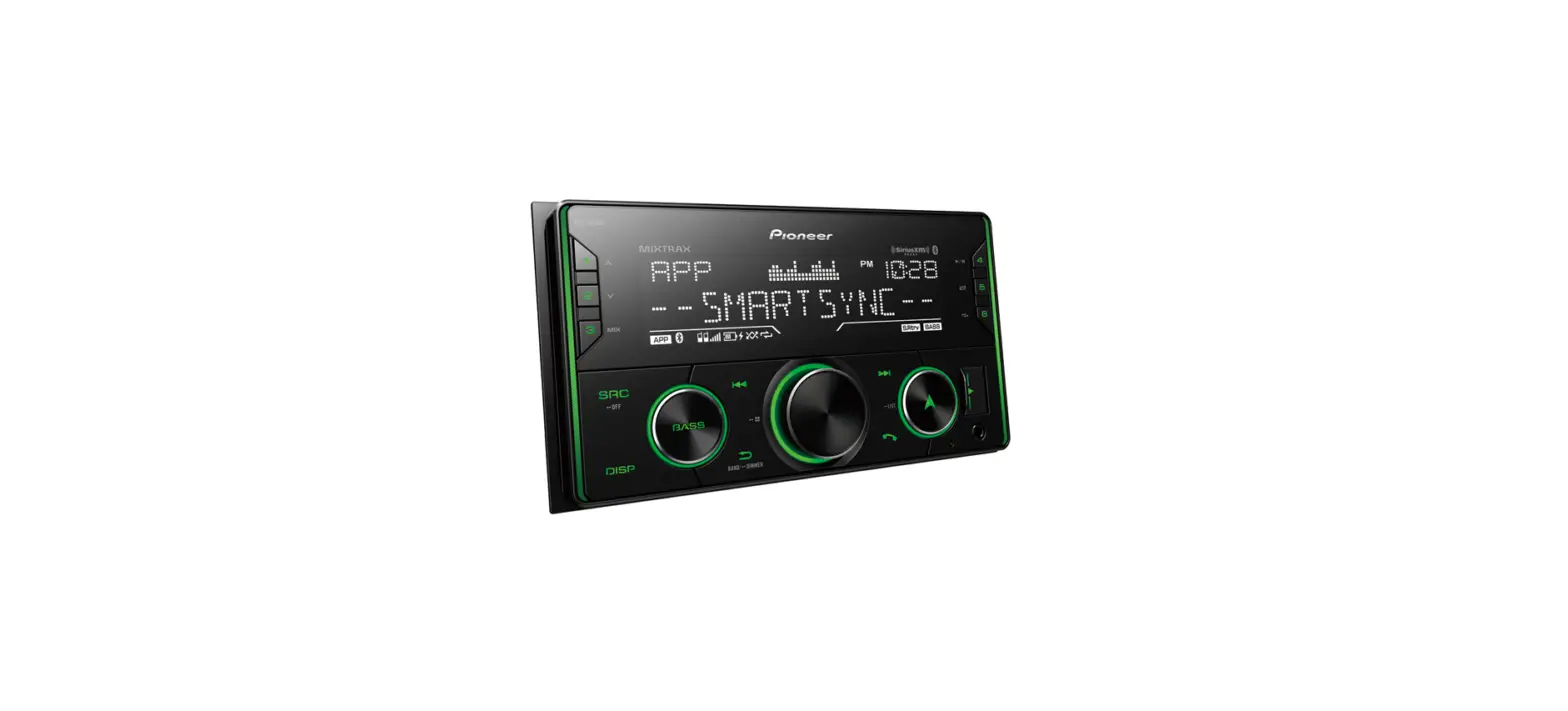

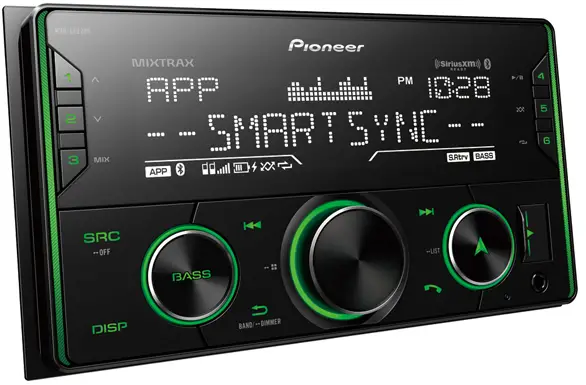
Pioneer MVH-S622BS Audio Digital Media Receive
INTRODUCTION
This guide is intended to guide you through the basic functions of this unit. For details, please refer to the Operation manual stored on the website. https://www.pioneerelectronics.com/PUSA/Support
BEFORE GUIDE
Thank you for purchasing this PIONEER product To ensure proper use, please read through this guide before using this product. It is especially important that you read and observe WARNINGS and CAUTIONS in this guide. Please keep the guide in a safe and accessible place for future reference.
The Safety of Your Ears is in Your Hands
Get the most out of your equipment by playing it at a safe level—a level that lets the sound come through clearly without annoying blaring or distortion and, most importantly, without affecting your sensitive hearing. Sound can be deceiving. Over time, your hearing “comfort level” adapts to higher volumes of sound, so what sounds “normal” can actually be loud and harmful to your hearing. Guard against this by setting your equipment at a safe level BEFORE your hearing adapts.
ESTABLISH A SAFE LEVEL:
- Set your volume control at a low setting.
- Slowly increase the sound until you can hear it comfortably and clearly, without distortion.
- Once you have established a comfortable sound level, set the dial and leave it there.
BE SURE TO OBSERVE THE FOLLOWING GUIDELINES:
- Do not turn up the volume so high that you can’t hear what’s around you.
- Use caution or temporarily discontinue use in potentially hazardous situations.
- Do not use headphones while operating a motorized vehicle; the use of headphones may create a traffic hazard and is illegal in many areas.
WARNING
- Rear visibility systems (backup cameras) are required in certain new vehicles sold in the U.S. and Canada. U.S. regulations began according to a two year phase-in on May 1, 2016, and both the U.S. and Canada require that all such vehicles manufactured on or after May 1, 2018 have rear visibility systems. Owners of vehicles equipped with compliant rear visibility systems should not install or use this product in a way that alters or disables that system. If you are unsure whether your vehicle has a rear visibility system subject to the U.S. or Canadian regulations, please contact the vehicle manufacturer or dealer.
- Do not attempt to install or service this product by yourself. Installation or servicing of this product by persons without training and experience in electronic equipment and automotive accessories may be dangerous and could expose you to the risk of electric shock, injury or other hazards.
- Do not attempt to operate the unit while driving. Make sure to pull off the road and park your vehicle in a safe location before attempting to use the controls on the device.
- This product contains chemicals known to the State of California and other governmental entities to cause cancer and birth defects or other reproductive harm. Wash hands after handling.
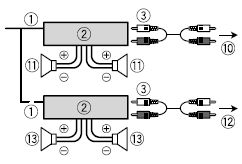
Power cord
Perform these connections when not connecting a rear speaker or middle range speaker lead to a subwoofer.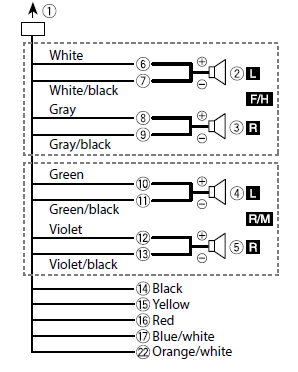
Perform these connections when using a subwoofer without the optional amplifier.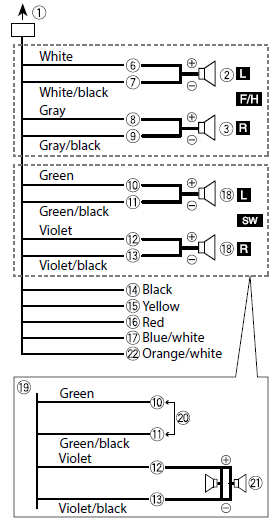
Power amp (sold separately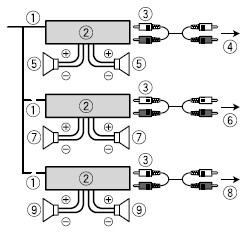
Installation
Important
- Check all connections and systems before final installation.
- Do not use unauthorized parts as this may cause malfunctions.
- Consult your dealer if installation requires drilling of holes or other modifications to the vehicle.
- Do not install this unit where:
- it may interfere with operation of the vehicle.
- it may cause injury to a passenger as a result of a sudden stop.
- Install this unit away from hot places such as near the heater outlet.
- Optimum performance is obtained when the unit is installed at an angle of less than 60°.

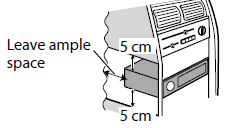
- When installing, to ensure proper heat dispersal when using this unit, make sure you leave ample space behind the rear panel and wrap any loose cables so they are not blocking the vents.


Installing the microphone
The microphone should be placed directly in front of the driver at a suitable distance to pick up their voice clearly.
CAUTION
It is extremely dangerous to allow the microphone lead to become wound around the steering column or shift lever. Be sure to install the microphone in such a way that it will not obstruct driving. It is recommended to use the clamps (sold separately) to arrange the lead.
NOTE
Depending on the vehicle model, the microphone cable length may be too short when you mount the microphone on the sun visor. In such cases, install the microphone on the steering column.
Basic operation
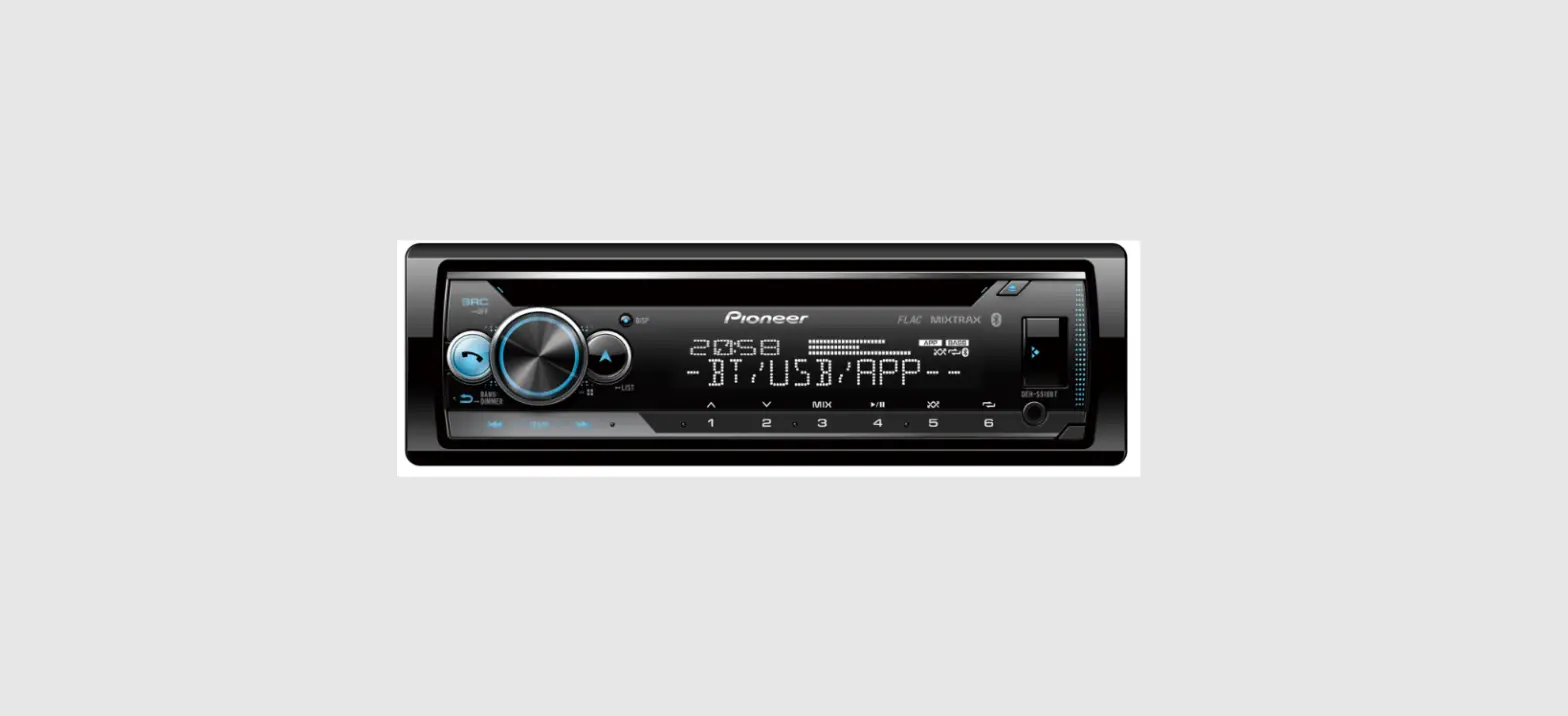
The FH-S720BS/S722BS illustration below is an example.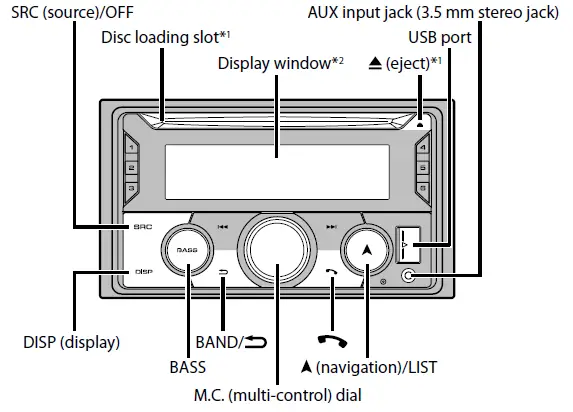
About the main menu
- Press the M.C. dial to display the main menu.
- Turn the M.C. dial to select one of the categories below, then press to confirm.
- FUNCTION settings
- AUDIO settings
- SYSTEM settings
- ILLUMINATION settings
- MIXTRAX settings
- Turn the M.C. dial to select the options, then press to confirm.
Frequently used operations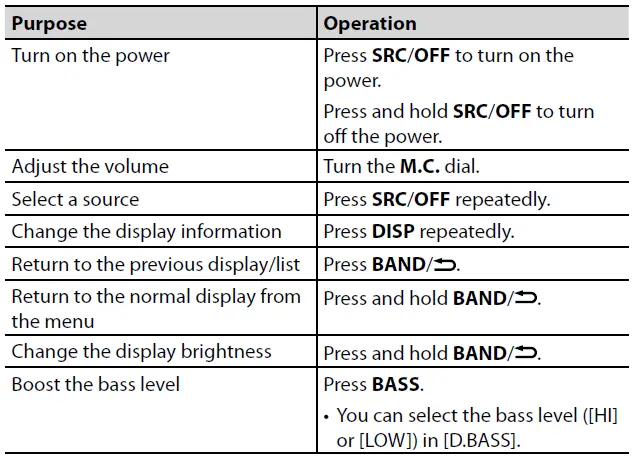
Tuner operation
Receiving preset stations
- Press SRC/OFF to select [RADIO].
- Press BAND/ to select the band. [FM1] [FM2] [FM3] [AM]
- Press a number button (1/ to 6/ ).
Best stations memory (BSM)
- After selecting the band, press the M.C. dial to display the main menu.
- Turn the M.C. dial to select [FUNCTION], then press to confirm.
- Turn the M.C. dial to select [BSM], then press to confirm.
To store stations manually
While receiving the station you want to store, press and hold one of the number buttons (1/ to 6/ ) until it stops flashing.
CD/USB/iPhone®/AUX operation
- Insert a disc into the disc loading slot with the label side up.
- To eject a disc, stop playback first then press .
- Open the USB port cover.
- Plug in the USB device/iPhone using an appropriate cable.
AUX
- Insert the stereo mini plug into the AUX input jack.
- Press SRC/OFF to select [AUX IN] as the source.
Bluetooth connection
- Turn on the Bluetooth function of the device.
- Select the unit name shown in the device display.
- Make sure the same 6-digit number appears on this unit and the device.
- Select [YES].
Bluetooth telephone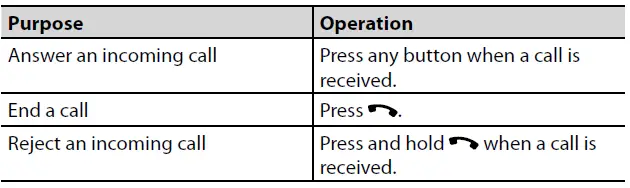
Making a connection with Pioneer Smart Sync
- Enter the SYSTEM menu (refer to “About the main menu”).
- Turn the M.C. dial to select [APP CONTROL], then press to confirm.
- Turn the M.C. dial to select one of the below.
- Select [WIRED] for the USB connection.
- Select [BLUETOOTH] for the Bluetooth connection.
- Turn the M.C. dial to select [AUTO APP CONN], then press to confirm.
- Turn the M.C. dial to select [ON], then press to confirm.
- Connect this unit with the mobile device via USB or Bluetooth.
- Pioneer Smart Sync on the iPhone/Android device starts automatically.
Preparing for the SiriusXM Satellite Radio service
- Press SRC/OFF to select [SIRIUSXM].
- Press / to select Channel 0.
- The Radio ID appears on the display.
- In addition, the Radio ID is located on the bottom of the SiriusXM Connect Vehicle Tuner.
- Activate the SiriusXM service online or by phone.
- For US Subscriptions:
- Visit www.siriusxm.com/activatenow
- Call SiriusXM Listener Care at 1-866-635-2349
- For Canadian Subscriptions:
- Visit www.siriusxm.ca/activatexm
- Call 1-877-438-9677
- [SUBSCRIPTION UPDATED] appears on the display when your SiriusXM Connect Vehicle Tuner has been subscribed successfully. Press any key to clear the activation message
FAQS
Does it have a power on and off button ?
You would hold the source button in to shut the radio off.
Does the fit a 2017 jeep compass?
YES, this could fit to your 2017 Jeep compass.
Would this fit a 1999 Nissan Maxima?
If you find an adapter for your dashboard, it should
Can my back up camera hook up to this?
No. This does not have a screen.
Does it fit an Audi a4 2008?
If you can get a dash plate , double din for your car, it will fit. You may need other pieces if you have steering wheel control.
will this fit my 2003 toyota sequia ?
Yes. It can fit in there with the correct installation parts. You will need to purchase those parts separately.
Will This fit 2004 jeep grand cheerokee ?
It will fit in there, but there is some sub dash modification needed to make it fit. It will add to your install time and fees.
Can i plug my mp3 or ipod into it?
A usb supported device should plug in, but it kept causing ours to shut down when an iPhone was plugged in
Will this fit a 2010 challenger R/T?
It can fit in your vehicle with some modifications. You will want to seek professional installation for that.
Will this fit my 2014 vw jetta se?
If you can find the appropriate trim panel it should fit.
Does this fit 2011 dodge ram??
You will need to purchase an installation trim kit for your model of vehicle
With this unit can I still play CD’s?
This unit does not play CD, radio only.
Does this item fit a chevy silverado 2010 crew cab?
Yes with the right dash kit.
Will this unit fit a 2007 scion tc?
With the Metra – Double DIN Stereo Dash Kit, yes
Will this fit a 2016 Jeep Compass?
Yes. It can fit in there with the correct installation parts