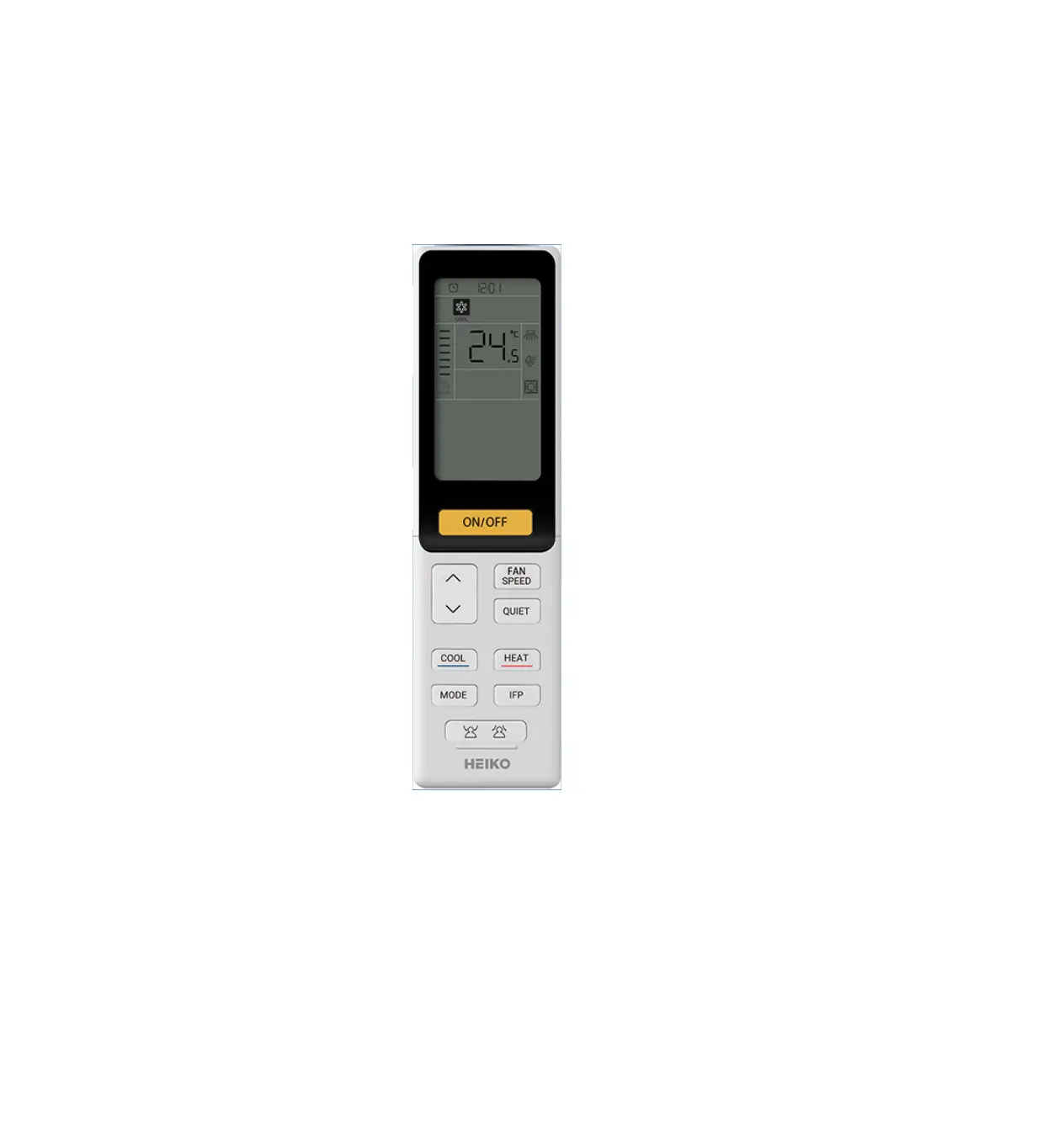
HEIKO Remote Controller
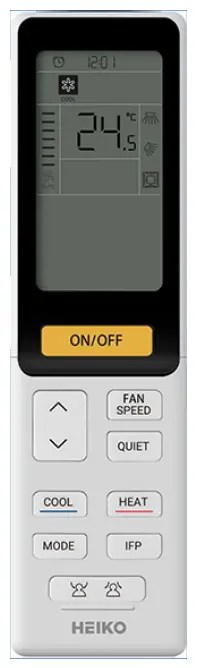
Parts and Functions
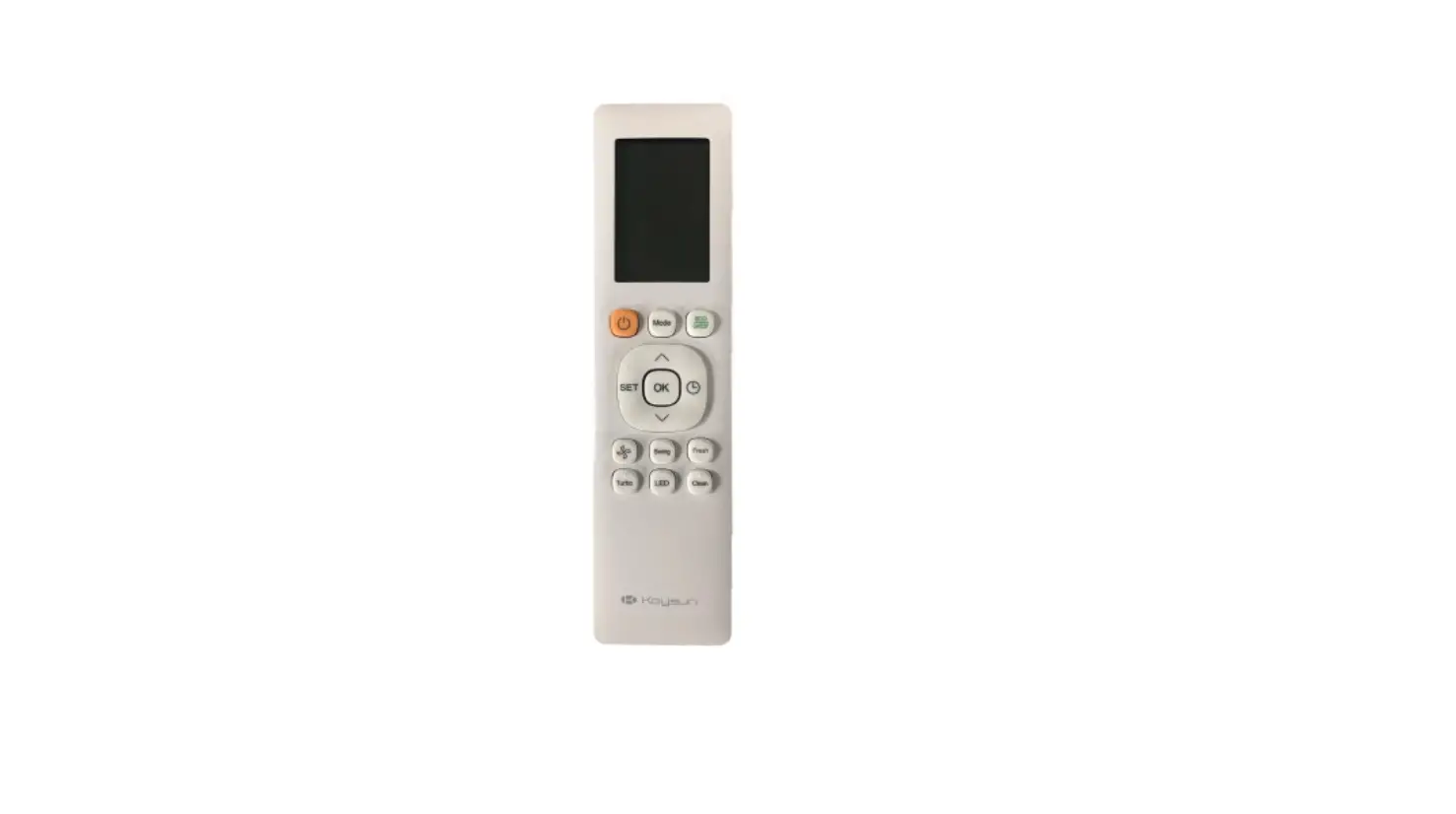
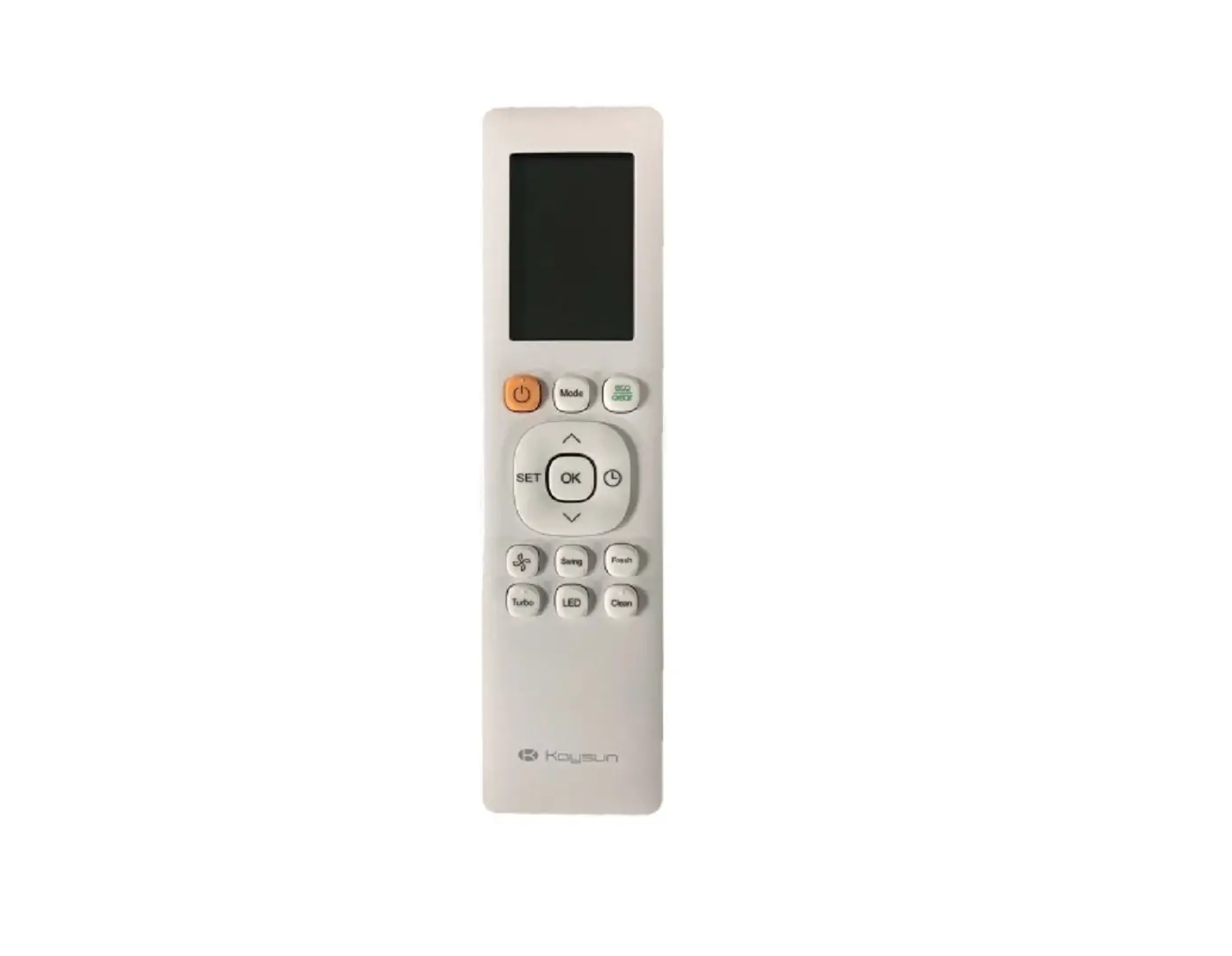
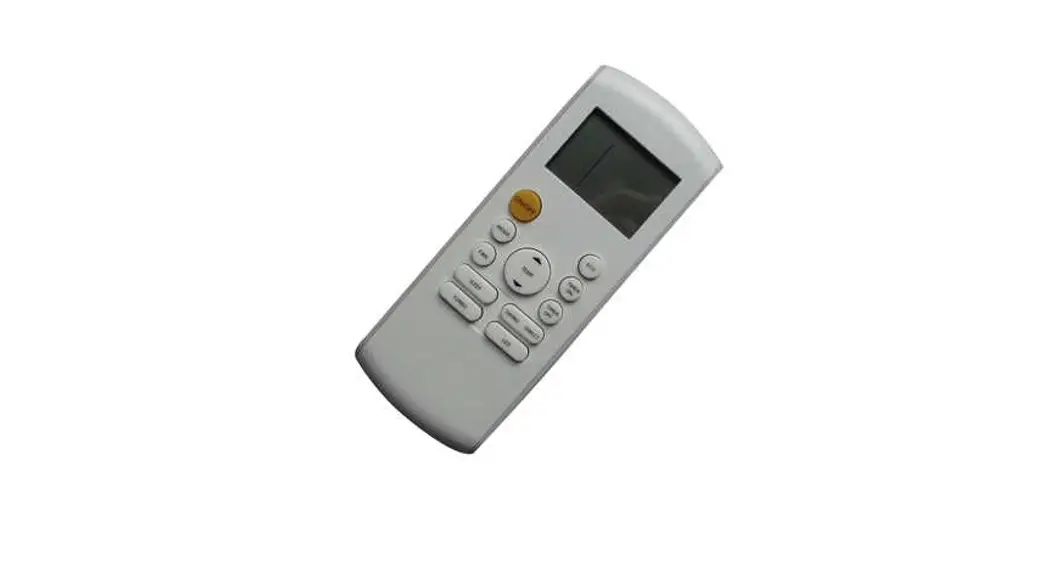
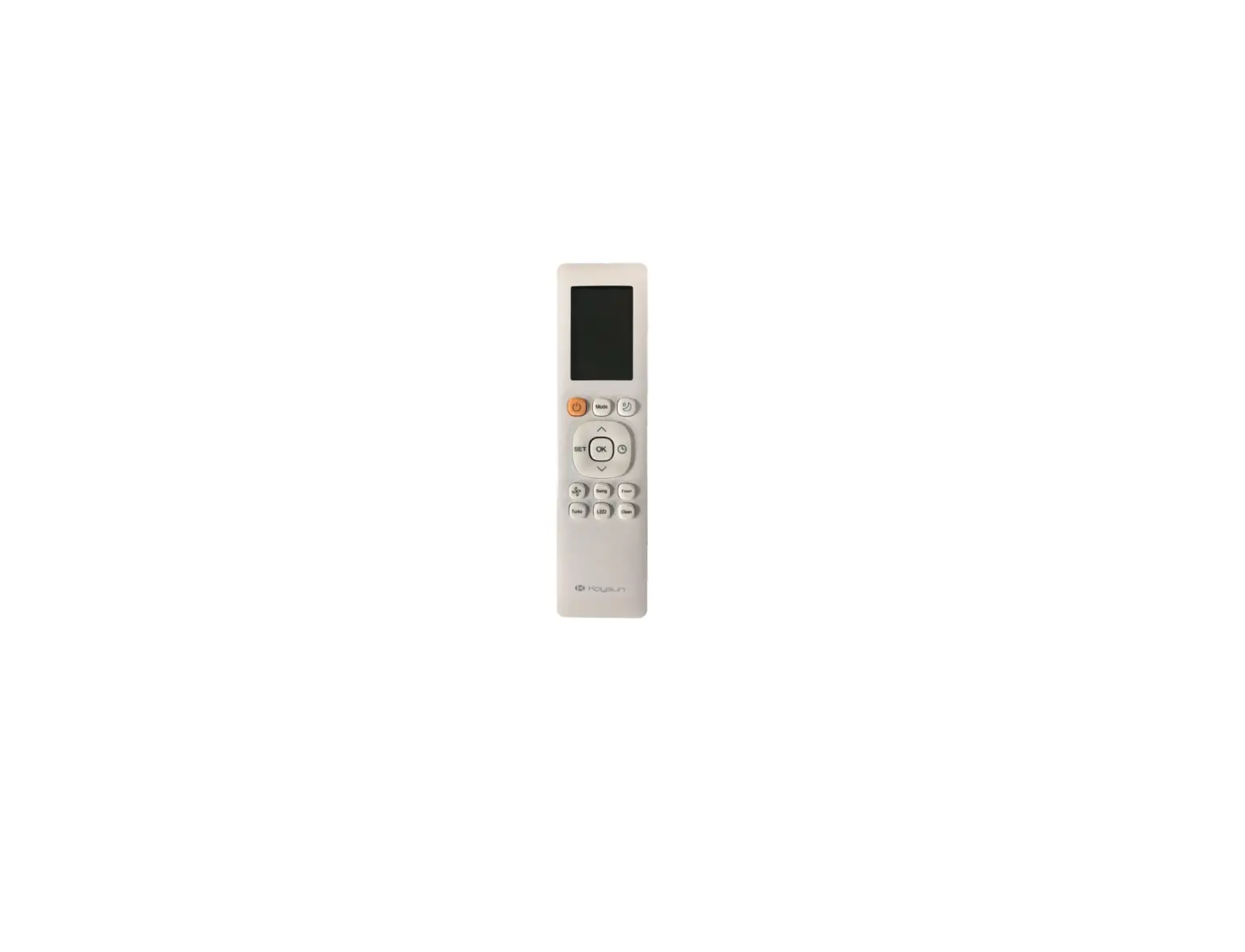
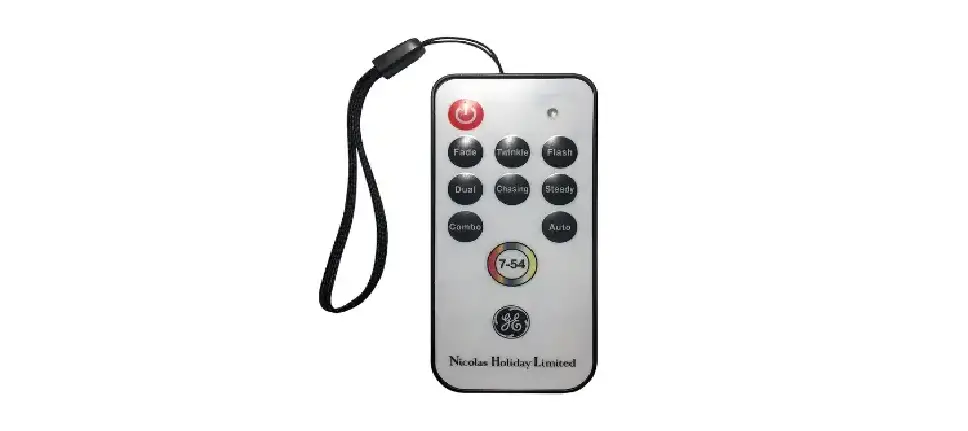
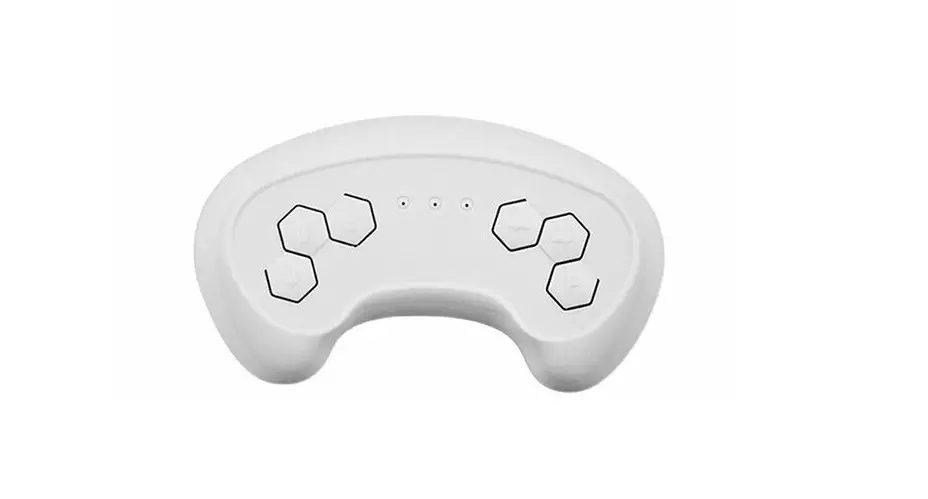
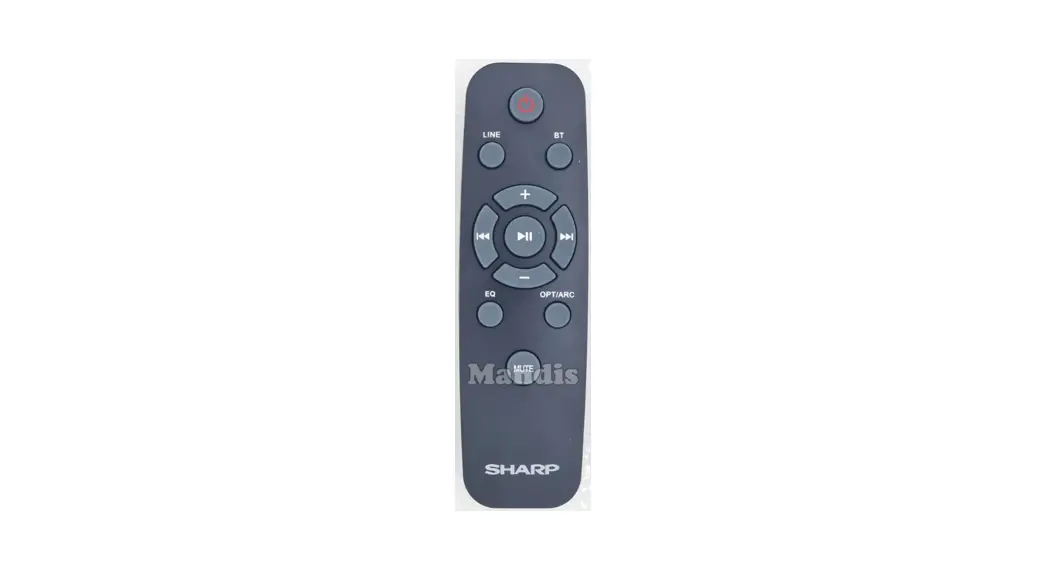
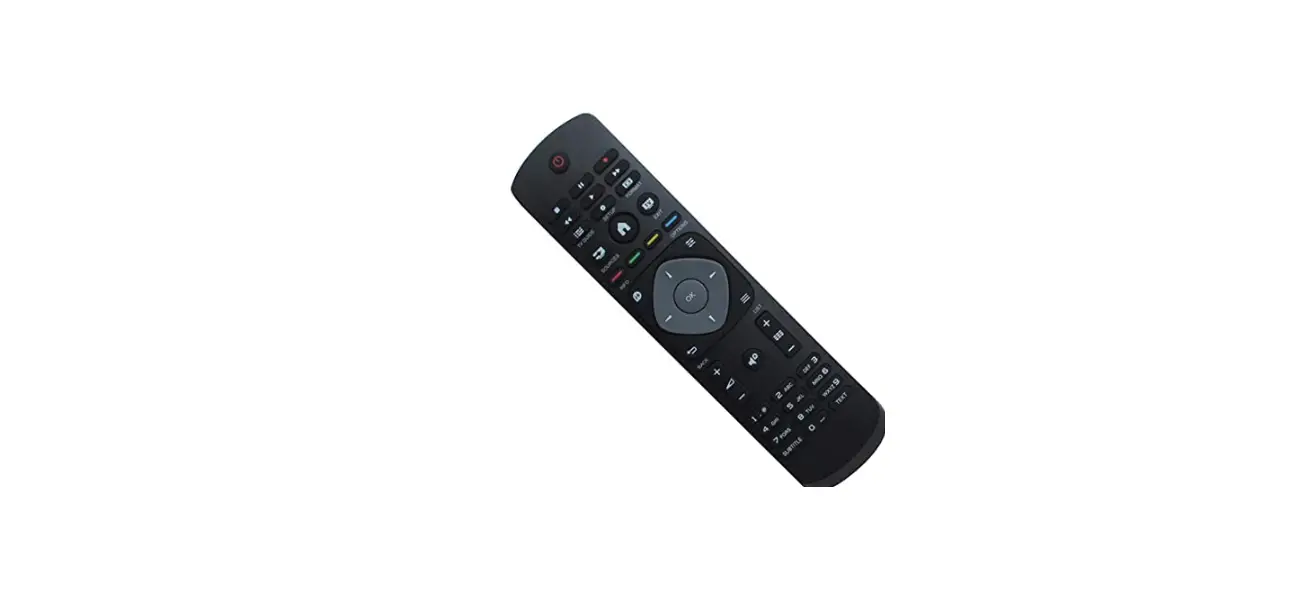
External View of Remote Controller
Remote Controller function description This remote Controller is a general remote Controller, and some functions are valid according to the adaptable model.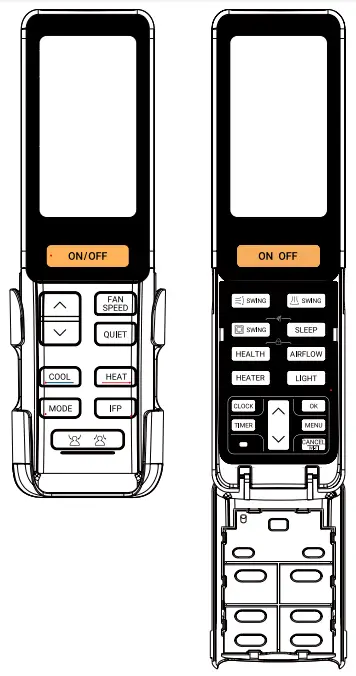
Functional Description
- ON/OFF Button:
Turning on the units: Press the button to turning on the units.
Note: The initial default operation mode is AUTO and then will display the mode before turning off Press button again to turn off the unit. - temperature +/- Button:
- This button is invalid in FAN mode;
- Press
 button once, temperature will increase or decrease by 0.5°C; pressing and holding the button will make the temperature change quickly.
- FAN SPEED Button:
Press the button, the cycle sequence is as follows:
- QUIET
Press button, the controller screen will display ”
  ” . The fan speed in Quiet function is automatic fan speed, but the specific fan speed grade in auto depends on indoor unit.
Note: This function is valid under the mode of COOL and HEAT. - COOL/ HEAT
Press button and button to execute COOL mode and HEAT mode .
 - Press the button every time, the cycle sequence is as follows:


- IFP

- Press
 button, display “IFP”, IFP function is set, and press button again to cancel.
 - Press button, display
 that expresses following; press it again, display
  that expresses evading. Press it the third time to cancel this function.
 - Airflow angle will adjust automatically along with the location of people. At the same time
 ,
,  , and
, and  will disappear.
- Press
 Up-and-down SWING Angle
Each time you press the button , Remote control display cycle sequence:
HEAT MODE:
Other modes: Right-and-left SWING Angle adjustment
Each time you press the button , the remote control will display the following cycle:
 Round-way cassette swing angle adjustment
Each time you press the button , Remote control display cycle sequence:
When pressing button to select blade, the selected blade flashes. Press “Up and-down Angle” button to adjust airflow angle of the selected blade.- SLEEP
Press the button, and the remote controller screen will display “Sleep”. The SLEEP time is fixed to 8 hours and is not adjustable. Press the button again, and the sleep function will be cancelled.
Note:- Sleep function is invalid in FAN mode.
- Sleep function is only valid during the units turning on.
- HEALTH
- When the controller is switched on, press button, health function is activated and the remote controller will display “HEALTH”.
- When the controller is turned off, press the button, the controller will be turned on, enter FAN mode and display “HEALTH”.
- If the Health function is set and activated, Press Health button will cancel this function.
- When the controller is switched on, press
- Health AIRFLOW
Press the button and the remote controller screen displays “AIRFLOW “.
Press again to cancel this function. - HEATER
Press the button, and the remote controller will display “HEATER “.
Press button again, the ” HEATER ” on the remote controller will disappear, and the HEATER function will be turned off.
Note: Heather function is only valid in AUTO and HEAT mode. - LIGHT
Press the button to activate the light function.
Press the button again, and the light function is off. - CLOCK
Press the button, the time displayed on the remote controller flashes. Then Press the
  button once, the time increases or decreases by one minute. Holding the button will quickly increase or decrease the time.
To complete the set time, press /  button again to confirm.
 - TIME
When the controller is on, you can only set the TIMER OFF. And when the controller is off, you can only set the TIMER ON.
When the remote controller is off, press the button to enter the TIMER ON adjustment state. Press the button under the starting state of the remote control to enter the TIMER OFF adjustment state.
When entering the timing adjustment process, timer ON/OFF icon and clock flash at the same time, the initial default value is: 12:00. Press the button once to increase or decrease the time by 1 minutes, pressing and holding the button will speed up the adjustment.
After the time adjustment is completed, press the / button again to confirm. Then the time will statically display, and start the countdown. - MENU
Press the button, Functional cycle is as follows: TURBO →FRESH→IFP AC OFF→IFP AC ECO→3D AIR(reserved)
 10°C heating (Only valid in HEAT mode) → °F / °C→TURBO
- Press button, the current function to be set flashes;
- Press button again to set/cancel the current setting function in the above sequence. If there is no operation in 5 seconds, it will exit automatically.
- Press
- Wi-Fi Configuration
Press button 3S to enter Wi-Fi configuration, remote controller displays COOL mode, LOW fan speed and 30°C.
Or you can enter the Wi-Fi configuration through setting Cooling mode, Low fan speed and 30°C. - SELF-CLEAN
Press the combined button and , and the remote controller will display “SELFCLEAN”.
Press button or  button to exit the self-cleaning function.
Note: The “SELF-CLEAN” function is invalid under “SLEEP” function and “TIMER” function. - LOCK
Press the combination key button and  , and the remote controller screen will display ”
  “. All buttons on the remote control are invalid.
Press the combination button and again to cancel the lock, ” ” disappear. All buttons on the controller will restore to be valid.
 button to turning on the units.
 button once, temperature will increase or decrease by 0.5°C; pressing and holding the button will make the temperature change quickly.
 button, the cycle sequence is as follows: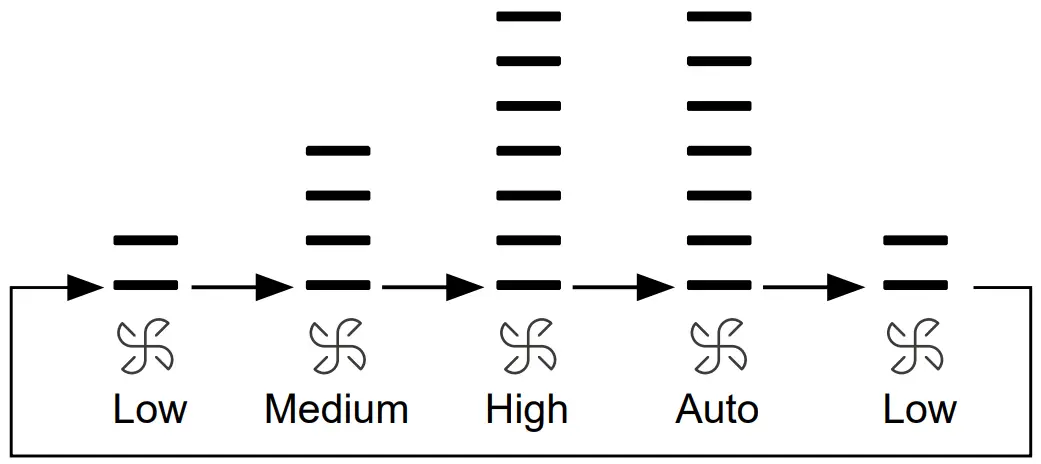
 button, the controller screen will display ”
  ” . The fan speed in Quiet function is automatic fan speed, but the specific fan speed grade in auto depends on indoor unit.
 button and
  button to execute COOL mode and HEAT mode .
 button, display “IFP”, IFP function is set, and press
  that expresses following; press it again, display
  that expresses evading. Press it the third time to cancel this function.
 ,
,  , and
, and  will disappear.
 Up-and-down SWING Angle

 Right-and-left SWING Angle adjustment
 Round-way cassette swing angle adjustment
 button, and the remote controller screen will display “Sleep”. The SLEEP time is fixed to 8 hours and is not adjustable. Press the
  button, health function is activated and the remote controller will display “HEALTH”.
 button and the remote controller screen displays “AIRFLOW “.
 button, and the remote controller will display “HEATER “.
 button to activate the light function.
 button, the time displayed on the remote controller flashes. Then Press the
  button once, the time increases or decreases by one minute. Holding the button will quickly increase or decrease the time.
 button again to confirm.
 button to enter the TIMER ON adjustment state. Press the
  button, Functional cycle is as follows: TURBO →FRESH→IFP AC OFF→IFP AC ECO→3D AIR(reserved)
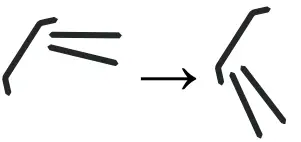 10°C heating (Only valid in HEAT mode) → °F / °C→TURBO
 button 3S to enter Wi-Fi configuration, remote controller displays COOL mode, LOW fan speed and 30°C.
 button to exit the self-cleaning function.
 , and the remote controller screen will display ”
  “. All buttons on the remote control are invalid.