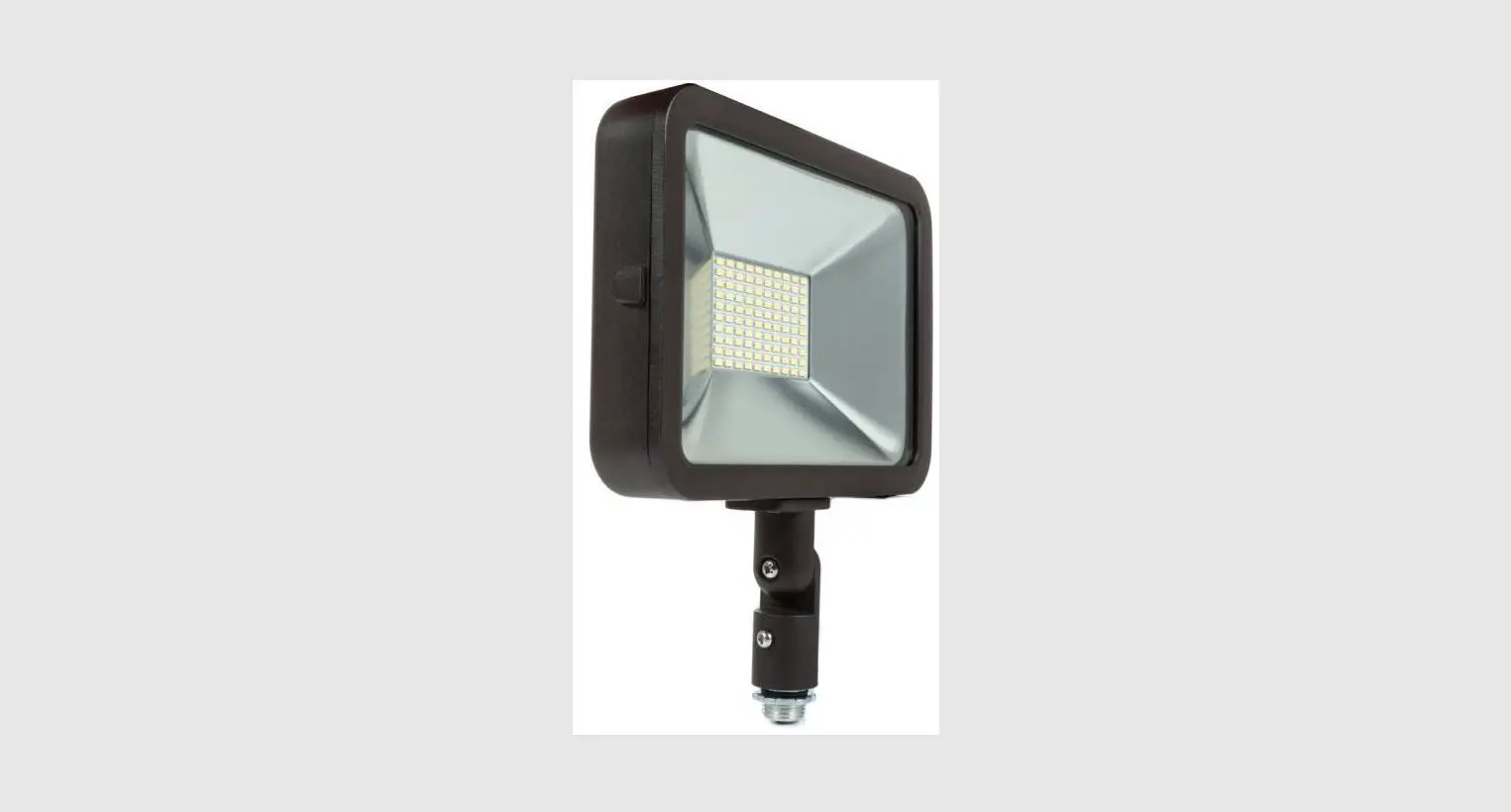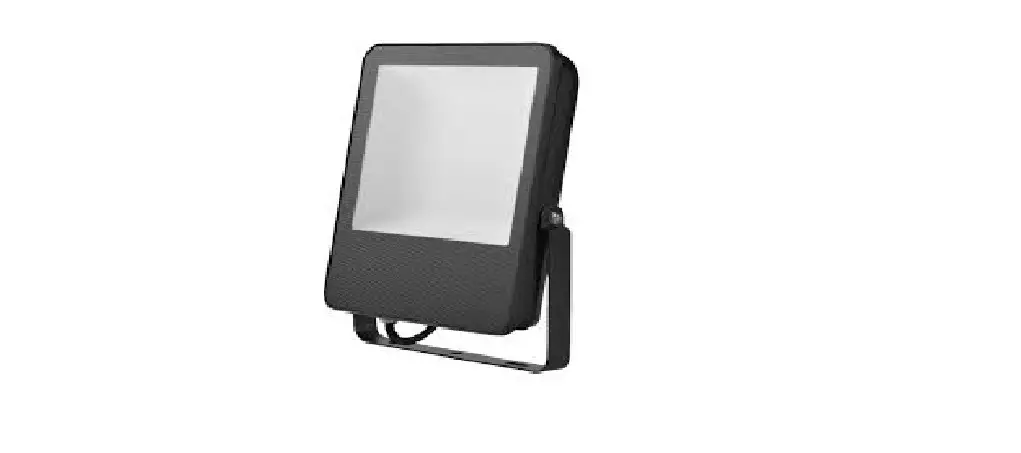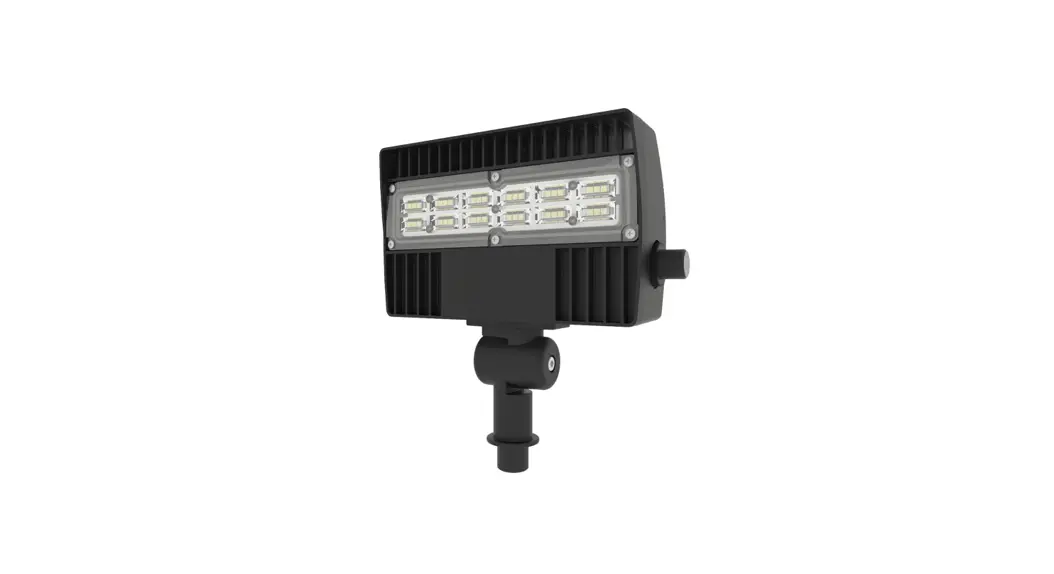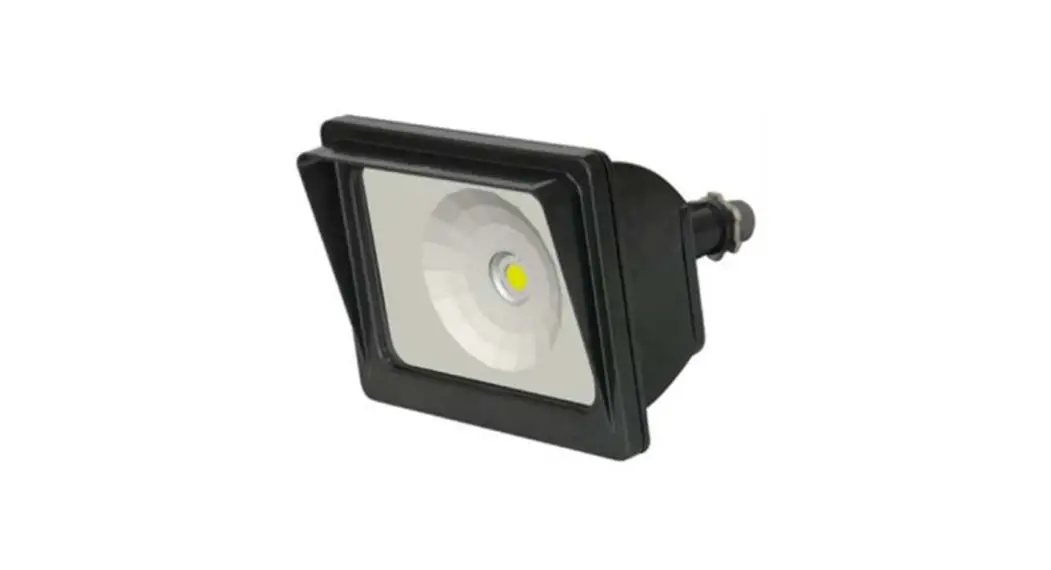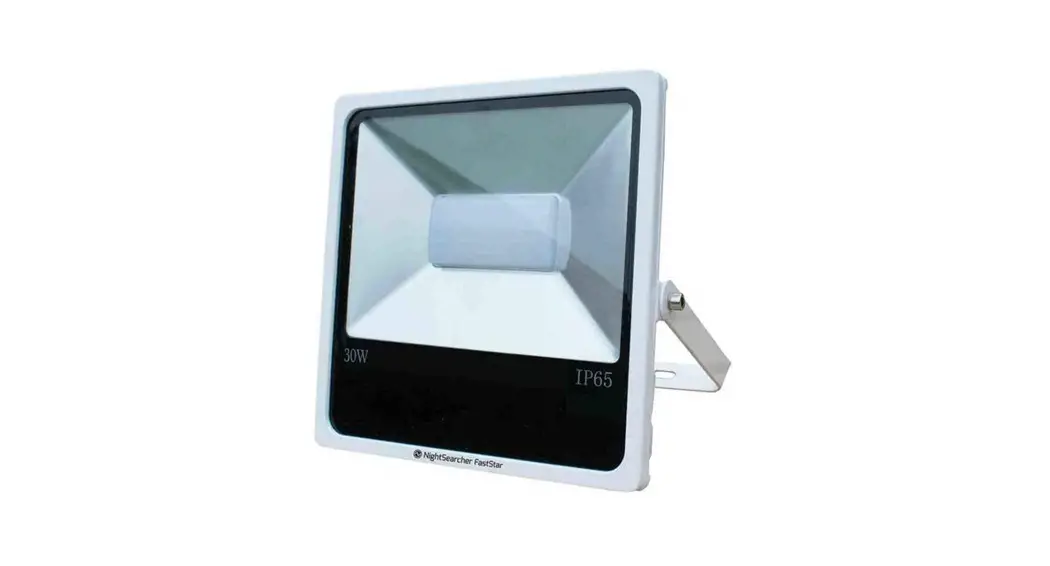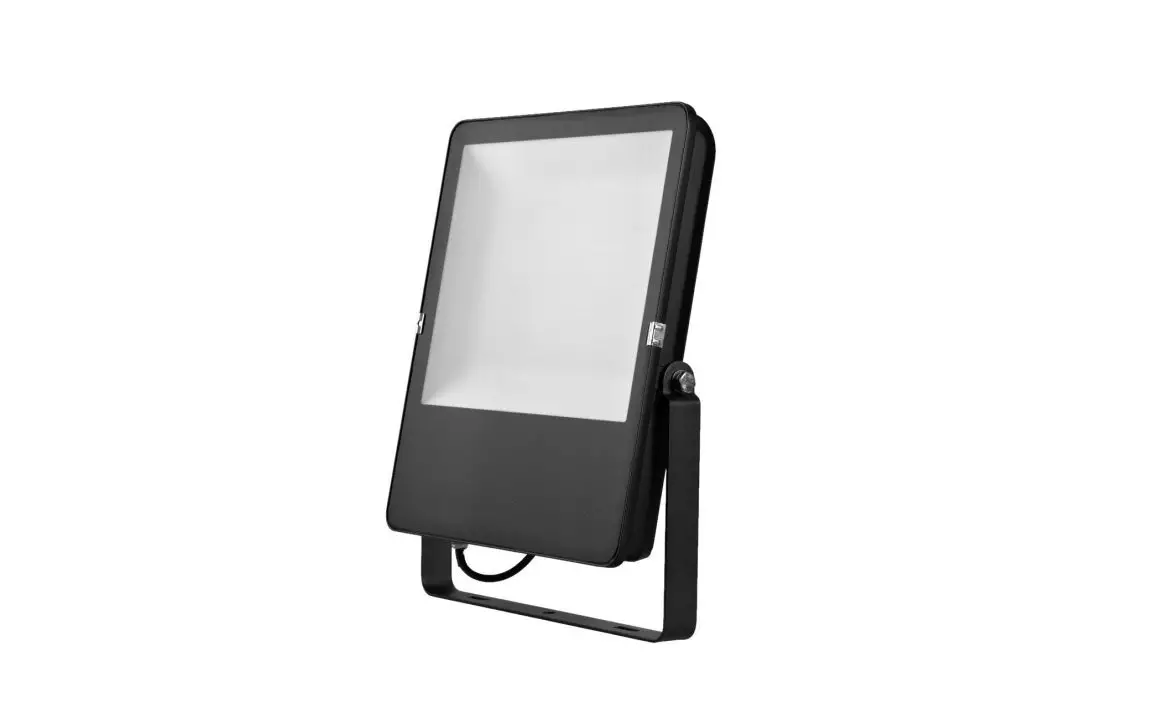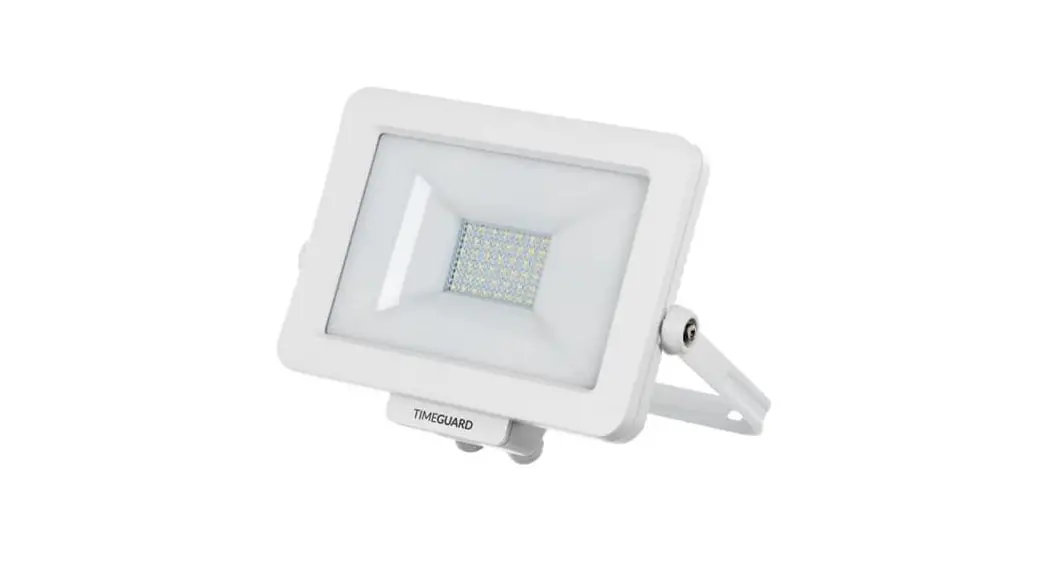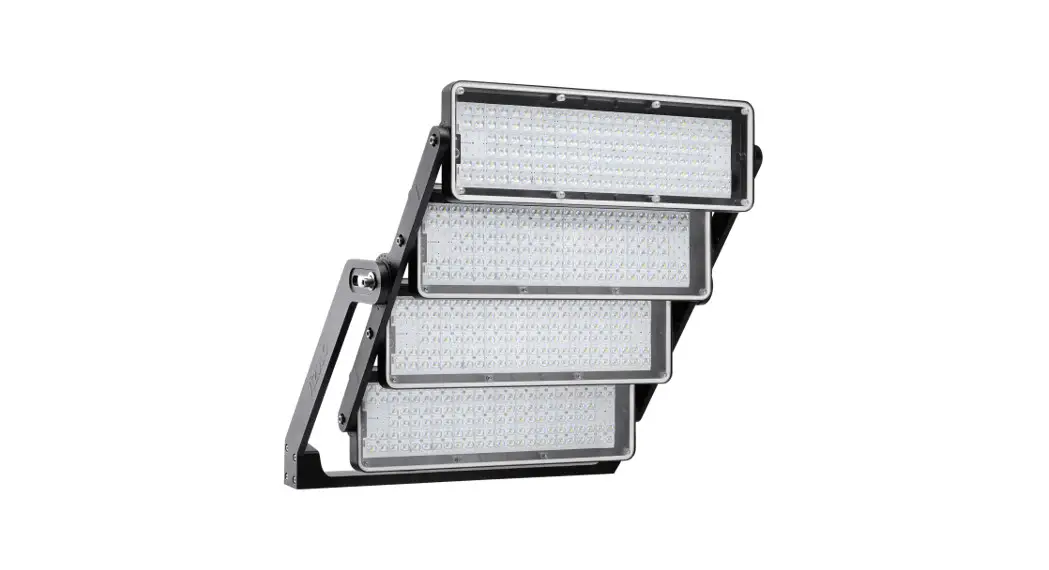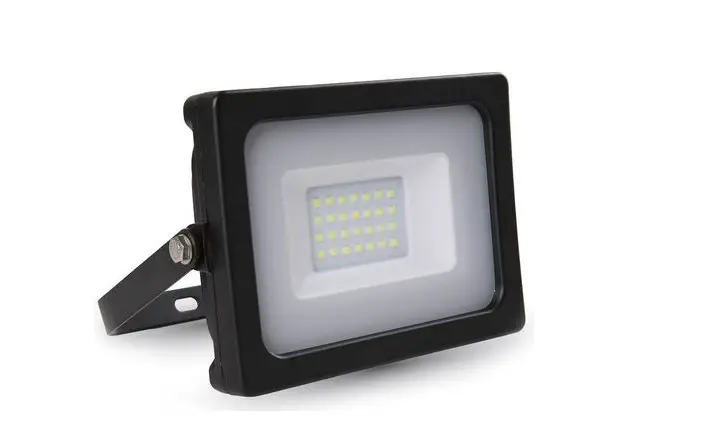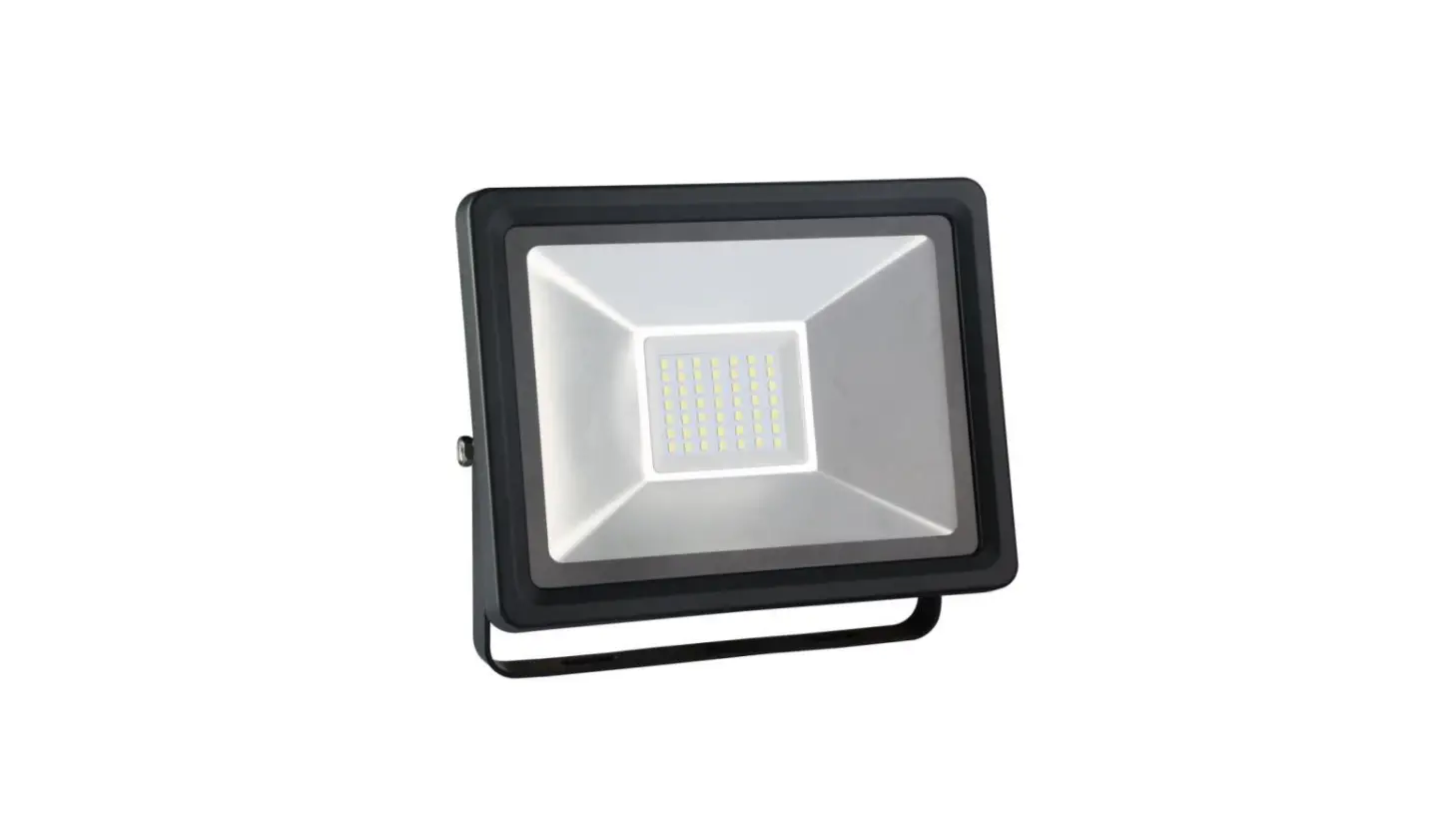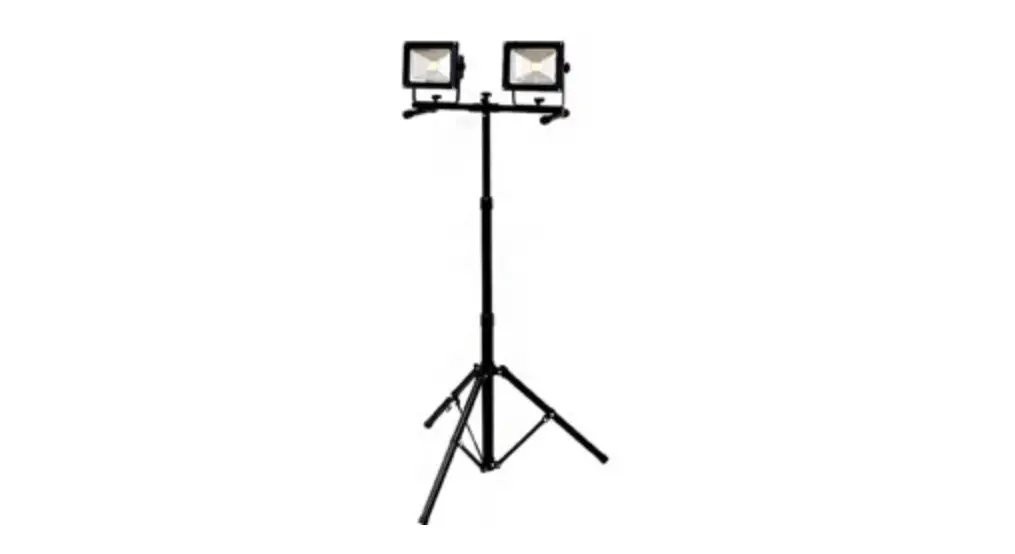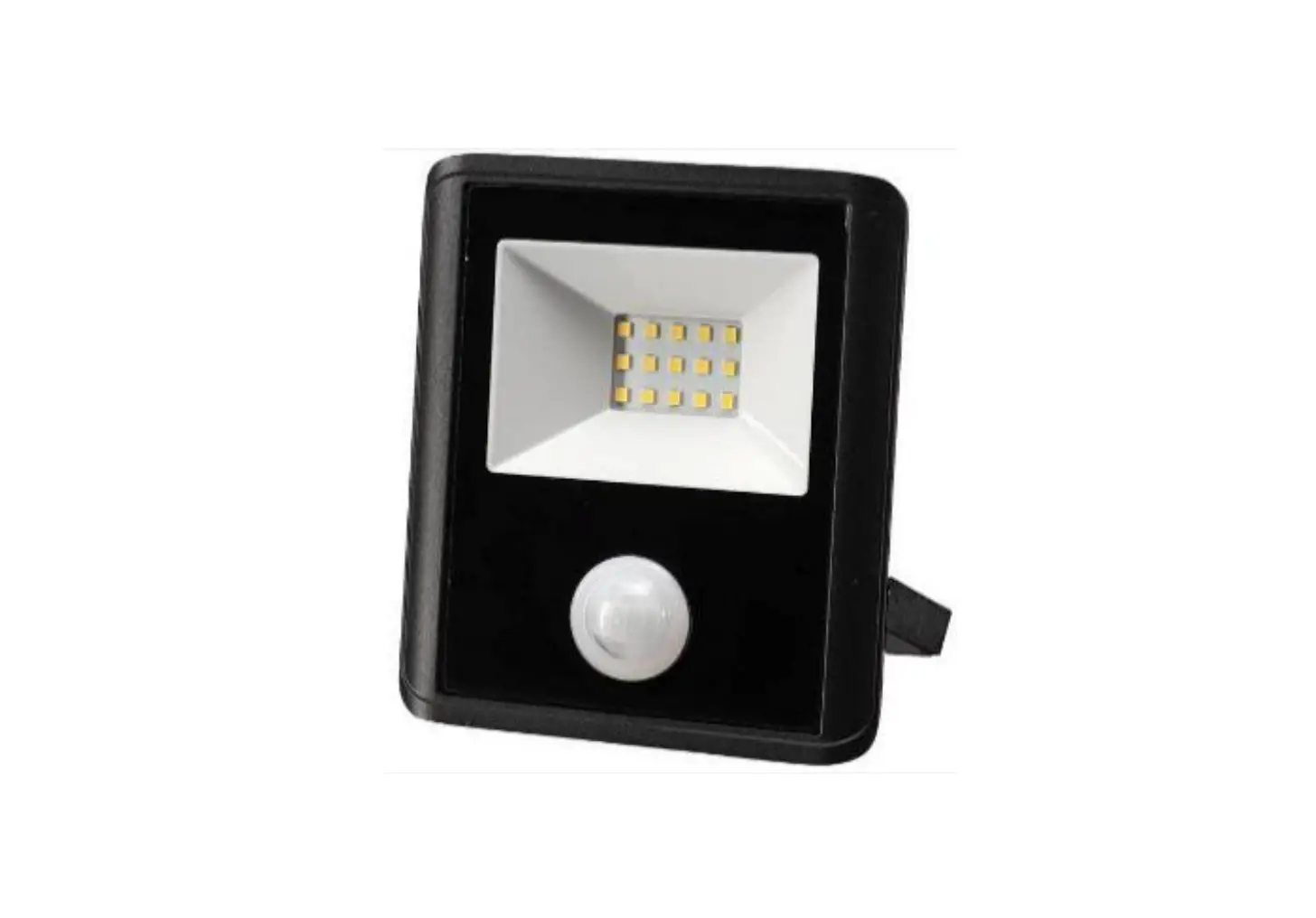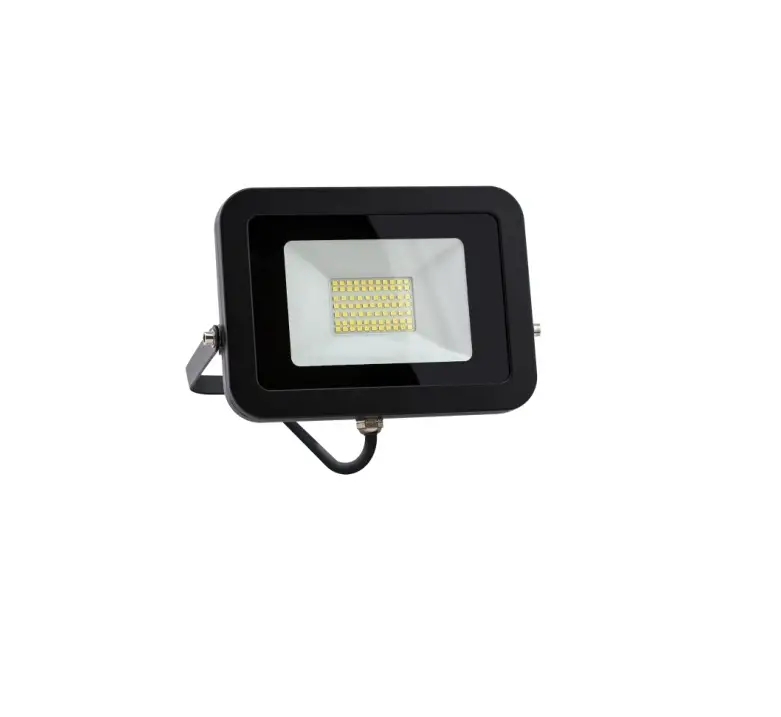
CLIPSAL LED Floodlight Instructions
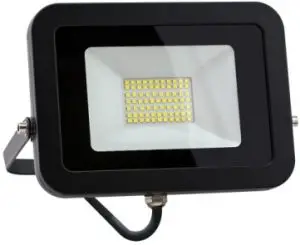
Product Range
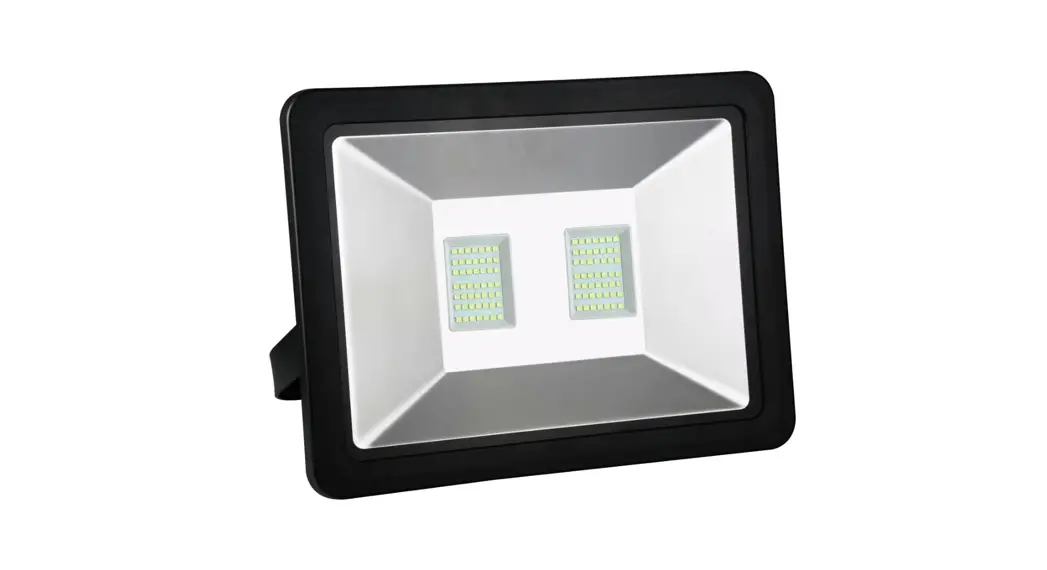
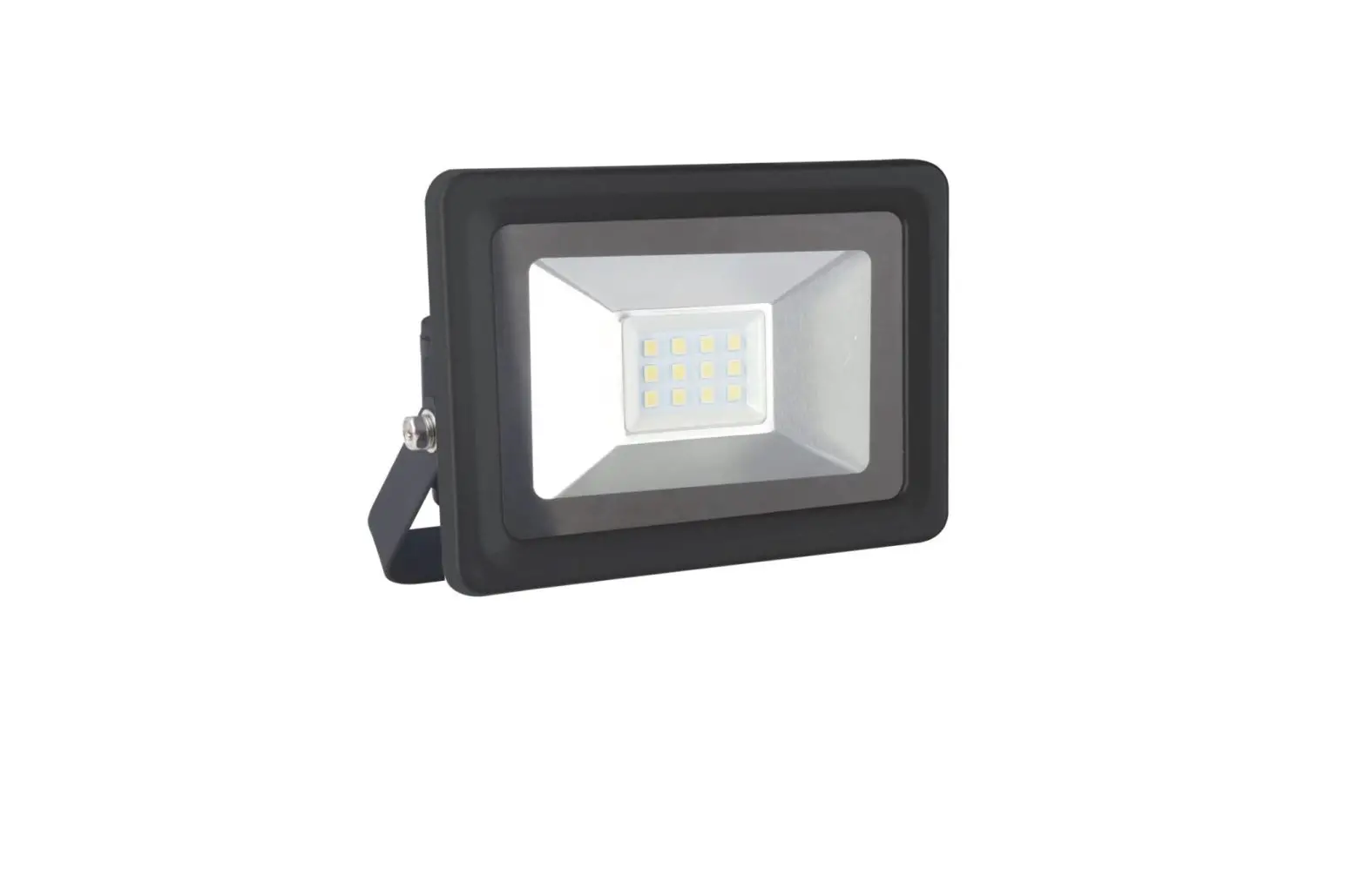
| TPFLS10LED | 10 W LED Floodlight, 240 V a.c., 4000 K, IP65 |
| TPFLS20LED | 20 W LED Floodlight, 240 V a.c., 4000 K, IP65 |
| TPFLS50LED | 50 W LED Floodlight, 240 V a.c., 4000 K, IP65 |
| TPFLS100LED | 100 W LED Floodlight, 240 V a.c., 4000 K, IP65 |
| TPFLS20SENLED | 20 W LED Floodlight, 240 V a.c., 4000 K, IP44 – with PIR sensor |
Installation Requirements
 DANGER
RISK OF ELECTRIC SHOCK, EXPLOSION OR ARC FLASH
- This product must only be installed and serviced by appropriately qualified and/or licenced electrical personnel
- Isolate the electrical supply before doing any work on this product.
- Ensure that the product has been correctly installed and tested for safe operation before reconnecting the electrical supply
Failure to follow these instructions will result in death or serious injury.
 CAUTION
RISK OF BURN INJURIES
During and after use, the product may be hot. Do not touch the product until it has completely cooled down
Failure to follow these instructions can result in minor injuries or equipment damage.
- The product is Class 1.
- Check whether the product has been damaged during transport. Do not operate/install any product which appears damaged in any way.
Return the complete product to the place of purchase for inspection, repair or replacement. - Take care not to pull any electrical wires during unpacking as this may damage the connections.
- Isolate the electrical supply before commencing any work on this equipment.
- Select a suitable location for installation
Installation Instructions
- Remove all packaging material from the product.
- Use mounting bracket to mark hole centres for fixing.
- Secure mounting bracket using appropriate fasteners.
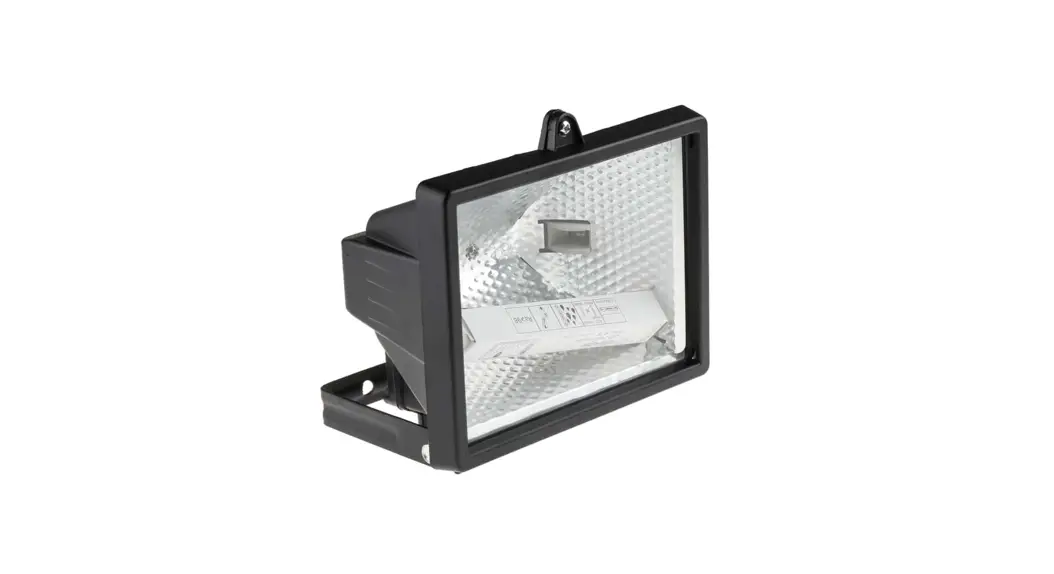
- Safely terminate wiring, paying particular attention to all markings. Mounting Options TPFLS Series (no sensor)
Mounting Options TPFLS20SENLED (with PIR Sensor)
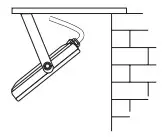
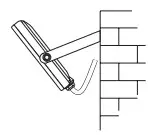
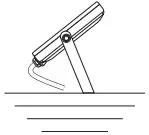
Mounting Options – TPFLS20SENLED (with PIR Sensor)
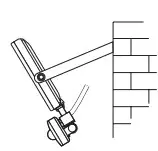
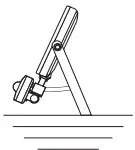
Sensor Adjustment Procedure (TPFLS20SENLED only)
When the power is on, the unit will be able to detect movement within the adjustable sensor range. There are 3 adjustment settings on the back of the sensor unit for Light Level Adjustment (LUX), Timer Setting (TIME), and Sensitivity Level (SENS).
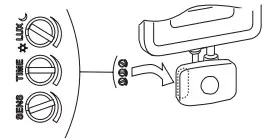
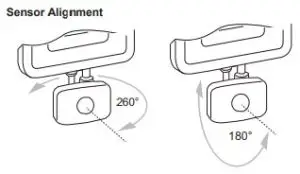
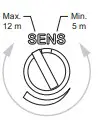
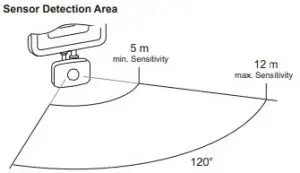
Sensitivity Level (SENS)
Determines the detection area by increasing or decreasing the sensor range.
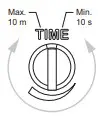
Timer Setting (TIME)
This setting varies the time span that the floodlight will remain ON after it is triggered.
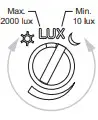
Light Level Adjustment (LUX)
Unit can be adjusted so that the sensor only operates at or below the set ambient light level.
Commissioning Procedure (TPFLS20SENLED only)
Note: When setting the TIME, LUX or SENS adjustments keep clear of the field of view when assessing the effect of the adjustment.
- Connect unit to mains power and allow at least 30 seconds for the unit to stabilise before making any adjustments.
- Set the TIME adjustment fully anti-clockwise (10 second timer).
- Set the LUX adjustment to respond to light or dark conditions during commissioning.
- Set SENS adjustment fully clockwise (maximum range set).
- Aim the sensor head towards the desired field of view.
- Walk slowly around the desired field of view to confirm if floodlight is activated from within the desired area.
- Set SENS as desired for required range.
- Set LUX as desired for activation at dusk.
- Set TIME interval to desired time. For optimum performance, please ensure the floodlight mounting height is between 2-3m.
Note: When resetting the LUX level, allow 30 seconds for the sensor to stabilise to normal operation.
Dimming
The product series is not dimmable.
Troubleshooting
| Problem | Possible Cause | Possible Resolution |
| Light turns on for no apparent reason | n Momentary power failure | None, unit will reset after a time-out |
| Unseen target | None, unit will reset after a time-out | |
| Extreme draughts of hot or cold | None, unit will reset after a time-out | |
| Tree branches or bushes moved by wind | ||
| Vehicle or pedestrian traffic on edge of field of view | ||
| Light turns on for no apparent reason | Wrong setting on LUX | Reset according to Commissioning Procedure |
| Light does not turn on in dim or dark conditions | Wrong setting on LUX | Reset according to Commissioning Procedure |
| Problem | Possible Cause | Possible Resolution |
| Light remains permanently on | Moving source being detected. | Remove unwanted source. If unable to resolve, reposition the sensor head (horizontally and vertically). The light should turn off after a time out. If the light remains on, call the Installer. |
Note: Do not mount too close to air conditioner vents, flues, water fountains, sprinklers or pet doors.
Product Specification
| Parameter | TPFLS10LED | TPFLS20LED | TPFLS50LED | TPFLS100LED | TPFLS20SENLED |
| VoltageRating | IP65 | IP44 | |||
| Total Power Consumption | 10 W | 20 W | 50 W | 100 W | 20 W |
| Beam Angle | 100° | ||||
| Lumen Output | 900 lm | 1800 lm | 4500 lm | 9000 lm | 1800 lm |
| Operating Temperature | –10 °C to +40 °C | ||||
| Operating Humidity | +10 to +95% RH, non-condensing | ||||
| Storage Temperature | +10 to +95% RH, non-condensing | ||||
Note: TPFLS20SENLED Floodlight does not have a sensor override function.
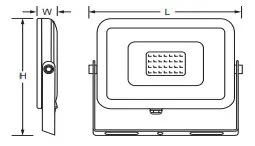
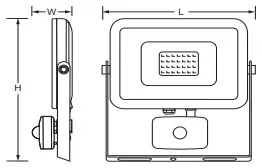
Warranty
For warranty information contact https://www.schneider-electric.com.au/en/about-us/legal/terms-and-conditions.jsp
Australia
Schneider Electric (Australia) Pty Ltd
Customer Care Australia: 1300 369 233
Email: [email protected]
www.schneider-electric.com.au
F2837/01
New Zealand
Schneider Electric (NZ) Ltd
Customer Care NZ: 0800 652 999 After hours (NZ Only): 0800 735 4357
Email: [email protected]
www.schneider-electric.com
References
 Electric | The Largest Consumer Energy & Renewables Platform
 Schneider Electric Global | Global Specialist in Energy Management and Automation
-
Schneider Electric Global | Global Specialist in Energy Management and Automation
-
Schneider Electric Australia | Global Specialist in Energy Management and Automation
-
Terms and conditions of sale | Schneider Electric Australia
 Electric | The Largest Consumer Energy & Renewables Platform
 Schneider Electric Global | Global Specialist in Energy Management and Automation
 Schneider Electric Global | Global Specialist in Energy Management and Automation
 Schneider Electric Australia | Global Specialist in Energy Management and Automation