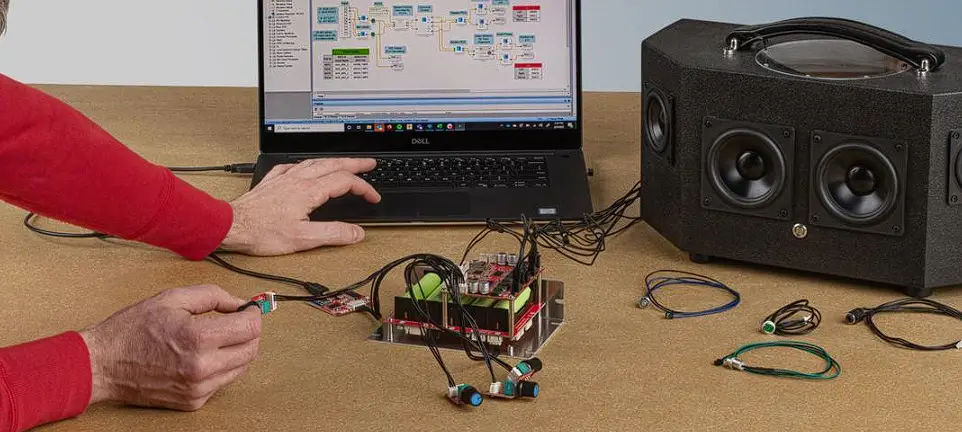

DAYTON AUDIO KPX Parameter Adjustment Board
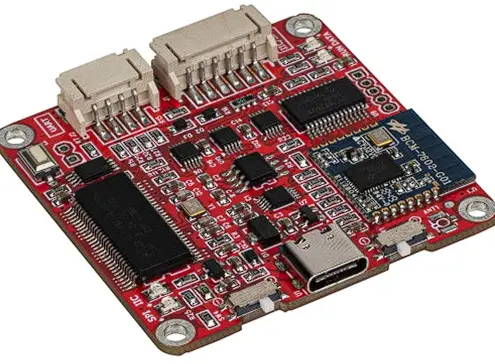
Quick Start Wiring Guide Model: KPX
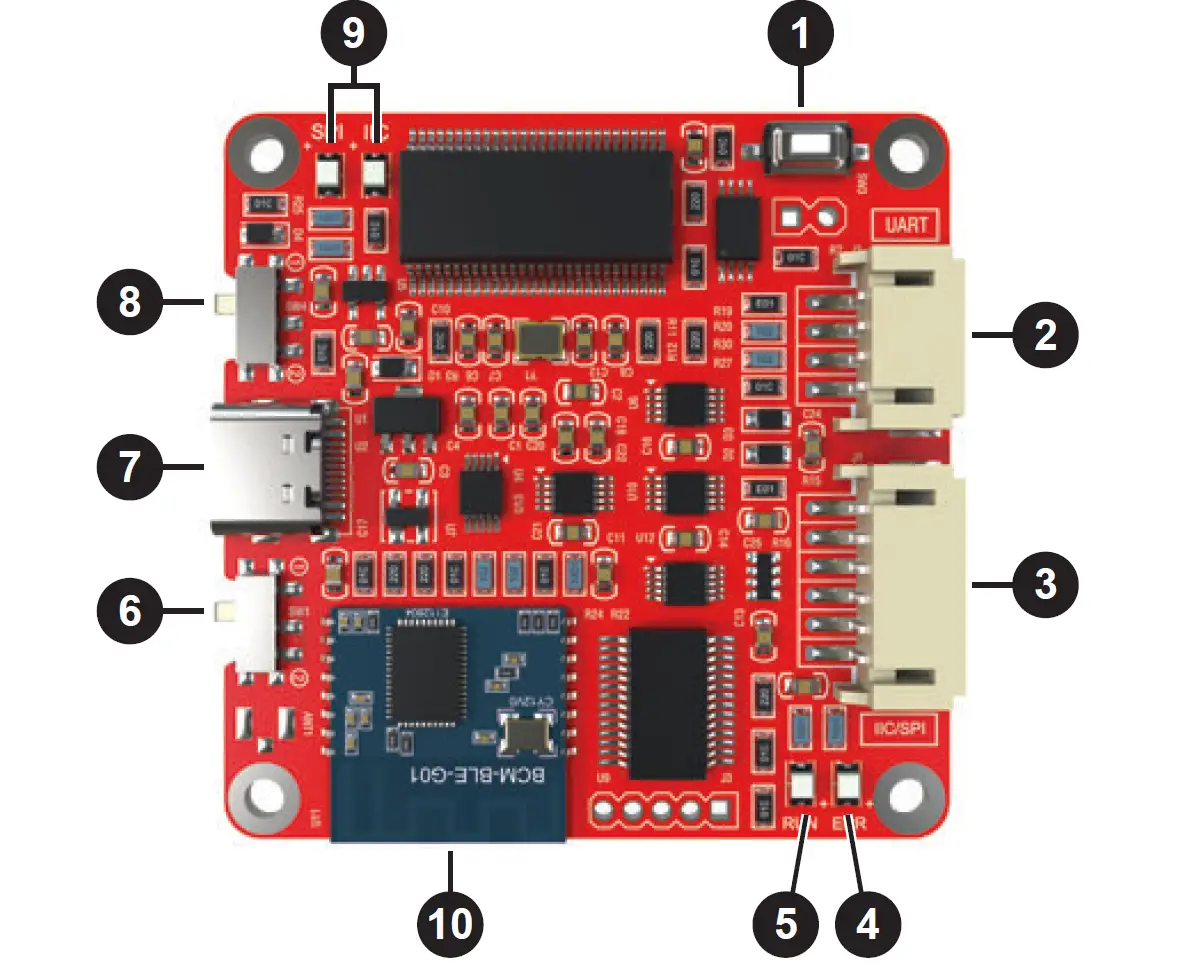
- SW3 Boot Loader Button (Service Only)
- J2 – Connection to Dayton Audio KABX Controlled Products
- J1 – Connection to SigmaStudio Controlled Products
- Error Status LED
- Microcontroller Status LED
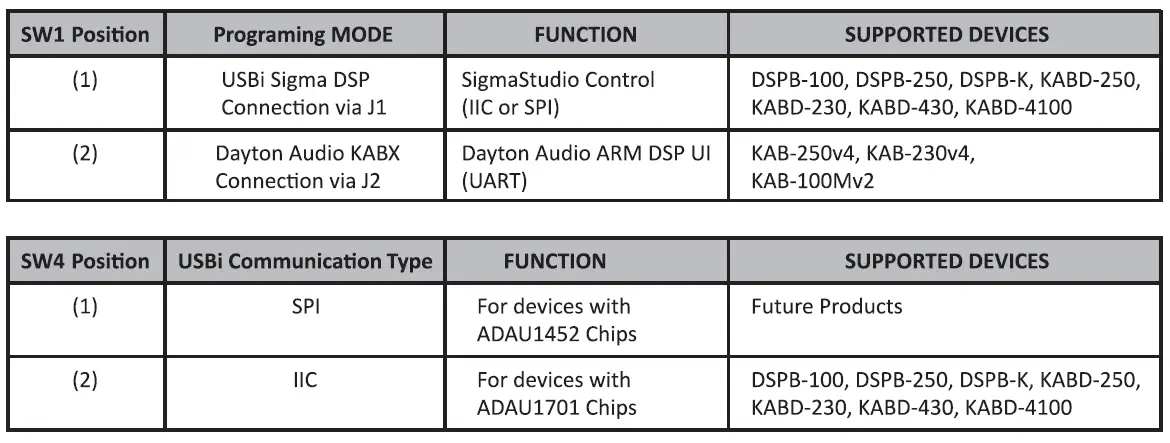
- SW1 – Programming mode Switch
- U1 – USB Type-C for PC Connection and 5V Power
- SW4 – USBi Communication Mode Switch
- USBi Communication Status LEDs
- Bluetooth BLE (For Future Use)