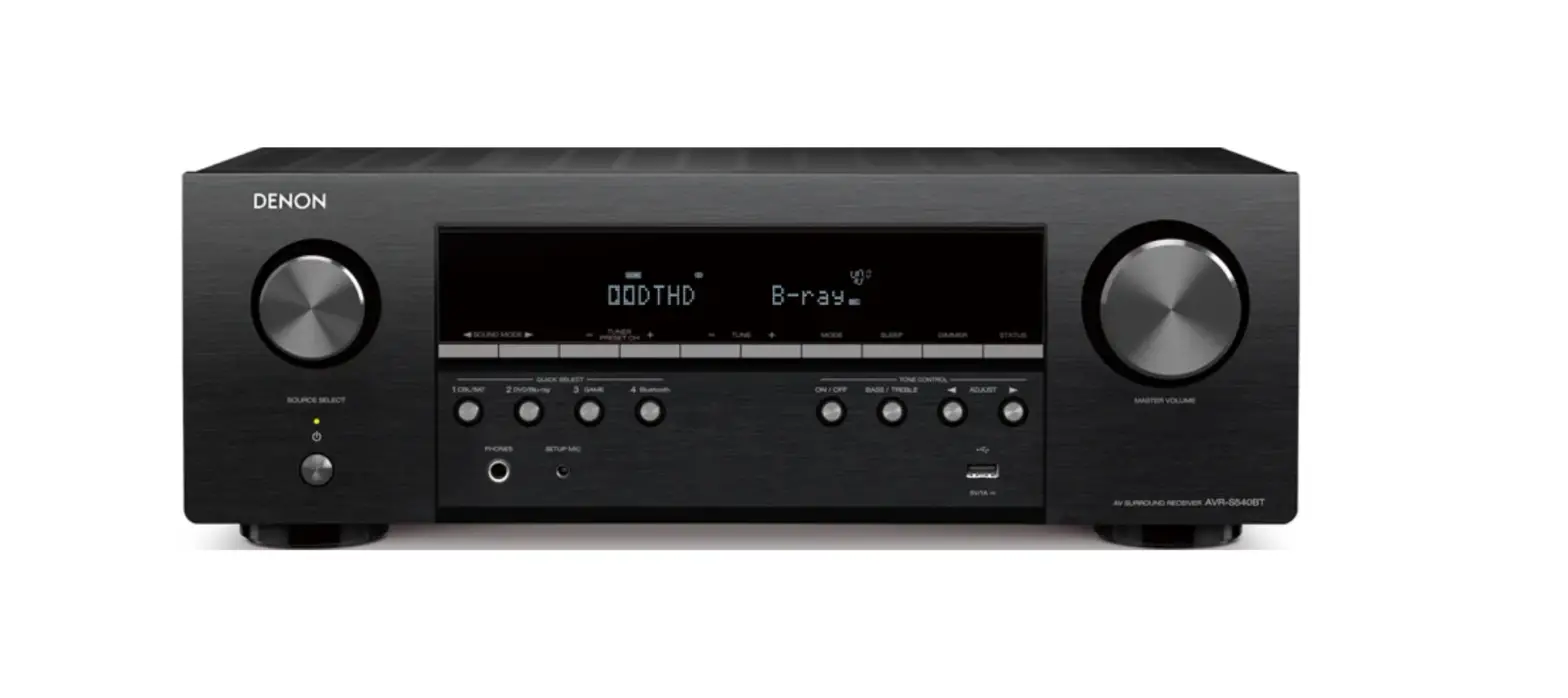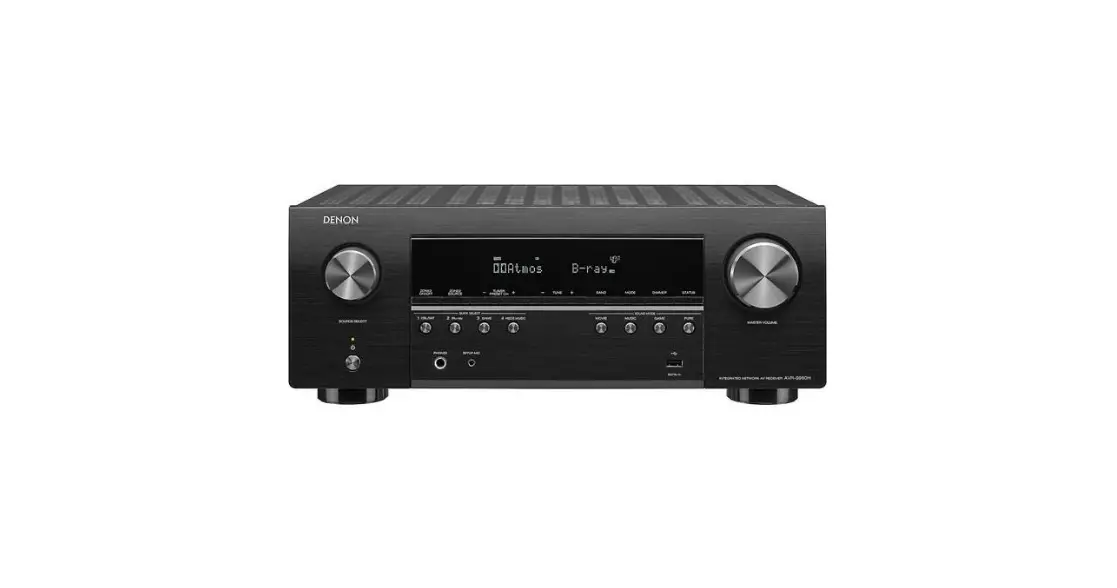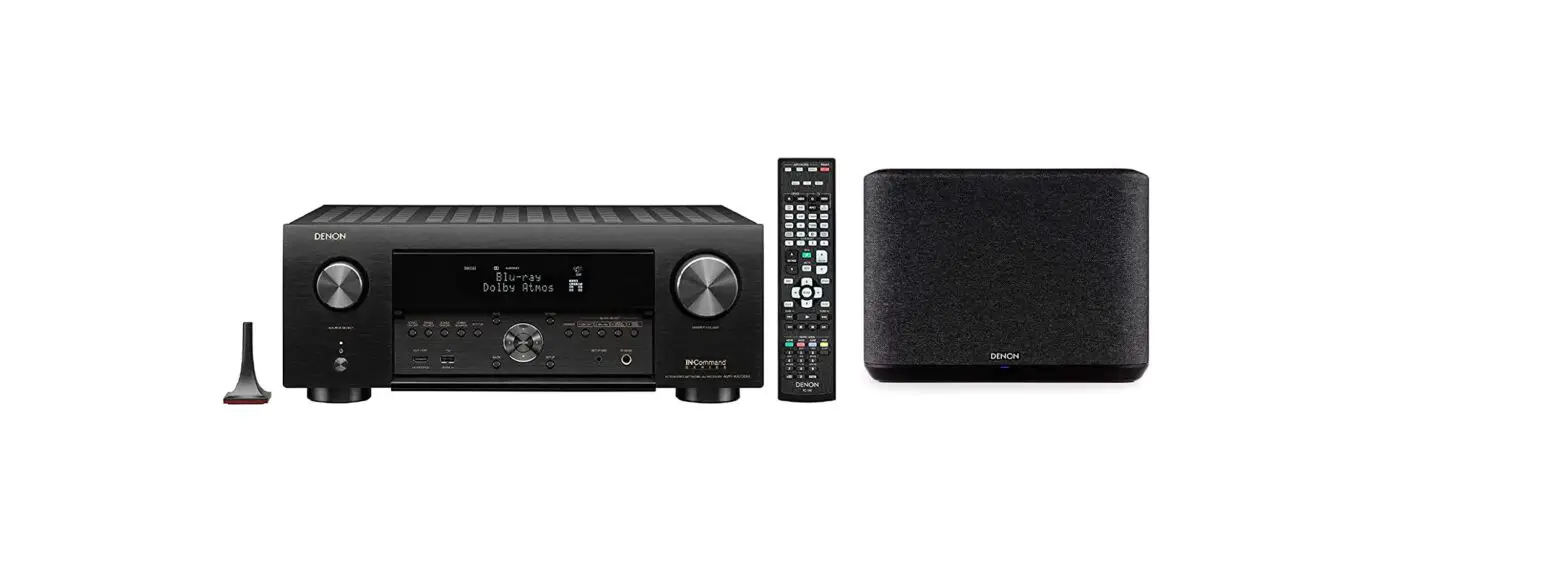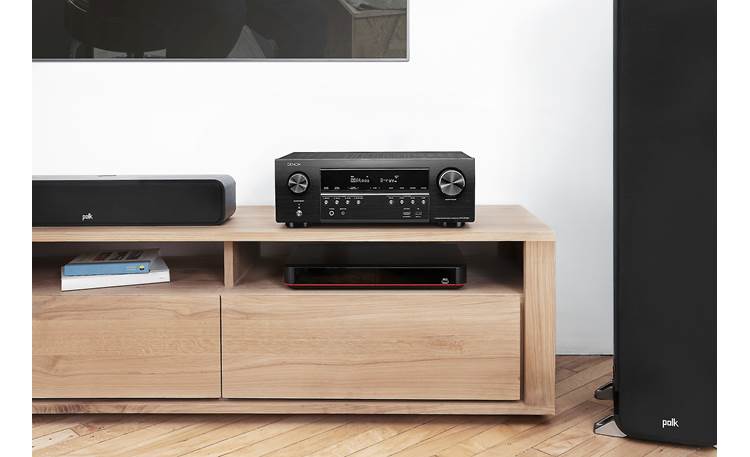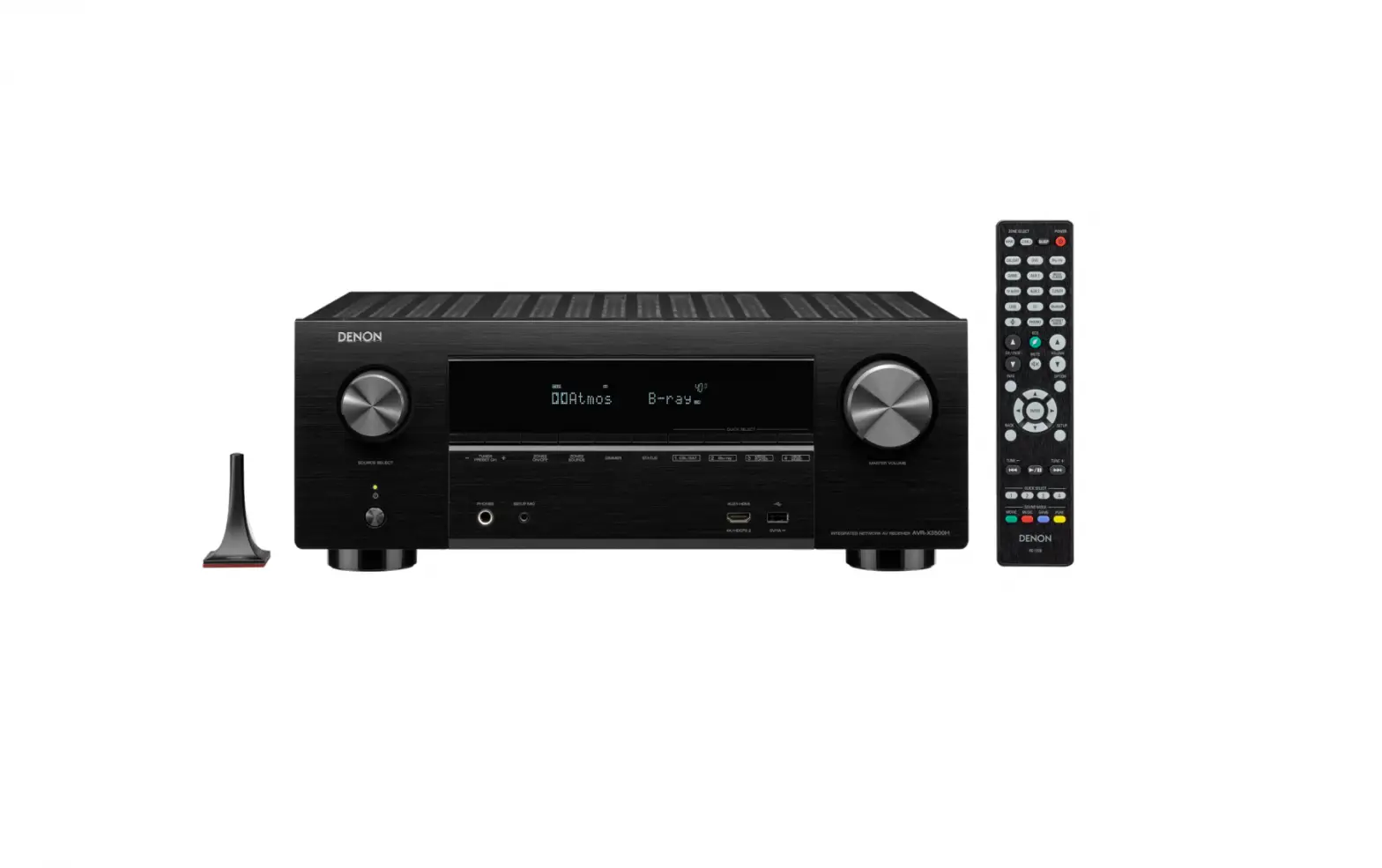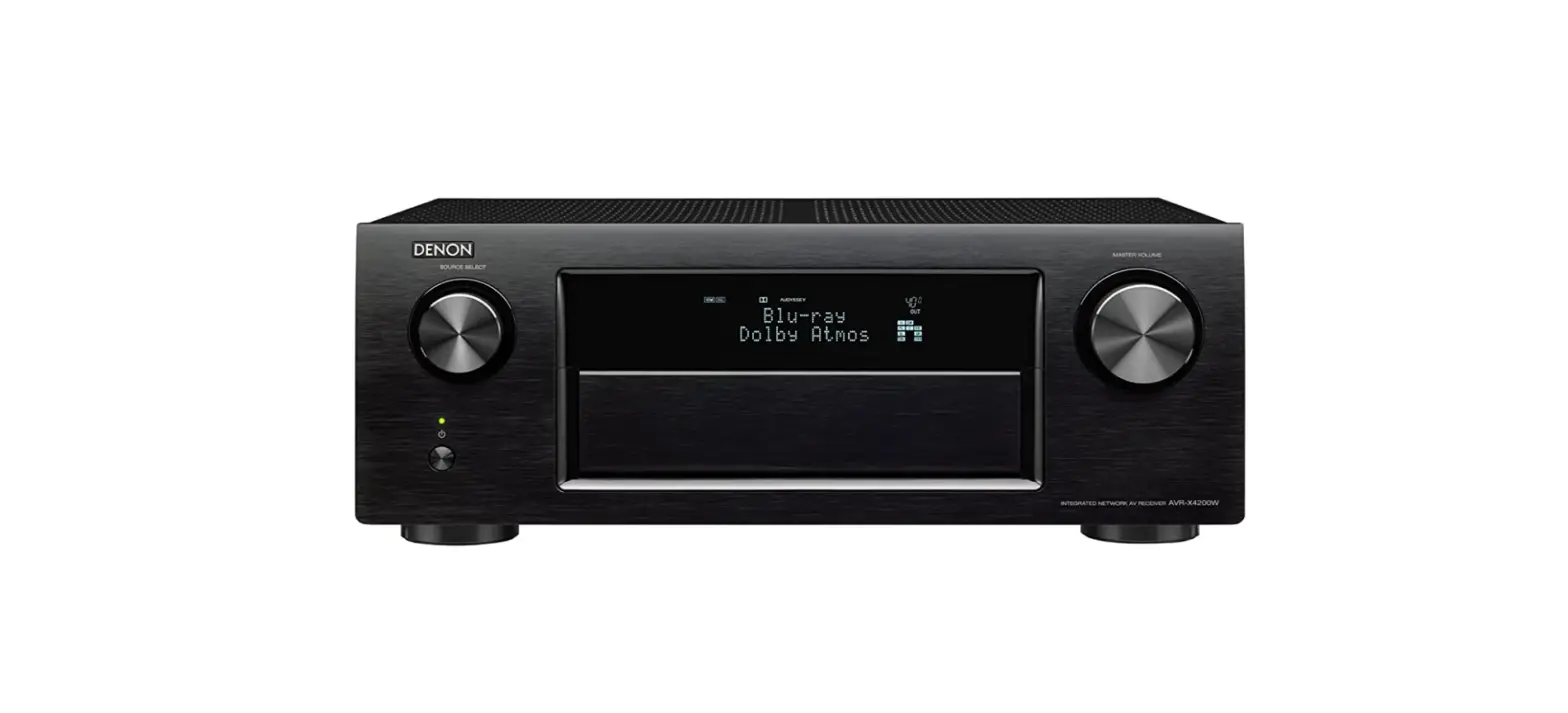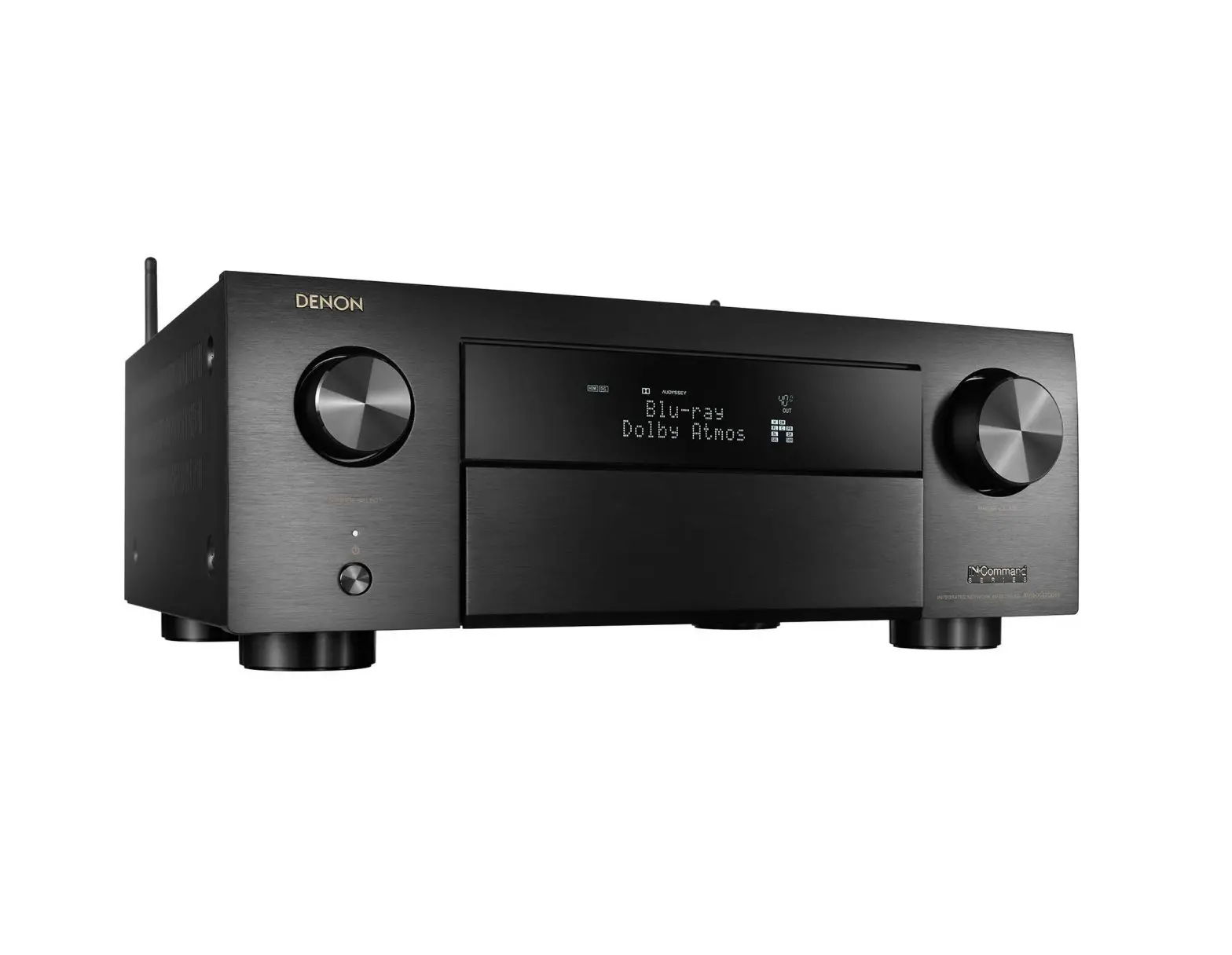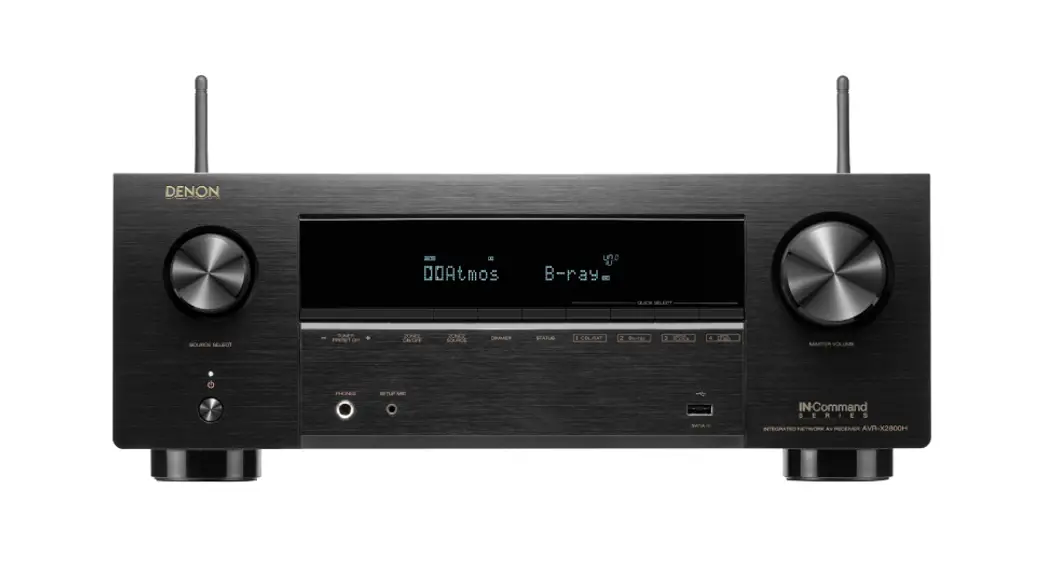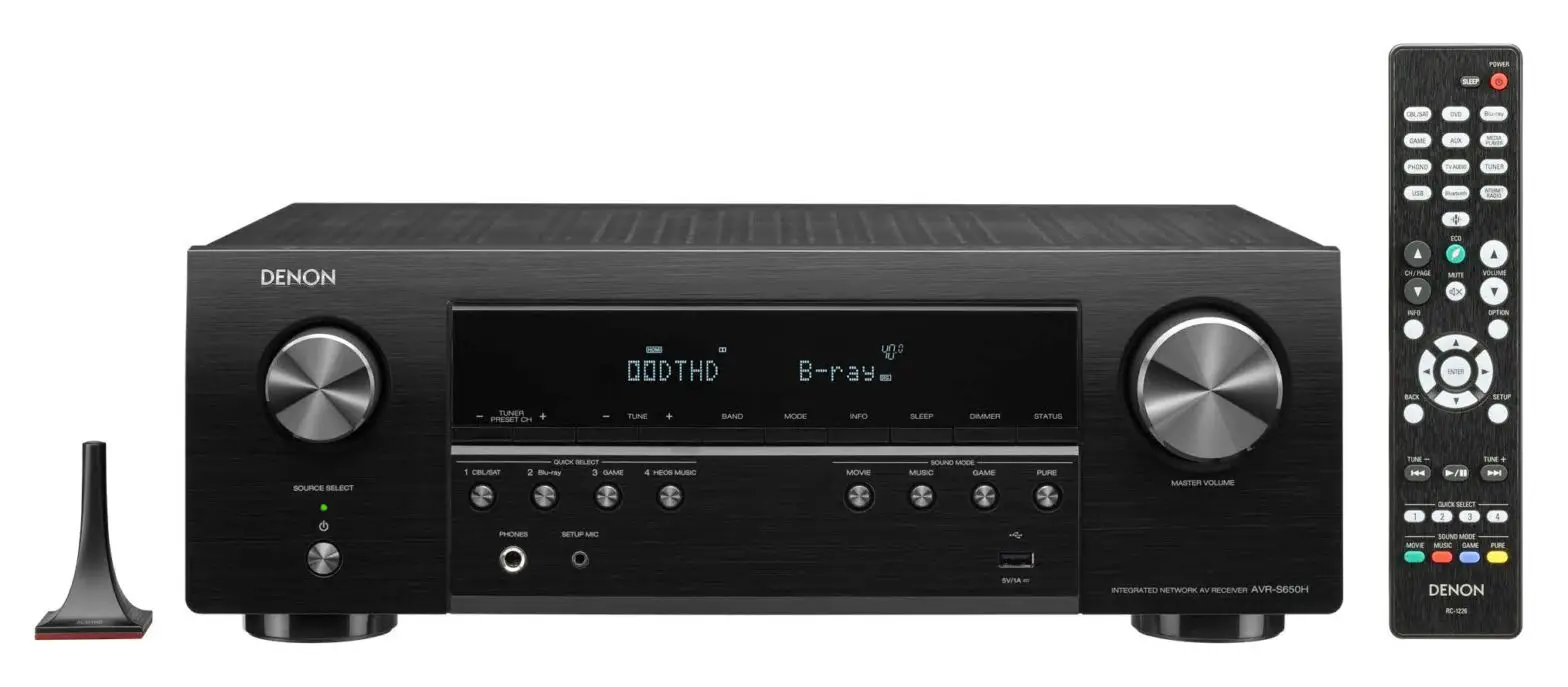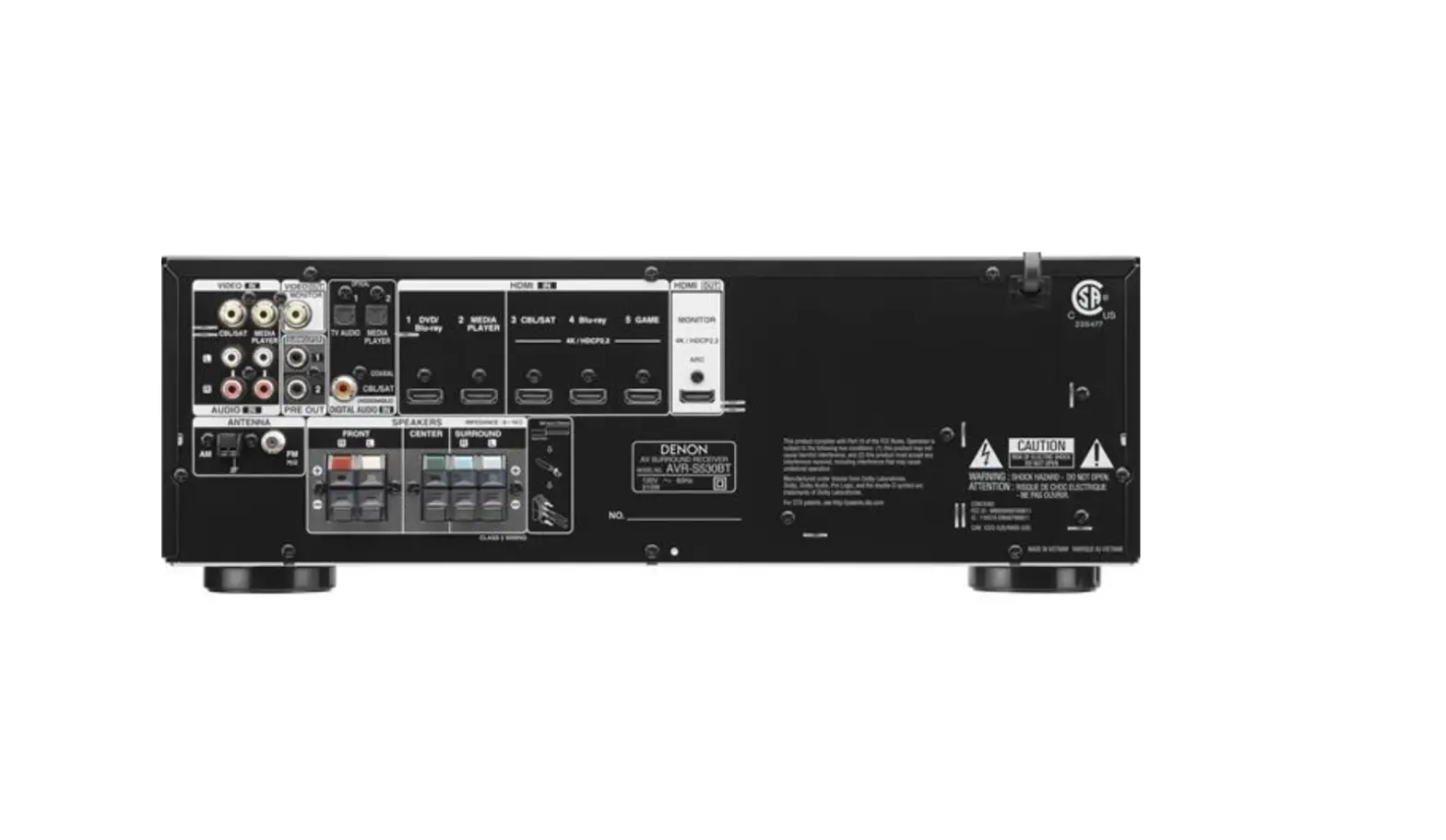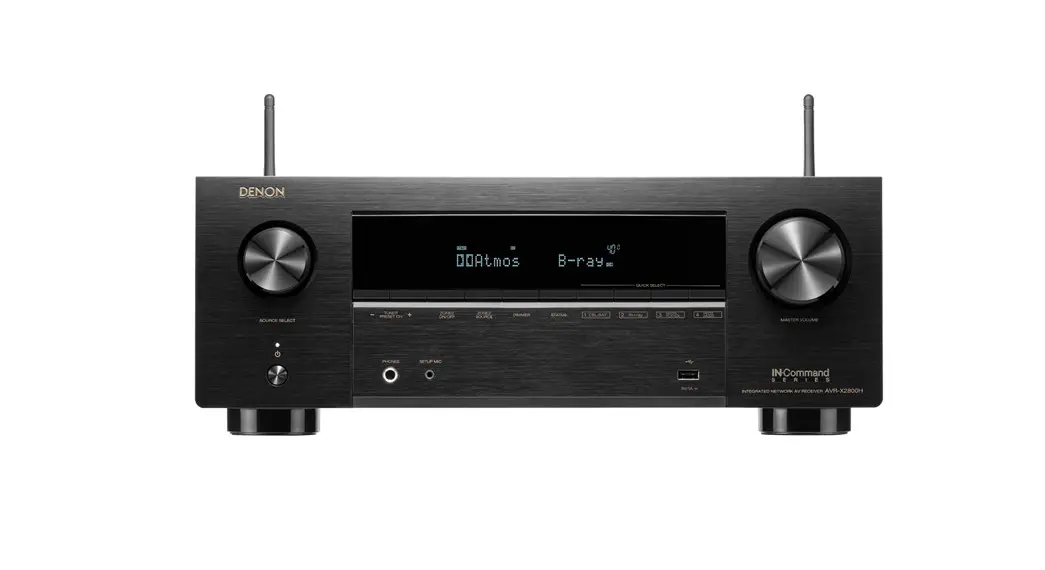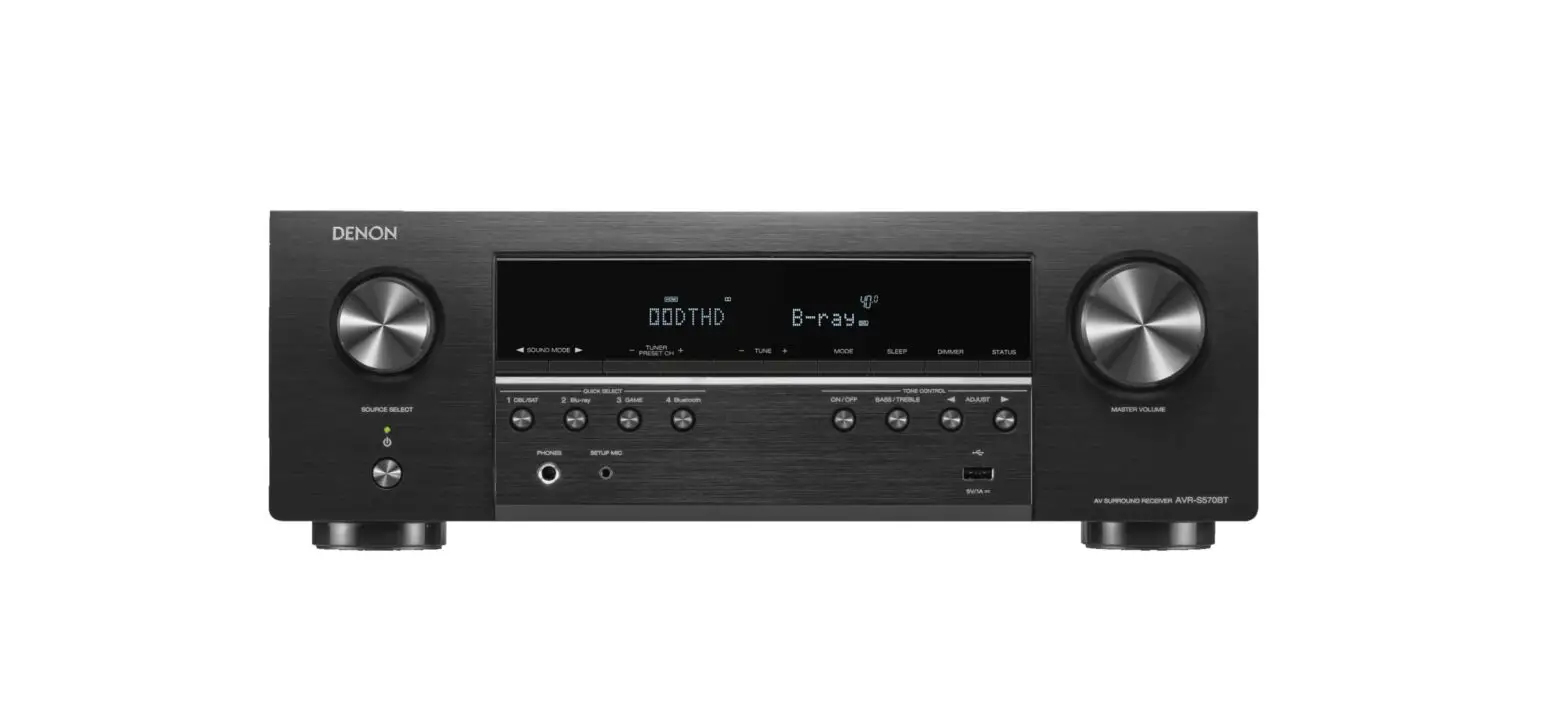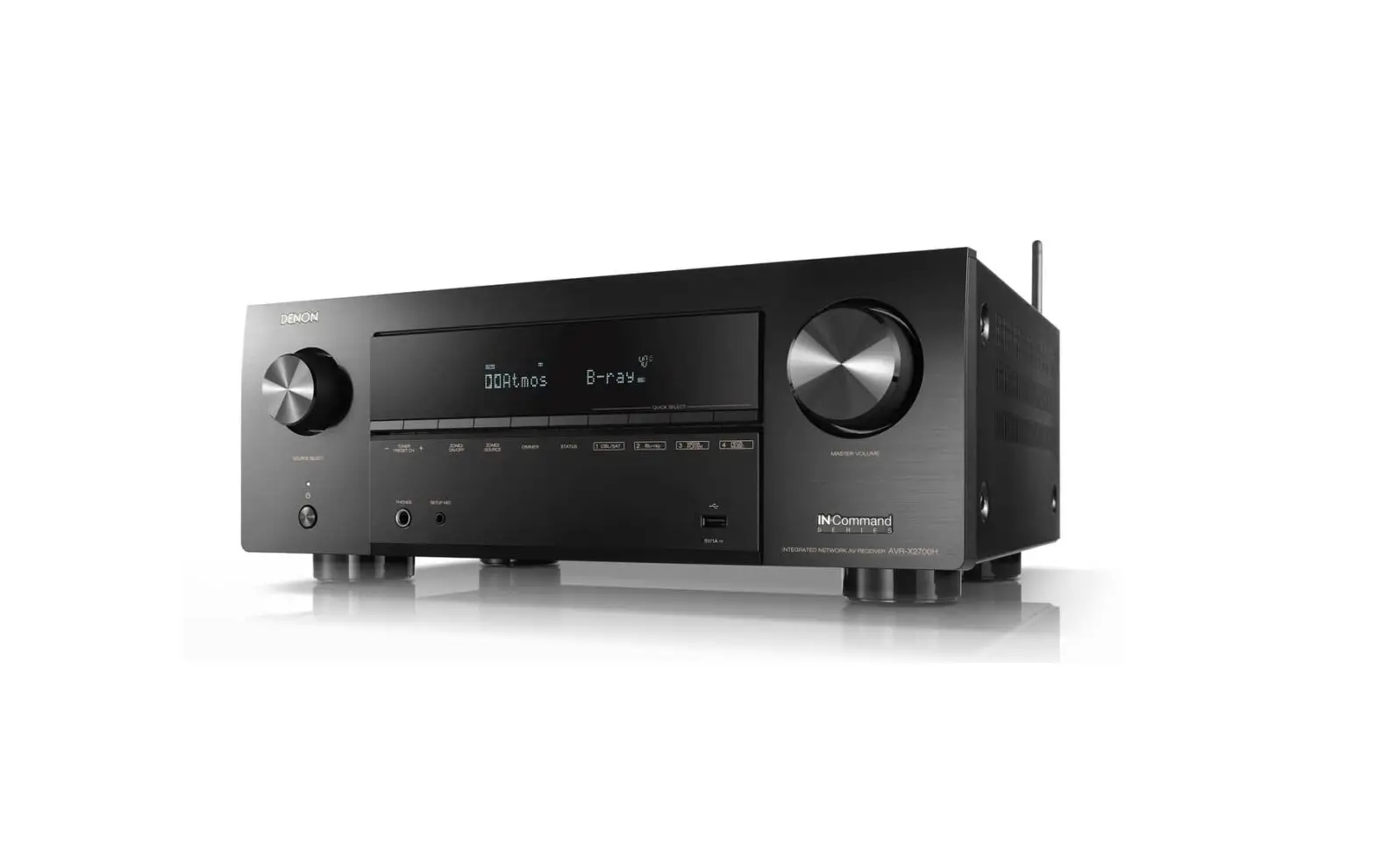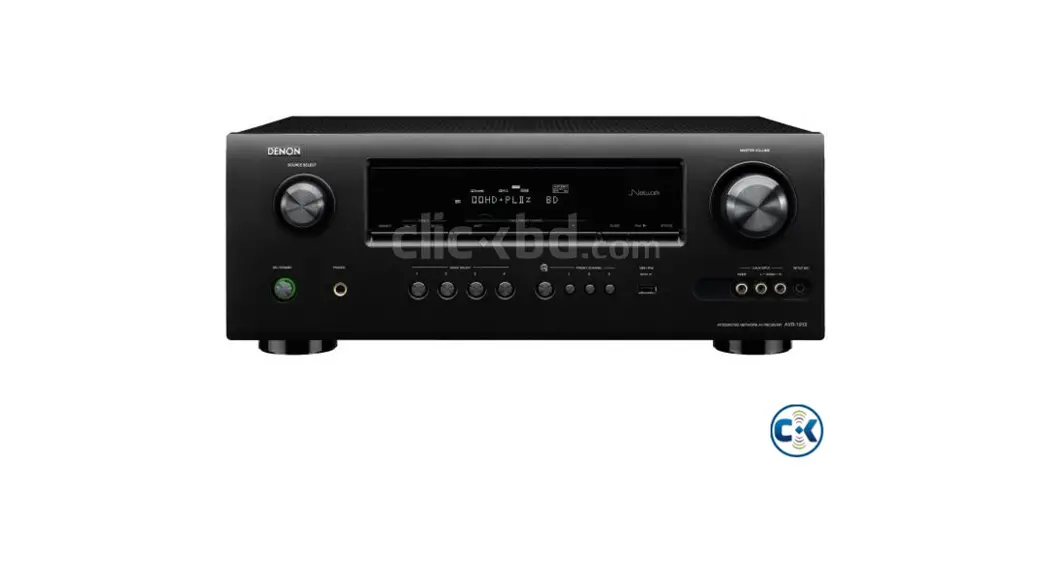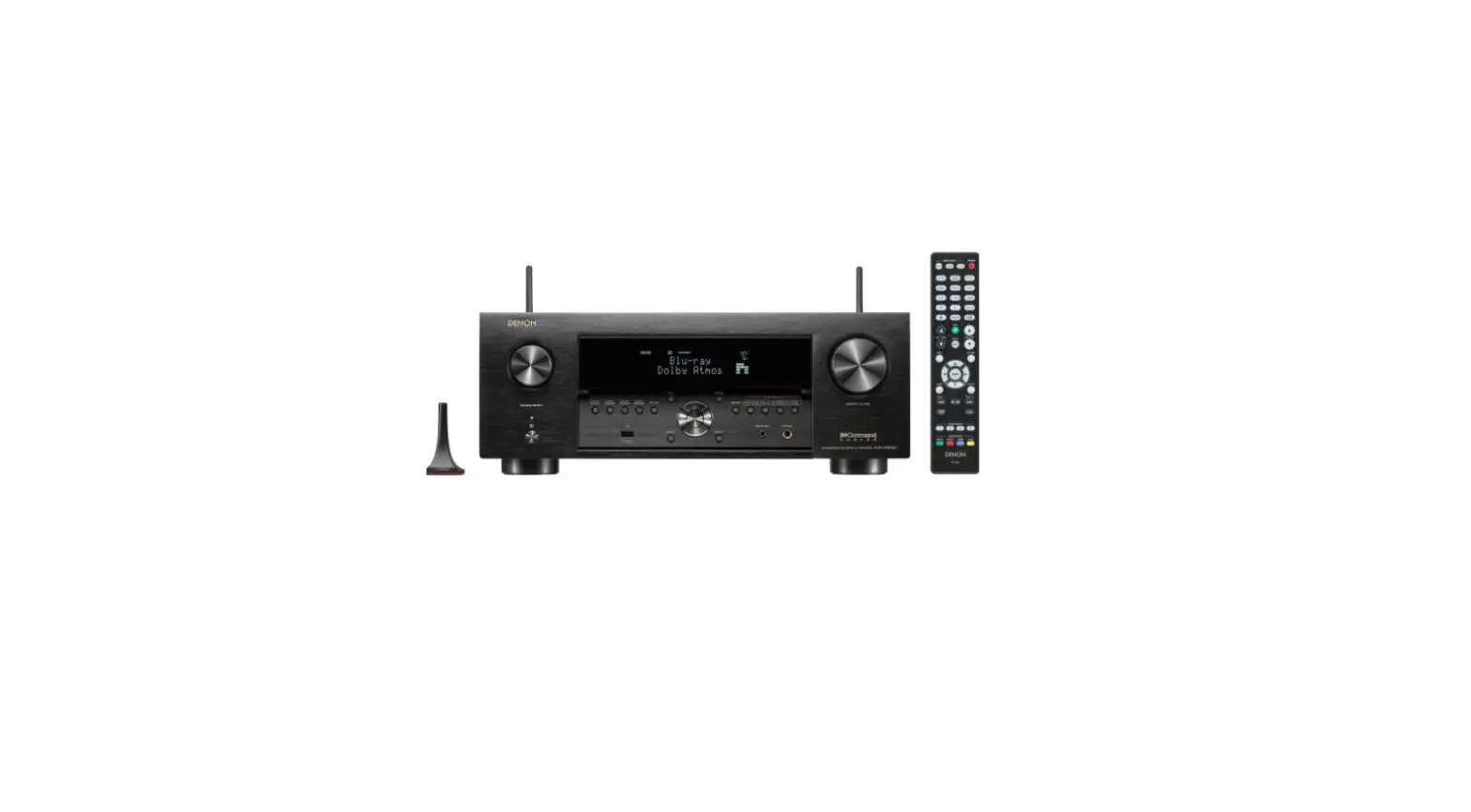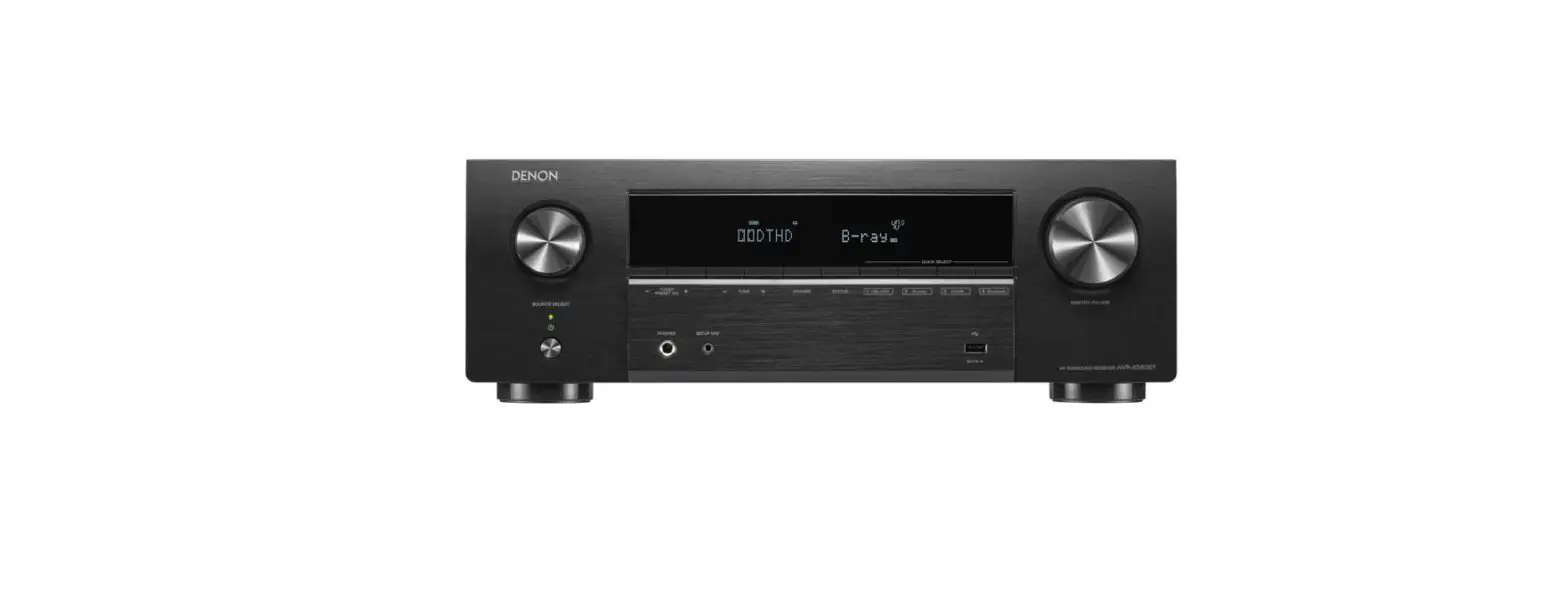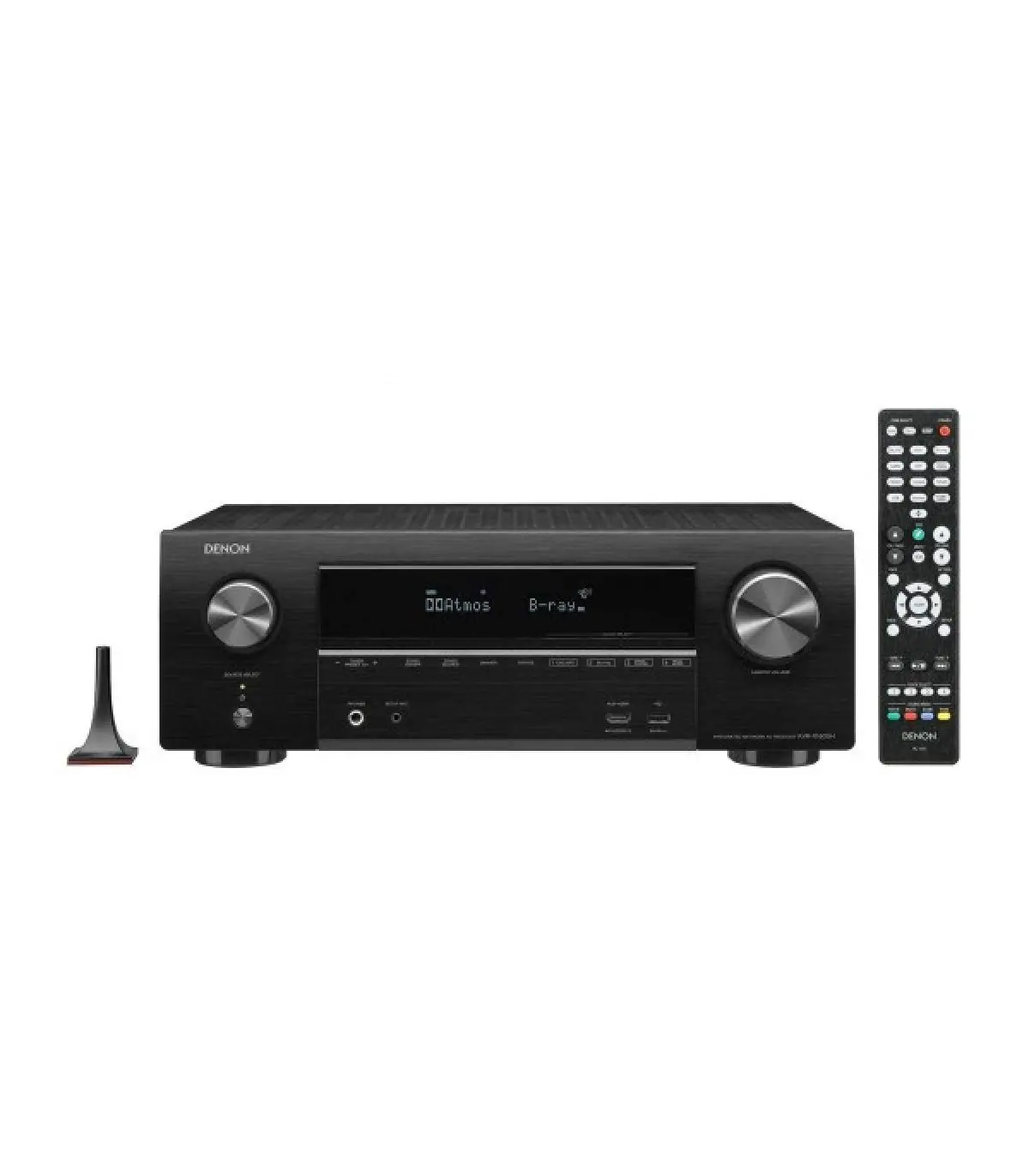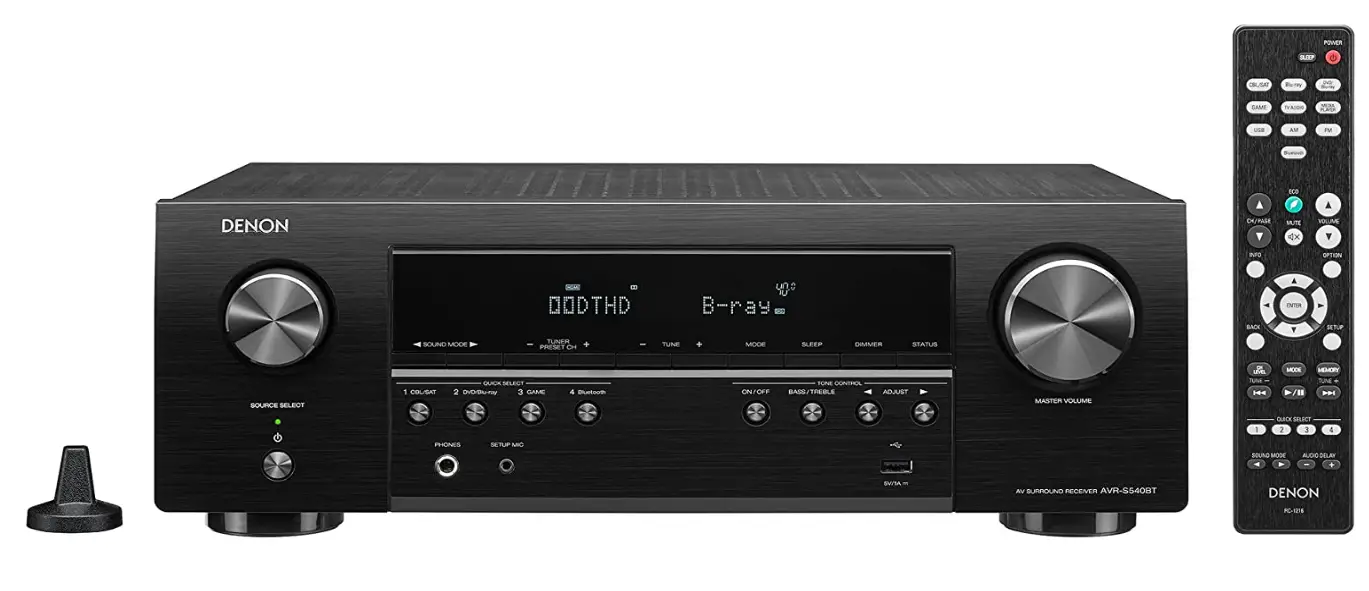

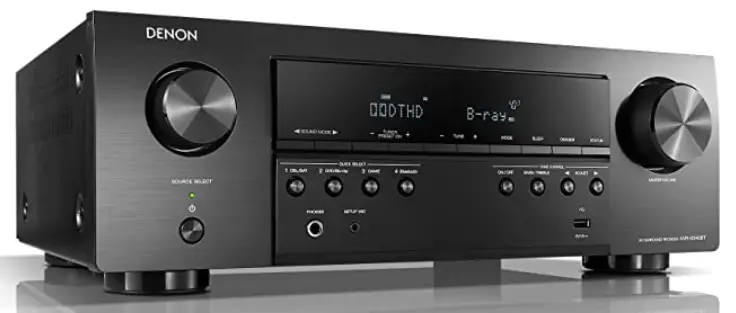
Denon AVR-S540BT Receiver, 5.2 channel
Welcome
Thank you for choosing a Denon AV receiver. This guide provides step-by-step instructions for setting up your AV receiver.
Before You Begin
Required for Setup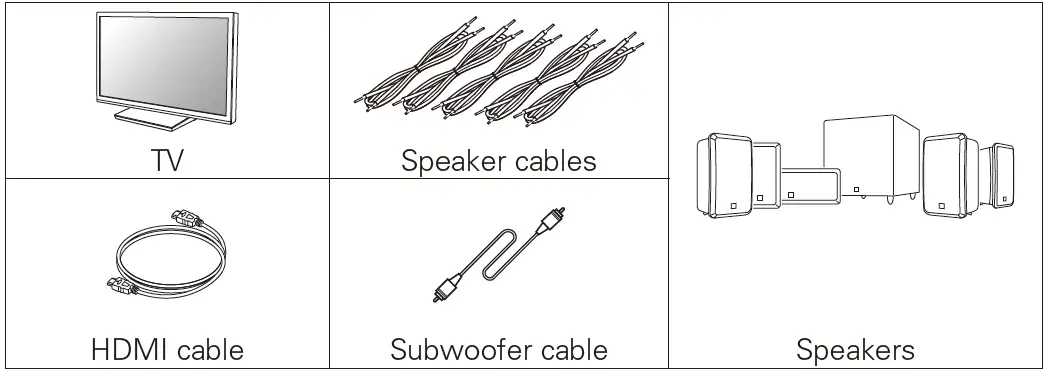
Note
- when connecting this unit to a device that is compatible with the Deep Color, 4K and ARC functions, use a “High-Speed HDMI cable with Ethernet” that displays the HDMI logo.
- These drawings are for illustrative purposes only and may not represent the actual product(s).
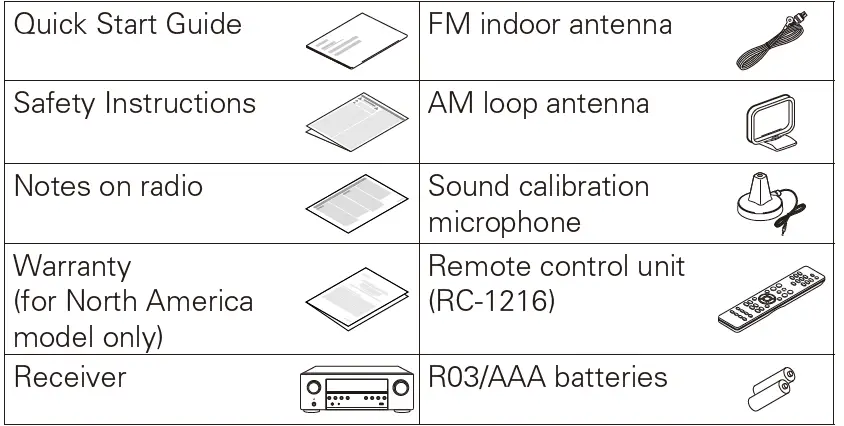
What’s In the Box
Note
- Using your own tripod enables settings to be automatically configured to the optimum listening environment, providing exceptionally high performance.
Setup
There are four steps to the setup process.
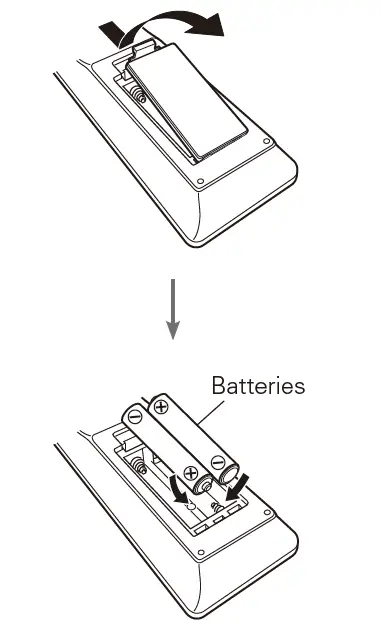
- Installing batteries in the remote control unit
- Connecting the receiver
- Following the On-Screen Setup Assistant
- Enjoying music using Bluetooth
Installing batteries in the remote control unit
Connecting the receiver
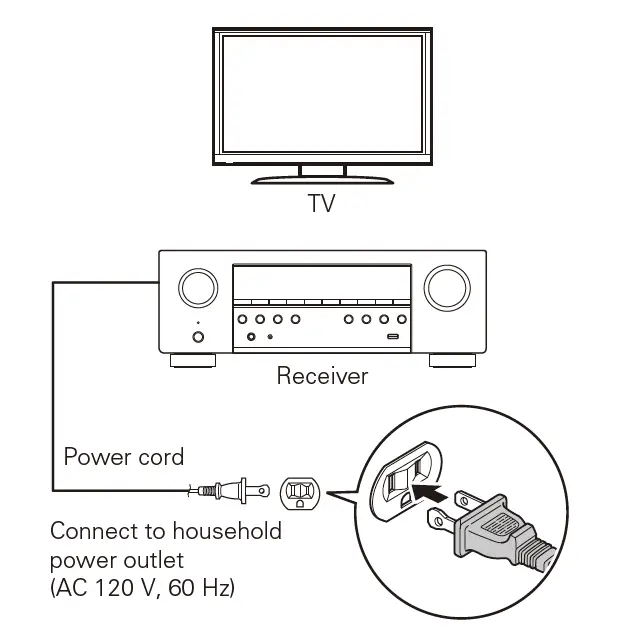
- Place the receiver near your TV and connect the power cord

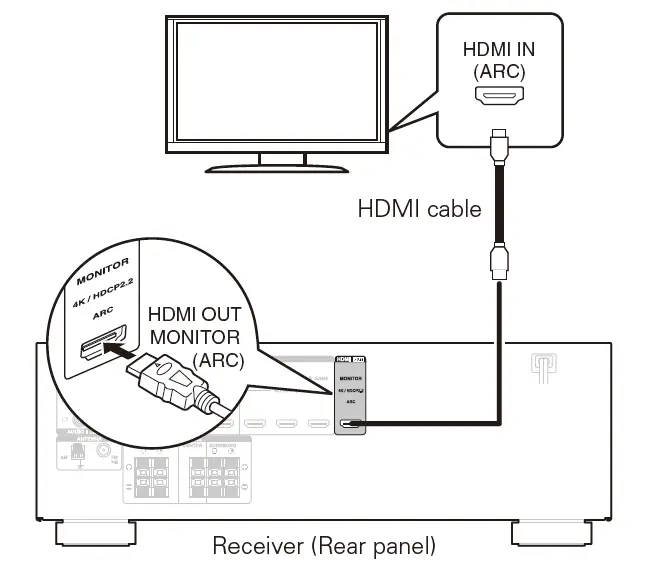
- Connect the receiver to your TV with an HDMI cable

ARC (Audio Return Channel):
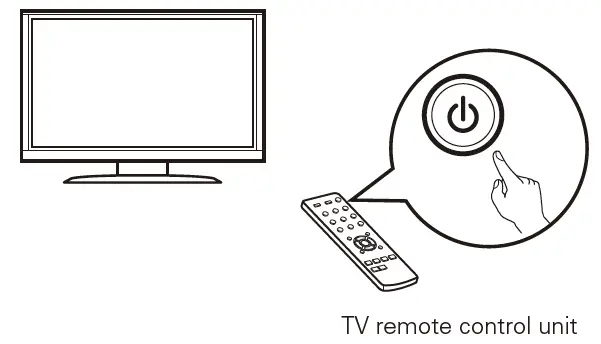
If your TV supports ARC, your TV can send audio back to the AV receiver when you are using your TV’s built-in video sources (TV tuner, Smart TV streaming services, etc…) ARC requires that you enable HDMI CEC on your TV. Please refer to your TV’s Owner’s Manual for instructions on how to setup HDMI CEC. Note that some TV manufacturers use other names for the HDMI CEC function. - Turn on the TV

- Select the appropriate HDMI input on your TV

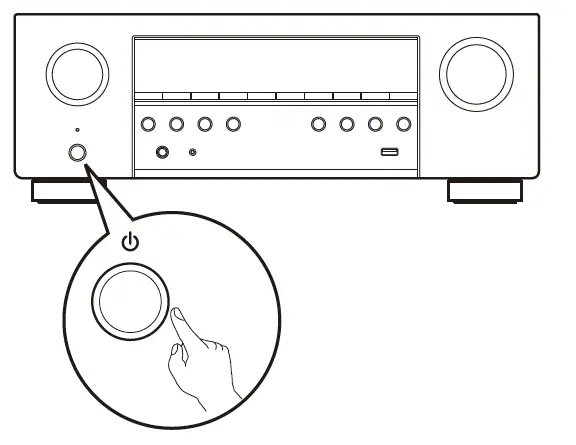
- Turn on the receiver
- Press POWER to turn on the receiver.

- Press POWER to turn on the receiver.
- Verify the connection
- Verify that you can see this screen on your TV.

- Verify that you can see this screen on your TV.
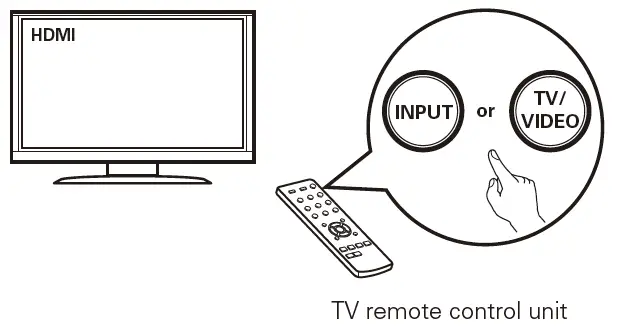
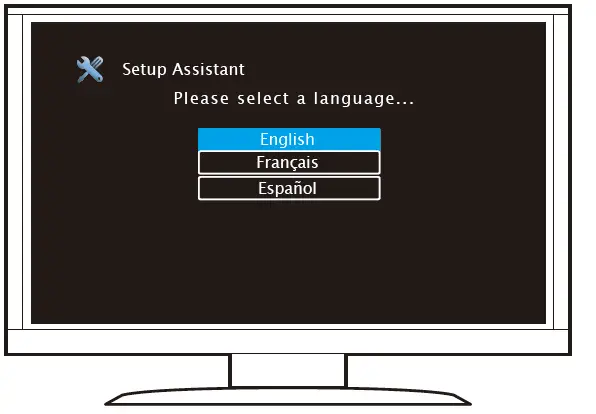
If this screen is not displayed, please go back and retry the steps again in the recommended sequence.
Following the On-Screen Setup Assistant
The Setup Assistant will walk you through connecting and confi guring your speakers and components to your Denon receiver. Please use the remote control and follow the on-screen instructions.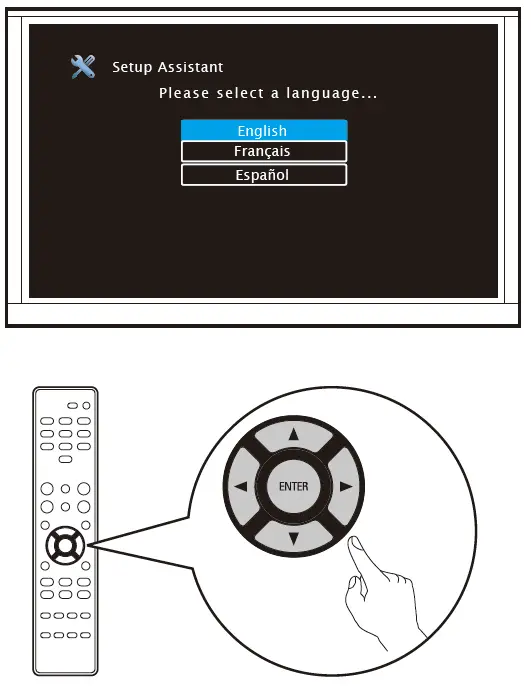
Enjoying music using Bluetooth
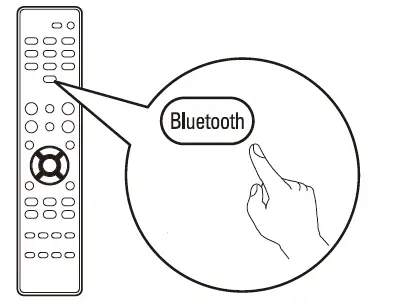
- Press and hold the Bluetooth button on the remote control for at least 3 seconds to go into pairing mode.

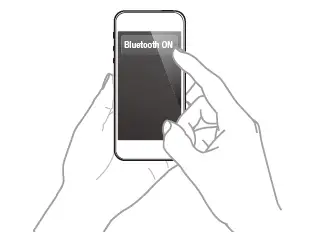
- Activate the Bluetooth settings on your mobile device.

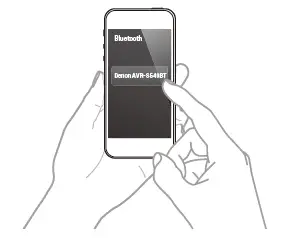
- Select “Denon AVR-S540BT” from the Bluetooth device list on your mobile device.

- Play music using any App on your device.
BLUETOOTH: To reconnect a previously paired Bluetooth device, Start at step 2.
Owner’s Manual
- For more information, visit www.denon.com
- Refer to the Online Manual for other functions information and operation procedure details. manuals.denon.com/AVRS540BT/NA/EN/

Compatible with the “Denon 500 Series Remote” App
The “Denon 500 Series Remote” App allows you to remotely control the AVR-S540BT from your mobile device when connected via Bluetooth. It is available for free in the Apple App Store, Google Play or the Amazon Appstore. Make sure you search for “DENON 500 SERIES”.
Printed in Vietnam 5411 11579 00AD
Copyright © 2018 D&M Holdings Inc. All Rights Reserved.
FREQUENTLY ASKED QUESTION
How many watts per channel for 8ohm speakers if only using front two , center speaker with sub woofer and no surround sound?
It says Experience 5 AMPLIFIERS (140W per channel) driving amazing power, realistic display and immersive sound across any room in the description. Is it 70w or 140w per channel
Thanks very much for your question. The connections are preamp outputs that are intended for use with a powered sub. A passive sub will not run off this receiver. World Wide Stereo is 38 years old and a proud authorized Denon dealer.
don’t use the headphone jack for your wireless speakers. Connecting anything to headphones Jack or aux Jack usually will remove sound from going to your hooked-up speakers.
You need a tv or monitor that is capable of hdmi to use the on screen setup. U can setup music without a tv using the demon AVR app
Denon provides a good tutorial on connecting your surround sound speakers. In order to have video playing from your projector and sound to your surround sound, my guess is you’d need to run an HDMI from the dvd or video player to the projector, then another hdmi from the projector to the receiver. Another option is to run a video cable from the receiver or the dvd/video player to the projector
Write the manufacturer.
The Denon is a receiver/amplifier. It has a 5-channel 700 watt amplifier built in. It is not designed to pair with any additional amplifiers.
To be specific, it has 2 optical digital inputs on addition to a few HDMI inputs. When Google was still selling Chromecast Audio devices, I bought one and the nice thing is that Chromecast Audio output is actually a combo – both optical and 3.5mm auxiliary into one. Anybody using that device should use the optical output to this receiver. Once you calibrate the receiver and set the equalizer, the sound quality is awesome. I do use Chromecast Video, Roku, etc.. Multiple inputs on this is very helpful.
NO
Hello and thank you for your question. Yes the AVR-S540BT is compatible with PCM and Digital audio signals. It also has Dolby ProLogic II. This mode can be selected when the Dolby PL 2-Roman Numeral decoder is used to play back 2-channel sources in 5.1-channel surround sound with an enveloping surround sound experience.
Hello,
A pink screen can be caused by a number of things. It could be the AVR’s HDMI board if it’s happening with multiple sources. I would also try replacing the HDMI input cable and see if it continues. If so, I then recommend you contact our Support team by calling 201-762-6665 (M-F, 11 AM to 6 PM EST) so they can further troubleshoot the issue.
YES