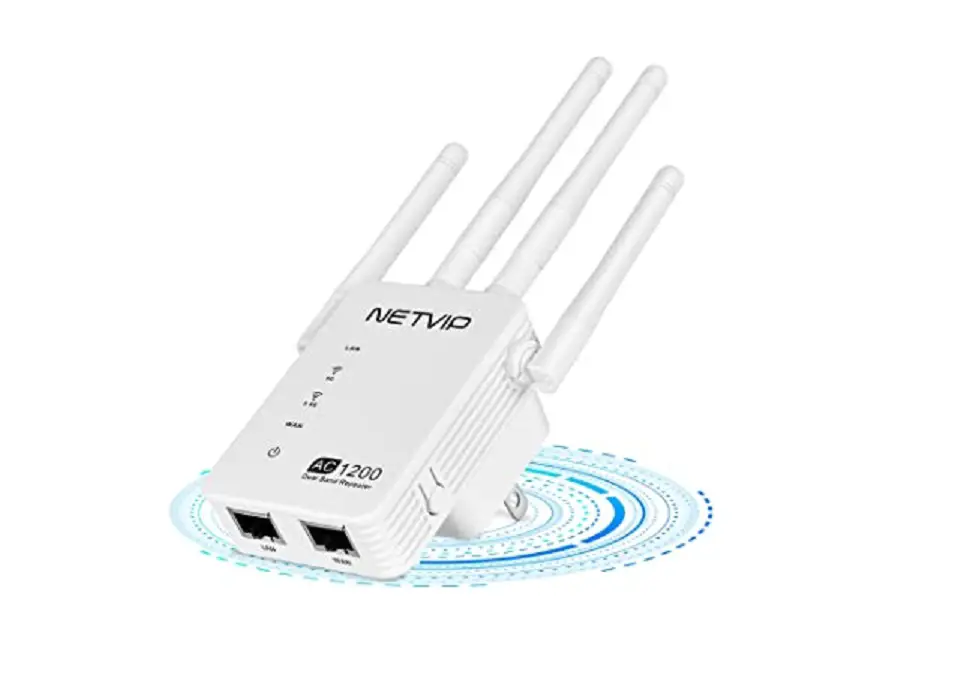
NetVIP WiFi Repeater Extender 519 User Manual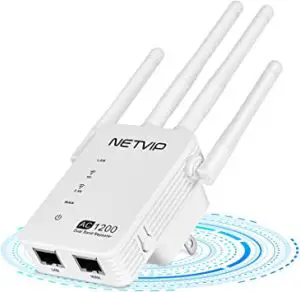
24h Tech Support:
2 Working Modes;
(Select based on your needs)
- Repeater Mode
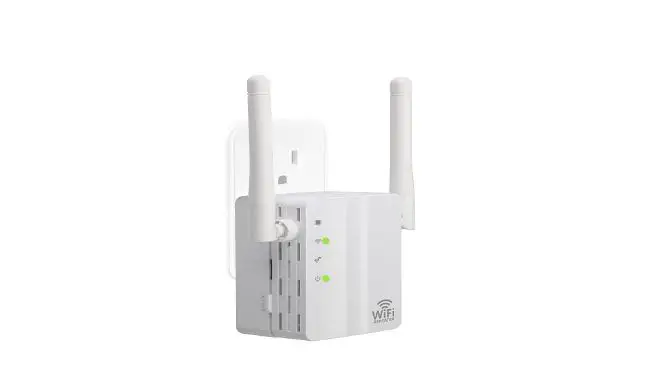
Plug NETVIP WiFi Booster into your power socket, easily expand your existing WiFi coverage to signal dead zones - Access Point Mode
Connect your router signal with Ethernet Cable, cover a wired network to a wireless access point.
How to set Repeater Mode
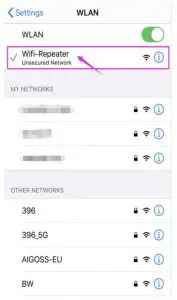
- Step 1:Plug the item into power socket directly. Turn off your cell data, connect the repeater signal.


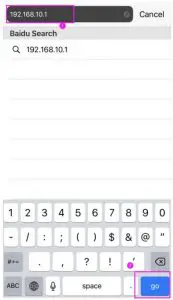
- Step 2; Open your browser and go to the web; 192.168.10.1


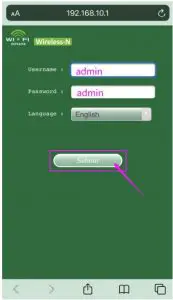
- Step 3;User name and password are both admin
Step 3; Choose Repeater Mode.
- Step 4; Select your current Wifi
- Step 5; finish the setting
- Step 6; Done, close your browser directly


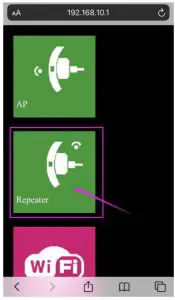
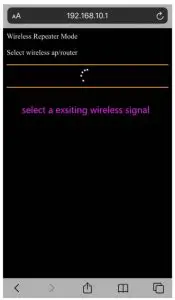
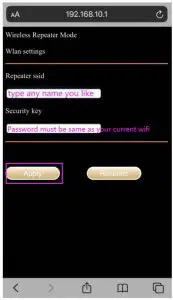
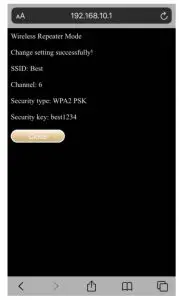
Reference Video
https://youtu.be/3uoGpCGITWk
https://youtu.be/bGedIZMJSKE
FQ
Why unable to open the IP address 192.168.188.1?
- Before go to the web site, please connect the Repeater signal FIRST. (NOT your home wifi, a new signal in your WLAN list)
- Please do not use the network cable before completing the setting.
 Repeater Mode Setting - YouTube