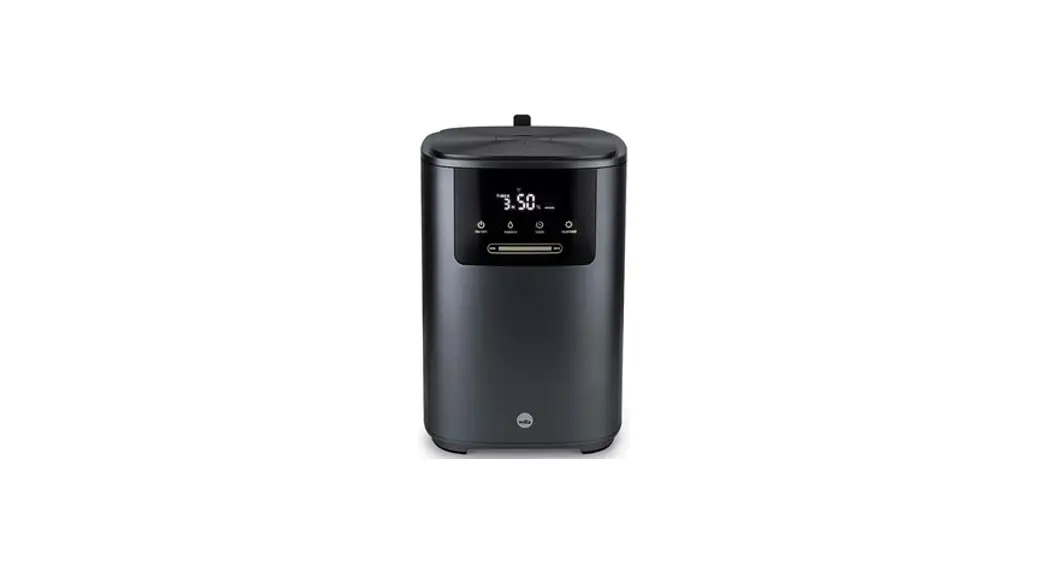

CONNECTION METHOD
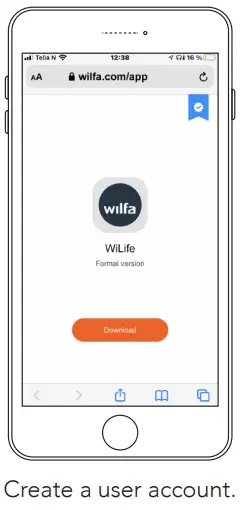
STEP 1
Download the app at Wilfa.com/app Or scan the QR-code.

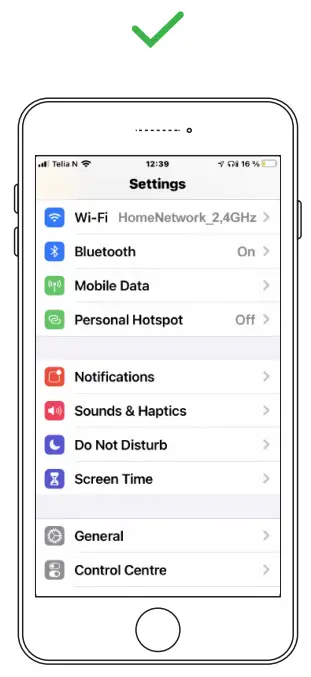
STEP 2
Ensure Bluetooth is enabled on your phone. Connect to Wi-Fi (network requirement: 2,4GHz)
STEP 3
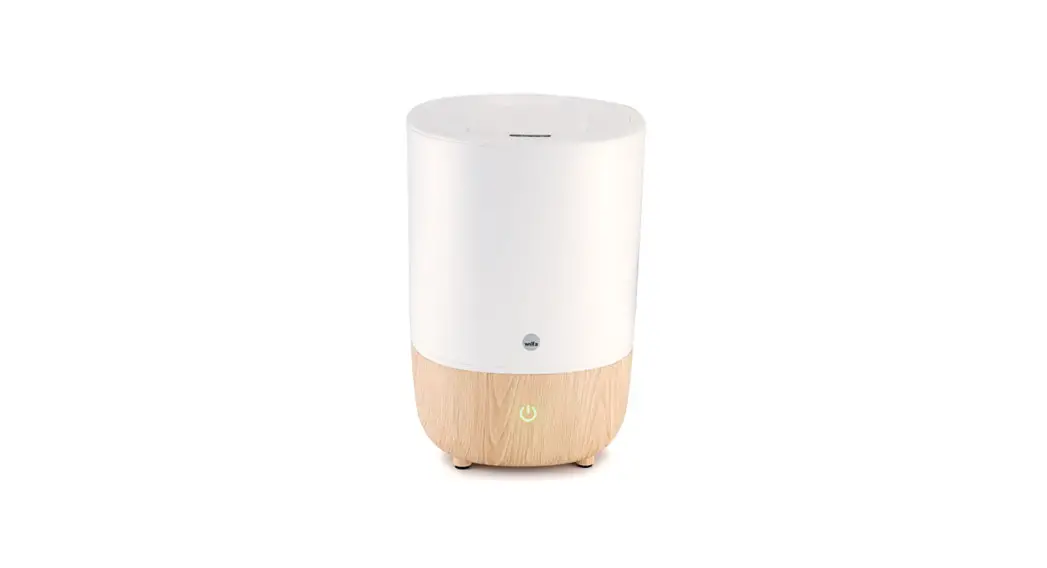
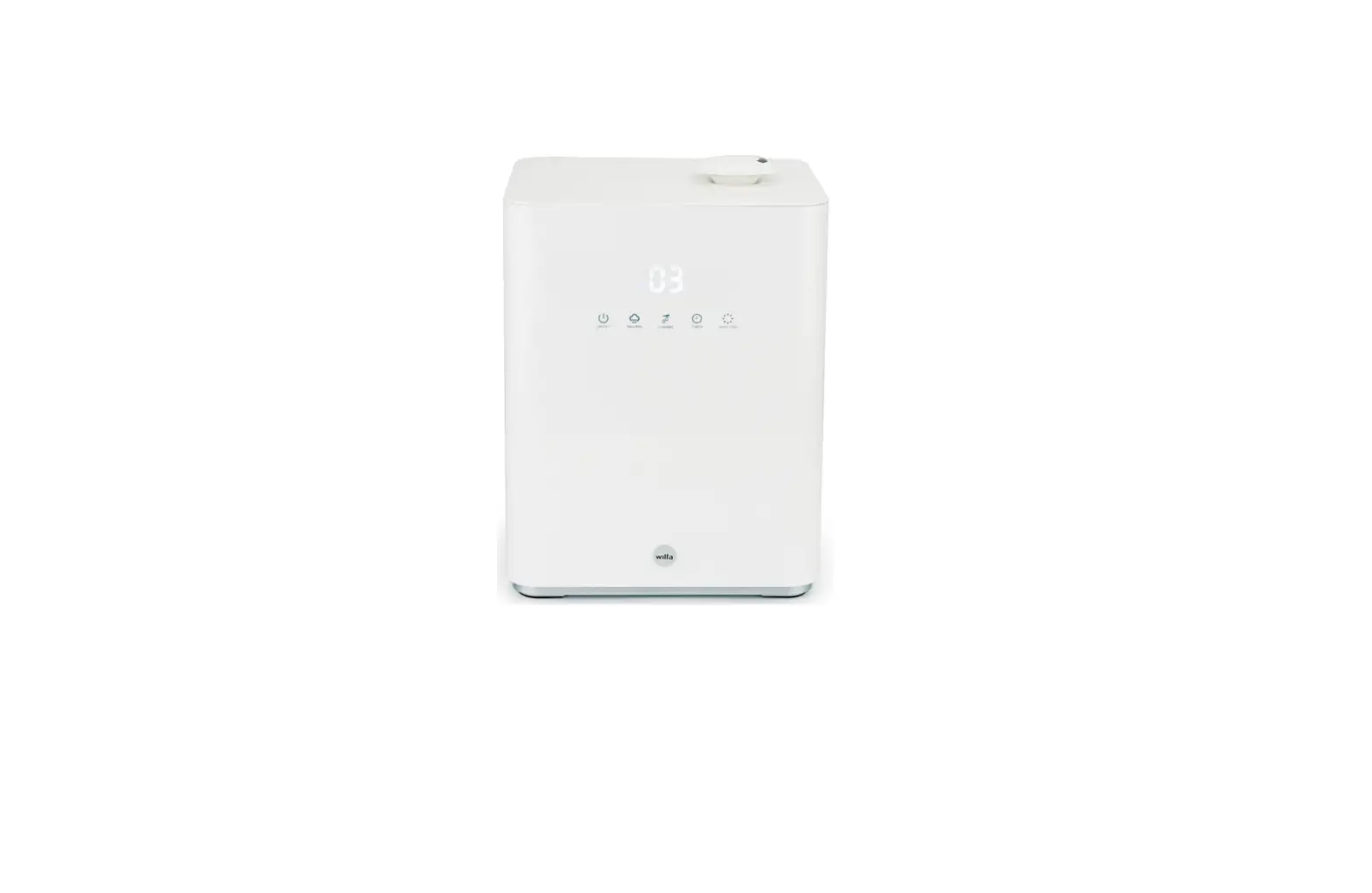
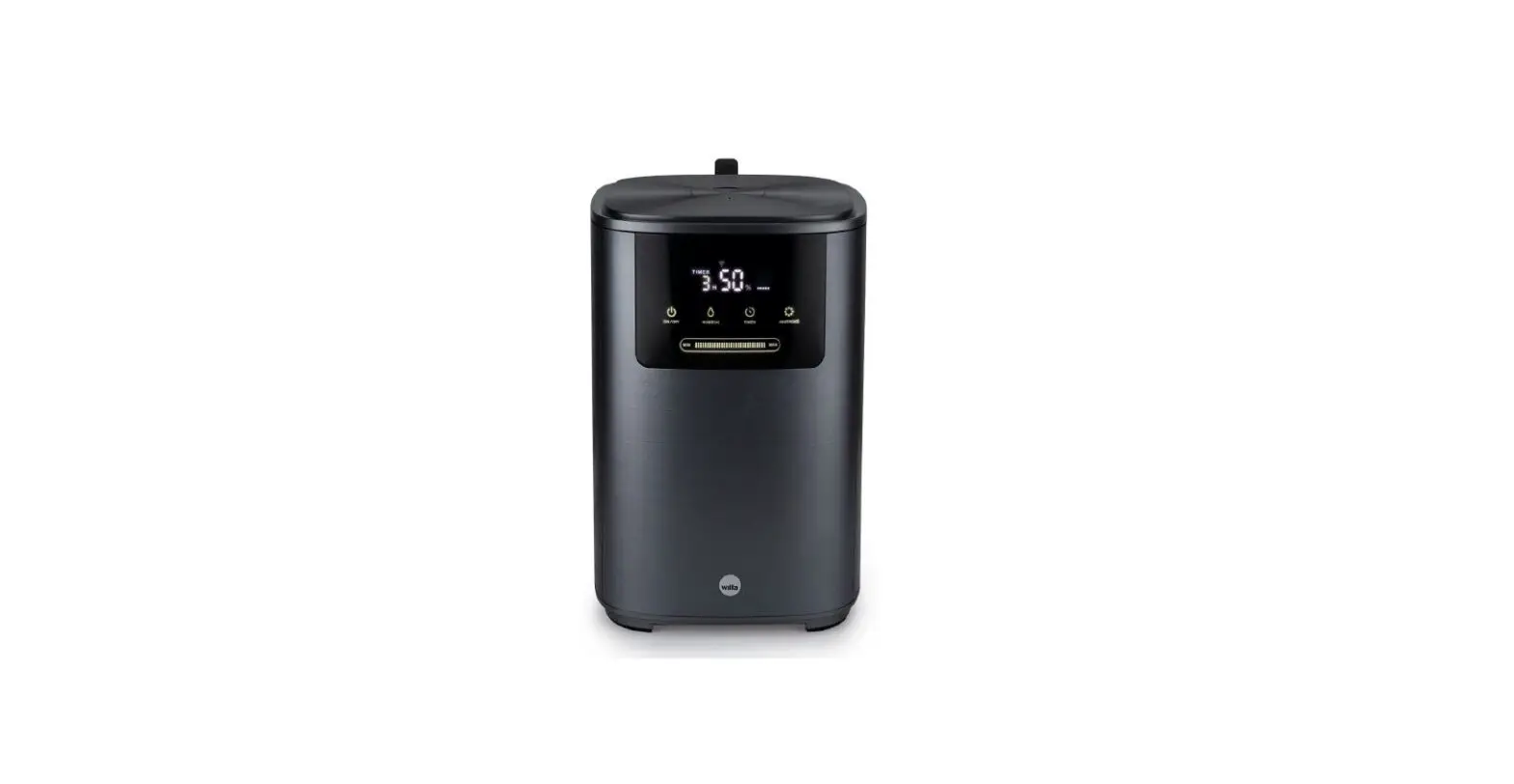
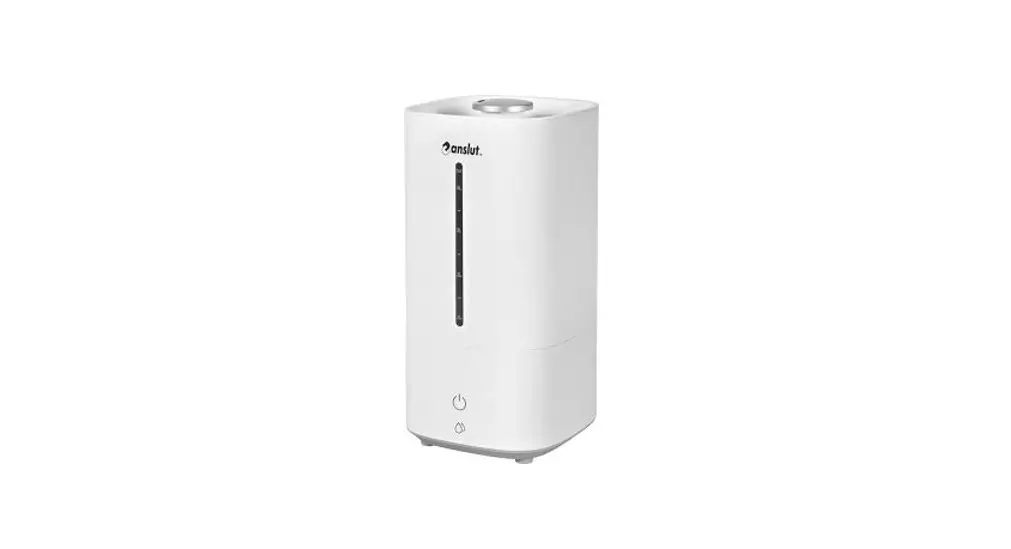
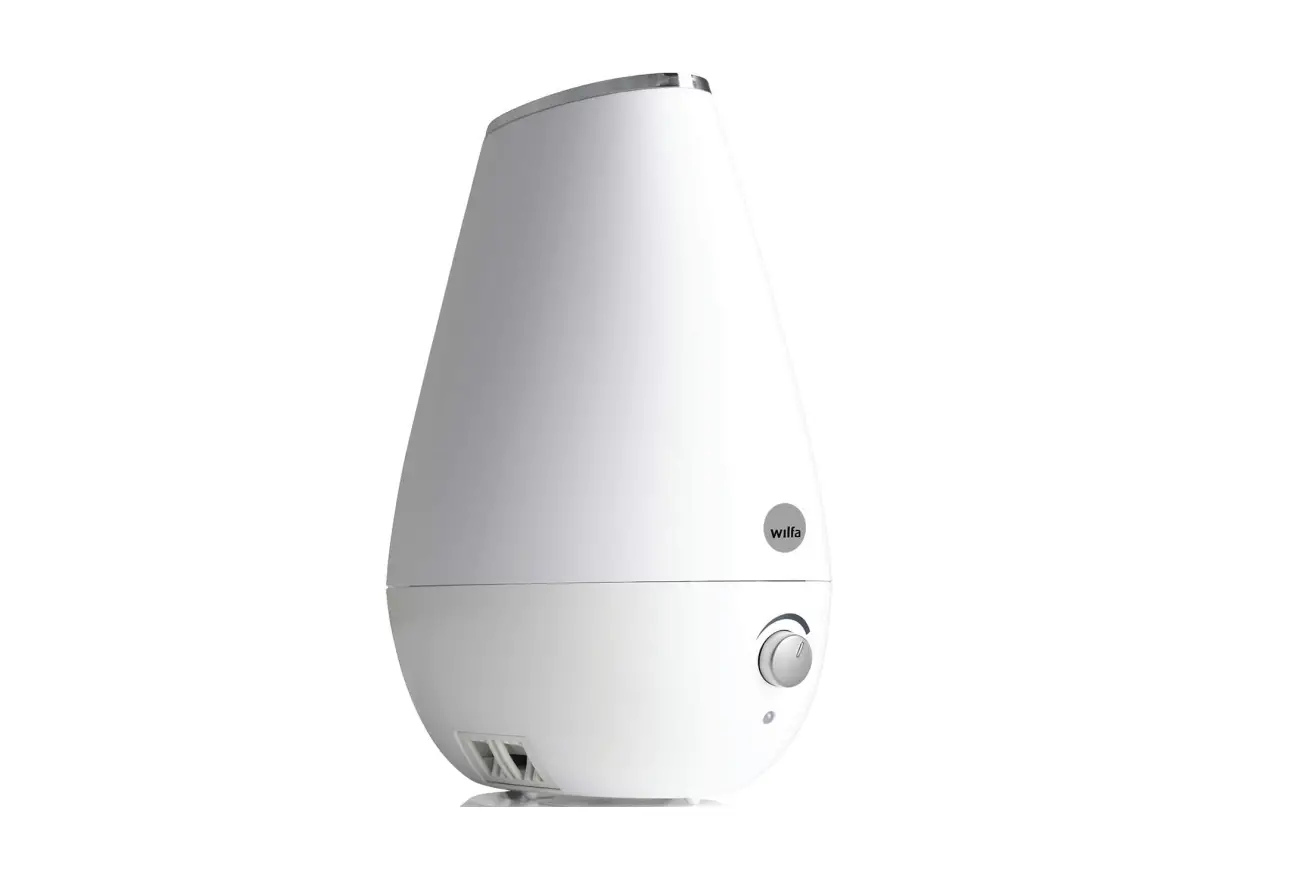
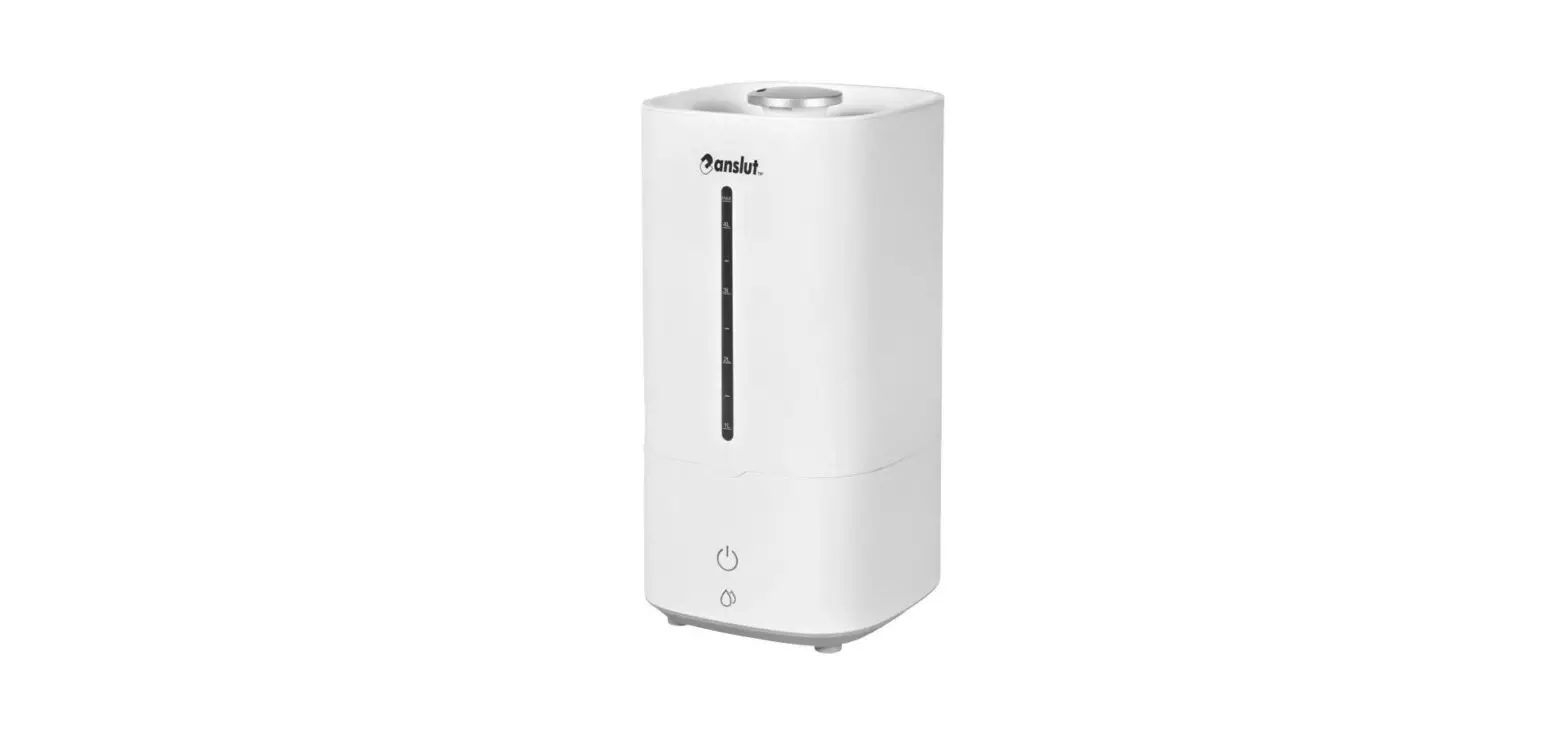
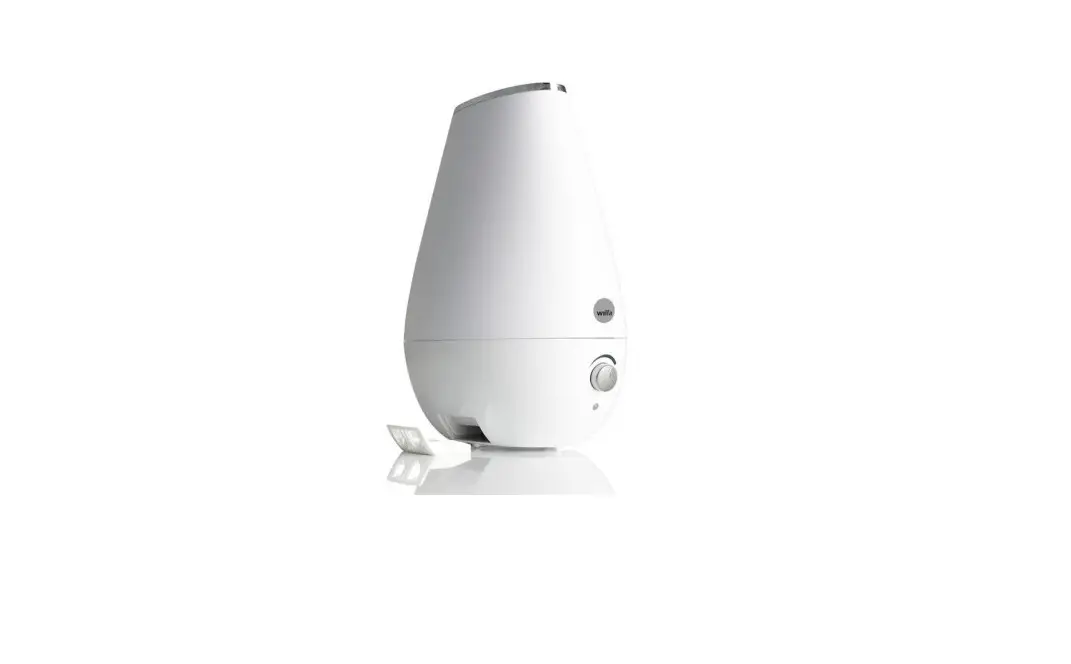
Hold the on/off button for 3-5 seconds to make it searchable.
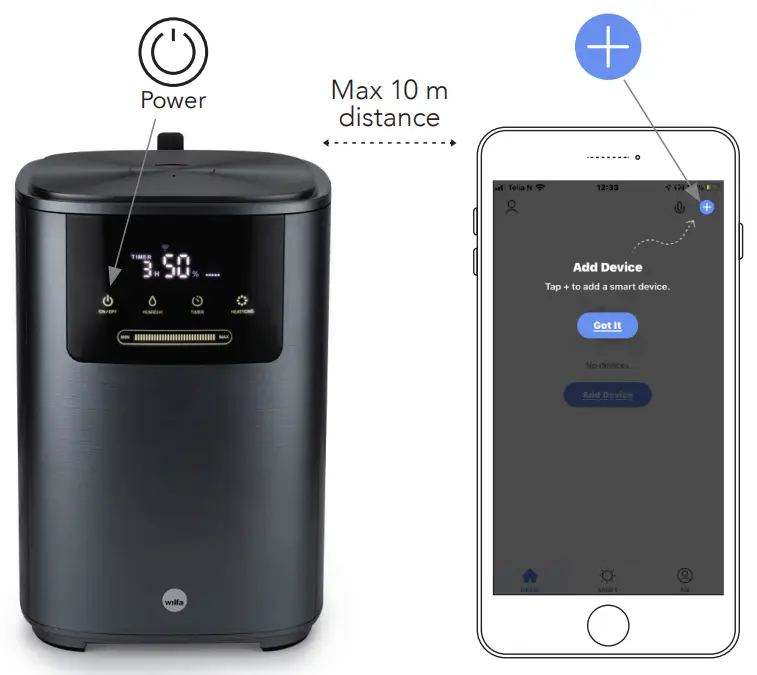
STEP 4
Open the app, and press the plus icon in the top right corner.
The option to add the device should appear automatically on the bottom of your screen. Follow further instructions on the app.
 If you experience any connection issues, please see instruction manual or contact [email protected]
 Visit web site for more info